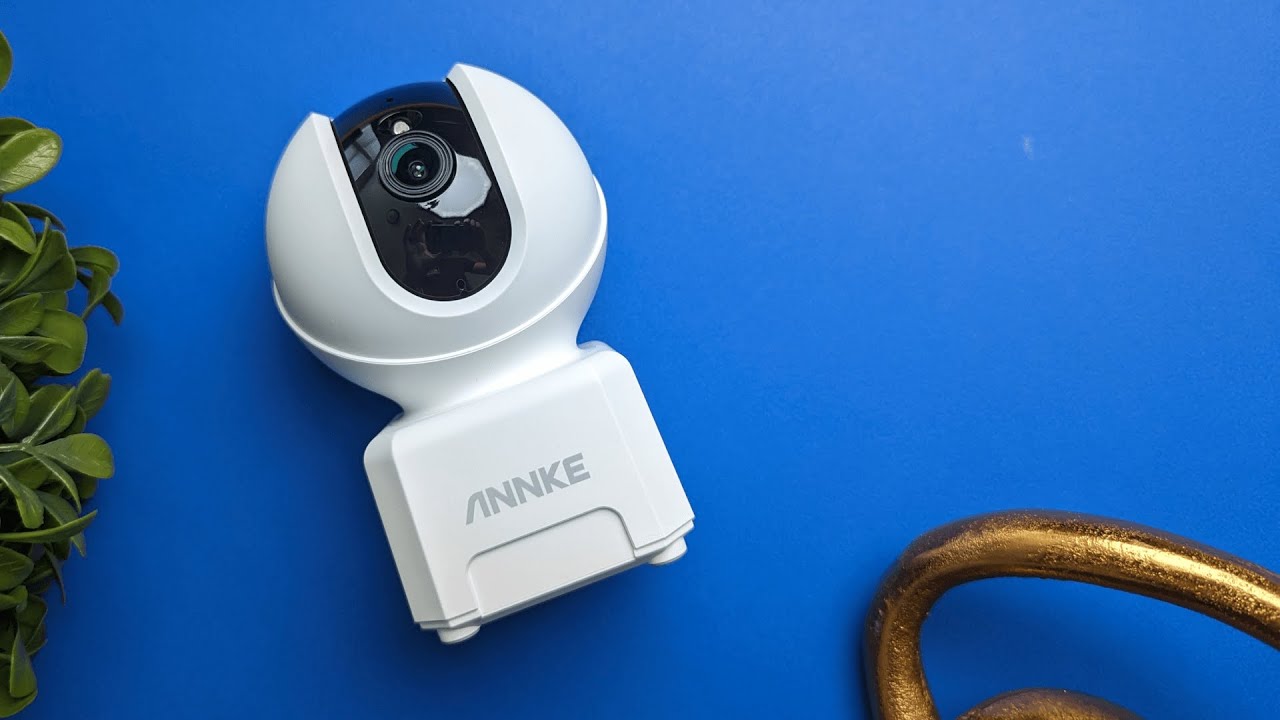
Quick overview
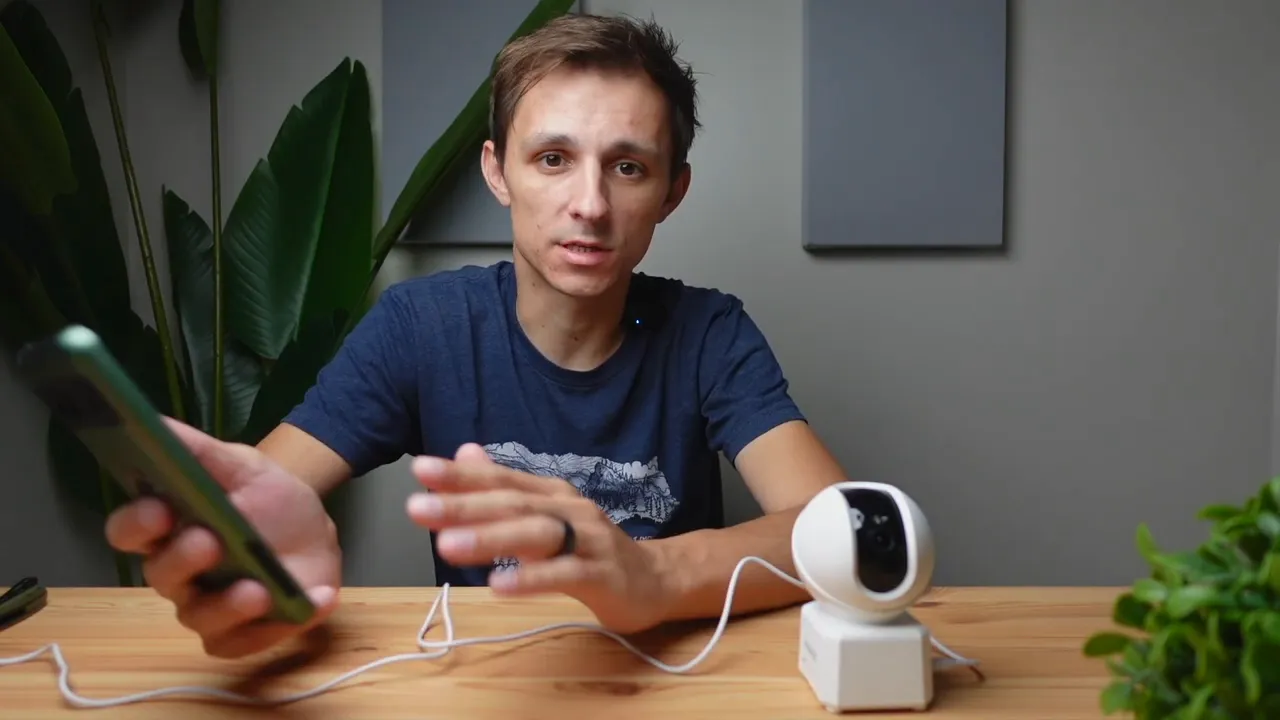
The Annke Creator Pro is a compact indoor security camera built for monitoring kids, pets, and the home in general. It packs useful features like remote pan and tilt, day/night auto-mode, local microSD storage or cloud backup, motion and human detection, and an audible alarm to scare off intruders.
What you get in the box
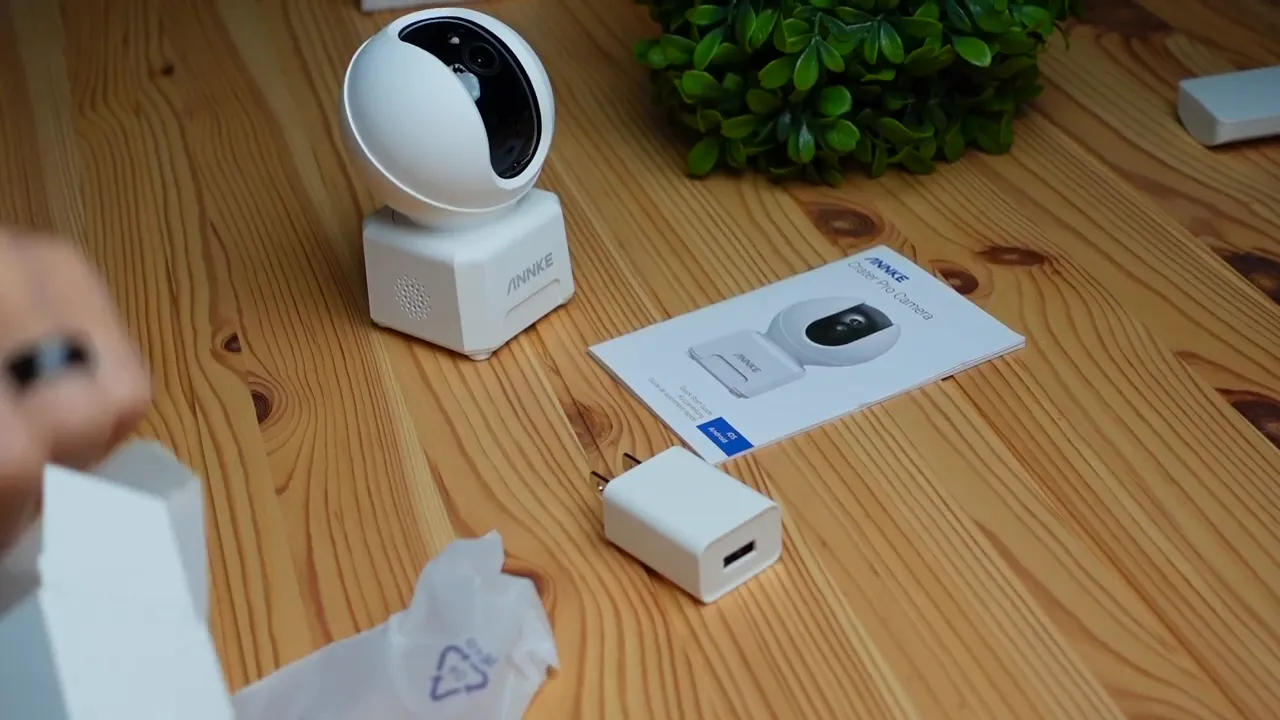
The package is straightforward and feels nicely packaged. Inside you will find:
- The camera — small, lightweight, and mountable to a ceiling or wall.
- Power block and micro USB cable for continuous power.
- Mounting screws and anchors for drywall or ceiling installs.
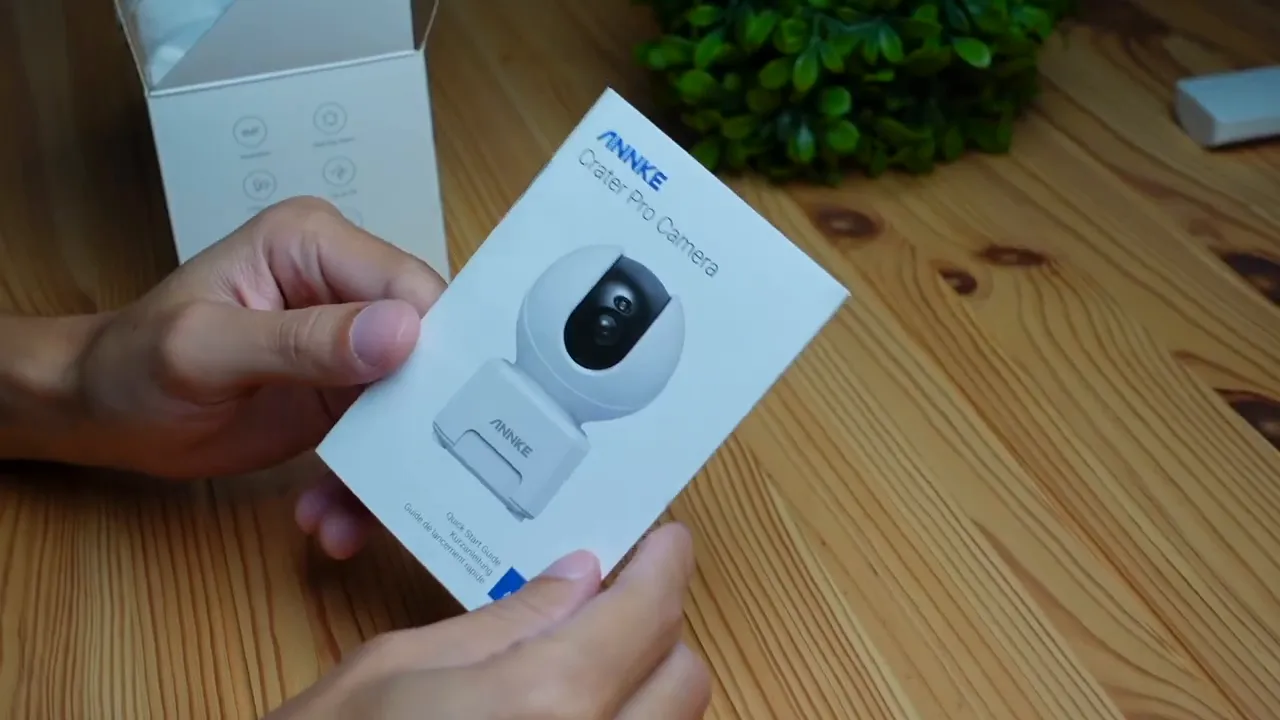
- Quick start guide — helpful if you need it.
First power-up and app setup
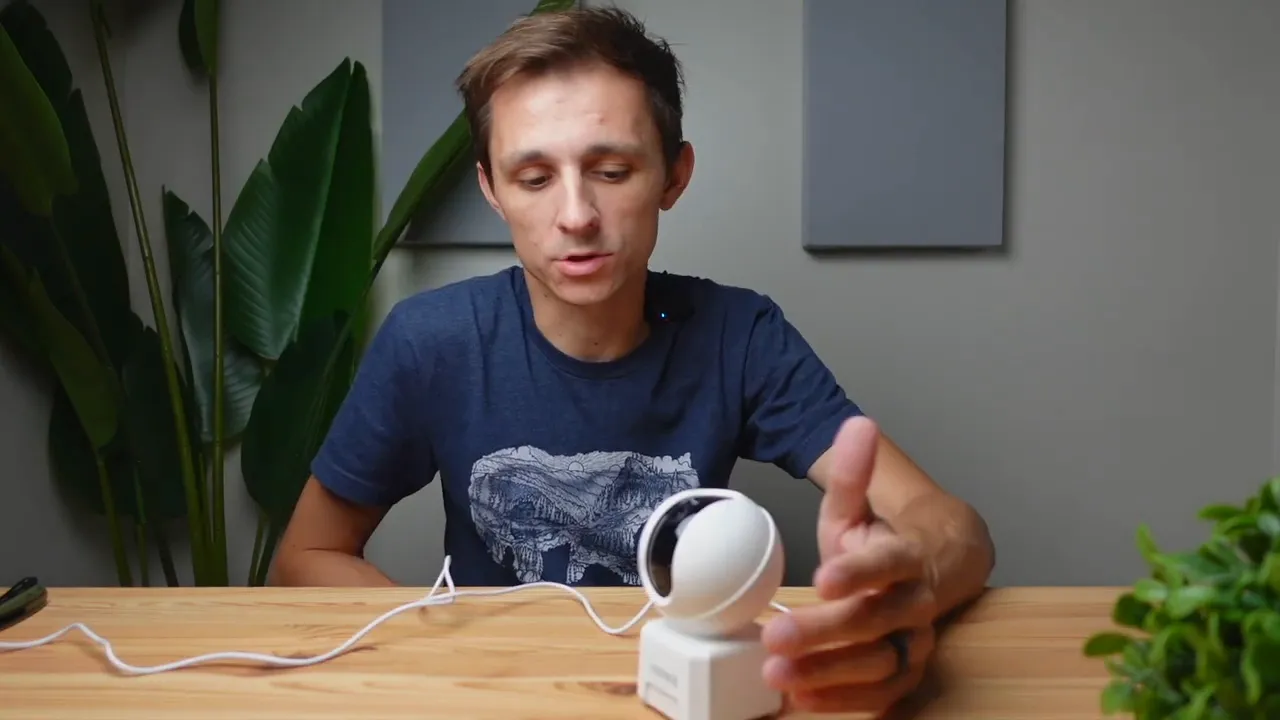
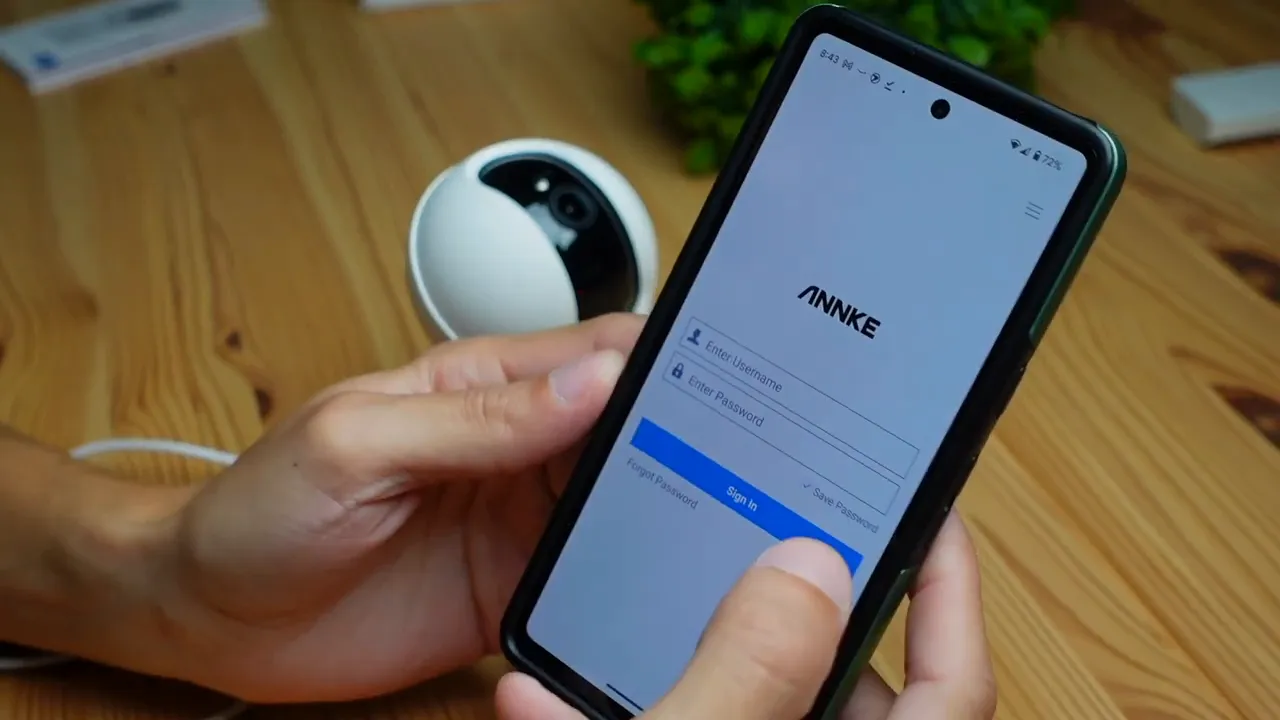
Plugging the camera in lights a small LED and the unit will emit some sounds while waiting for configuration. The device connects through the Annke app (available on App Store and Play Store). Create an account, then add a new smart camera.
The setup flow uses a QR code printed on the bottom of the camera and offers multiple connection methods. One reliable method is the sound-based pairing: select your Wi-Fi network and enter the password, then let the camera listen for the beeps to confirm the connection.
Live feed and basic controls
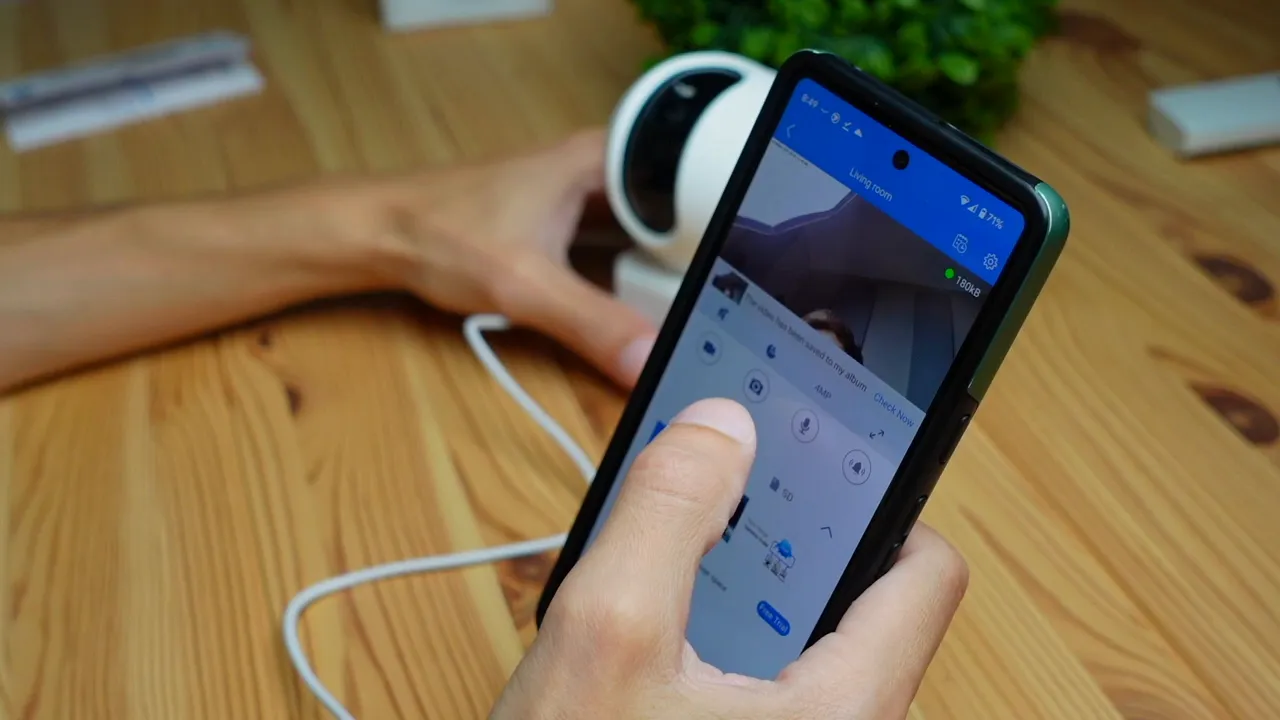
Once connected you get a live feed with good, clear image quality for an indoor camera of this size. Basic on-screen controls let you:
- Record video directly to your phone.
- Take snapshots and save them locally.
- Record audio separately.
- Trigger an alarm that sounds from the camera to deter intruders.
Pan, tilt and viewing modes
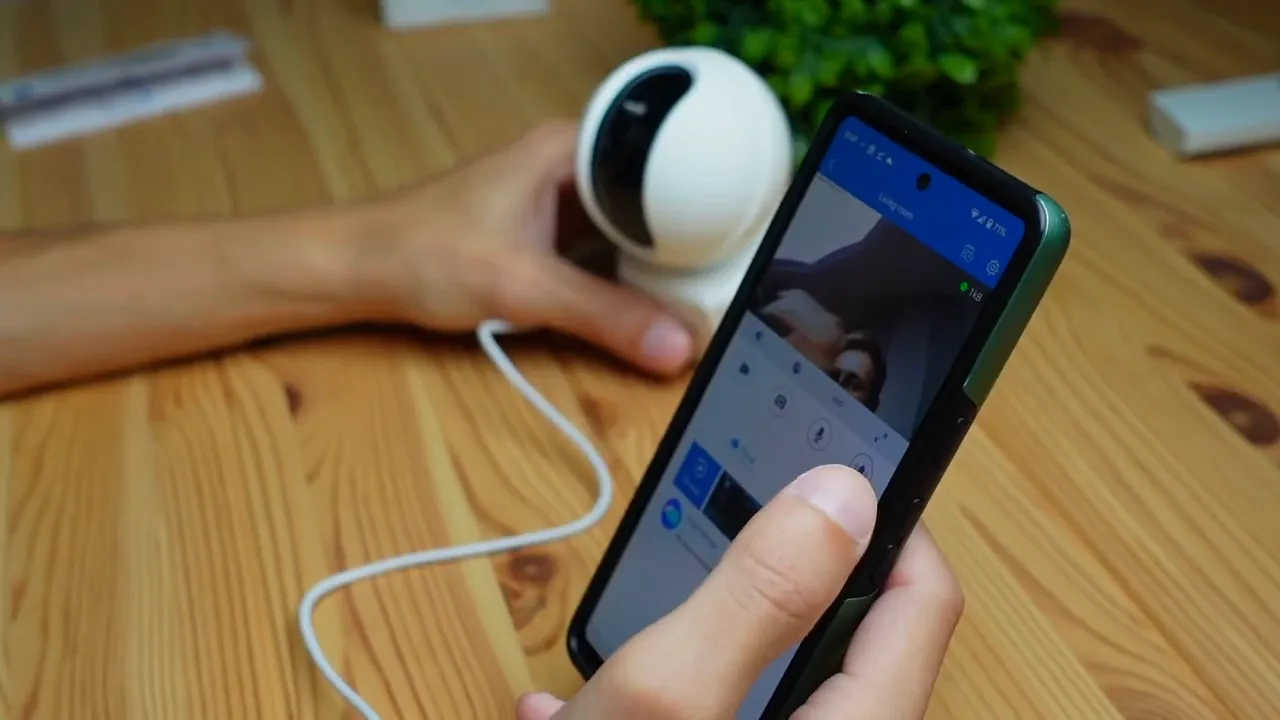
The camera’s motorized head lets you pan and tilt simply by swiping on the app screen. Want to follow movement or check a different part of the room? Swipe up, down, left or right to reposition the lens.
There are day, night and auto modes. Auto mode is the easiest: it adjusts exposure and IR as lighting changes to keep images vivid and clear whether it’s daytime or dark.
Storage options and alerts
Two main storage options are available:
- Local storage via microSD card (slot on the back of the camera).
- Cloud storage through Annke’s subscription service for off-site backups.
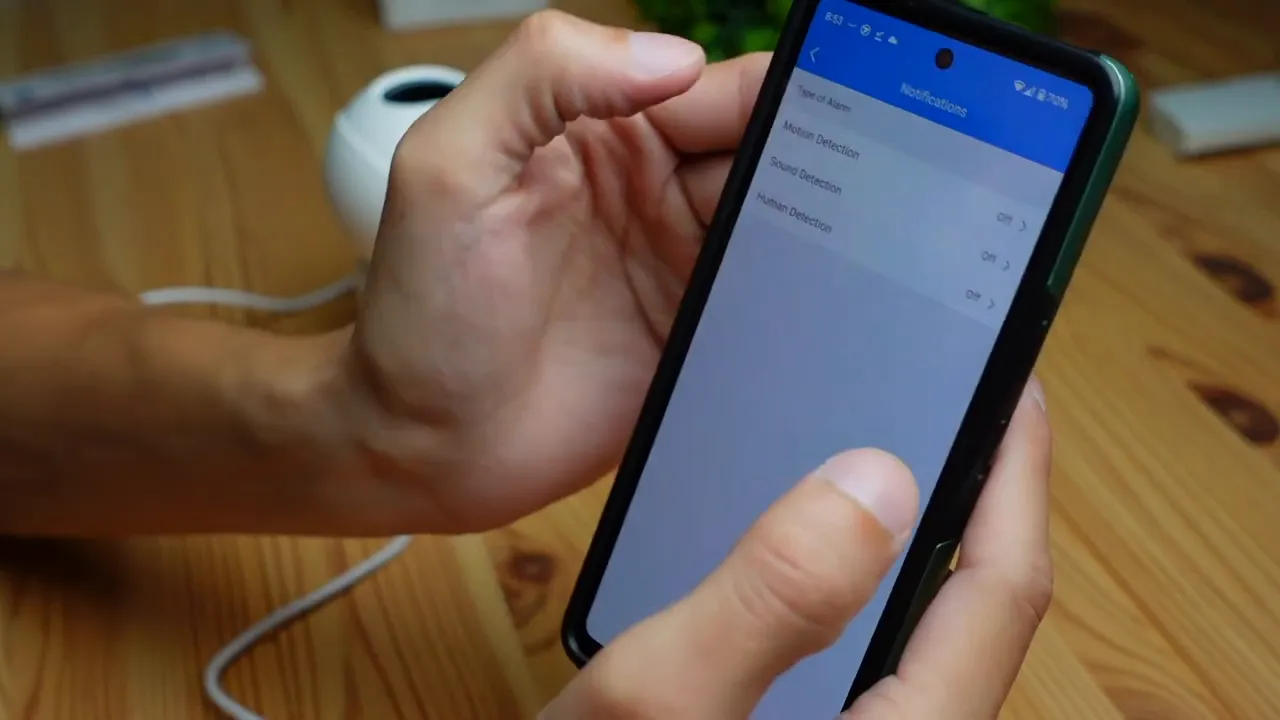
The notification and detection settings are flexible. You can enable:
- Motion detection (on/off).
- Sound detection (on/off).
- Human detection and only trigger alarms or notifications when a person is detected.
Important tip: schedule alerts to avoid constant notifications during daytime activity. For example, set motion or human detection to notify only at night to reduce false alarms.
Settings and integrations
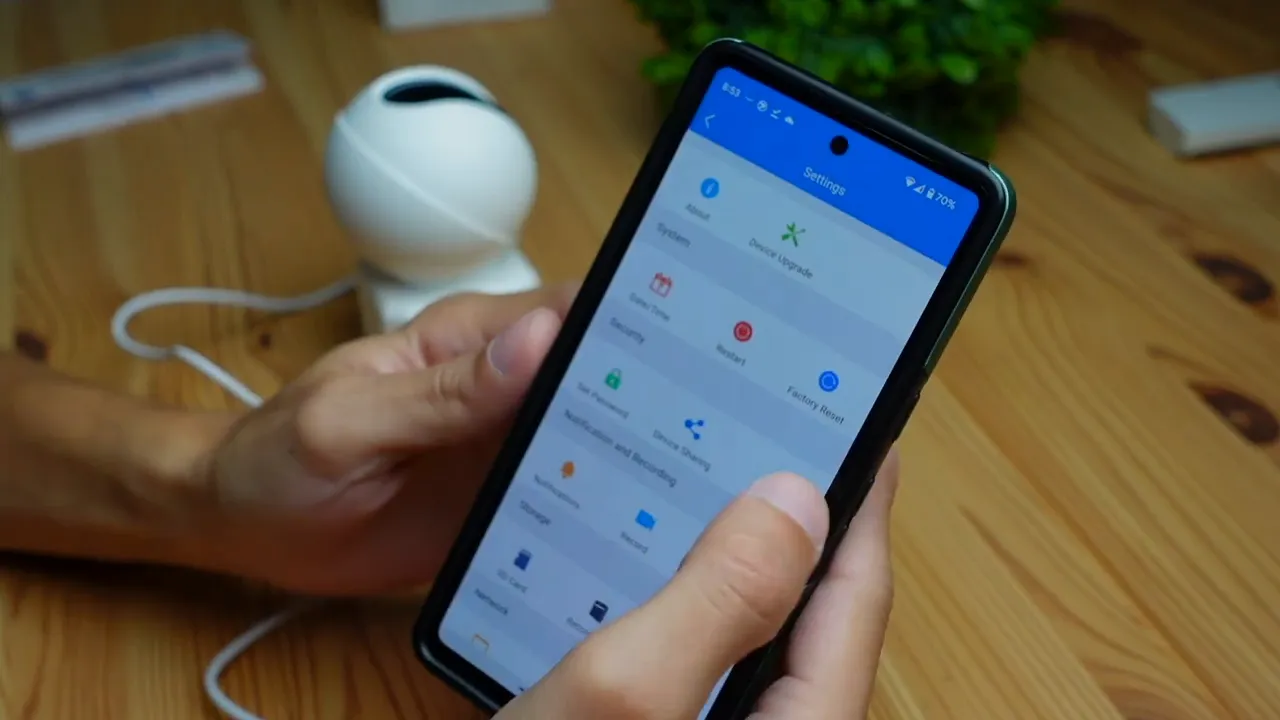
The settings menu includes useful options such as factory reset, password setup, flipping the image if ceiling-mounted, Ethernet/Wi-Fi configuration, sound settings, and smart home integration like Amazon Alexa.
Practical uses and suggestions
- Use the audible alarm when you spot suspicious movement to scare intruders away immediately.
- Mount the camera on a ceiling or high wall for the best field of view and to minimize tampering.
- Combine local microSD storage with occasional cloud backups for redundancy.
- Fine-tune detection sensitivity and schedules to reduce false positives from pets or daytime traffic.
Final thoughts
The Annke Creator Pro is a solid indoor security camera for monitoring family, pets, or general home security. It balances a compact design with features most people need: remote pan and tilt, reliable day/night performance, smart detection options, and flexible storage. For anyone upgrading indoor surveillance on a budget, it is worth a look.
Keywords
Annke Creator Pro, indoor security camera, pan and tilt camera, human detection, cloud storage, microSD, home surveillance, night mode.


