The AUKEY Knight GM F4 is one of those gaming mice that immediately stands out because of one feature: the dedicated fire button. At a budget price, that alone makes it interesting. But a mouse is never just about one trick. Shape, grip, button feel, cable quality, software, and everyday comfort matter a lot more once you actually start using it.
After spending time with it, my take is pretty simple. This is a solid budget gaming mouse with a cool rapid fire feature, customizable buttons, RGB lighting, and a braided cable. But it also has one weakness that kept coming up for me: it can feel slippery.
If you want something affordable with a few gamer-focused extras, the GM F4 has some real value. If grip texture is high on your priority list, that is the part you need to think about before buying.
Table of Contents
- What comes in the box
- First impressions and overall design
- Build quality is better than expected
- Grip styles and comfort
- Buttons, click feel, and usability
- DPI controls and basic onboard features
- Software customization
- The rapid fire button is the headline feature
- RGB lighting and aesthetic appeal
- Compatibility and everyday practicality
- The biggest downside: grip confidence
- Who should buy the AUKEY Knight GM F4
- Final verdict
- FAQ
What comes in the box
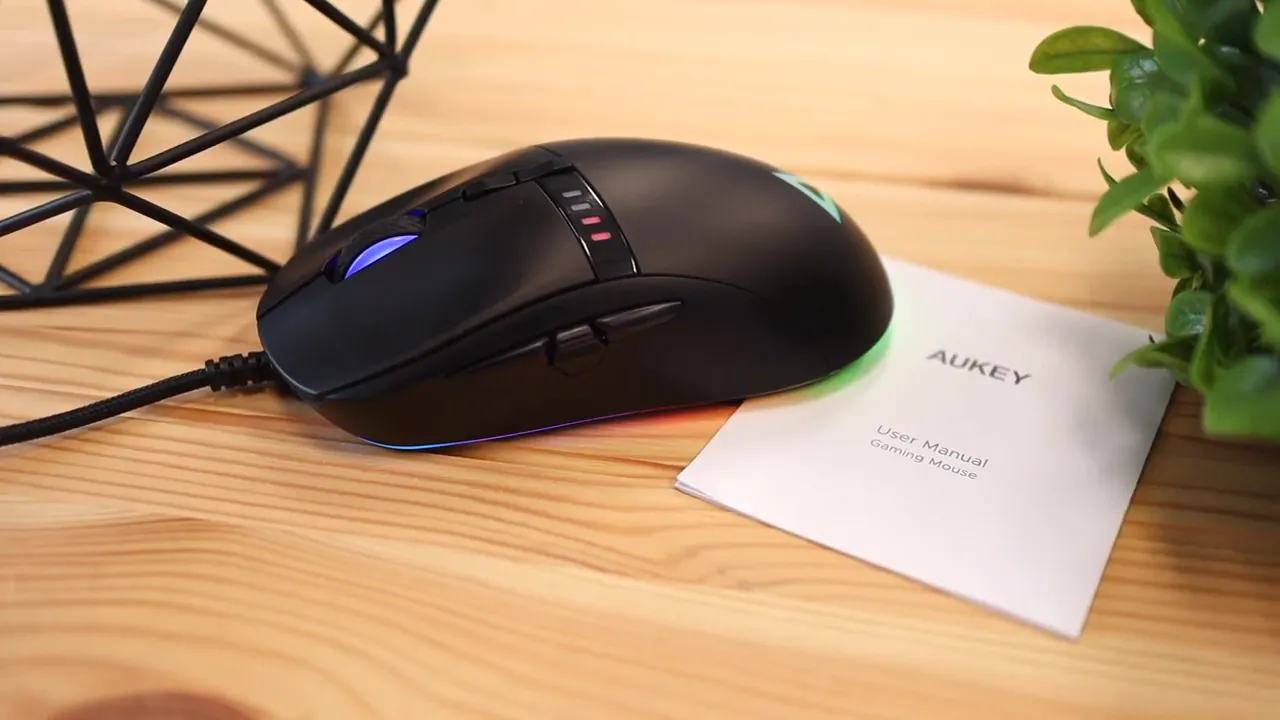
The package is very straightforward. Inside, you get:
- The AUKEY GM F4 RGB gaming mouse
- A user guide for the basic features
Nothing fancy here, but that is pretty normal for a mouse in this price range. AUKEY keeps it simple.
First impressions and overall design
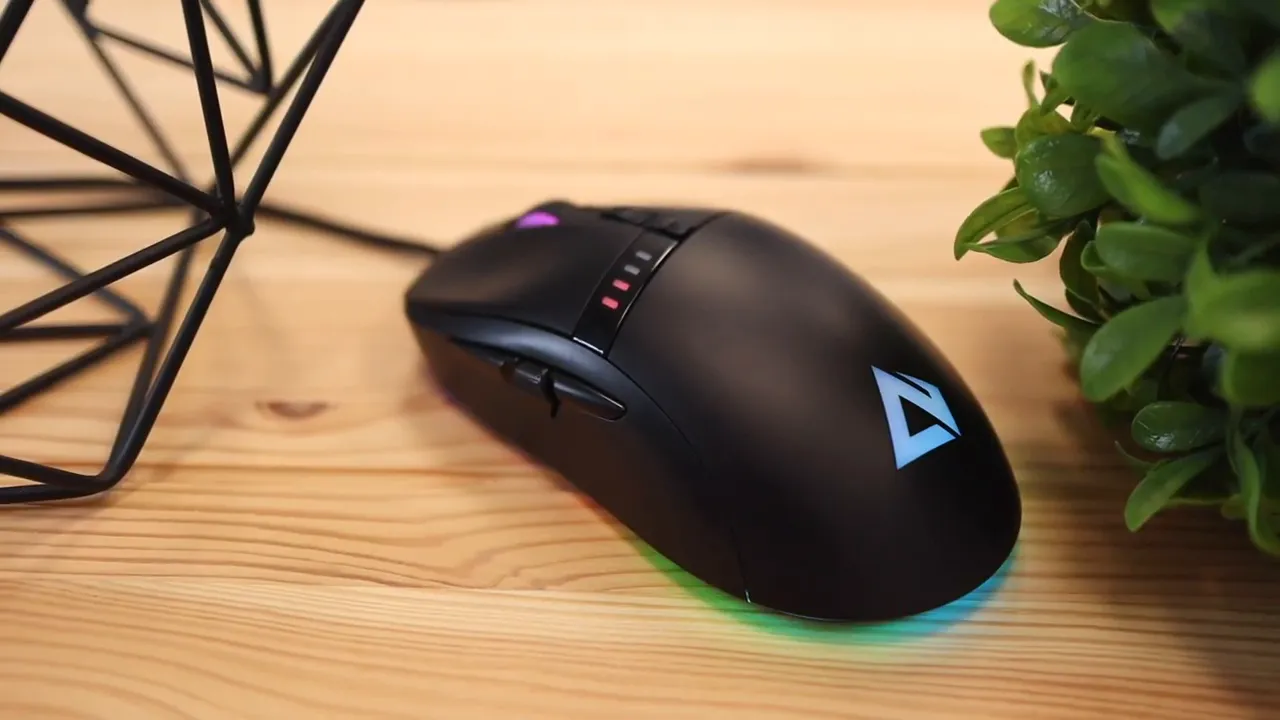
The GM F4 only comes in black, so setup matching is either easy or impossible depending on your desk theme. If your setup is mostly dark, this mouse will fit right in. If you are building around white, yellow, or some other brighter color scheme, this one does not give you options.
From a distance, it looks clean. The matte black shell gives it a subtle gaming feel, and the RGB underglow adds enough color without going overboard. The logo lighting and side glow help it look more premium than the price might suggest.
That said, the shell is very smooth. There are no rubber side grips and no textured grip panels built into the body. That became noticeable almost immediately in use.
My first impression was that the mouse felt a little too slick. It is not unusable, but it did not give me that locked-in confidence I want from a gaming mouse. I kept feeling like it wanted to slide out of my hand instead of staying planted.
Build quality is better than expected
One thing AUKEY got right here is assembly quality. The mouse feels well put together. There is no obvious looseness, no cheap rattling, and no annoying wobble when handled.
That matters more than people sometimes think. A budget mouse can get away with fewer premium materials if the overall structure still feels tight and dependable. The GM F4 does a good job there.
The cable is also a plus. It uses a braided design rather than a plain rubber cable, which helps it glide better across the desk and reduces that sticky drag you sometimes get from cheaper cords. It is also long enough at six feet, so there is plenty of room whether the PC is on the desk or under it.
If you care about cable management and low drag, a braided cable is a nice bonus. If you want more mouse-related comparisons and reviews, there is a broader roundup of options on this mouse guide collection.
Grip styles and comfort
Comfort depends a lot on how you hold a mouse, and this one clearly favors one grip style more than the others.
There are three common grip styles:
- Palm grip where your palm rests on the mouse
- Fingertip grip where mainly your fingers control movement
- Claw grip where your fingers arch and the back of the mouse supports the hand
For me, palm grip was the best fit. The top shape is fairly flat rather than aggressively arched, so it naturally works better when your hand rests more fully on it.
Fingertip grip is possible, but this is where the lack of grip texture hurts the most. With fingertip control, you need the mouse to feel secure from the sides and top. Since this one is so smooth, accuracy can feel less confident than it should.
Claw grip also works in a limited way, but it is not the most comfortable choice. Usually, claw grip feels best with a more pronounced hump on the top shell. The GM F4 is flatter, so it does not really support that style as naturally.
Bottom line: if you are a palm grip user, this mouse makes more sense. If you strongly prefer fingertip or claw grip, there are better-shaped options out there.
Buttons, click feel, and usability
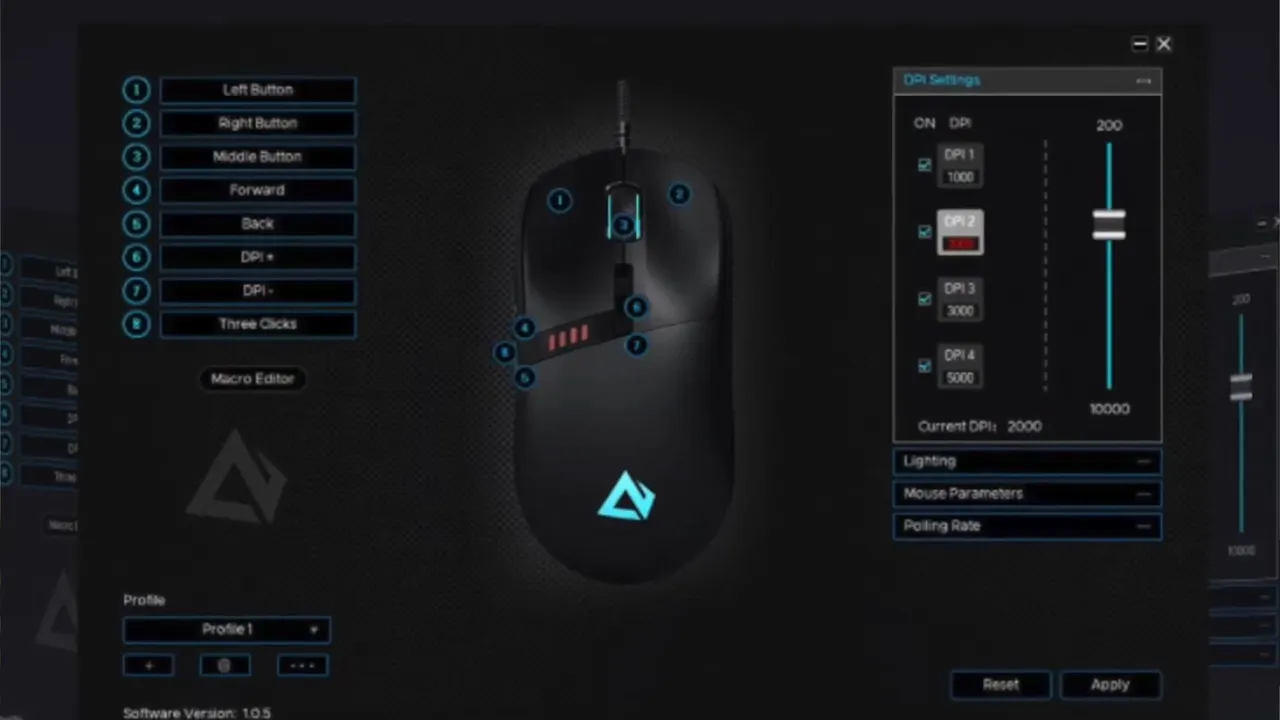
The AUKEY Knight GM F4 has eight programmable buttons, which is a strong feature for the price. That opens the door for game commands, shortcuts, macros, and custom remaps if you install the software on Windows.
In general, the buttons sound and feel consistent. Right click, left click, the side buttons, and the center fire button all deliver a decent click response without anything feeling especially mushy or cheap.
Where things get a little more specific is the actuation point on the main buttons.
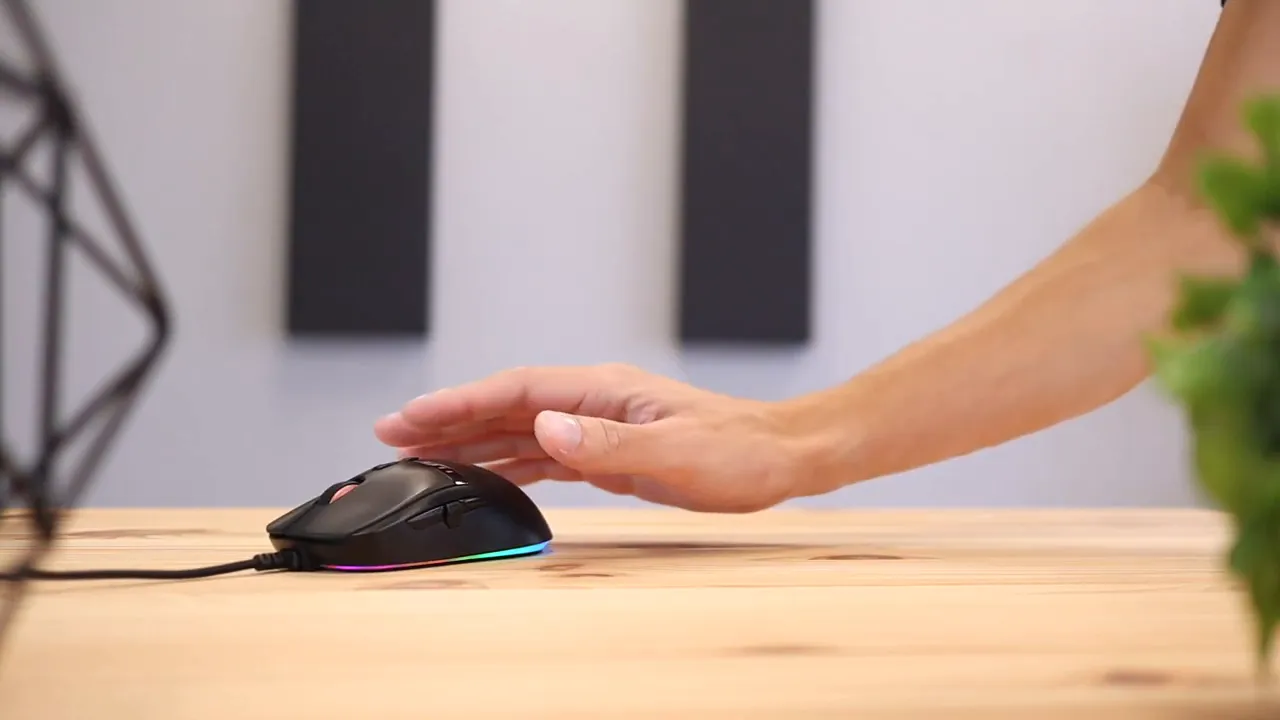
If your fingers sit closer to the center of the left and right mouse buttons, clicking feels normal and responsive. If your fingers sit farther back on the buttons, there is more resistance, and clicks require noticeably more pressure.
That may not sound like a big deal, but it can matter for people with smaller hands. A smaller hand position naturally lands farther back, and that can make the mouse less comfortable over time. It is also something to think about if this is being bought for a younger gamer.
DPI controls and basic onboard features
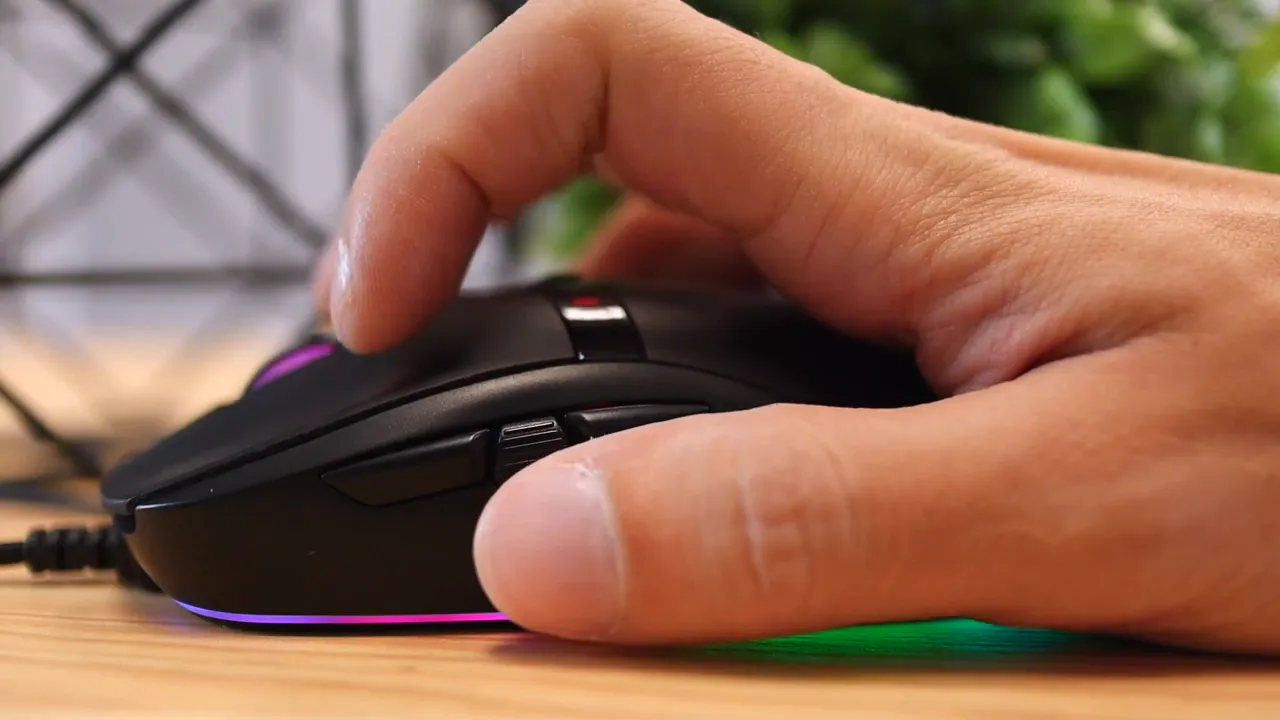
Even without software, the GM F4 gives you a couple of useful controls right on the mouse.
- DPI up and down buttons let you change pointer sensitivity on the fly
- A rear light button turns the RGB lighting on or off
That means you can plug this into more than just a Windows gaming PC and still keep basic functionality. On computers and consoles, the mouse remains usable, and you can still adjust DPI and lighting power without needing extra setup.
This kind of onboard control is nice because it gives the mouse some flexibility out of the box. You are not forced into software just to make the basics work.
Software customization
If you want to go beyond the built-in settings, the software is where the more advanced customization happens. That includes:
- Fine tuning DPI profiles
- Remapping the programmable buttons
- Creating macros
- Adjusting RGB lighting behavior
The tradeoff is that this part requires Windows. If you are using another operating system, you can still use the mouse, but the deeper customization is limited.
That is pretty common in the gaming peripheral world. A lot of brands gate advanced control behind Windows software. If customization software matters to you, it is worth keeping that in mind.
For a look at how other mice handle software-driven customization, especially on the productivity side, this guide to the Logitech MX Master 3S and Logi Options+ is a useful comparison point.
The rapid fire button is the headline feature
This is the reason a lot of people will be curious about the GM F4 in the first place.
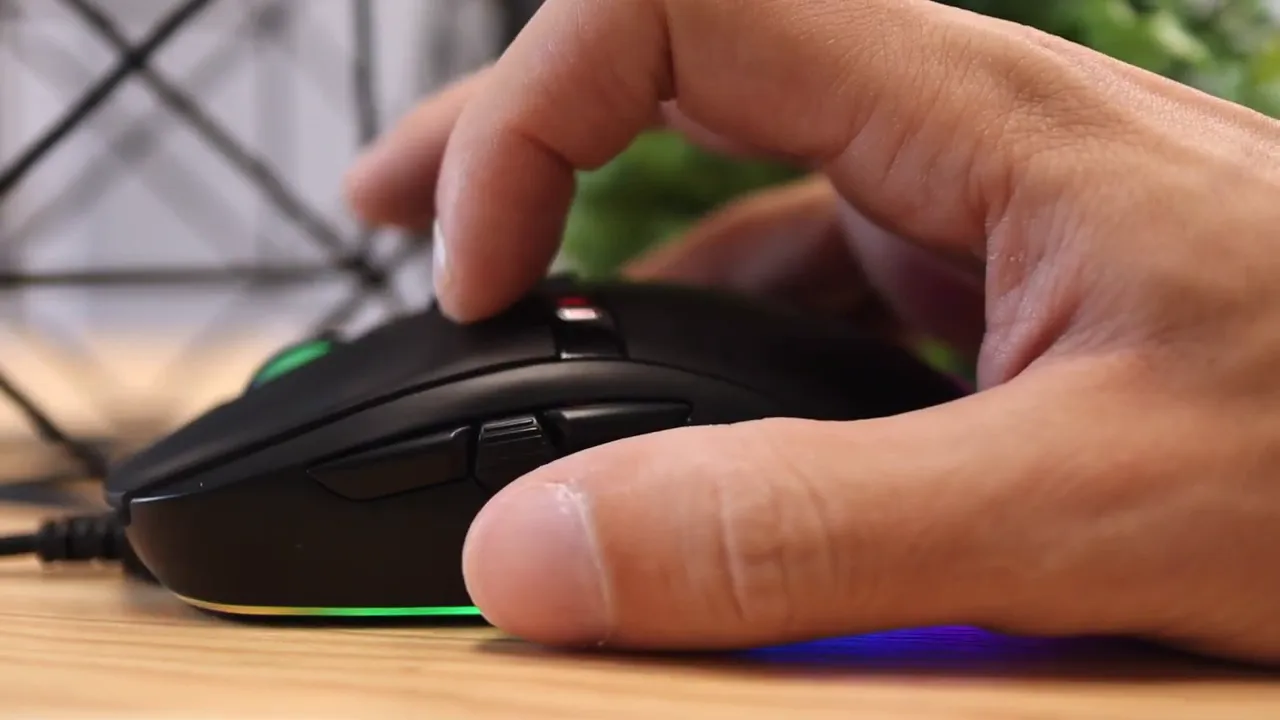
On the side of the mouse, there is a dedicated fire button. Instead of sending a single click, it triggers three rapid clicks in a row with one press. That can be useful in games where repeated clicking matters and speed gives you an edge.
Think of it like this:
- A normal click gives you one input
- The fire button gives you three quick inputs
That is a very specific feature, but for the right type of game it can be fun and practical. It increases click output without requiring you to mash the main button as quickly yourself.
Of course, whether this is useful depends entirely on what you play and whether those extra rapid clicks are relevant. For some people it will be a gimmick. For others, it will be the main reason to choose this mouse over another budget option.
RGB lighting and aesthetic appeal
The GM F4 includes three-zone RGB lighting with a full gaming-style look. The underglow wraps around the base, and the top logo lights up as well. It is not just there for show either. The lighting helps the mouse look a little more polished than its price bracket suggests.
If you leave the software out of the equation, lighting control is very simple. You can turn it on or off with the button on the bottom rear area. If you want color and effect customization, that is where the software comes in.
The RGB will either matter a lot to you or not at all. But if you like a little flair on your desk, the implementation here is decent.
Compatibility and everyday practicality
One thing I appreciate is that the mouse is not locked into one super narrow use case. You can use it across computers and consoles for basic operation, and the essential controls remain available. That makes it easy to plug in and get going.
The main limitation is platform-specific software access. If deep customization matters, you will want a Windows machine available for setup.
Otherwise, this is one of those mice that keeps things simple. Plug it in, set the DPI where you want it, decide whether you want the RGB on, and start using it.
The biggest downside: grip confidence
I keep coming back to this because it was the one issue that stood out most in real use.
The mouse simply needs more grip. Rubber side panels, textured coating, or some kind of tactile grip surface would have made a real difference. Without that, the body can feel too smooth, especially if you are making quicker movements.
Everything else about the mouse lands in the acceptable to good range for the price. The build is solid. The cable is good. The programmable buttons are useful. The fire button is unique. The software adds flexibility.
But when the physical feel in your hand does not inspire confidence, that affects the whole experience.
If AUKEY had added grips, this would be much easier to recommend across the board.
Who should buy the AUKEY Knight GM F4
This mouse makes the most sense for a specific kind of buyer.
- You want a budget gaming mouse with more than just the basics
- You like having RGB lighting and multiple programmable buttons
- You are interested in the rapid fire button
- You use a palm grip most of the time
- You do not mind a smooth shell without textured grips
It makes less sense if:
- You need a very secure grip for fast aiming movements
- You have smaller hands and tend to click farther back on the buttons
- You strongly prefer claw grip or fingertip grip
If ergonomics and shape matter more than specialty gaming buttons, you may be better served by looking at alternatives built more around comfort. For example, if your priority is hand support rather than gaming extras, this comparison of the Logitech Lift vs MX Vertical covers a very different approach to mouse design.
Final verdict
The AUKEY Knight GM F4 is a good budget gaming mouse with one especially interesting trick. The rapid fire button gives it an identity beyond the usual low-cost gaming mouse template, and the eight programmable buttons, braided cable, DPI controls, and RGB lighting all add up to solid value.
What keeps it from being a great pick is the smooth gripless shell. That one choice affects comfort and confidence more than it should.
So here is the short version:
- Pros: affordable, solid build, braided cable, programmable buttons, RGB lighting, unique fire button
- Cons: slippery surface, less ideal for small hands, not the most natural fit for claw or fingertip grip
If you want to check current pricing or product availability, the mouse listing is available on Amazon. For general context on gaming mouse sensors and how DPI relates to pointer sensitivity, PCGamingWiki and How-To Geek both have useful primers.
For the price, the GM F4 is definitely not a bad mouse. I just really wish AUKEY had added side grips, because that would have taken it from decent to much more compelling.
FAQ
Is the AUKEY Knight GM F4 good for gaming?
Yes, especially if you want an affordable gaming mouse with programmable buttons, adjustable DPI, RGB lighting, and a dedicated rapid fire button. Its biggest weakness for gaming is the smooth shell, which can reduce grip confidence.
What does the fire button do on the AUKEY GM F4?
The fire button triggers three rapid clicks with a single press. It is designed to help in situations where repeated clicking matters.
Does the AUKEY GM F4 need software?
No for basic use, yes for advanced customization. You can use the mouse without software for standard operation, DPI changes, and turning RGB lighting on or off. You need the Windows software for detailed DPI settings, button remapping, macros, and lighting customization.
Which grip style works best with this mouse?
Palm grip feels like the best match. The flatter top shape supports that style better than claw grip, and the smooth shell makes fingertip grip feel less secure.
Is the AUKEY Knight GM F4 good for small hands?
Not ideal. Smaller hands may land farther back on the main buttons, where actuation takes more pressure. That can make clicking less comfortable.
Does the AUKEY GM F4 have onboard DPI controls?
Yes. It has DPI up and down buttons built into the mouse, so you can adjust sensitivity without opening software.


