Quick takeaway
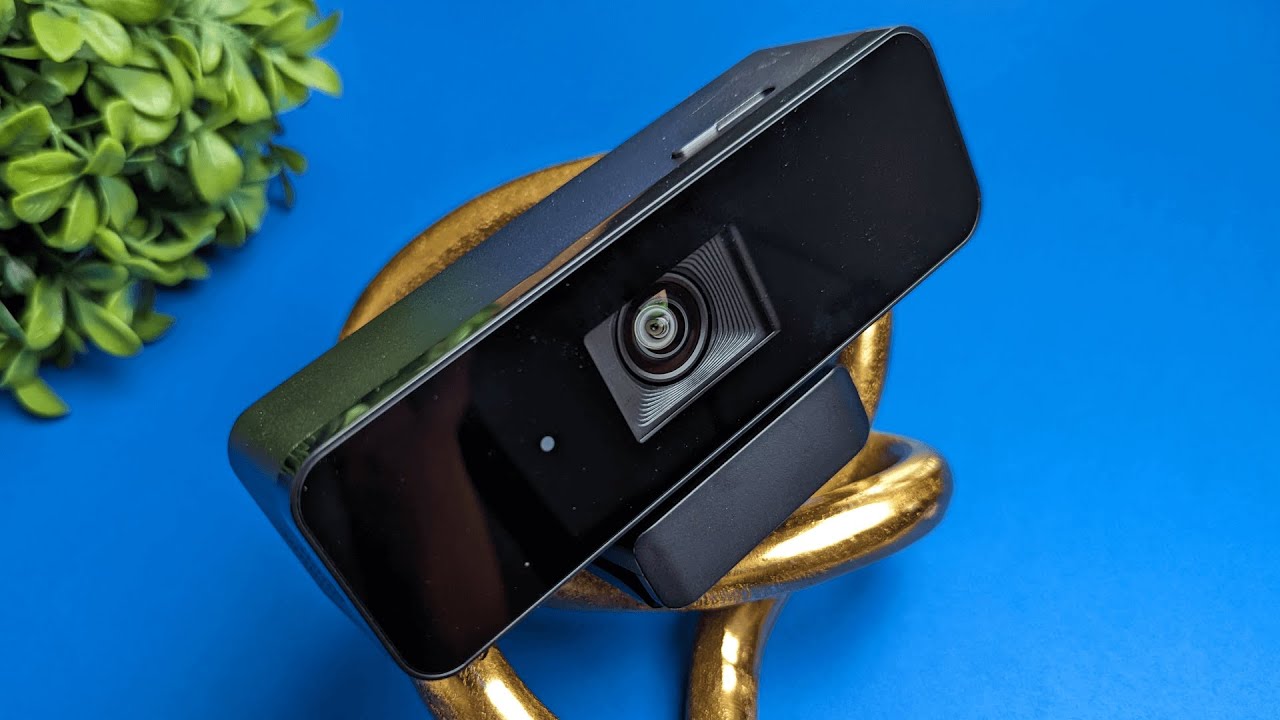
The Coolpo Mini Lite is a compact 4K webcam built for conferencing but flexible enough for streaming, casual content creation, and gaming. Its standout features are a built-in privacy shutter, versatile mounting and angle adjustments, Meeting Flex AI auto-follow, and a simple but useful software suite. For the price, it delivers a solid package.
What's in the box
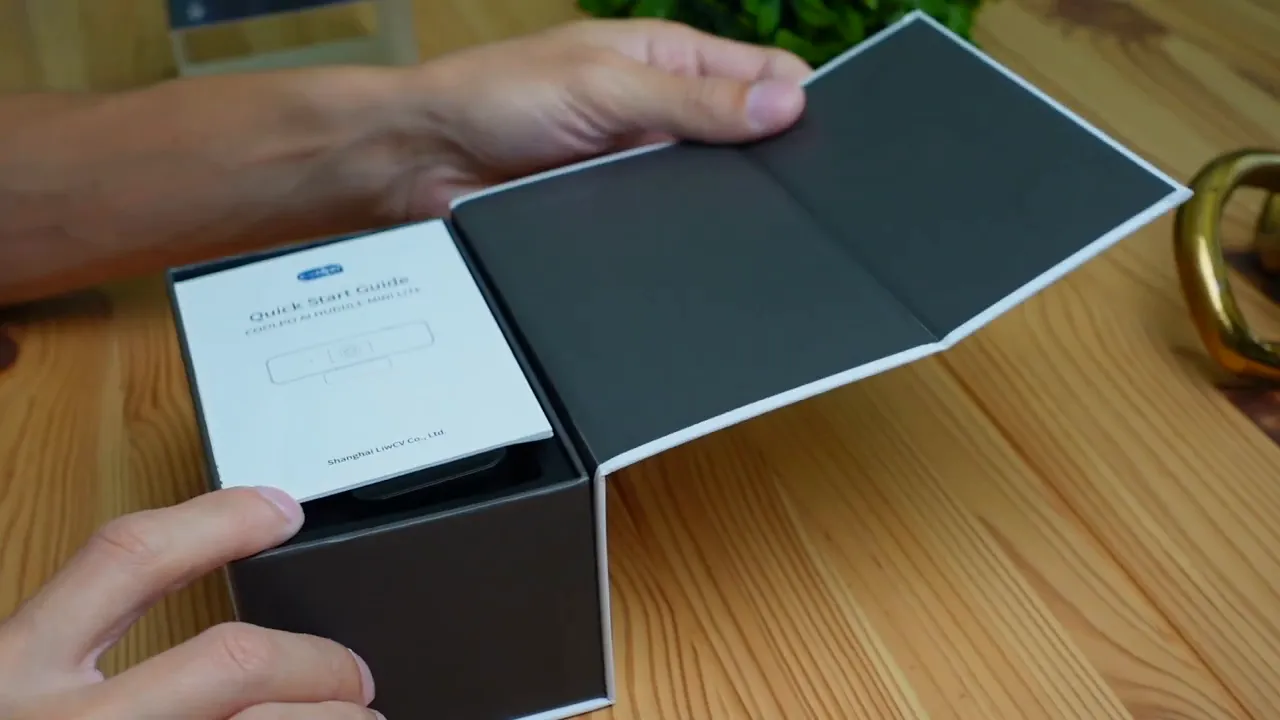
The unboxing is tidy and straightforward. You get the webcam, a short instruction manual, and a USB-A to USB-C cable. The unit itself feels a bit more substantial than many compact webcams, which suggests better build quality.
Design and build
The Mini Lite has a clean, minimal look and is roughly the size of a palm. I like that it isn’t one of those ultra-flimsy puck webcams; the additional heft gives confidence in durability and optics.
Privacy and mounting
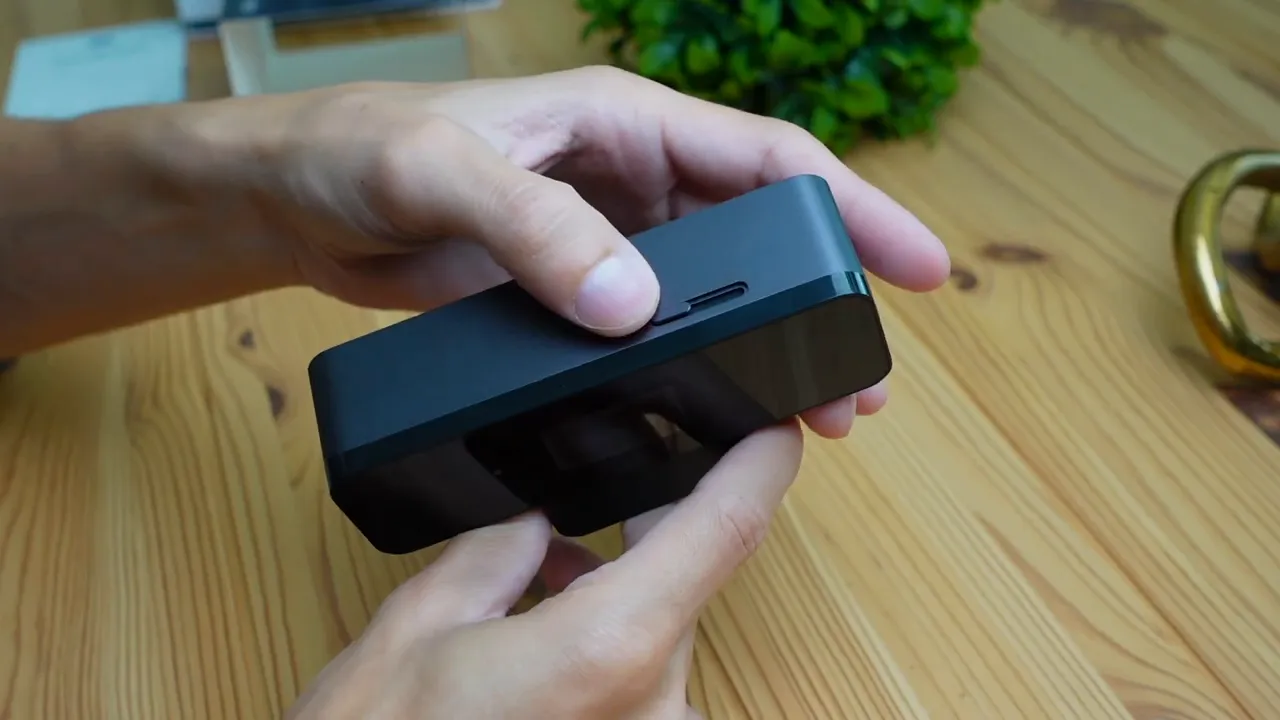
A manual shutter covers the lens for complete peace of mind when you aren’t on camera. Around the back there’s a USB-C port for the cable, and underneath the body is a standard screw mount compatible with many tripod and arm systems. The clip also props the camera up so you can tilt it vertically, and you can rotate it horizontally for fine framing.
Setup and compatibility
Setup is plug-and-play. The included cable is USB-A to USB-C, so any PC or laptop with a USB-A port will work out of the box. If you have a modern Mac with only USB-C ports, use a USB-C to USB-C cable or an adapter.
Software and features
The companion app gives you control over framing, image presets, audio sensitivity, and the AI-driven meeting features. Key software features I tested include:
- Angle selection: Wide 120°, medium 90°, and tighter 60° framing to match different meeting setups.
- Mirror image: Flip the preview to match what you prefer seeing on-screen.
- Audio sensitivity: Low, medium, or high — medium is a sensible default for most rooms.
- Meeting Flex AI: Detects and frames multiple participants, and auto-follows a person moving around a whiteboard or room.
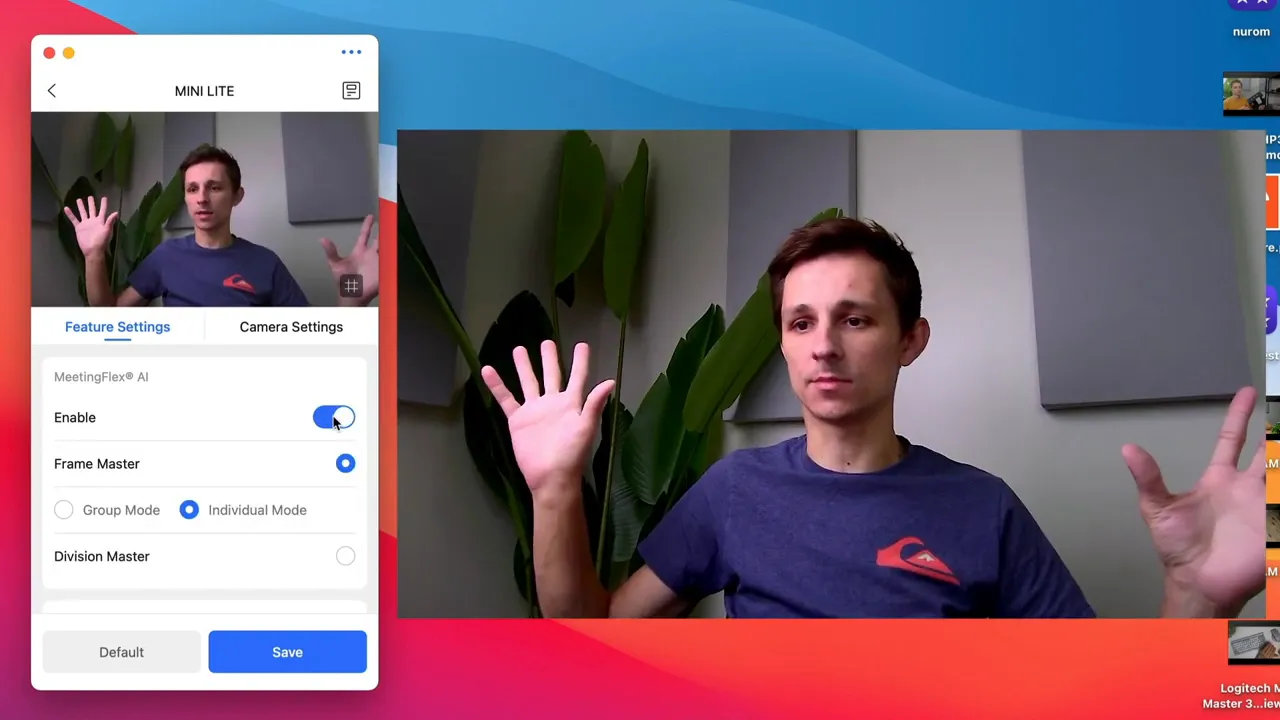
Image presets and manual control
The app includes presets like Standard, Bright, and Vivid, plus a Custom mode where you manually adjust exposure, contrast, and color. Standard looked okay straight away, though fiddling with the custom controls lets you match the tone to your lighting.
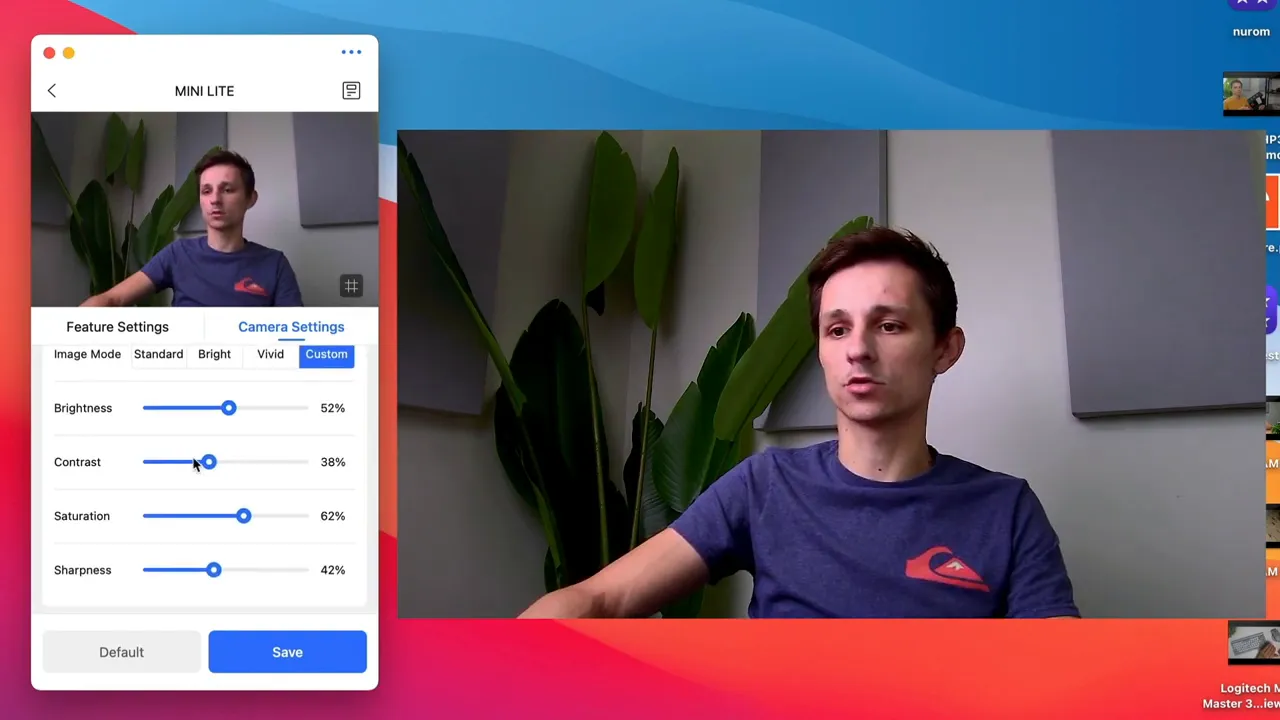
Image and audio quality
In 4K at arm's length the image is sharp and the wide-angle option nicely captures a room or multiple people. The microphone sits in small side ports and picks up voice and ambient sound reasonably well for conferencing. If top-tier audio matters, a dedicated mic is still worth considering, but for most video calls the built-in mic is serviceable.
Who is this for?
- Remote workers and frequent meeting attendees: Useful Meeting Flex AI and framing presets make video calls more professional with minimal effort.
- Small team huddles or classroom use: The ability to track and frame up to several participants helps during group discussions.
- Casual streamers and creators: 4K capture and manual controls are handy if you want better-than-average webcam video without a full camera setup.
Pros and cons
- Pros: 4K resolution, privacy shutter, Meeting Flex AI auto-follow, adjustable viewing angles, easy setup.
- Cons: Included cable is USB-A to USB-C (you may need a USB-C cable for some Macs), built-in mic is fine for calls but not studio-grade.
Quick specs (at a glance)
- Resolution: 4K
- Field of view options: 120°, 90°, 60°
- Connection: USB-C (cable included is USB-A to USB-C)
- Features: Manual privacy shutter, tripod screw mount, Meeting Flex AI, image presets
Final verdict
The Coolpo Mini Lite 4K Webcam is a compelling option if you want an affordable, capable webcam that goes beyond basic video calls. The combination of 4K capture, AI-driven framing, a privacy shutter, and flexible mounting makes it a great value for hybrid workers, small teams, and content creators who want better video without a complex setup. If you need studio-grade audio or the absolute top camera sensors, you might pair it with a dedicated microphone or upgrade to a pricier camera, but for most use cases the Mini Lite hits a strong balance of features and price.
Bottom line
If you want clearer video, smarter framing, and simple controls packaged in a solid little webcam, the Coolpo Mini Lite is worth a close look.


