The Durgod Venus is one of those keyboards that immediately feels different the second you pick it up. A lot of 60 percent boards look good in product photos, but once they land on your desk, the compromises start showing up fast. Cheap plastic shells, dim lighting, flimsy stabilizers, or a layout that feels too stripped down to be practical.
This one goes a different route.
The Venus is a compact mechanical keyboard built around a premium aluminum chassis, detachable USB C connectivity, a wide range of switch options, and bright RGB lighting. It aims at people who want the desk-saving footprint of a 60 percent keyboard without settling for something that feels budget.
After spending time with it, that premium direction is exactly what stands out most. The headline feature here is not one flashy gimmick. It is the overall construction and polish.
Table of Contents
- What comes in the box
- Color options and switch choices
- Build quality is the real reason to care about this keyboard
- What living with a 60 percent keyboard is actually like
- Typing feel and sound with Gateron Yellow switches
- RGB lighting is brighter than expected
- Connectivity and compatibility
- Pros and cons
- The biggest drawback is the price
- Who the Durgod Venus is for
- Final verdict
- FAQ
What comes in the box
Durgod keeps the package pretty practical. Inside the box, you get:
- The keyboard itself
- A USB A to USB C cable
- A USB C to USB C cable
- A keycap puller
- A velcro strap for cable management
- A Durgod sticker
That dual cable setup is a nice touch. A lot of keyboards include just one standard cable and call it a day. Here, you get a little more flexibility right away, whether you are plugging into a traditional desktop setup or a newer device that favors USB C.

The included keycap puller also matters more than it sounds. Since this keyboard is clearly aimed at people who care about customization, it makes sense to include the basic tool you need to swap caps or clean things up properly.
Color options and switch choices
The Venus comes in white or black, which already covers the two most popular aesthetic directions for a compact desk setup.
Where it gets more flexible is with the switch selection. Durgod offers a surprisingly wide range of switch options, including choices from Cherry MX, Gateron, and Kailh. That is a big plus because switch preference is personal. Some people want a lighter linear feel, some want more resistance, and others prefer tactile or clicky feedback.
The unit here uses Gateron Yellow switches.
If you already know Gateron Reds, the Yellow switch feels pretty familiar. Both are linear, but the Yellow requires a bit more force to actuate. Reds typically actuate around 45 grams, while Yellows sit closer to 50 grams. In day to day use, that means the Yellows feel just a little more deliberate without losing that smooth linear character.
That extra resistance can actually be a sweet spot for people who like linear switches but want to avoid the feather-light feeling that sometimes leads to accidental presses.
Build quality is the real reason to care about this keyboard
If I had to sum up the Durgod Venus in one sentence, it would be this: the build quality is the star of the show.
The keyboard uses a full aluminum base, and that changes the feel immediately. It gives the board a dense, solid, premium character that plastic keyboards usually cannot replicate. There is less flex, more rigidity, and a noticeable sense that this thing was built to last.
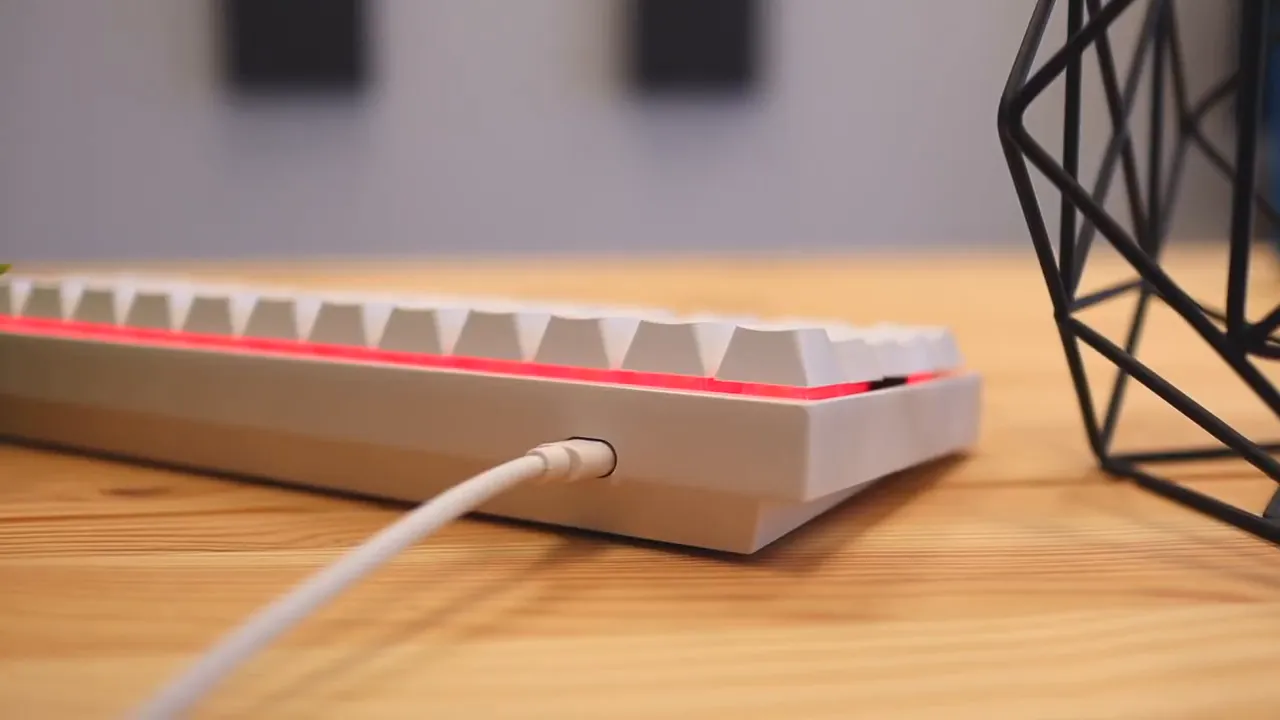
This is one of the biggest reasons the Venus separates itself from a lot of cheaper 60 percent mechanical keyboards. Compact boards are everywhere now, but many of them are mostly chasing price. The Venus feels like it is chasing quality first.
That solid shell does more than just improve durability. It also improves the general user experience. The board feels planted. It does not come across like a lightweight accessory sliding around your desk.
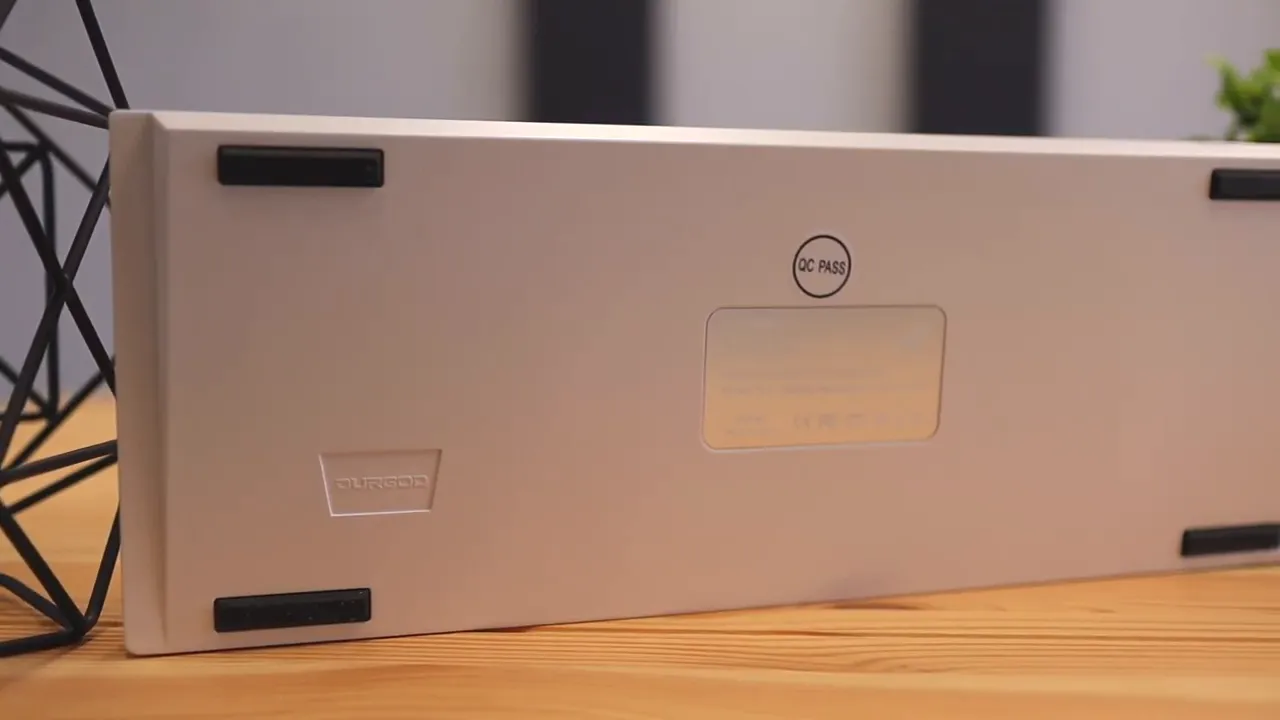
On the underside, there are four rubber grips that help keep it stable during use. Small detail, but one you definitely appreciate on a compact keyboard that may see a lot of fast typing or gaming sessions.
There are also indicator lights on the top right side of the board. They show things like Caps Lock and Windows mode, and they make the keyboard feel more functional instead of overly minimal. A lot of 60 percent keyboards strip away so much that everyday usability takes a hit. Durgod keeps the small form factor but still leaves room for useful extras.
What living with a 60 percent keyboard is actually like
The Venus uses a 60 percent layout, which means you are losing the numpad and the cluster of extra keys you would get on a larger board. That smaller footprint is the whole point.
The upside is easy to appreciate. You free up desk space, and your mouse can sit closer to your typing position. That can make your setup feel more natural and more ergonomic, especially if you game a lot or just like a cleaner desk.
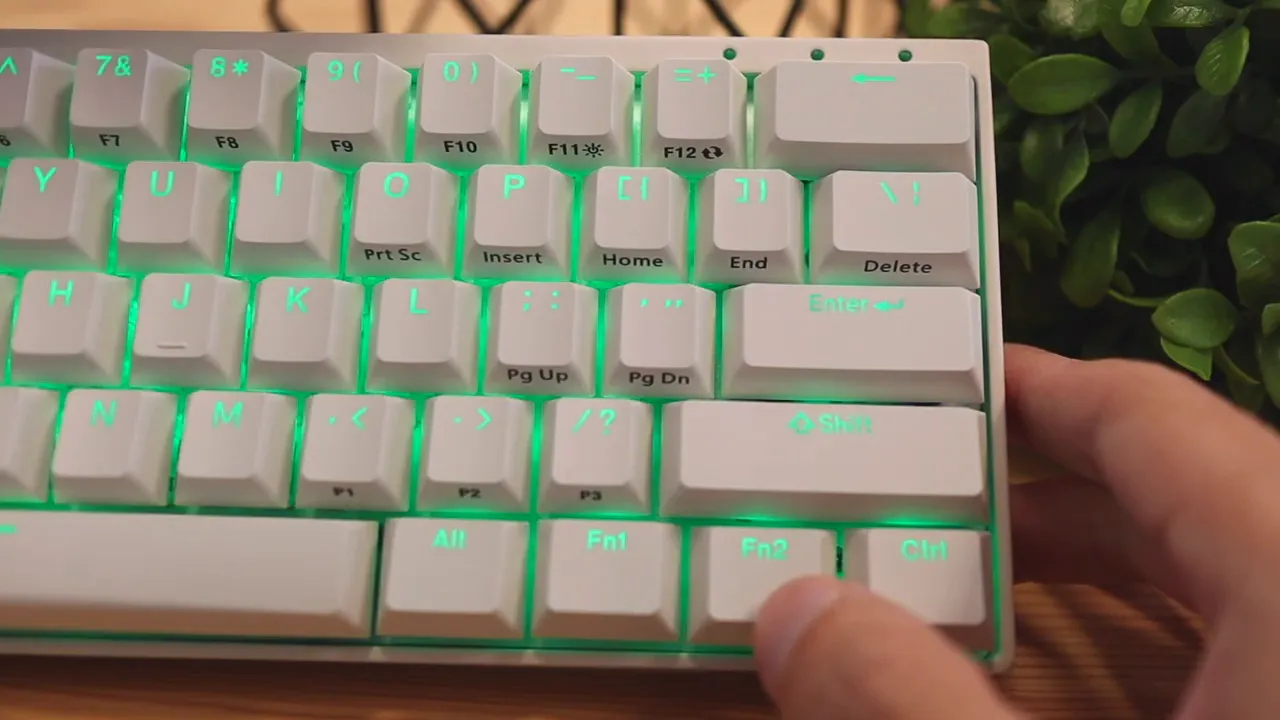
The downside is also real. Dedicated media keys, function row access, arrow keys, and some utility controls are no longer sitting out in the open. They are still available, but they live behind function combinations.
So instead of tapping a dedicated media skip button, you may need a key combo like Function plus another key. If you already use compact layouts, that is no big deal. If you are coming from a full size keyboard, there will be a small adjustment period.
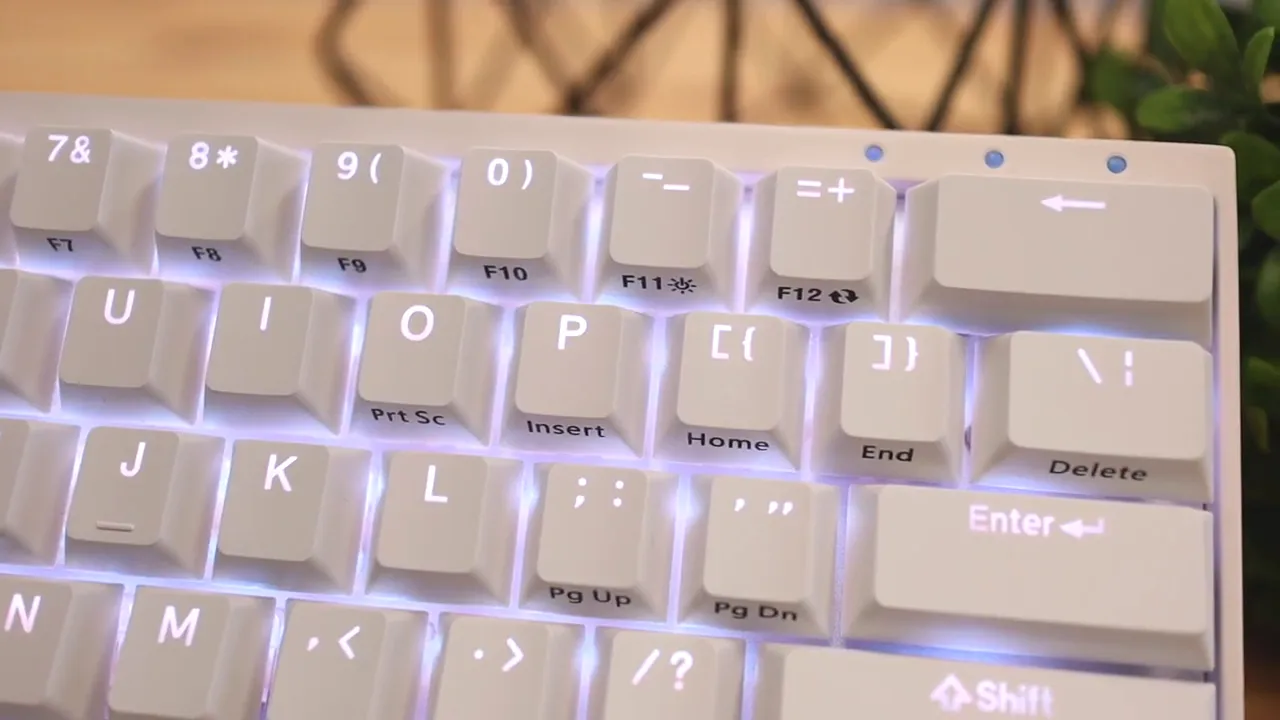
Durgod does include helpful legends on the keycaps for these secondary functions, which makes the transition easier. The layout also supports Durgod Hera Engine software for remapping, macros, and firmware updates. If you want more control over the keyboard behavior, that software side is there.
If you are still figuring out whether a compact board is the right move, browsing other keyboard reviews and comparisons can help put the Venus in context against larger and more traditional layouts.
Typing feel and sound with Gateron Yellow switches
The Gateron Yellow switches are a strong fit for this keyboard.
They give you that classic linear mechanical feel without becoming overly loud. They are not as noisy and attention-grabbing as Blue switches, but they are not so muted that the board loses its mechanical personality either.
That balance matters. Some keyboards sound satisfying but are too loud for shared spaces. Others get so dampened that they feel a little lifeless. The Venus with Gateron Yellows lands in a middle ground that feels pleasant and usable.
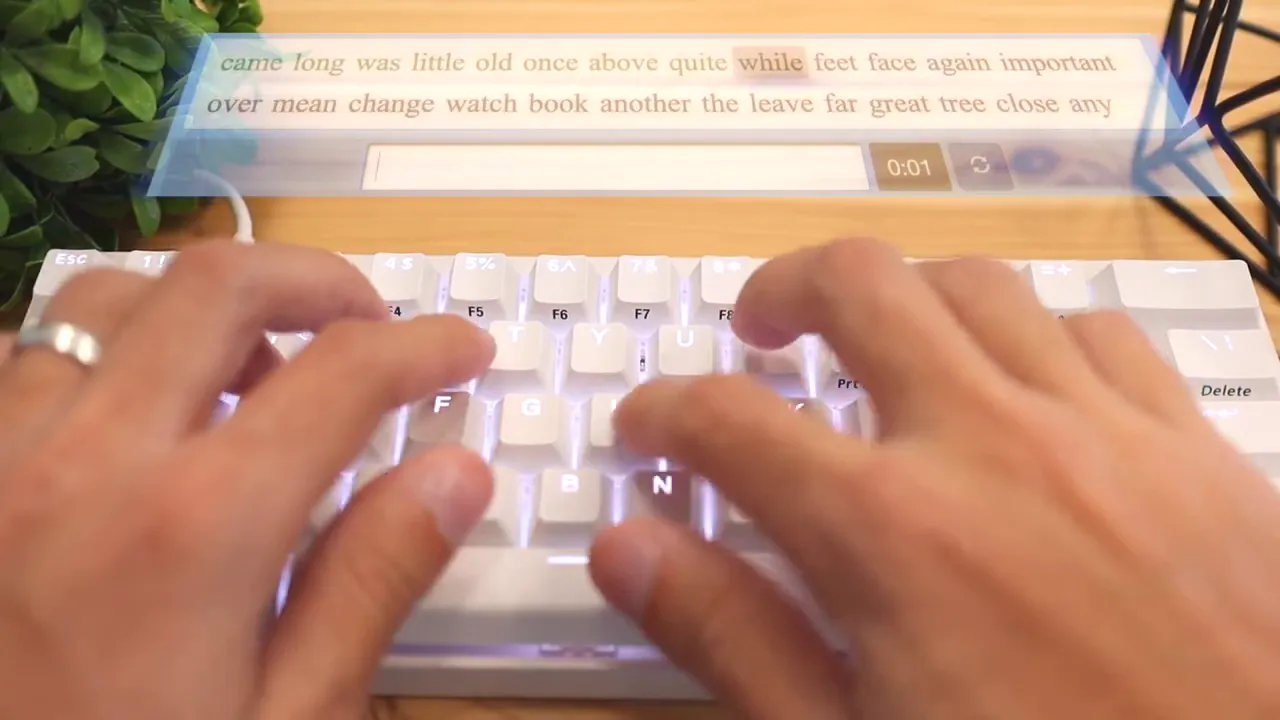
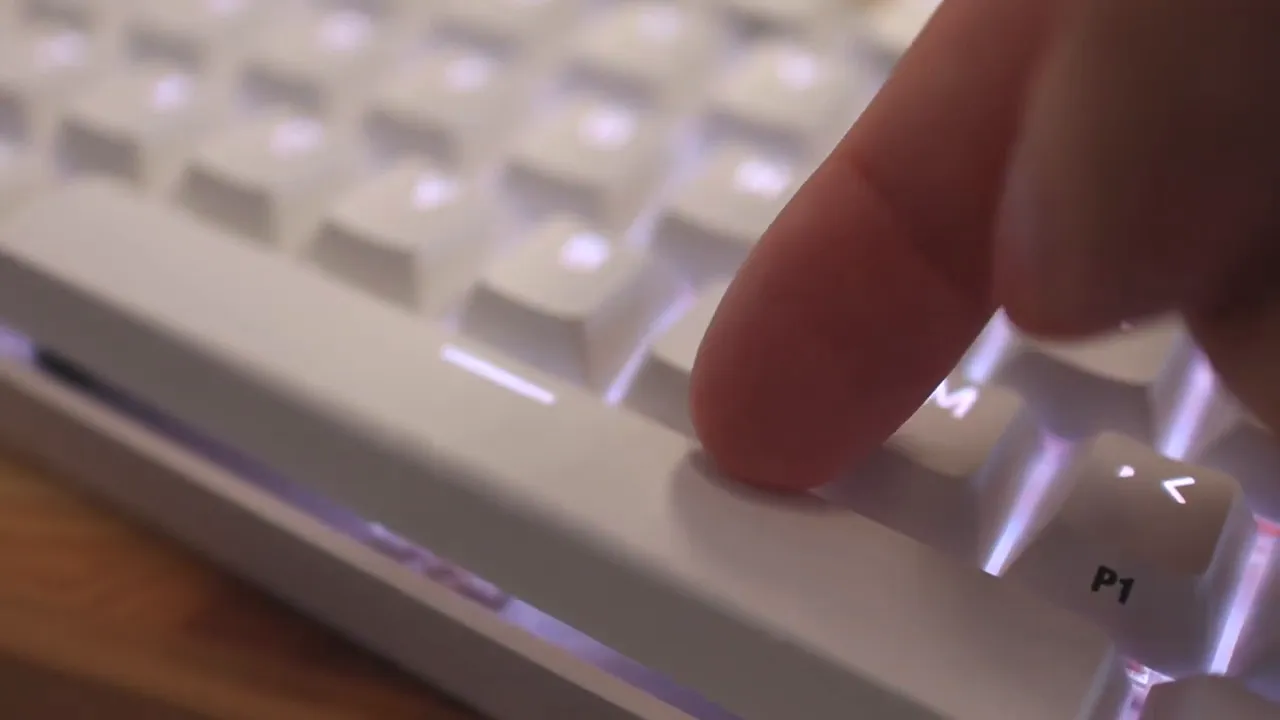
As for stability, the spacebar has a little wobble, but nothing alarming. It is noticeable if you are specifically checking for it, yet it is far from the worst I have used. The regular keys are tighter and show less movement than the spacebar.
That is important because on a keyboard at this price, sloppy stabilizers would be a bigger issue. Here, the slight wobble never crosses into deal-breaker territory.
And if you like a smooth linear experience but want to compare different typing personalities, something like the Corsair K70 CORE review is useful for seeing how another switch and chassis combination changes the feel.
RGB lighting is brighter than expected
RGB can be hit or miss in this category. Plenty of keyboards advertise flashy lighting but end up looking washed out or weak once they are actually on a desk in daylight.
The Durgod Venus does a much better job here.
The lighting is vivid, bright, and very visible even in a room with natural light. That alone puts it ahead of many lower-priced mechanical keyboards in the roughly 50 to 80 dollar range. The colors come through clearly, and the underglow around the edges helps the keyboard stand out without looking cheap.
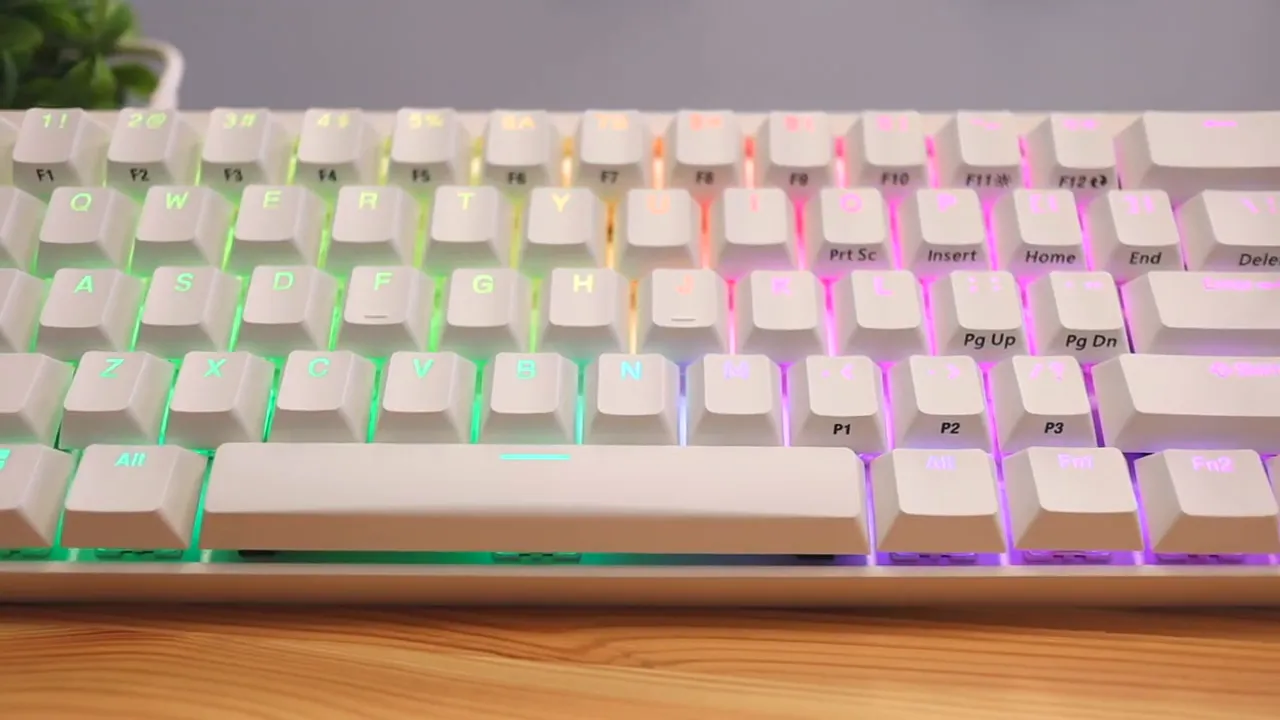
Out of the box, you can cycle through multiple lighting styles and colors directly from the keyboard. If you want deeper control, Durgod's software expands that further with more effect customization. The product listing highlights a wide range of built-in lighting modes such as wave, ripple, gradient, breathing, laser, snake, and more.
That means you can keep it simple with a solid color, go full rainbow, or just shut the lights off entirely if RGB is not your thing.
Connectivity and compatibility
The Venus uses a detachable USB C connection on the side of the board. That is a practical choice for portability and cable replacement. If you throw your keyboard into a bag, detachability is always better than dealing with a permanently attached cable.
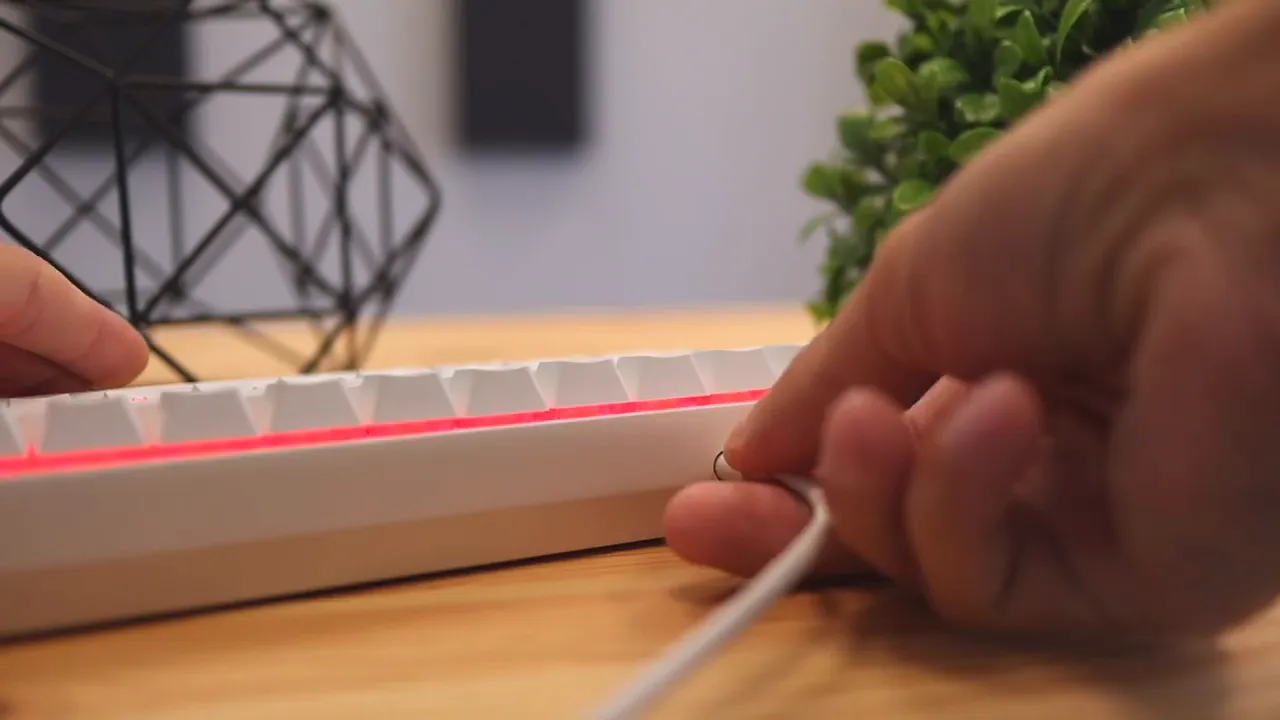
Durgod includes both USB C to USB C and USB C to USB A cables, which gives it broad compatibility right out of the box. According to the listed specs, it works with Windows and Mac, though Mac users may want to remap a few keys through the software for the best experience.
That flexibility makes the Venus more than just a gaming keyboard. It fits just as easily into a home office or productivity setup if you are comfortable with the compact layout.
Pros and cons
What I like most
- Excellent build quality with a full aluminum chassis
- Bright RGB lighting that stays visible even during the day
- Plenty of customization through switch options, software, detachable cable, and color choices
- Desk-friendly 60 percent footprint that helps keep your mouse and keyboard closer together
- Good included accessories for the category
What could be better
- The price is the biggest sticking point
- 60 percent layout compromises still apply if you need dedicated controls
- Minor spacebar wobble is present, even if it is not severe
The biggest drawback is the price
I did not find many serious weaknesses with this keyboard, but the price is the one obvious hurdle.
The Venus sits around the 150 dollar mark, and that puts it in a category where expectations are high. You can absolutely find good mechanical keyboards for less. Even around 90 to 100 dollars, there are solid options that will satisfy a lot of people.
So the question becomes simple: is the jump worth it?
If you care a lot about build quality, I think the answer can be yes. This does not feel like a small upgrade over a cheaper board. The construction quality is noticeably better. That is especially clear when comparing it with more mainstream compact gaming options.
For example, if you have used lightweight 60 percent boards before, the Venus immediately feels more substantial and more refined. That extra money is going into materials and overall polish.
Still, if your top priority is value above everything else, you may want to consider whether you would rather save some cash and accept a less premium chassis.
If you want another compact board with a different style of customization and connectivity, the Epomaker Shadow X review is another worthwhile comparison point.
Who the Durgod Venus is for
The Durgod Venus makes the most sense for a pretty specific kind of person:
- Someone who wants a 60 percent mechanical keyboard
- Someone who actually cares about premium construction
- Someone who wants bright RGB and switch options
- Someone willing to pay more for a board that feels more polished than average
If that sounds like you, the Venus is easy to recommend.
If you need a numpad, dedicated media controls, or the lowest possible price, then this probably is not the right fit. The keyboard does not try to be everything for everyone. It is focused. Compact layout, strong build, good lighting, and a higher-end feel.
For product details or current pricing, you can check the Durgod Venus listing. There is also a written review here if you want another quick reference point.
Final verdict
The Durgod Venus is a premium 60 percent mechanical keyboard that gets the important stuff right. The aluminum build is fantastic, the RGB is impressively bright, the included accessories are thoughtful, and the Gateron Yellow switches feel and sound great for anyone who likes linear switches with a little more resistance.
Its main weakness is not performance. It is the asking price.
But if you are willing to spend more for a compact keyboard that feels genuinely well made, the Venus delivers. This is not one of those tiny boards that wins on looks alone. It backs it up with materials, stability, and a much more polished overall experience than a lot of the competition.
For anyone hunting for a high-quality 60 percent mechanical keyboard, the Durgod Venus deserves a serious look.
FAQ
Is the Durgod Venus hot swappable?
No hot swap support was highlighted here. A keycap puller is included for removing keycaps, but that does not automatically mean the switches themselves are hot swappable.
What switches were used on this Durgod Venus?
This configuration used Gateron Yellow switches, which are linear and require slightly more force to actuate than Gateron or Cherry style Red switches.
Does the Durgod Venus have RGB lighting?
Yes. It includes bright RGB backlighting with multiple onboard effects, and deeper customization is available through Durgod software.
What are the main benefits of a 60 percent keyboard?
The main advantages are a smaller desk footprint and a more compact setup that lets your mouse sit closer to your keyboard, which can feel more comfortable and ergonomic.
What is the biggest downside of the Durgod Venus?
The biggest downside is the price. It costs more than many other compact mechanical keyboards, even though the premium construction helps justify that premium.


