First impressions and unboxing
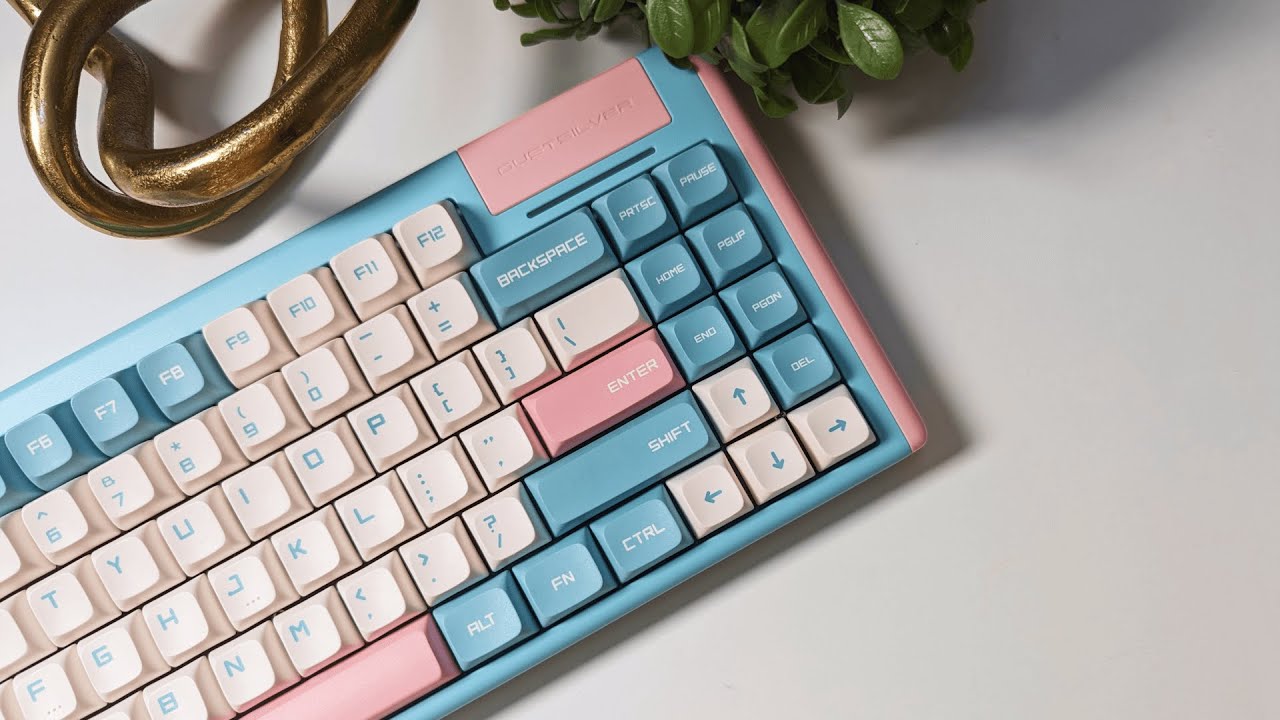
The DUSTSILVER D84 arrives like a premium toy for your desk. Packaging feels thoughtful and protective rather than bare bones, which sets the tone before you even lift the keyboard out of the box.
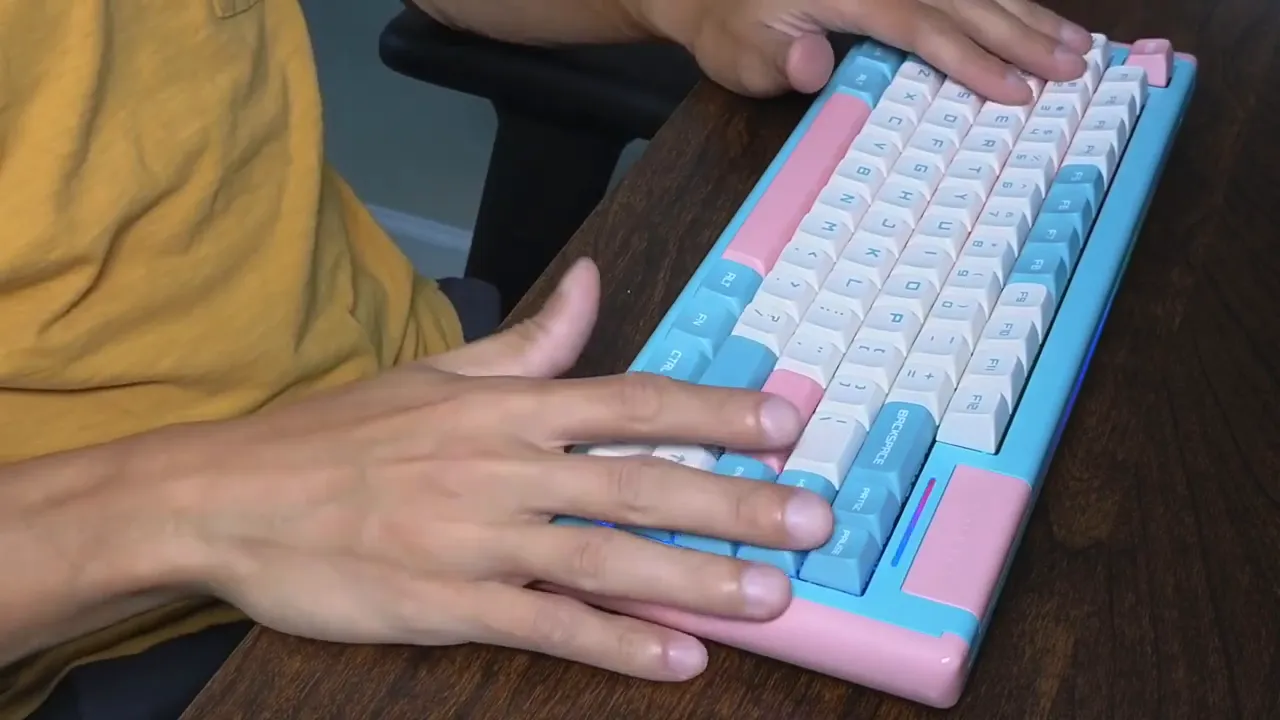
Out of the box the D84 immediately stands out because of its playful milkshake colorway and compact 75 or 84 key layout feel. It looks cute, but it also feels solid and well built.
Typing feel and switches
What matters most is how it types. The D84 ships with Gateron Red switches — keyboard-review" target="_blank">linear, quiet, and ideal for office or shared spaces where silence matters. The keyboard provides a smooth, unobtrusive typing experience that many linear-switch fans will appreciate.
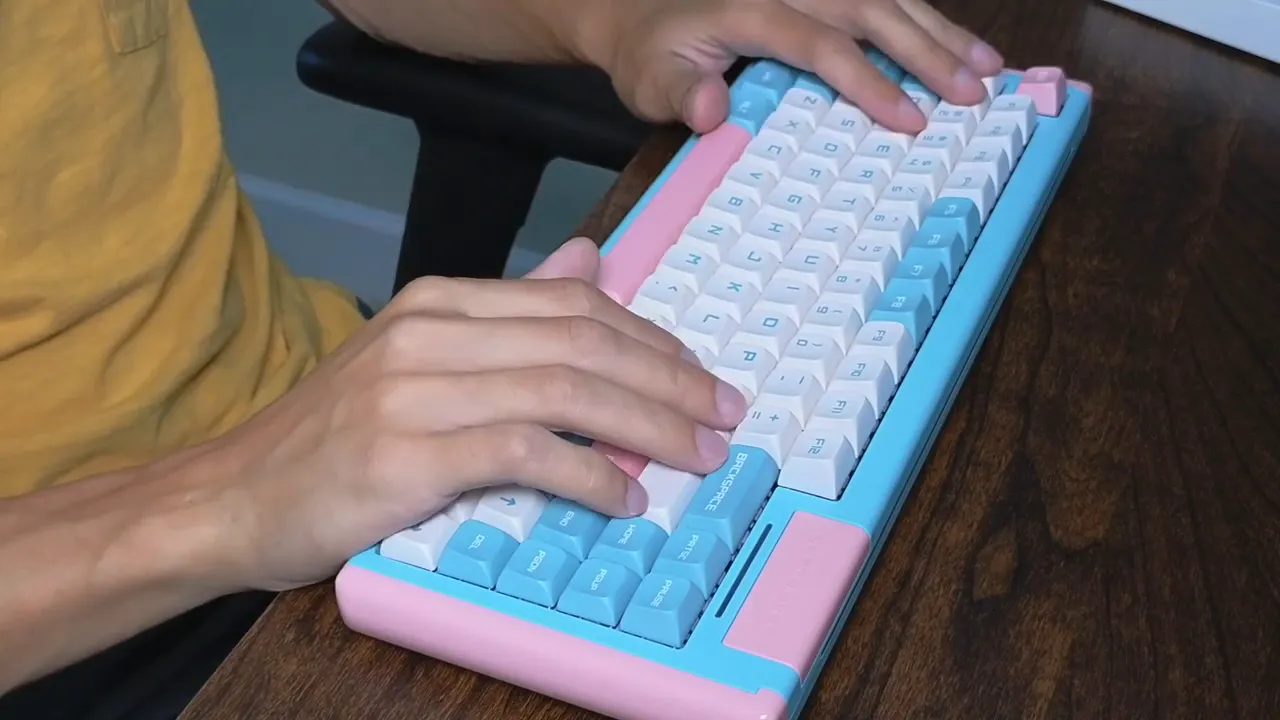
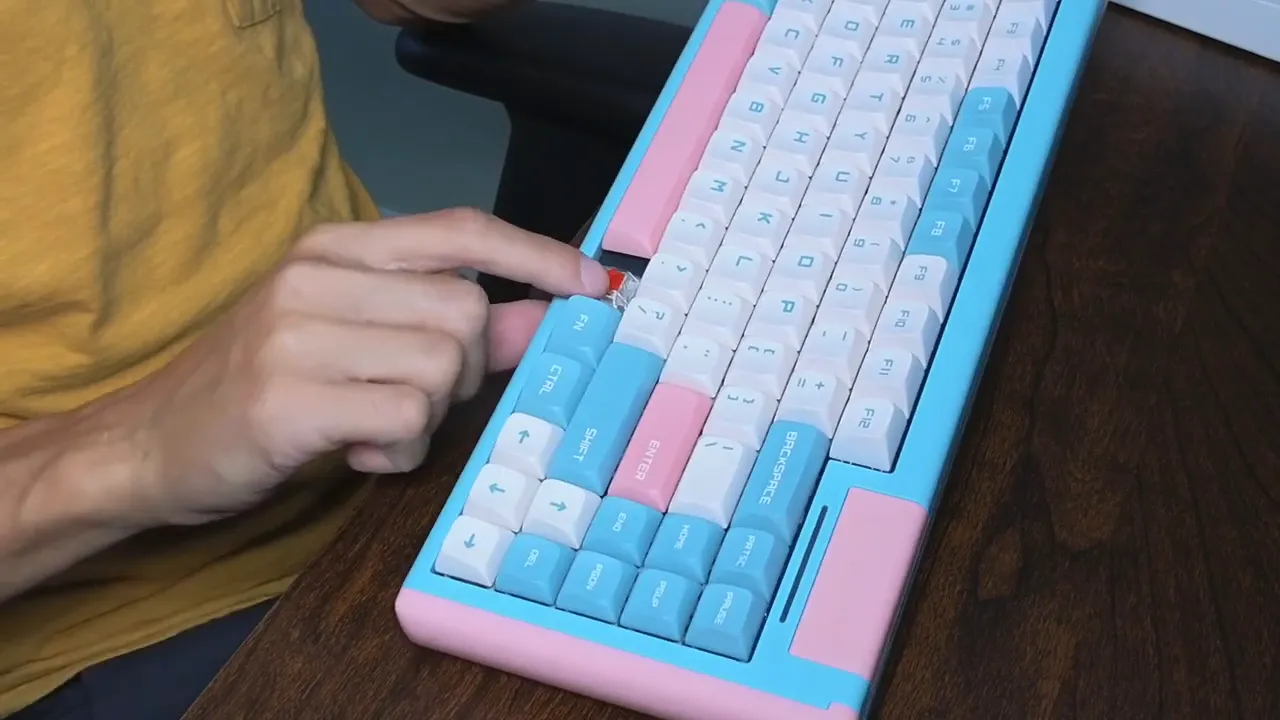
If you want to inspect or change a switch, the D84 is hot-swappable so switching to a different mechanical switch type is straightforward.
Keycaps and build quality
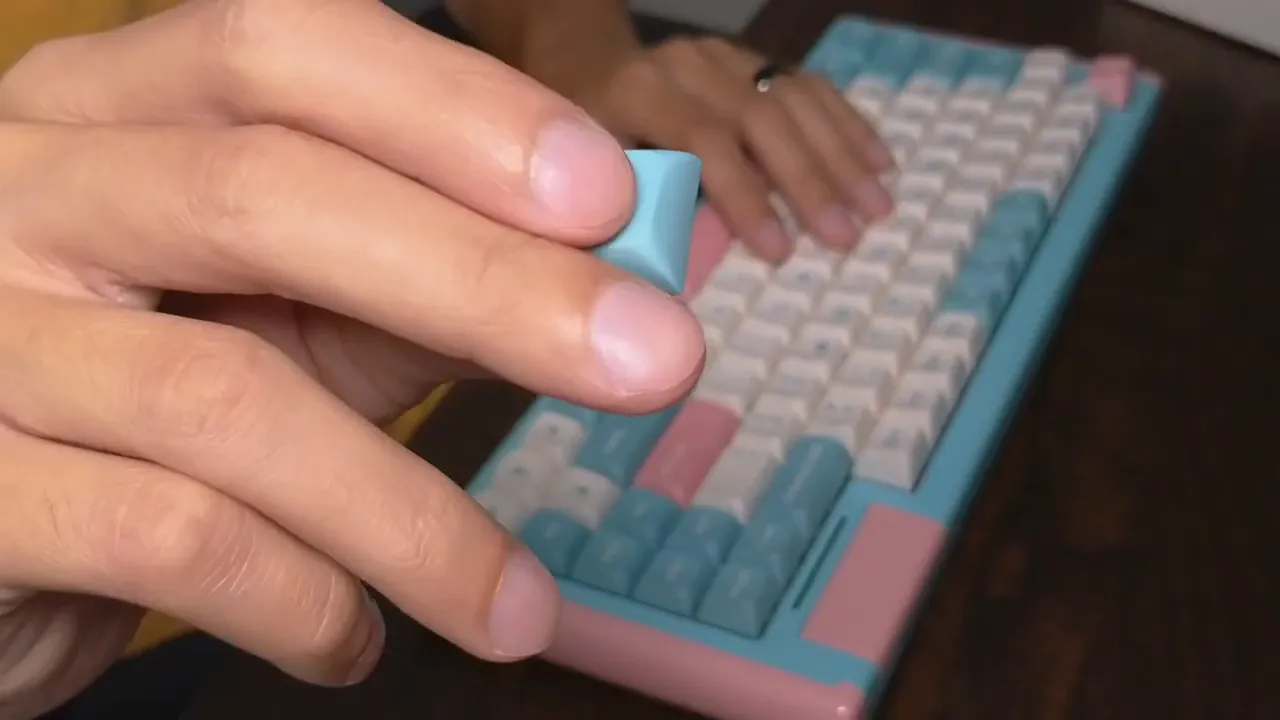
The keycaps are made from PBT, which is widely regarded as the higher quality option compared with ABS. PBT gives a nicely textured, slightly polished feel with a durable coating that resists shine over time.
Other thoughtful hardware touches include three adjustable feet on the bottom so you can choose between multiple typing angles. The feet are easy to snap into place and hold firmly.
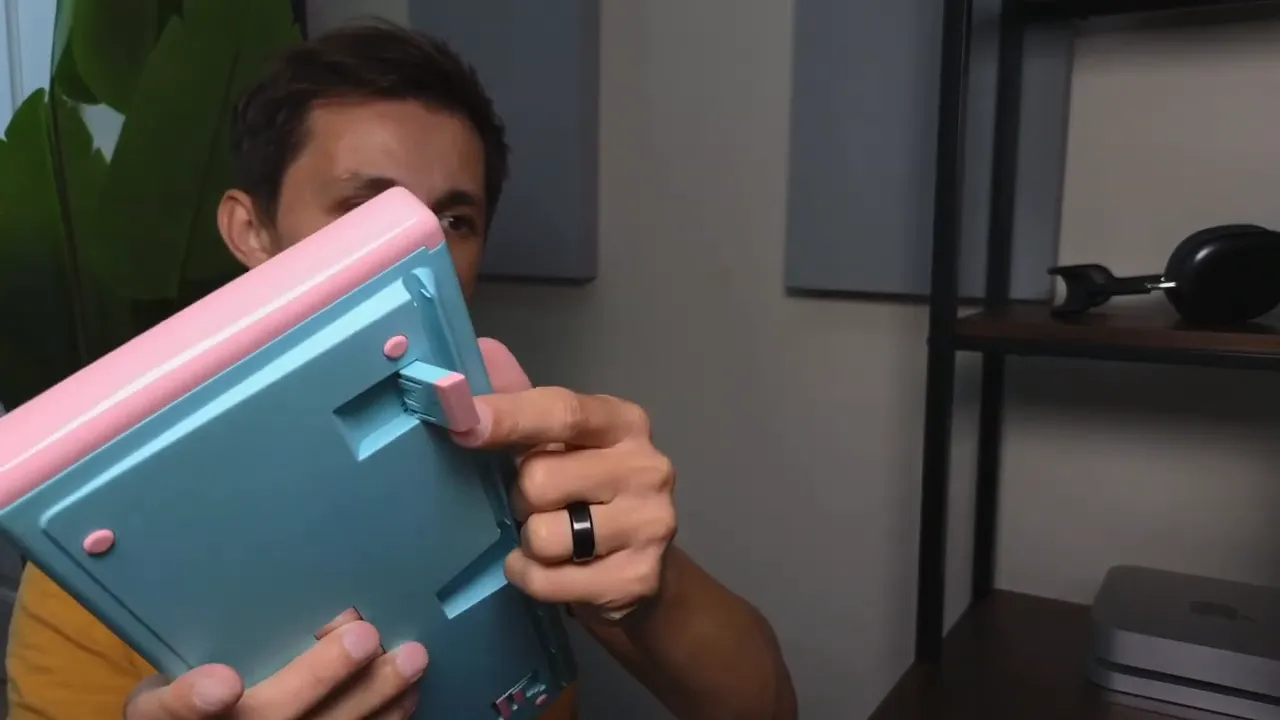
What you get in the box
- USB A to USB-C cable - thick and high quality for a reliable wired connection
- Keycap puller and switch puller - the dual-ended tool covers both keycaps and mechanical switches
- USB adapter - converts between USB A and USB C
- 2.4 GHz USB dongle - stored in a hidden compartment on the keyboard
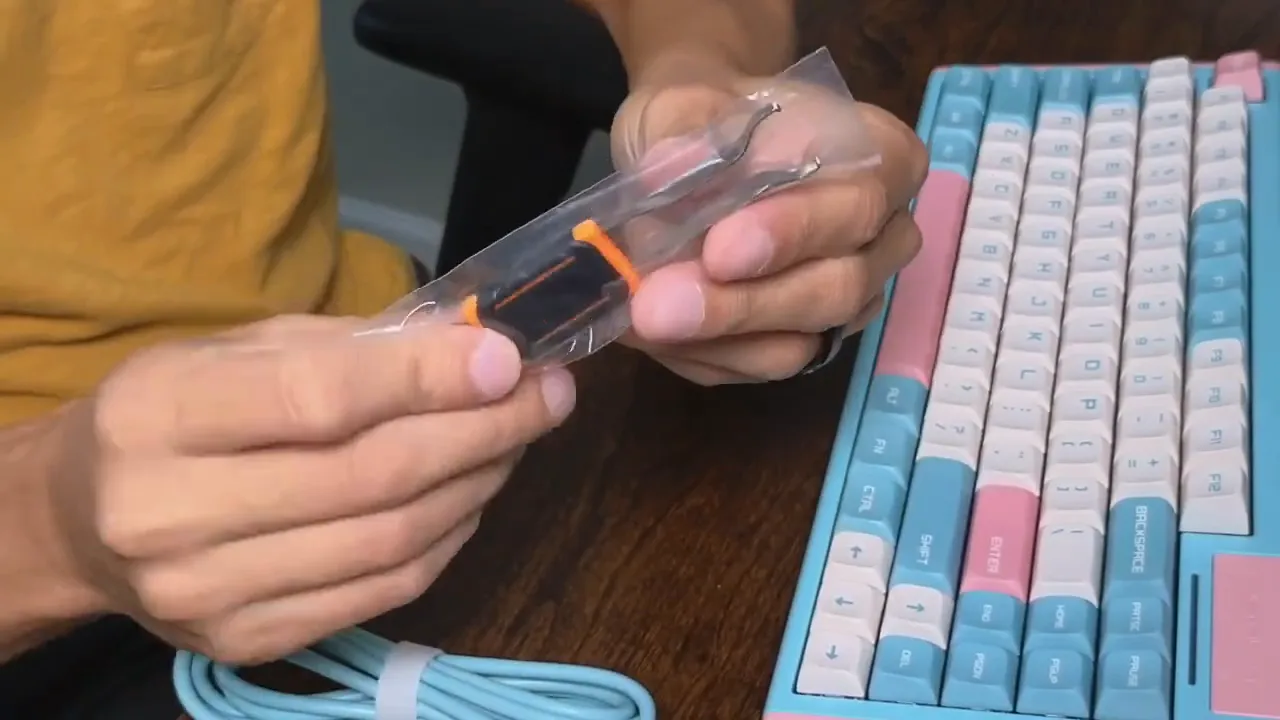
Hidden compartment and connectivity modes
The D84 hides its USB dongle and mode switches under a removable panel on the underside. Slide the panel up to reveal the toggles for 2.4 GHz dongle mode and Bluetooth mode, plus a slot to store the dongle so it does not get lost.
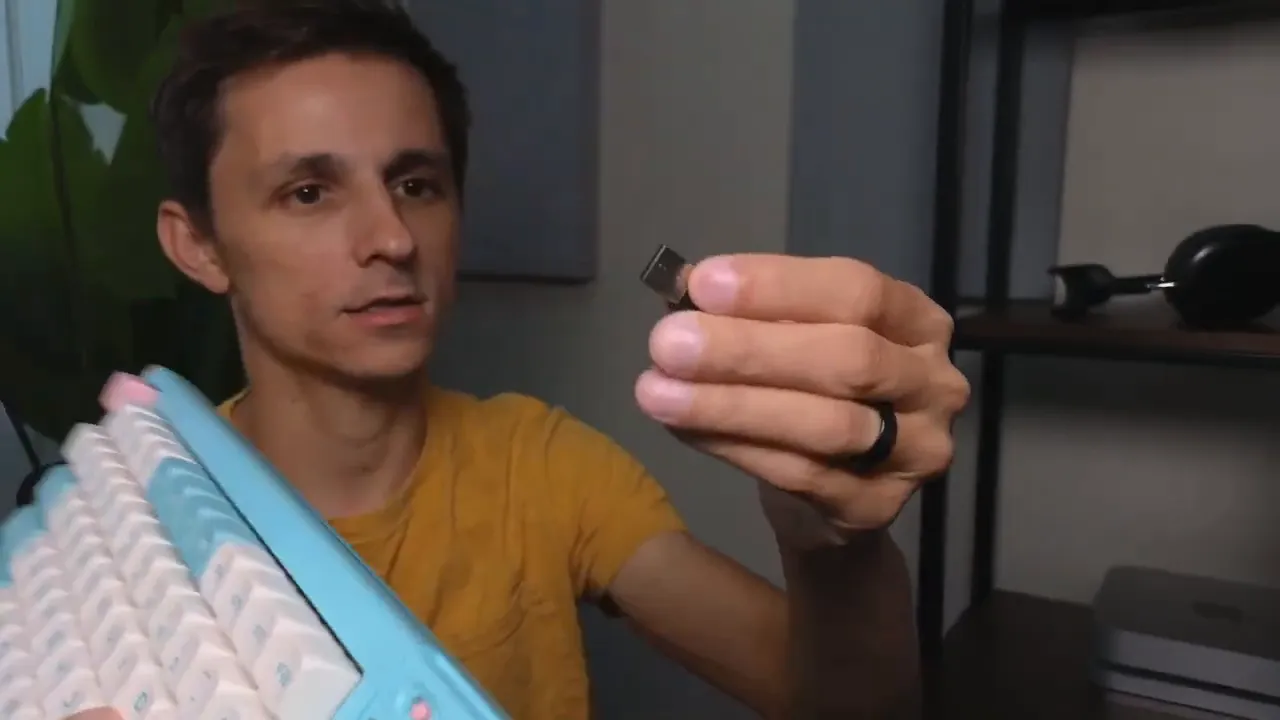
Connection options include wired USB-C, Bluetooth up to three devices, and a 2.4 GHz wireless dongle. This gives flexibility to pair with a laptop, phone, tablet, or desktop and switch between them quickly.
Basic pairing and switching shortcuts
Pairing over Bluetooth is simple:
- Set the mode switch to the left for Bluetooth.
- Hold Function + 1 to begin pairing for device slot 1.
- Select the keyboard from your computer or device Bluetooth list.
To connect multiple devices use Function + 2 or Function + 3 for additional slots. The keyboard can switch between connected devices at the press of a button.
Switch between Mac and Windows layouts with Function + M for Mac mode and Function + W for Windows mode.
RGB lighting and customization
RGB on the D84 is vibrant and includes both underglow and backlight behind the keycaps. There is also an LED strip across the top edge that adds a visual accent.
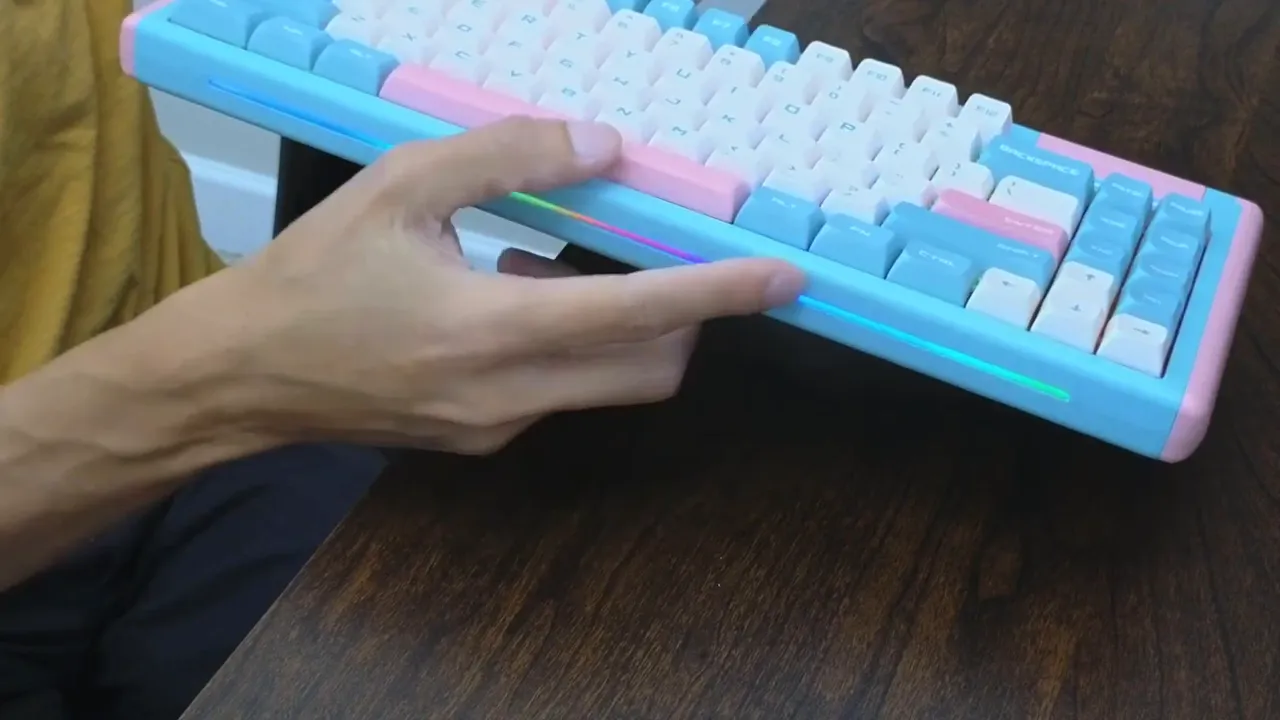
To change lighting modes and patterns without software use the onboard shortcuts:
- Function + Q toggles between lighting modes
- Function + Z changes the LED strip pattern
Who is the D84 for?
This keyboard is a strong pick if you want something that blends personality with function. It is particularly suited to:
- People who want a quieter, linear switch for office environments
- Custom keyboard enthusiasts who like hot-swappable boards
- Anyone who wants simple wireless multitasking across multiple devices
- Users who appreciate colorful, nontraditional aesthetics like the milkshake colorway
If you prefer neutral, single-tone designs, DUSTSILVER also offers other color combinations with similar specs.
Final thoughts
The DUSTSILVER D84 nails the basics: comfortable linear switches, quality PBT keycaps, hot-swap capability, flexible connectivity, and eye-catching RGB. It is easy to use straight out of the box, yet flexible enough for customization. If you want a compact keyboard with personality and solid day-to-day performance, this is a keyboard worth considering.
For full specs or other color options, visit dustsilver.com.


