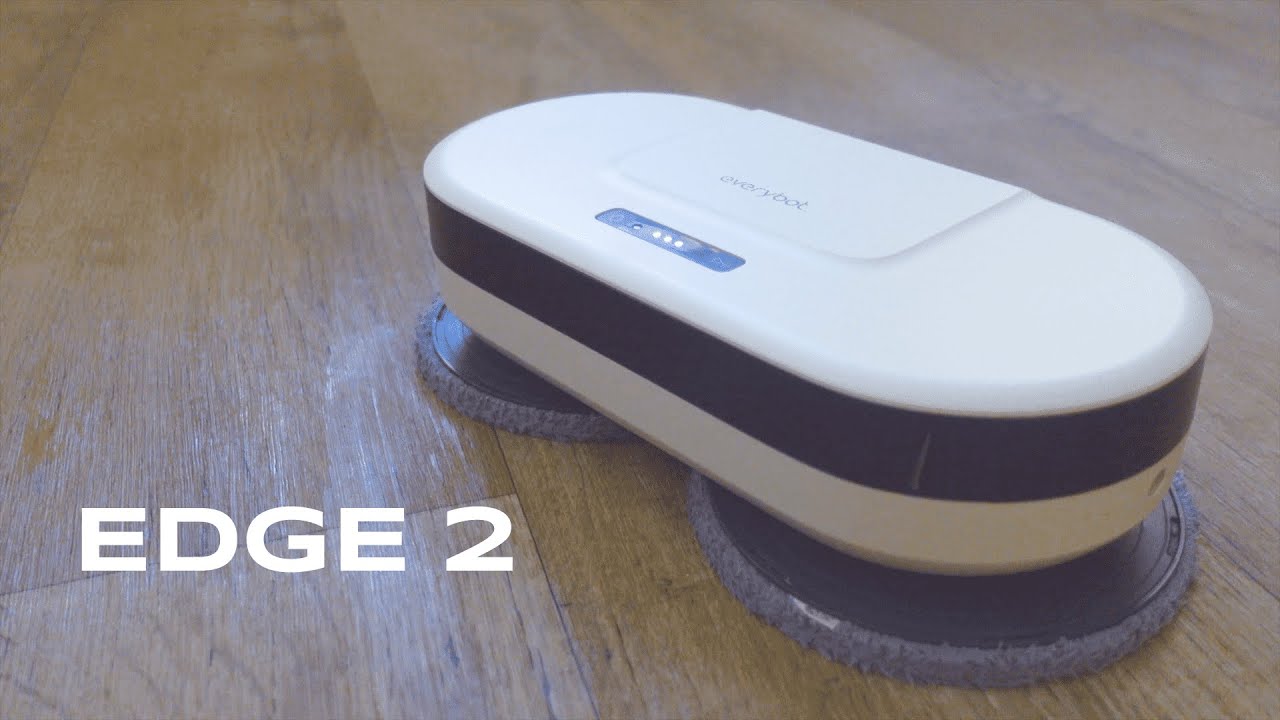
The EVERYBOT Edge2 is a compact robot mop built to take the grunt work out of keeping hard floors and tile clean. It promises a faster dual-spin mop system, multiple cleaning modes, and a slim profile that slips under cabinets and around furniture. After spending time setting it up and running it through both an entryway and a busy kitchen, the Edge2 proved to be a useful helper for everyday maintenance. Below I break down what to expect, how to set it up, and whether it is worth adding to your cleaning routine.
Table of Contents
- What you get out of the box
- Quick setup: from out of the box to first run
- How the Edge2 cleans — modes and behavior
- Real-world performance: entryway and kitchen
- Maintenance and practical tips
- Pros and cons at a glance
- Verdict
- FAQ
What you get out of the box
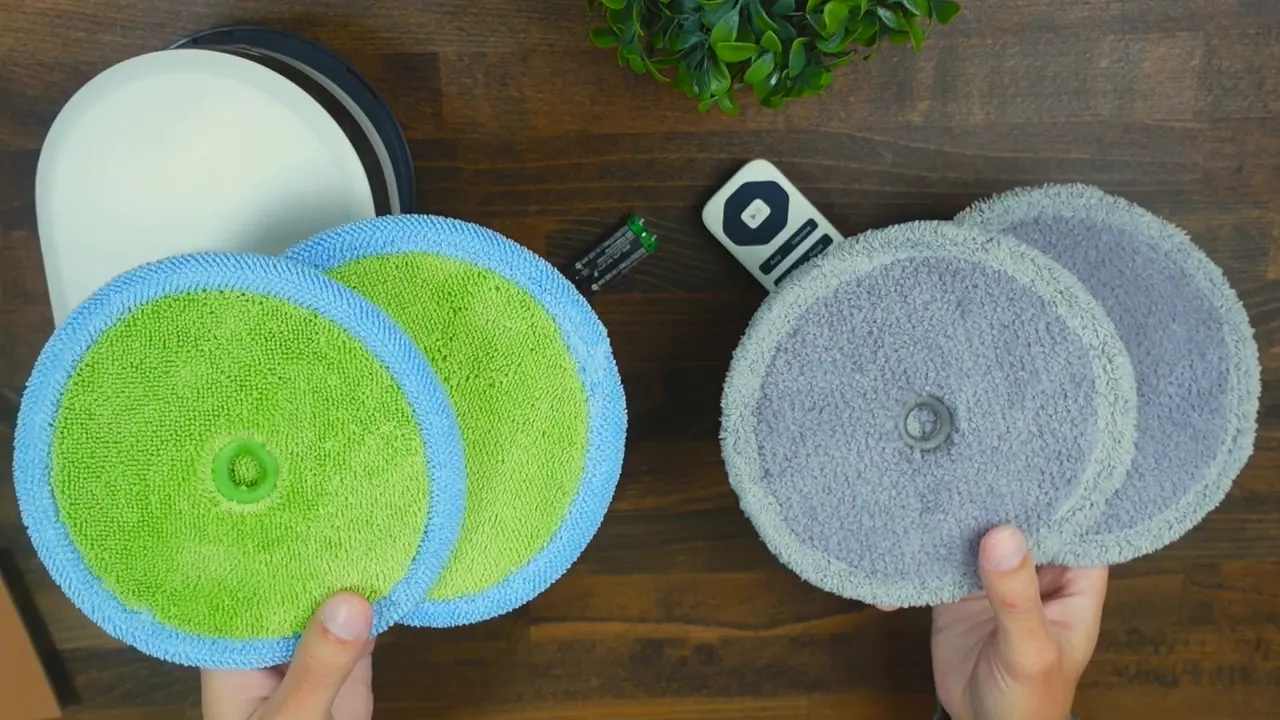
The Edge2 package is simple and practical. Inside you will find:
- The robot mop unit
- Remote control (requires two AAA batteries)
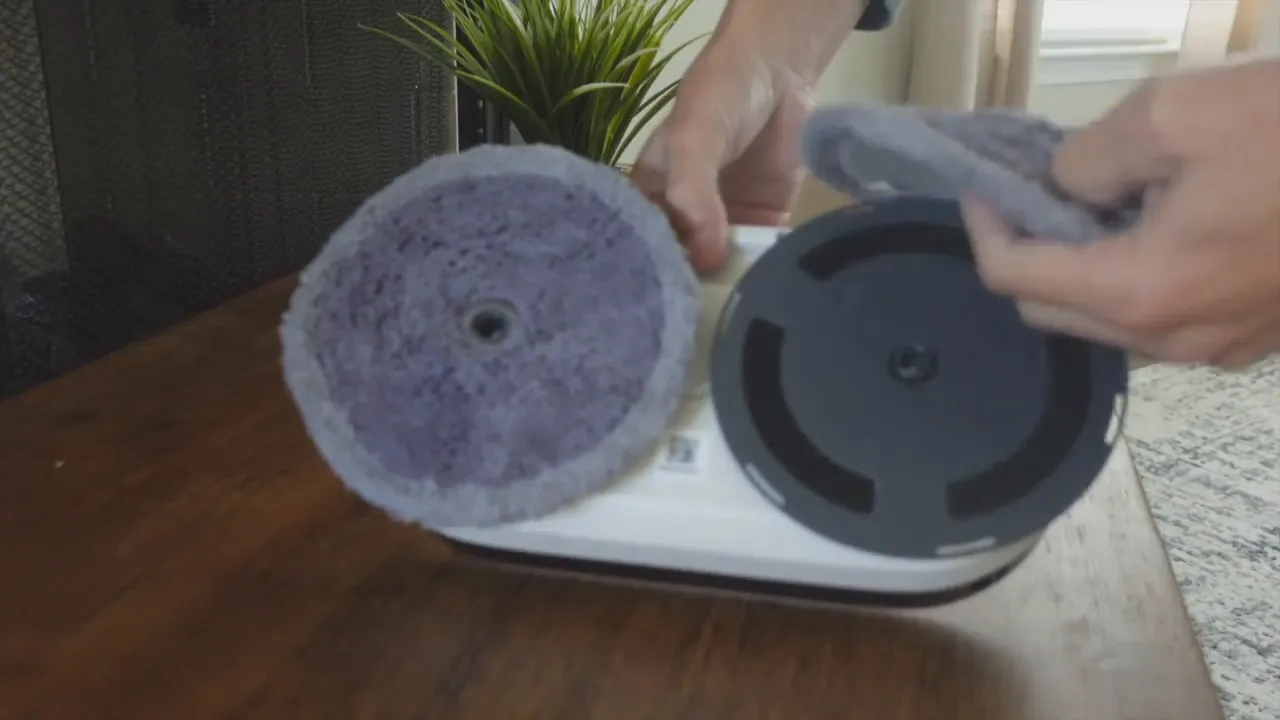
- Four replaceable mop pads — two are plush for gentle wiping and two are rougher for better scrubbing
- Charging cable that plugs directly into the unit
- Instruction manual for quick reference
Everything you need to get started is included, so you can set it up and run a cleaning cycle without hunting for extra parts.
Quick setup: from out of the box to first run
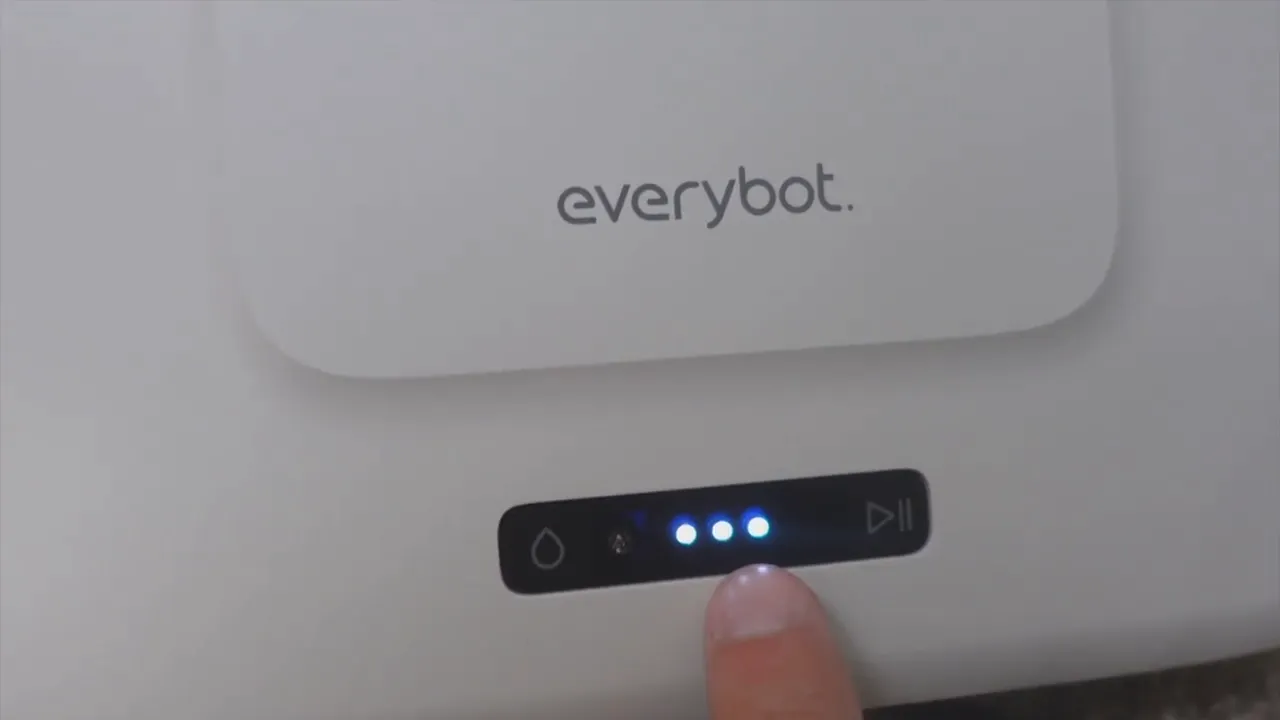
Setup is straightforward and can be completed in a few minutes:
- Charge the robot by plugging in the included cable until the battery indicator shows a full charge.
- Remove the magnetized top to access the water canister, unscrew the cap, and fill it with water.
- Soak the two mop pads, then wring them out so they are damp rather than dripping wet.
- Attach the damp pads via Velcro to the rotating mop heads on the underside of the unit.
- Replace the top cover and power on the robot by holding down the internal power button for a few seconds.
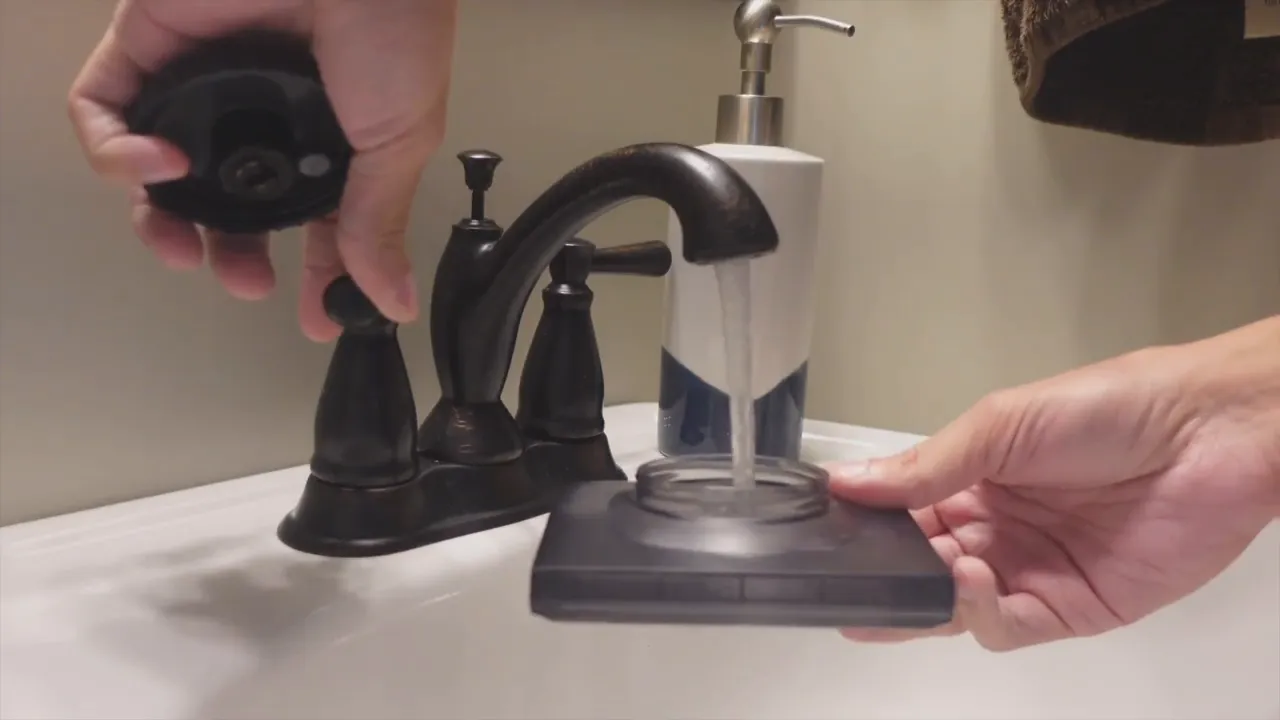
The water cartridge is easy to remove and refill, but expect to refill it after each full cleaning session if you are running a thorough cycle on a medium to large area.
How the Edge2 cleans — modes and behavior
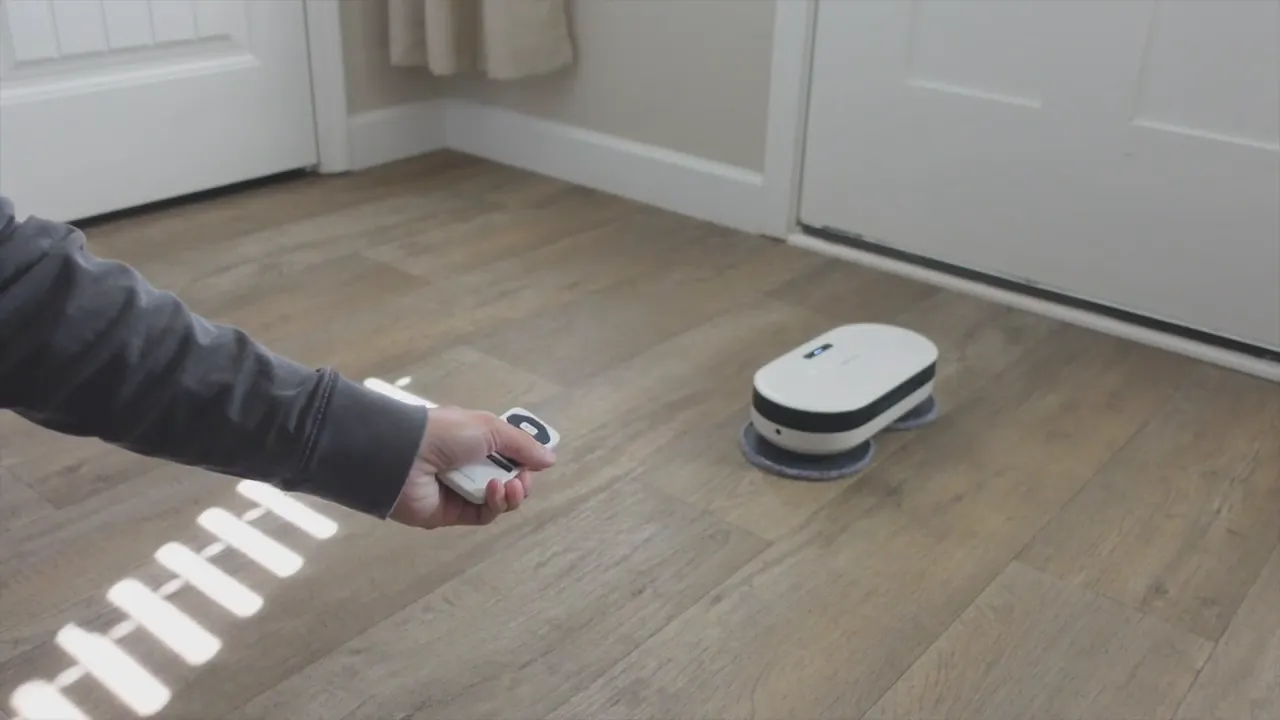
The Edge2 offers six cleaning modes accessed via the remote. Modes range from a general auto mode to more aggressive patterns designed for concentrated scrubbing. Two modes stood out during testing:
- Auto mode — the unit navigates in a semi-random pattern to cover the area without user direction. This is the best choice for everyday maintenance because it requires no special planning and leaves floors evenly damp across the coverage path.
- Intense mode — the robot focuses on smaller areas and uses circular or overlapping passes to apply more agitation to stubborn spots. This is ideal for kitchens or entryways where tracked-in grit and spills accumulate.
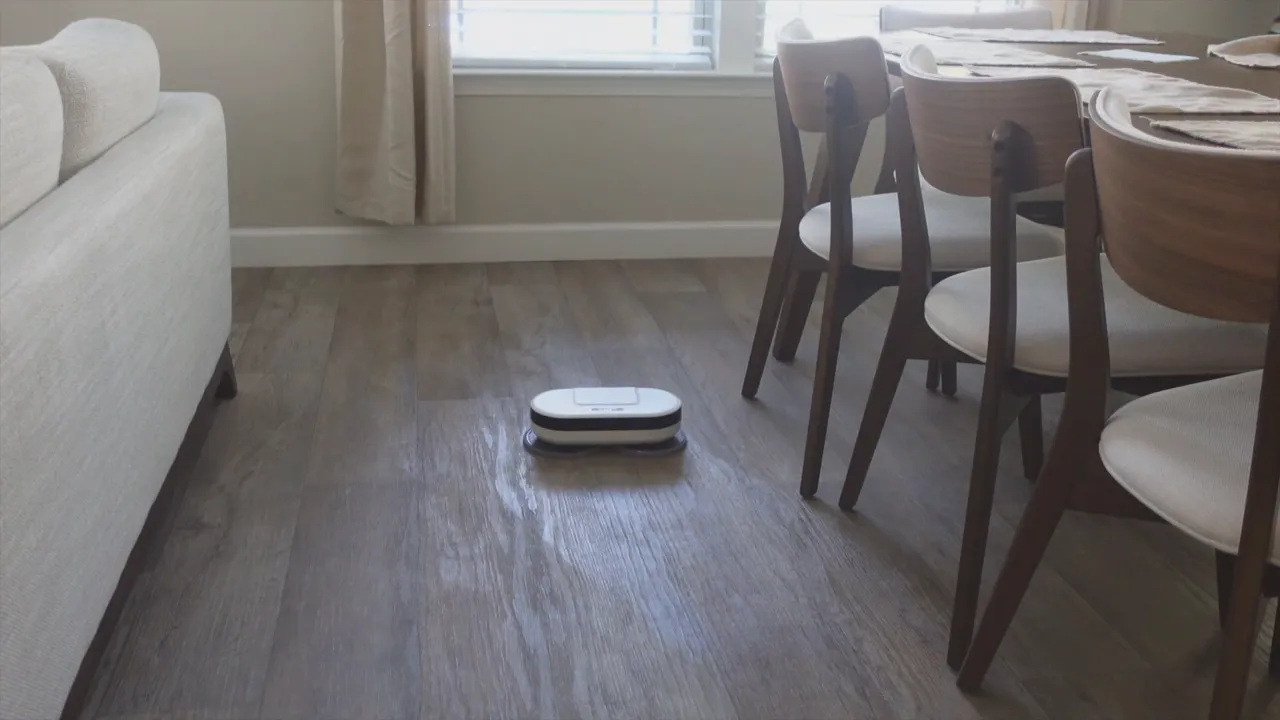
In practice, Auto mode does a solid job at routine cleaning and is the easiest to use. Intense mode produces a visible water trail and targets problem zones by moving in tighter loops. The remote also includes a timer feature so you can schedule a 50-minute run and let the robot handle the rest.
Real-world performance: entryway and kitchen
Entryways are often the dirtiest area of a home, and here the Edge2 performed well. It removed light tracked-in dirt and left a noticeable shine where it had passed. The dual-spin heads do an efficient job of picking up fine dust and smudges when used with damp pads.
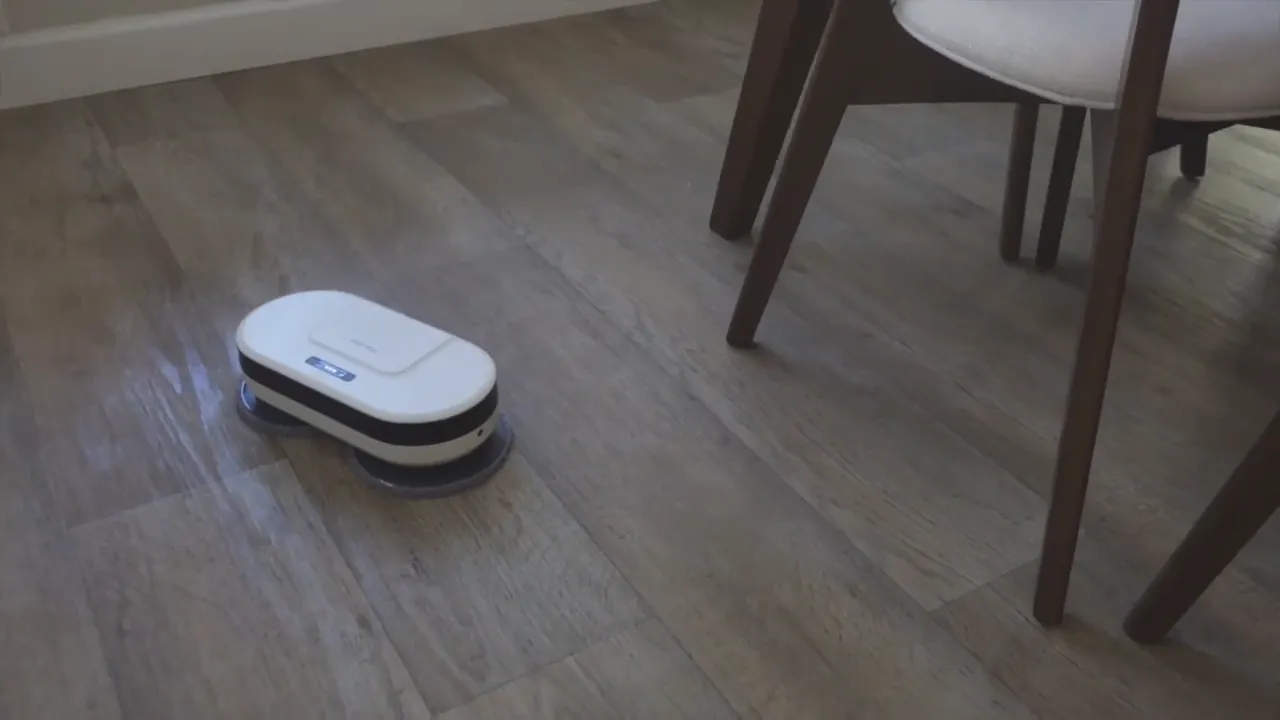
In the kitchen, switching to Intense mode helped the robot focus on sticky spots and food debris. While it will not replace a dedicated mop-and-bucket job for heavy dried-on messes, the Edge2 helps keep surfaces under control between deep cleans. Its slim profile and low noise level make it easy to let it run while you cook or relax.
Maintenance and practical tips
- Replace or refill the water cartridge after longer sessions. The tank is easy to remove but you will need to refill it periodically, especially for larger homes.
- Use the right pads for the job. The fluffy pads are great for light dusting and polishing while the rougher pads are better for scrubbing. Always dampen pads before use and ring them out so they are not saturated.
- Keep the charging cable handy. The unit charges via a direct cable so you can plug it in anywhere you store the robot between sessions.
- Use Auto mode for most situations. It covers the space without micromanagement and is especially useful for quick maintenance cleans.
Pros and cons at a glance
- Pros: Quiet operation, multiple cleaning patterns, easy setup, replaceable mop pads, slim design for under-furniture access.
- Cons: Water cartridge needs frequent refilling for longer sessions, not a substitute for heavy-duty manual scrubbing, navigation is somewhat random in Auto mode so it may miss very small areas.
Verdict
The EVERYBOT Edge2 is a practical, no-fuss robot mop for regular floor maintenance. It excels at keeping entryways and kitchens tidy between deeper cleans and is especially appealing if you prefer a low-effort, automated solution. For anyone looking to reduce the frequency of weekend mopping sessions, the Edge2 is a solid option that balances performance and simplicity.
FAQ
How do I fill and secure the water cartridge?
Remove the magnetized top to access the water canister, unscrew the cap, fill with water, then reattach the cap and place the canister back in its slot before closing the lid. Make sure the canister is seated properly to avoid leaks.
How long does the battery last and how do I charge it?
Battery life varies by mode and floor size. Charge the robot by plugging the included cable into the unit; a three-dot indicator shows remaining charge. For best results, fully charge before a cleaning session.
Which cleaning mode should I use for everyday maintenance?
Auto mode is the recommended choice for routine cleaning. It covers the area without special setup and provides an even clean. Use Intense mode for focused scrubbing on high-traffic or particularly dirty spots.
Are replacement pads available and how do I clean them?
Replaceable pads are available and attach via Velcro. Rinse and wring them out after use; machine washing on a gentle cycle is typically safe but check the product manual for care specifics.
Can the robot handle different floor types?
The Edge2 is designed for hard floors and tiles. It is not intended for carpets. For best results, use damp pads and avoid over-wetting sensitive wood floors; always test a small area first.
Does the robot navigate around furniture and corners?
Yes, the Edge2 has sensors and a slim profile that help it move around furniture and along edges. Auto mode uses a semi-random pattern which covers most areas, while Intense mode focuses on loops for deeper cleaning in problem spots.


