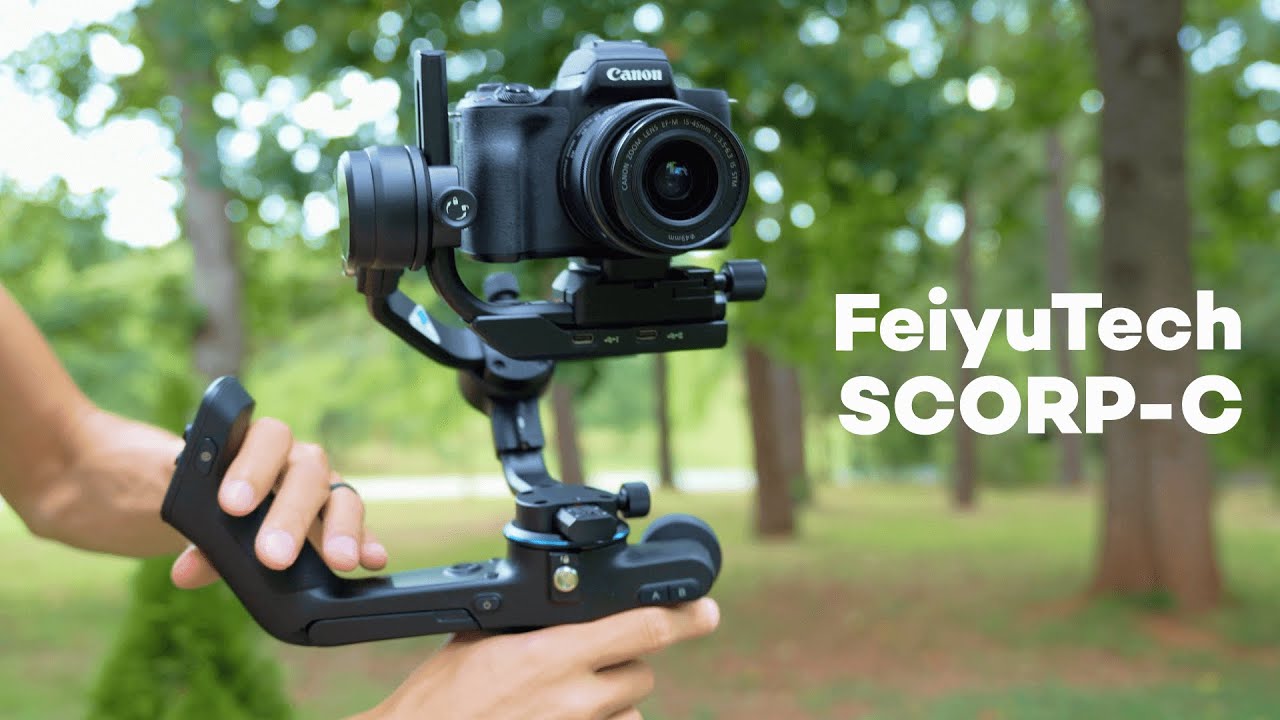
The FeiyuTech SCORP‑C is a compact, feature-packed gimbal that punches above its price. At about $270–$280, it gives a surprising set of controls and creative tools for run-and-gun shooters, content creators, and hobby filmmakers. This guide explains how each control works, the useful shortcuts, and a few hands-on tips to get smoother footage and longer run times.
Quick overview: what you’ll use most
There are a few controls you’ll be using constantly: the joystick, the mode button, the trigger, the auto rotate control, the front wheel/knob, and the portrait mode switch. Learn what each one does and how they interact so you can focus on framing instead of fumbling with settings.
Joystick — manual framing
The joystick moves the camera manually: up, down, left, right, and diagonally. Use it for quick adjustments when you want precise framing without changing gimbal behavior.
Mode button (M) — choose which axes follow
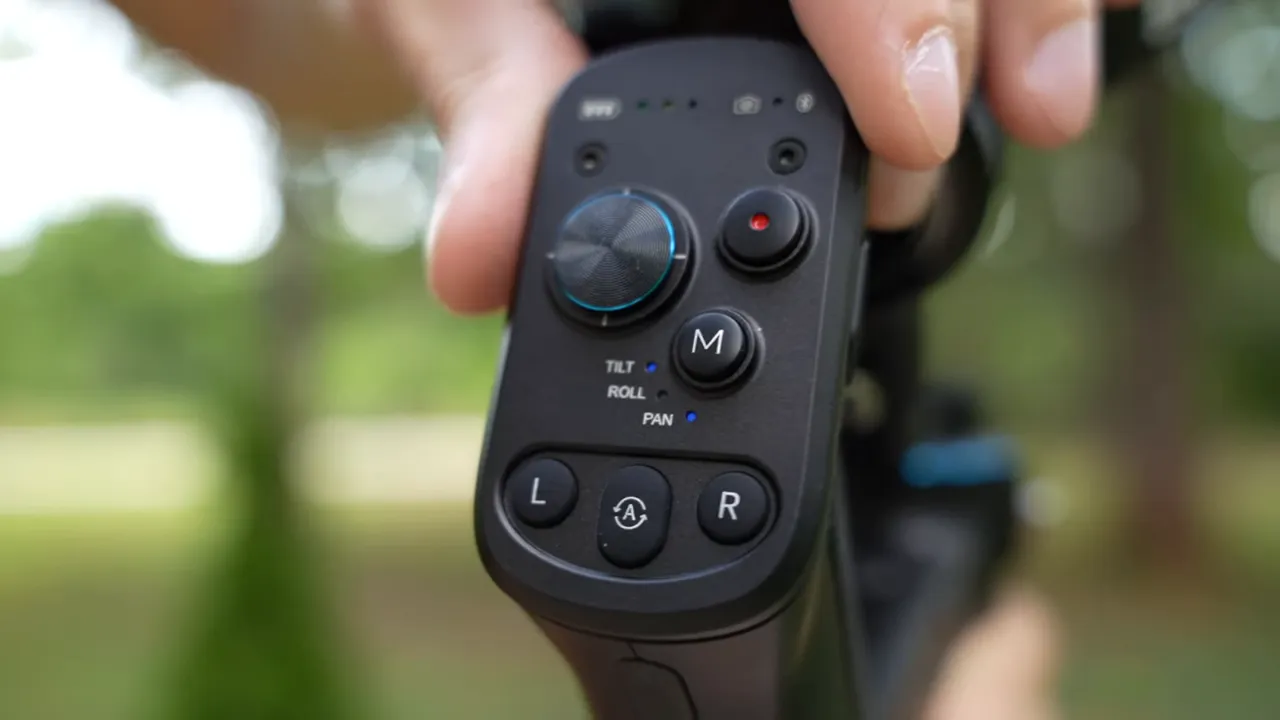
Press the M button to toggle between the three modes. These map to the axes you likely already know:
- Tilt — camera points up and down
- Pan — camera turns left and right
- Roll — camera rotates like a wheel (diagonal)
Mode lights indicate behavior. If the mode lights are off, the gimbal locks to a single direction and will not follow your body or handle movement. If the lights are on, the camera follows the handle for the active axis(es).
Trigger — lock framing or reset
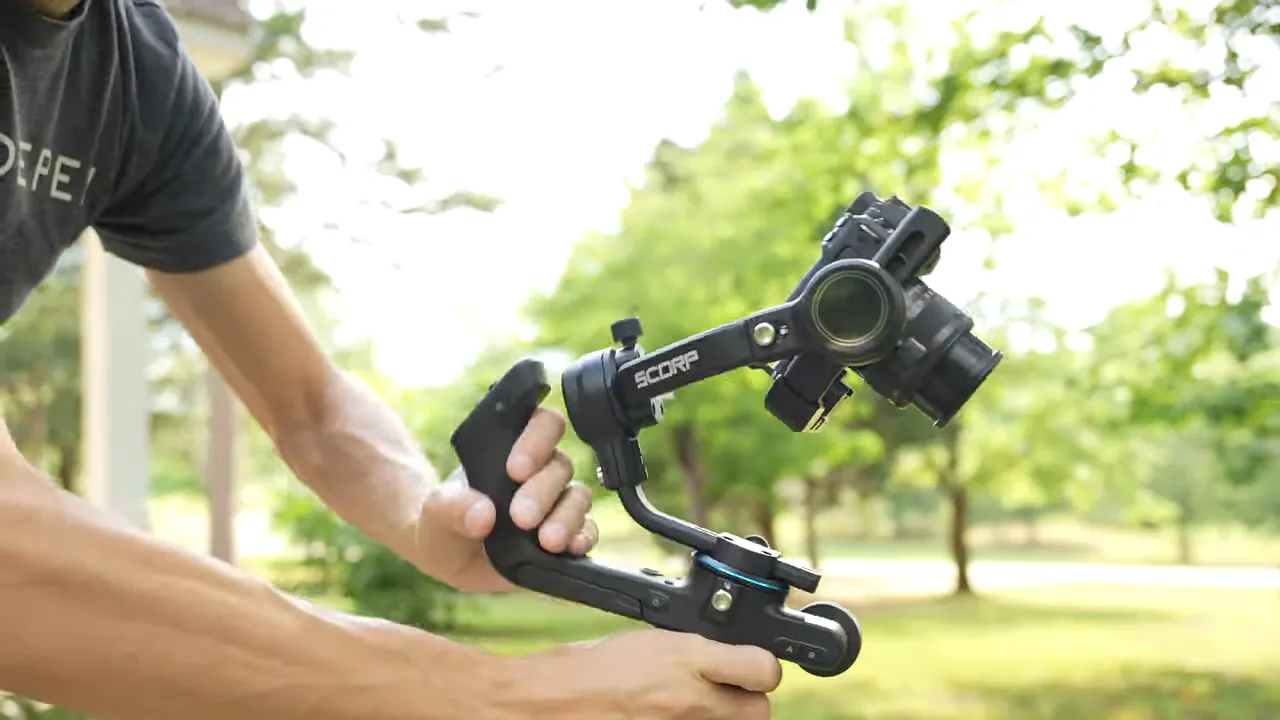
The front trigger is the button you’ll reach for most. Hold it to lock pan and tilt so the camera points wherever you point the gimbal. If you double-click the trigger, the gimbal will reset all axis points (useful to quickly re-center after a big move).
Creative controls
Auto rotate (A) — continuous rotation for dramatic shots
Press the A button to enter auto rotate mode. The camera will flip and begin continuous rotation. Use the L and R buttons to cycle rotation speed (slow, medium, fast). To stop auto rotate, press A again or double-click the trigger to reset.
Wheel / knob — precise control without moving the handle
The front wheel (knob) is one of the SCORP‑C’s best features. It gives smooth, precise adjustments of the active axis. Toggle which axis the knob controls by pressing the small button next to it — each press cycles pan, tilt, and roll.
Portrait mode — vertical shooting made simple
Double-tap the portrait mode button to flip the camera into vertical orientation. All gimbal features remain the same in portrait as in landscape, so you can use the joystick, wheel, and modes exactly as before when creating TikTok, Shorts, or Instagram content.
Handy shortcuts and power tips
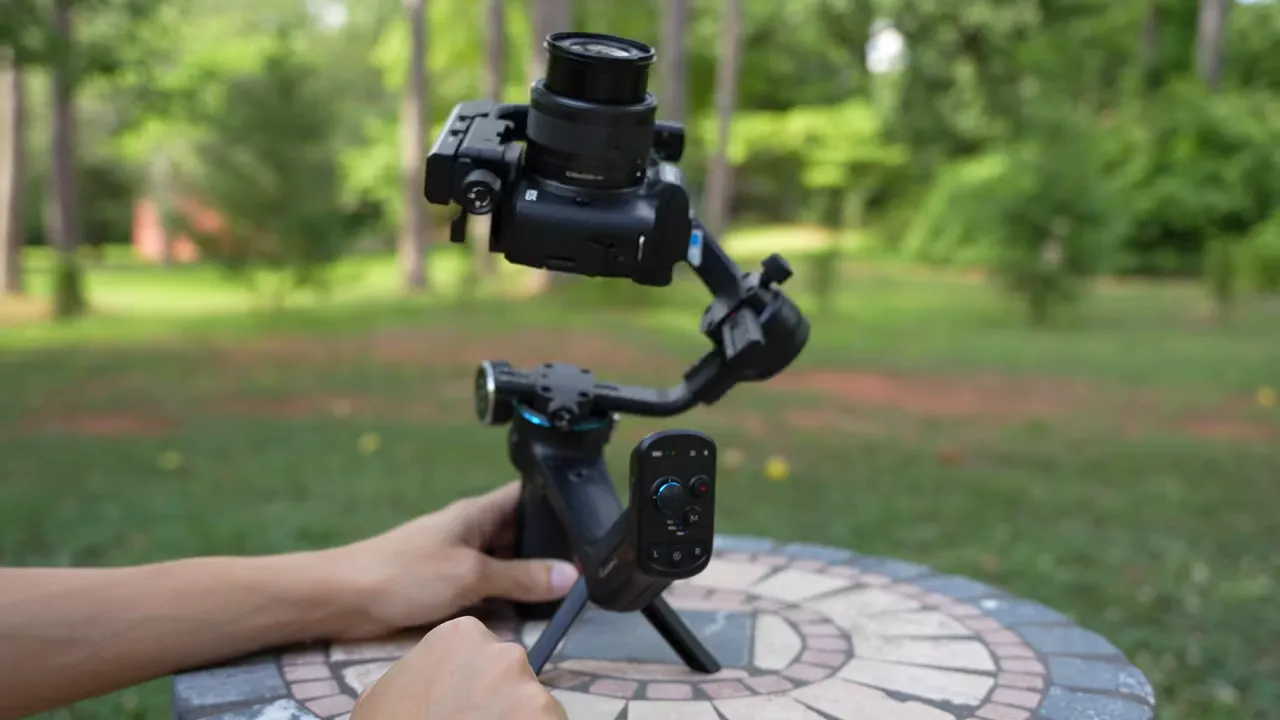
- Standby mode — double-click the power button to put the gimbal into standby instead of powering off. Great when you want to rest the gimbal on its legs briefly.
- Reset axes — double-click the trigger to re-center and reset all axis points.
- Mode lights — use them to know at a glance whether the gimbal will follow movement or stay locked.
Practical tips for smoother footage and longer shoots
-
Ninja walk for smooth movement
Bend your knees and walk softly. A low, controlled step absorbs vertical bounce and produces noticeably smoother footage than walking with stiff legs.
-
Use the built-in legs to rest
The SCORP‑C has extendable legs built into the handle. When you’re between shots, set it down on those legs instead of holding the gimbal. It saves energy and reduces fatigue on long shoots.
-
Put it in standby instead of powering off
If you need a short break, double-click the power button to enter standby. That keeps settings intact and gets you back to shooting quickly without a full reboot.
When to reach for each control
- Use the joystick for small, immediate framing corrections.
- Hold the trigger to lock pan/tilt while moving the handle for a fixed look.
- Use the wheel for slow, cinematic pans or tilt adjustments.
- Auto rotate for stylized reveal or 360-like moves — adjust speed with L/R.
- Switch to portrait for vertical social clips, then use the same controls you already know.
Final thoughts
The FeiyuTech SCORP‑C balances usability and creative features in a compact package. Once you memorize a few buttons and practice the ninja walk, it becomes a reliable tool for smooth, cinematic handheld shots. The auto rotate and wheel add extra creative options that you would normally expect on more expensive rigs.
Get familiar with the mode lights, the trigger and knob behavior, and the built-in shortcuts and you’ll be able to shoot more confidently and for longer sessions without burning out.


