If you want an Apple-style keyboard without paying Apple keyboard money, the Seenda Wireless Bluetooth Keyboard is a pretty interesting option. It aims to deliver that same slim Mac-friendly look and low-profile typing feel for about half the price.
At the time of testing, this keyboard came in at around $50, while Apple’s own keyboard typically sits around $100 to $130 depending on the version. So the big question is simple: does the Seenda actually feel like a worthwhile alternative, or is it just a cheap knockoff?
After spending time with it, the answer is pretty straightforward. It is not as premium as Apple’s keyboard, but if you’re on a budget, it’s still a solid buy.
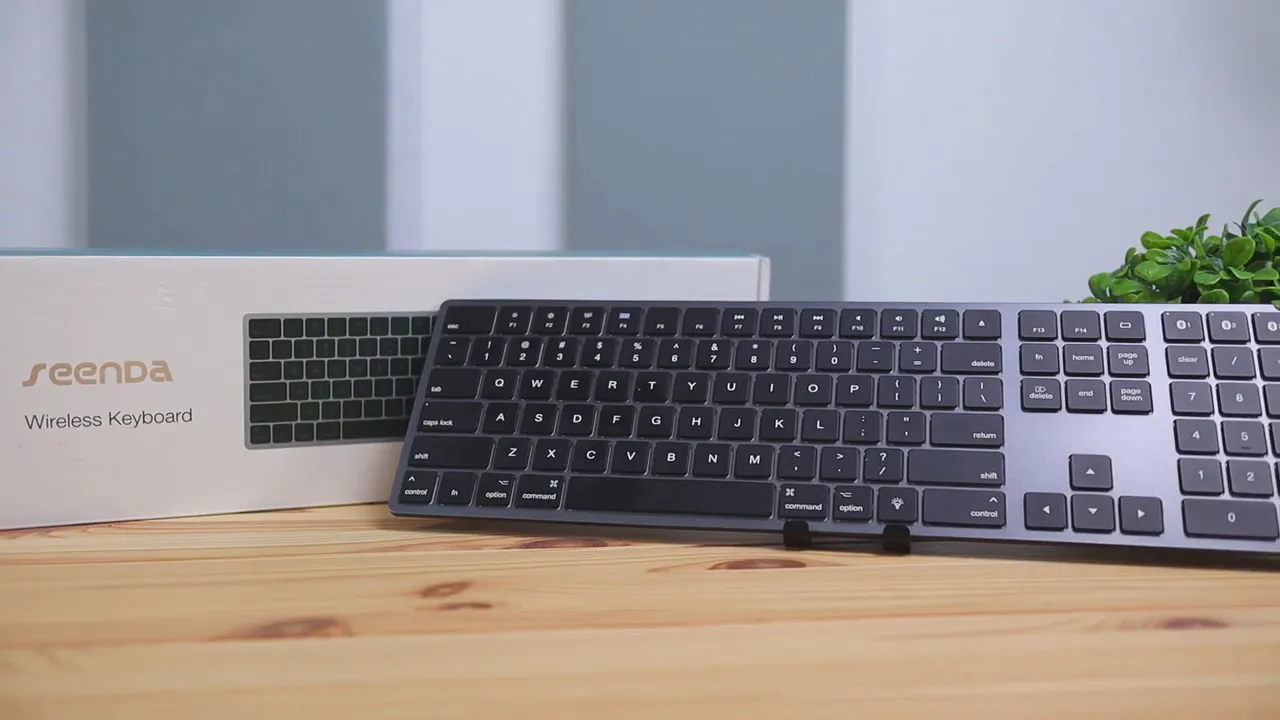
What comes in the box
The unboxing is simple, but Seenda does include a couple of extras that are genuinely useful. Inside the box, you get:
- The keyboard itself
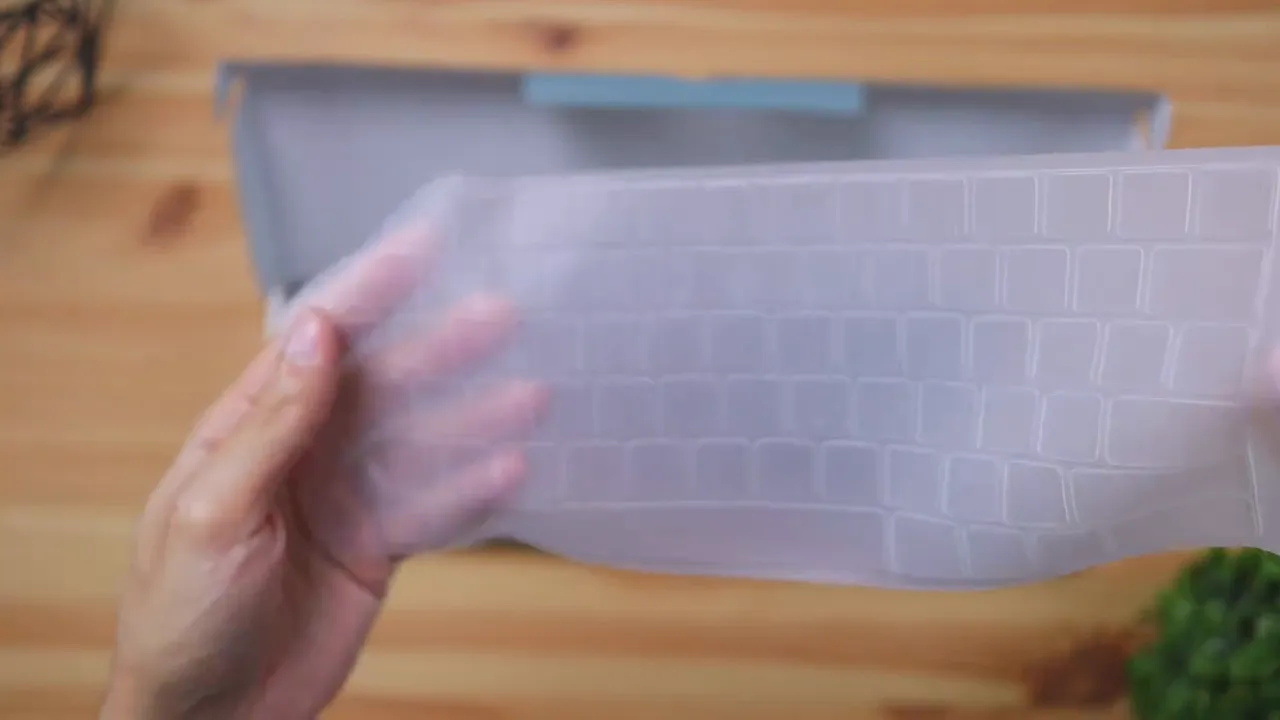
- A silicone keyboard cover
- A micro USB charging cable
- A quick start guide
The silicone cover is a nice touch. It adds some protection and helps with water resistance if you accidentally spill a drink on the keyboard. That is something you do not typically get bundled in with a standard Apple keyboard.
Features that stand out
One of the biggest reasons this keyboard gets attention is that it actually includes some features Apple leaves out.
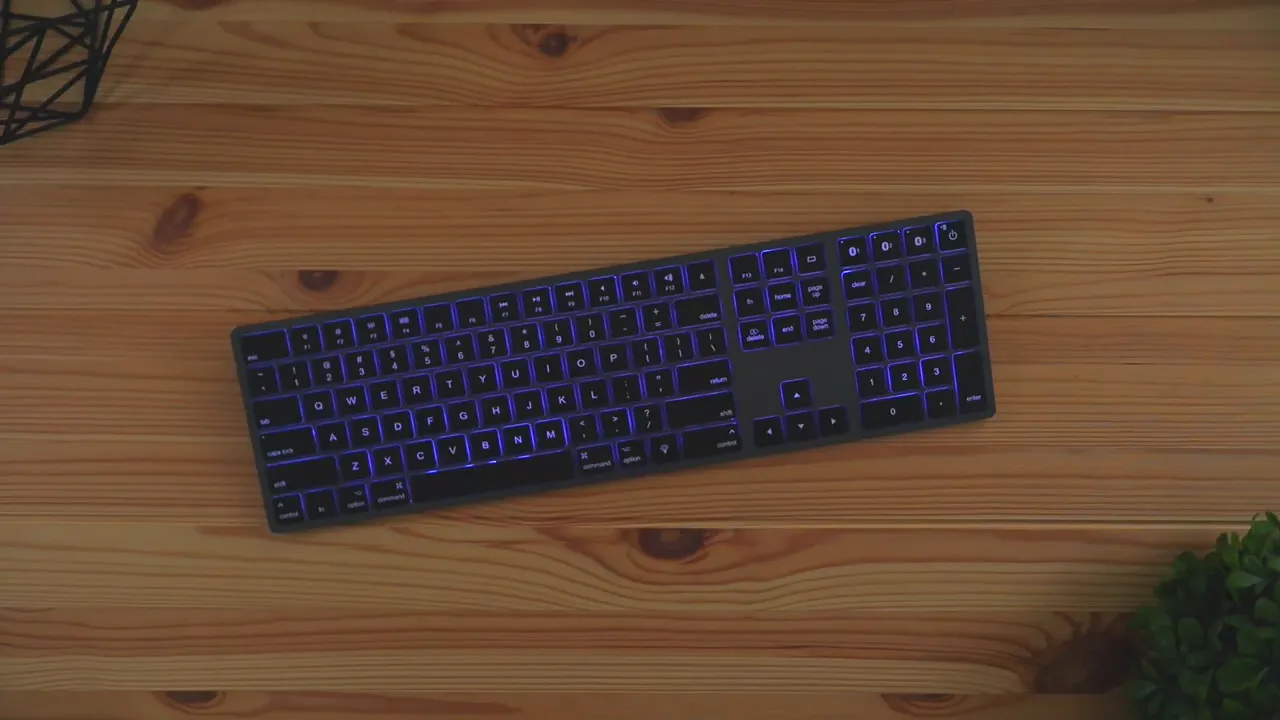
1. Backlit keys with multiple colors
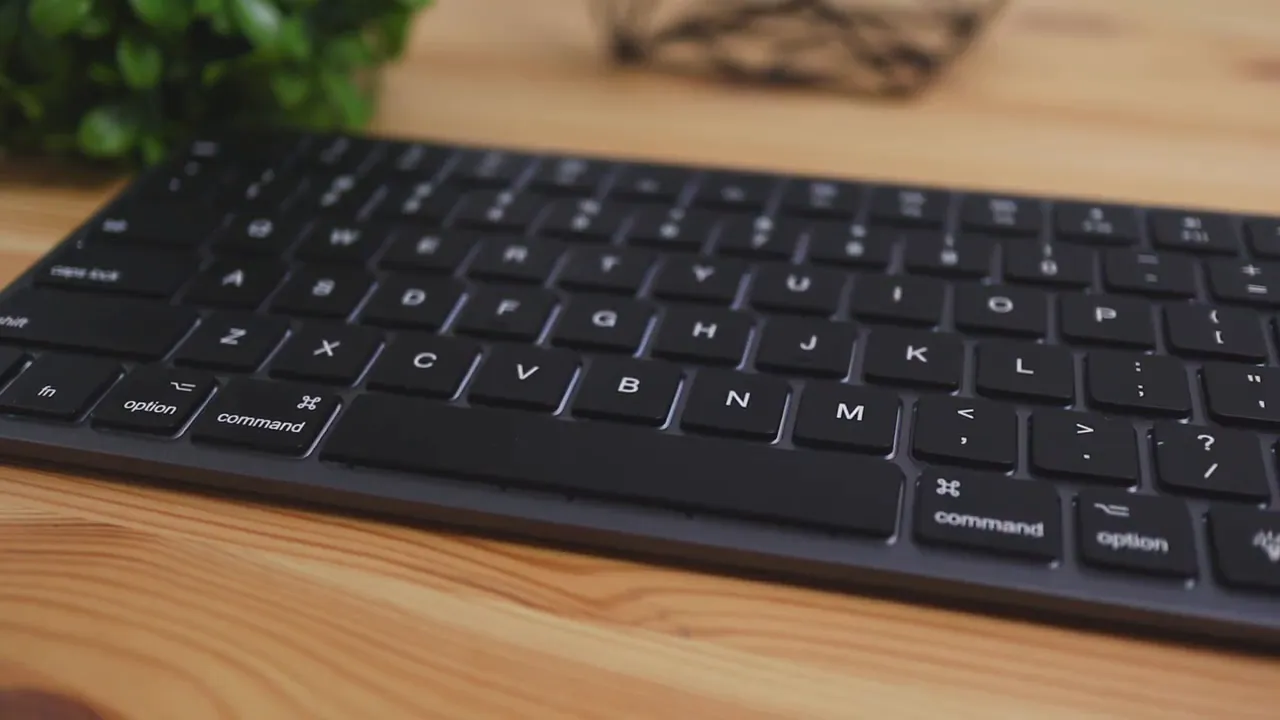
The Seenda has LED backlighting, which is great if you type at night or work in darker environments. Even better, it is not just a single-color backlight. You can cycle through seven different colors and adjust the brightness to match your setup or just your personal preference.
That alone makes it appealing for people who want a Mac-style keyboard but also want a little more functionality.
2. Multi-device Bluetooth pairing
This keyboard can pair with up to three devices and let you switch between them with a button press. That means you can move between your computer, tablet, and phone without having to constantly reconnect.
If your desk setup includes multiple Apple devices, or even a mix of Apple and non-Apple gear, that convenience goes a long way. This kind of multi-device support is also one of the reasons keyboards like the Logitech K380 have stayed popular for so long.
3. Full-size Mac layout
According to the listed product features, this is a full-size keyboard designed for Mac, including a numeric keypad. That makes it a better fit for spreadsheets, finance work, and anyone who prefers a full desktop layout over Apple’s more compact options.
Design and overall look
Seenda clearly went for an Apple-inspired design here. The keyboard uses a space gray style that fits in nicely with the newer Mac aesthetic. Apple has moved away from the older all-white look and leaned more into darker, more “pro” looking finishes, and this keyboard follows that vibe pretty closely.
As far as available colors go, the main option here is space gray. So if you were hoping for brighter finishes or multiple color variants, that does not seem to be part of the package.
From a distance, it definitely gives off that Apple keyboard energy. If your goal is to match a MacBook, iMac, or Mac mini setup without dropping premium money, Seenda gets pretty close visually.
Build quality: where the price difference shows up
This is the area where Apple still has a clear advantage.
The Seenda keyboard is made fully out of plastic. That includes the front, the back, the base, and the keycaps. Because of that, there is some flex in the body if you actually try to bend it.
By comparison, Apple’s keyboard feels much more rigid and durable because it uses a much more premium construction, with aluminum playing a big role in that solid feel.
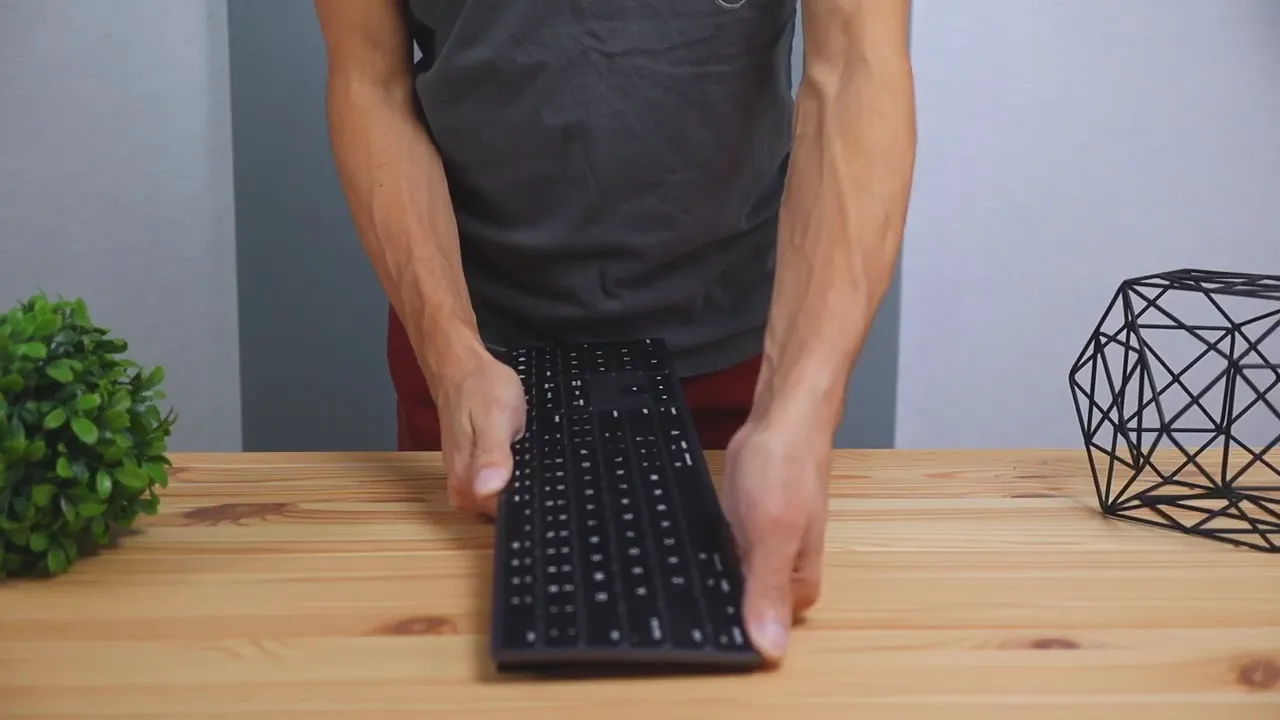
That said, this difference matters more on paper than it does in normal use.
You are not usually sitting there trying to bend your keyboard. Most of the time it is just sitting on your desk, and during normal typing the build quality does not really get in the way. It may not feel bulletproof, but it also does not feel unusable or flimsy in day-to-day use.
If premium materials are a must, Apple still wins. If you mainly care about the experience while typing at your desk, the Seenda holds up better than you might expect for the price.
Battery life and charging
Battery life is one of the more practical considerations here, especially since this keyboard includes backlighting.
With the LED lights turned up to the brightest setting, Seenda rates it for up to 16 hours of use. If you lower the brightness or turn the lights off entirely, you can expect it to last much longer. The product listing also notes that the built-in 2000mAh battery can deliver up to 400 hours of use without backlight after a full charge.
Charging happens through a micro USB port on the back of the keyboard.
That is one area where this feels a bit dated. USB-C would obviously be nicer, especially on a keyboard designed to pair with modern Apple devices. But as long as you are okay keeping one more micro USB cable around, it gets the job done.
If battery life and premium productivity features matter more to you than saving money, something like the Logitech MX Keys S sits in a more premium category. But for the price, Seenda’s battery performance is still respectable.
Typing experience: surprisingly close to Apple
This is really the part that matters most. If a budget keyboard looks nice but feels bad to type on, none of the extra features matter.
Thankfully, the Seenda does a pretty good job here.
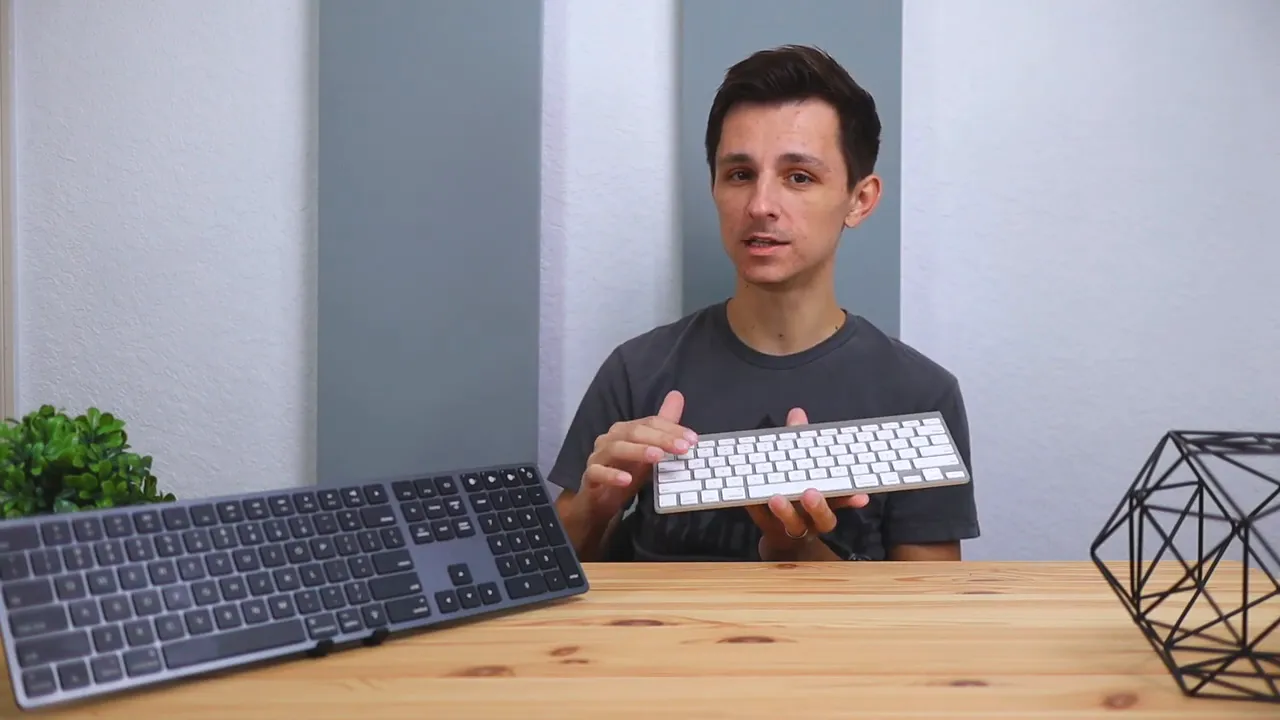
Overall, the typing experience is very comparable to Apple’s keyboard. The main difference comes down to the feel of the keycaps themselves:
- Apple keyboard: glossier key finish
- Seenda keyboard: more textured plastic feel
That texture changes the feel under your fingers, but the actual press and response are very similar. Both keyboards use a rubber dome design with scissor switches, so they share that familiar low-profile, laptop-style typing action.
That means you still get a relatively quiet, quick, and shallow keypress that feels well suited for office work, writing, and general everyday use.
How it sounds
In side-by-side testing, the two keyboards sounded very close. Regular typing noise was similar, and the biggest small difference showed up in the space bar. The Apple keyboard’s space bar sounded a little more clacky in comparison, though that may have had something to do with age and wear since the Apple keyboard being compared had already been used for a few years.
So if you are worried that the Seenda will feel dramatically worse, that was not really the case. It felt close enough that the lower price becomes the main thing pulling attention.
Who should buy the Seenda keyboard?
This really comes down to budget.
If spending over $100 on a keyboard is no big deal, Apple’s keyboard is still the better choice. You get the more premium materials, the stronger overall construction, and that polished Apple feel.
But if you are trying to save money and still want something that looks good on a Mac desk setup, the Seenda makes a lot of sense.
It gives you:
- An Apple-inspired space gray design
- A similar low-profile typing experience
- Backlit keys with seven color options
- Multi-device Bluetooth support for up to three devices
- A lower price point around $50
For a lot of people, that combination is enough to make it the smarter purchase.
If you want to browse more options in this category, there are also some other useful keyboard reviews and comparisons here worth checking out.
Who should still go with Apple?
You should probably stick with Apple’s keyboard if any of these are a priority:
- You want the most premium materials and build quality
- You care a lot about aluminum construction and minimal flex
- You are already comfortable paying Apple accessory prices
- You do not care about backlighting or extra color options
Apple’s keyboard is still the more refined product. The Seenda is not beating it on luxury. It is competing on value.
Final verdict
The Seenda Wireless Bluetooth Keyboard is a good budget alternative to the Apple keyboard. It does not match Apple’s build quality, and the plastic body makes that obvious, but the overall experience is still solid.
The typing feel is close, the design fits nicely with Apple gear, and features like backlighting and three-device Bluetooth pairing actually give it some advantages over Apple’s own option.
If you want the best premium Mac keyboard and money is not an issue, get the Apple keyboard.
If you want something that captures a lot of the same experience for about half the price, the Seenda is absolutely worth a look. You can check the current price and availability on the product listing here.
For anyone shopping for a Mac-compatible wireless keyboard with backlit keys, a slim profile, and multi-device Bluetooth support, this one earns its place as a strong budget pick.


