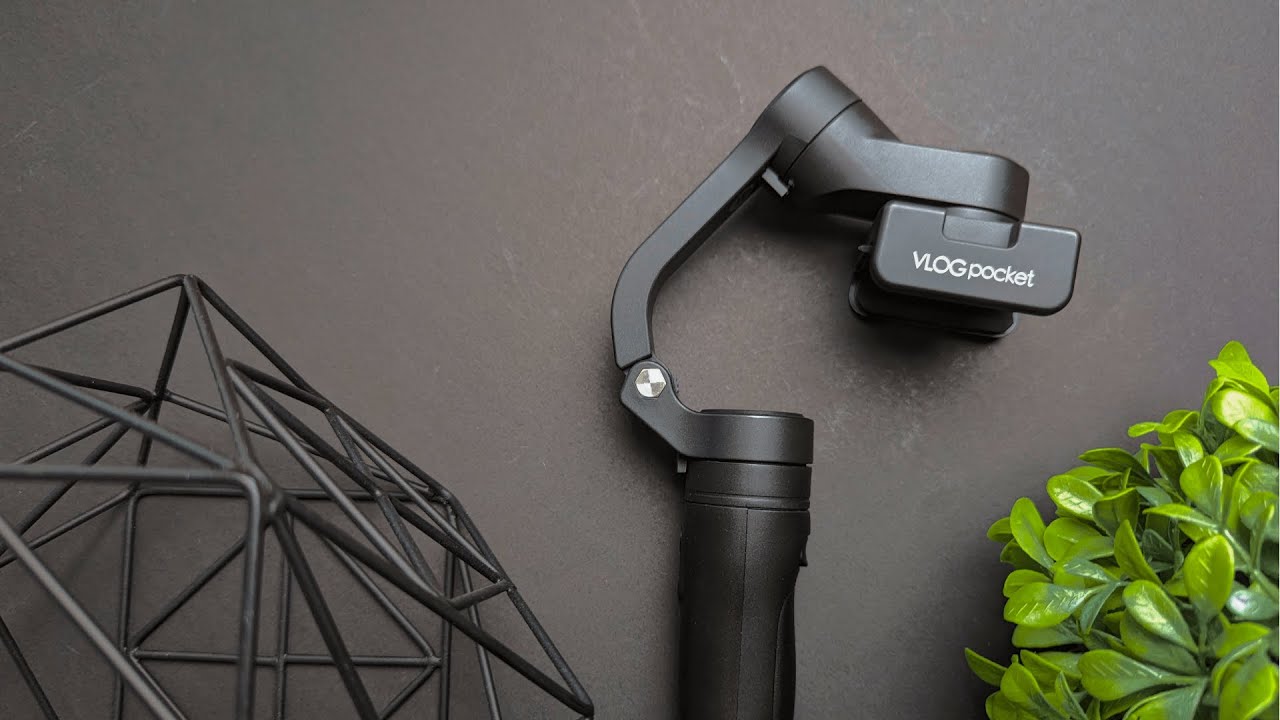
Overview
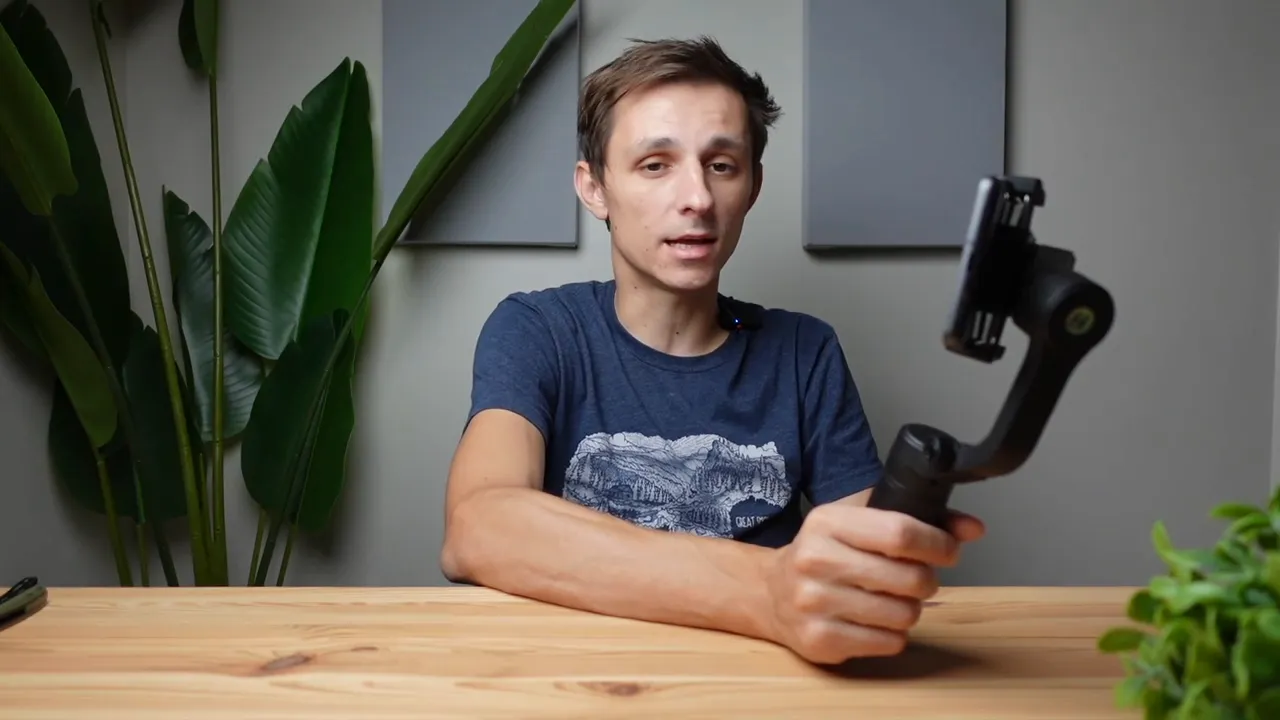
The FeiyuTech Vlog Pocket is a compact smartphone gimbal built for creators who need smooth, stable footage without a lot of fuss. It’s pocketable, straightforward to operate, and designed for quick transitions between horizontal and vertical shooting for TikTok, Instagram Reels, and YouTube Shorts.
What’s in the box
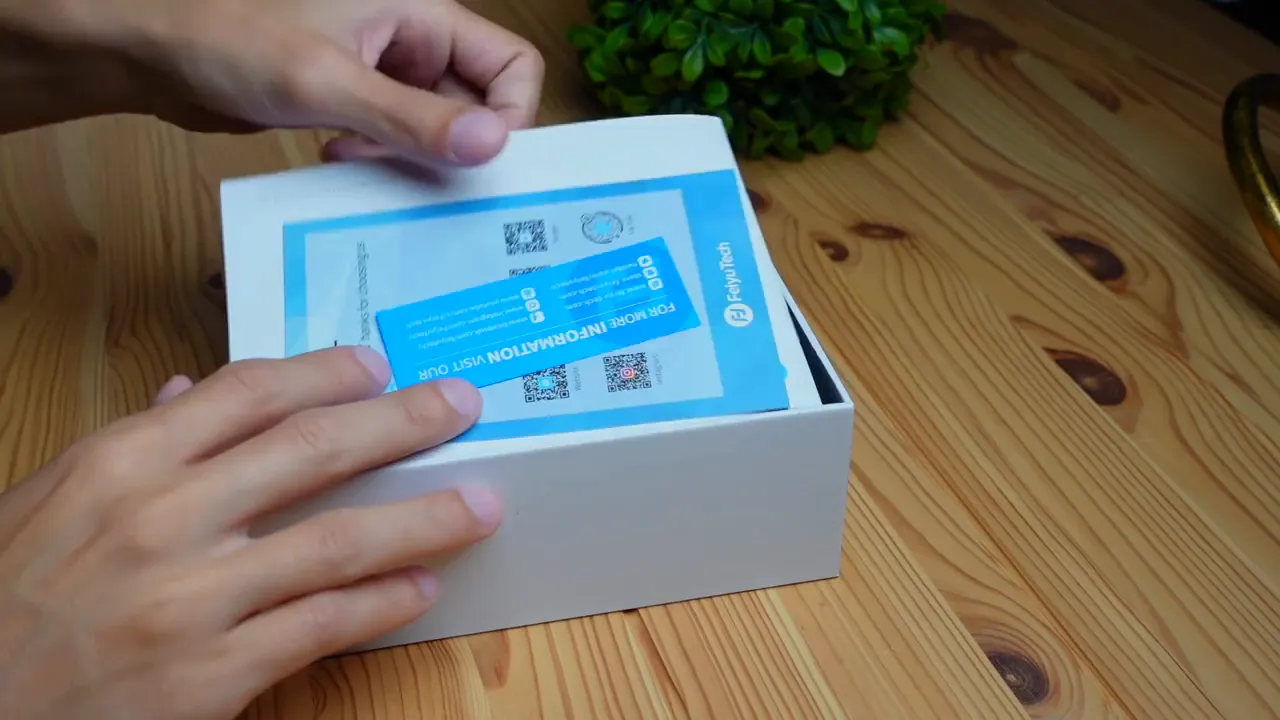
The package includes the gimbal, basic paperwork, and an instruction manual. The manual covers the essentials, but the whole device is simple enough to learn by doing.
Quick setup — unlock, prop, and lock
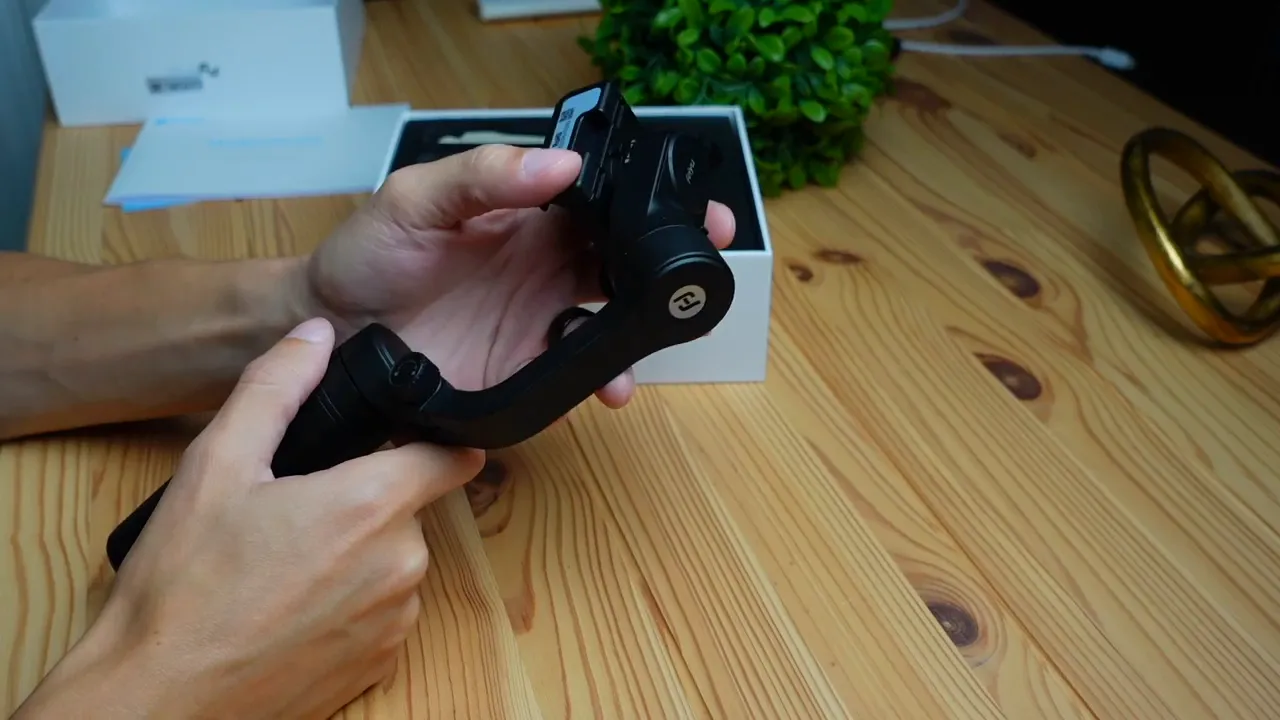
Setting the gimbal up takes just a few steps:
- Unlock the main dial by twisting it left to free the arm.
- Prop the arm to your desired angle and lock it by screwing the dial back in.
- Unlock the secondary joint if you want the head to freely rotate.
Once both parts are unlocked and set, the unit will swivel and rotate in all directions for smooth movement.
Mounting your phone
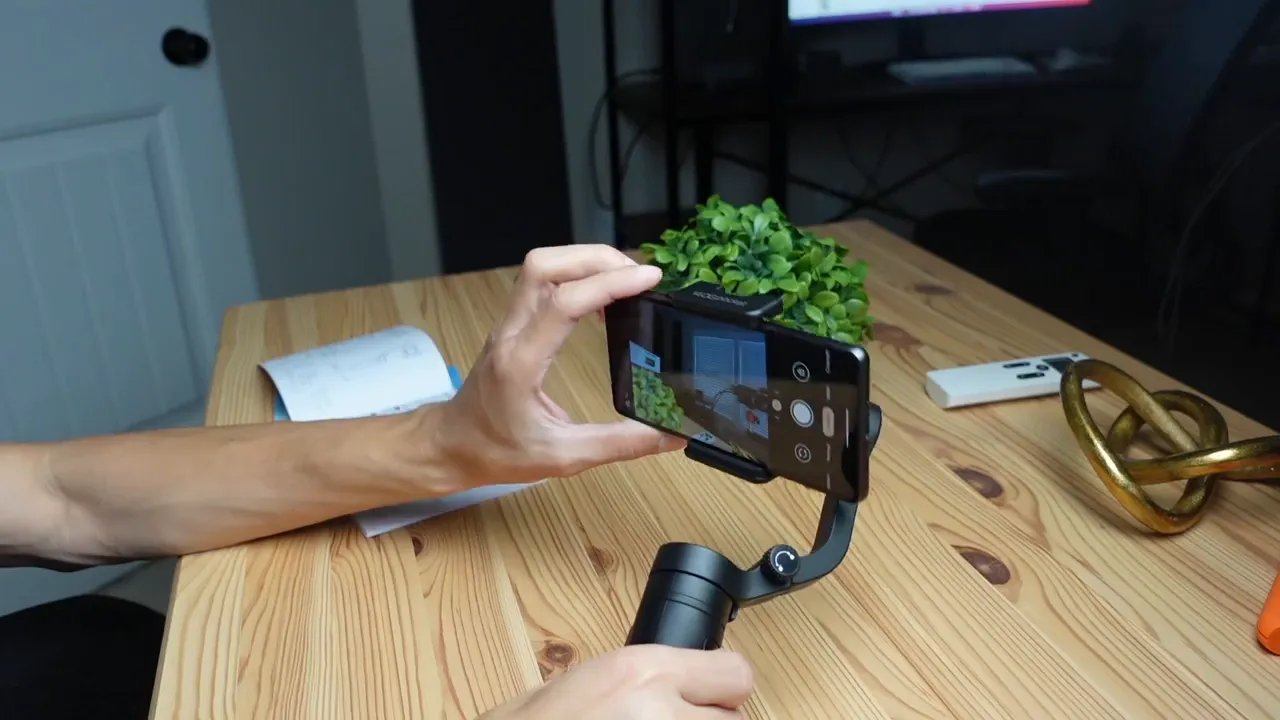
The phone clamp expands to accept your device. For best balance:
- Remove bulky cases if needed for an easier fit.
- Center the phone so the clamp holds it evenly — this improves stabilization and battery life.
Powering on and basic controls
Power on by holding the top button until you hear the beep. The gimbal will initialize and begin smoothing out motion immediately.
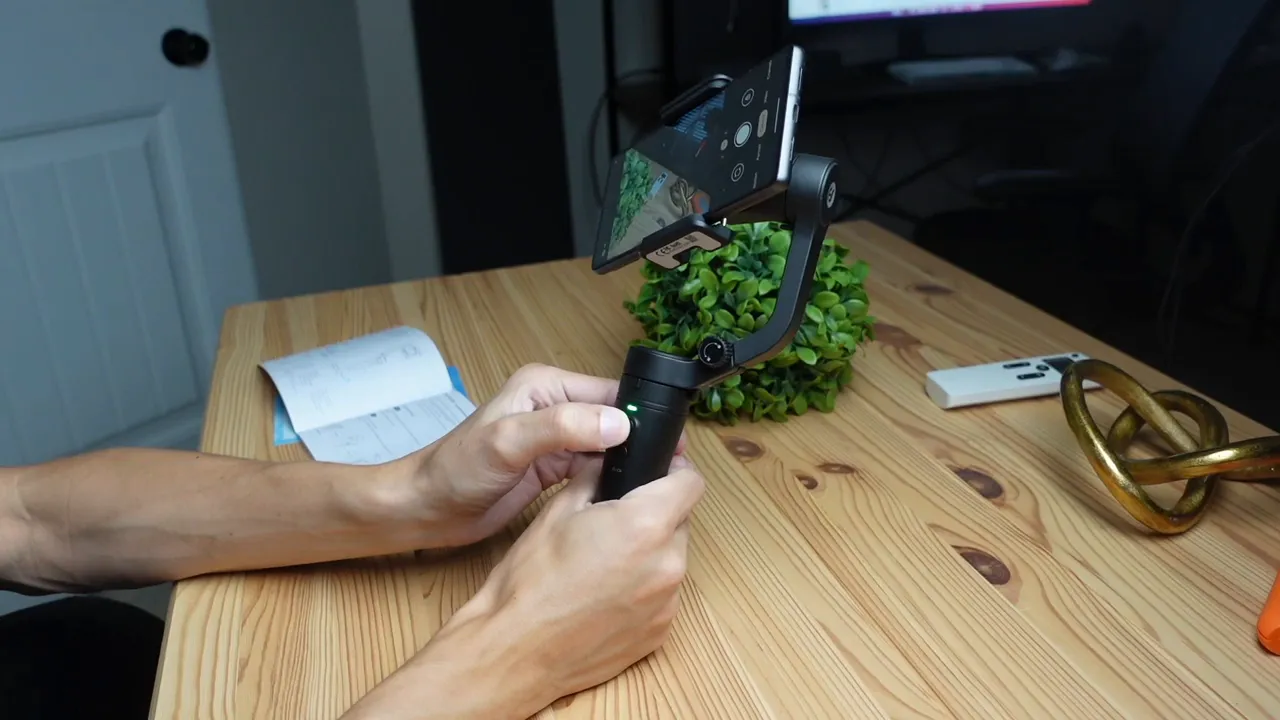
There are two primary control modes to know:
- Pan mode: the gimbal follows your horizontal movement so the camera pans smoothly as you turn.
- Lock mode: the camera locks to a fixed direction and does not follow your turn — ideal for consistent framing.
Toggle between pan and lock with the main button. If the gimbal gets off-center, a double-click of the trigger recenters it instantly.
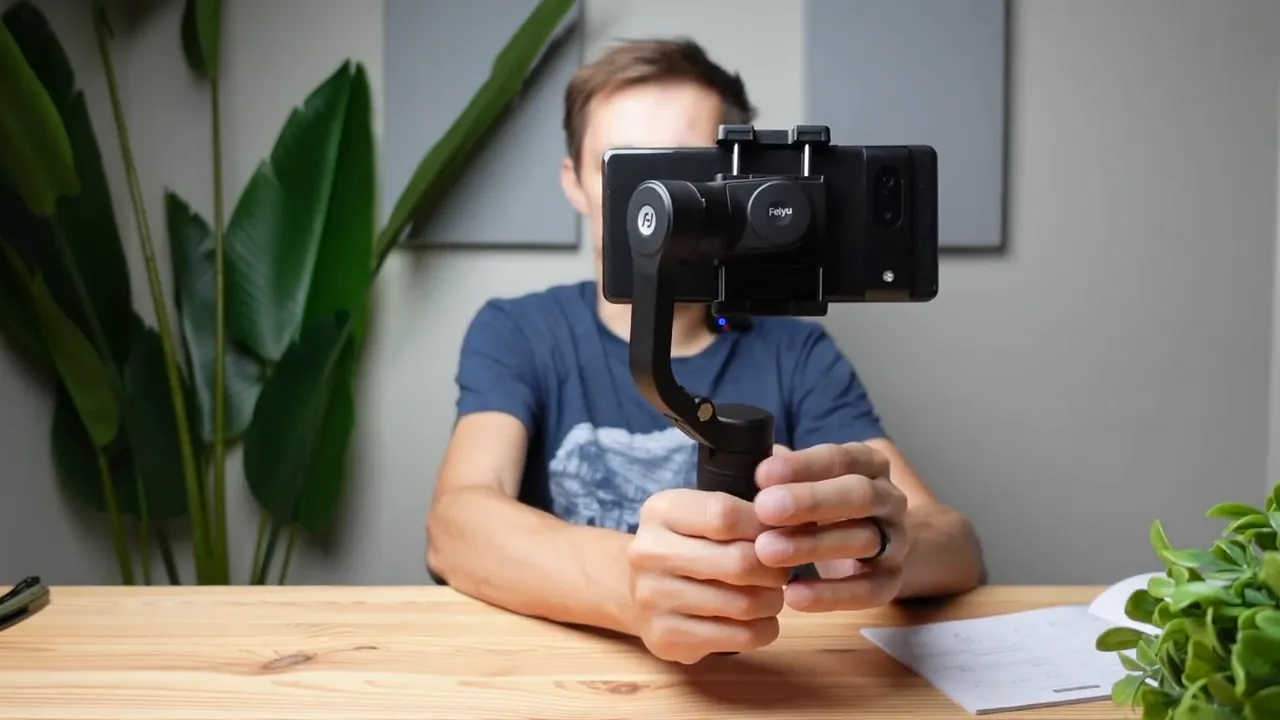
Switching vertical and horizontal
Switching orientation is painless: double-tap the power button to flip between landscape and portrait. That makes it quick to shoot standard video or create shorts and vertical clips for social platforms.
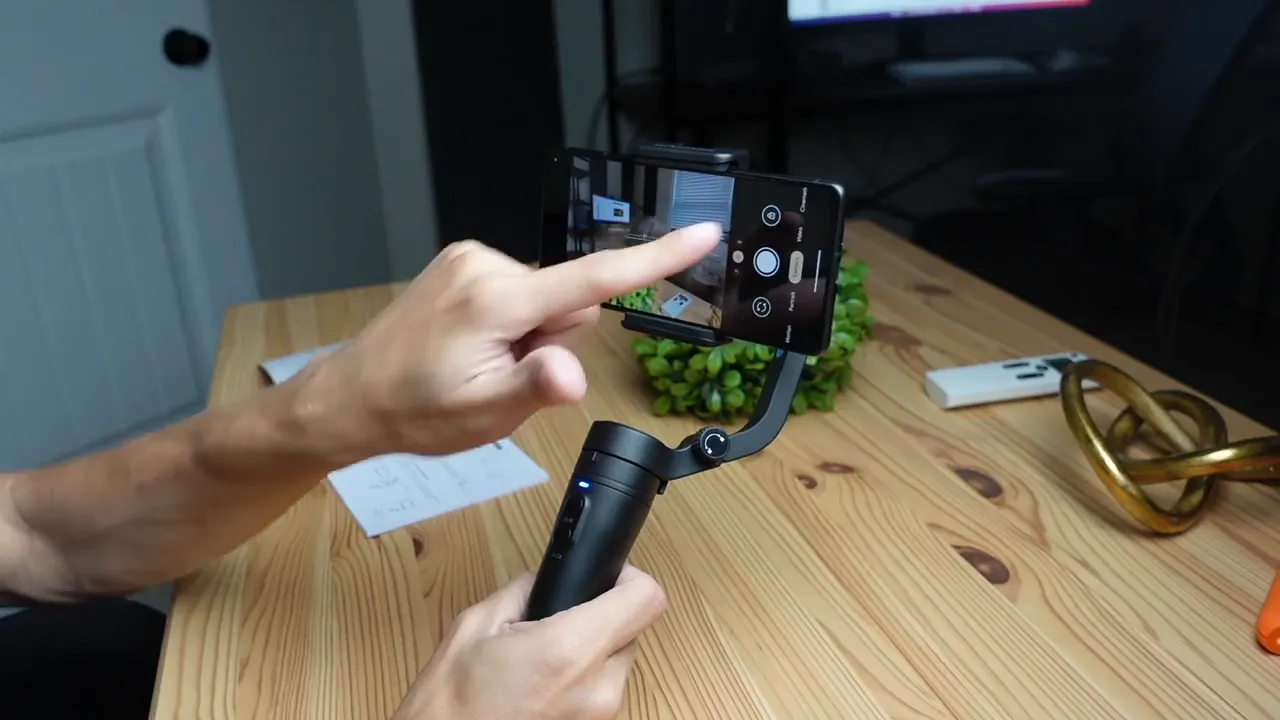
Photo and video control
A bottom button toggles between photo and video modes when the gimbal is paired with your phone. You can trigger recording via the gimbal, but many prefer to control capture directly on the phone screen to avoid extra cables and simplify the setup.
Follow mode and the trigger
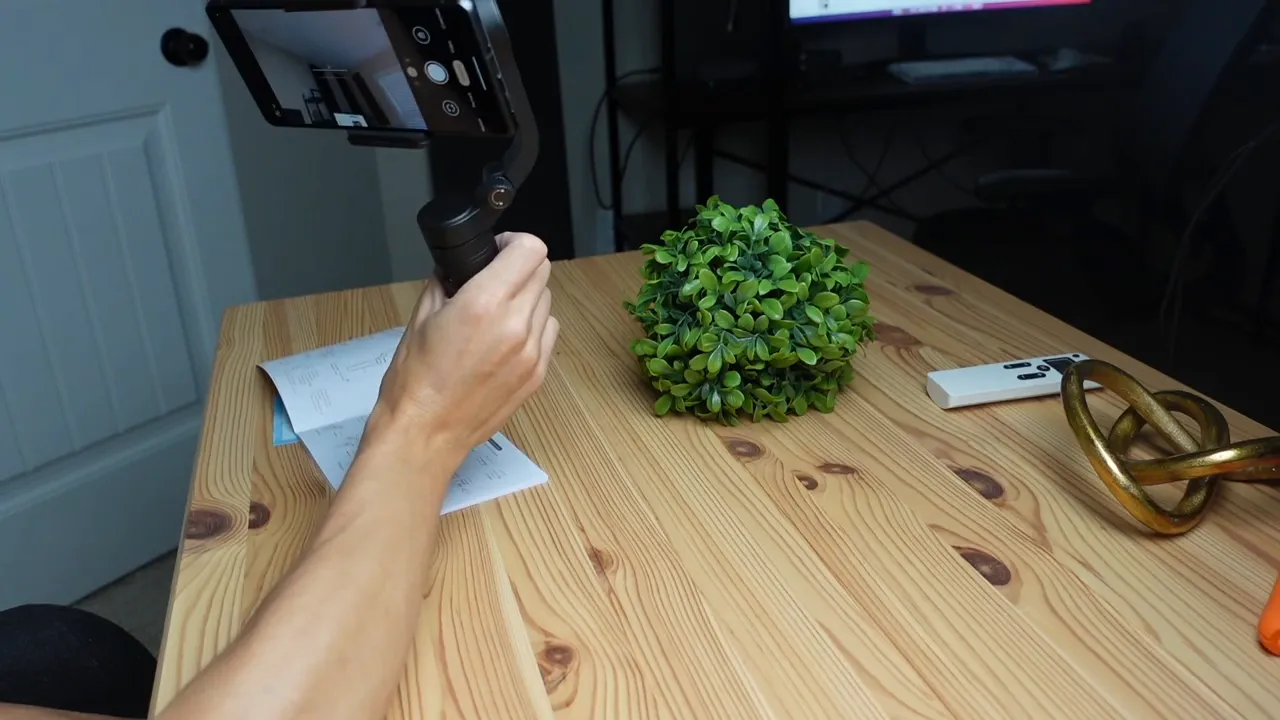
The rear trigger toggles follow behavior. In normal mode, tilting your hand won't tilt the camera. Hold the trigger to enable follow so the camera will look up or down with your movement — useful for capturing dynamic motion or changing elevation.
Who is this gimbal for?
The FeiyuTech Vlog Pocket targets creators who shoot primarily with a smartphone and want a no-fuss stabilizer. It’s especially useful for:
- New content creators starting out on a budget.
- Experienced vloggers who need a compact backup or travel-friendly option.
- Anyone making quick social clips who values portability.
Pros and Cons
- Pros
- Compact and pocketable
- Easy to operate — minimal learning curve
- Quick switch between horizontal and vertical orientations
- Solid stabilization for everyday vlogging
- Cons
- Limited advanced controls compared with larger, feature-rich gimbals
- Clamping might be tight with thick cases — removing the case is recommended
- Some users may prefer on-screen controls rather than using gimbal buttons
Tips for getting the smoothest footage
- Balance the phone in the clamp before powering on to reduce motor strain.
- Use follow mode for movement that changes pitch, like walking up stairs or filming crowds.
- Double-click the trigger anytime the gimbal feels off-center to quickly recalibrate.
- Keep firmware updated if FeiyuTech releases improvements for smoother performance.
Final recommendation
If you want a small, affordable gimbal to make phone-shot video look noticeably better without complicated setup, this is a strong choice. It delivers smooth footage, easy orientation switching, and straightforward controls that fit the needs of casual and on-the-go creators.
Want a quick link to buy?
The FeiyuTech Vlog Pocket is an accessible option for anyone focused on smartphone vlogging and social video. It’s convenient, effective, and ready to use right out of the box.
Related gear and resources
If you want to round out your mobile content kit, consider these accessories and guides:
- Kova Tech — general reviews and guides for creators.
- Logitech Brio — an affordable webcam for streaming and calls.
- Litra Beam — compact lighting to improve video quality.
- SteelSeries Alias — a microphone option for clearer audio.
- Corsair Scimitar — a guide for advanced controller and button mapping.


