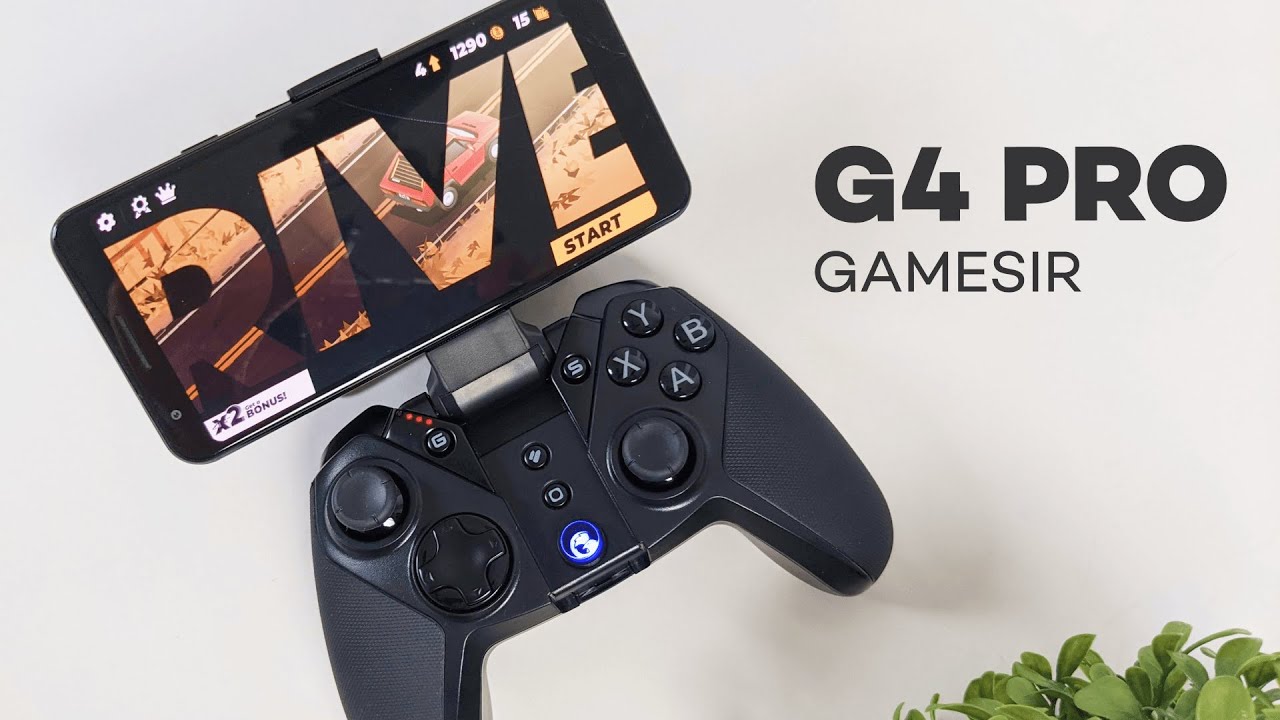
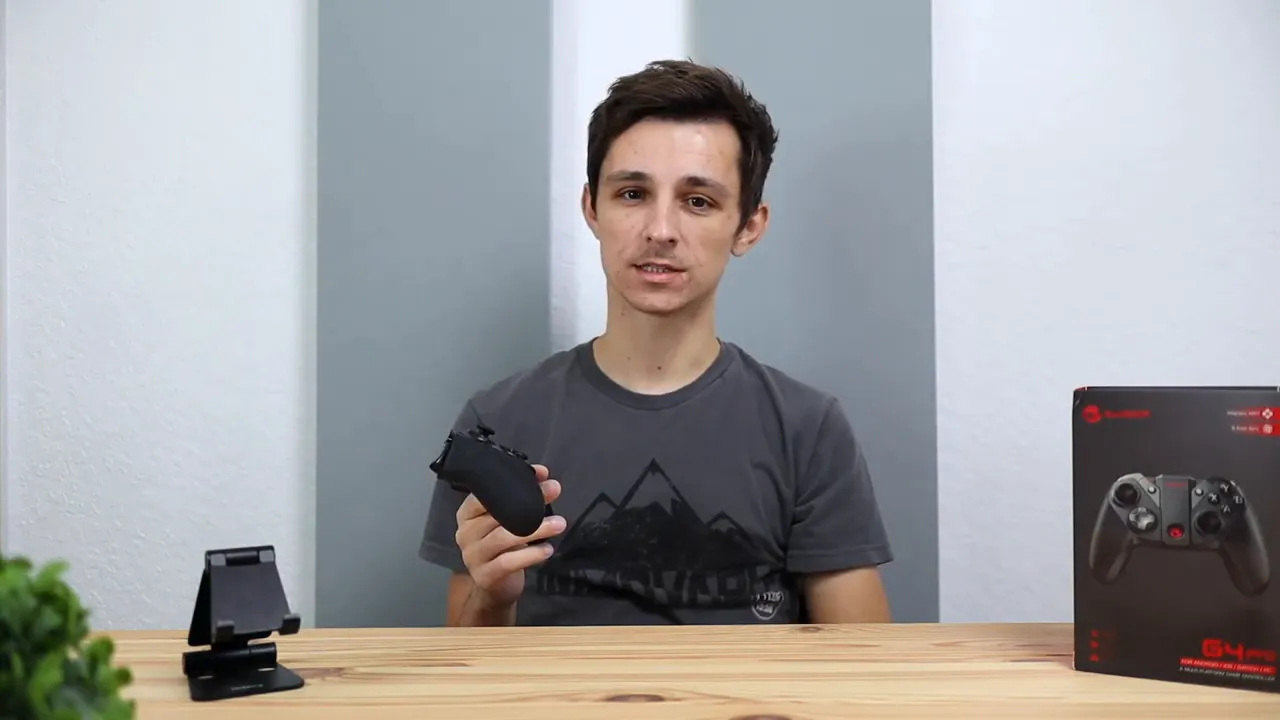
The GameSir G4 Pro is one of those controllers that immediately stands out because it is trying to do more than just be another generic gamepad. It is a multi-platform controller built for iPhone, Android, Nintendo Switch, and PC, and the big feature that separates it from a lot of the competition is the built-in phone holder tucked right into the body of the controller.
If you play mobile games, cloud gaming titles, Apple Arcade games, or even bounce between Switch and PC, this controller is clearly aimed at that kind of setup. It is not advertised for PlayStation or Xbox, so that is something to keep in mind before picking one up.
For more hands-on tech reviews and accessory coverage, Kova Tech has more writeups in a similar style.
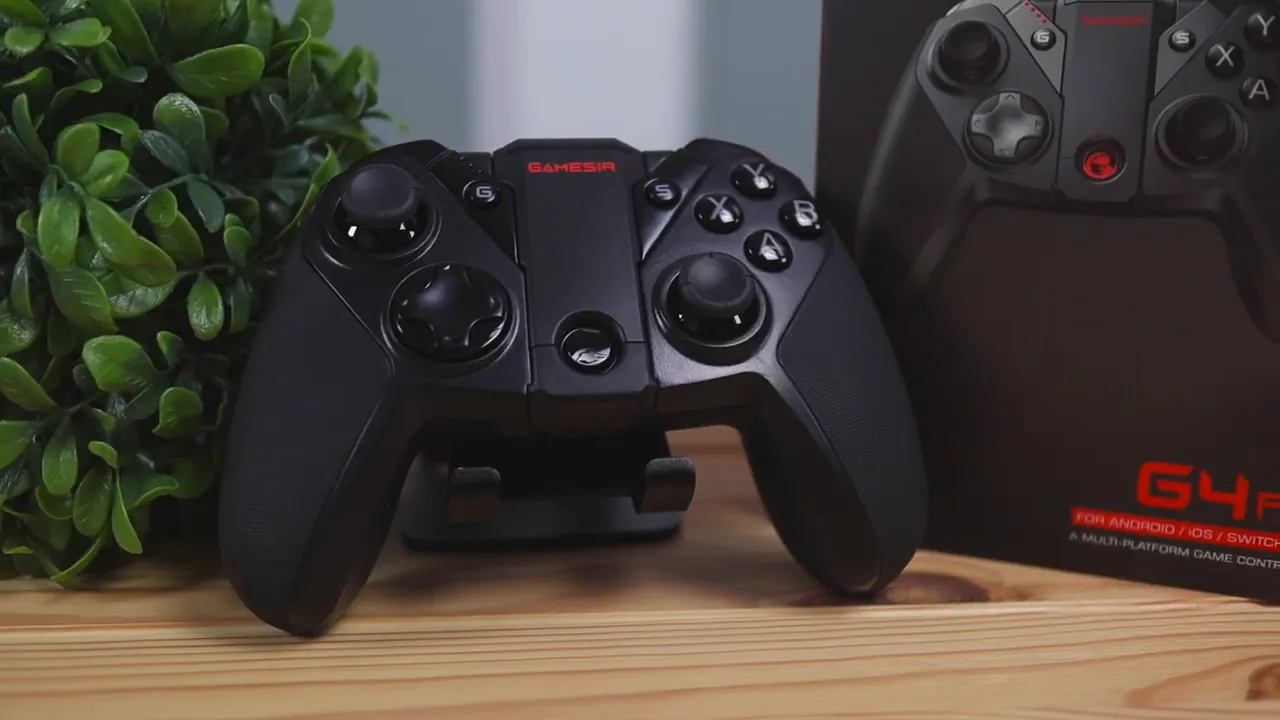
What the GameSir G4 Pro supports
The G4 Pro is designed to work across multiple platforms, which is a huge part of its appeal. Based on the product details and hands-on use, it supports:
- iPhone and iPad
- Android phones and tablets
- Nintendo Switch
- Windows PC
The product listing also calls out support for Apple TV, Android TV boxes, Steam, cloud gaming, Apple Arcade, and MFi-certified games. Connection options include Bluetooth, 2.4GHz wireless, and USB-C wired, which gives it a lot of flexibility depending on the device you are using.
If you want to compare game compatibility on Apple devices, Apple’s official controller support page is a useful reference.
What comes in the box
The unboxing experience is pretty straightforward, but everything included actually makes sense.
- The GameSir G4 Pro controller
- A phone securing piece that helps hold your phone more firmly in place
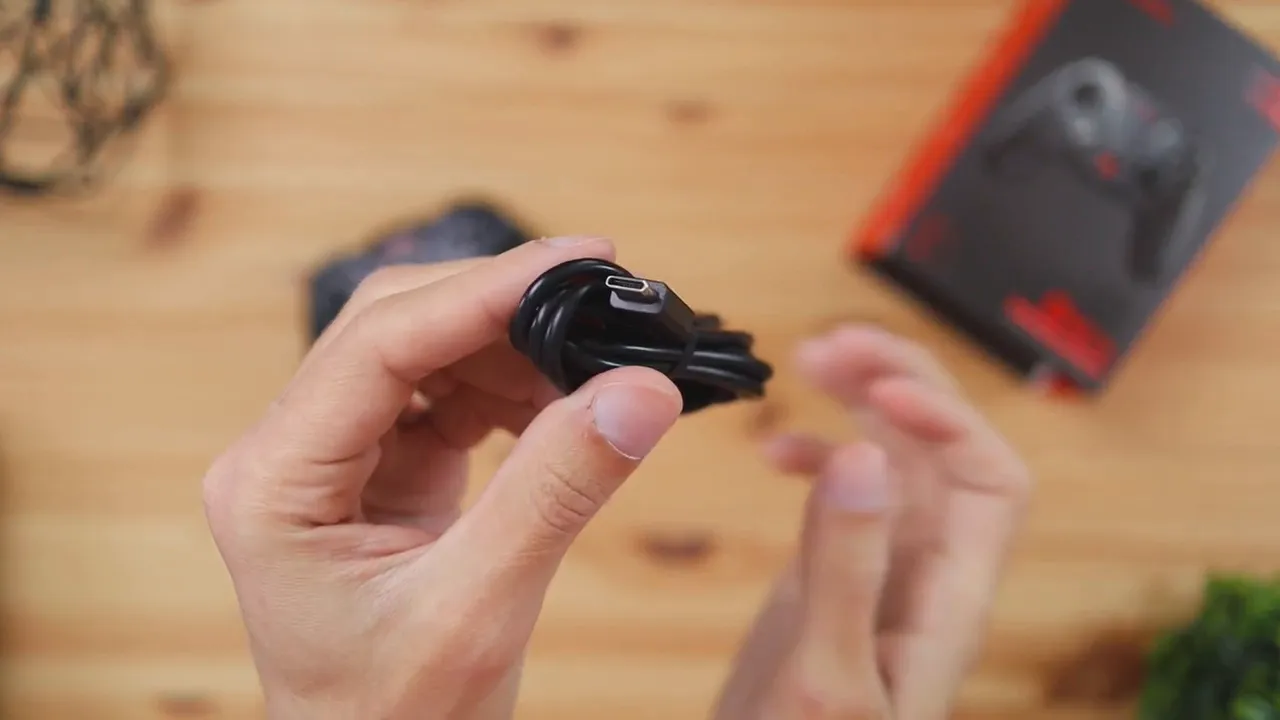
- A USB-C to USB-A charging cable
- A sticker pack
- A user guide/manual
The USB-C charging cable is a nice touch. It is always good to see modern charging here instead of older micro-USB, especially for quicker charging and general convenience.
First impressions: this does not feel cheap
Right away, the G4 Pro gives off a much better impression than a lot of budget controllers. It has some weight to it, and that helps it feel more substantial in the hand. When you shake it around, there is not much rattling or looseness, which is usually a good sign that the build quality is solid.
The controller is primarily made of durable plastic, but the palm grips use a textured rubberized material. That matters more than it sounds like, because it makes the controller feel more secure during longer sessions and helps reduce that slippery feel some all-plastic controllers have.
Overall, the build quality comes across as one of the strongest parts of this controller.
The built-in phone mount is the main selling point
This is easily the most unique part of the GameSir G4 Pro.
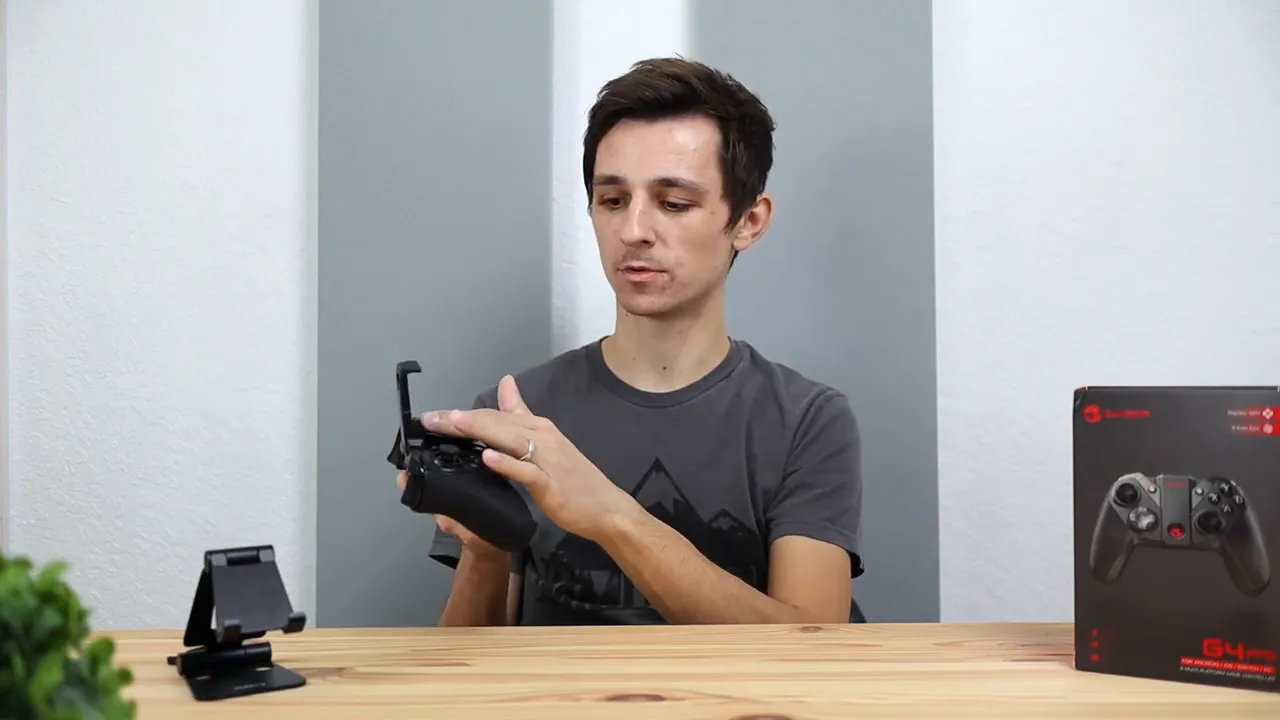
Instead of clipping on a separate mount, the phone holder is built directly into the center of the controller. You pull it out from the middle, and it locks into place with two viewing angles. That makes it easy to adjust based on how upright or relaxed you want the screen positioned while playing.
The mount also expands up and down, so it can accommodate different phone sizes. Whether you are using a smaller phone or a larger one, it should fit without much trouble. It is compatible with both Android phones and iPhones, and the product listing specifies a supported phone size range of roughly 3.5 to 6 inches.
That integrated design makes the whole experience feel a lot cleaner than carrying around a separate clip-on mount.
Extra convenience: there is a USB dongle hidden inside
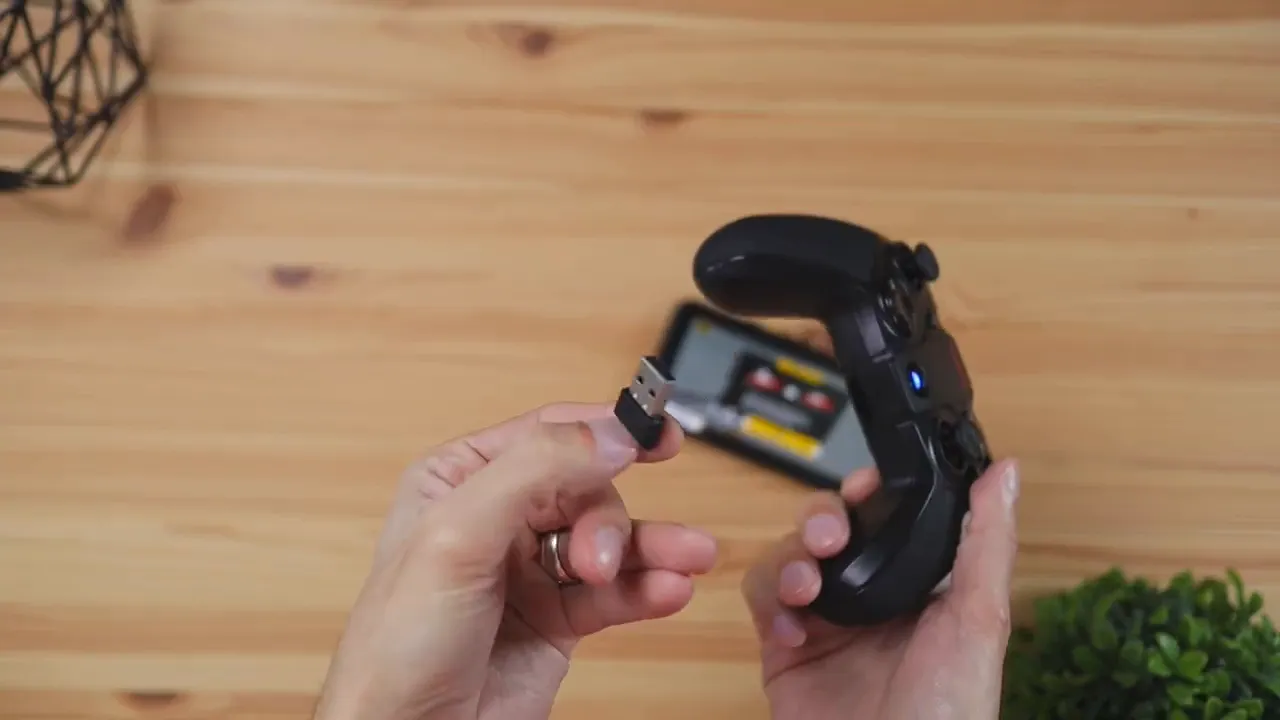
Another nice design choice is the built-in storage for the 2.4GHz USB dongle. At the bottom of the controller, there is a small latch. Pull that open, and the dongle slides out.
That is especially useful for PC gaming if you would rather connect wirelessly without relying on Bluetooth. It also means you are less likely to lose the dongle since it stores right inside the controller itself.
Controller layout and button setup
The overall layout feels very familiar. If you have used an Xbox-style controller before, you will feel right at home here. You get:
- Two analog sticks
- A D-pad
- Standard face buttons
- Four triggers and shoulder buttons up top
That makes the G4 Pro approachable right away. There is no learning curve with the basic controls.
Beyond the standard layout, there are a couple of extra buttons that are actually useful.
Screenshot button
The dedicated screenshot button does exactly what you would expect. Hit it during gameplay, and it captures what is on screen. It is simple, but nice to have when you want to save a cool moment, something funny, or just grab a quick image from a game.
Turbo button
The turbo function is one of those features that can be genuinely helpful in the right game. A good example is a shooter with a semi-automatic weapon. Instead of hammering the fire button over and over, the turbo mode can repeatedly trigger the input for you while you hold the button down.
That kind of feature is not going to matter in every game, but when it does matter, it is really convenient.
Other notable features from the product specs
Beyond the hands-on basics, the GameSir G4 Pro also includes a few additional features worth mentioning from the official specs:
- Magnetic ABXY buttons so the button layout can be swapped to better match different platforms, especially useful when moving between Switch-style and Xbox-style layouts
- Asymmetric motors for vibration feedback
- Six-axis gyroscope for motion control support
- 800mAh built-in battery
- Soft rubber grip for better comfort and reduced hand fatigue
If you play on Nintendo Switch, the gyroscope support is particularly worth noting because motion input can make a difference in games that support aiming or movement controls.
Nintendo has a general overview of supported controller behavior on the official Switch support site if you want more platform-specific details.
How pairing works on different devices
One important thing to know is that the pairing process is not identical across every platform. The G4 Pro uses different button combinations depending on the device you want to connect.
For example:
- To pair with Android, you hold A + Home
- To pair with iPhone, you hold B + Home
- PC uses its own separate button sequence
That means this is not the kind of controller where you just turn it on and expect the exact same pairing process every time. The good news is that GameSir puts a quick reference guide on the back of the controller itself, and the user manual also covers the different pairing modes.
So once you know the right combo for your device, getting connected is pretty straightforward.
Using the controller with mobile games
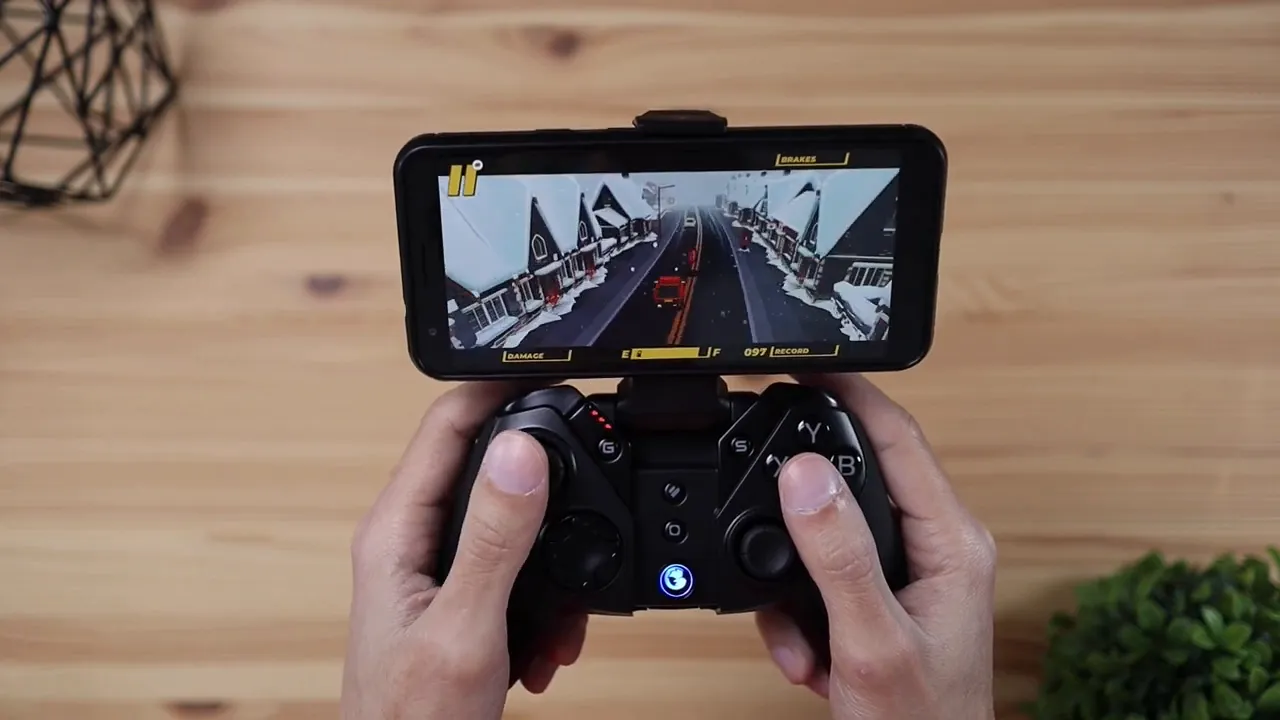
Once paired with a phone, the overall experience is where the G4 Pro starts to shine. The built-in mount makes mobile gaming feel much more like playing on a dedicated handheld system instead of balancing a phone separately or propping it up on a table.
That is really the biggest win here. Everything is integrated into one unit, and it feels clean, stable, and easy to use.
For people who spend time with mobile games, cloud gaming, or Apple Arcade, that convenience matters a lot. You do not have to mess around with a separate stand or mount, and the controller feel is much closer to a console-style setup than touchscreen controls could ever be.
What stands out most in daily use
After spending time with it, a few things stand out as the strongest reasons to consider this controller:
- It feels sturdy and better built than a lot of generic alternatives
- The built-in phone mount is genuinely useful and well integrated
- It supports multiple platforms, which is ideal if you switch between devices
- The hidden USB dongle is a smart touch for PC play
- Extra features like turbo and screenshot buttons add practical value
If you are the kind of person who wants one controller that can move between phone, Switch, and PC without feeling like a compromise, this checks a lot of boxes.
Who the GameSir G4 Pro is best for
This controller makes the most sense for a few specific types of gamers:
- Anyone who plays a lot of mobile games and wants physical controls
- People using cloud gaming services on a phone or tablet
- Gamers who split time between Switch, iPhone, Android, and PC
- Anyone who wants a single controller with a built-in phone holder instead of buying separate accessories
If that sounds like your setup, the G4 Pro is a pretty compelling option.
If you want to learn more about the gear and products featured in these kinds of reviews, the about page gives a little more background on the site.
Final thoughts
The GameSir G4 Pro leaves a strong impression because it does the basics well and adds a few genuinely smart features on top. The build quality feels solid, the controller layout is familiar, and the integrated phone mount is not a gimmick. It is the feature that makes this gamepad especially appealing for mobile play.
It also helps that it works across multiple platforms, includes a hidden USB dongle, and offers extras like turbo and screenshot controls. Put all of that together, and you get a controller that feels versatile without feeling cheap.
If you are looking for a high-quality multi-platform controller for Android, iPhone, Switch, or PC, the G4 Pro is worth a look. You can check the current pricing and details on the GameSir G4 Pro product page.


