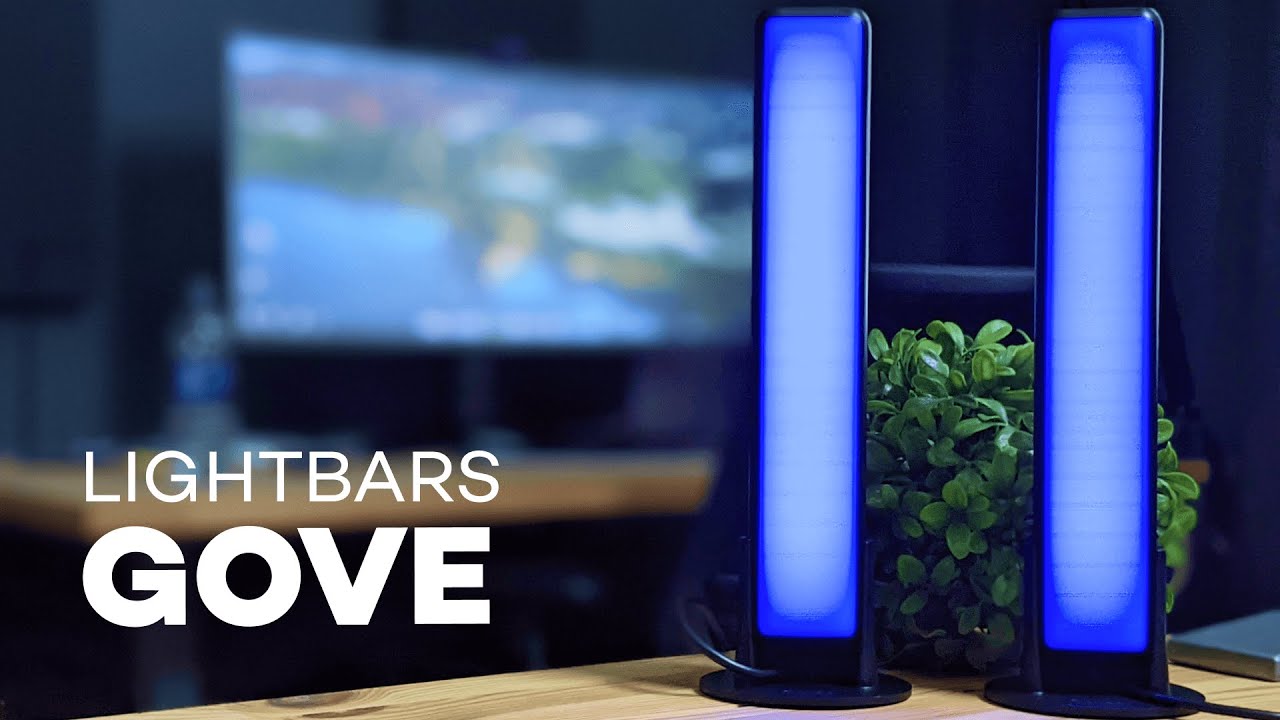
This review breaks down what the Govee Smart LED Light Bars do well, where they stumble, and how to get the most from them. If you want a practical review focused on setup, daily use, and real-world performance for gaming, movies, and music, this is the guide that walks you through everything step by step.
Table of Contents
- What these light bars are and why they matter
- Key features summarized
- Unboxing and physical setup
- Connecting to the app and voice assistants
- Screen sync and camera performance
- Music sync modes and how to use them
- App features worth using
- Troubleshooting and practical tips
- Performance across use cases
- Design, build quality, and aesthetics
- Privacy and camera concerns
- Price and value
- Pros and cons — quick reference
- Setup checklist — get it right the first time
- Real-world verdict
- Comparison snapshot
- Advanced tips for enthusiasts
- FAQ
- Closing thoughts
What these light bars are and why they matter
The Govee Smart LED Light Bars are an ambient lighting system designed to mount to the back or top of a television or monitor and mirror on-screen colors and sound. This review highlights the main selling points: a camera-based screen capture for color sync, built-in mic music sync, app controls, voice assistant compatibility, and a suite of preset scenes and DIY options. They promise a more immersive viewing and gaming experience without the need for an HDMI pass-through.
Key features summarized
- Camera-based screen sync: a small camera captures colors from the screen and maps those colors to the LED strips in real time.
- Music sync: a built-in microphone reacts to audio with several modes like Vivid, Rhythm, Strike, and Vibrate.
- 16 million colors and preset modes: choose from dozens of scenes, create custom color zones, or use timers.
- Smart app controls: full control through the Govee Home app, including DIY colors, video mode, and scheduling.
- Voice control: works with Alexa and Google Assistant for hands-free mood-setting.
Unboxing and physical setup
The physical setup is straightforward. Unpack the bars, attach the control box, and mount the camera to the top center of your TV. The camera is the only component that needs to be connected to the control box; the LED bars communicate through the included wiring. This setup avoids complicated HDMI connections and makes the installation cleaner.
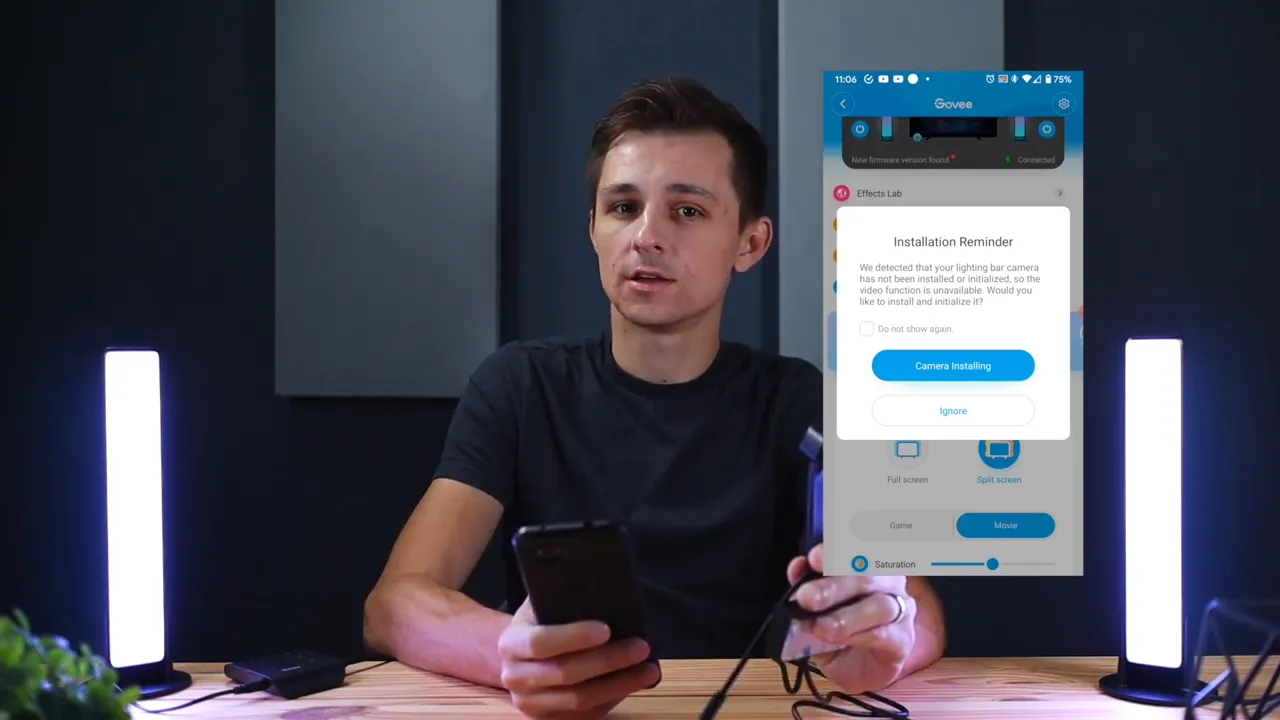
Placement matters. The camera needs a clear line of sight to the TV so it can accurately sample colors. Use the included mounting clips or adhesive strips to secure the bars to the back of the TV or to the frame. If your TV has a deep stand or bezel, consider mounting the bars vertically along the edges for better color coverage.
Connecting to the app and voice assistants
The Govee Home app is the central control. This review walks through the common flow: plug in the control box, power up the camera, open the app, and follow the pairing prompts. The app supports timers, scheduling, and multiple scene modes. For voice control, enable the Govee skill or action in your assistant and link accounts. A key point: the camera module handles the Wi-Fi, so the only device that needs to be on the home network is the camera connected to the control box.
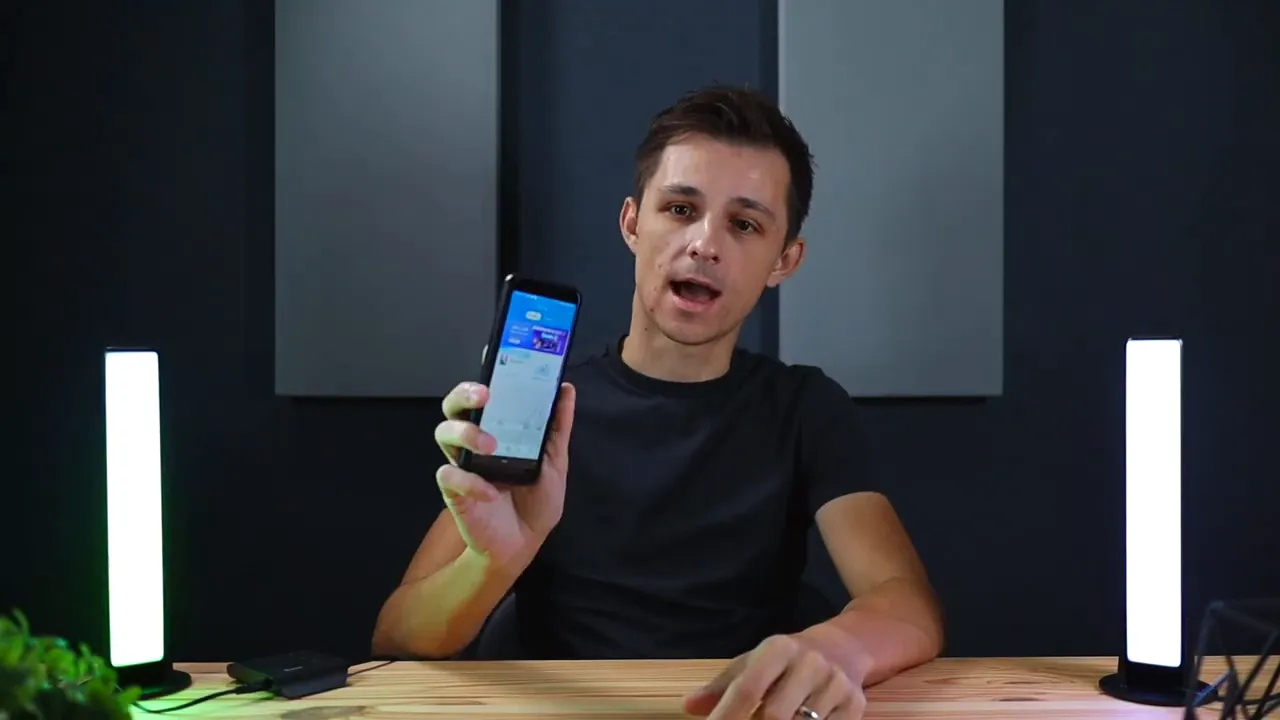
Note about Wi-Fi: these devices typically require a 2.4 GHz network. If you only connect to a 5 GHz band, pairing may fail. If the app cannot discover the camera, switch your phone to the router's 2.4 GHz SSID, or enable a temporary 2.4 GHz hotspot for the initial setup.
Screen sync and camera performance
The camera-based approach is the standout here. Instead of HDMI capture cards, the camera samples colors directly from the screen and applies them to the bars. In this review, that translates to rapid, mostly lagless color replication for movies and games when the camera is positioned correctly.
Advantages of camera sync:
- No HDMI required: works with streaming apps and devices that block HDMI passthrough solutions.
- Flexible placement: light bars can be positioned creatively without worrying about cable routing.
- Immediate color capture: color changes on-screen reflect quickly on the LEDs.
Limitations to be aware of:
- The camera needs good lighting conditions and a clear view. Strong reflections or ambient room lighting can interfere with accuracy.
- Very fast, high-contrast action can occasionally show slight mismatches until the camera samples the new frame.
Music sync modes and how to use them
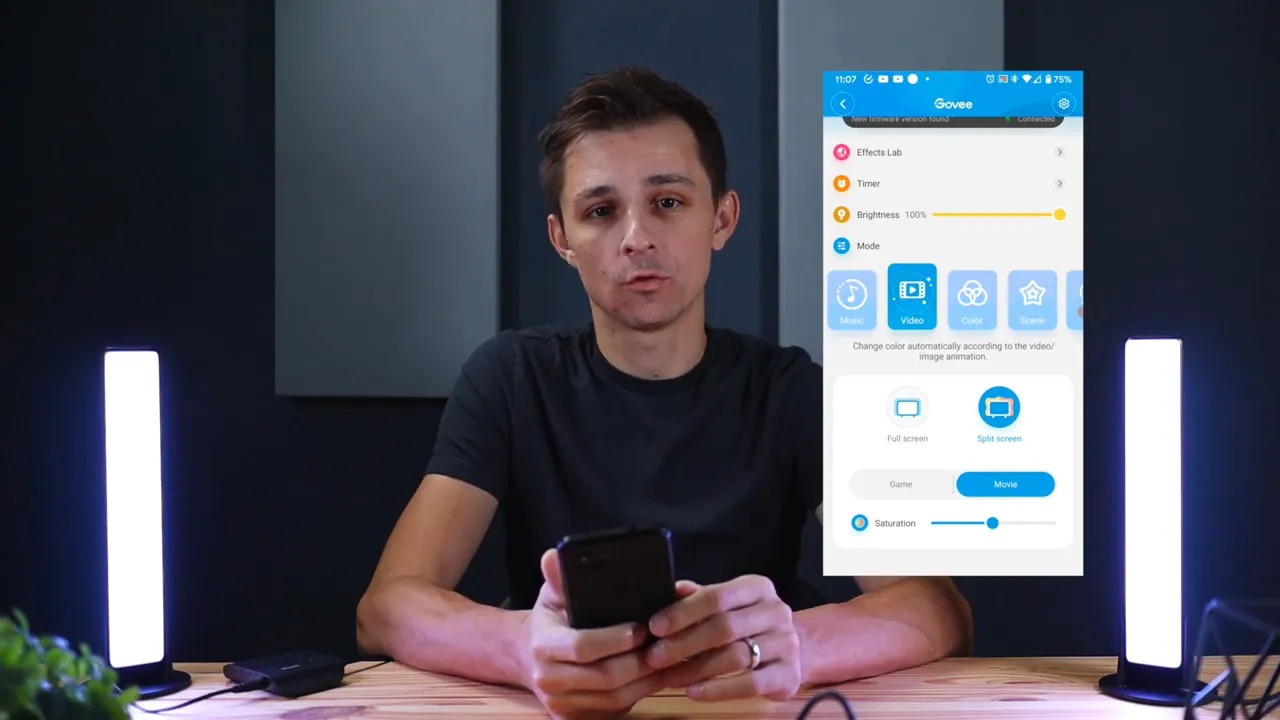
Music sync is another highlight. There are four primary modes: Vivid, Rhythm, Strike, and Vibrate. Each mode interprets sound differently — some emphasize beats, others follow sustained notes or ambient noise. This review includes practical tips:
- For parties and concerts, try Vivid or Strike to highlight strong beats and drops.
- For background music while relaxing, Rhythm or Vibrate offers more subtle, flowing visuals.
- Use the built-in mic when the camera is mounted near the TV; it will pick up audio cleanly for accurate syncing.
If you want ultimate control, switch to the app's DIY or scene editor and create a color palette that reacts how you prefer. You can also toggle sensitivity within the app to fine-tune how aggressively the lights respond to sound.
App features worth using
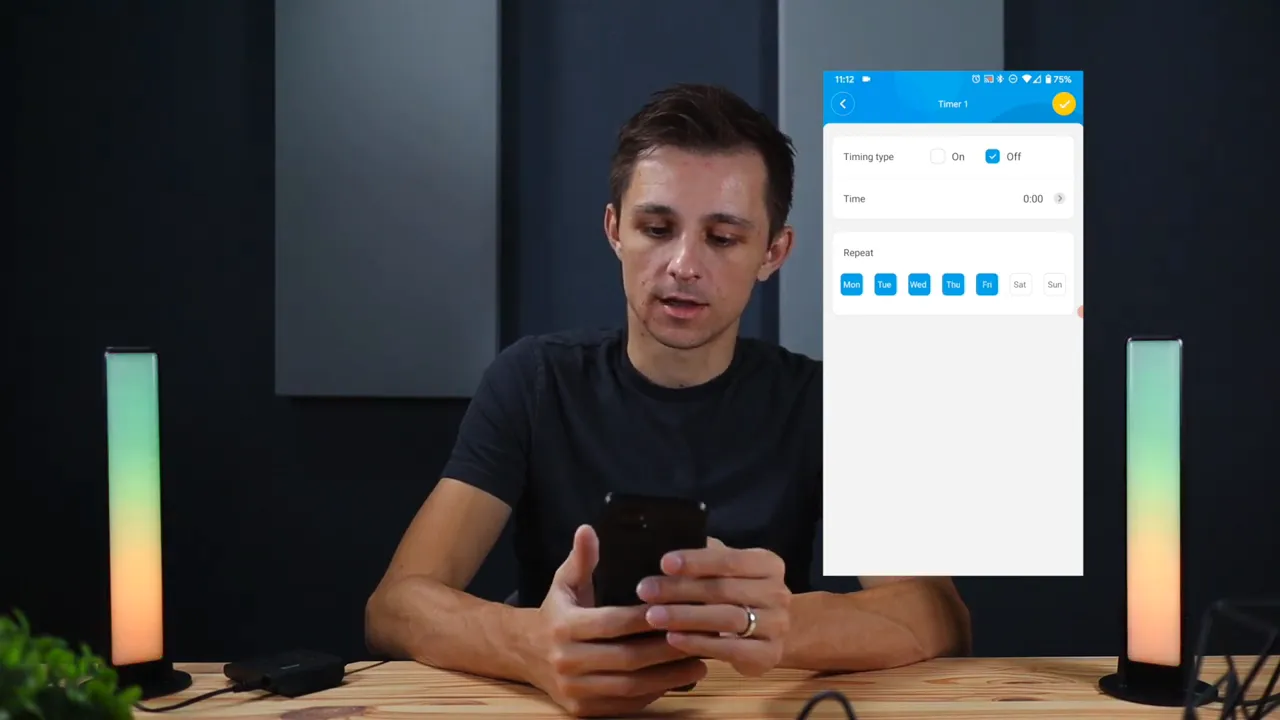
The Govee Home app packs features that make these bars versatile beyond basic ambience. This review highlights the most useful ones:
- DIY color editor: create multi-zone color sequences for seamless gradients.
- Video mode: presets that quickly map common viewing profiles, ideal for specific gametypes or movie genres.
- Timer and schedule: set morning or bedtime routines so lights turn on or off automatically.
- Scene modes: quick one-tap settings for tropical, undersea, or cinematic looks.
A smart tip from this review: save a few custom scenes tailored to common uses — for example, a "movie night" warm, subdued palette and a "game day" high-contrast, colorful palette. Switching between them is instant and keeps your viewing experience consistent.
Troubleshooting and practical tips
Small problems can spoil the mood, so here are practical troubleshooting steps gathered from hands-on use:
- Cannot pair: ensure your phone is on the router's 2.4 GHz network, then attempt pairing again.
- Camera not detecting colors: remove reflections and direct light sources aimed at the screen, and reposition the camera for a clearer view.
- Lag in color changes: check that the camera is firmly connected to the control box and that your network is stable.
- Music sync too sensitive: lower the sensitivity in the app or switch to a different music mode.
If the lights lose Wi-Fi frequently, consider moving the router closer or upgrading the mesh node near your TV. The camera is the network endpoint; if it can reach the router reliably, the rest of the system stays stable.
Performance across use cases
This review tested the bars in several scenarios: films, action gaming, streaming TV shows, and music parties. Key observations:
- Movies: warm, subtle scenes benefit from the LED bars — skin tones and backgrounds blend nicely into the lighting. The cinematic effect reduces eye strain in dark rooms.
- Gaming: fast action looks great. Lighter, high-contrast scenes produce vivid results, and the reaction speed is typically adequate for immersive play.
- Streaming apps: camera sync works regardless of app restrictions since the capture is done optically.
- Music events: the music modes turn a living room into a small dance floor with dynamic color patterns that follow the beat.
Design, build quality, and aesthetics
The bars look sleek mounted around a TV. Build quality is solid for the price point. The strips are thin enough to remain hidden behind most TVs, and the control box is compact. For people who value a minimalist setup, the camera-first approach reduces extra cables and maintains a tidy look.
Privacy and camera concerns
The camera only samples screen colors. Still, some may have privacy concerns about a camera on the TV. The camera is not a traditional security camera; it is a color-capture module tied to the lightbars. If privacy is a priority, position the assembly so the camera faces the screen only, and check app permissions and network settings. The company provides standard app permissions and cloud linking only for voice control and remote features.
Price and value
Value depends on the intended use. For anyone who wants quick ambient lighting with flexible sync without fussing with HDMI splitters and capture devices, this review recommends the Govee bars as a solid buy. They offer a broad feature set (camera sync, music modes, app control, voice assistants) at a price that undercuts high-end hardware-based kits.
Pros and cons — quick reference
Pros
- Easy installation and tidy wiring
- Camera-based sync works across all streaming services
- Strong app with DIY colors and scheduling
- Multiple music sync modes for parties and gaming
- Voice control via Alexa and Google Assistant
Cons
- Camera needs a clear, reflection-free line of sight
- Possible Wi-Fi pairing hassles if using 5 GHz only
- Color sampling can be slightly off in extreme lighting
- Camera presence may raise privacy questions for some users
Setup checklist — get it right the first time
- Mount the LED bars on the TV edges with the included hardware.
- Attach the camera to the top center of the TV and ensure it faces the screen directly.
- Connect the camera to the control box and plug everything into power.
- On your phone, join the router's 2.4 GHz network before opening the app.
- Use the Govee Home app to pair the device and calibrate color sensing.
- Adjust music sensitivity, schedule, and save at least two custom scenes (movie and gaming).
Real-world verdict
The overall verdict in this review is positive. The Govee Smart LED Light Bars deliver a convincing ambient experience for the price. The camera-based approach is a practical alternative to HDMI capture, and it works well with modern streaming habits. If you want a flexible lighting kit with good app controls and lively music modes, these bars are a strong contender.
For those who need pixel-perfect color matching for professional color grading or absolute precision, hardware HDMI solutions will still be superior. For everyone else — gamers, movie fans, and casual party hosts — these bars offer a high-impact upgrade to any living room or bedroom setup.
Comparison snapshot
- Camera-based vs HDMI-based: camera-based is easier, supports all streaming, and is less expensive; HDMI-based can be more accurate but is more complex.
- Govee vs other smart brands: Govee stands out for app features and value. Competing brands might offer different color accuracy or hardware integration, but the feature set here is competitive.
Advanced tips for enthusiasts
- Combine scenes with smart home routines. Use your assistant to activate an entire evening mode with a single voice command.
- Use a dedicated 2.4 GHz SSID or guest network for smart devices to improve pairing reliability.
- If reflections are unavoidable, angle the camera slightly or place a matte filter on bright glossy panels to reduce glare.
- Save multiple DIY patterns for specific game genres — FPS, RPG, and racing each benefit from a different palette and speed setting.
FAQ
Do these light bars require an HDMI connection to sync with the TV?
No. The bars use a camera to capture on-screen colors, so they do not need an HDMI connection. That makes them compatible with streaming sticks, consoles, and smart TVs without any passthrough.
Will the camera invade my privacy?
The camera is a color sensor designed to face the screen. It does not function like a security camera. Still, if you are concerned, you can position it to face only the TV and review app permissions and network access.
What Wi-Fi network do I need for setup?
You should use a 2.4 GHz Wi-Fi network for initial pairing and regular operation. Many smart devices do not support 5 GHz for setup, so switch your phone to a 2.4 GHz SSID if pairing fails.
How do music sync modes differ?
There are several modes: Vivid and Strike emphasize strong beats and rapid changes, while Rhythm and Vibrate offer smoother, more ambient reactions. Adjust sensitivity in the app to suit the environment.
Are these light bars worth it compared to other ambient setups?
If you want a straightforward, cost-effective ambient solution that works with streaming services and offers robust app features, these bars provide strong value. For professional-grade color matching, HDMI-based systems remain superior.
Closing thoughts
This review concludes that the Govee Smart LED Light Bars are an effective way to boost immersion and ambiance without a lot of technical headaches. The camera-based sync is flexible, the app is feature rich, and the music modes are genuinely fun. If you want to upgrade your TV area with dynamic lights that follow picture and sound, these light bars deserve consideration.
For anyone wanting the easiest route to mood lighting with good app control and voice assistant support, this setup is a practical pick. The trade-offs are manageable for most users, and the visual payoff is immediate.


