If you're shopping for a big-screen 4K TV and trying not to spend a fortune, the Hisense 65H6570G is the kind of model that grabs attention fast. It gives you a 65 inch panel, Android TV built in, Google Assistant on the remote, Bluetooth connectivity, and a feature list that looks surprisingly strong for the price range.
But specs on a product page only tell you so much. What actually matters is how this thing feels in a real room, how the picture looks, whether the built-in speakers are any good, and what the weak points are once you start using it every day.
After spending time with the TV, the short version is this: the Hisense 65H6570G does a lot right. The picture is sharp, the bezels are clean, the speakers are better than expected, and the size makes a serious impact in a living room setup. At the same time, there were a couple of issues that stood out, especially with software responsiveness and some odd behavior in green-heavy scenes.
Table of Contents
- What comes in the box
- Picking the right size
- Design and build quality
- Picture quality: where the TV makes its case
- Motion handling and the 120 fps claim
- Built-in audio is actually good
- Android TV features and app support
- Bluetooth and connectivity
- The two main issues I ran into
- Where this TV makes the most sense
- Who should buy the Hisense 65H6570G?
- Final verdict
- FAQ
What comes in the box
The setup is pretty standard, which is exactly what most people want. Inside the package, you get:
- The TV itself
- A wireless remote
- Two stand legs
- A quick start guide
The remote is more than just a basic clicker. It includes app shortcut buttons and built-in Google Assistant support, which makes navigation easier when you do not feel like typing everything out one letter at a time.
The legs are worth mentioning because you get some flexibility in placement. You can mount them farther outward for a wider stance or closer toward the center if your shelf or entertainment stand is narrower. That is a nice practical touch, especially if you are trying to fit a 65 inch TV on furniture that was not originally meant for something this wide.
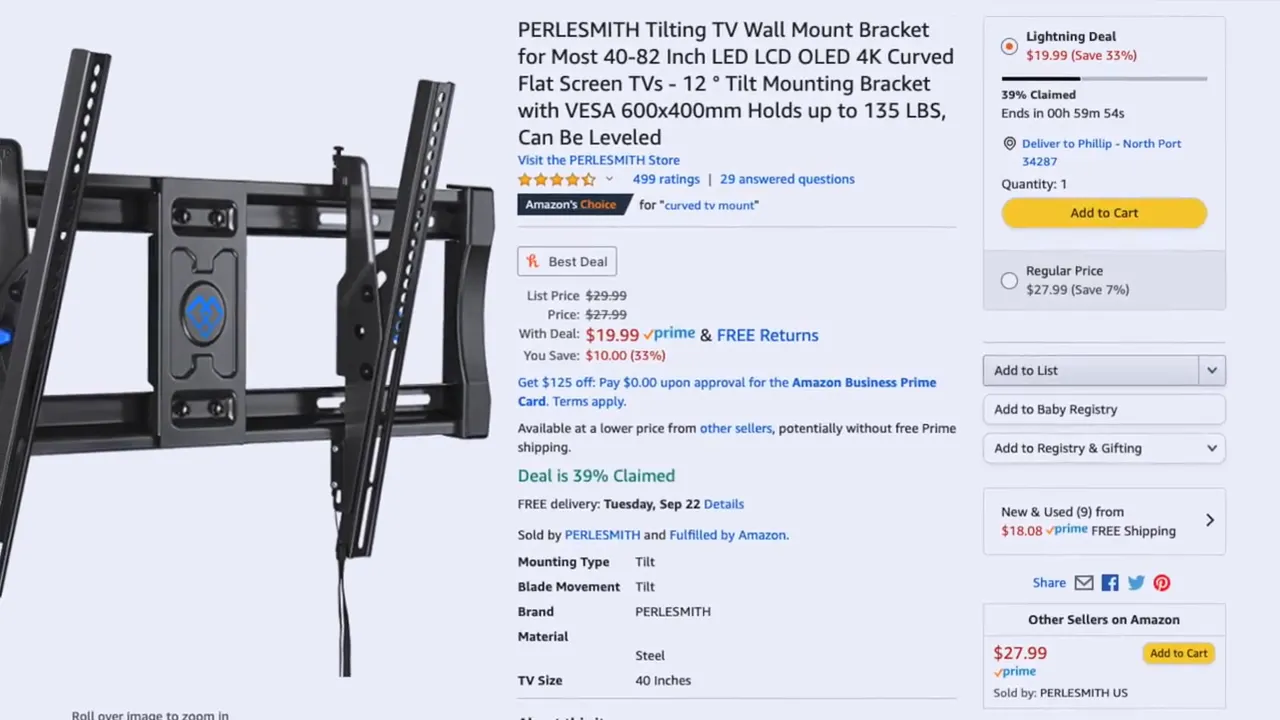
If you would rather wall-mount it, that is also an option. A compatible TV wall mount was referenced for this model, which is useful if you want a cleaner setup or need to save space.
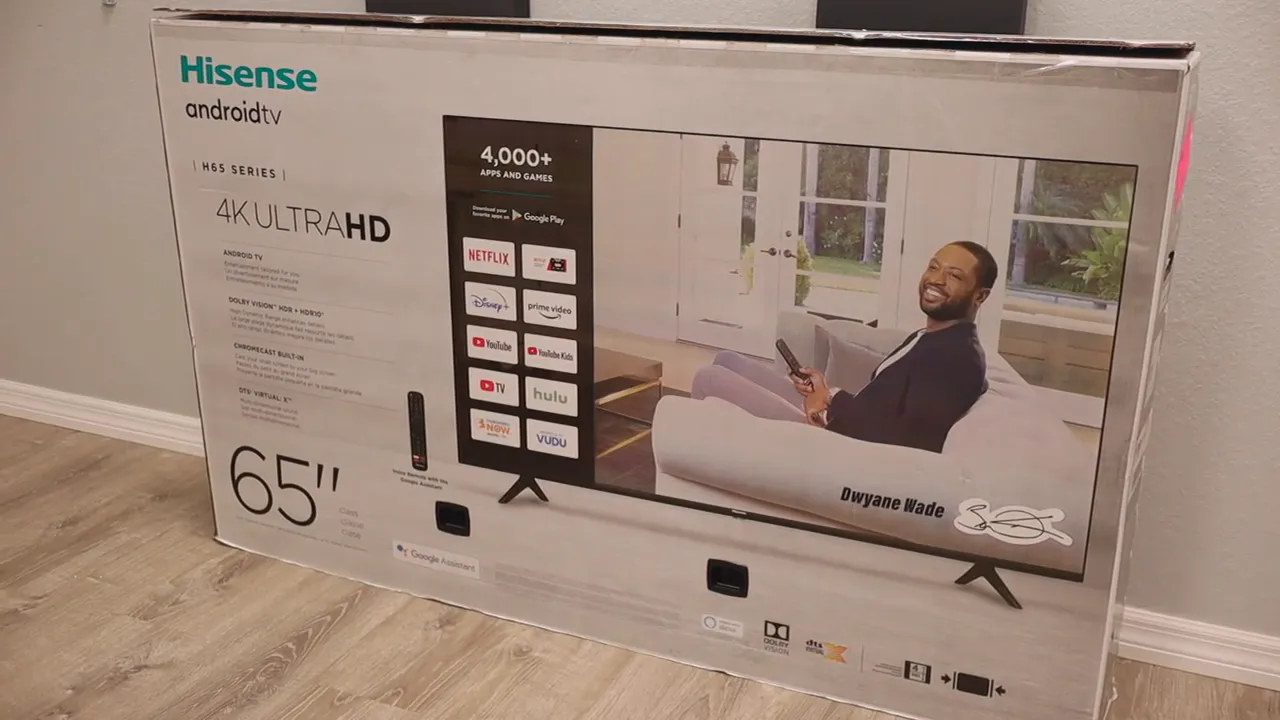
One more thing that stood out early on was the packaging. The box and internal protection felt solid, which matters more than people think when ordering a large display online.
Picking the right size
The model reviewed here is the 65 inch version, but this lineup also came in smaller sizes, including 43, 50, and 55 inches. The core experience stays pretty similar across the range, so the decision mostly comes down to your room and seating distance.
Here is the easy rule:
- Go bigger if the couch is farther from the screen
- Go smaller if the TV is going in a bedroom or tighter space
At 65 inches, this TV definitely has presence. It becomes the focal point of the room right away. If that is the experience you want for movies, YouTube, sports, or gaming, the larger size makes a lot of sense.
Design and build quality
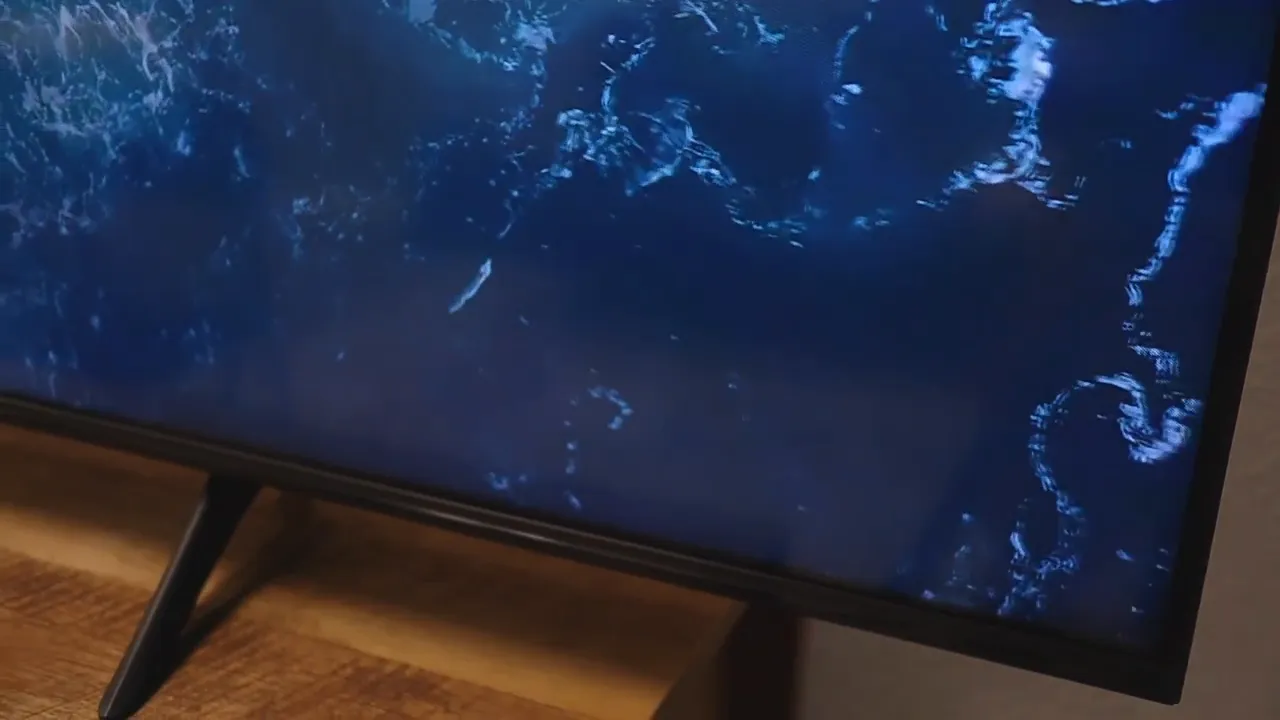
From a design standpoint, Hisense kept things modern. The top and side bezels are thin, which helps the screen feel more immersive and less dated. A lot of budget-friendly TVs look good until you see the frame up close. This one avoids that problem pretty well.
The bottom bezel is thicker, but that is not unusual. That lower section houses more of the internal hardware and speaker components. In practice, it does not feel distracting.
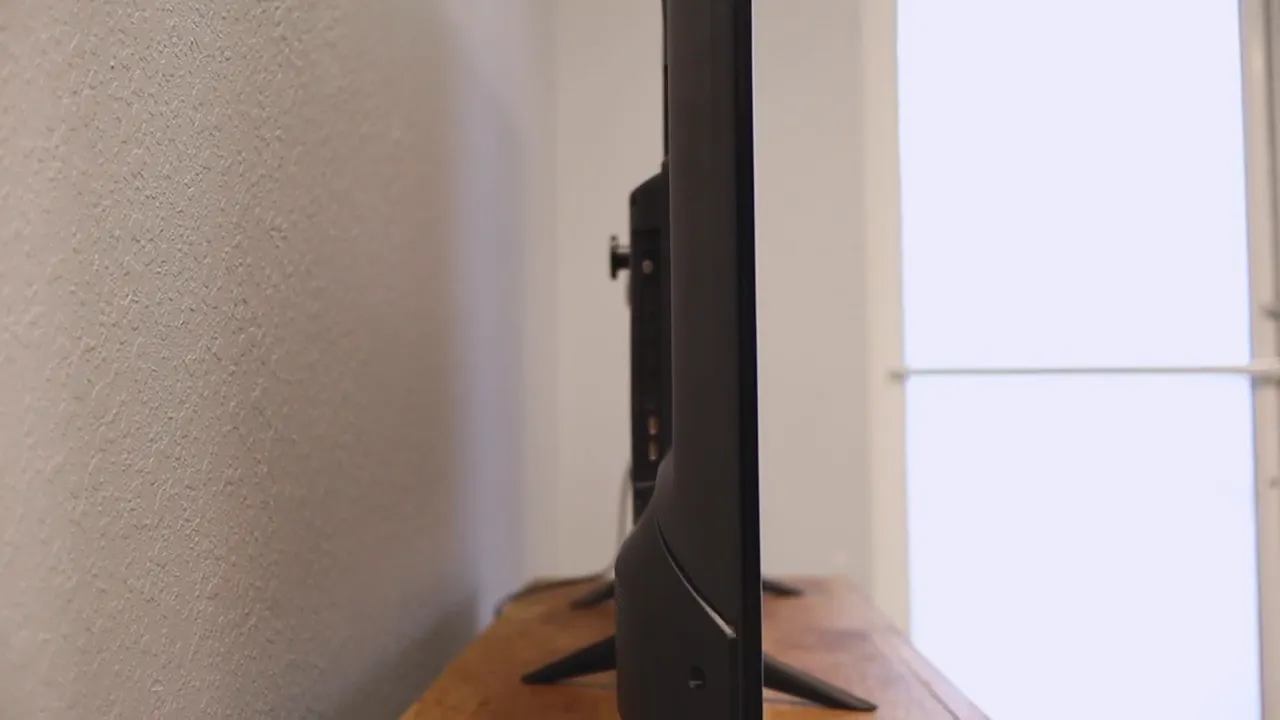
The side profile is also fairly clean. It is not the thinnest TV on the market, but it looks reasonable on a stand and should not feel bulky in most setups.
Picture quality: where the TV makes its case
The biggest selling point here is the picture. This is a 4K Ultra HD TV, so you are getting much higher pixel density than a standard 1080p display. The result is a sharper, cleaner image, especially in detailed nature footage, landscapes, and close-up textures.
That crispness was one of the first things that stood out. Fine detail looks good, and the TV handles bright, colorful content nicely. If you feed it strong source material, it can look really impressive for the money.
Hisense also includes upscaling for lower-resolution content. Since not everything is native 4K, that matters. Plenty of videos and streams still come in at 1080p, and the TV is designed to scale that content up without making it look wrecked or overly artificial. It is not magic, but it does help keep older or lower-resolution content from looking out of place on a large panel.

Color also plays a big role in the overall experience. In many scenes, the TV produced rich blues, strong contrast, and a generally vivid presentation. Ocean footage, forests, skies, and wildlife clips all looked lively and sharp.
Motion handling and the 120 fps claim
One of the points highlighted with this TV is smoother motion, with mention of a 120 fps ceiling. In plain English, that means moving objects on screen should appear more fluid than on a basic set.
That is especially relevant for:
- Sports
- Fast camera pans
- Action scenes
- Gaming
Even TVs that run at 60 frames per second can look smooth, but once motion improves beyond that, movement can look more natural and less choppy. That contributes to a more premium feel, particularly on a large display where motion issues tend to be more obvious.
If you care about fluidity, this is one of the features that helps the TV stand out a bit from entry-level models.
Built-in audio is actually good
This was one of the more pleasant surprises. A lot of TVs in this category deliver decent picture quality and then completely fall apart when it comes to sound. Thin cabinets often mean weak, tinny speakers with barely any low end.
That was not the experience here.
The built-in speakers on the 65H6570G sounded solid across lows, mids, and highs. The audio did not come across as hissy or harsh, and that alone makes the TV easier to recommend for someone trying to keep costs under control.
Why does that matter? Because not everyone wants to add a soundbar right away. If your goal is to buy one TV and be done for a while, having built-in speakers that already sound good is a real advantage.
The TV also supports Dolby Atmos and Bluetooth audio connections according to the listed features, so there is room to expand later if you decide to add external audio gear.
Android TV features and app support
One of the strongest convenience features on this model is the built-in Android TV platform. Instead of plugging in a separate streaming box right away, you get an entertainment hub directly on the TV.
That includes access to major apps and services, and the listed platform support mentions thousands of apps and games. For most people, that means quick access to the services they already use without extra hardware cluttering up the stand.
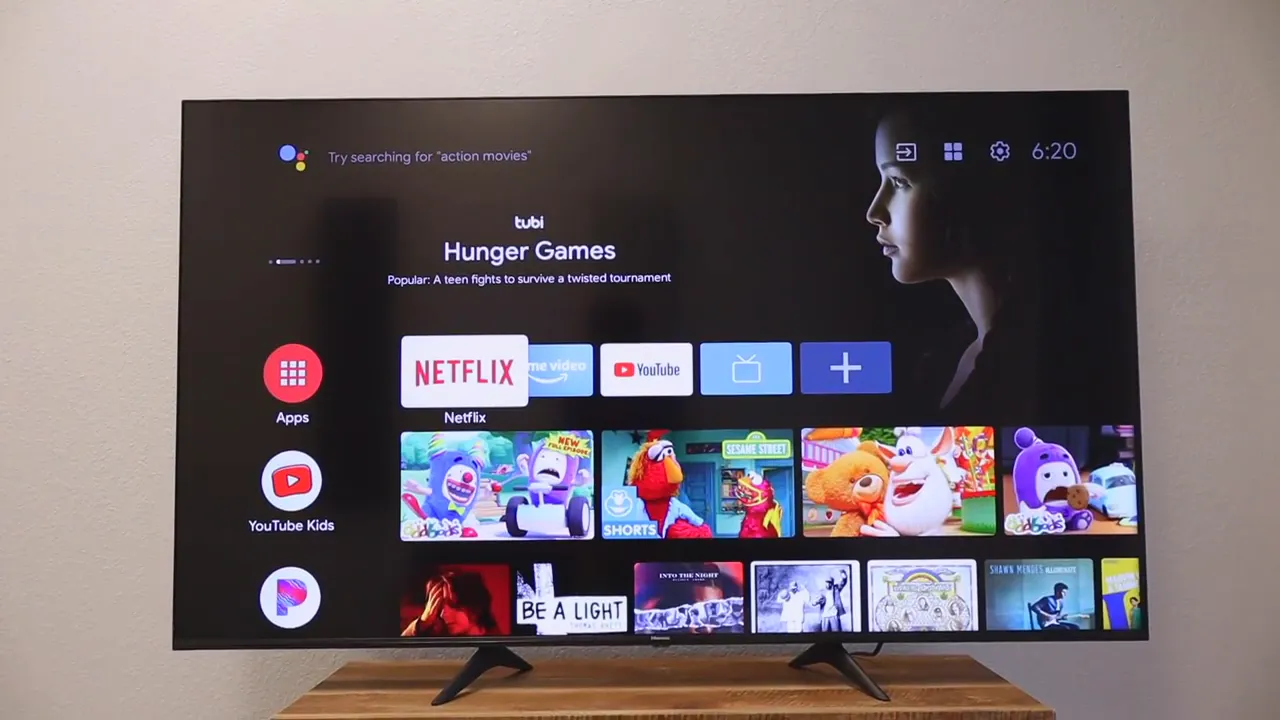
The remote includes shortcut buttons for common apps like Netflix, YouTube, and Google Play, which is handy. It also supports Google Assistant through the microphone built into the remote.
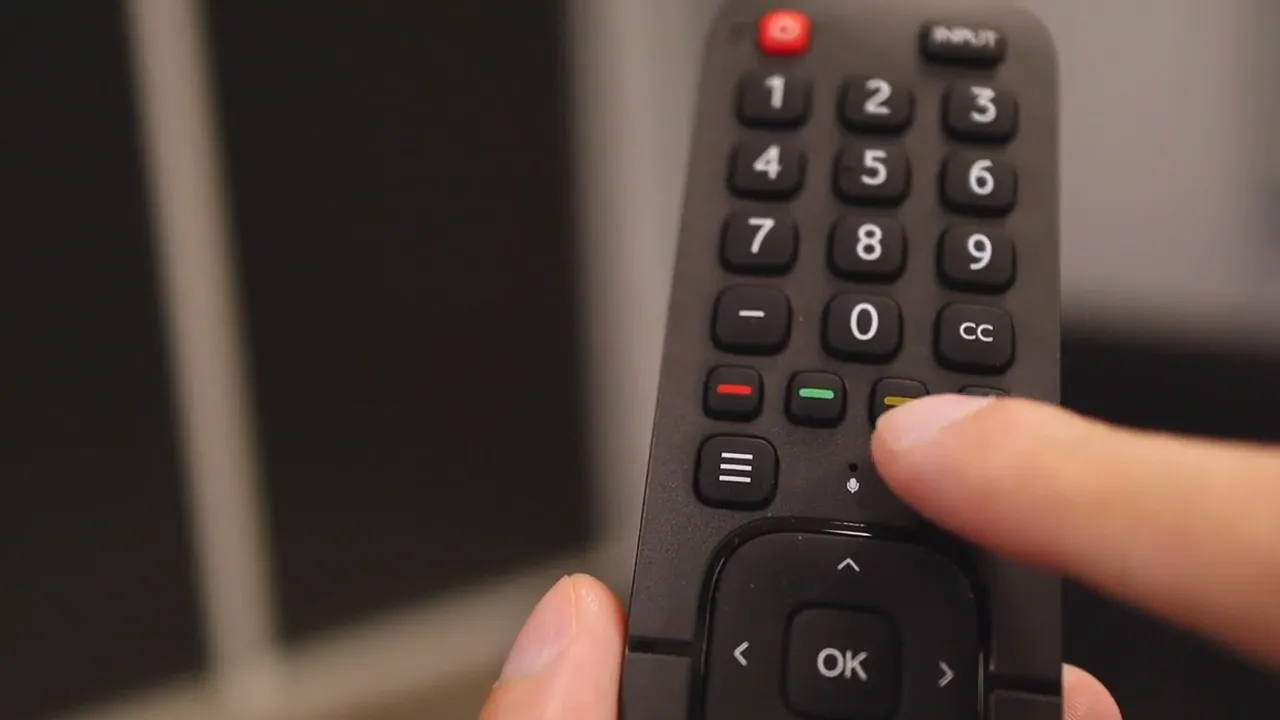
That means you can use voice commands instead of manually typing searches. For finding a specific movie, opening an app, or searching for something on YouTube, voice input is usually much faster.
If you want more tech coverage beyond TVs and displays, there is plenty more over at Kova Tech, especially if you like straightforward reviews and comparisons.
Bluetooth and connectivity
Hisense also included Bluetooth, which expands the TV's flexibility more than many people realize. You can connect compatible headphones, speakers, or other audio gear wirelessly. That is useful for late-night listening, cleaner cable management, or just building a simple setup without extra mess.
On the wired side, the listed I/O includes:
- 3 HDMI ports
- 2 USB ports
- 1 Ethernet port
- 1 RF antenna input
- 1 RCA composite video input
- Left and right composite audio input
That is a decent mix for a living room TV. It gives you enough room for a console, streaming device, and maybe a sound system without immediately running out of inputs.
The two main issues I ran into
No TV is perfect, and if I were only talking about the good stuff, this would not be very useful. There were two real complaints that stood out.
1. The software could feel laggy
The biggest issue was the software experience. At times, the Android TV system felt delayed when opening certain apps or responding to commands. There were moments when pressing a button did not trigger an immediate response, and the delay could stretch long enough to make it feel like the TV had frozen.
That kind of sluggishness is frustrating because it chips away at the convenience of having a smart platform built in. A good interface should feel fast and invisible. When there is a pause after every action, it becomes noticeable fast.
This may be the kind of thing that improves with firmware updates, but as used here, it was one of the clearest downsides.
2. Green areas showed some flickering
The second issue was more unusual. In scenes with strong green tones, there was some visible flickering. It was subtle, and not everyone would notice it immediately, but once you see it, it is hard to ignore.
That made nature footage with heavy green foliage the easiest place to spot the problem.
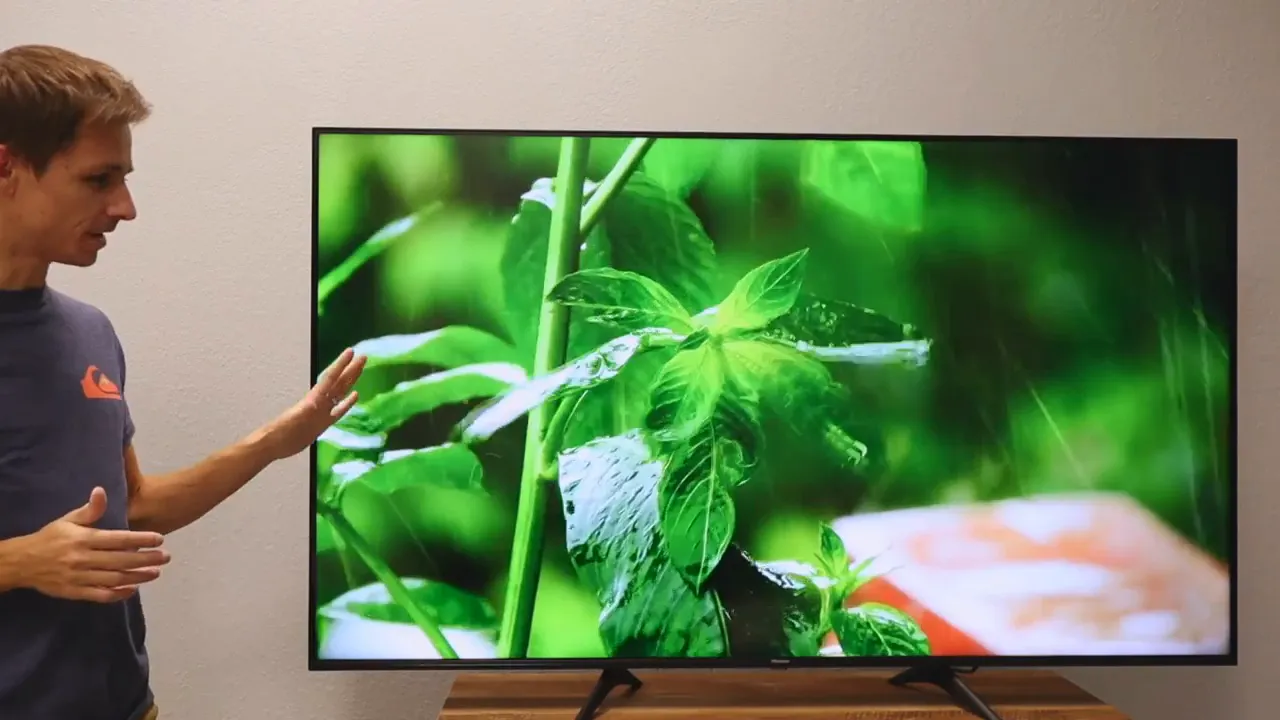
After going through settings, the issue still remained. It is hard to say whether that was specific to this particular unit or something broader, but it was definitely one of the notable drawbacks.
Where this TV makes the most sense
Even with those complaints, the TV still makes a strong case in a few situations.
This model makes sense if you want:
- A large 65 inch 4K screen without spending premium money
- Built-in smart TV features with broad app support
- Surprisingly capable built-in speakers
- A clean modern design with slim bezels
- Voice control through Google Assistant
- Bluetooth support for wireless audio
It makes less sense if you are extremely sensitive to interface lag or if you want absolute confidence in perfect color behavior across every type of scene.
Who should buy the Hisense 65H6570G?
If your priority is value, this TV is easy to understand. It gives you a lot of the features people actually care about:
- Big-screen immersion
- 4K sharpness
- Good audio out of the box
- Smart features without another device
For a living room, apartment, or budget-minded home theater setup, that combination is attractive.
If you already know you are picky about UI speed, or you tend to notice display oddities quickly, you may want to compare it against a few other models first. RTINGS, for example, is a useful resource for broader TV testing methodology and comparisons at RTINGS TV reviews.
If you want the exact unit discussed here, the product listing used was this Hisense 65H6570G TV.
And if you like reading tech reviews from an independent blog perspective, you can also check out more about KovaTech here.
Final verdict
The Hisense Android TV 65H6570G gets a lot right for the money. The picture is sharp and clean, the motion is smooth, the built-in sound is better than expected, and the design looks modern enough to fit comfortably into most setups.
The two weak spots are the smart TV responsiveness and the occasional green flicker issue. Those are not tiny nitpicks. They are real concerns, and depending on how sensitive you are to them, they could matter a lot.
Still, if you want a large 4K TV with strong value, solid sound, Android TV, Google Assistant, and Bluetooth, this model remains a compelling option. It is the kind of TV that feels impressive where it counts most, even if it is not flawless.
FAQ
Does the Hisense 65H6570G have Android TV built in?
Yes. It includes Android TV as the built-in smart platform, giving access to streaming apps, content recommendations, and Google services.
Does this Hisense TV support Google Assistant?
Yes. The included remote has a microphone and Google Assistant support, so you can use voice commands for searches and navigation.
Are the built-in speakers good enough without a soundbar?
For many people, yes. The built-in speakers were one of the stronger parts of the TV and sounded much better than the weak, tinny audio you often get from budget models.
What were the main downsides of the 65H6570G?
The biggest issues were occasional lag in the Android TV software and some flickering noticed in green-colored parts of the image.
Can this TV connect to Bluetooth headphones or speakers?
Yes. Bluetooth support is included, so you can connect compatible wireless audio devices.
Is the Hisense 65H6570G a good budget 65 inch 4K TV?
If your goal is getting a large 4K screen with good audio and smart features at a reasonable price, it is a strong value option, as long as you are aware of the software and flicker concerns.


