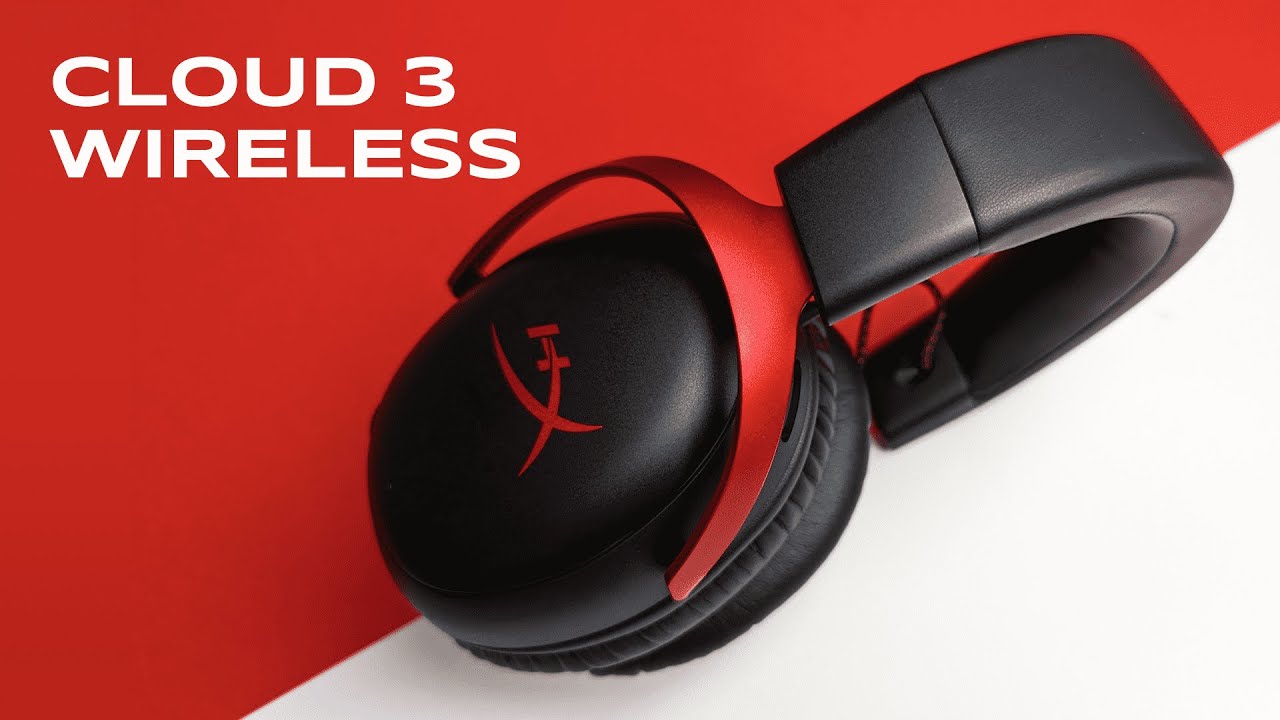
I’m Kova Tech, and in this hands-on review I walk you through everything you need to know about the HyperX Cloud 3 Wireless gaming headset. After opening the box, wearing it for multiple sessions, testing the mic, and running the HyperX NGENUITY app, here’s a clear, practical breakdown of what makes this headset stand out—and where it might fall short. If you’re shopping for a wireless gaming headset compatible with PC, PS5, PS4 and Nintendo Switch, read on.
Table of Contents
- What’s in the box
- Design and build quality
- Comfort & fit
- Controls and connectivity
- Sound quality: music, games, and clarity
- Microphone test and voice clarity
- Software: HyperX NGENUITY
- Battery life & portability
- Weight and daily use
- Comparison: Wireless vs Wired Cloud 3
- Pros and cons
- Who should buy the HyperX Cloud 3 Wireless?
- Final verdict
- FAQ
- Where to buy
- Thanks for reading
What’s in the box
The HyperX Cloud 3 Wireless comes with everything you’d expect for a modern wireless gaming headset and a few thoughtful extras. Inside the package you’ll find:
- The HyperX Cloud 3 Wireless headset itself
- Detachable 10mm microphone
- USB-C to USB-C charging cable
- USB-C wireless receiver plus a USB-A adapter
- Drawstring carrying bag
- Quick start guide
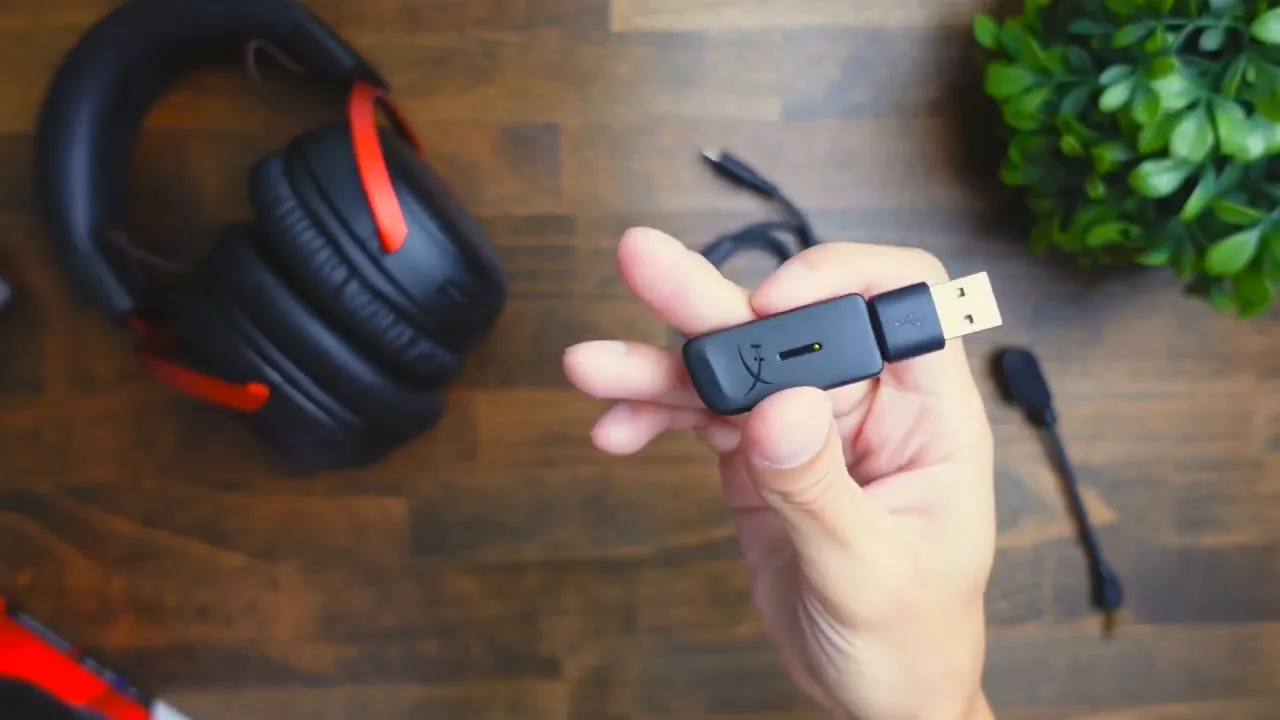
This is a clean, no-nonsense bundle. I like that HyperX includes a USB-A adapter for the wireless receiver—convenient for older PCs and consoles that don’t have USB-C ports.
Design and build quality
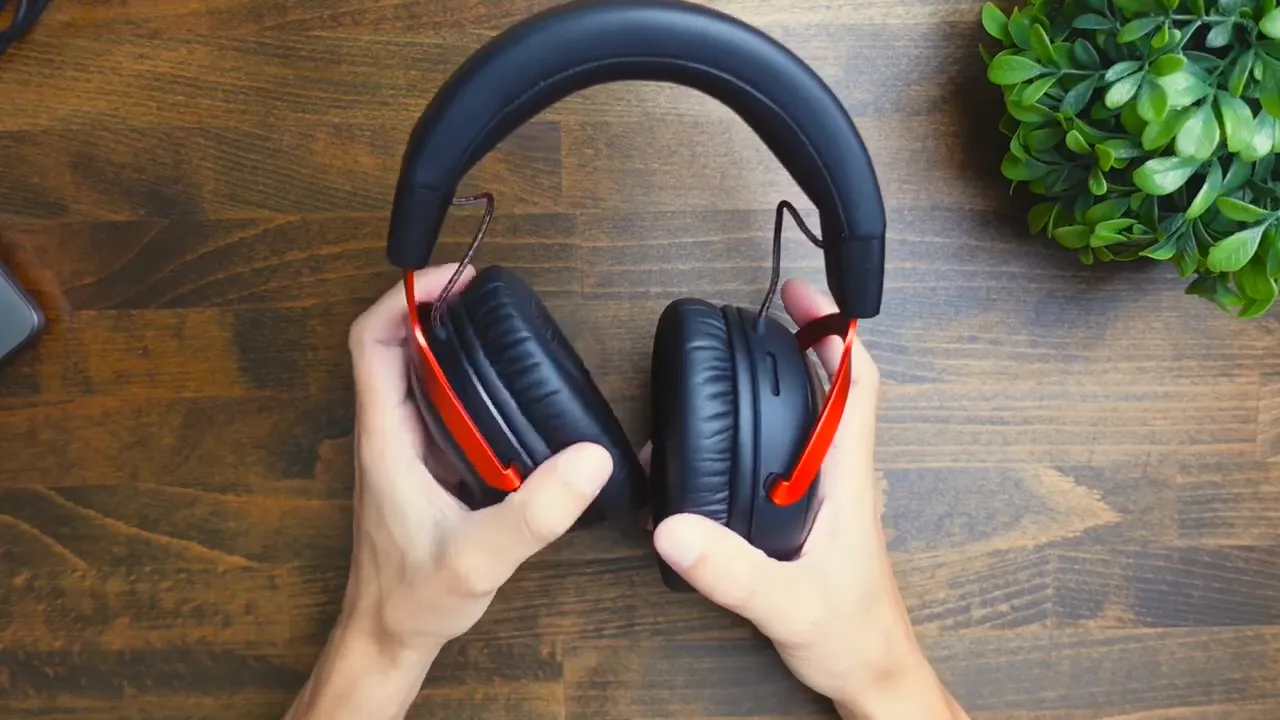
The Cloud 3 Wireless has a solid, slightly “gamery” aesthetic, particularly in the red-and-black colorway I reviewed. HyperX uses a mix of aluminum and steel across the frame, and the headband and ear cups are covered in a faux leather (often labeled “leatherette”) that feels robust rather than cheap.
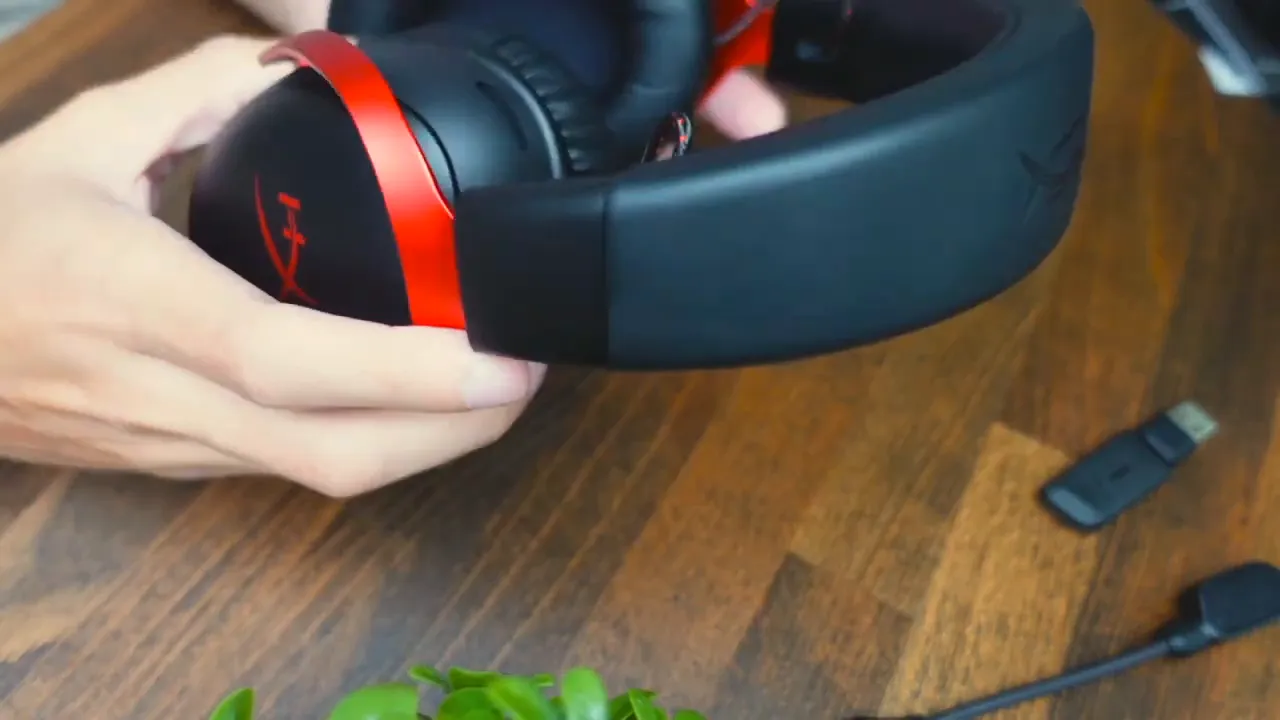
The top arch has memory foam under the leatherette which gives a plush feel across long sessions. The ear cups don’t fully swivel like some studio headphones, but they rotate slightly for a comfortable fit. The headset is also surprisingly flexible—you can bend the frame a little without feeling like you’ll break it.
Comfort & fit
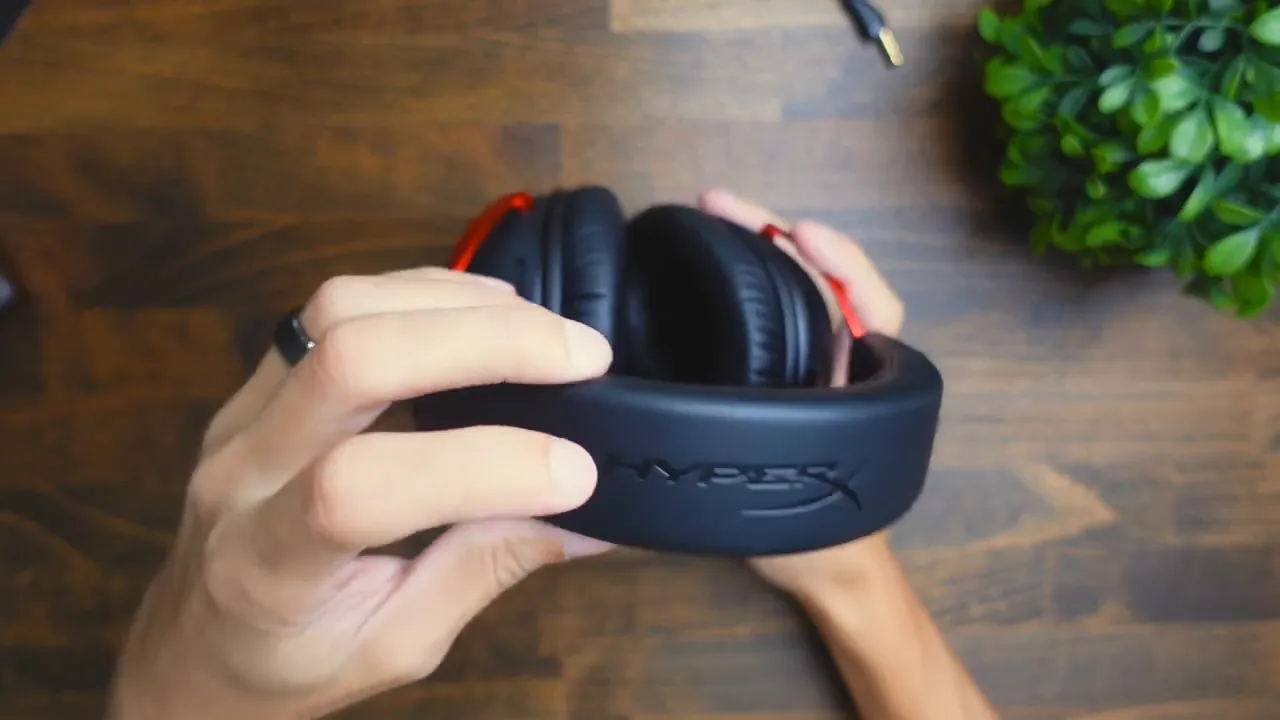
Comfort is a strong point. The memory foam padding and light clamping force make the Cloud 3 Wireless comfortable for extended gaming or music sessions. On my head I didn’t notice hot spots or uncomfortable pressure points. The ear cups provide good organic isolation—so you’ll block a lot of room noise naturally without active noise cancellation.
Adjustability is simple: extend the headband by pulling down on the ear cups to reach most head sizes. The cup padding is plush enough for long sessions; if you’re switching between glasses wearers you should still be fine.
Controls and connectivity
Onboard controls are minimal and intuitive:
- Power button (hold to pair)
- Microphone mute button
- USB-C charging port
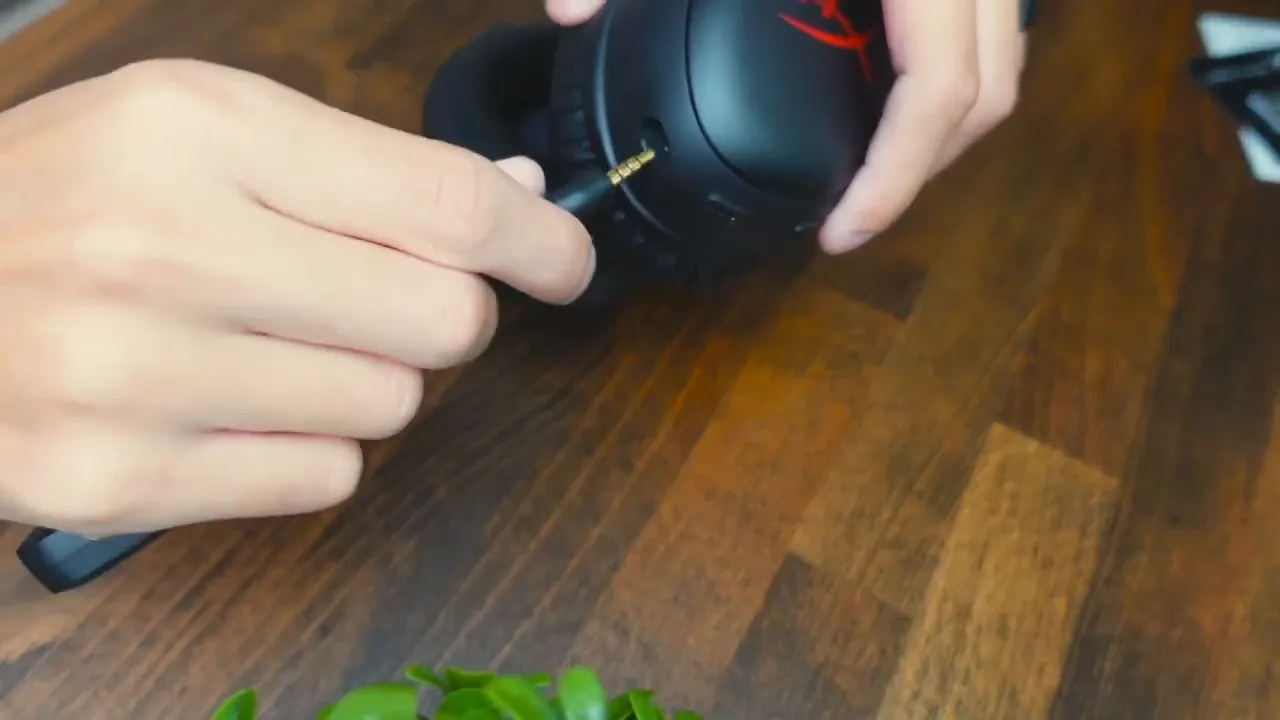
- Microphone input (detachable mic plugs in on the ear cup)
- Volume dial on the opposite ear cup
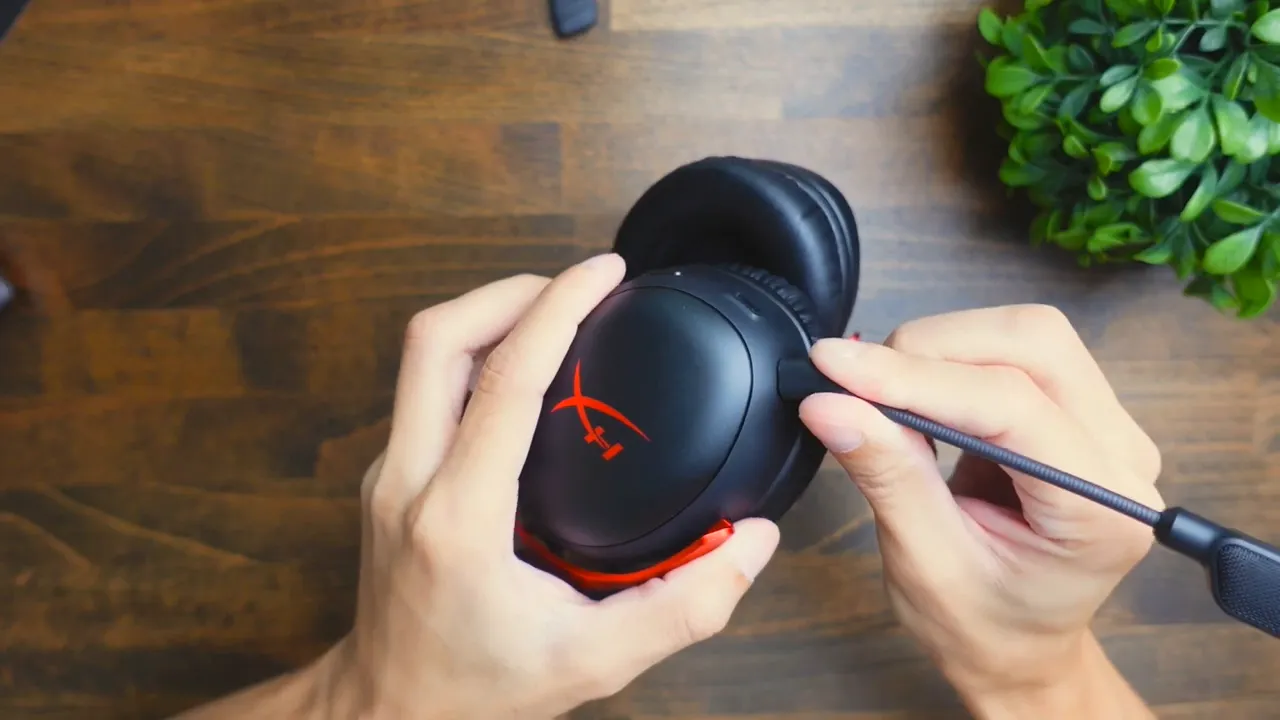
Pairing the headset is straightforward: hold the power button until you hear a tone and see the indicator LED. Plug the included receiver into your PC via USB-A or USB-C (use the adapter included if needed). If you prefer wired connections, HyperX offers a wired Cloud 3 variant that’s slightly cheaper—worth considering if latency or battery life is a top priority.
Sound quality: music, games, and clarity
Audio performance is strong across the board. In music playback the bass is full and rich without feeling muddy. Mids and highs are clear and not overly bright—so vocals and instrument separation are good. Overall sound is tuned for gaming without sounding like a purely “V-shaped” consumer headset.
For gaming, the surround/spatial sound options in HyperX’s software create a convincing 3D effect, improving positional awareness and immersion. I recommend enabling Spatial Sound in the app when you’re playing competitive shooters or titles where directional audio matters.
Microphone test and voice clarity
HyperX upgraded the microphone on the Cloud 3 to a 10mm detachable mic, and it shows. In my test recordings the mic captured voice cleanly with good presence and minimal background noise. For team communication, streaming, or content creation, this mic ranks among the better built-in options you’ll find on gaming headsets.
Here’s the kind of mic performance you can expect: crisp, direct, and reliable for competitive play. If microphone clarity is a priority, the Cloud 3 delivers.
Software: HyperX NGENUITY
The HyperX NGENUITY app lets you fine-tune the headset beyond the hardware controls. Once you install it and connect the Cloud 3, you gain access to:
- Master volume and microphone volume controls
- Mic monitoring options
- Spatial sound toggle (for a surround-like 3D effect)
- Equalizer presets (Bass Boost, Bass Cut, Treble Cut, etc.) and a custom EQ editor
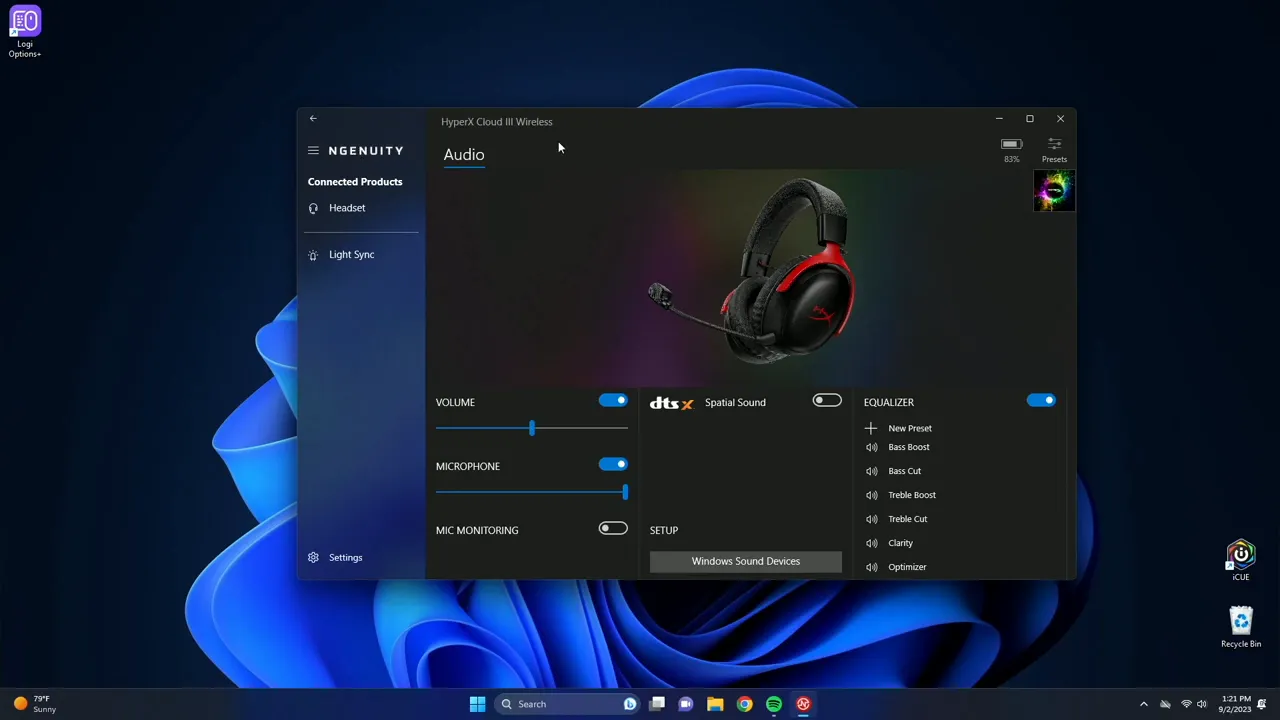
These settings are intuitive. The Spatial Sound option is particularly useful for FPS and immersive games—turn it on to help identify enemy movement and directional cues. The custom EQ is simple but effective for shaping the overall signature to your taste.
Battery life & portability
One of the standout specs is battery life: HyperX claims up to 120 hours on a single charge. In real-world terms this means you can go days—or even weeks of weekend sessions—without plugging in. When the battery does run out, the USB-C cable lets you continue playing while charging.
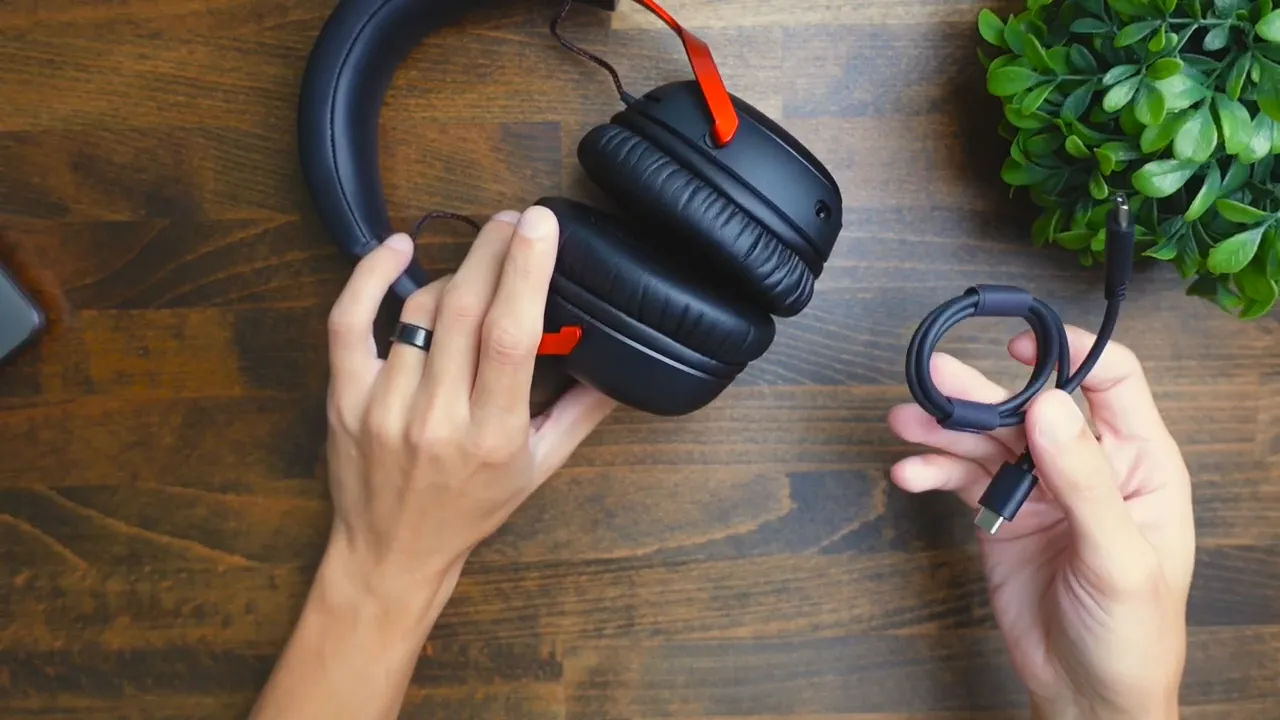
The included drawstring bag makes the headset easy to transport and helps protect the finish. Because the mic is detachable, tossing the headset into a bag is less risky than with fixed-boom mics.
Weight and daily use
The Cloud 3 Wireless weighs in at approximately 141 grams. To put that in perspective, it’s about 40–45 grams lighter than Apple’s AirPods Max. The relatively light weight, combined with comfortable padding, makes it a good option for multi-hour work or play sessions without significant neck strain.
Comparison: Wireless vs Wired Cloud 3
If you’re considering the Cloud 3 line, note there’s a wired version that’s cheaper. Choose wired if you:
- Need zero latency for competitive play
- Prefer not to manage battery charging
- Want to save a bit on price
Choose wireless if you value freedom of movement, the included wireless receiver and adapter, and the long battery life. Either way, you get HyperX’s comfortable memory foam and robust build quality.
Pros and cons
- Pros: Excellent microphone clarity, long battery life (up to 120 hours), comfortable memory-foam padding, solid build materials, USB-C receiver with USB-A adapter, HyperX NGENUITY software with spatial sound and EQ presets.
- Cons: Ear cups don’t fully swivel (only slight rotation), not the absolute top-tier audiophile sound (but very good for gaming), pricier than basic wired options.
Who should buy the HyperX Cloud 3 Wireless?
This headset is ideal if you’re a gamer who:
- Plays on PC, PS5, PS4 or Nintendo Switch and wants a single headset across platforms
- Values microphone quality for team communication or streaming
- Wants long battery life and a comfortable fit for marathon sessions
- Appreciates software customization like spatial sound and EQ presets
If you’re purely an audiophile looking for the cleanest possible hi-fi sound, you’ll find other headphones better tuned for music. But for gaming, streaming, and everyday use, Cloud 3 Wireless is a strong, balanced option.
Final verdict
The HyperX Cloud 3 Wireless is a thoughtfully engineered gaming headset that nails comfort, mic clarity, and battery life without sacrificing build quality. The inclusion of a detachable, crisp-sounding mic and the HyperX NGENUITY software makes this headset especially attractive to competitive gamers and streamers. The price is justified by the combination of features—if you want reliable wireless performance and strong voice capture, this is a headset I’d recommend.
FAQ
What platforms is the HyperX Cloud 3 Wireless compatible with?
The headset is compatible with PC, PS5, PS4 and Nintendo Switch. The included USB-C wireless receiver plus a USB-A adapter helps you connect to a wide range of devices.
How long does the battery last?
HyperX rates the Cloud 3 Wireless for up to 120 hours of battery life. In normal mixed-use testing you can expect very long runtimes—enough for multiple gaming sessions before recharging.
Can I use the headset while it charges?
Yes. If the battery runs out you can plug in the included USB-C cable and continue using the headset while it charges.
Is the microphone detachable and how does it sound?
Yes, the microphone is detachable. It’s a 10mm mic that delivers crisp voice capture and ranks among the better mics you’ll find on gaming headsets—great for team communication and streaming.
Does the HyperX software add any useful features?
The HyperX NGENUITY app provides volume and mic controls, mic monitoring, spatial sound (3D effect), and EQ presets plus a custom EQ. Spatial sound is especially useful for improved positional awareness in games.
Should I choose the wired or wireless version?
Choose wired if you want a lower price and zero latency. Choose wireless if you want freedom of movement, the included wireless receiver, and up to 120 hours of battery life. Both use the same comfortable memory foam and similar build quality.
Where to buy
If you’re ready to buy, I’ve linked the HyperX Cloud 3 Wireless in the description of my review. I use affiliate links—if you purchase through them it helps support future reviews and tests.
Thanks for reading
That wraps up my review of the HyperX Cloud 3 Wireless. If you have questions about fit, mic performance, or setup across consoles, drop them below and I’ll help you out. Happy gaming, and I’ll see you in the next review.


