
The Logitech Brio 100 Webcam has made its mark in the realm of affordable webcams, offering features that make it a competitive choice for video calls and streaming. With its Full HD 1080p resolution, auto-light balancing, and integrated privacy shutter, it promises to enhance your video conferencing experience. In this blog, we will delve into its features, performance, and overall value.
Table of Contents
- Getting Started with the Logitech Brio 100
- Design and Build Quality
- Video Quality
- Software Features
- Performance Comparison
- Conclusion
- Frequently Asked Questions (FAQ)
Getting Started with the Logitech Brio 100
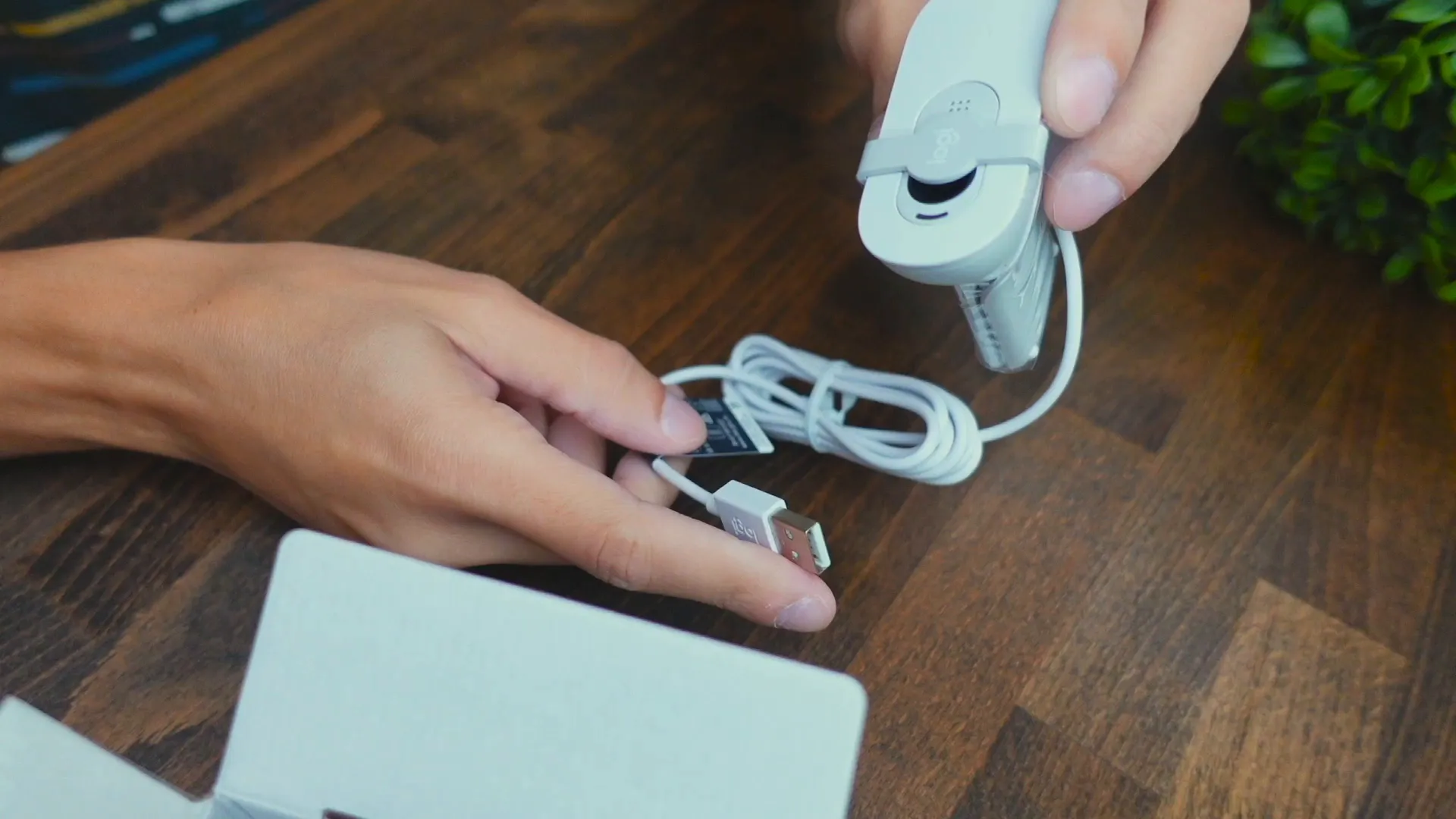
The first step in exploring the Logitech Brio 100 is to unbox it and take a look at its design and features. This webcam connects via a standard USB-A cable, making it compatible with most devices.
Mounting the Webcam
Mounting the Brio 100 is straightforward. The webcam features a flexible clip that easily attaches to your monitor. Simply swing the clip open, latch it onto the desired surface, and adjust as needed. This design ensures a secure fit while allowing for easy repositioning.

Privacy Shutter
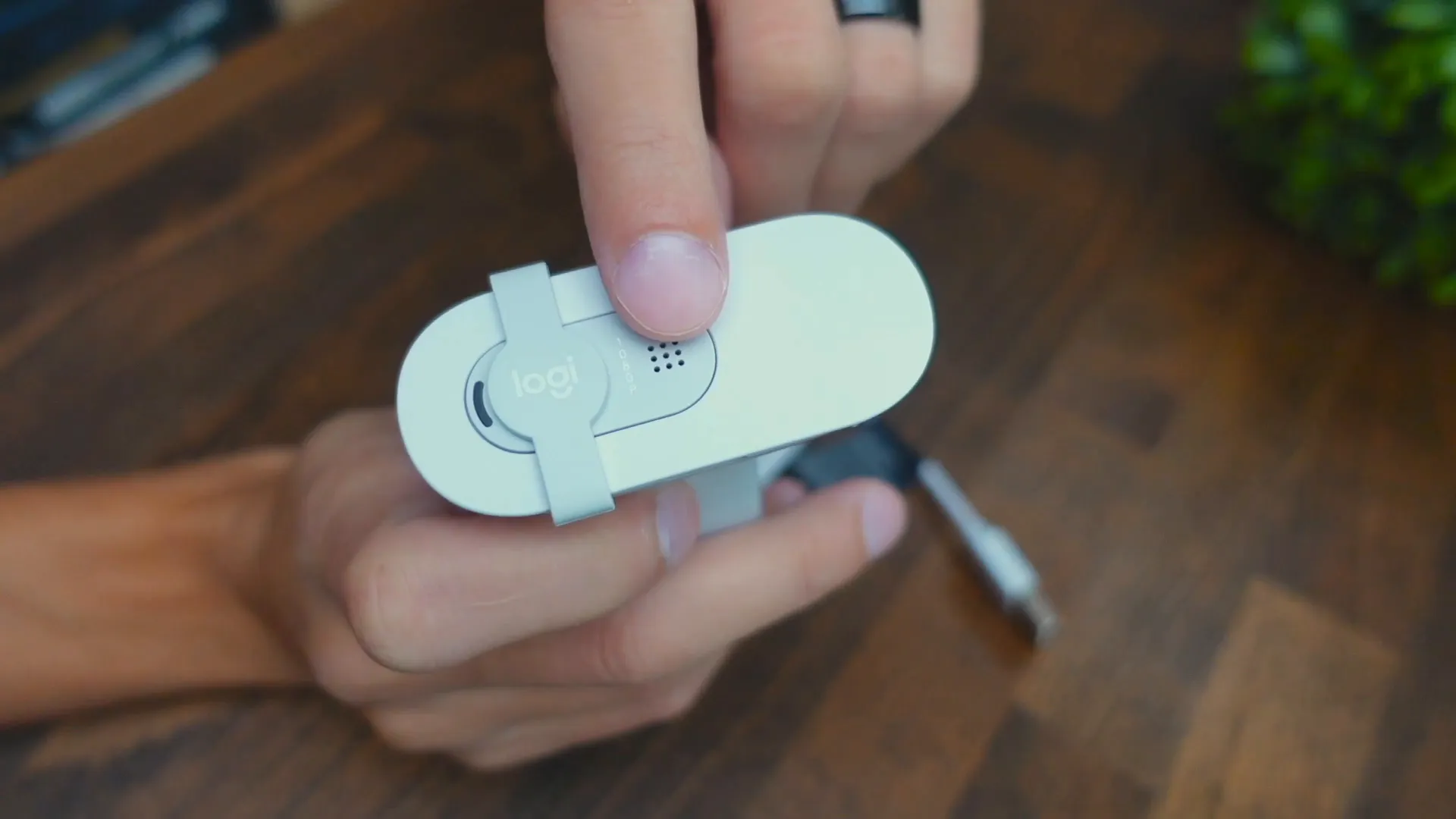
One of the Brio 100's standout features is its integrated privacy shutter. When not in use, you can slide the shutter up and down to cover the lens, providing peace of mind that no one is watching you unexpectedly. This feature is especially important in an era when privacy is a growing concern.
Design and Build Quality
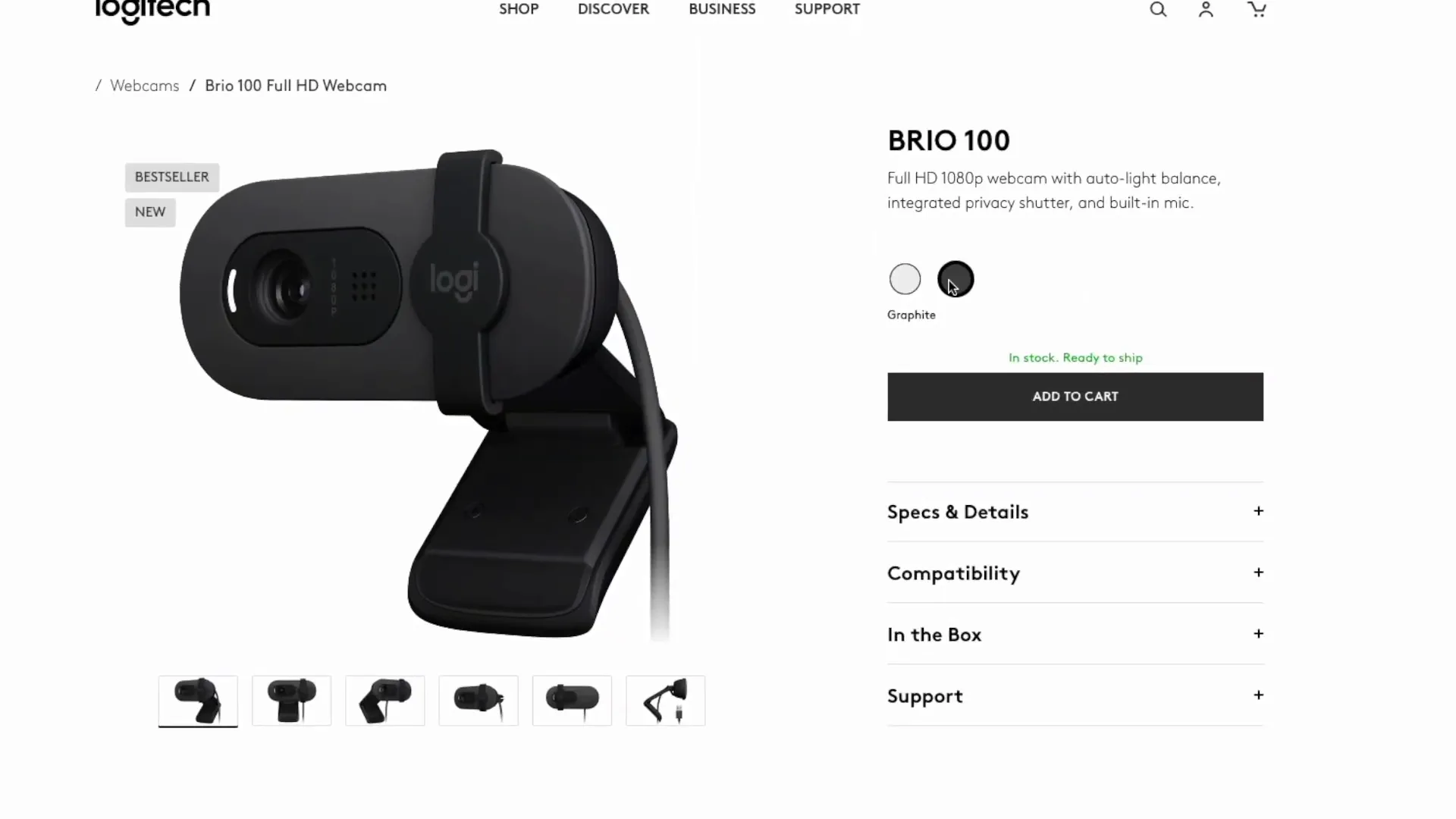
The Brio 100 is constructed from a combination of plastic materials, including recycled plastics. This environmentally friendly approach is commendable as it contributes to sustainability. The webcam comes in two color options: a sleek white and a classic graphite.
Video Quality
The Brio 100 supports a maximum resolution of 1080p for video quality, making it suitable for video conferencing on platforms like Zoom, Microsoft Teams, and Google Meet. However, while the clarity is acceptable, it may not meet the expectations of users looking for top-tier quality.

Microphone Performance
The built-in microphone performs adequately for video calls. During testing, standing about two feet away, the audio quality was clear enough for conversation. While it may not replace dedicated microphones, it suffices for everyday use.

Software Features
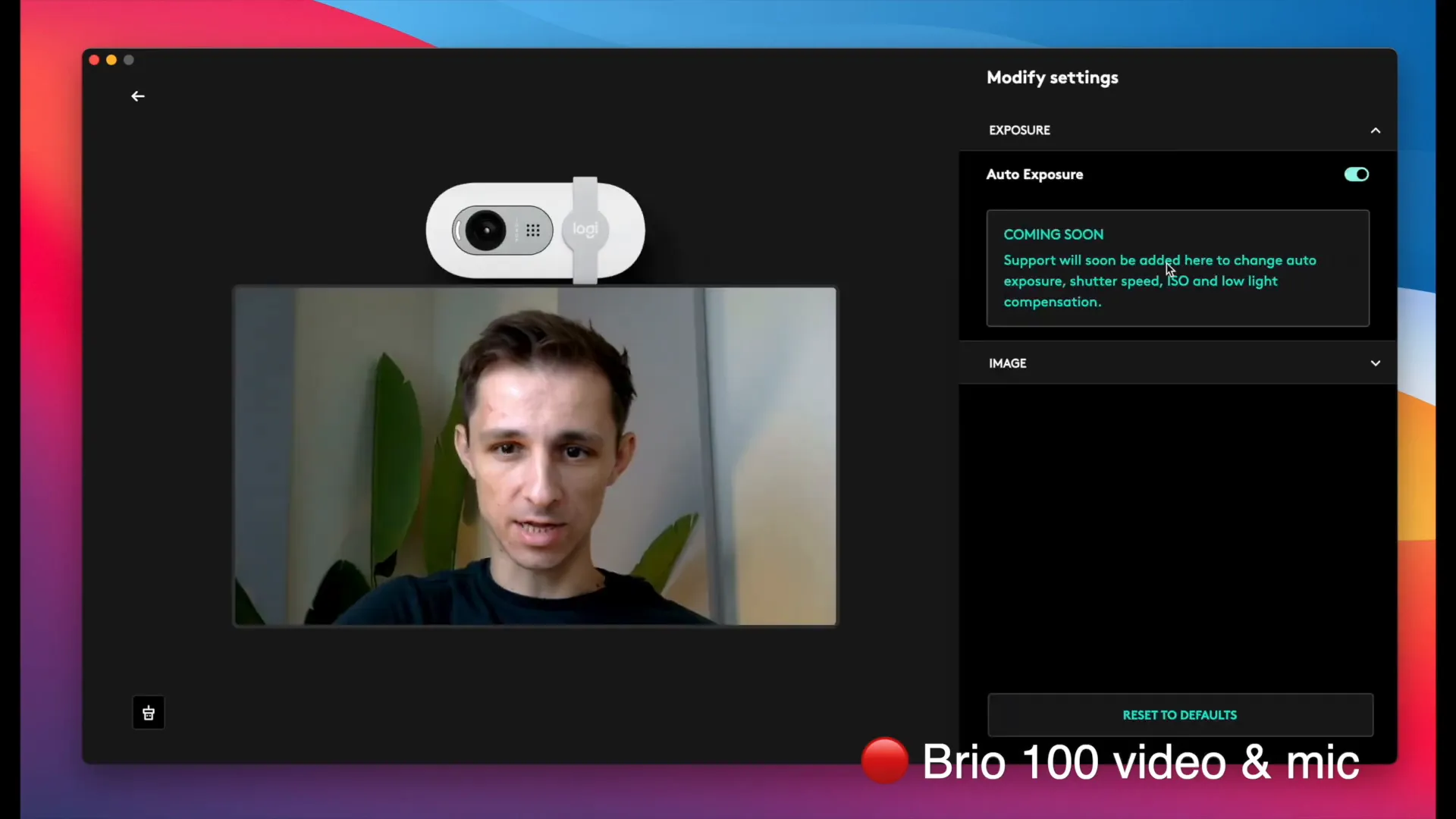
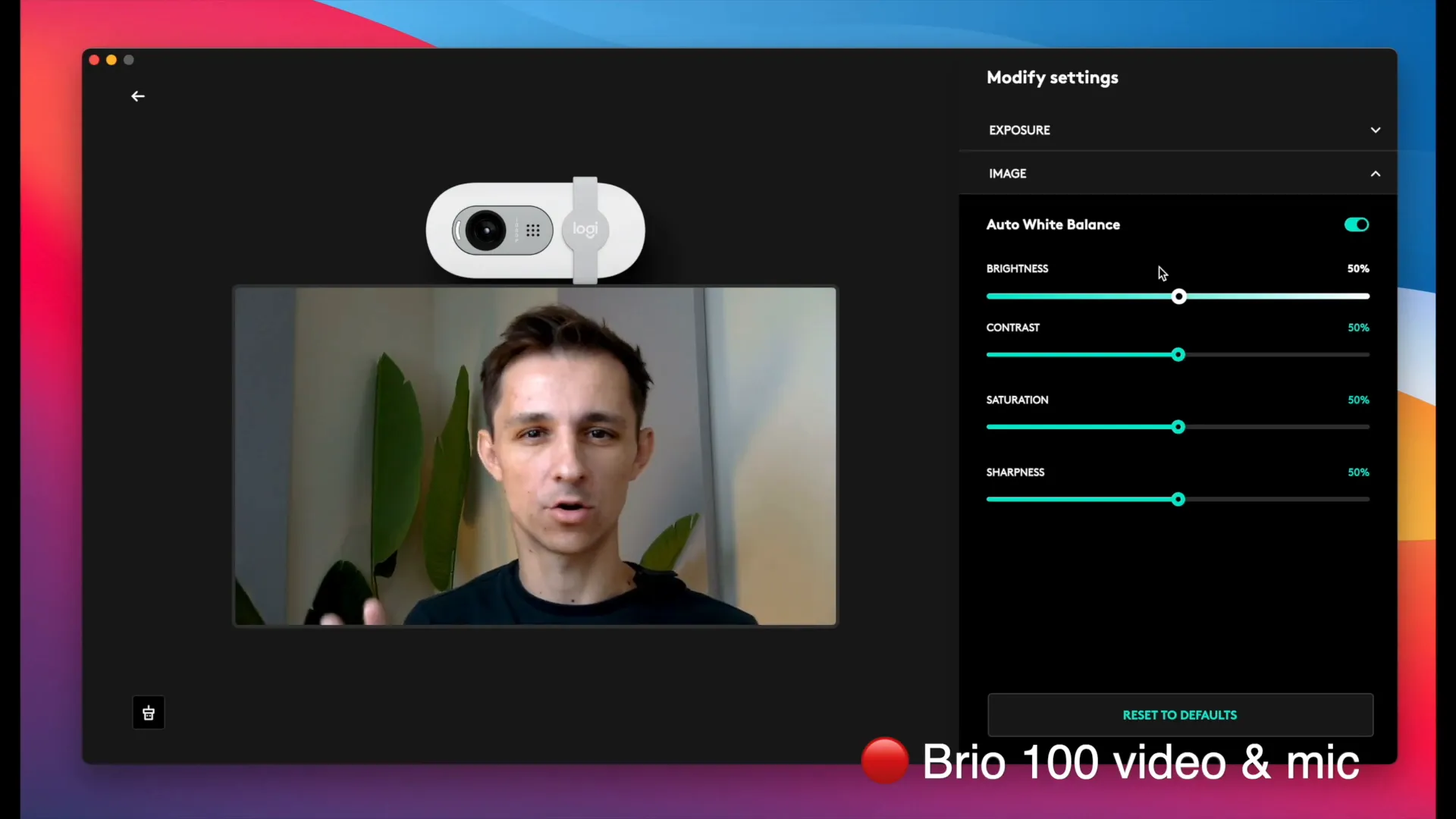
The Brio 100 comes with the Logitech software called “Lodgy Options Plus.” This software allows users to adjust various settings such as exposure and image quality. The interface is user-friendly, enabling you to tweak brightness, contrast, saturation, and sharpness to suit your preferences.
Auto White Balance
One notable feature of the Brio 100 is its auto white balance capability. This feature ensures that skin tones appear natural regardless of lighting conditions. However, users should be mindful of the settings, as disabling auto white balance can lead to undesirable color casts.
Performance Comparison
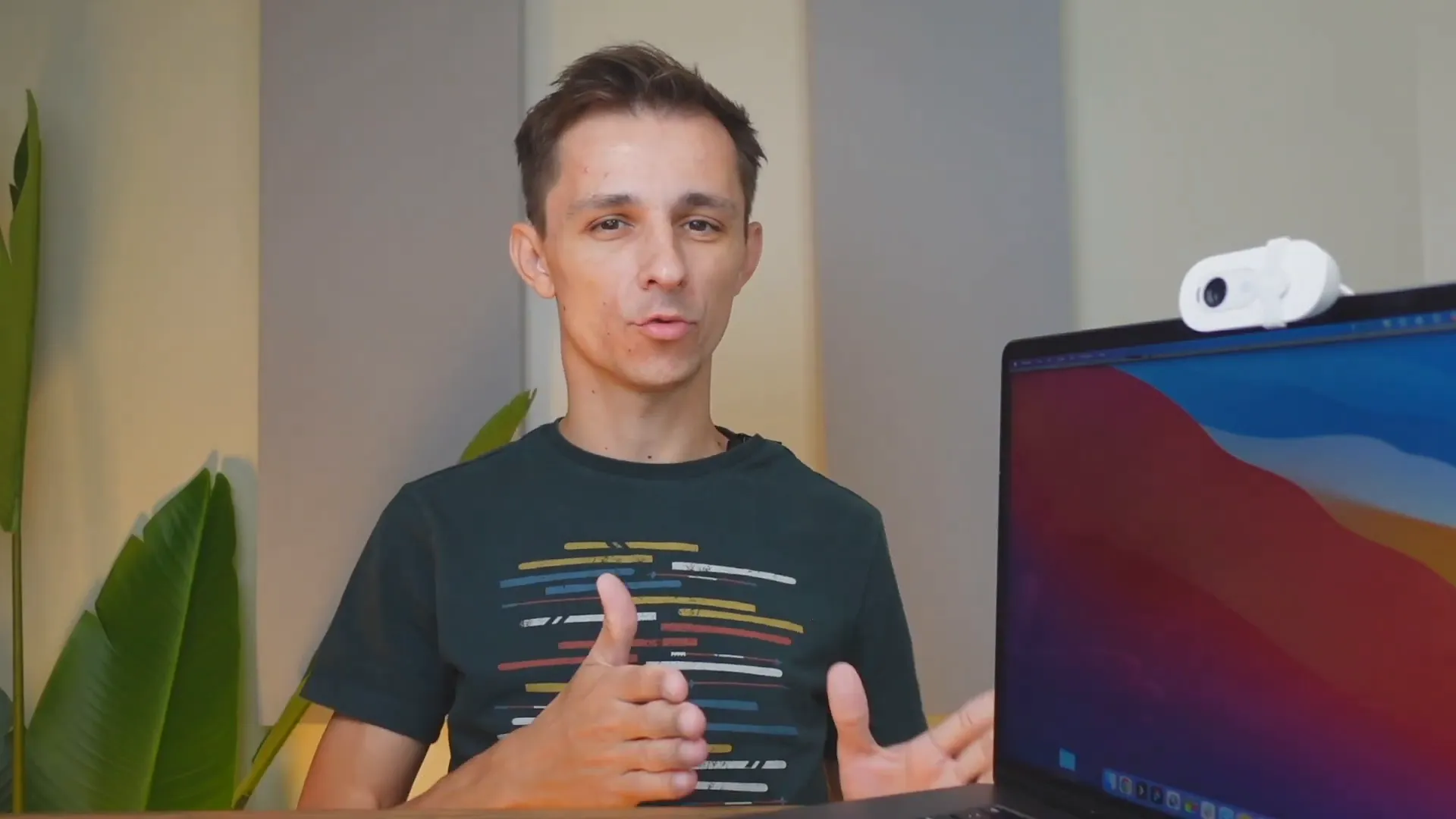
While the Brio 100 is a solid choice, it may not be the best option for those seeking the highest quality. Competing products in the same price range could potentially offer sharper visuals. For users loyal to the Logitech brand, the Brio 300 and 500 series are recommended alternatives that provide enhanced video quality.
Conclusion
In summary, the Logitech Brio 100 Webcam is an affordable option that delivers decent performance for video calls and conferences. Its features, such as auto-light balance and privacy shutter, are valuable additions, particularly for remote work. While it may not be the most high-end option available, it serves its purpose well, especially for budget-conscious users.
If you're interested in purchasing the Logitech Brio 100, you can find it on Amazon.com.
Frequently Asked Questions (FAQ)
1. Is the Logitech Brio 100 suitable for streaming?
Yes, the Brio 100 is suitable for streaming and video conferencing on platforms like Twitch, Zoom, and Microsoft Teams.
2. Can I use the Brio 100 on a Mac?
Yes, the Logitech Brio 100 is compatible with Windows, macOS, and ChromeOS.
3. Does it have a built-in microphone?
Yes, the Brio 100 features a built-in microphone that provides decent audio quality for video calls.
4. What is the maximum resolution of the Brio 100?
The maximum resolution of the Logitech Brio 100 is 1080p.
5. How do I adjust the settings for the webcam?
You can adjust the settings using the Logitech Lodgy Options Plus software, which allows you to customize exposure, brightness, contrast, and more.


