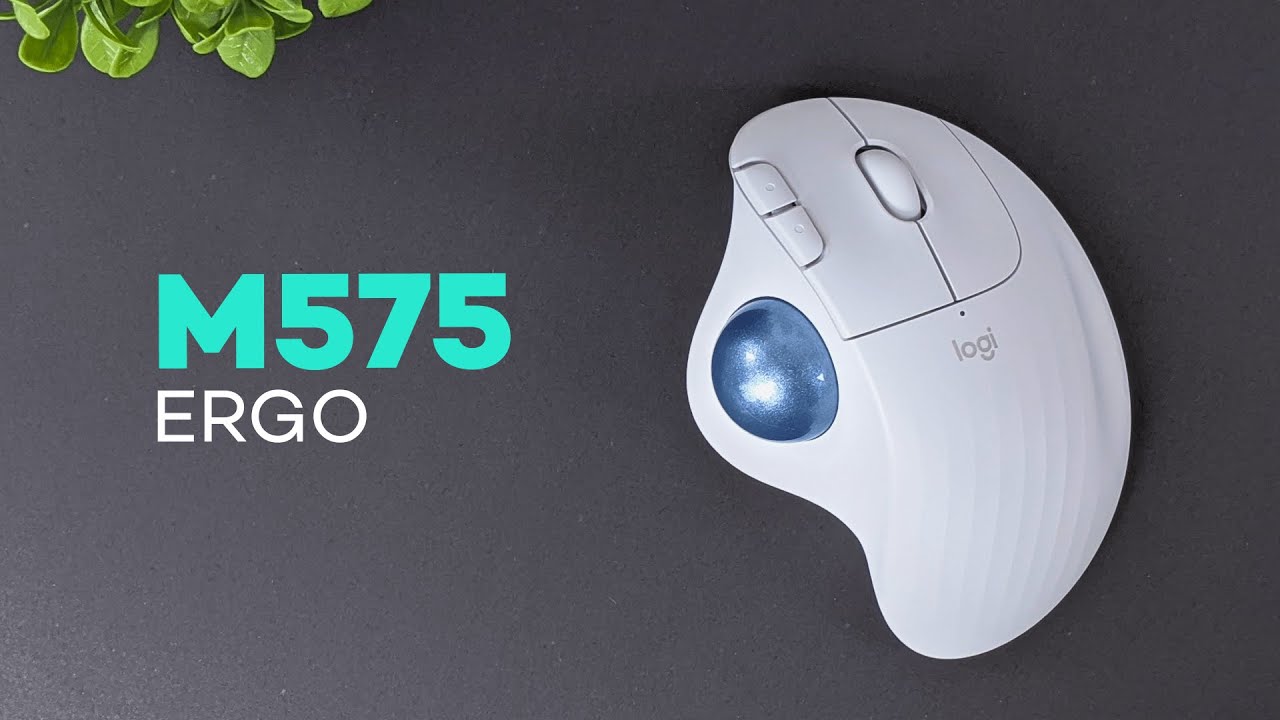
The Logitech Ergo M575 is one of those mice that makes a lot more sense the second you understand who it’s for. This is not your typical mouse that slides around your desk all day. It’s a wireless ergonomic trackball mouse, which means it stays planted in one place while your thumb handles cursor movement.
If you deal with wrist strain, hand fatigue, limited desk space, or you just want something more comfortable than a traditional mouse, the M575 is a really interesting option. Logitech has a few ergonomic designs in its lineup, including vertical mice that still move around on the desk. The M575 goes in a different direction. It keeps the mouse stationary and puts the work on the trackball.
That simple change affects comfort, setup, and where you can use it.
What comes in the box
The packaging is straightforward. Inside the box, you get:
- The Logitech Ergo M575 mouse
- A USB-A wireless receiver
- A quick start guide
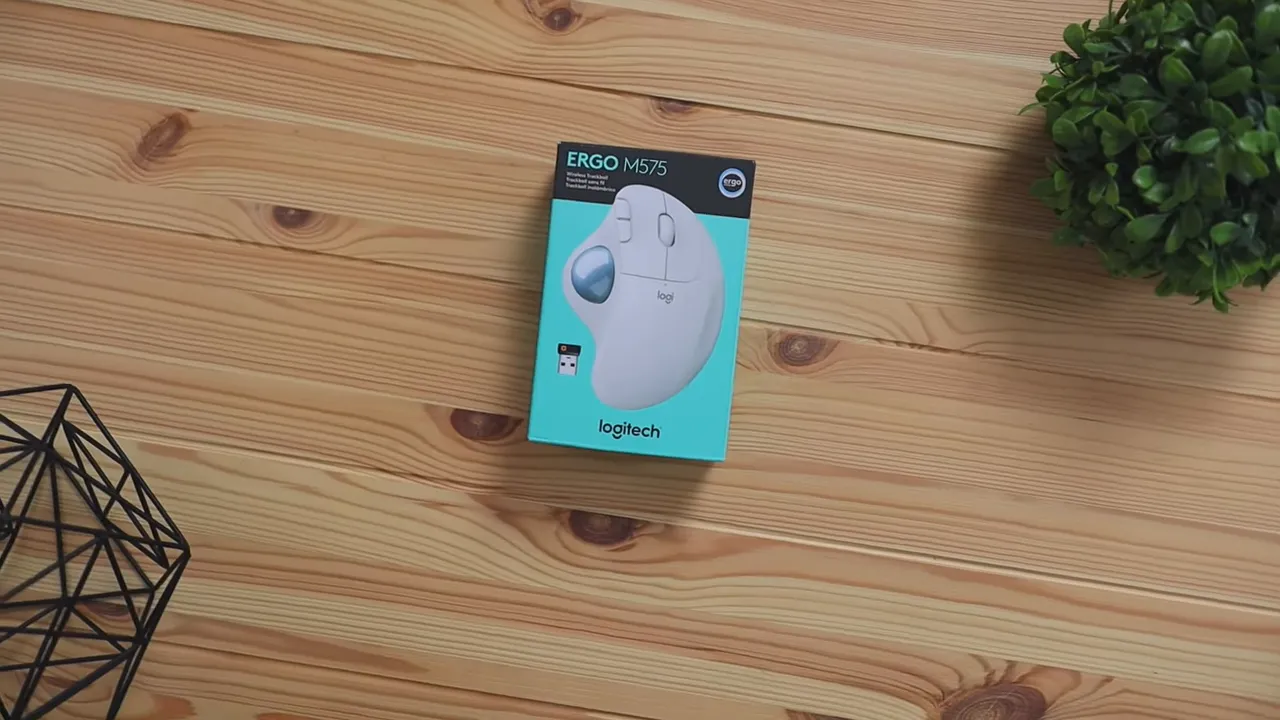
The mouse supports both Bluetooth and the included USB receiver, which is nice because it gives you flexibility depending on your setup. If your laptop or desktop has a free USB-A port, the dongle is the quickest route. If not, Bluetooth keeps things clean.
Logitech sells this model in Off-White and Graphite. The one here is the off-white version, while graphite is the darker option if you prefer a more understated look.
Design and build quality
Overall, the M575 feels well put together. The shell is fully plastic, but it does not come across as cheap plastic. It feels sturdy enough to handle everyday use, travel, and the occasional accidental drop without drama.
The scroll wheel has a grippy rubberized finish, which helps it feel a little more premium and controlled under the finger. The trackball itself has a very slick, polished surface that makes thumb movement smooth and easy. That slippery finish is a big part of why the mouse works well both for fast cursor movement across a screen and for smaller, more precise adjustments.
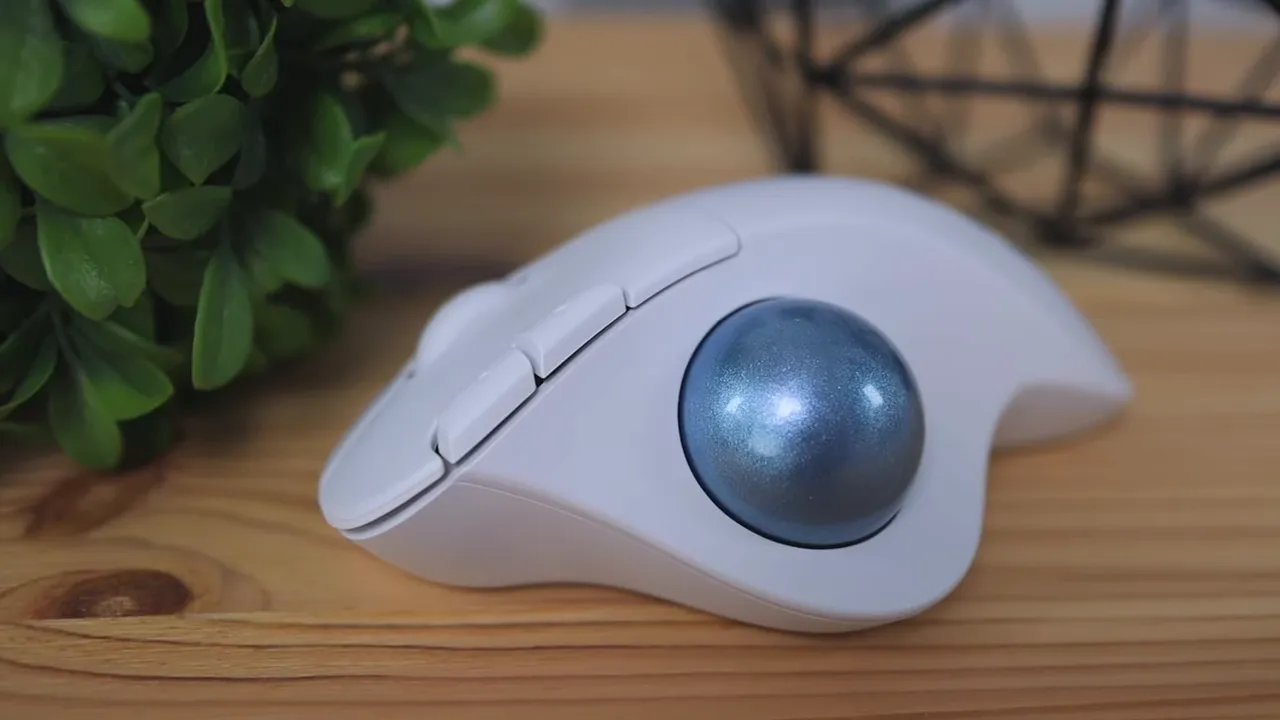
On the bottom, Logitech added rubber grips to help keep the mouse in place. That matters because this is a device that is meant to stay stationary. You are not supposed to be dragging it across your desk, so the extra grip helps prevent unwanted shifting while you use the trackball.
The weight also works in its favor. The M575 is fairly heavy, and in this case that’s a good thing. A lighter body would make it easier for the mouse to slide around when your thumb is working the ball. Here, the weight helps it feel anchored.
Logitech also highlights some durability and sustainability points in the product details. The ERGO M575 is designed for more than 3 million clicks, and depending on the color, the plastic parts use post-consumer recycled material. The paper packaging also comes from FSC-certified forests. If that matters in your buying decision, it’s a nice bonus.
Comfort and the ergonomic shape
This is where the M575 starts to make its case.
The shape is built around a palm-grip style. You rest your palm on top, your fingers naturally fall into place, and your thumb sits on the trackball. The contouring makes it feel supportive rather than flat.
Using a trackball mouse can feel strange at first if you’ve spent years with a standard mouse. That’s normal. The good news is the learning curve here is not bad. After about an hour of use, it starts to feel much more natural and intuitive.
This style of mouse is especially relevant for people dealing with:
- Hand fatigue
- Wrist discomfort
- Carpal tunnel symptoms
- Mobility limitations
- Difficulty using a regular mouse for long periods
The whole point of the design is to reduce the need for broad arm and wrist movement. Since the body stays in place, your hand can remain in a more relaxed position.
If you are comparing different ergonomic mouse styles and aren’t sure whether a trackball is right for you, it may also help to look at a vertical ergonomic mouse comparison. Vertical designs solve the comfort problem in a different way, so it really comes down to what feels best for your hand and workflow.
Where the Logitech Ergo M575 works best
One of the best things about this mouse is that you are not locked into a normal desk-and-mouse-pad setup. Because the body stays still, it works in places where a standard mouse would be awkward or useless.
1. On a desk
This is the most obvious setup, and it works exactly how you’d expect. Pair it with your keyboard and you have a clean, simple ergonomic workstation. The big difference is that the mouse doesn’t need much space, which is great for smaller desks or crowded setups.

2. On the armrest of a chair
This is a more unusual setup, but it actually makes a lot of sense. If reaching outward to a desk causes strain, placing the M575 on the armrest can keep your arm in a more relaxed, tucked-back position. That can be surprisingly comfortable, especially for longer sessions.
3. On the couch
If your computer is hooked up to a TV or entertainment center, this mouse becomes really convenient. You can leave it on the couch next to you and control the screen without needing a mouse pad or a hard flat surface. For living room PC setups, that’s a real advantage.
4. On your lap or against your body
This is where the stationary design really shows its flexibility. Because the M575 doesn’t need to glide across a surface, it can still work on your lap or even when braced against your body.
That may sound like a niche use case, but it can be genuinely helpful for people with mobility limitations or temporary injuries. For example, if one arm is in a cast or your range of motion is limited, being able to position the mouse closer to your body can make computer use a lot more manageable.
In practical use, it still feels surprisingly natural. Cursor movement remains easy to control, and basic navigation like clicking icons and moving around the desktop is not confusing.
One note here: the original review raises concern about wireless radio exposure when holding the mouse directly against the body for long periods. For that reason, using it on a desk, armrest, or couch is the safer and more conventional choice whenever possible.
Buttons, clicking, and everyday use
The clicking experience is comfortable and straightforward. The M575 includes the essentials:
- Left click
- Right click
- Scroll wheel
- Thumb-operated trackball
- Two extra programmable buttons

The extra buttons are placed on the top near the left-click button. That is a little different from many mice, which usually put back and forward buttons on the side. By default, these act as back and forward buttons, which is handy for web browsing and file navigation.
If you want more control, Logitech’s software lets you customize them. You can assign other actions such as opening apps, changing volume, or handling other shortcuts that fit your workflow. If software customization is something you care about, this broader guide to Logi Options+ software gives a good sense of how Logitech’s button customization ecosystem works.
For official setup and support details, Logitech also has a product page for the ERGO M575 with current specs and compatibility information.
Battery life and connectivity
Beyond comfort, the M575 keeps things simple in the day-to-day experience. Logitech states that the sensor is designed for ultra-low battery consumption, with up to 2 years of battery life on a single AA battery. That kind of longevity is one of the quiet benefits of a productivity-focused wireless mouse. You set it up and mostly forget about it.
As mentioned earlier, you can connect with either Bluetooth or the included USB receiver. That makes the mouse easy to use with desktops, laptops, and mixed-device setups without much hassle.
Pros and cons
What I liked
- Very flexible placement. You can use it on a desk, couch, armrest, lap, or other nontraditional surfaces.
- Comfortable ergonomic shape that supports the hand well.
- Smooth trackball movement that works for both fast navigation and precision.
- Solid build quality with good grip and stable weight.
- Dual connectivity with Bluetooth and USB receiver.
- Programmable buttons for extra customization.
- Excellent battery life on a single AA battery.
Potential drawbacks
There really were not any major complaints here. The biggest caveat is simply that trackball mice are not for everyone. If you try one and the thumb-based control scheme does not click for you, a vertical mouse may be the better ergonomic route.
If you want to browse more mouse options before deciding, Kova Tech also has a broader collection of mouse reviews and comparisons worth checking out.
Who should buy the Logitech Ergo M575?
The M575 makes the most sense for a few types of users:
- Anyone who wants an ergonomic mouse that reduces desk movement
- People with wrist or hand discomfort
- Users working in small spaces
- Those who use a computer from the couch or living room
- People who may need a mouse that works in less conventional positions
If that sounds like you, the Logitech Ergo M575 is a strong pick. If you want to check current pricing or availability, you can find the mouse on Amazon here.
Final thoughts
The Logitech Ergo M575 is a solid ergonomic mouse that does exactly what it sets out to do. It stays put, feels comfortable in the hand, and opens up usage scenarios that regular mice just do not handle well. The transition to a trackball may take a little time, but it is easier than you might expect.
For anyone who needs a more comfortable setup, wants a mouse that works beyond the desk, or simply prefers the idea of a thumb-controlled trackball, this one is easy to recommend.


