Overview
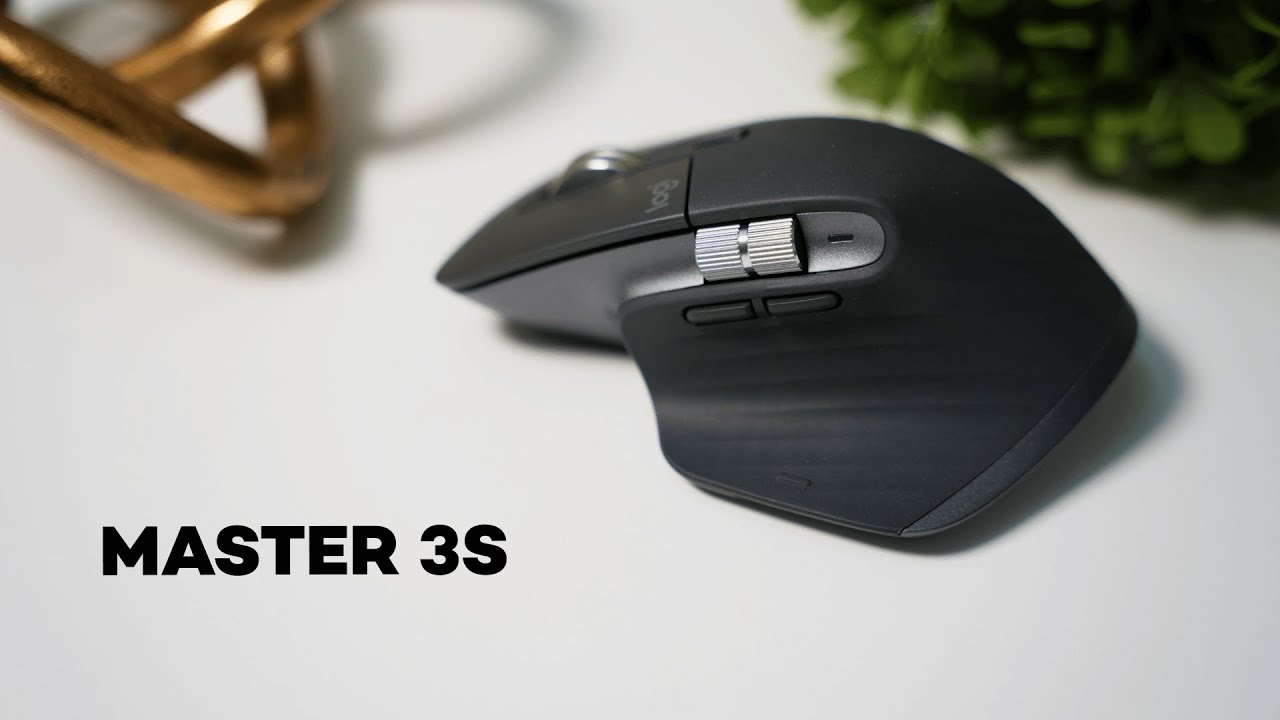
The MX Master 3s is Logitech's productivity-focused mouse, updated from the MX Master 3 with quieter clicks and a few refinements that keep the core strengths intact. It blends ergonomic design, a high-precision sensor, advanced scrolling, and multi-device switching—making it ideal for power users who juggle multiple machines or want a comfortable daily driver.
What’s new (and the key selling points)
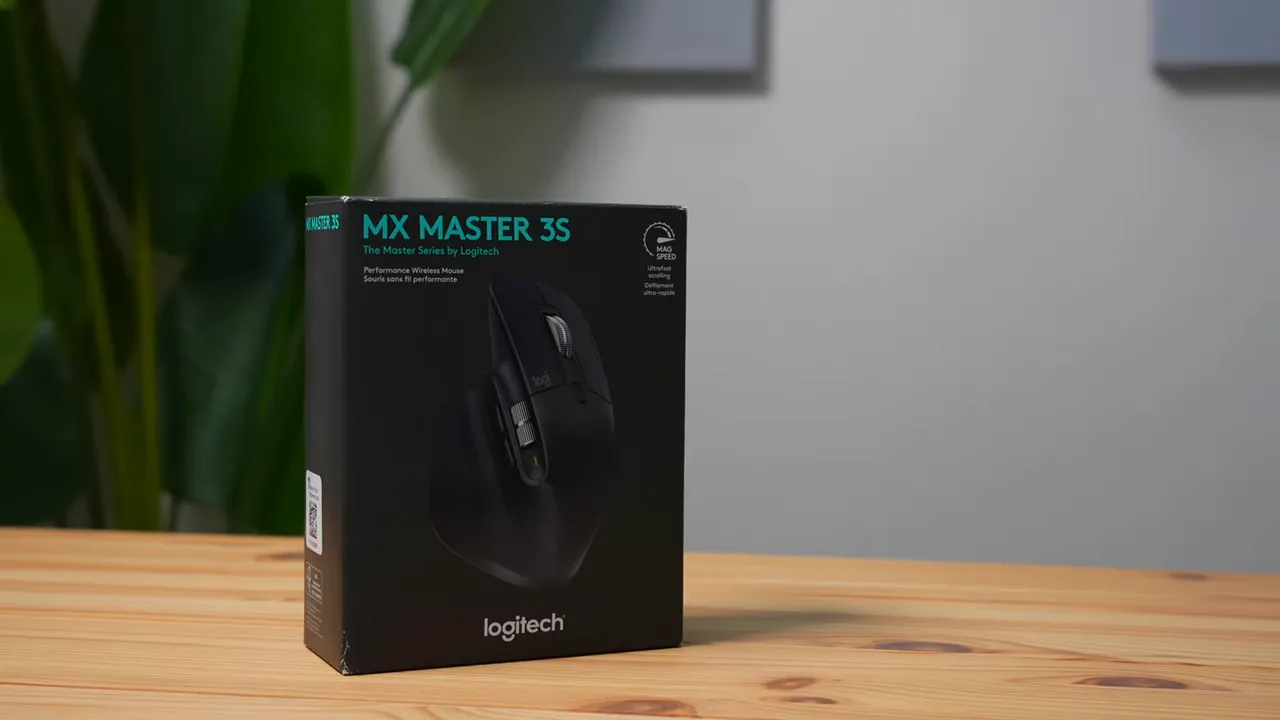
Compared with the MX Master 3, the 3s brings one headline change: the clicks are much quieter—about 90% quieter—thanks to redesigned silent switches. Beyond that, it keeps the features that made the lineup popular: an ultra-precise sensor, a premium metal-feel scroll wheel, programmable buttons, and Bluetooth/Unifying connectivity for up to three devices.
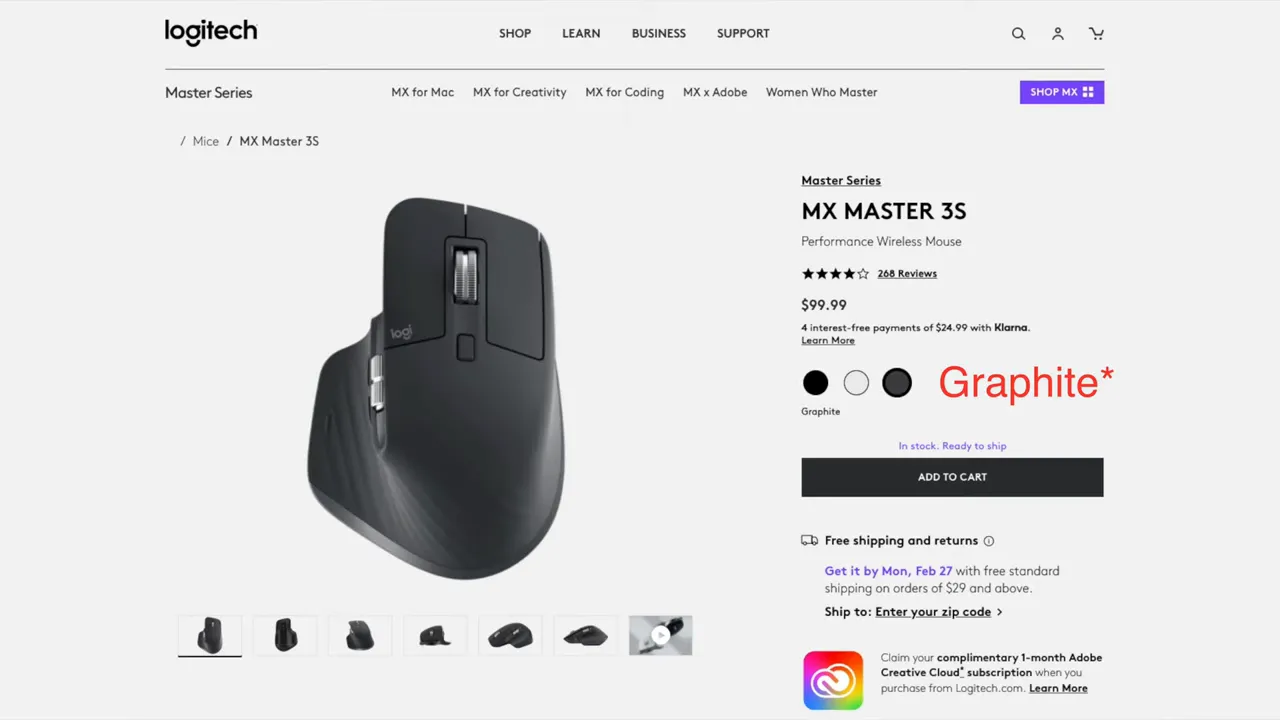
Color options include Graphite, Pale Gray, and Space Gray. I tested the graphite model, which has a more grayish tone rather than a true black.
Sensor and scrolling
The MX Master 3s features an AK DPI sensor (marketing name from Logitech) that tracks smoothly across many surfaces—wood, fabric, plastic, even glass. The tracking feels precise for both everyday tasks and detailed work.
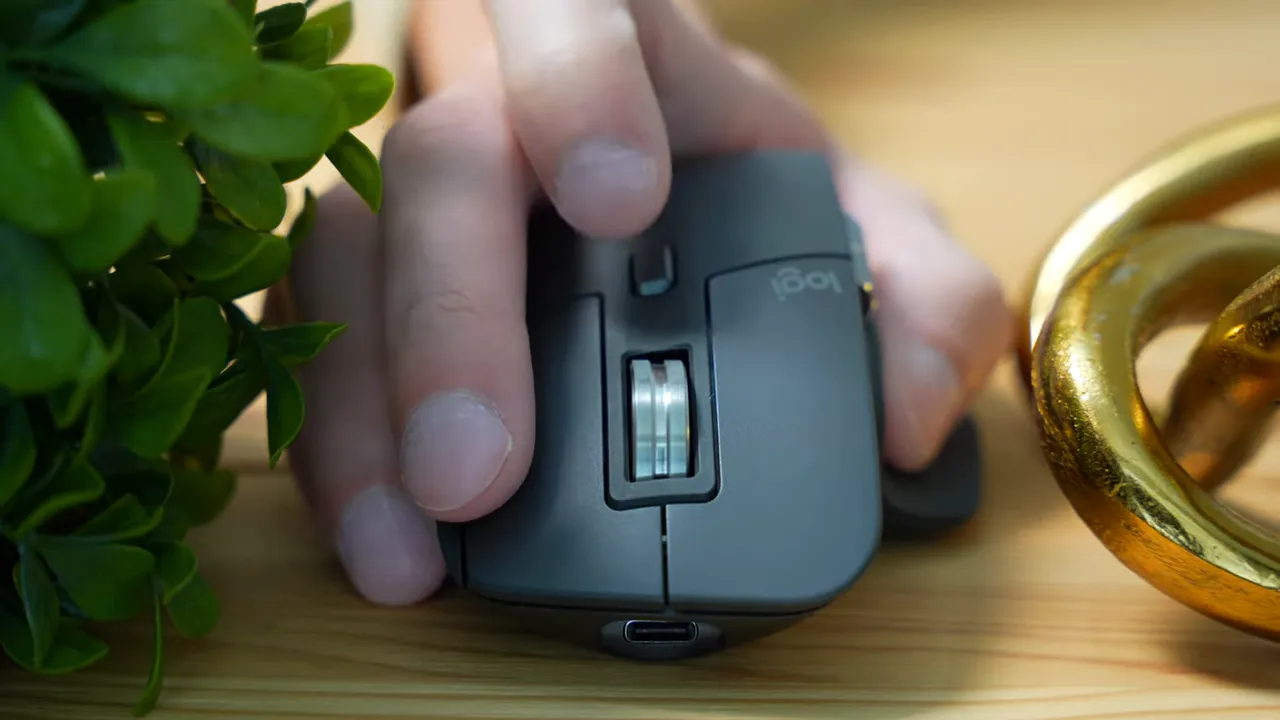
The scroll wheel is one of the standout elements. It offers two modes:
- MagSpeed (free-spin): The wheel spins electronically and can freewheel for long periods, ideal for quickly moving through long documents or timelines.
- Ratcheted (tactile): A more controlled, clicky feel where you can sense each step while scrolling.
Multi-device switching and the ProtoArc alternative
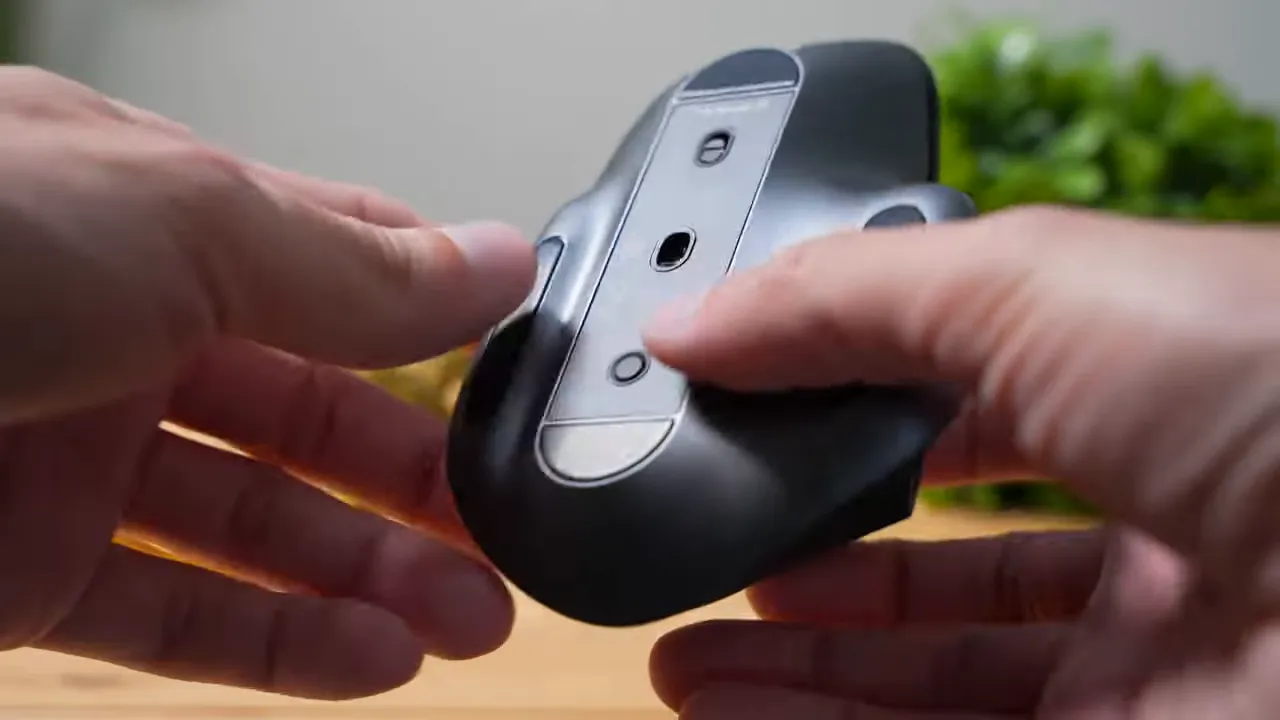
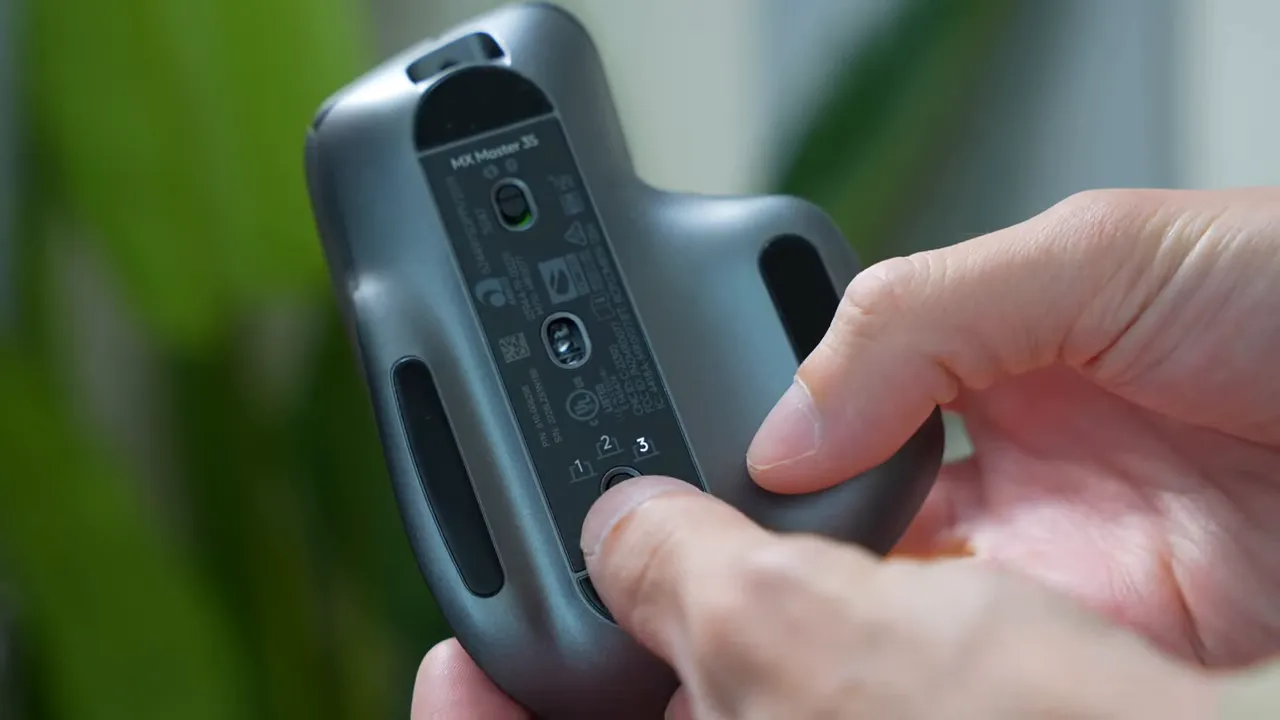
The mouse can be paired with up to three devices and you switch between them with a button on the bottom. That makes it great for people who use a desktop and a laptop, or a tablet and phone alongside a PC.
If you want similar multi-device convenience but with extra connectivity, there is a concept mouse called the ProtoArc MouseHub that adds a built-in hub with HDMI and USB ports. That’s a different approach—keeping a hub physically attached to the mouse so you don’t leave it behind when traveling.
Design, ergonomics, and grip styles
The MX Master 3s keeps the smooth, rounded aesthetic of the Master lineup. From the rear profile there’s a subtle slant that supports a natural hand position. The shape is soft and friendly rather than aggressive.
Grip styles
- Palm grip: The mouse excels here—your palm rests comfortably and all buttons are reachable without strain.
- Fingertip grip: Works well too; fingers hold the sides while the hand floats above the mouse.
- Claw grip: Possible, but not ideal. The button edges sit under your fingers which can make clicking feel heavier and less comfortable.
Build quality and materials
The main shell uses a rubberized texture on the back and thumb area which feels grippy and comfortable. The thumb rest includes a wavy pattern that helps when you move the mouse aggressively.
Buttons are textured plastic for fingertip traction, while both the main scroll wheel and the thumb scroll are metal-feel and weighty—giving a premium, rugged impression. The bottom has a glossy plastic finish that looks metallic but is not metal.
Buttons, customization, and gestures
There are multiple programmable inputs:
- Six programmable buttons for shortcuts and macros.
- Four gesture directions by holding the thumb button and swiping the mouse left, right, up, or down—equivalent to four additional hotkeys.
Customization is handled through Logitech Options or Logi Options+ software, where button assignments, app-specific profiles, and gesture behavior can be configured.
Battery life and charging
Battery life is strong: expect around 70 hours from full to empty under regular use. A full recharge takes roughly three hours. For most users that means days of typical productivity before needing to top up.
Quick specs
- Connectivity: Bluetooth and Logi Bolt / Unifying receiver, up to three devices
- Sensor: AK DPI sensor (high-precision tracking)
- Buttons: Six programmable buttons + four gesture directions
- Scroll: Dual-mode MagSpeed and ratcheted scrolling
- Battery: ~70 hours, ~3 hours to full charge
- Colors: Graphite, Pale Gray, Space Gray
Who should consider the MX Master 3s?
This mouse is aimed at productivity users: programmers, designers, content creators, and anyone who spends long hours at a desk and values comfort, customization, and reliable multi-device switching. If you prefer loud, tactile clicks for feedback, the silent switches may feel odd at first—but most people appreciate the quieter action in open offices or late-night work sessions.
Pros and cons
- Pros
- Excellent ergonomics for palm and fingertip grips
- Very quiet clicks
- Precise sensor that tracks on many surfaces
- Powerful scroll wheel with two modes
- Robust customization and multi-device support
- Cons
- Claw grip is not great for this shape
- Some materials feel like plastic even when marketed as premium
- Not aimed at gamers who want ultra-low-latency gaming mice
Final thoughts
The MX Master 3s is a refined productivity mouse that keeps the best parts of the Master line and reduces noise significantly. It is ideal for multi-device workflows, long sessions at the desk, and anyone who values a comfortable, customizable tool for daily use. If quiet clicks, excellent scrolling modes, and polished ergonomics matter to you, this remains one of the top choices in the productivity mouse category.


