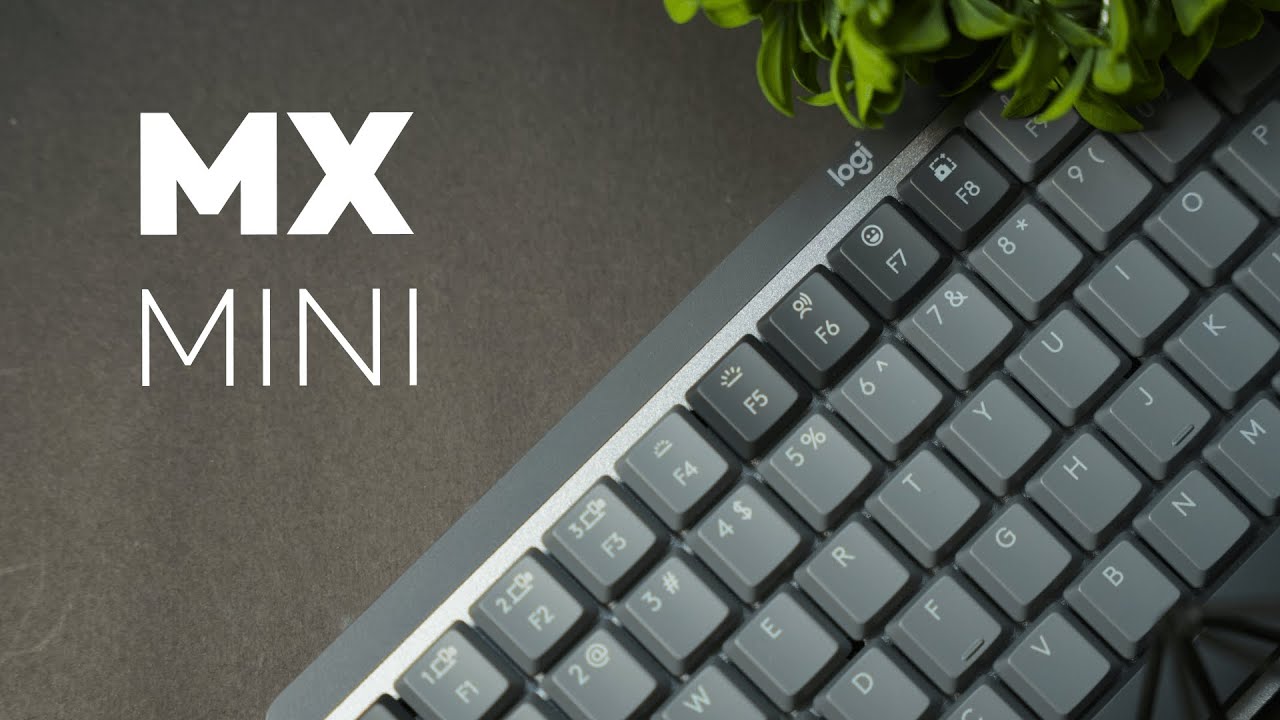
The Logitech MX Mechanical Mini is a compact productivity keyboard built for comfort, customization, and cross-platform use. It pares down the keypad to save desk space while keeping the premium materials and smart features that make typing feel satisfying. If you're looking for a daily driver for both Windows and Mac, this one deserves a hard look.
Design and build quality
The MX Mechanical Mini favors a subtle, professional aesthetic — a dark carbon base with lighter gray accents that fits most workspaces. The frame uses an aluminum backplate that feels cool to the touch and gives the keyboard a premium heft, while the sides use a smooth, durable plastic and the back has a textured, grainy finish that avoids a cheap feel.
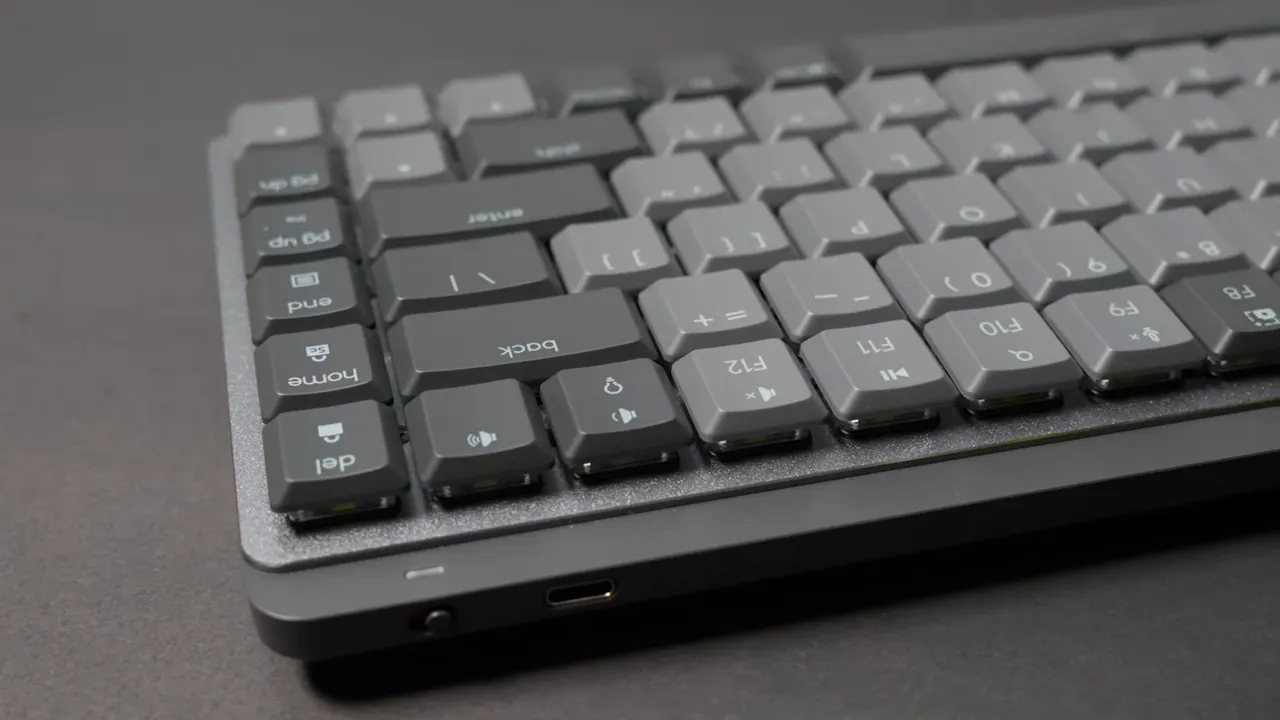
On the underside you get rubber side grips and two adjustable feet with rubberized tips. The feet raise the keyboard noticeably; I found the raised angle a bit high for my taste and preferred it flat, but the adjustable legs are nice to have if you prefer extra tilt. Overall the construction reduces key wobble and delivers a firm, stable typing surface.
Backlighting and battery life
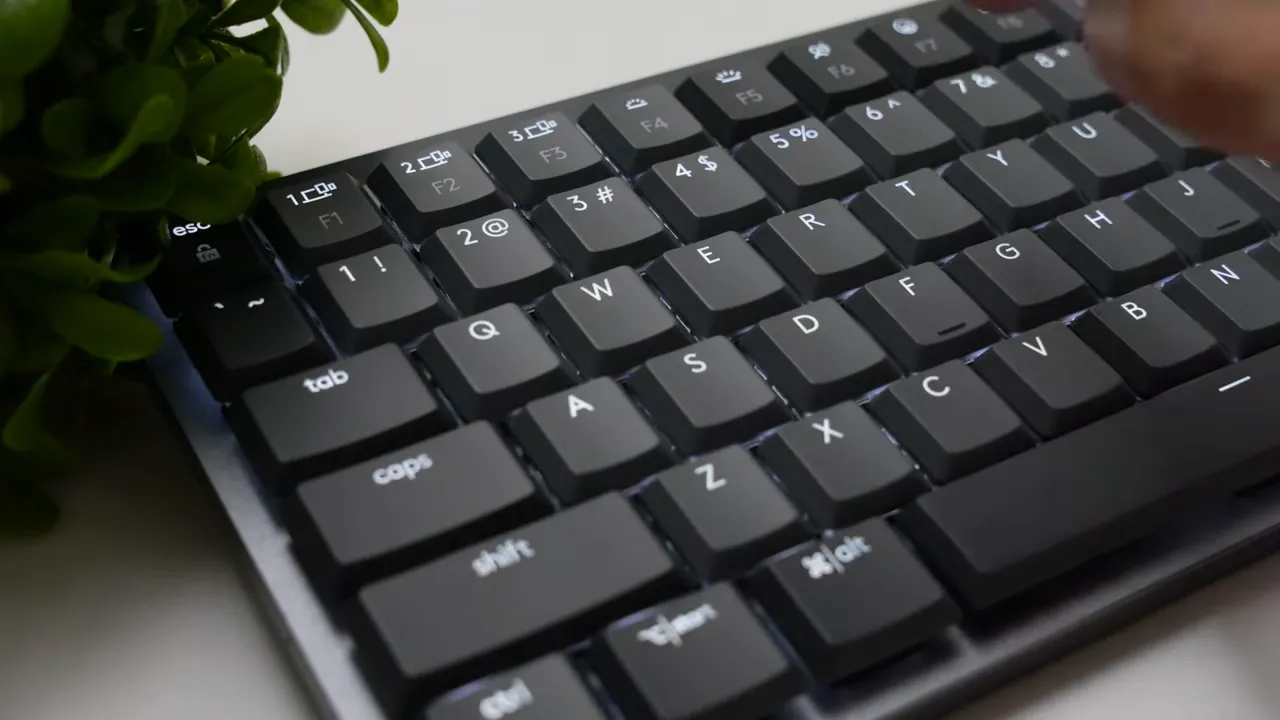
The MX Mechanical Mini has white backlighting with adjustable brightness. Install Logitech Options Plus to unlock multiple breathing and reactive lighting patterns, and an intelligent proximity sensor that only lights the keys when your hands approach.
Battery life depends heavily on lighting:
- With lights on: about 15 days (roughly two weeks).
- With lights off: up to 10 months.
If battery longevity matters more than lighting flare, the proximity sensor plus turning the lights off is a simple way to extend time between charges.
Switch choices and typing feel
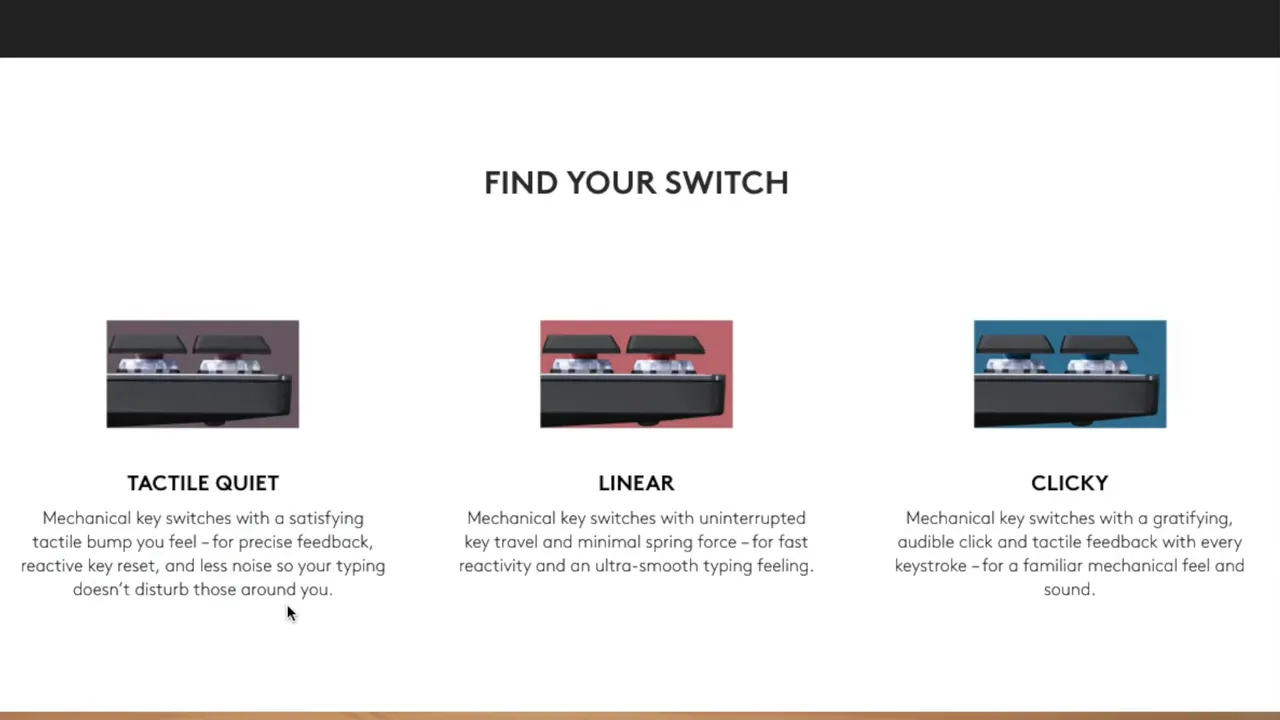
Three mechanical switch options are available: Red, Brown, and Blue.
- Browns — quietest, tactile without loud clicks; great for shared workspaces.
- Reds — smoother, linear feel; a middle ground that works well for both typing and gaming.
- Blues — clicky and loud; best if you want a classic mechanical keyboard sound and strong feedback.
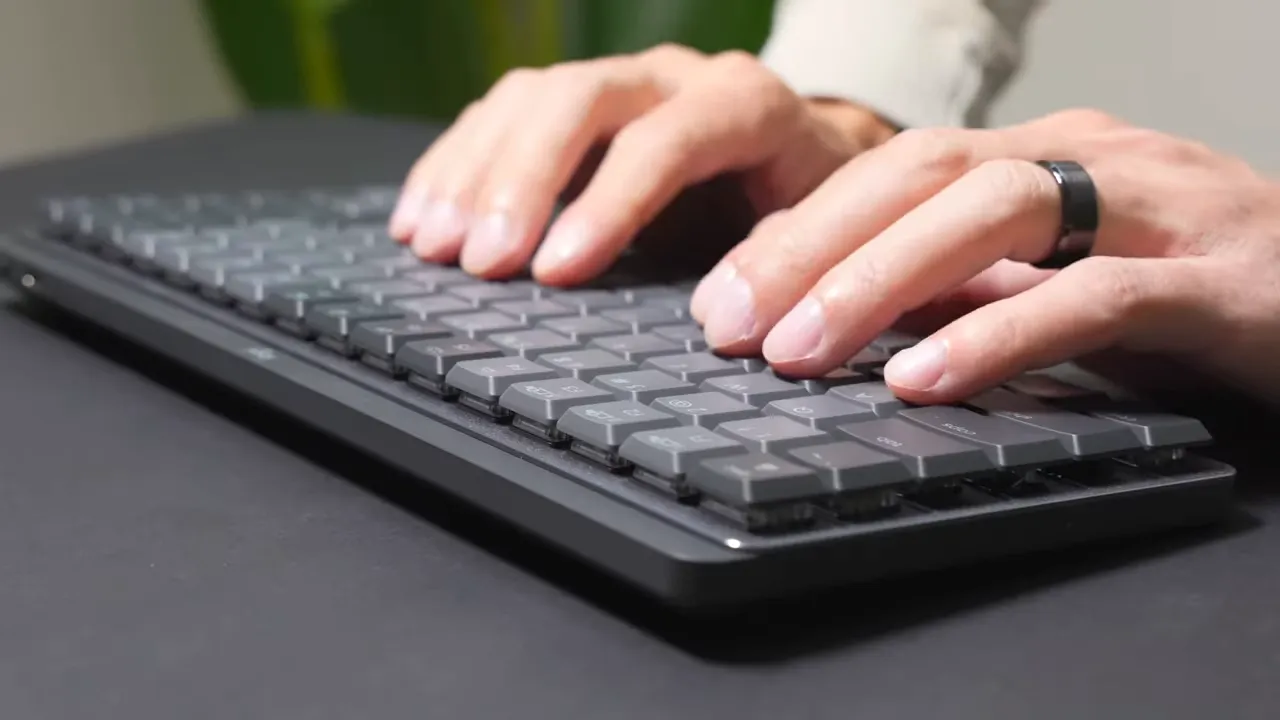
The review unit used Brown switches. Typing felt precise and satisfying, with minimal key wobble and a confident actuation that avoids a mushy sensation. That stability makes it easy to land keys accurately without hunting for the center of each cap.
Keycaps, legends, and comfort
The keycaps have translucent legends so the backlight shines through cleanly, and the legends are designed to resist fading over time. Each cap is slightly concave with a small indent that helps your fingers rest and center naturally. That little ergonomic touch keeps your typing accurate and comfortable during long sessions.
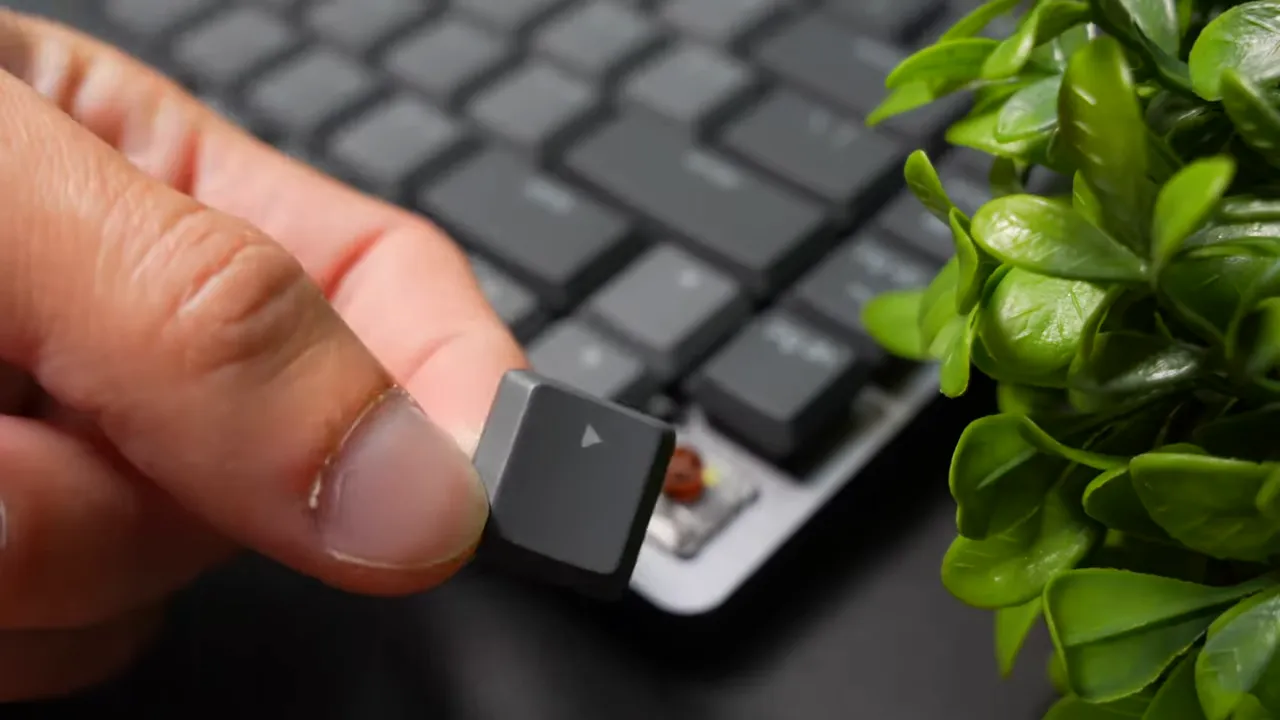
Overall the caps and switches combine to create a premium typing experience: precise, tactile (or smooth if you pick Reds), and comfortable for extended use.
Shortcuts and customization
Function row and media controls are straightforward: pause/play, next, brightness, and volume are all accessible. There are also a few handy built-in shortcuts:
- Dictation / voice-to-text toggle for quick transcription.
- Screenshot key and dedicated emoji shortcuts in the F-key row.
Using Logitech Options Plus unlocks full customization — remap keys, create app-specific shortcuts, and tweak lighting patterns. The software also ensures seamless operation on both Windows and Mac.
Connectivity and profiles
Connections are flexible:
- Included USB receiver (Logitech Unifying/Logi Bolt style) for low-latency wireless.
- Bluetooth pairing for a cable-free option.
- Three device profiles that you can switch between on the fly.
This multi-profile support is ideal for people who switch between a laptop, desktop, and tablet during the day.
Size, pricing, and versions
The Mini removes the number pad to save desk space. If you need a number pad, there is a full-size MX Mechanical variant.
Pricing at the time of review was roughly:
- Mini: about $150
- Full-size: about $170
There is also a Mac-branded white variant called the MX Mechanical for Mac. Functionally they're very similar; the Mac model is styled for Apple users but both the standard and Mac-branded keyboards work with Windows and macOS.
Pairing with a trackball: Proto Arc EM01
If you want to round out a productivity-focused desk setup, a thumb-trackball mouse like the Proto Arc EM01 pairs well. It offers:
- Thumb-controlled trackball and customizable RGB.
- Switching between up to three devices via 2.4 GHz dongle and Bluetooth.
- Adjustable tilt for improved wrist posture and long battery life (claimed up to 100 days).
Using a compact keyboard and an ergonomic trackball gives you a comfortable, low-footprint workspace that's optimized for long typing and navigation sessions.
Who is the MX Mechanical Mini for?
- Writers and coders who want a premium, tactile keyboard without a numpad.
- Hybrid Mac and Windows users who need one keyboard to pair with multiple devices.
- Office workers in shared spaces who want a quiet mechanical option (choose Brown switches).
- Desk setup enthusiasts who value material quality and customization.
Final thoughts
The Logitech MX Mechanical Mini blends tasteful design, solid materials, and thoughtful features into a compact package. Switch options cover most typing preferences, the keycaps resist fading, and the software offers deep customization. If you want a productivity-first mechanical keyboard that looks professional and works across platforms, this one earns a recommendation — just pick the switch that matches how loud and tactile you like your keys to be.


