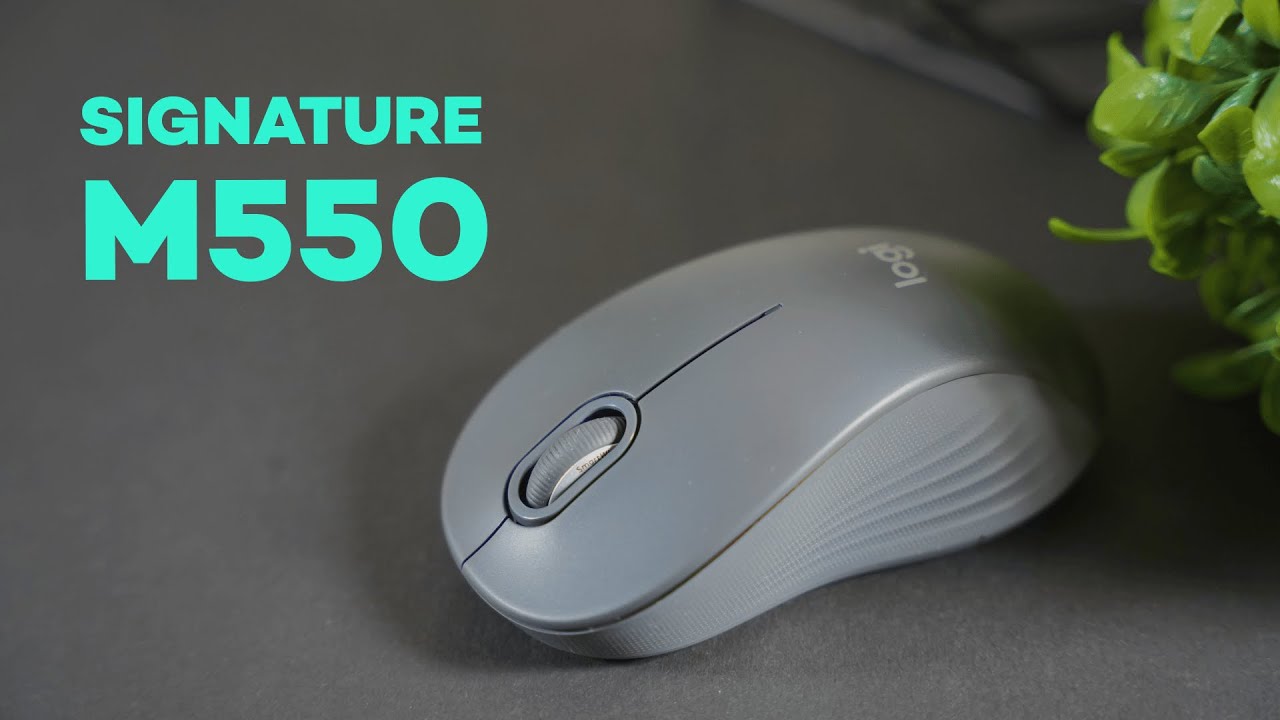
The Logitech Signature M550 is a simple, well-built wireless mouse that packs a few premium touches into a $30 package. If you want a reliable everyday mouse with a comfortable feel, long battery life, and a very satisfying scroll wheel, the M550 deserves a close look.
Quick overview
- Price: Around $30 (released October 2022)
- Connection: Bluetooth or Logitech Bolt USB receiver
- Battery life: ~20–24 months (single AA)
- Sizes: Regular and Large (Large ≈ +10 mm length)
- Notable features: Smart Wheel scrolling, silent touch clickers, textured top, rubberized side grip
Design and build quality
The M550 keeps things clean: two main clickers, a middle button on the scroll wheel, and a simple, rounded profile. For a sub-$35 mouse, the build quality is impressive. When handled it doesn’t creak or rattle—everything feels solid and well put together.
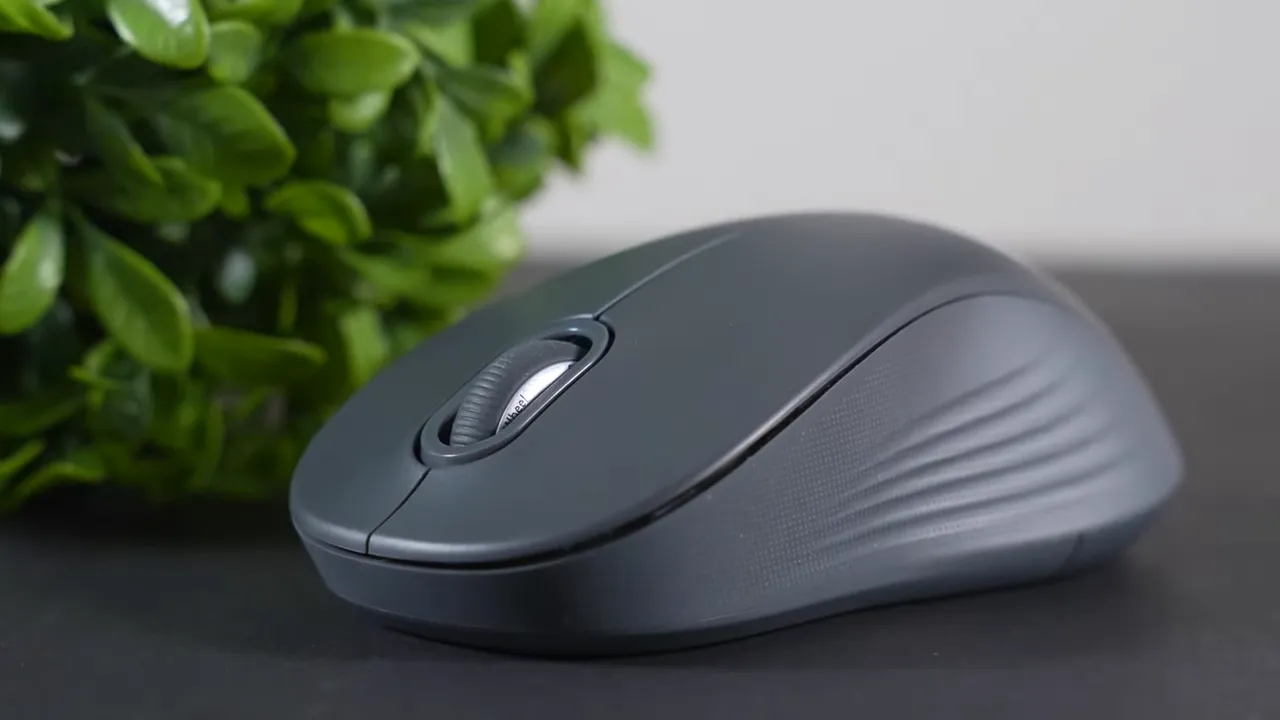
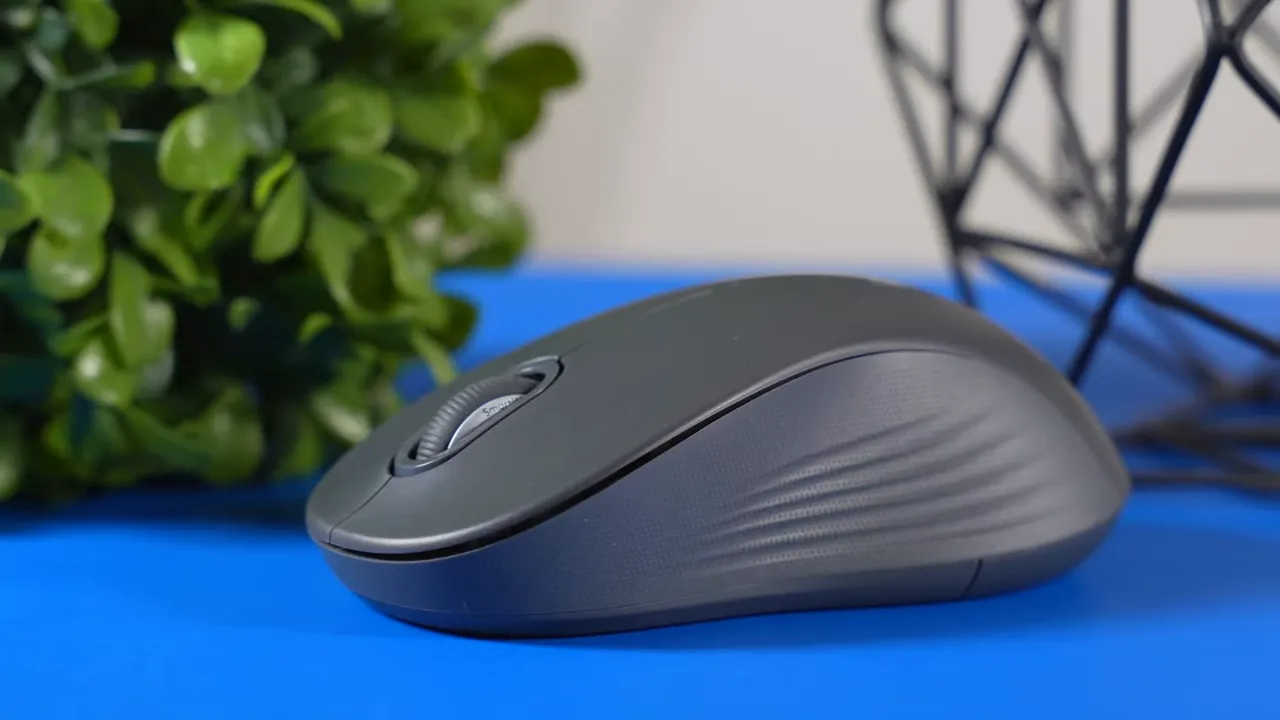
The top shell uses a lightly textured plastic that gives a subtle grip and a pleasant tactile feel. The sides use a rubberized finish with small grooves that help your thumb stay planted during use. These small touches lift the M550 above many similarly priced mice that feel cheaper in hand.
Colors and size options
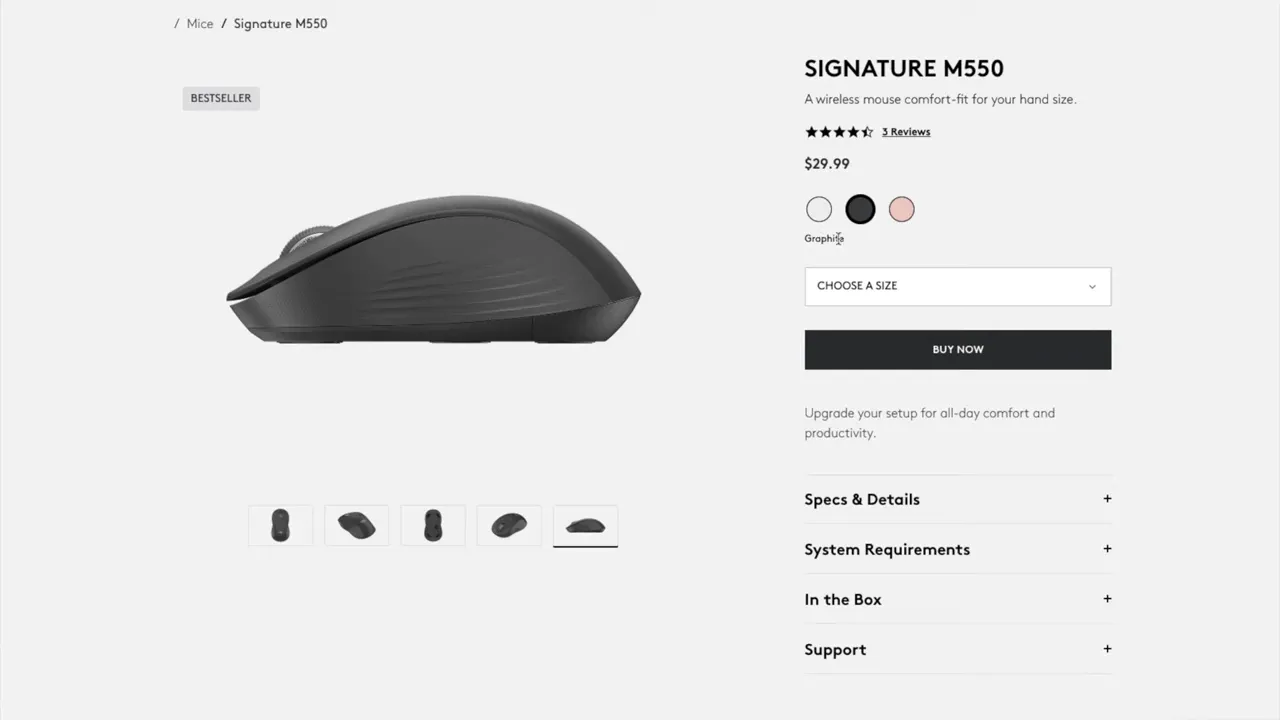
The M550 comes in three colors: Off-white (light), Graphite (dark), and Rose (pink). You can also pick between regular and large sizes. The large model is roughly 10 millimeters longer and caters to bigger hands and palm grips.
Connectivity, battery, and the Bolt receiver
Under the shell you’ll find an accessible compartment with room for one AA battery and the tiny USB dongle. The M550 supports both Bluetooth and Logitech Bolt (the newer receiver that replaced the older Unifying receiver). Switch between modes using the toggle on the mouse’s underside.
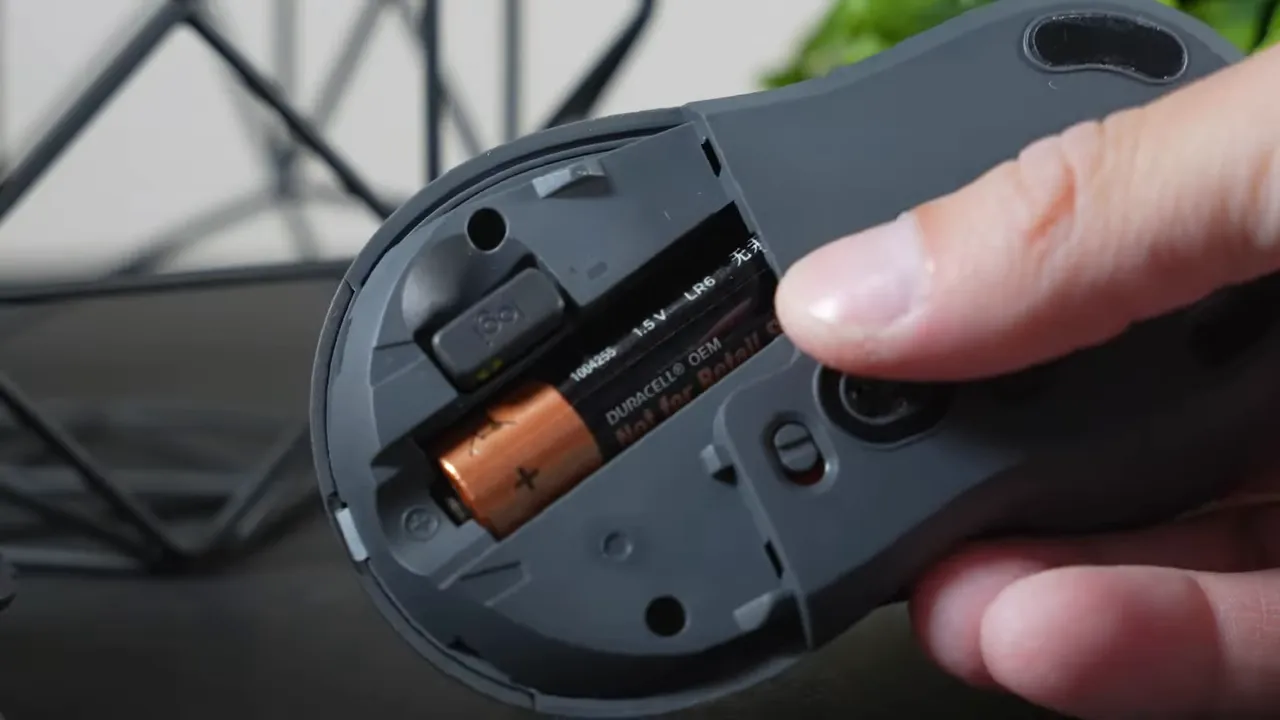
Battery life is excellent: expect roughly 20 to 24 months depending on use. That kind of longevity makes the M550 a great choice for anyone who hates frequent battery swaps.
Smart Wheel scrolling and software customization
One standout feature is Logitech’s Smart Wheel scrolling. It gives a tactile, stepped feel during normal scrolling but also supports a free-spin mode when flicked. That free-spin is surprisingly useful for long documents and lengthy web pages—you can breeze through pages without repeatedly flicking the wheel.
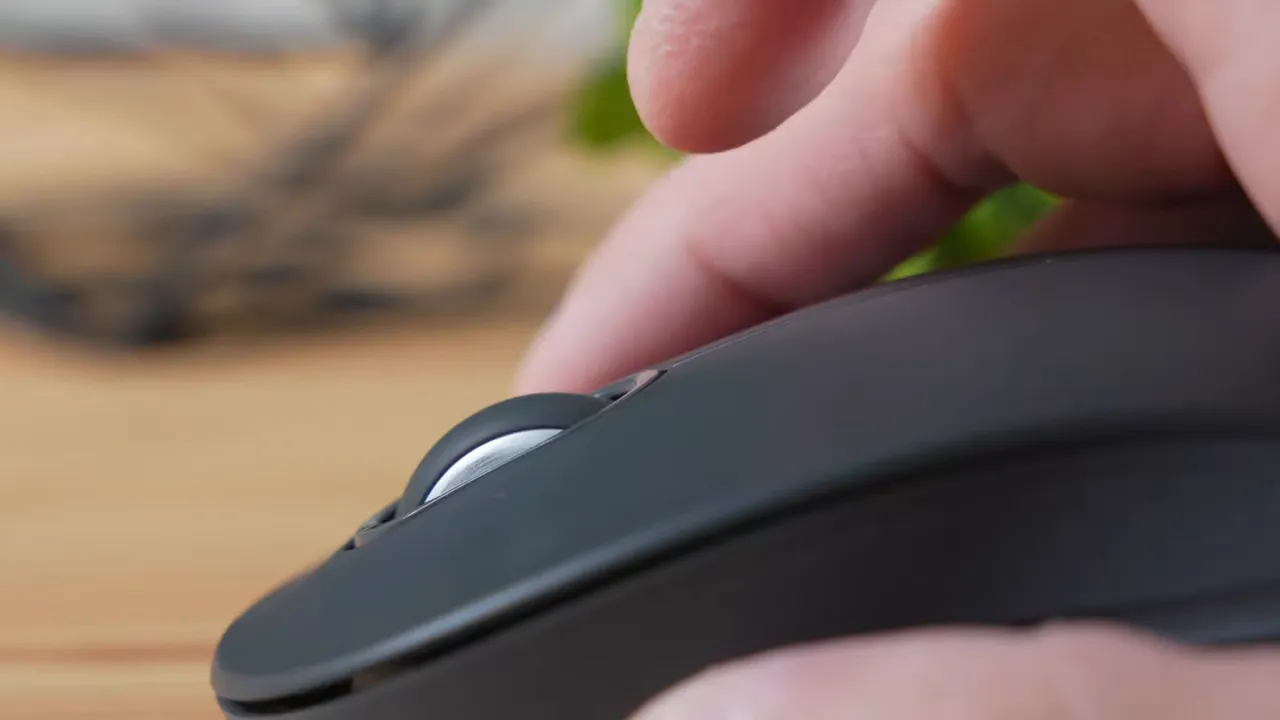
Use Logitech Options Plus software to tweak the scroll behavior, pointer speed, and what the middle-button press does. If you plan to use the Bolt dongle, install Options Plus for the best customization experience.
Grip styles and which size to pick
Grip and balance behavior vary by size. The large M550 favors palm grip users—when resting your hand it feels comfortable and proportioned. However, if you use a claw or fingertip grip, the large model can feel back-heavy. When lifted, the tail tends to tilt downward and can feel off-balance for those grip styles.
The regular model works better for claw and fingertip grips: it stays level when picked up and feels more balanced overall.
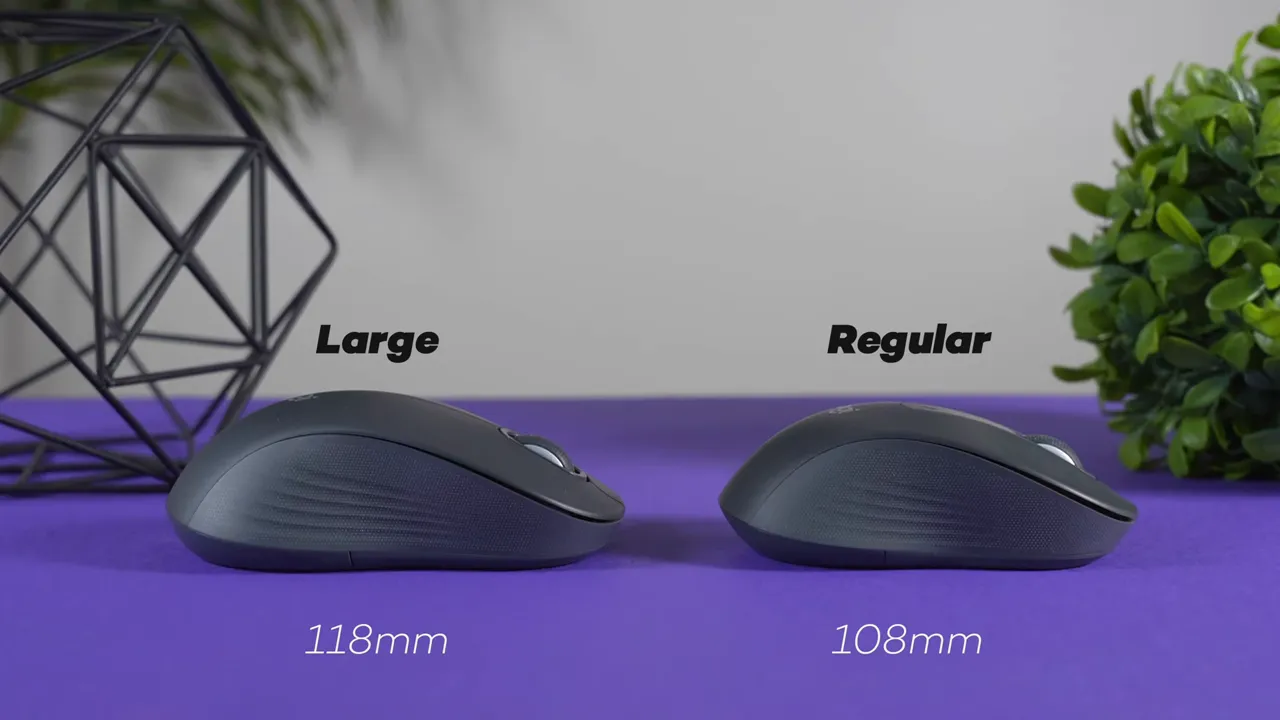
Recommendation:
- Large model: For larger hands and palm grip users.
- Regular model: For smaller hands or claw/fingertip users.
Clicks and noise
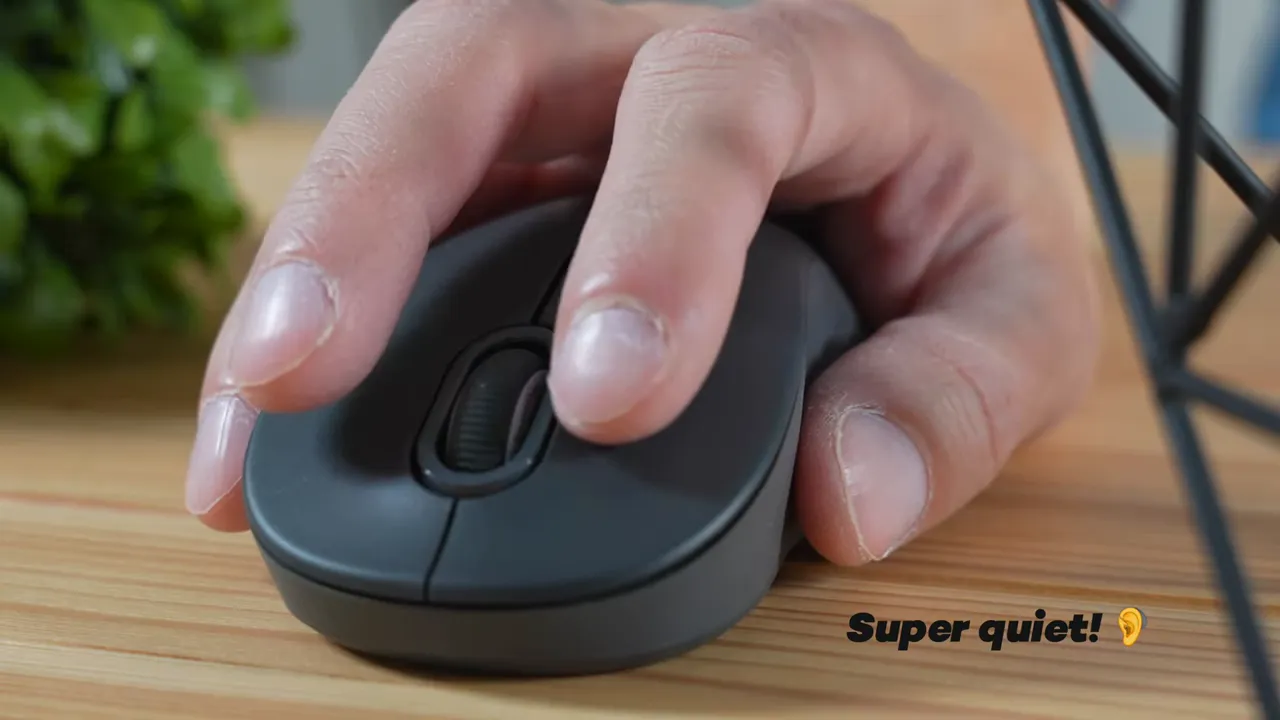
The signature “silent touch” clickers on the M550 are notably quieter than most older Logitech mice. They’re not entirely soundless, but they are significantly subdued—great for shared workspaces, libraries, or late-night typing sessions.
Who should consider the M550?
The M550 is a solid pick when you want a no-frills, dependable wireless mouse with excellent battery life and a premium-feeling scroll wheel, all without spending a lot. It’s ideal for:
- Office and productivity users who value quiet clicks and long battery life
- Anyone wanting a comfortable everyday mouse with a quality scroll wheel
- People who prefer a lightweight, simple mouse without extra programmable side buttons
Alternatives to consider
If you want a bit more functionality for around ten dollars extra, the Logitech Signature M650 is worth a look. It adds two side buttons (back and forward) which can be handy for browser navigation and productivity workflows.
Final thoughts
For the price, the Logitech Signature M550 offers a surprising amount of value: sturdy construction, long battery life, quiet clicks, and a very useful Smart Wheel. It’s not aimed at gamers or heavy macro users, but for everyday computing it hits the right notes.
If you want a simple, comfortable, and quiet wireless mouse that won’t break the bank, the M550 is a strong contender.


