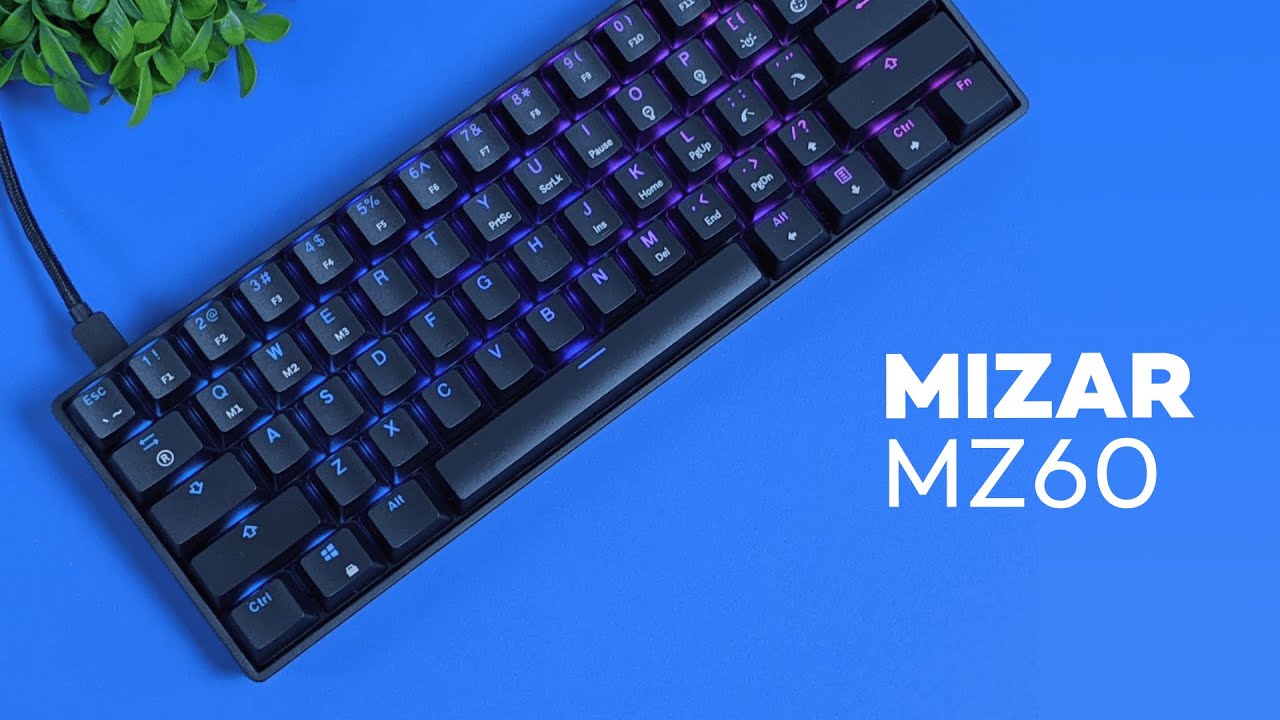
The Mizar MZ60 Luna is a 60% mechanical keyboard built for people who want a compact setup, RGB lighting, and a lot of room to customize. It cuts out the number pad and dedicated arrow keys, which gives it that clean, minimal desk look a lot of us are after.
What makes this keyboard stand out is how flexible it is. You can swap the keycaps, switches, and even the cable. That makes it a great option if you want to start getting into custom mechanical keyboards without spending a ton of money. At the same time, if you are not trying to mod anything and just want something solid out of the box, it still holds up really well.
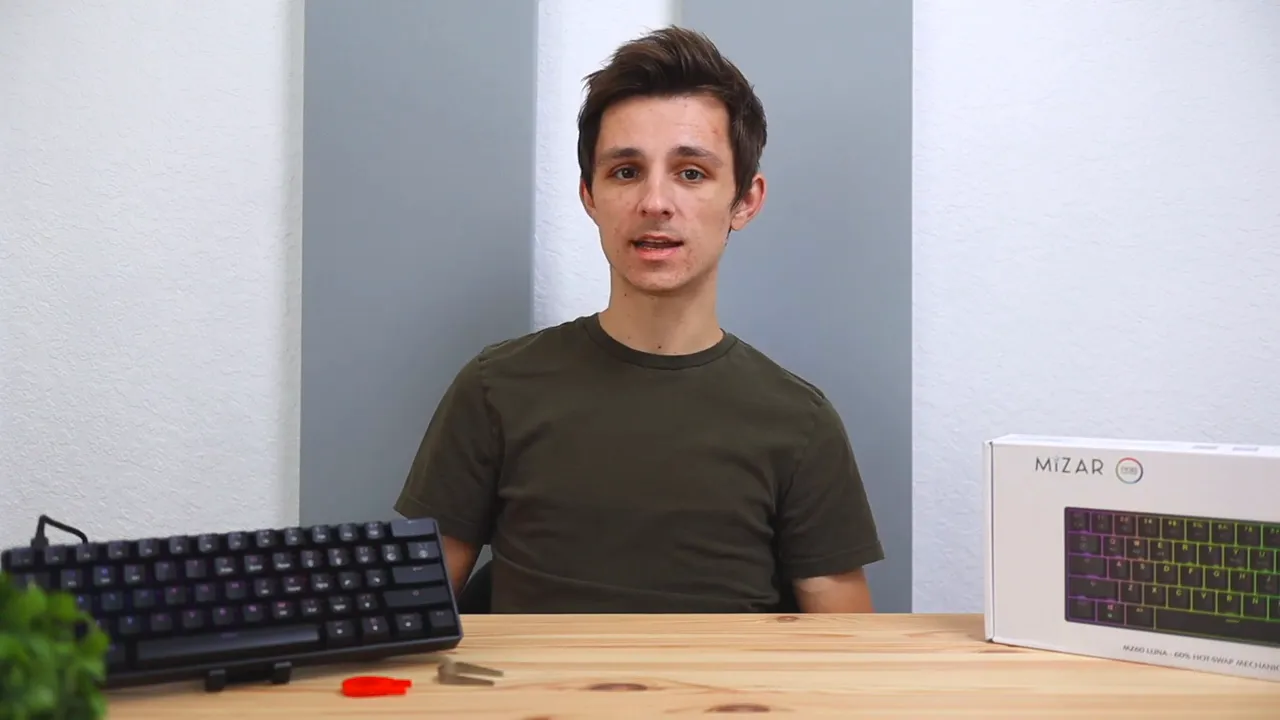
What comes in the box
The MZ60 Luna keeps it simple, but it includes the basics you actually need:
- The keyboard itself
- A detachable USB-C to USB-A cable
- A keycap puller
- A switch puller
- A quick start guide
That quick start guide is useful, especially for learning the lighting controls. Since this keyboard has built-in RGB shortcuts, it is nice to have those commands handy right away.
Compact 60% layout and who it’s for
A 60% keyboard is all about saving space. By removing the number pad and some extra navigation keys, the MZ60 Luna gives you a smaller footprint on your desk and more room for your mouse. That can be especially nice for gaming setups, smaller desks, or anyone who just likes a cleaner look.
Of course, the tradeoff is that you lose dedicated keys some people use every day. If you rely heavily on a numpad or standalone arrow keys, a larger layout may make more sense. But if minimalism and desk space matter more, the 60% format is easy to appreciate.
If you are comparing different keyboard styles and sizes, the broader keyboard review collection is a useful place to explore alternatives.
Design and build quality
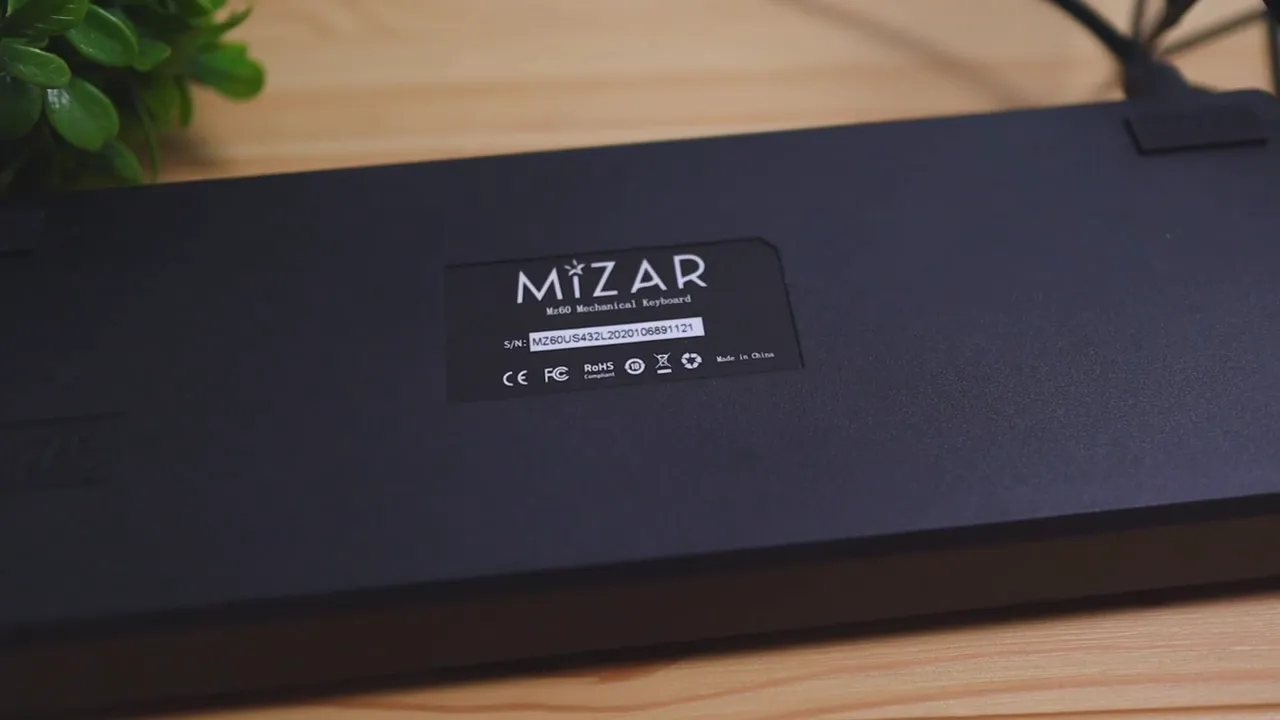
The keyboard comes in black or white. The model here is the black version, and it has a straightforward, understated look that fits nicely into most setups.
In terms of construction, the body is mostly made of a durable plastic material around the sides and back. It does not go for a premium metal chassis feel, but it still feels solid enough for everyday use.
On the underside, you get rubber feet on each corner to help keep the keyboard from sliding around during use. There are no adjustable kickstand legs, which might be a downside for some people. Personally, the keyboard already sits at a pretty comfortable angle, so that was not a dealbreaker here.
Double-shot keycaps and why they matter
One of the better details on the MZ60 Luna is the use of ABS double-shot keycaps. If you are newer to keyboards, that basically means the legends are formed through a two-layer molding process instead of being printed on top.
The practical benefit is simple:
- The letters are less likely to fade over time
- The caps should hold up better with long-term use
- You avoid that cheap worn-out look that older keycaps tend to get
The keys also have a shaped, slightly angled profile that helps your fingers settle into place more naturally. It is a subtle design choice, but it does contribute to a more comfortable and accurate typing experience.
If you want a technical breakdown of how double-shot molding works, Wikipedia’s keycap overview is a decent starting point.
Detachable braided cable
The included cable is a 6-foot braided USB-C to USB-A cable, and it is actually pretty decent right out of the box. Since the cable is detachable, you are not stuck with the stock look forever either.
For anyone who likes the custom keyboard aesthetic, this is good news. You can swap in a different cable later, including one of those coiled cables that a lot of people like to pair with compact boards.
Switch options and typing experience
The typing experience is where a keyboard either wins you over or does not, and the MZ60 Luna does a solid job here.
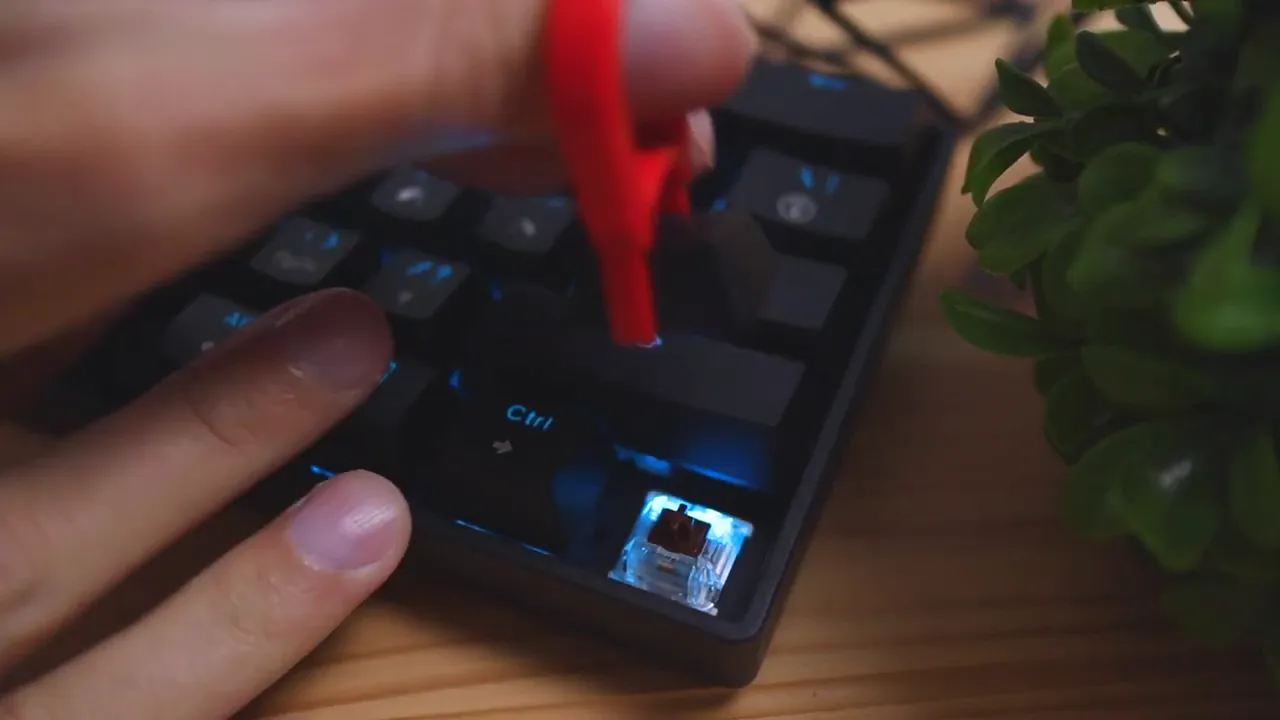
The unit covered here uses brown switches. Browns sit in that middle ground where they are not loud and clicky like blue switches, but they still feel a bit more intentional than a super smooth linear press. If you have used blue switches before, you know they have that very obvious tactile click. Browns are much more subtle.
That means the MZ60 Luna with brown switches works well for people who want a mechanical feel without the extra noise. It is also nice that there are different switch options available depending on your preference.
A few things stood out positively during typing:
- Very little key wobble
- A firm feel instead of a mushy one
- Comfortable overall typing experience
There is still a little movement in the keys, which is normal, but it never crosses into feeling cheap or unstable. Overall, this is a keyboard that feels good to type on and easy to get used to.
If you are curious about how other mechanical boards compare in typing feel, the Corsair K70 CORE review is another good point of reference, especially if you are considering stepping up to a larger enthusiast-style board.
RGB lighting and software customization
RGB is a big part of the appeal here, and the MZ60 Luna gives you a lot to play with.
Right on the keyboard, you can use function key combinations to control the lighting. That lets you adjust:
- Lighting patterns
- Colors
- Animation speed
- Brightness or whether the lights are on at all
According to the listed features, the keyboard supports multiple backlit modes and up to 16.8 million color combinations, which is in line with what people expect from an RGB mechanical keyboard in this category.
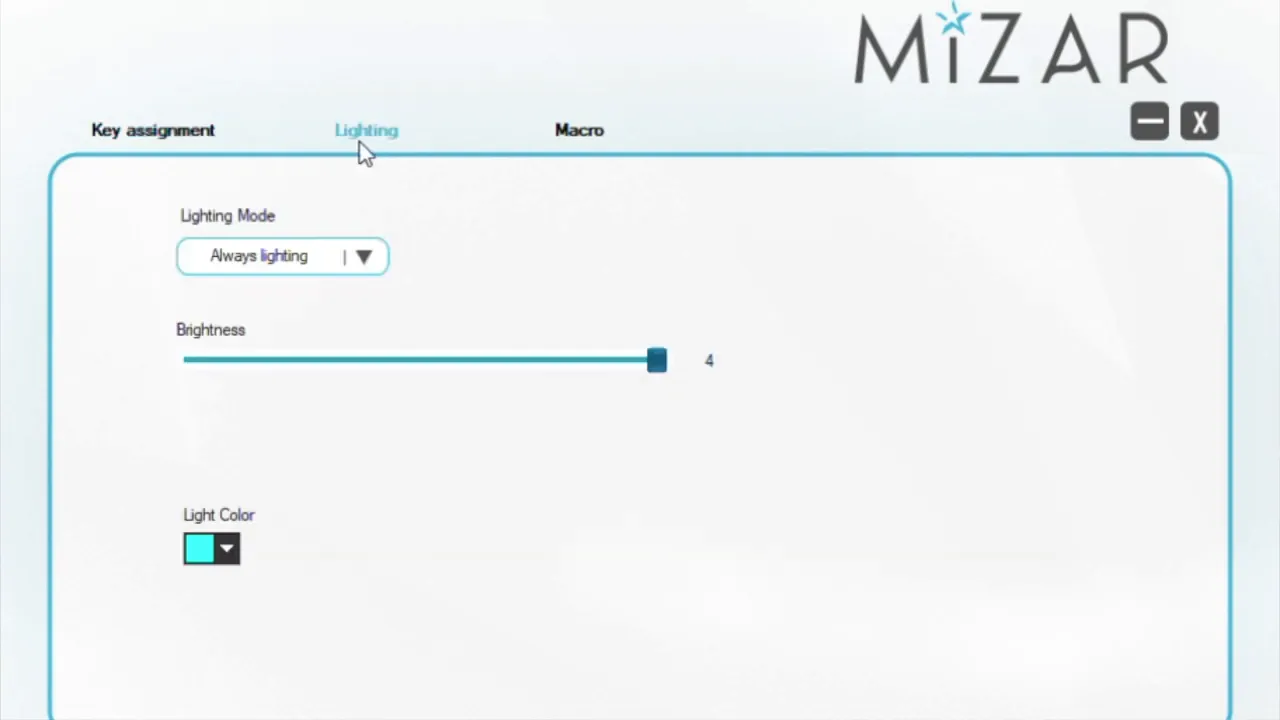
If you want more control, there is software available through the manufacturer’s website. The one limitation is that the software is Windows-only. Through the software, you can fine-tune the RGB settings even further and create custom macros or shortcuts.
That extra macro support can be useful for gaming or repetitive tasks where speed matters. The product details also mention full anti-ghosting / NKRO, which is nice to have on a keyboard aimed at both gaming and everyday use. If you are unfamiliar with the concept, Tom’s Hardware has a helpful explanation of NKRO.
Customization is the real selling point
This is where the Mizar MZ60 Luna really earns attention. For around $70, you are getting a keyboard that gives you multiple ways to make it your own:
- Swap the keycaps
- Swap the switches
- Swap the cable
- Customize RGB effects
- Create macros through software
The product listing also notes that the board uses Gateron optical switches and supports hot-swapping with optical switches only. That is an important detail. Hot-swap support is great, but you should make sure any replacement switches are compatible with the board’s optical design before buying extras.
If you like the idea of a customizable board but want something with more connection flexibility, including wireless options, the Epomaker Shadow X review is worth checking out too.
Compatibility and everyday use
The MZ60 Luna is listed as compatible with Windows, Mac, and Linux, which makes it a versatile option for different setups. It is small enough to fit comfortably in home office spaces, dorm desks, or gaming stations where every bit of room counts.
The plug-and-play nature is another plus. You can connect it and start using it right away, then dig into the lighting shortcuts or software later if you want more control.
Final thoughts on the Mizar MZ60 Luna
The Mizar MZ60 Luna mechanical keyboard hits a really nice balance between affordability, customization, and everyday usability.
If you want a compact 60% keyboard that looks clean on a desk, feels good to type on, and gives you room to personalize things over time, this is a strong option. The stock setup is already solid, and the fact that you can swap keycaps, switches, and cables makes it even more appealing for anyone who wants to experiment with a custom keyboard setup without jumping straight into a much more expensive board.
It is not perfect. There are no adjustable feet, and the advanced software is limited to Windows. But those are fairly minor drawbacks considering the price and feature set.
Bottom line: for about $70, the MZ60 Luna is easy to recommend for anyone looking for a compact RGB mechanical keyboard with a lot of potential.
If you want to check current pricing or availability, you can find the keyboard through this product link.


