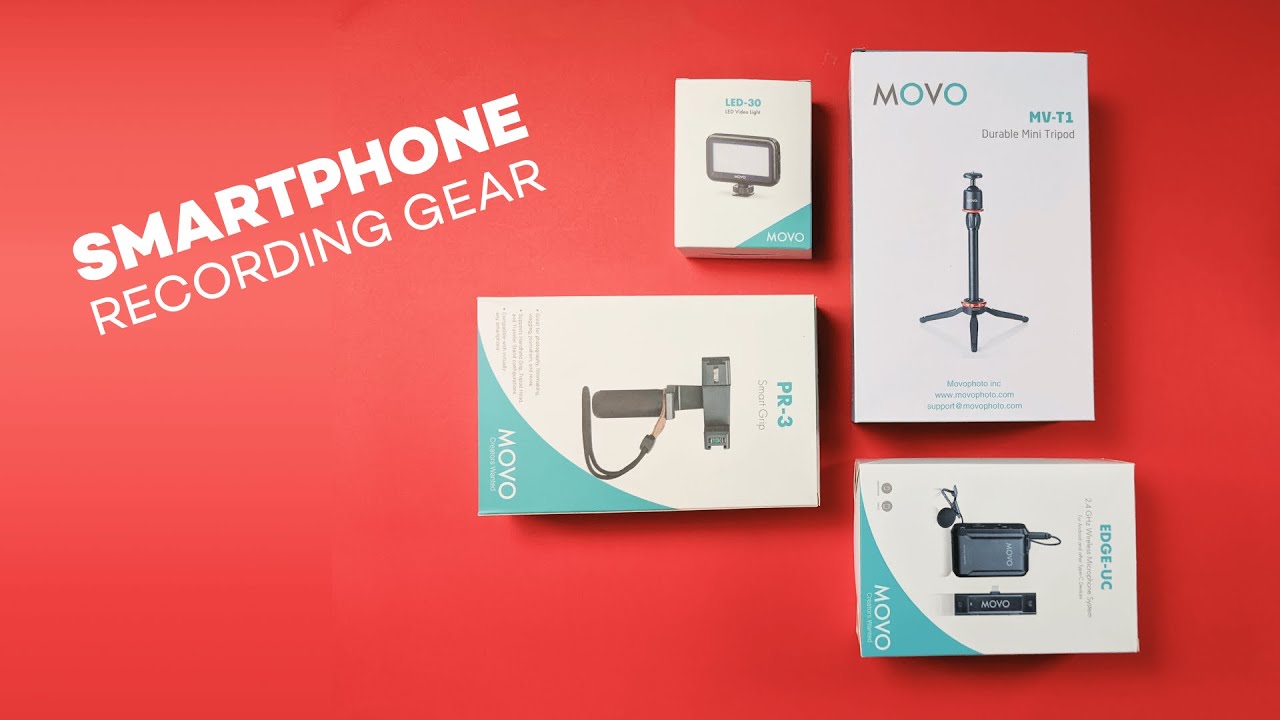
This review breaks down a compact toolkit that helps turn any smartphone into a reliable video setup. If you want a simple, budget-friendly way to stabilize shots, add light, and free your hands while recording, this review outlines what works, what doesn’t, and how each piece fits into real shooting scenarios.
Table of Contents
- What’s included and who this review is for
- Quick overview of the gear
- Smart grip: why a dedicated grip matters — review notes
- Movo MVT1 mini tripod: tiny but useful — review highlights
- Ruittos tripod: reach and flexibility — review findings
- LED-30 light: tiny light, bright impact — review details
- Practical shooting scenarios where this review recommends these tools
- Assembly and quick setup tips from this review
- Pros and cons summary — concise review checklist
- Who should buy this review recommends
- Alternatives and upgrades mentioned in this review
- Is the Bluetooth remote compatible with most phones?
- Final thoughts from this review
What’s included and who this review is for
The kit focuses on three practical categories: a smart grip for steady handheld shots, a small tabletop tripod for close-ups, and a portable LED light for quick fill lighting. Alongside the Movo bundle, there’s a taller Ruittos tripod that’s worth considering if you need more reach. This review is geared toward casual creators, vloggers, and anyone making product shots or short-form content on a phone.
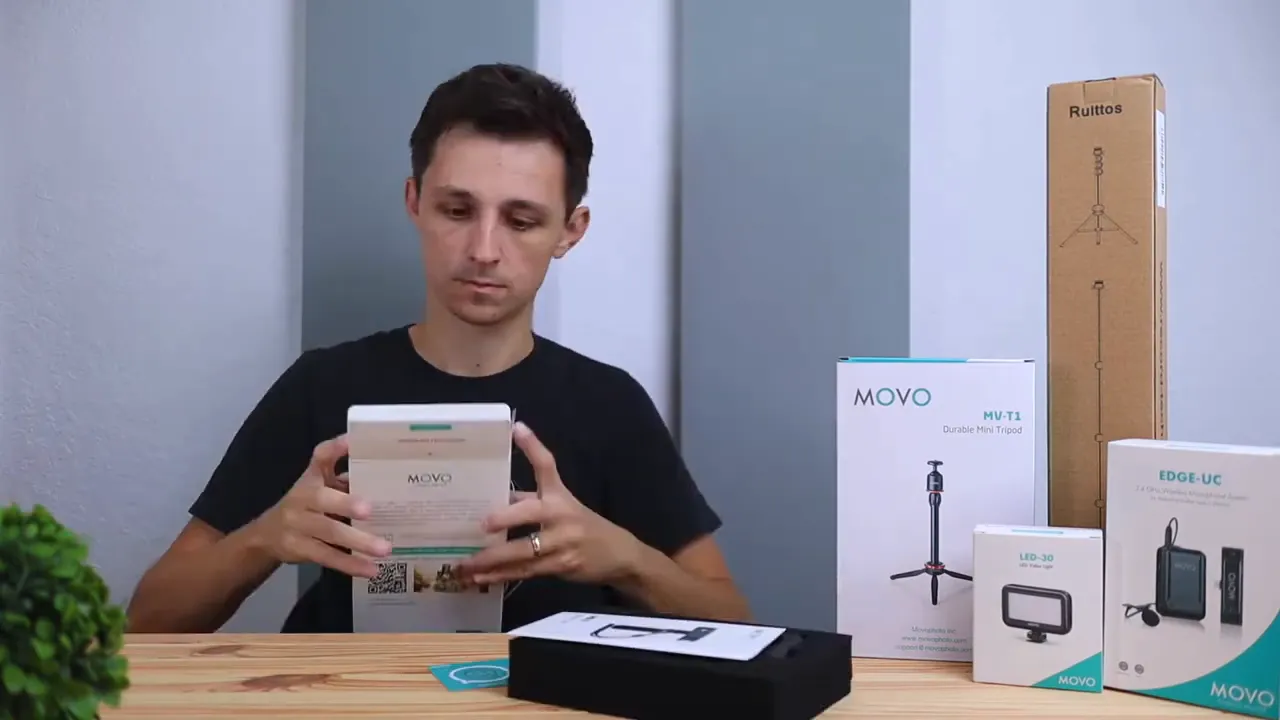
Quick overview of the gear
- Smart grip (Movo) — a hand-friendly clamp with a level indicator to prevent crooked shots and a tightening lever to keep your phone secure.
- Movo MVT1 mini tripod — metal construction, rubber feet, compact footprint for tabletop or desk shots.
- Ruittos tripod — a taller, multi-section tripod that reaches up to chest height for someone about 5'8". Includes a phone mount and a Bluetooth remote for hands-free shooting.
- Movo LED-30 light — tiny on-camera LED that provides three brightness levels and mounts to a tripod or shoe adapter.
Smart grip: why a dedicated grip matters — review notes
Gripping a phone for minutes at a time can be uncomfortable and risky if you don’t have a steady hold. The smart grip in this review adds confidence: it clamps around your phone, tightens with a lever, and includes a small bubble level so you can quickly see if your frame is straight.
What I liked:
- Better ergonomics — you can shoot selfie-style or walk around without constantly readjusting your hand.
- Drop prevention — the clamp keeps the phone secure and reduces the chance of accidental slips.
- Bubble level — small but helpful for getting level shots on the fly.
What to be aware of:
- The grip adds a little bulk, so it’s not pocketable in the same way as a bare phone.
- Heavier phones with large cases might require extra tightening.
Movo MVT1 mini tripod: tiny but useful — review highlights
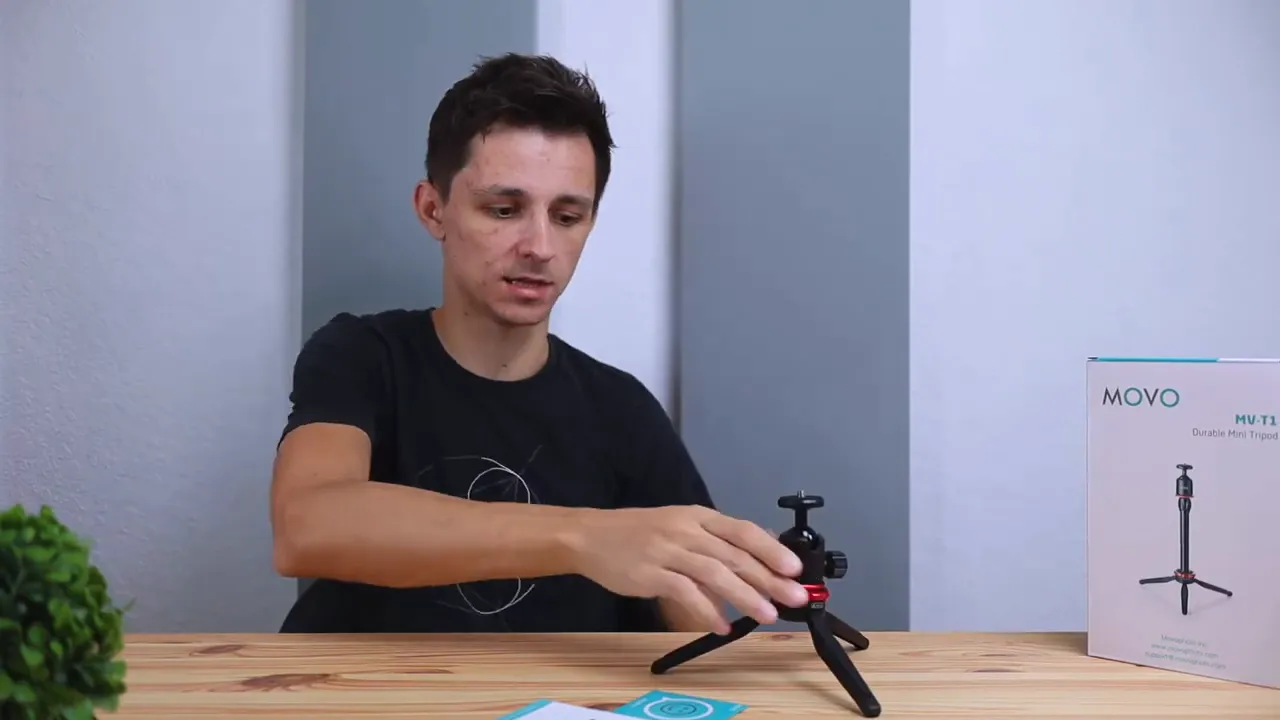
The Movo MVT1 is a compact tabletop tripod built from metal with rubberized feet. It’s designed for stationary shots—think unboxing angles, overhead product clips, or stable desk vlogs.
Practical takeaways from this review:
- Build quality — solid metal construction gives it a premium feel compared to cheap plastic mini-tripods.
- Size limitations — it only extends a few inches beyond its base, so expect your phone to sit low relative to a subject. It’s ideal when you need a discreet, low-angle setup.
- Ease of use — screw-on leg extension and a simple phone mount make setup quick.
Best uses:
- Close-up product photography
- Desk-based talking-head clips
- Stable time-lapse or B-roll on a shelf
Ruittos tripod: reach and flexibility — review findings
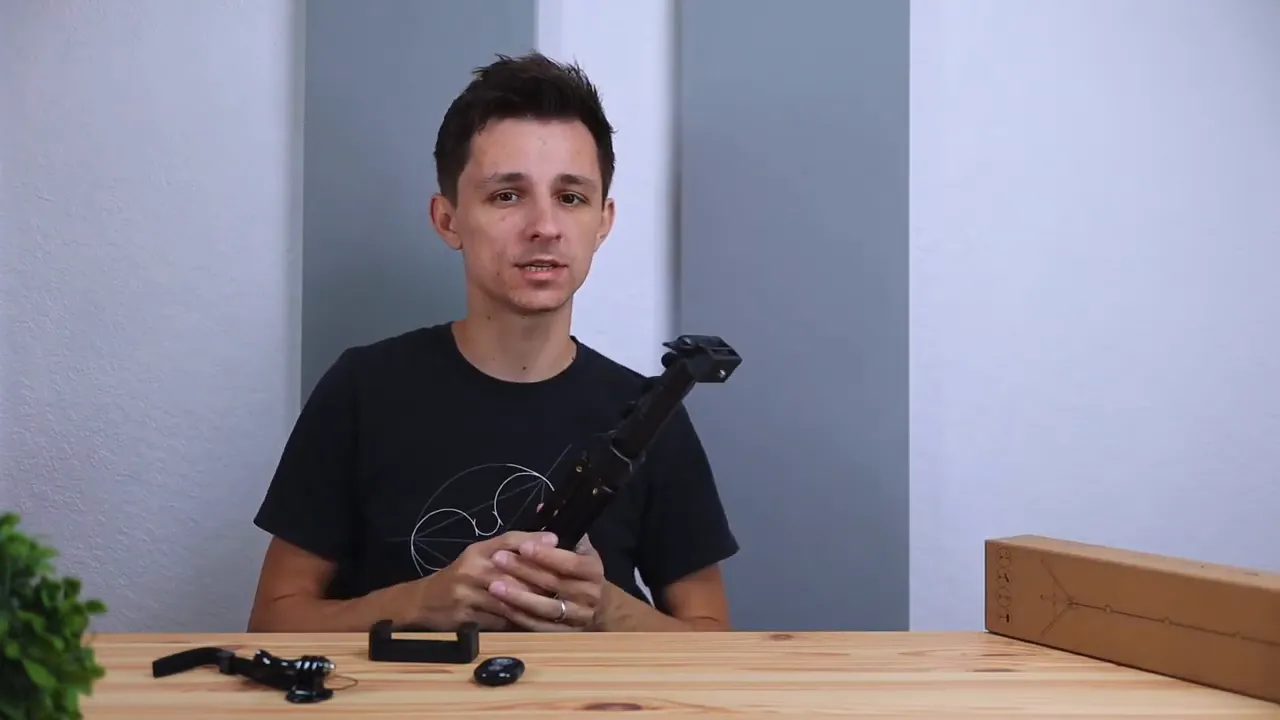
The Ruittos tripod in this review is notably taller and more versatile for full-body shots, outdoor scenes, or anything that requires more distance between the phone and subject. It unfolds into three sections, and when fully extended it reaches roughly chest height for someone around 5'7" to 5'8".
What stood out:
- Height — much more reach than the mini tripod, useful for staging scenes or getting a wider field of view.
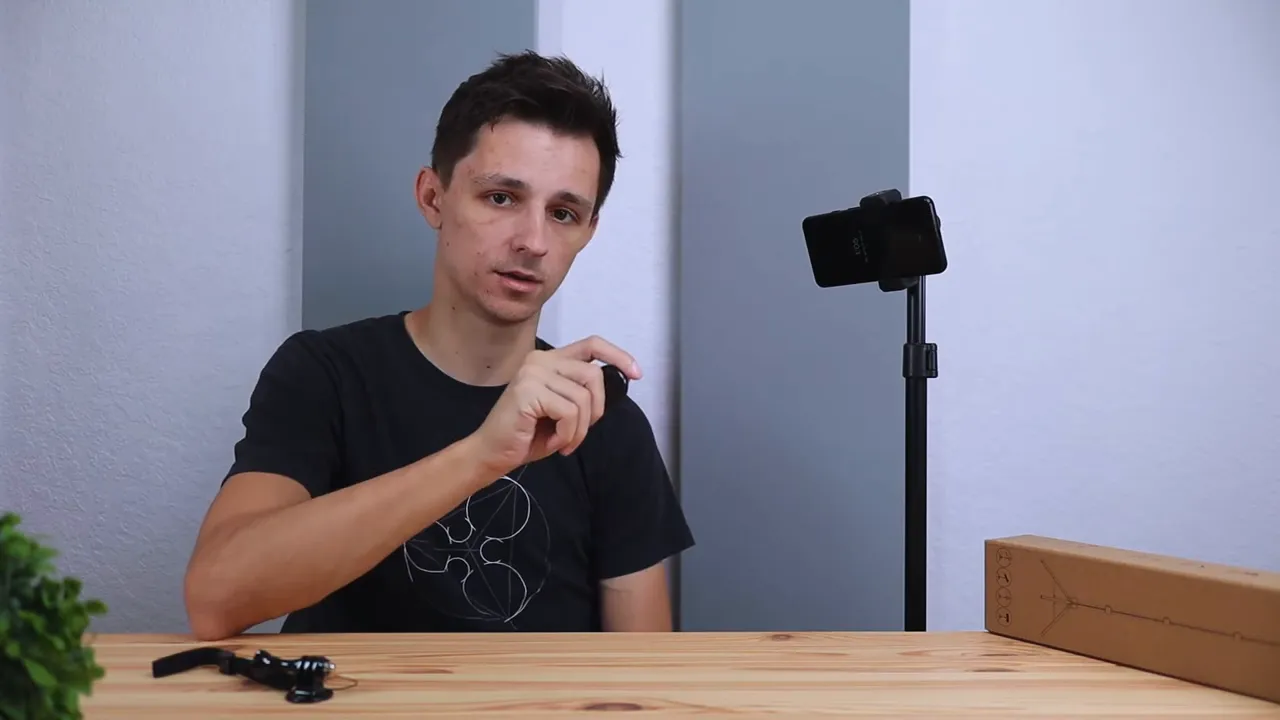
- Accessory set — it includes a phone mount with a retractable clamp and a Bluetooth remote for triggering your phone’s camera from a distance.
- Value — the tripod offers good performance for the price, although the phone mount is a touch noisier and feels a bit less premium than Movo’s grip.
Assembling and using it:
- Flip open the legs, extend the sections, then lock the central collar to fix height.
- Screw the phone mount onto the tripod head, then tighten the bolt to set tilt.
- Place the phone in the clamp, extend the retractable arm, and use the Bluetooth remote to start and stop recording.
LED-30 light: tiny light, bright impact — review details
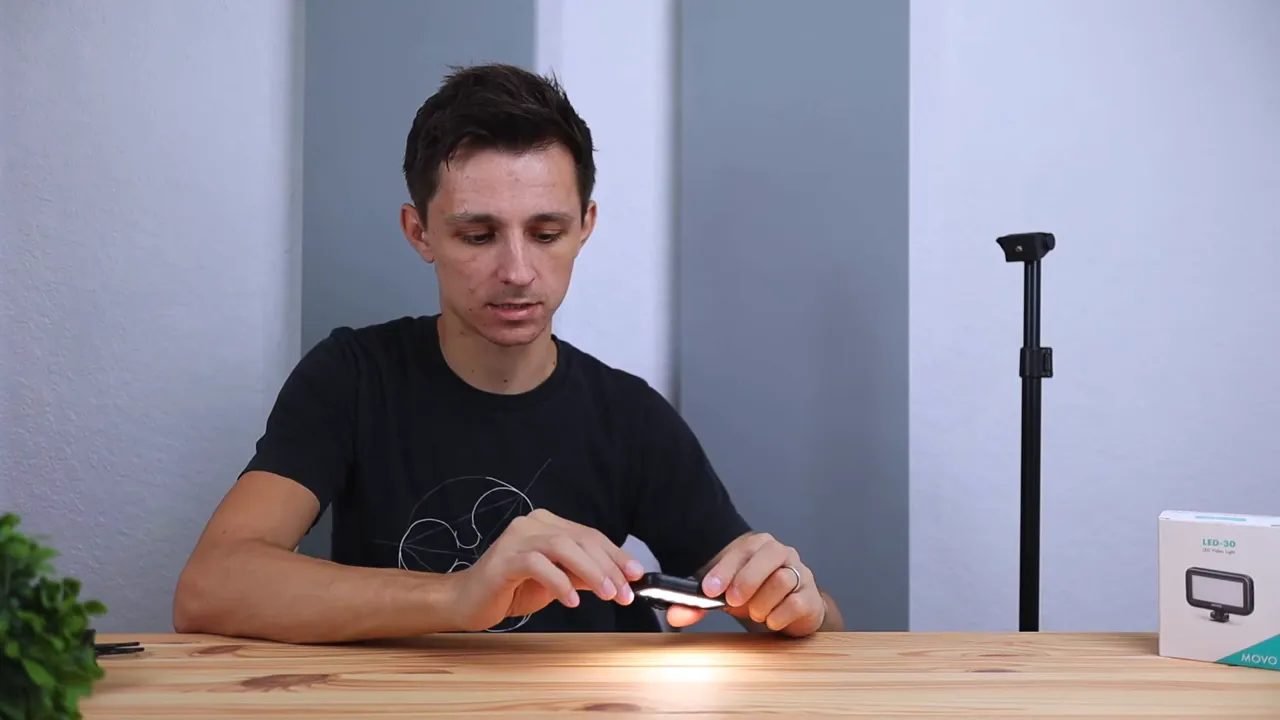
The LED-30 is a compact light meant for targeted illumination. It runs on a rechargeable battery and offers three brightness settings: low, medium, and high. Despite its size, the brightest setting can be quite intense, which makes it ideal for lighting a small area, like a desk scene or product surface.
Why this light shines in the review:
- Mounting versatility — it has a threaded mount so you can screw it onto any tripod or shoe adapter.
- Control simplicity — a single on/off switch and a brightness control make it easy to use without fiddling.
- Use cases — fill light for close-ups, accent light for product shots, or a quick key light when you don’t have a larger lighting kit.
Limitations:
- Battery life will depend on brightness setting; high drains faster.
- The color rendering is serviceable for casual work but may not match pricier LEDs if color accuracy is critical.
Practical shooting scenarios where this review recommends these tools
Pairing the components creates a simple, portable setup that covers a lot of common content needs:
- Vlogging on the go — use the smart grip for stabilized, selfie-style shots. Add the LED for face fill in low light.
- Desk tutorials and unboxings — the mini tripod keeps your phone steady for product close-ups; the LED adds crisp detail to small objects.
- Outdoor interviews or long walk-and-talks — switch to the Ruittos tripod for a stable, elevated position and use the Bluetooth remote to control recording from a distance.
Assembly and quick setup tips from this review
- Always tighten the clamp and check the bubble level on the smart grip for even framing.
- When using the mini tripod for overhead shots, position it on a stable surface and avoid sudden bumps—its low profile means it can be easily nudged.
- Extend tripod sections one at a time and lock each section. For the Ruittos tripod, ensure the center collar is firmly tightened before mounting your phone.
- Keep the LED charged and start at medium brightness—boost to high only when necessary to avoid harsh shadows.
- Pair the Bluetooth remote once and keep it in a small pouch on the tripod leg so it’s always within reach.
Pros and cons summary — concise review checklist
- Pros
- Affordable and practical gear for phone creators
- Compact, portable, and easy to use
- Good build quality on Movo mini tripod and grip
- Ruittos tripod adds much-needed height and range
- LED light offers quick, effective fill lighting
- Cons
- Phone clamp on the Ruittos tripod feels less premium
- Mini tripod is limited in height and range
- LED color accuracy is acceptable but not studio-grade
Who should buy this review recommends
This setup is a solid match for creators who want reliable, portable tools without splurging on professional tripods and lights. It suits:
- New vloggers learning basic camera craft
- Small-business owners shooting product clips
- Social media creators making Reels, Shorts, or TikToks
- Anyone who needs an upgrade from handheld shaky shots to stable, repeatable setups
Alternatives and upgrades mentioned in this review
If you outgrow this kit, consider these upgrades:
- Swap the mini tripod for a full ball-head tripod if you need panning and smoother adjustments.
- Upgrade to a bi-color LED panel for more accurate skin tones and color control.
- Invest in a heavier-duty phone clamp if you use large phones with heavy cases regularly.
Is the Bluetooth remote compatible with most phones?
Yes. The remote pairs via Bluetooth with both iOS and Android devices. It acts like a shutter or start/stop button and works reliably within typical Bluetooth range for selfie remotes.
Can the LED-30 mount directly to the mini tripod?
Yes. The LED-30 has a threaded mount that fits standard tripod screws, so it mounts directly to the mini tripod or any other tripod with a 1/4-inch mount.
Will the smart grip work with bulky phone cases?
The clamp has some adjustability and can accommodate many cases, but very thick or rugged cases may require partial removal for a fully secure fit. Always test the clamp and tighten the lever before moving around.
Is this review recommending the Ruittos tripod over the mini tripod?
Not strictly. The mini tripod is recommended for low-profile, close-up work. The Ruittos tripod is a better choice when you need height and range. Choose based on your shooting needs.
Final thoughts from this review
Overall, this combination of a smart grip, a sturdy mini tripod, a taller Ruittos tripod, and a compact LED gives creators a functional kit without overcomplicating workflow. The gear performs well for social content, desk tutorials, and quick shoots where portability and speed matter most.
If you want an affordable, practical upgrade from handholding your phone, this review finds that the Movo gear plus the Ruittos tripod hits the sweet spot between cost and capability.
Ready to get better shots?
Start with the single piece that solves your current pain point: a grip for steadier walking shots, the mini tripod for close-ups, or the Ruittos tripod for more reach. Add the LED for cleaner, more professional-looking footage when lighting is limited.


