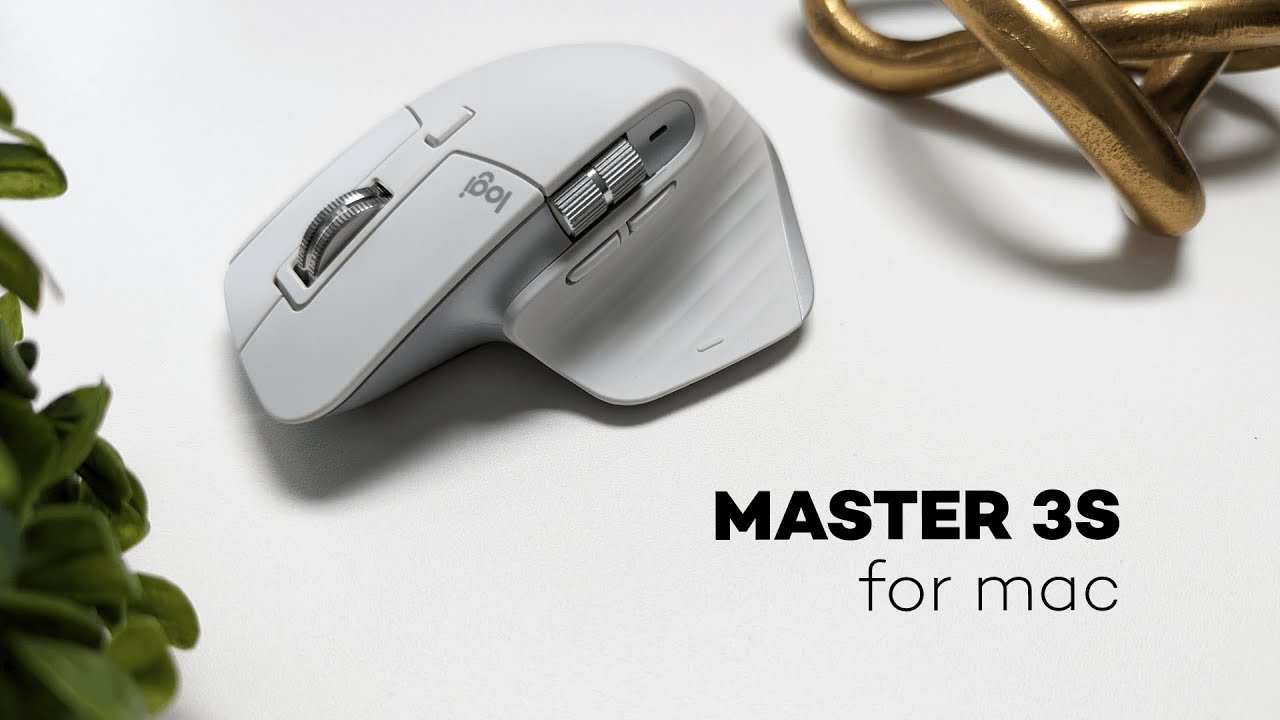
The Logitech MX Master 3s for Mac is a productivity-focused wireless mouse that aims to replace the Apple Magic Mouse for people who want more comfort, customization, and control. It blends a refined ergonomic shape with Logitech’s high-end tracking and a unique scroll wheel that switches between precise detents and a free-spinning MagSpeed mode. If your setup centers around a Mac and you need a mouse built for long editing sessions, multitasking across devices, and fine cursor control, this is one of the strongest contenders.
Quick overview: what stands out
- 8K DPI sensor that tracks reliably on most surfaces, including glass.
- MagSpeed scroll wheel with two modes: rigid detents and a free-spin electromagnetic mode.
- Multi-device support — connects to up to three devices via Bluetooth and switches with a button.
- Comfort-first design with angled top and thumb rest for prolonged use.
- Deep customization through Logi Options+ software: six programmable buttons and four gesture options.
- Up to 70 hours of battery life and USB-C charging.
Color and first impressions
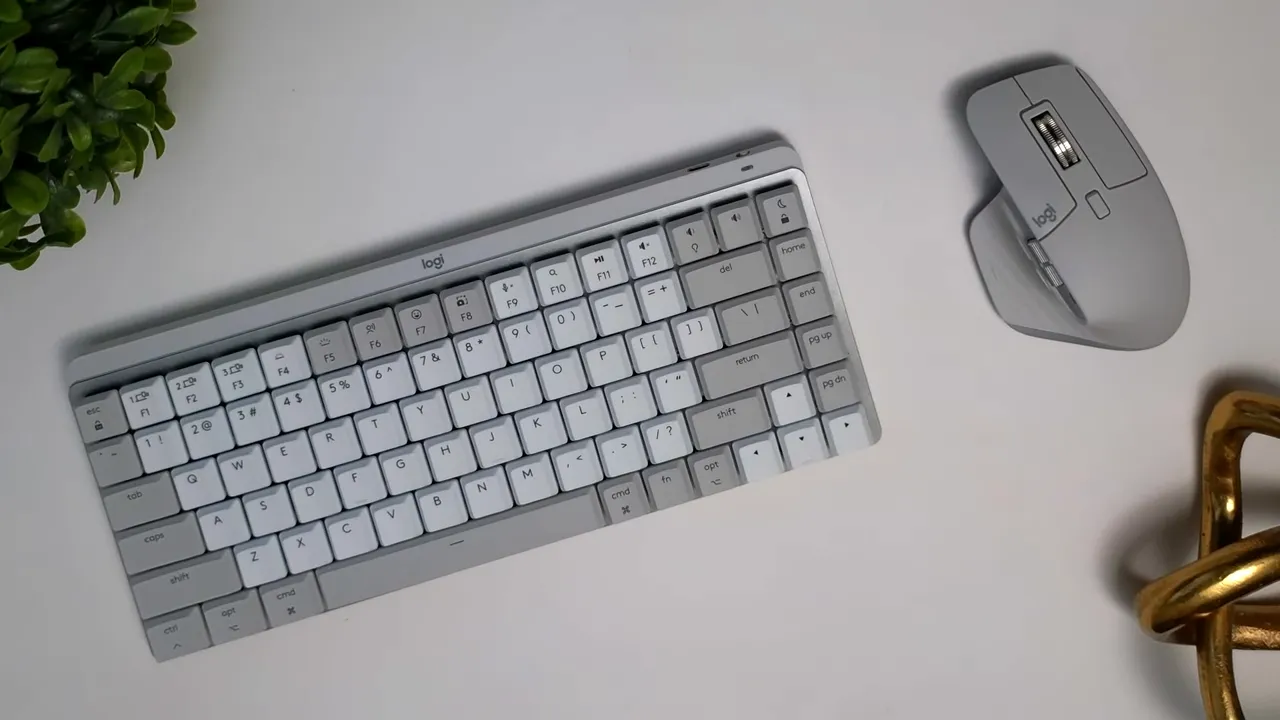
Available in pale gray and a darker space gray, the MX Master 3s presents a subdued, Apple-friendly aesthetic that pairs well with MacBook and iMac setups. Build quality feels solid — matte plastics, a grippy rubber palm area, and machined steel scroll wheels give it a premium touch.
Tracking: 8K DPI sensor
The upgraded 8K DPI sensor tracks smoothly across many surfaces — fabric, wood, plastic, and even glass. That makes the MX Master 3s flexible for different workstations and less dependent on mouse pads.
MagSpeed scroll wheel: two modes, one clever mechanism
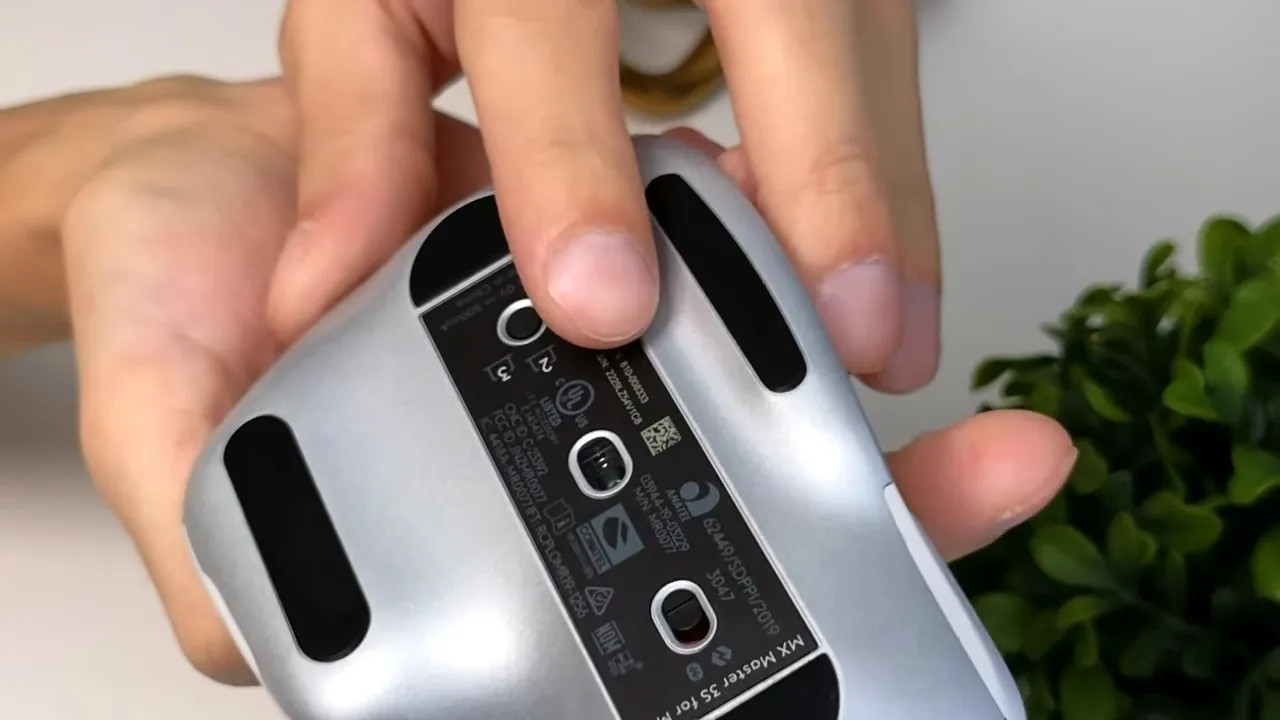
The scroll wheel is one of the MX Master 3s’s headline features. There are two scrolling behaviors:
- Rigid mode (detented): great for precise line-by-line scrolling or navigating code and spreadsheets.
- Free-spin mode (MagSpeed): the wheel spins freely and keeps momentum, ideal for quickly moving through long documents or timelines. An electromagnetic mechanism controls the switch and Logitech's software lets you tune the feel.
Multi-device pairing and switching
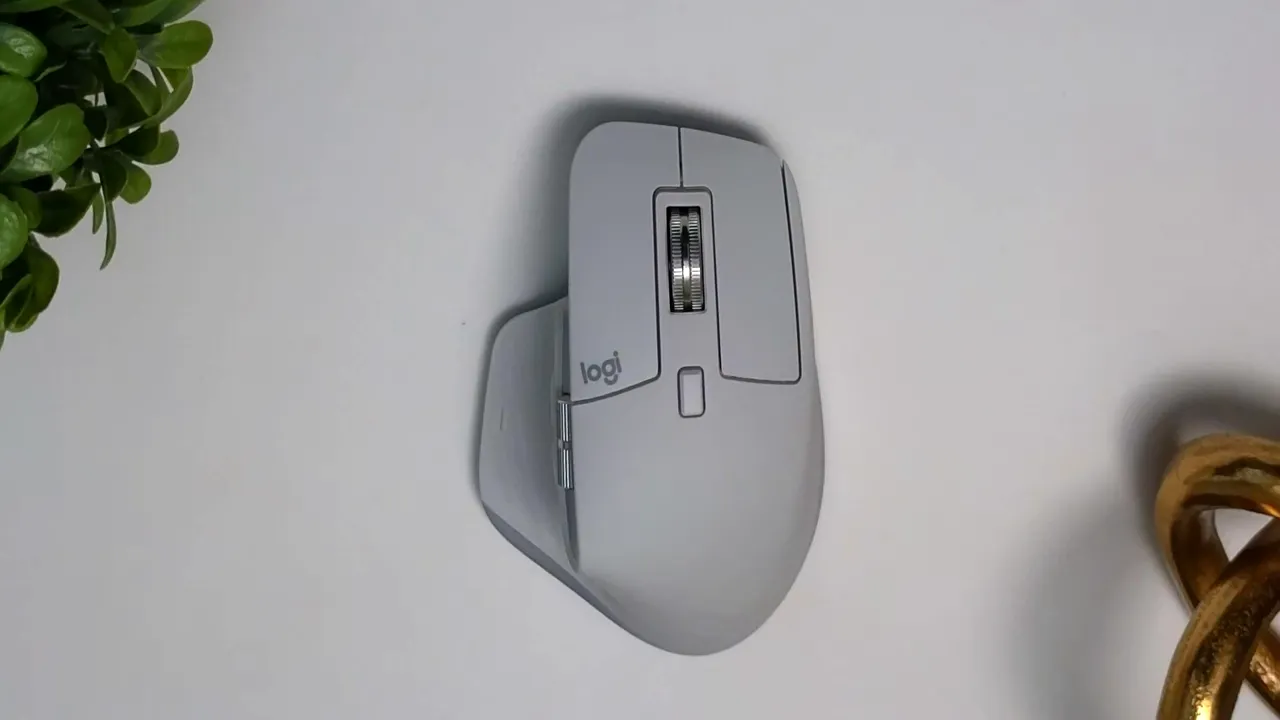
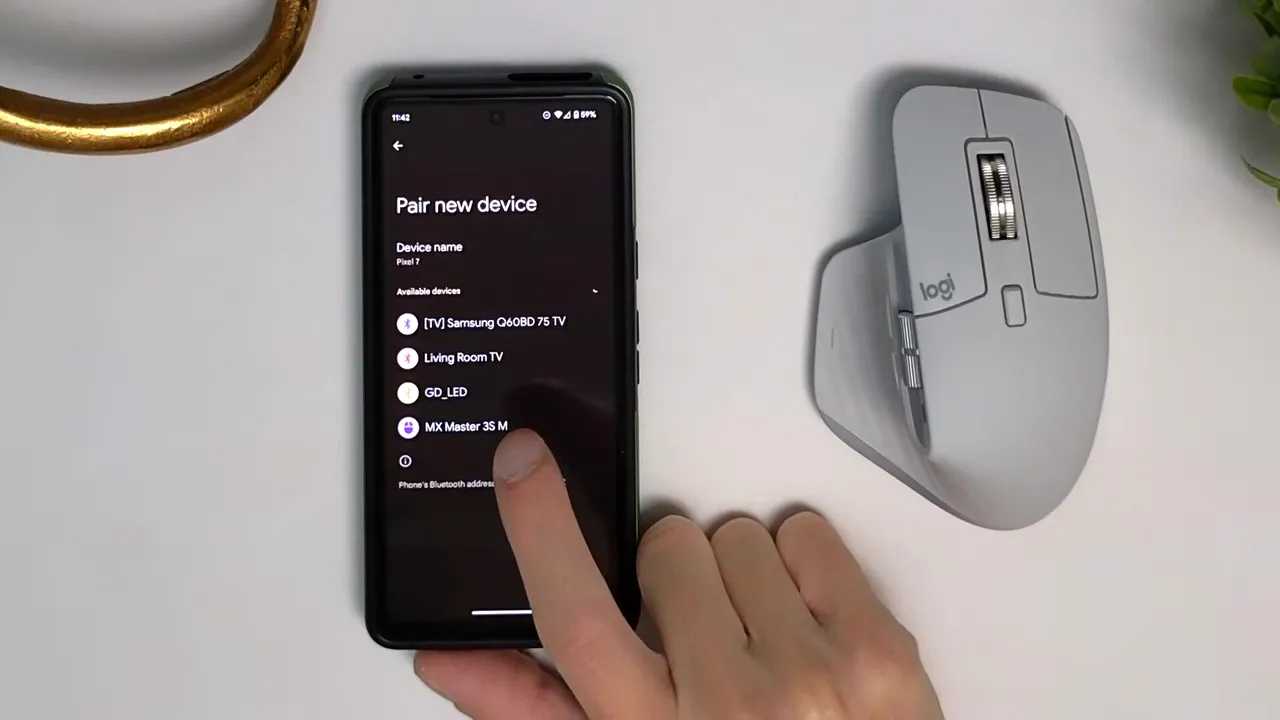
Pair up to three devices and switch between them with the profile switcher on the bottom of the mouse. Connecting a new device is simple: pick a profile, put it in pairing mode, and pair via Bluetooth. This works with phones too — handy for managing social accounts or performing mobile productivity tasks without swapping peripherals.
Design and ergonomics
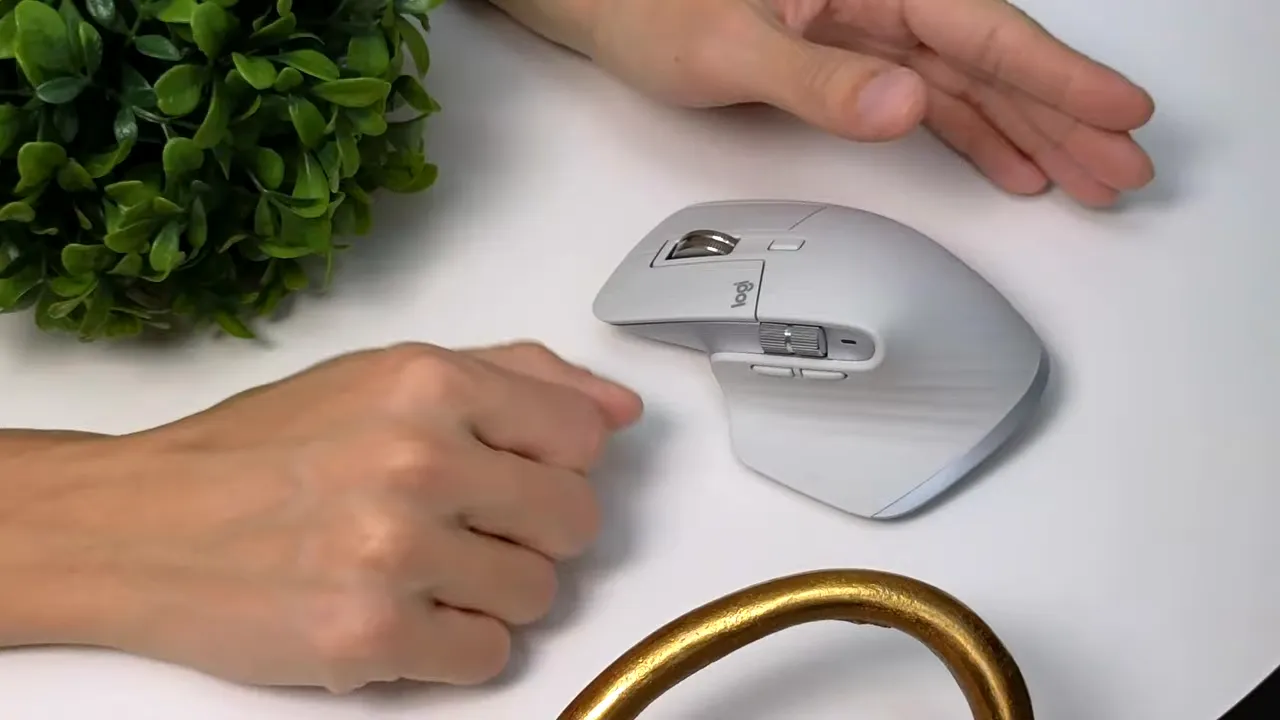
The MX Master 3s prioritizes comfort. The top is angled to match the natural position of your hand and there’s a pronounced thumb rest with textured ridges for added grip. Expect a very comfortable experience for palm and fingertip grips.
Grip styles and hand size
Three common grip styles respond differently to the MX Master 3s:
- Palm grip: Excellent — the hand rests naturally on the mouse and feels well supported.
- Fingertip grip: Comfortable — thumb and fingers can grip the edges without losing control.
- Claw grip: Less ideal — the design pushes fingers to the edges and clicks require more force, which may feel awkward for fast clicking.
Size note: the mouse comes in one size. People with smaller hands may prefer the MX Anywhere 3, which is about half the size.
Materials and build quality
The top palm area uses a grippy rubber that avoids stickiness, the thumb rest has a wavy textured pattern for traction, and the main buttons are matte plastic. The scroll wheels are machined steel for a premium feel. The glossy-looking rear is actually plastic with a slight sheen. Overall fit and finish feel like a step above most office mice.
Customization with Logi Options+
Logi Options+ unlocks the MX Master 3s’s productivity potential. You get:
- Six programmable buttons plus four gesture options — effectively 10 customizable inputs.
- Ability to remap buttons for apps, assign macros, and tune the scroll wheel sensitivity between rigid and smooth settings.
The only non-configurable inputs are the left and right primary click buttons — everything else can be tailored to your workflow.
Battery life and charging
The MX Master 3s can last up to 70 hours on a single charge. Charging uses a USB-C cable that plugs into the front of the mouse, and a full charge from zero takes about three hours. That gives a reliable runtime for heavy users without frequent recharging.
Who should buy this mouse?
The MX Master 3s is ideal for:
- Mac users who want more customization than Apple’s Magic Mouse.
- Productivity power users who switch between devices and apps frequently.
- People who value ergonomic comfort for long sessions of editing, browsing, or design work.
Consider a different model if you have very small hands or prefer a compact mouse — the MX Anywhere 3 is a better fit in that case.
Pros and cons
- Pros: Excellent ergonomics, versatile 8K tracking, MagSpeed scroll wheel, strong customization, solid build, long battery life.
- Cons: Single size only, claw grip is awkward for some users, price sits around $100 which may be high for casual users.
Final verdict
If productivity, comfort, and customization are priorities, the Logitech MX Master 3s for Mac is one of the best mice you can get for a Mac-centric setup. It improves on the baseline mouse experience with better ergonomics, a truly useful scroll wheel, and deep software tuning. For mid to large hands this mouse can become a long-term desktop companion. For smaller hands, look at the MX Anywhere line instead.
Price at the time of this review is around $100, which is reasonable given the feature set and build quality.


