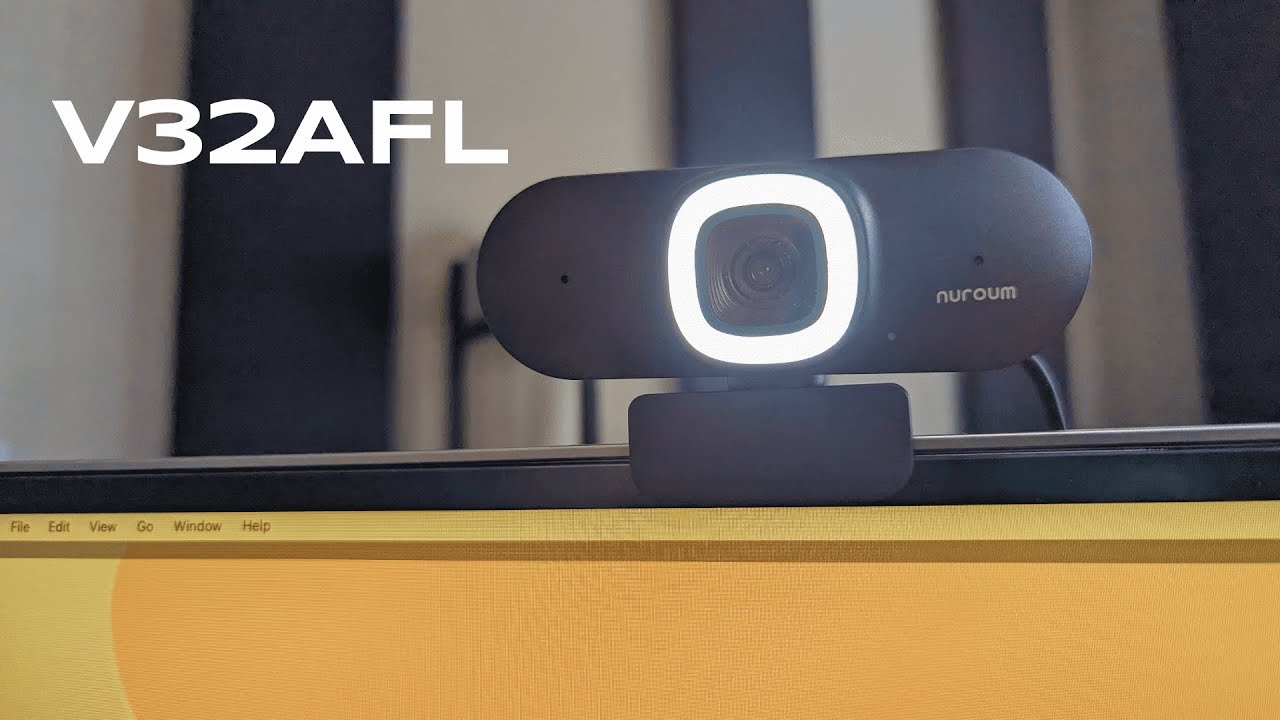
The NUROUM V32AFL positions itself as a solid option for people who need a reliable webcam for meetings, streaming, or occasional content creation. It packs 4K HDR capture, auto-framing, AI noise cancelling for the mic, and an adjustable fill ring light into a sturdy, weighty housing. After spending time with it, here is a practical breakdown of what it does well, where it falls short, and how to get the most from it.
Table of Contents
- What comes in the box and first impressions
- Physical controls and design highlights
- Video quality and autofocus
- Ring light and low-light performance
- Microphone: good for speech, not for production
- Auto-framing and usability
- Who this webcam is best for
- When to choose something else
- Practical tips and setup recommendations
- Pros and cons
- Final verdict
- FAQ
What comes in the box and first impressions
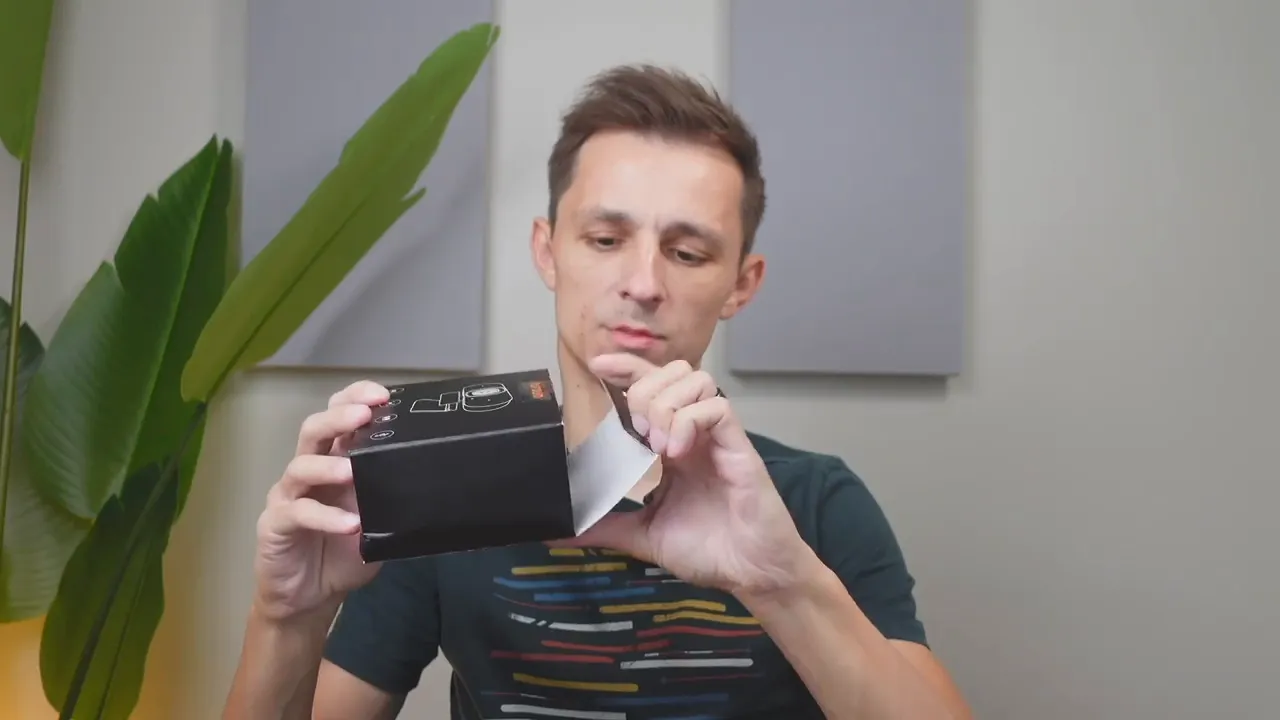
Inside the box you get the webcam itself and a user manual that explains the buttons and features. The unit feels thick and robust—there are clearly more components inside than the usual flimsy plastic models. The camera head can pan and tilt, which helps get the angle right without fiddling with external mounts.
Physical controls and design highlights
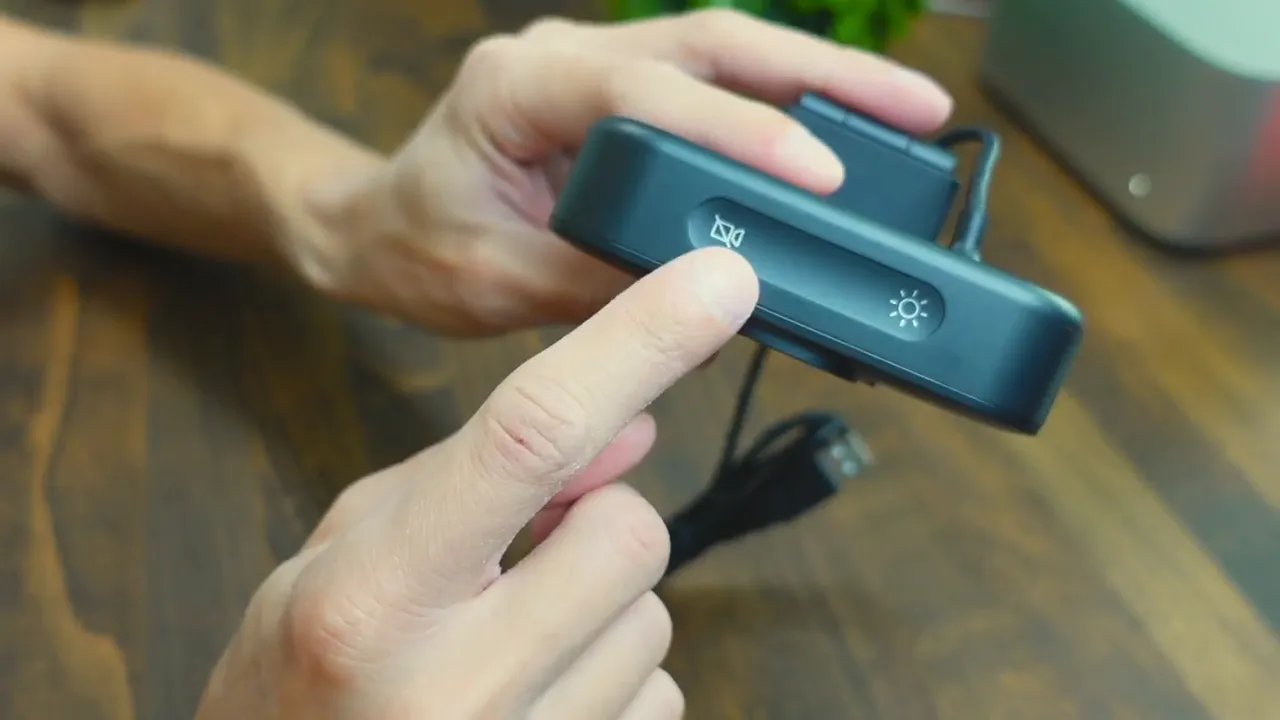
On top are two simple buttons: one toggles the camera on and off and the other activates the onboard ring light. The light has three brightness levels and is useful as a small filler or eye-ring effect, but it is not a replacement for proper lighting if you need studio-quality illumination.
Video quality and autofocus
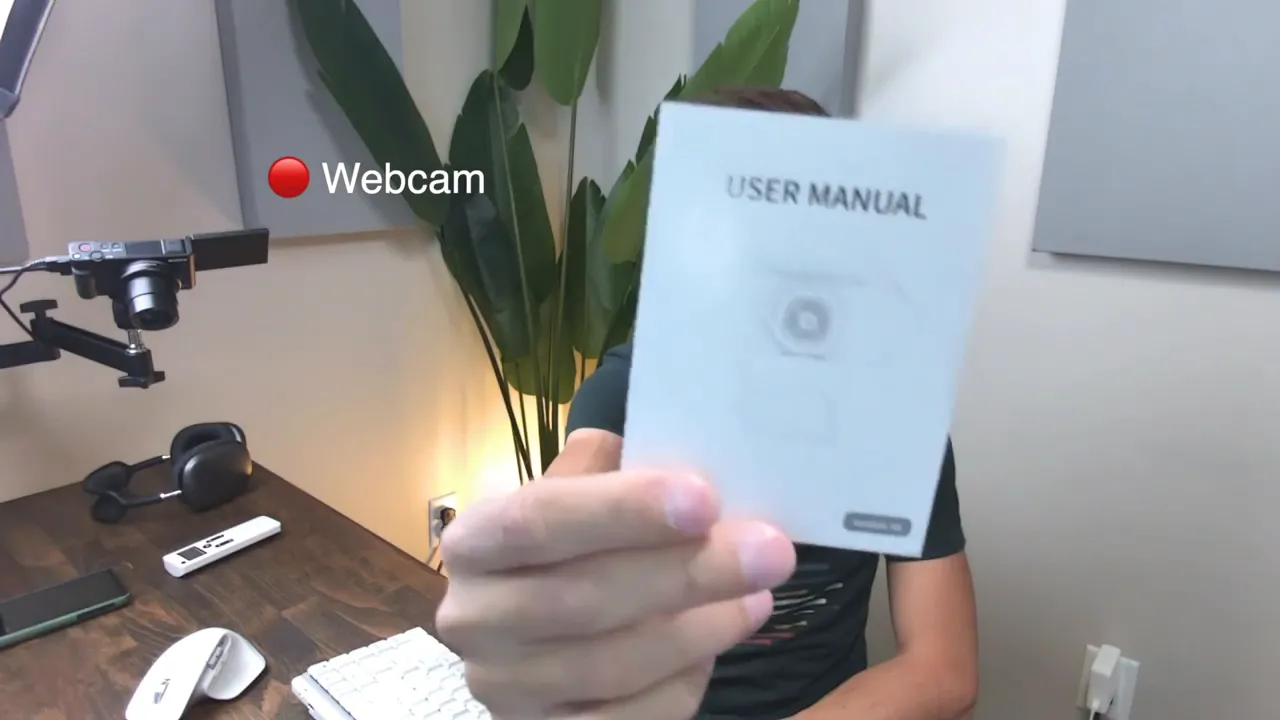
The 4K HDR capture combined with a wide field of view (about 90 degrees) and 5x digital zoom gives crisp, detailed footage for calls and close-up product shots. Autofocus is quick and reliable when showing objects up close, such as a manual or small product. I brought a manual into frame and the camera focused on the text and then returned to face focus when it was removed, which makes it a handy tool for casual product reviews or demonstrations.
Ring light and low-light performance
The ring light has three intensity settings: low, medium, and high. In a dim room the highest setting helps, but it does not fully compensate for the absence of a proper softbox or LED panel. Expect the ring light to act as a fill or catchlight rather than your primary light source. If you want crisp, evenly lit shots, pair the webcam with an external light.
Microphone: good for speech, not for production
The built-in microphone uses AI noise cancelling and performs reasonably well for general conversation. At about three feet away it captures speech clearly, and the AI filtering reduces keyboard and background noise. During a close test the mic picked up less ambient sound, but it still did not reach "production" level clarity.
If your goal is crisp vocal quality for podcasts, voiceovers, or professional streaming, plan to use an external microphone. For quick meetings, live calls, or casual streaming, the onboard mic communicates the point clearly and benefits from the noise cancelling.
Auto-framing and usability
Auto-framing works as advertised. The camera keeps the subject centered and will refocus on objects placed in front of the lens, making it useful for hands-on demos. The pan and tilt functionality makes it easy to adjust the angle without moving your monitor or using an elaborate mounting setup.
Who this webcam is best for
- Remote workers: Clear 4K video and reliable auto-framing make presentations and meetings look professional.
- Casual streamers: The wide field of view and ring light add polish without adding complexity.
- Product reviewers and tutors: Fast autofocus on close objects is helpful when showing small details.
When to choose something else
- If you need studio-level audio, invest in a dedicated mic rather than relying on the camera’s built-in microphone.
- If you regularly record in very low light, spend on a dedicated light source instead of relying on the webcam’s ring light.
Practical tips and setup recommendations
- Mount the camera at eye level for the most natural framing.
- Use the ring light as a catchlight; add a soft LED panel for key lighting when possible.
- Test the AI noise cancelling with your typical background noises—keyboard, fans, or other speakers—and position the mic so it favors your voice.
- For demonstrations, keep the object you want to show within the center 1/3 of the frame to help autofocus lock quickly.
Pros and cons
- Pros: 4K HDR capture, reliable autofocus, auto-framing, sturdy build, adjustable ring light, AI noise reduction.
- Cons: Onboard ring light is not a primary light source, built-in mic is serviceable but not studio quality, digital zoom has limits compared to optical zoom.
Final verdict
The NUROUM V32AFL is a capable, feature-rich webcam that brings professional video features into a compact package. It offers excellent autofocus and framing for its price, along with useful, if modest, lighting and AI noise cancelling. For anyone who needs sharp video for calls, demos, or casual streaming, it is a strong choice. Pair it with an external microphone and a proper light and it becomes a very effective kit for content creators and professionals who need consistent, reliable performance without investing in a full camera rig.
FAQ
Does the built-in ring light replace external lighting?
No. The ring light is useful as a fill or to add catchlight, but it is not powerful enough to replace a dedicated light source in low-light environments.
Is the microphone good enough for streaming?
The built-in mic with AI noise cancelling handles speech clearly for meetings and casual streaming. For production-level audio or podcasting, use an external microphone.
How well does autofocus perform on close objects?
Autofocus performs well for small objects and text, quickly locking on when you bring items close to the lens and returning focus to the face when removed.
Can this webcam auto-frame moving subjects?
Yes. Auto-framing keeps the subject centered and adjusts as you move, which is useful for presenters who need to shift position during a session.
What is the best place to use this webcam?
It is ideal for home offices, remote work, casual streaming, and tutorial-style recordings. Pairing it with an external mic and light elevates its performance for more serious content creation.
Recommendation: Use the NUROUM V32AFL for clear, dependable 4K video and pairing it with a dedicated mic and lighting for the best results.


