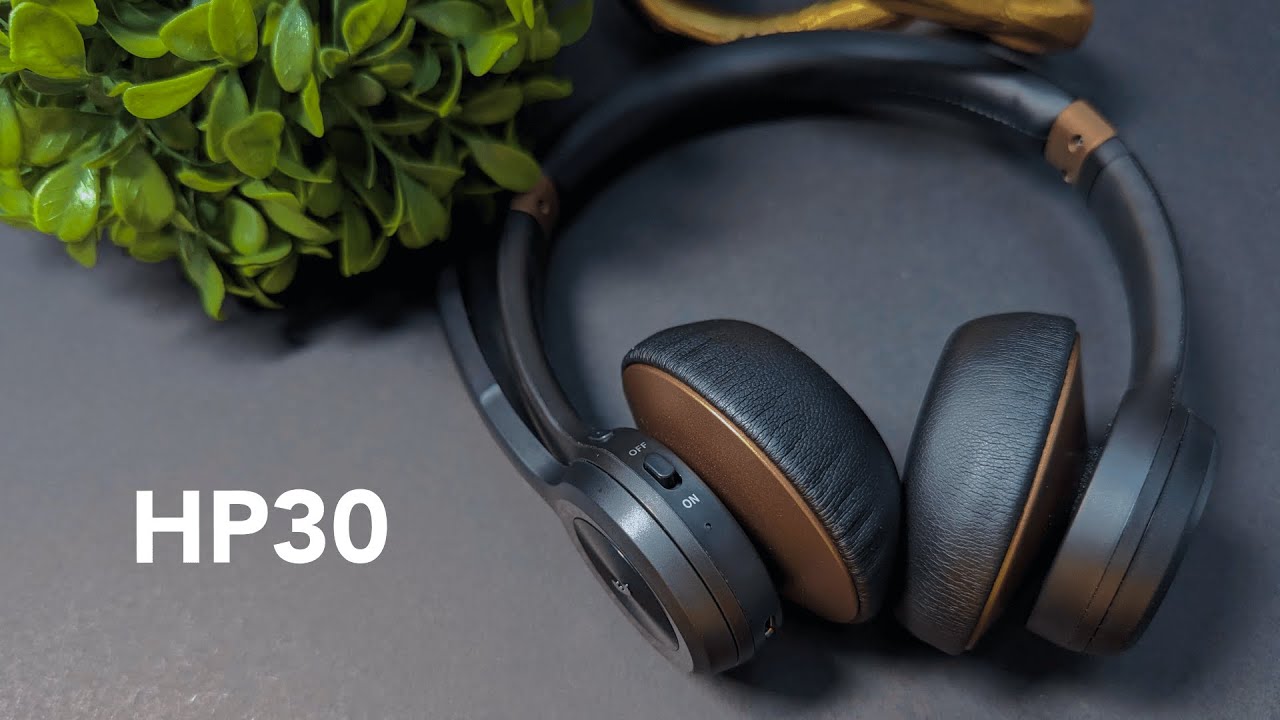
Quick summary
The NUROUM HP30 is a wireless headset built for corporate use — think customer support, sales teams, hotels, or hospitals. It mixes a clean, professional look with practical features: Bluetooth or USB dongle connectivity, dual microphones for noise reduction, simple mute controls, and a long battery life. It is not a studio-grade headset, but it delivers reliable performance for everyday work and occasional music listening.
Design and first impressions
The HP30 arrives in simple packaging and immediately looks more refined than many bland office headsets. The brown trim gives it a modern corporate vibe without being flashy. Controls are intuitive: a dedicated call button, volume knobs, and a power switch on the back.
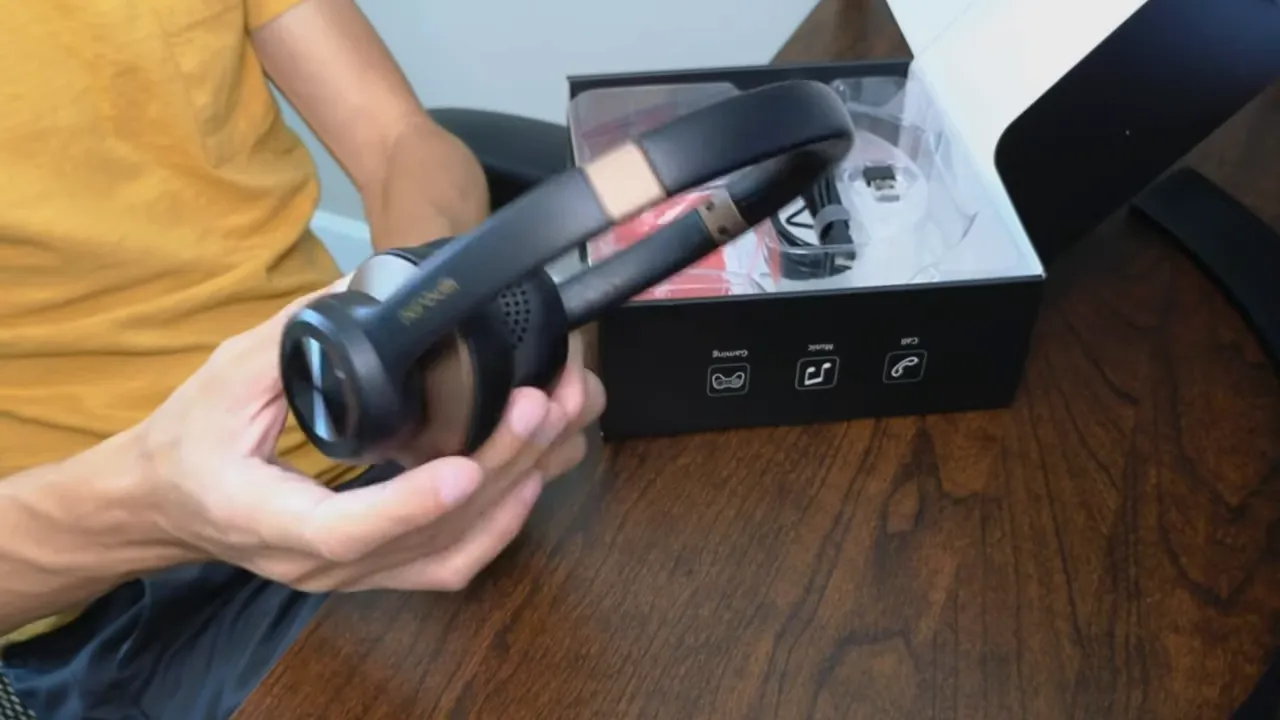
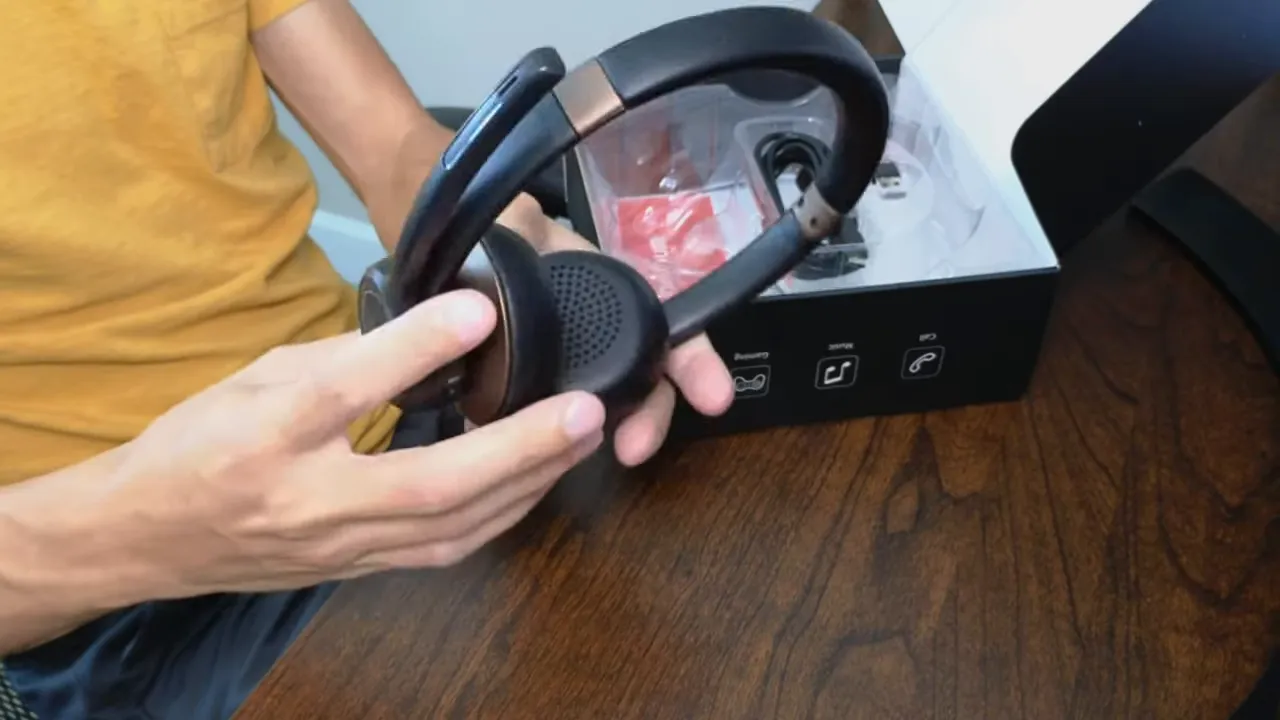
The cups swivel both ways and the ear cushions feel soft. The padding is synthetic leather rather than genuine leather, but it feels high quality and should hold up well under normal office use.
Comfort and fit
Adjusting the HP30 is straightforward — a sliding ring extends the headband to fit different head sizes. On first wear it feels comfortable: the ear muffs are soft and the headband does not press heavily on the top of the head.
Connectivity and setup
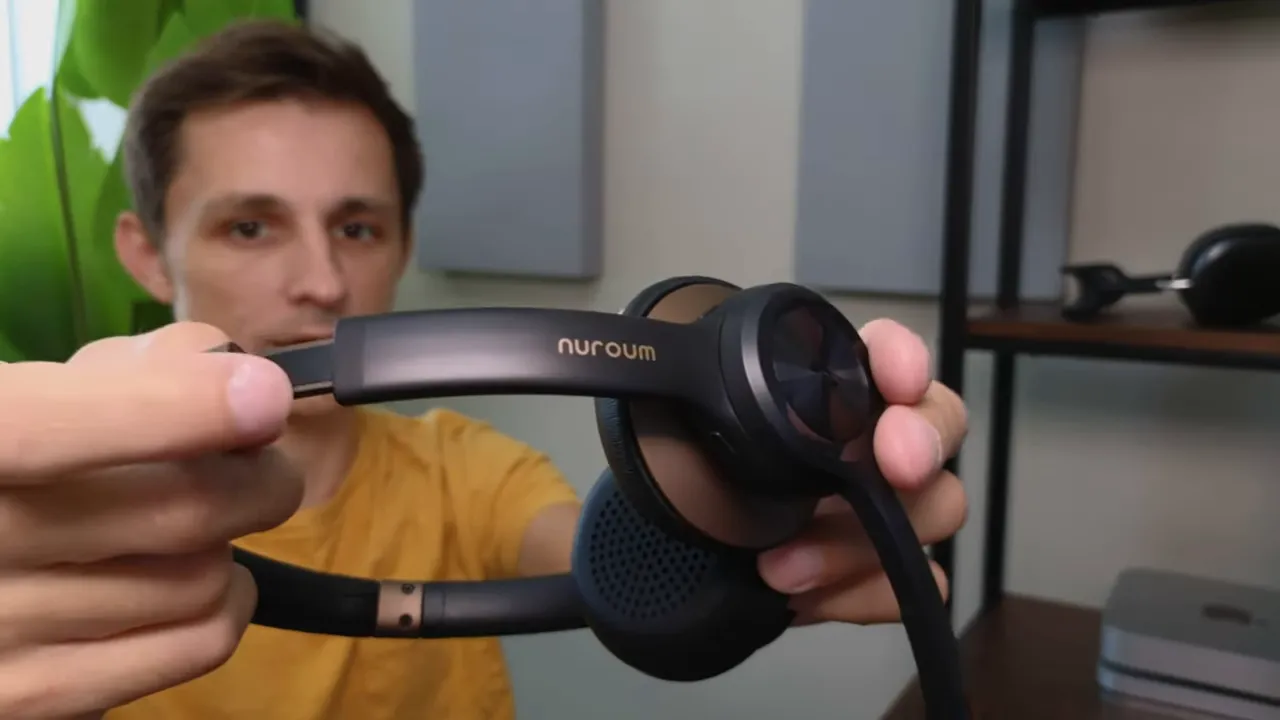
Two connection options make the HP30 flexible:
- USB dongle — plug into a computer and it typically works instantly, ideal for desk setups and quick deployments.
- Bluetooth — press and hold the phone icon on the side to enter pairing mode. A blue status light indicates pairing status.
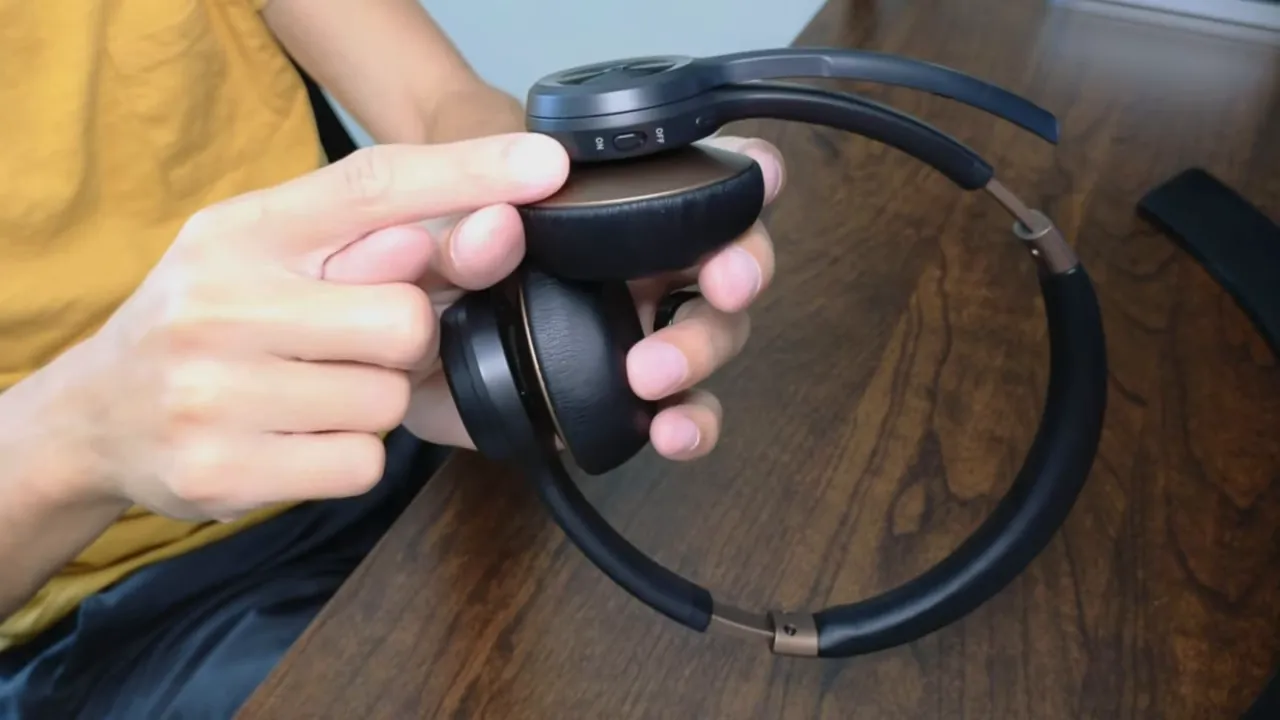
The headset supports about 100 feet of range before the connection drops, whether connected by Bluetooth or the included dongle.
Audio and microphone performance
Microphone: The HP30 uses dual microphones to reduce background noise. In practice the mic is serviceable but not exceptional. Speech comes through clearly enough for customer support and sales calls, but the mic quality is average — slightly below what you might expect from higher-end headsets.
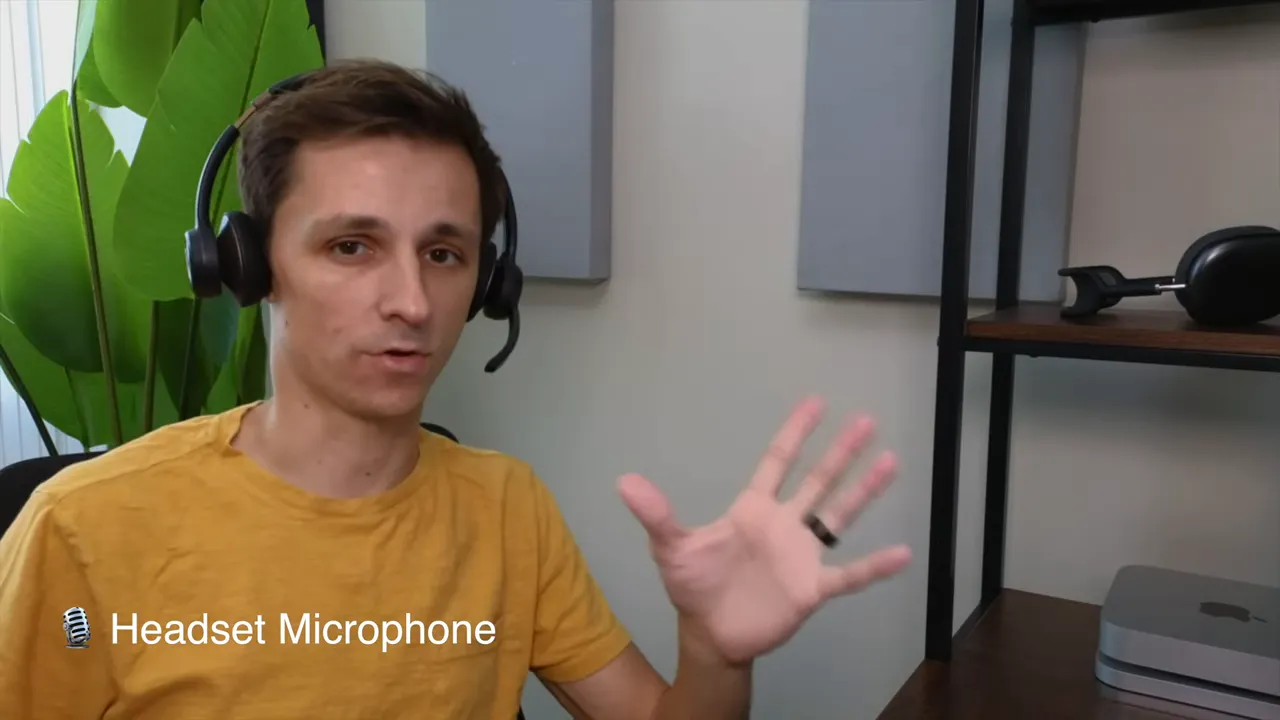
Speaker: Playback quality is noticeably better than the microphone. The mids, lows, and highs are generally well balanced for voice. High frequencies lean a bit tinny, but overall listening for calls or background music is perfectly acceptable for office usage.
Noise reduction test
Typing and table knocks were quieter through the HP30 compared with a typical open mic, but noise cancellation is not perfect. If colleagues are five to six feet away the headset does a good job of muting their voices; very loud nearby noise will still come through faintly.
Controls and usability
Controls are simple and practical:
- Quick mute button — tap the call button to toggle mute on and off; the status light shows the change.
- Boom mic mute — flip the mic boom up to mute instantly for privacy.
- Volume knobs — physical adjustment on the ear cup for fast control.
Battery life, charging, and range
Key power specs:
- Battery life: ~40 hours per charge — excellent for multi-day shifts or heavy daily use.
- Charge time: ~2 hours from empty to full.
- Charger: USB-A to USB-C cable included for fast charging from a laptop or wall adapter.
Who is the HP30 best for?
The NUROUM HP30 fits teams and individuals who need a reliable, comfortable headset for voice-first work:
- Customer support agents and call center staff
- Sales professionals on frequent calls
- Hospitality or healthcare staff who need clear voice communication and a professional look
- Remote workers who also want decent music playback between calls
Pros and cons
- Pros: Attractive corporate design, long battery life (40 hours), easy Bluetooth and dongle connectivity, quick mute options, comfortable ear cushions, good voice playback.
- Cons: Microphone quality is average compared with premium headsets, noise cancellation reduces but does not eliminate loud background sounds, synthetic leather may show wear over long-term heavy use.
Final verdict
The NUROUM HP30 is a solid pick for workplace use. It balances style, comfort, and practical features without breaking the bank. If clear two-way communication is your top priority, it will get the job done — especially for customer support and sales roles. It also doubles as a decent music headset for breaks, thanks to balanced playback. For environments that demand studio-quality mic performance or near-perfect noise isolation, consider upgrading to a higher-end model. For everyday corporate use, the HP30 is a dependable and attractive option.


