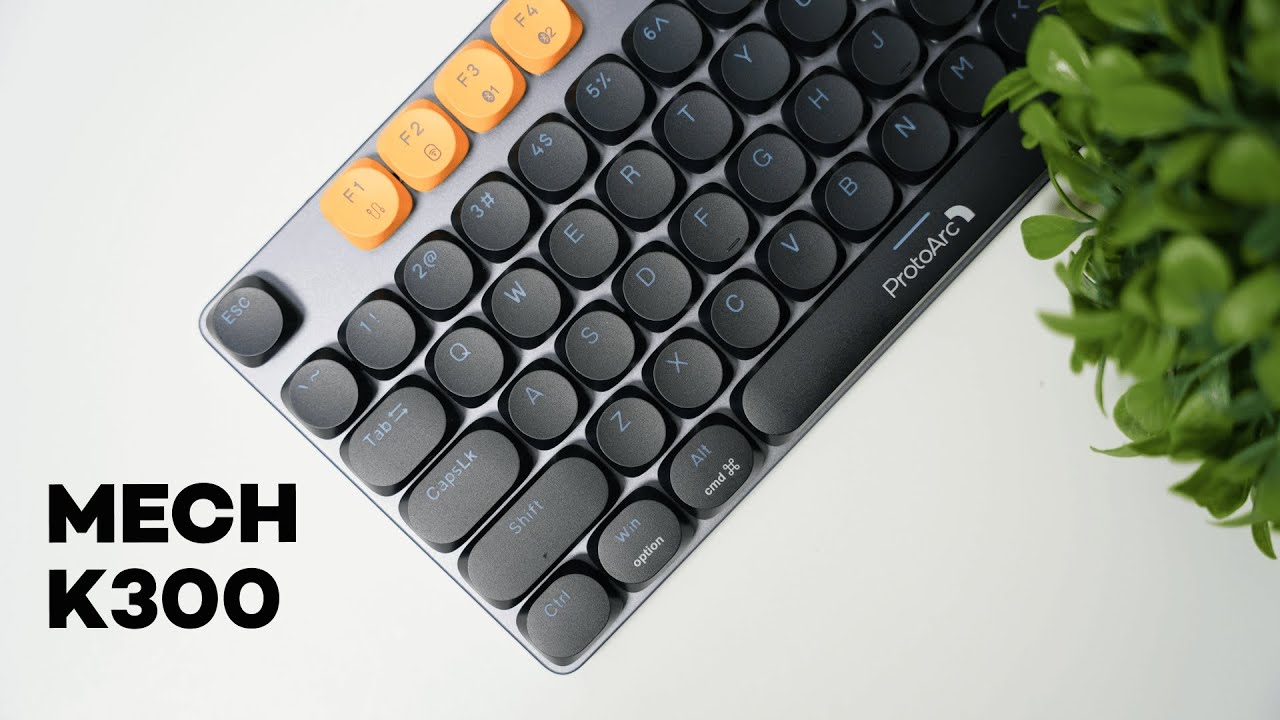
The ProtoArc MECH K300 is a full-size, feature-packed mechanical keyboard built for gamers and professionals who want a clean, low-profile look without sacrificing performance. It blends aluminum accents with plastic housing, offers multiple connectivity modes, and packs customizable lighting and onboard shortcuts so you can tailor it to your setup quickly.
Design and build quality
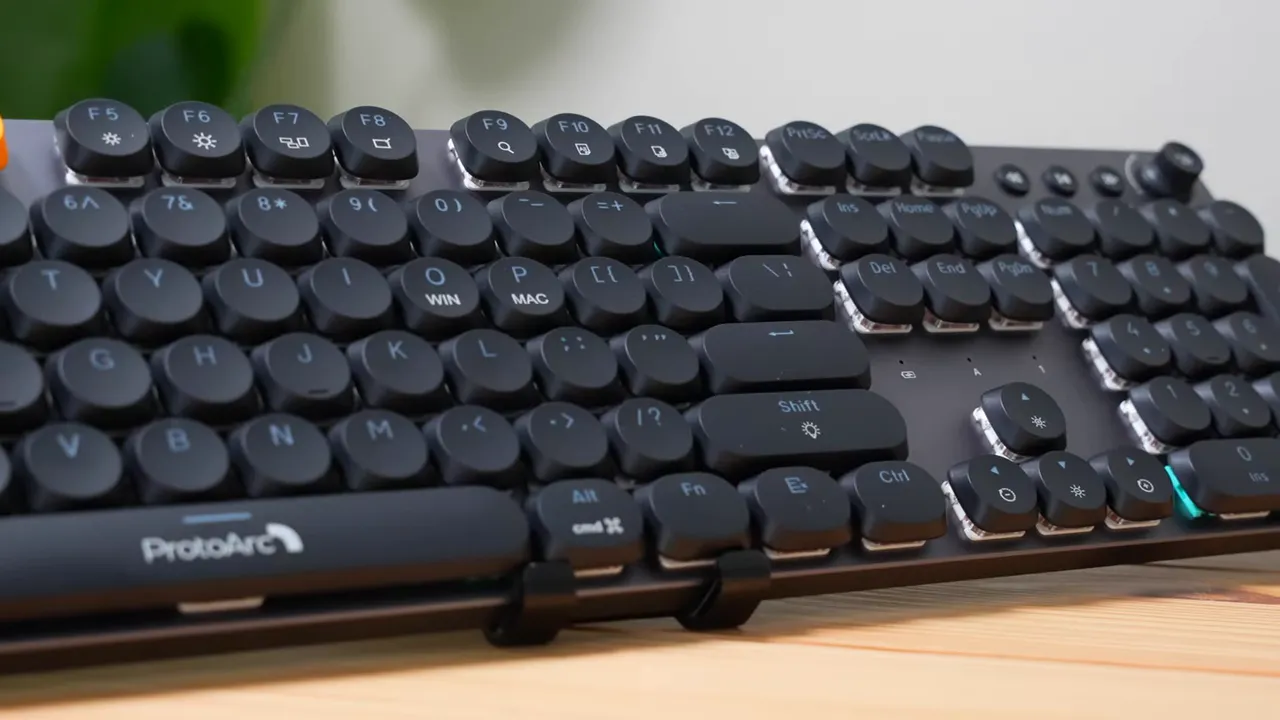
The MECH K300 uses a slim, low-profile layout across a standard 104-key full-size layout. The frame mixes plastic (top and bottom) with aluminum sides, which gives the keyboard a cold, premium feel to the touch. The overall construction feels solid — nothing about it comes off cheap.
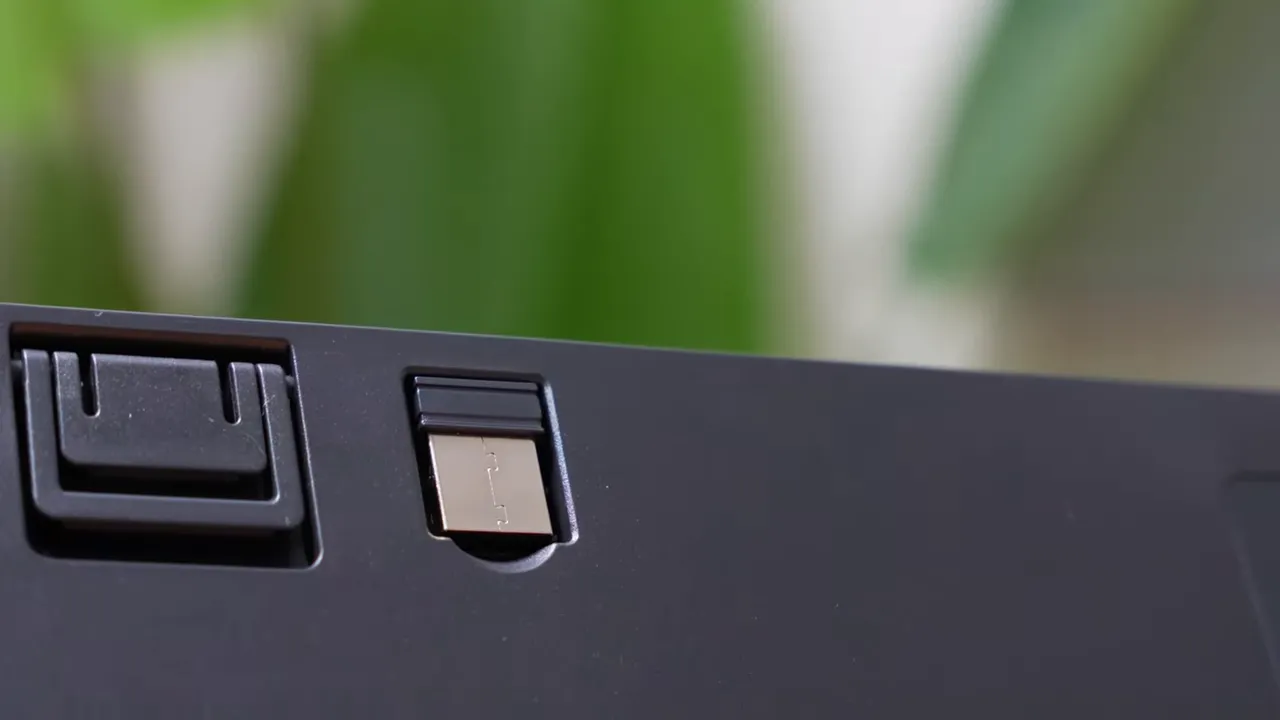
Flip the keyboard over and you’ll find adjustable feet for two typing angles and a dedicated slot to store the USB wireless dongle when you are on the go. Those small details help with ergonomics and portability.
Keys and typing experience
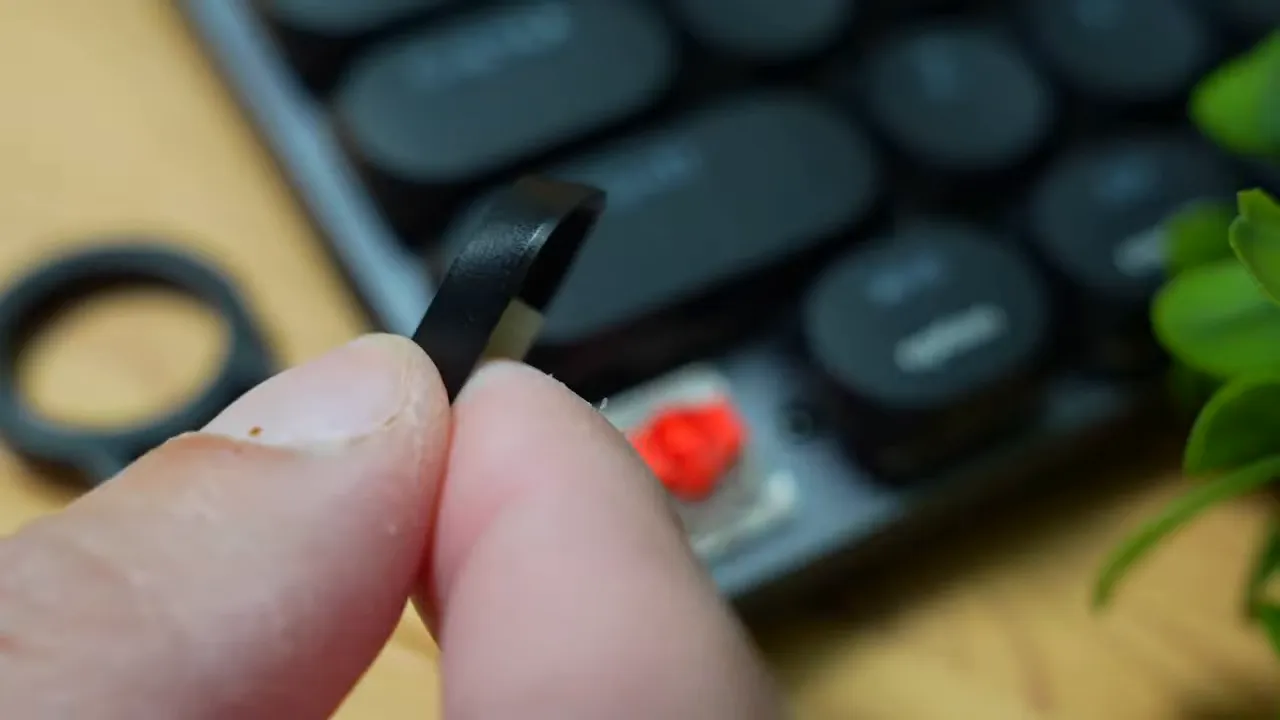
Keycaps have rounded corners and a mix of concave and slightly raised profiles on modifier keys like Shift and Space. Under the caps the unit ships with red mechanical switches — linear, quiet, and geared toward smooth, low-noise typing that won’t distract people nearby.
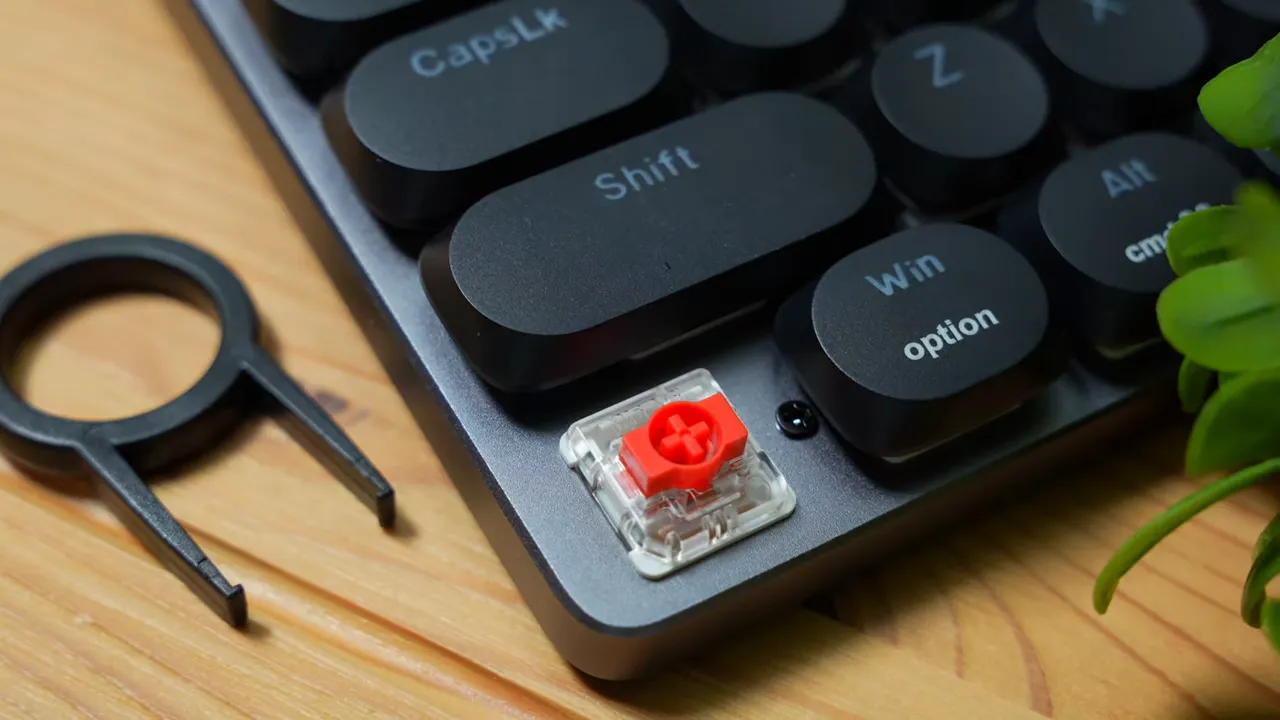
In practice, key wobble is minimal and each key feels firmly seated. If you prefer a stable, consistent press without tactile bumps, the linear red switches will be appealing. I’m a fan of the overall typing feel — it’s comfortable for long sessions and keeps noise to a minimum.
Connectivity and included cable
The MECH K300 supports three connection modes:
- Wireless via USB dongle (included)
- Bluetooth for multi-device pairing
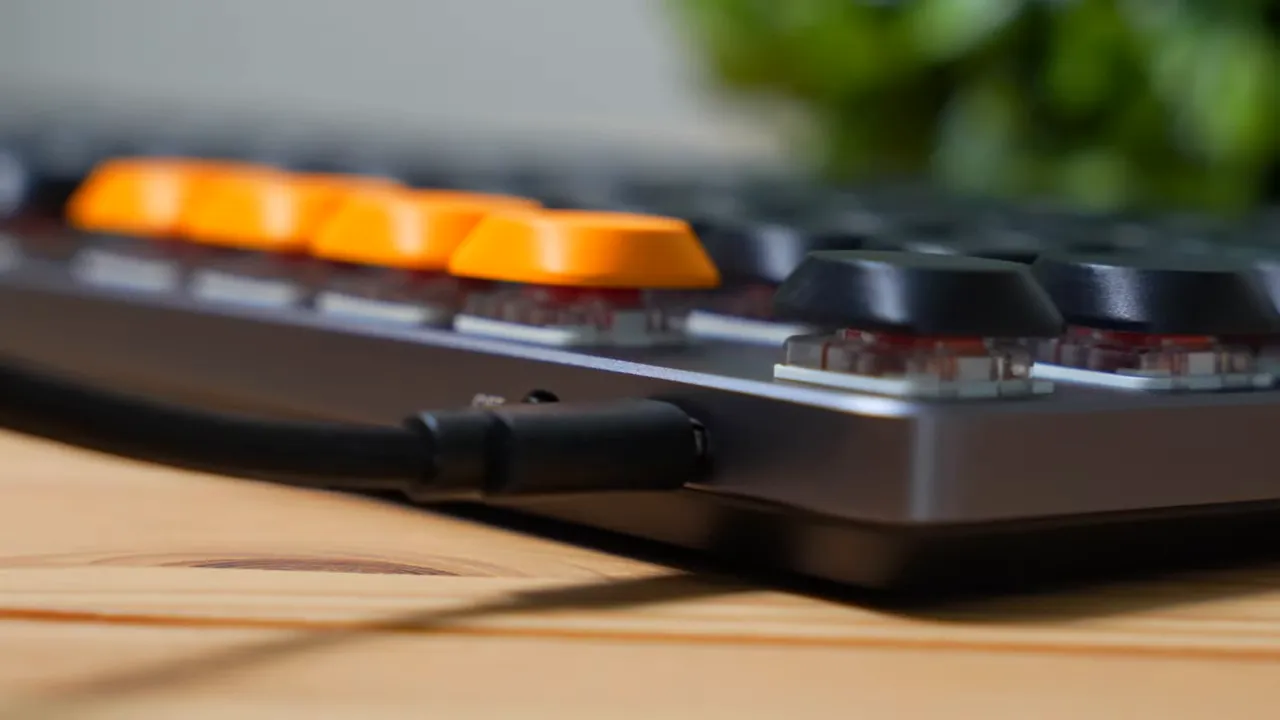
- Wired using the included braided USB-C to USB-C cable
The braided cable feels high quality and matches the keyboard’s build. Having both a dongle slot and Bluetooth gives you flexibility for different devices and locations.
Lighting, onboard customization, and software
One of the MECH K300’s strengths is its combination of onboard controls and optional Windows software. There are 14 adjustable lighting profiles stored on the keyboard, and you can switch between them using onboard shortcuts — no software required.
If you do install the desktop app (Windows only for now), you can:
- Customize each key mapping
- Adjust polling rate
- Create and assign macros for games or productivity
Prefer to avoid software? The keyboard still offers a wide range of functionality via its built-in shortcuts for lighting, Bluetooth pairing, and media controls.
Compatibility and switching between Windows and Mac
The K300 works with both Windows and macOS. Switching typing modes is easy: hold the Function key and press O for Windows mode or P for Mac mode. That changes key behavior to match the chosen OS.
Important note: the customization software is currently available only on Windows. Mac users can still use the keyboard’s onboard shortcuts and basic functions, but deep remapping and macro creation require the Windows app, which ProtoArc will likely add for Mac in the future.
Pros and cons
- Pros
- Solid build quality with aluminum accents
- Low-profile, full-size 104-key layout
- Quiet linear red switches with minimal wobble
- Flexible connectivity: dongle, Bluetooth, or wired
- 14 onboard lighting profiles and rich onboard shortcuts
- Cons
- Only red switch option available out of the box
- Software customization currently limited to Windows
Who is this keyboard for?
The ProtoArc MECH K300 is a great fit for users who want a polished, full-size mechanical keyboard with quiet linear switches and strong onboard functionality. It’s particularly well suited to:
- Gamers who want wireless performance and quick profile switching
- Professionals who value a low-noise typing experience and a premium-feeling keyboard
- Anyone who prefers to configure things directly on the keyboard without installing software
If you rely on extensive software-based remapping or are a Mac-only user, be aware that full customization options are currently tied to the Windows app.
Final thoughts
The MECH K300 manages a strong balance between looks, build quality, and practical features. If you want a sleek, low-profile full-size mechanical keyboard with quiet linear switches and flexible connectivity, this is worth considering. Keep an eye on software updates if you use macOS — deeper customization is likely coming.
Some retailers are offering promo codes from time to time (for example the code "KOVA" has been available). Check current offers before you buy to get the best price.


