First impressions and price
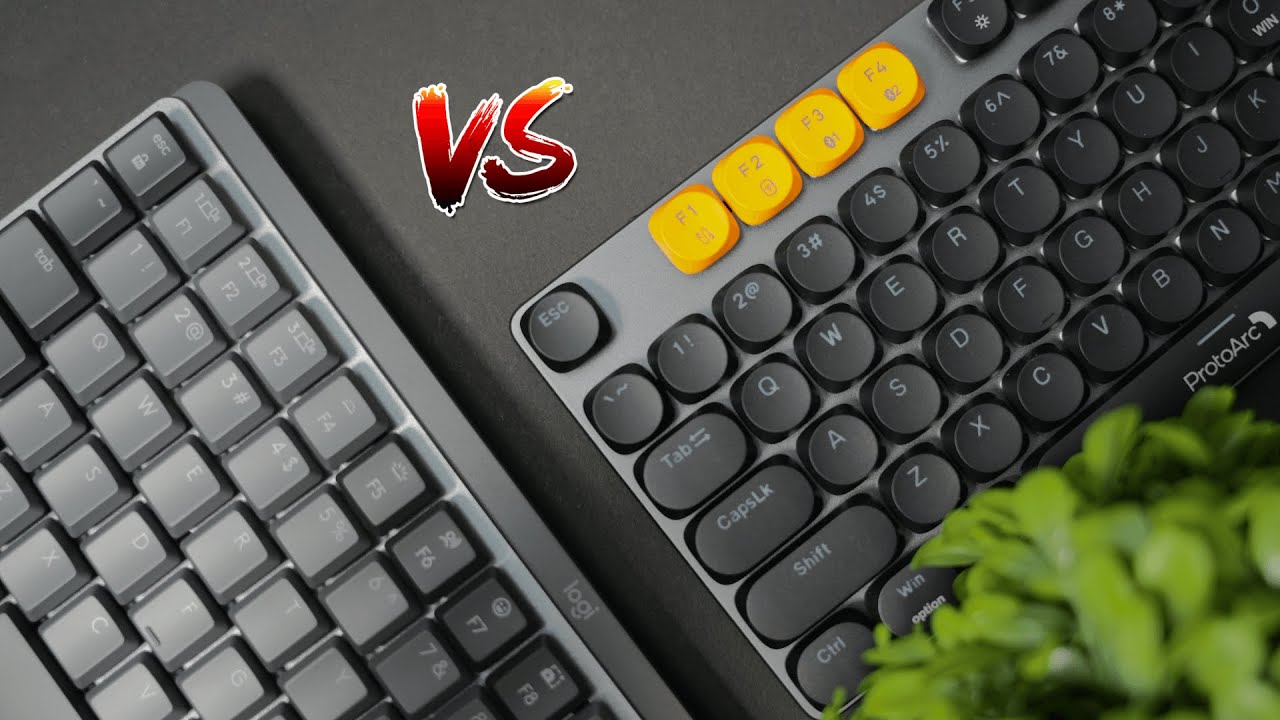
If you need a solid mechanical keyboard but care about your wallet, this is the comparison that matters. The two keyboards in focus are the Logitech MX series (depending on size, typically around $140–$160) and the ProtoArc MECH K300 (about $80 at the time of writing). That is roughly a 2x price gap, so it becomes important to ask: what do you get for the extra money?

Build quality and design
One of the first expectations with higher price tags is better materials and sturdier construction. Surprisingly, the ProtoArc holds its own. The keyboard uses aluminum on the sides and a durable plastic top. Key wobble is minimal and the typing deck feels firm—very close to what you get from Logitech.
Design-wise the two take different approaches:
- ProtoArc: A fun, colorful aesthetic with orange accent keys and a more playful look.
- Logitech: Subtle and sleek, built for a minimalist desktop.
Typing experience and switches
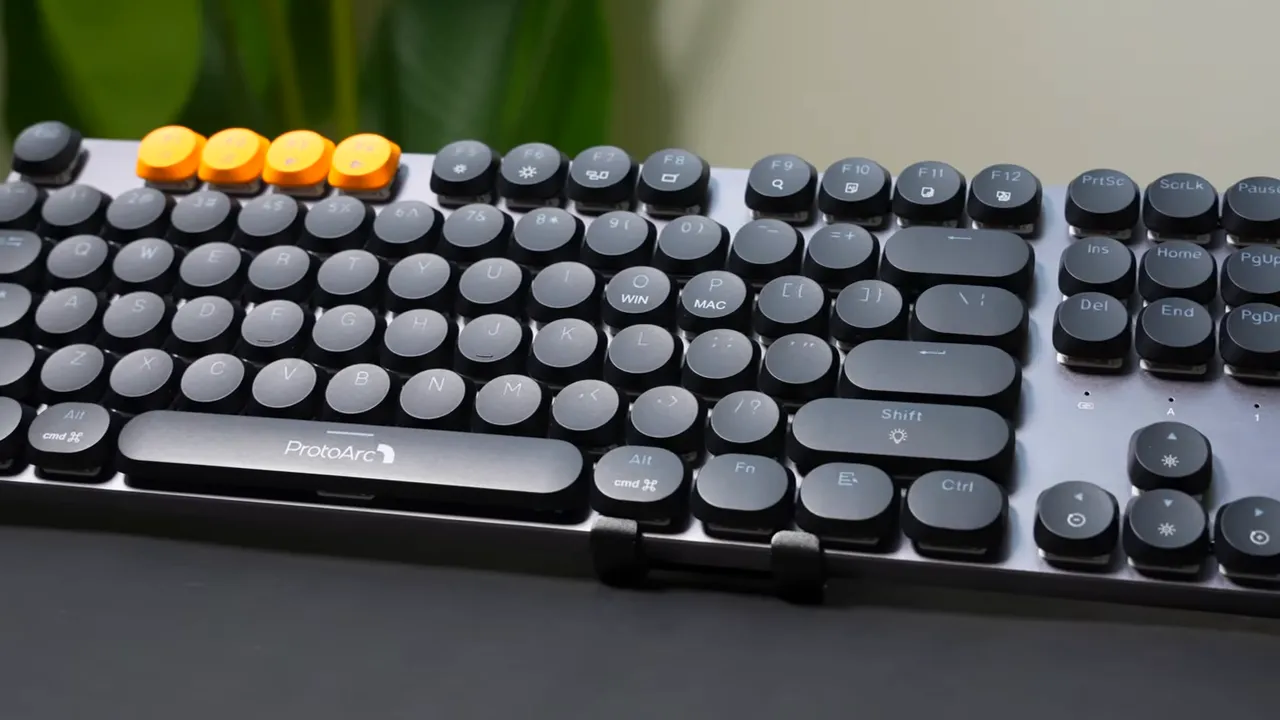
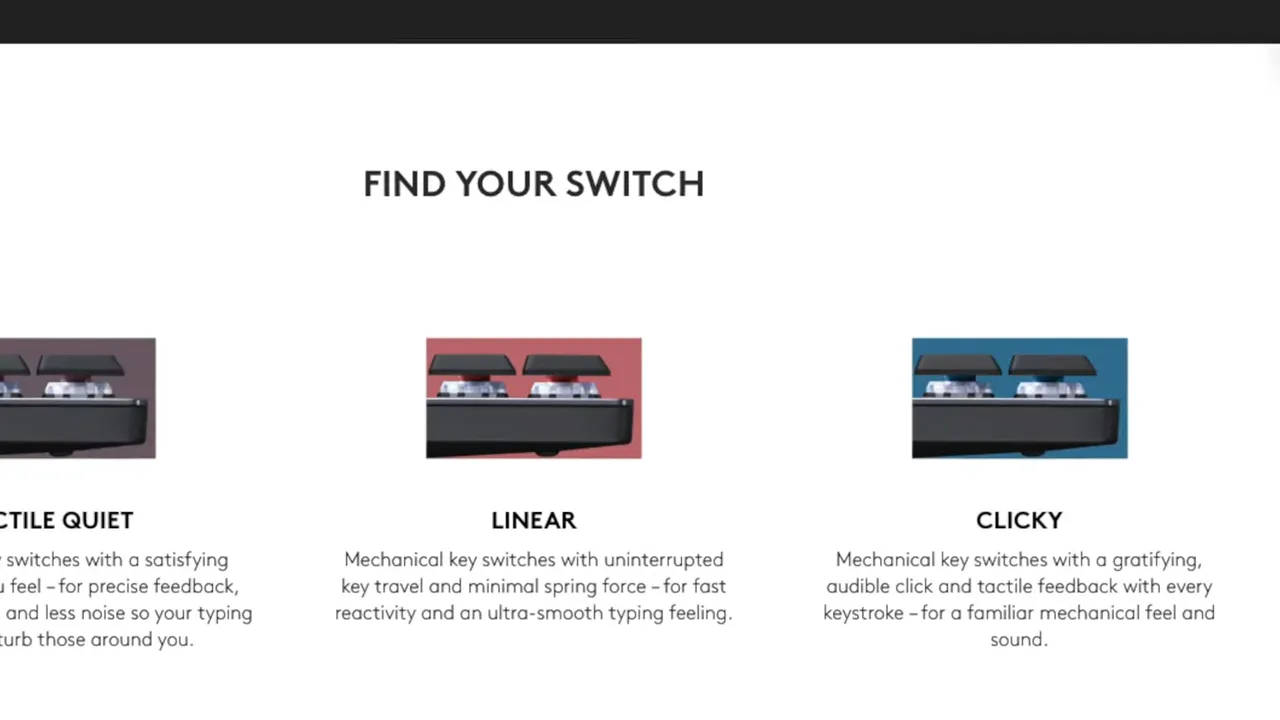
Typing is the core of any mechanical keyboard. The ProtoArc K300 comes with red switches only, which are linear and smooth. The Logitech MX line offers more variety: red, brown, or blue switches, so you can pick between linear, tactile, or clicky feedback.
Both keyboards sound pleasing and deliver satisfying keypresses. If you prefer a quieter, smoother stroke go red. If you want tactile feedback for typing accuracy, brown is a great middle ground. Blues are loud and clicky for people who love audible feedback while they type.
Connectivity options
Both keyboards are versatile when it comes to connecting to devices.
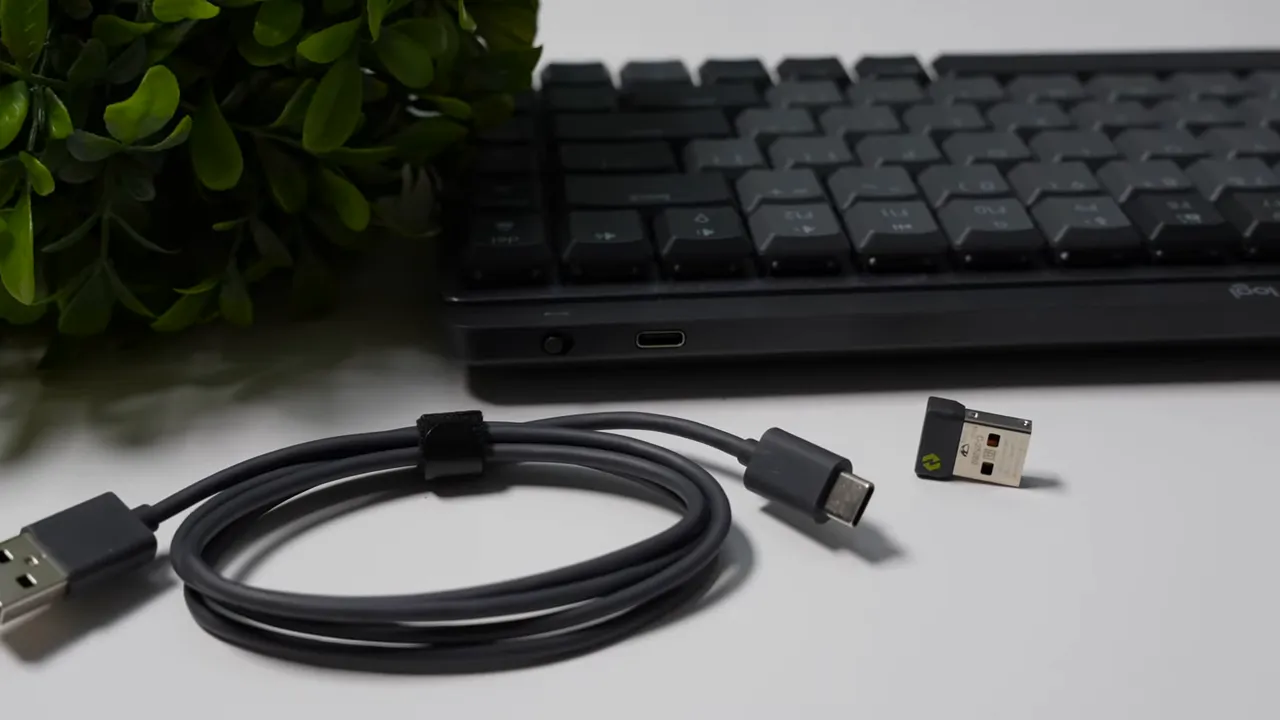
- Logitech MX: Bluetooth connectivity and the option to use a USB receiver, though the receiver is not included and must be purchased separately for some models.
- ProtoArc K300: Two Bluetooth profiles plus a USB dongle that comes with the keyboard, and the option to use wired mode if you prefer.
Whether you are switching between phone, tablet, and desktop, both keyboards can handle multiple setups. The ProtoArc has an advantage because the wireless dongle is included out of the box.
Media controls and handy shortcuts
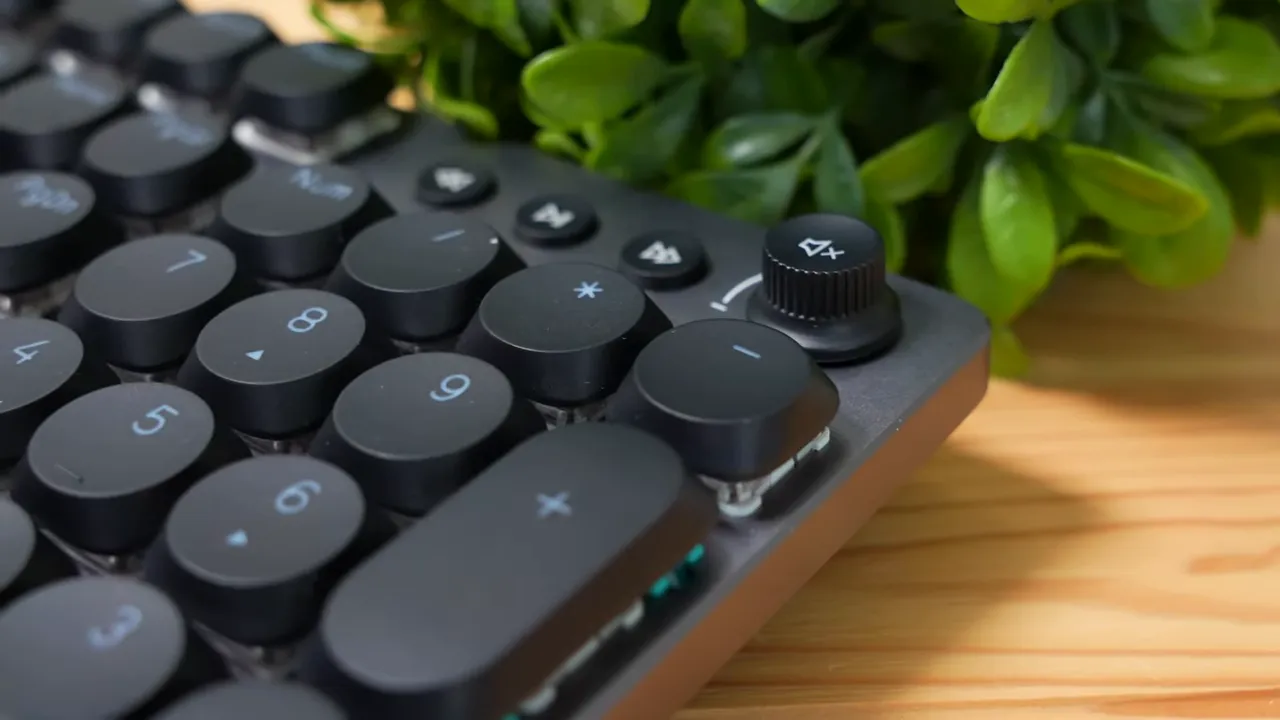
The ProtoArc stands out with a physical volume knob that also mutes when pressed. It feels tactile and natural to use. Around the knob there are dedicated media keys for play, pause, and skip, plus shortcuts for print screen, file search, and brightness adjustments.
Logitech offers the usual media keys and function shortcuts, but it does not include a volume knob on the model compared here. If quick, tactile media control is important, the ProtoArc wins here.
Software and customization
Both keyboards support customization, but there is an important platform difference:
- Logitech: Software works on both Windows and macOS, giving you full control over key remaps and profiles on either platform.
- ProtoArc: Customization software is Windows only. Mac users will not get a dedicated app, although the keyboard functions well without software for basic use.
If you are a Windows user who wants to build complex macro setups or multiple custom profiles, the ProtoArc can handle it. If you need official Mac software, Logitech has the cross-platform edge.
Final verdict
Here are the core takeaways to help you decide:
- Value: ProtoArc MECH K300 delivers excellent build quality, solid typing feel, and extra conveniences like a volume knob and included dongle for roughly half the price of the Logitech.
- Features: In everyday use the ProtoArc and Logitech are close. The ProtoArc even edges out Logitech in media controls and bundled accessories.
- Platform considerations: If you use macOS and rely on vendor software for advanced customization, Logitech is the safer choice. If you are on Windows or you do not need Mac software, the ProtoArc is an excellent budget alternative.
Bottom line: For most people who want a high-quality mechanical keyboard on a budget, the ProtoArc MECH K300 is a very compelling choice. It matches Logitech in many practical areas and costs significantly less. If you have specific needs for Mac software or prefer a particular switch choice that Logitech offers, that could justify the higher price. Otherwise, the ProtoArc gives more bang for the buck.
Quick buying checklist
- Choose switches: Reds for smooth gaming and quiet typing, Browns for tactile typing, Blues for clicky feedback.
- Decide on platform: Need macOS software? Lean Logitech. Windows only or no software needed? ProtoArc is fine.
- Want hardware controls and included dongle? ProtoArc includes these out of the box.
- Budget sensitivity: If price matters, the ProtoArc delivers similar quality at roughly half the cost.
If you care about build quality, practical features, and saving money, the ProtoArc MECH K300 deserves serious consideration. If you prefer extra switch options and cross-platform software support, Logitech remains a strong alternative.


