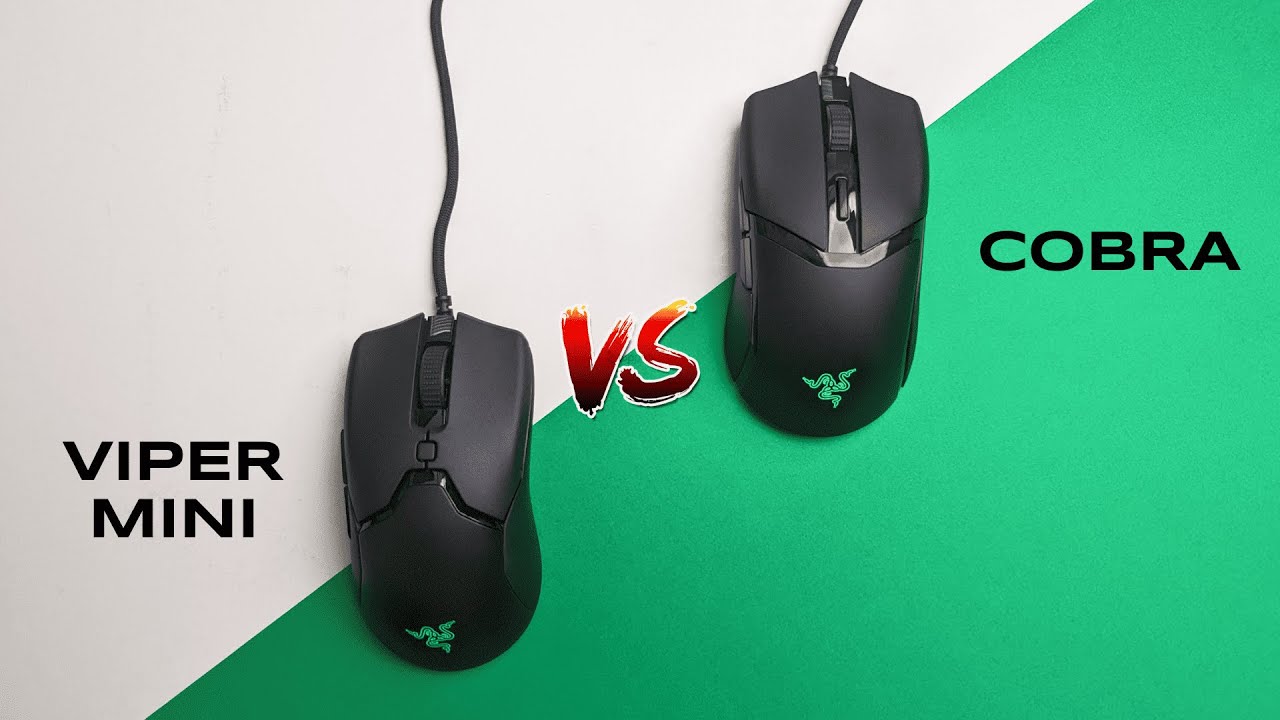
I'm Kova Tech. In this breakdown I compare the Razer Cobra and the Razer Viper MINI — two budget wired gaming mice that, at the time of this comparison, retail for the same price: $40. Below you'll find a concise, hands-on comparison of their design, feel, specs, and which one I think is the better pick.
Quick overview: what I tested
Both mice share a lot in common: they target the budget wired gaming market, use the same 8.5K DPI sensor, and have similar shapes and button layouts. The main differences come down to finish, switches, small size/weight differences, and the feel when you actually use them.
Design and grip
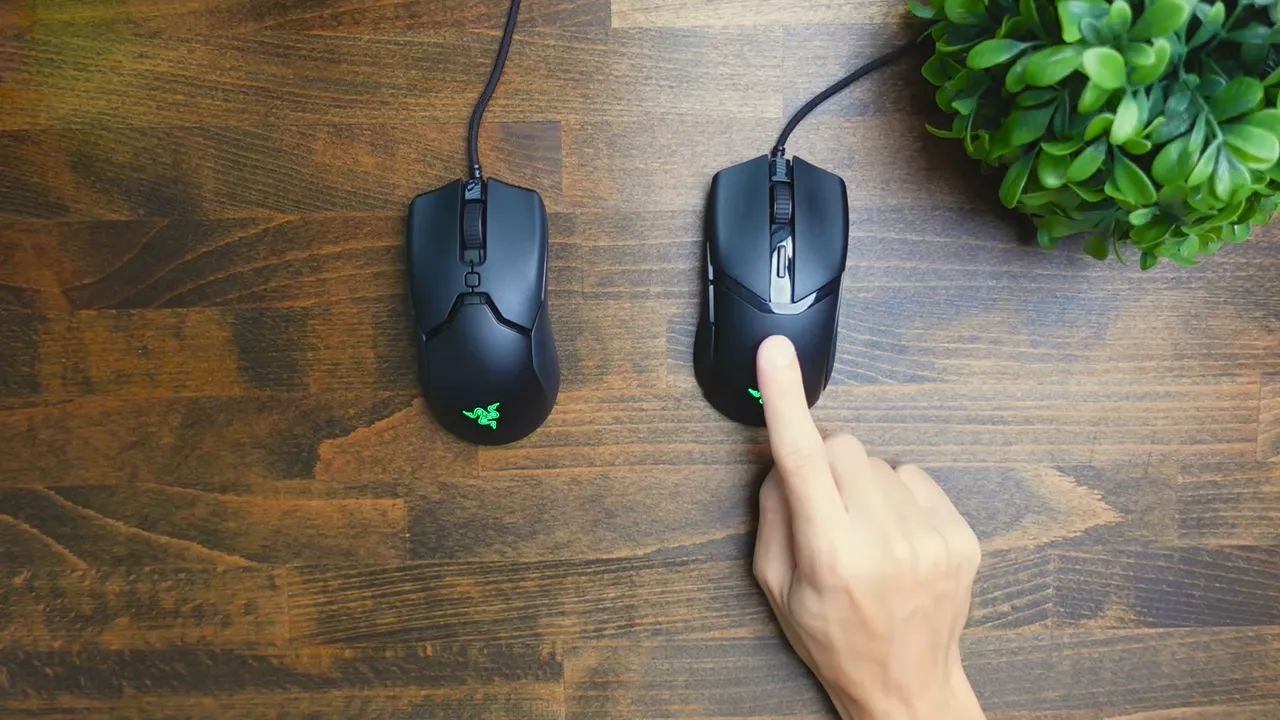
Design is the first obvious difference. The Razer Cobra uses very simple shapes with glossy accents running along the sides and top. The plastic on the Cobra has a grainier finish that gives it noticeably better grip — your fingers catch easier and it feels less slippery in hand.
The Viper MINI looks similar at a glance, but its main buttons have slightly more complex shaping and there’s less gloss on the sides (mostly just on the top). In practice the Viper MINI feels more slippery and I struggled to get as secure a hold compared to the Cobra.
- Cobra: grainier plastic, glossier accents, better grip
- Viper MINI: smoother finish, feels slipperier
DPI buttons and sensor
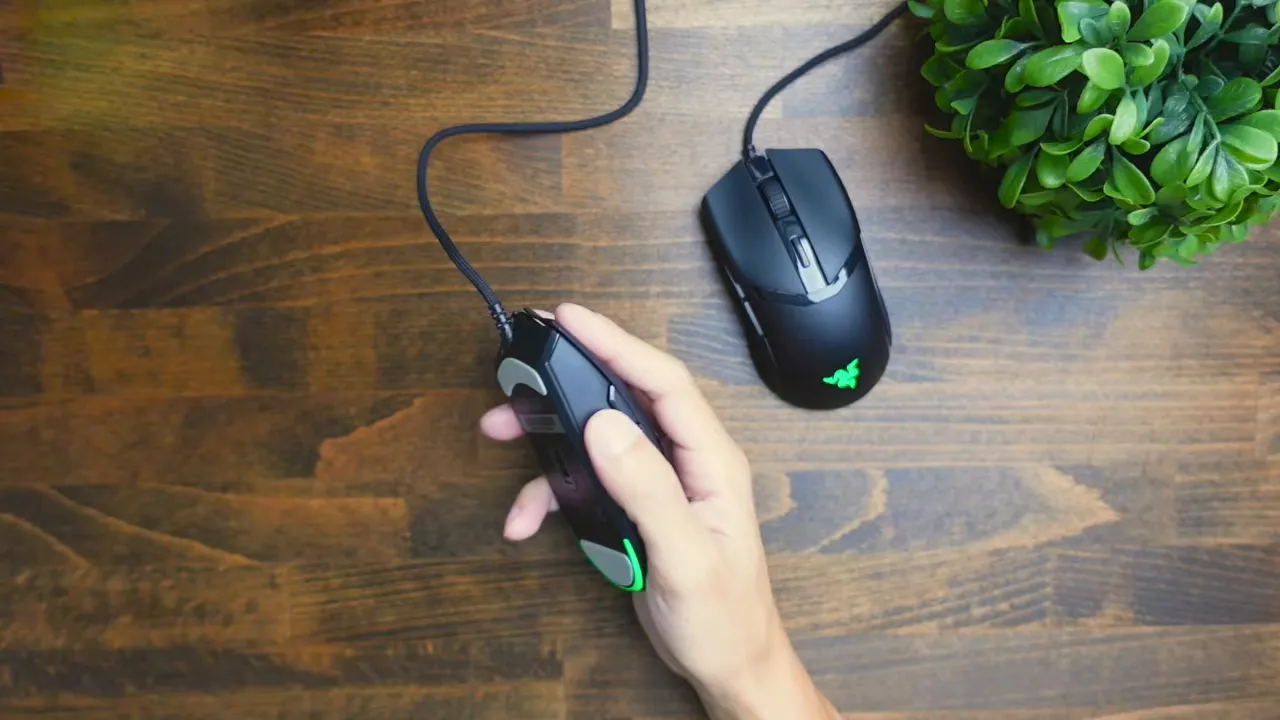
The DPI controls are another small but obvious cosmetic difference. The Cobra uses a long thin rectangular DPI button for cycling through its five DPI stages, while the Viper MINI uses a small square button.
Functionally they behave the same. Both mice use an 8.5K DPI sensor and the DPI behavior is adjustable through the same Razer software.
Weight and size
Both mice are lightweight wired options, but there’s a small difference:
- Razer Cobra: 58 grams
- Razer Viper MINI: 61 grams
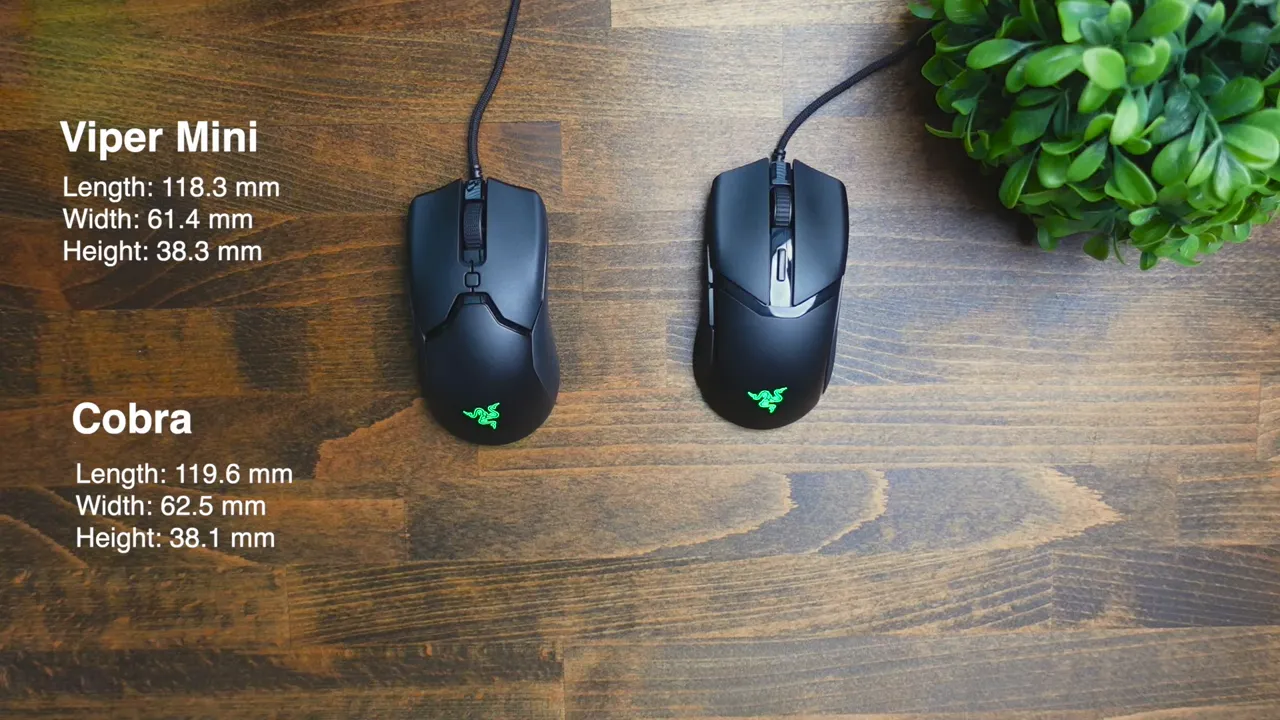
Only a 3-gram difference — not a deal breaker for most users, but the Cobra is marginally lighter. Size-wise they’re practically identical; the Cobra is only a millimeter or so larger in a couple of dimensions.
Switches and click feel — biggest practical difference
This is arguably the most important distinction: the Cobra uses Razer's Gen 3 optical switches, while the Viper MINI uses the regular optical switches (non-Gen 3). In a click test the difference is noticeable:
- Cobra (Gen 3): less “tinny”, smoother and more fluid sounding clicks
- Viper MINI (regular optical): a bit more tinny/sharp in the click sound
If you care about tactile and auditory feel while clicking (for both gaming and general use), the Gen 3 switches on the Cobra give a cleaner, more premium-feeling click.
Minor differences — size details and finishes
Beyond the points above there are a handful of very small differences: a millimeter here or there in size, slightly different clicker shaping, and subtle finish variations. For most users these are negligible — the two mice are very close in overall form and layout.
Which one should you choose?
Both mice are solid choices at the $40 price point, but based on my hands-on time I prefer the Razer Cobra. My reasons:
- It’s lighter (58g vs 61g).
- It has a cleaner look with gloss accents and a grippier finish.
- It uses Gen 3 optical switches, which feel and sound nicer.
- It’s the newer model — that usually means better future support in software and availability.
The Viper MINI is still very similar and remains a good pick if you prefer its shape or can find it on sale. My suspicion (based on stock patterns) is that Razer is positioning the Cobra as the main budget wired mouse in this segment — the Viper MINI has been out of stock on some retailers and Razer’s site, which hints at a transition.
Final thoughts
If you want a lightweight wired mouse with a slightly better grip and a cleaner click, pick the Razer Cobra. If you already own or prefer the Viper MINI, there’s no huge performance gap — both share the same sensor and software features — but the Cobra edges it on feel and refinement.
Thanks for reading — if you want a full in-depth review of either mouse, I have individual reviews that dive deeper into performance, software settings, and long-term use.


