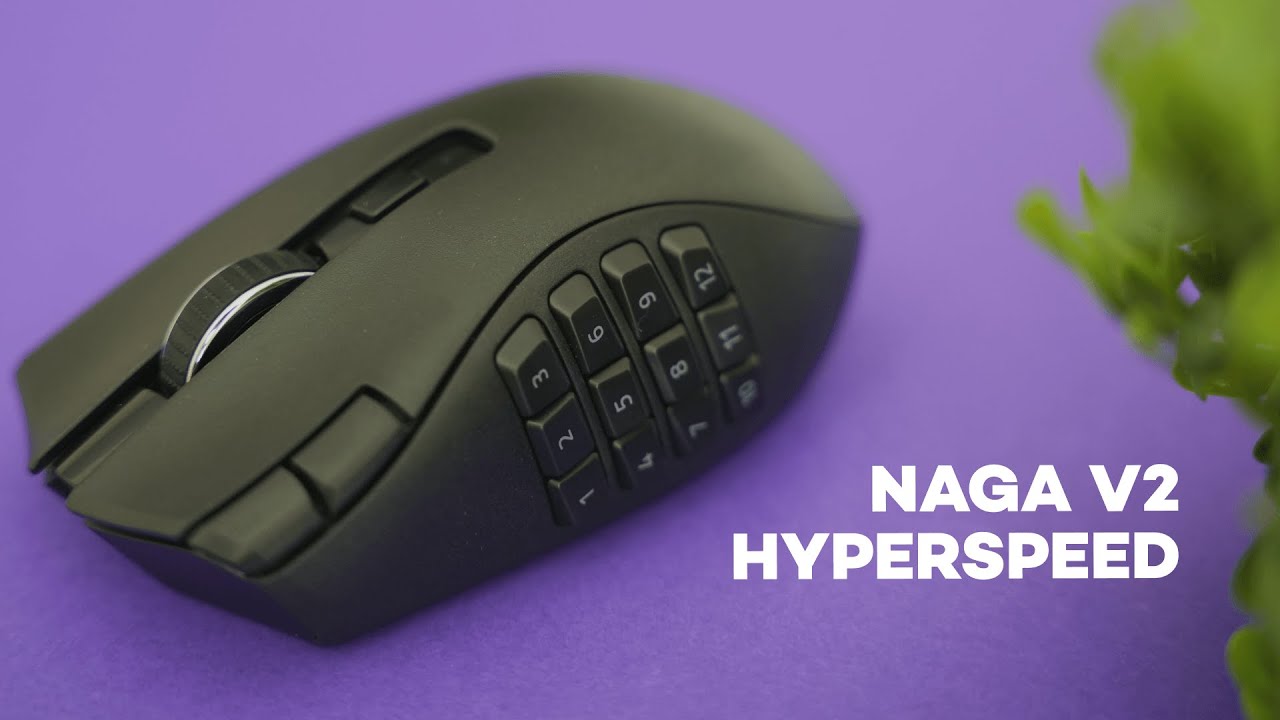
The Razer Naga V2 Hyperspeed is built for MMO players who need a thumb full of shortcuts, but it also appeals to anyone who wants to speed up productivity with programmable buttons. It blends a 12-button side panel, comfortable ergonomics, and flexible wireless options into a single matte-black package. Below is a hands-on breakdown of what works, what to watch for, and who will get the most value from this mouse.
Quick specs and standout features
- 12 programmable side buttons mapped 1–12 by default
- Additional corner buttons beside the left click for DPI or custom bindings
- Scroll wheel tilt left/right plus free-scroll and tactile modes
- Two wireless modes: Bluetooth (longer battery) or Razer HyperSpeed (low-latency)
- Powered by a single AA battery with built-in USB dongle storage
- Razer Synapse software for macros, hotkeys, and per-button customization
12-button side panel: MMO power or productivity hub
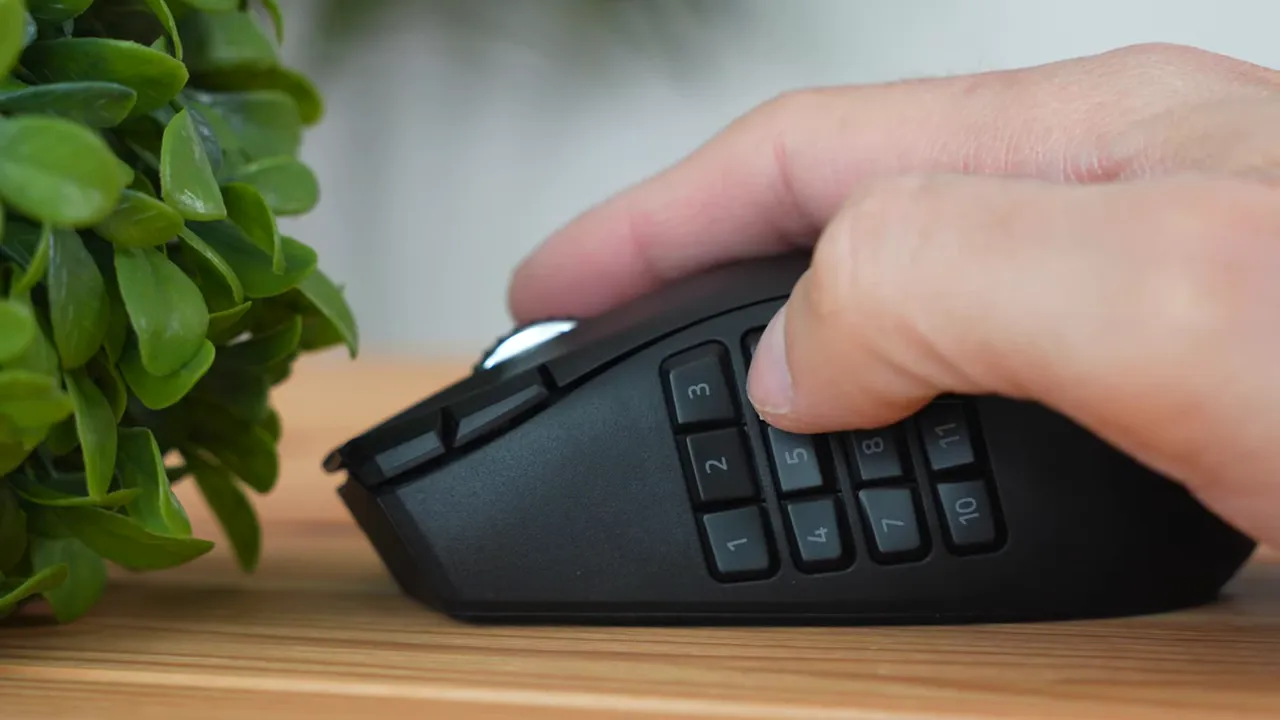
The signature feature here is the 12-button thumb grid. Out of the box these buttons register as numbers 1–12, which makes setting up hotbars in games like World of Warcraft or Final Fantasy 14 straightforward. In Razer Synapse each button becomes a layer of possibilities—macros, custom keybinds, or app shortcuts.
Reachability is strong: the buttons are close together with small indents between them, so your thumb naturally sits in the gaps. That helps with accuracy even for smaller thumbs. The buttons themselves have a fine plastic finish rather than the grainy texture used on the rest of the mouse, but the spacing and indent design still provide reliable grip and tactile feedback.
Corner buttons and scroll wheel shortcuts
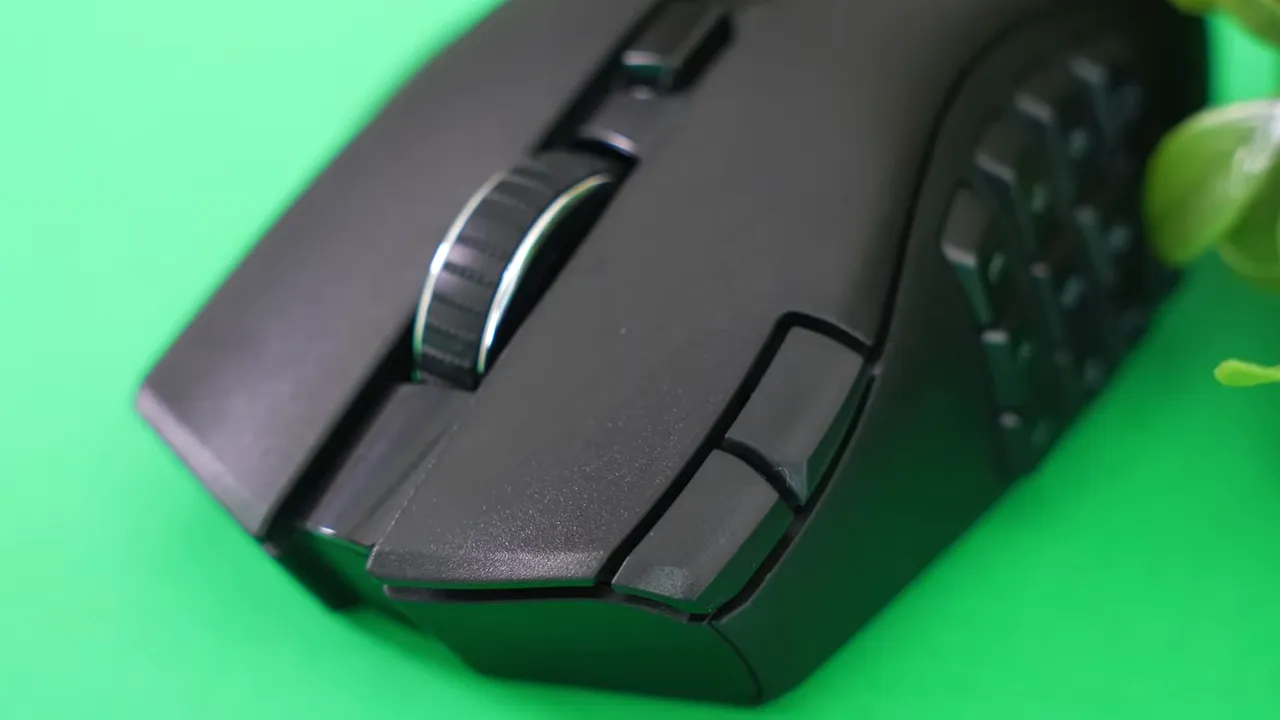
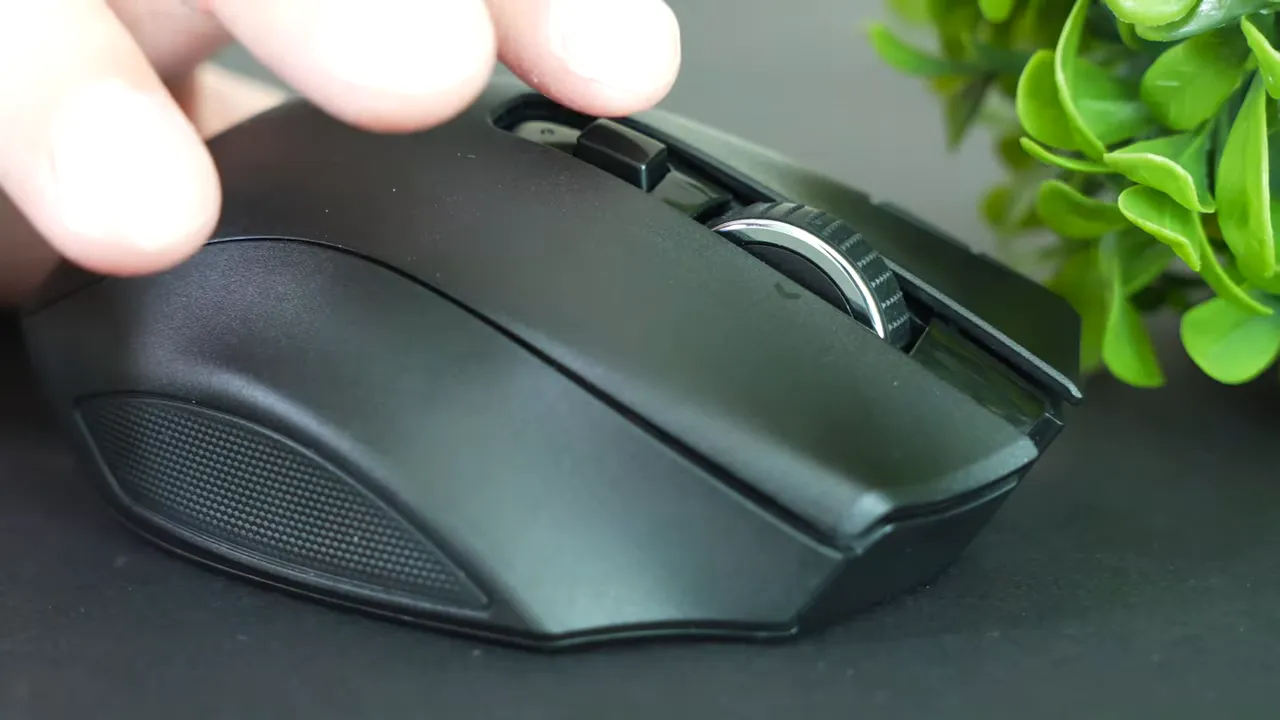
Two additional buttons beside the primary click give extra flexibility. They are designed for pointer-finger access, typically set up as DPI up and DPI down by default. One of those buttons is reachable by the thumb if you prefer—try both placements to see what fits your grip style.
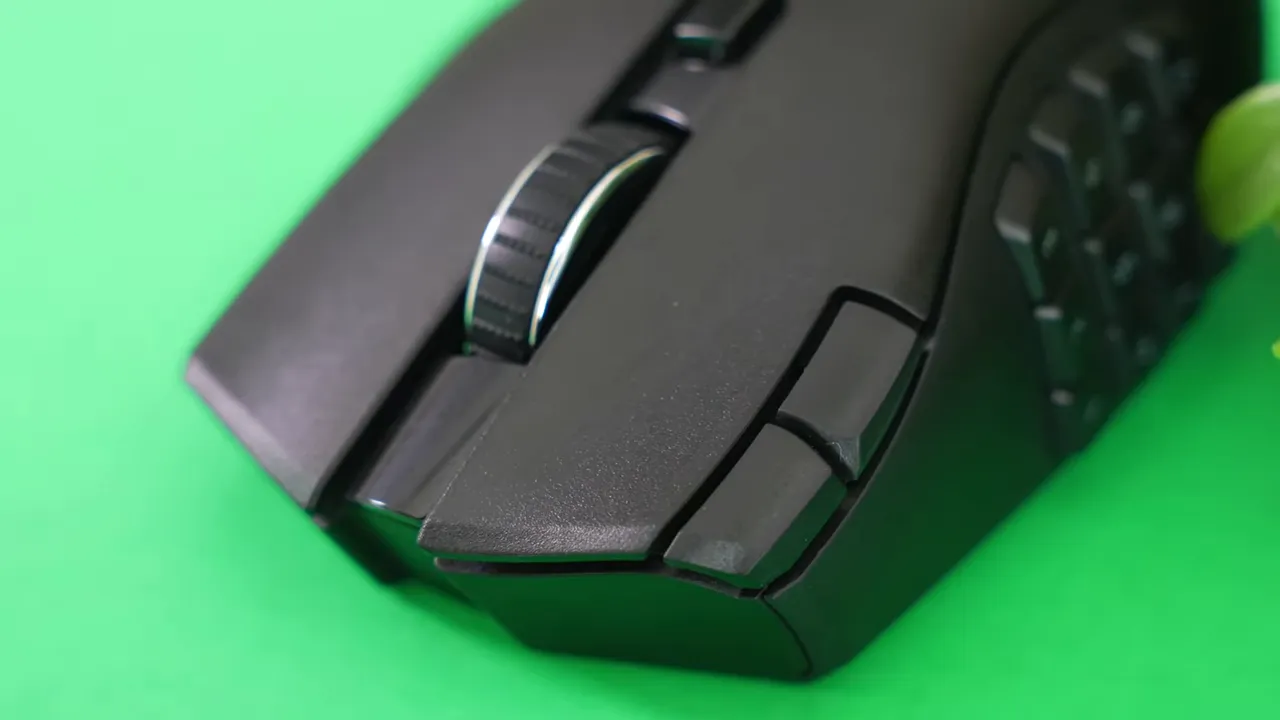
Scroll wheel tilt and hyperscroll
The wheel supports tilt left/right for quick shortcuts—an underused but incredibly handy feature for both gaming and productivity. The wheel also switches between tactile mode (distinct notches while scrolling) and free scroll mode (spins freely) using the button above the wheel. Free scroll is excellent for long documents or inventory lists, while tactile mode gives precise control during gameplay or menus.
Build quality and ergonomics
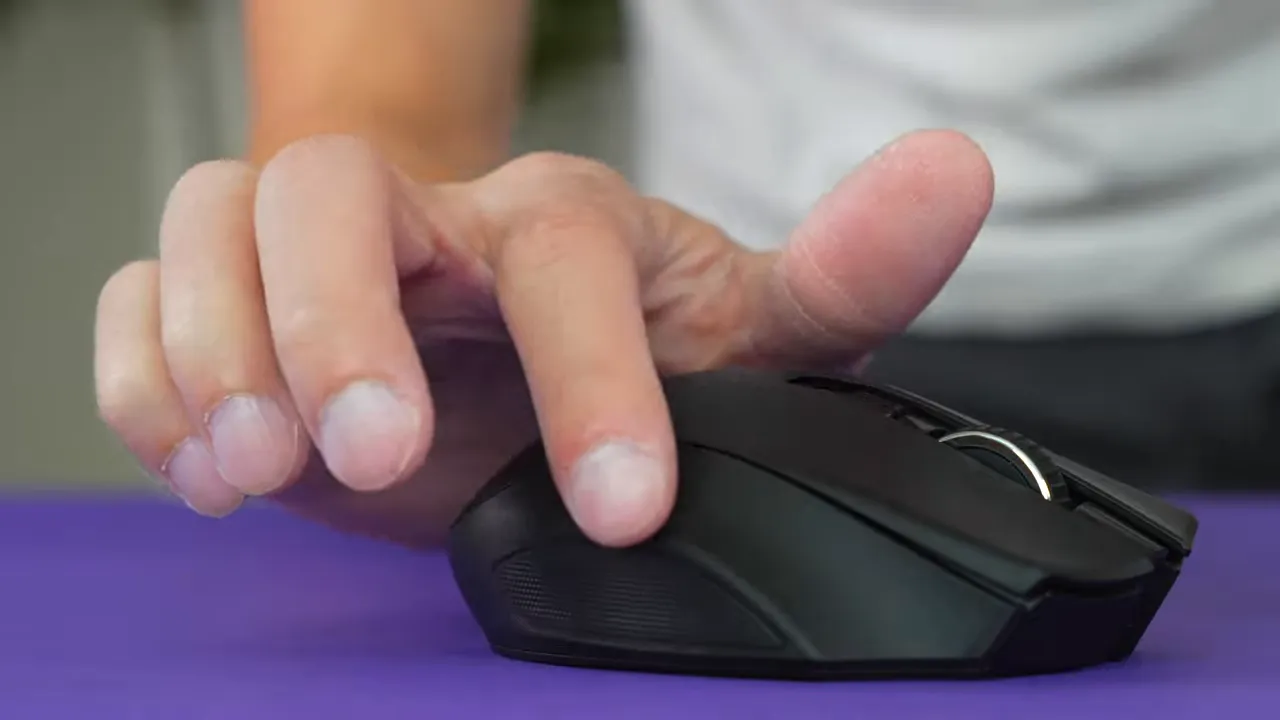
The shell is fully plastic with a matte black grainy finish across most surfaces. That grainy texture increases friction in the hand, improving control during long sessions—useful for marathon raids or extended workdays. There's a ring-finger indent and a textured edge for the pinky that together promote a comfortable, ergonomic hold.
If you play MMOs for long stretches or use lots of shortcuts at work, the Naga V2's shape and fingertip/ring-finger support reduce fatigue and help maintain consistent accuracy.
Wireless options: Bluetooth vs HyperSpeed
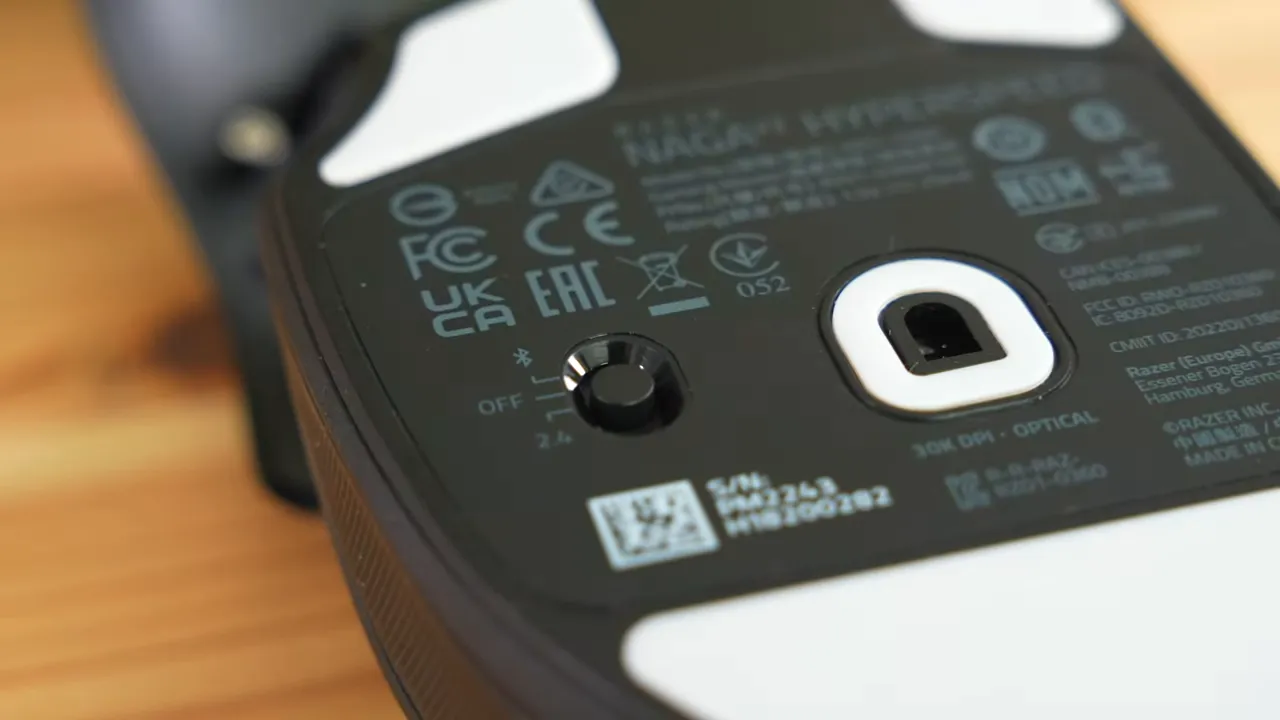
Two connectivity modes matter here:
- Bluetooth: longest battery life—up to about 400 hours. Slightly higher latency, but fine for most casual players and productivity use.
- Razer HyperSpeed (USB dongle): low-latency, near-wired responsiveness. Battery life is shorter—around 250 hours—but still more than enough for many users.
Preference typically comes down to whether absolute minimal latency matters. For competitive scenarios or a snappier feel, HyperSpeed is the better choice. For maximum runtime and fewer battery swaps, Bluetooth wins.
Battery, dongle storage, and maintenance
Battery power comes from a single AA cell—there is no internal rechargeable battery. The top cover lifts off to reveal the battery compartment and the USB dongle storage bay. That makes swapping batteries or stashing the dongle easy, but plan to use rechargeable AA cells if you want to avoid buying disposable batteries frequently.
Advantages of the AA approach:
- Easily replaceable anywhere
- Low cost if using rechargeables
- No onboard charging hardware to fail
Customization with Razer Synapse
The mouse truly shines when paired with Razer Synapse. Every side button, corner button, wheel tilt, and DPI switcher can be remapped to:
- Macros
- Complex command sequences
- Application-specific profiles
- Hotkeys and media controls
That degree of customization is ideal for MMO players setting up multiple abilities, but it also benefits anyone who automates repetitive workflows in creative apps, spreadsheets, or editing suites.
Clicking sound and tactile feel
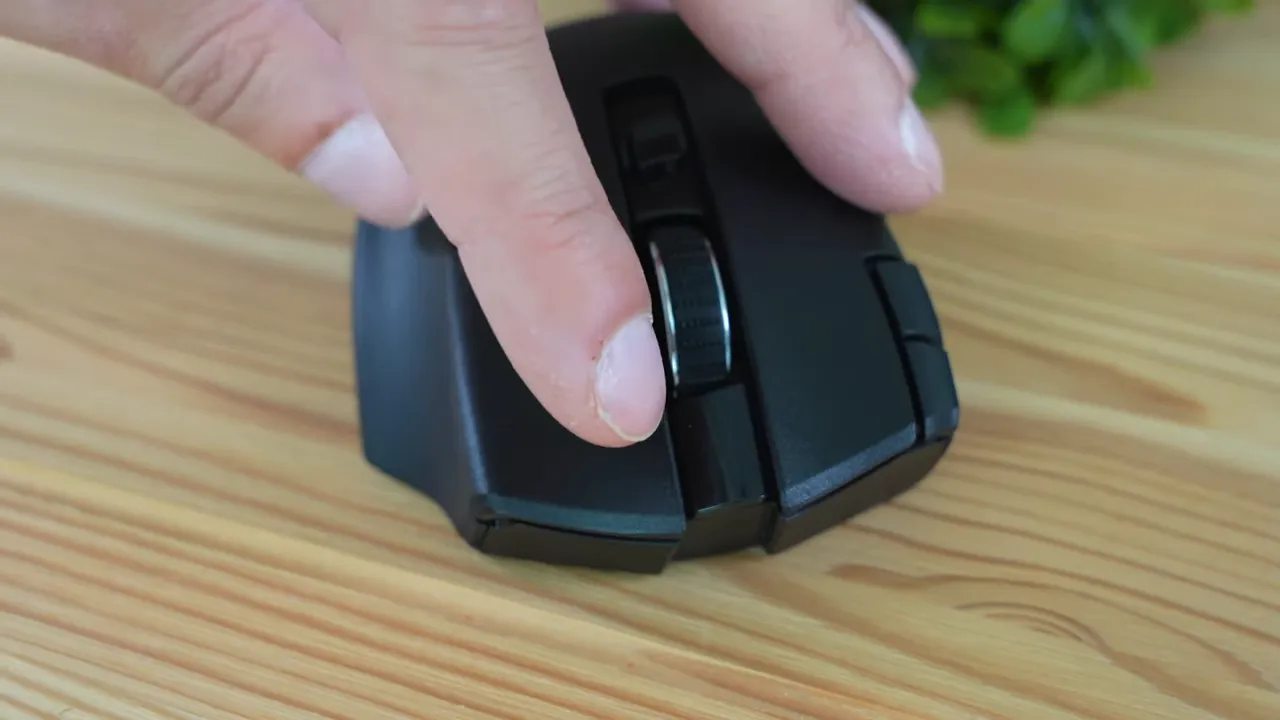
The primary and side switches are not the quietest, but they are also not annoyingly loud. Expect a standard gaming mouse click profile—audible enough for feedback without being intrusive during long sessions.
Who should buy the Naga V2 Hyperspeed?
- MMO players who need a deep set of quick-access buttons for abilities and macros.
- Power users who want to map productivity shortcuts and reduce repetitive keypresses.
- Anyone who values low-latency wireless but also wants the option for ultra-long battery life via Bluetooth.
Potential downsides
- Single AA battery means you must replace or recharge cells rather than plugging in to charge.
- Plastic construction—good ergonomics, but not a premium metal finish.
- 12-button learning curve if you’ve never used a thumb grid before.
Final thoughts
The Razer Naga V2 Hyperspeed is a compelling pick for anyone who needs more buttons without sacrificing comfort or wireless performance. It nails the core MMO mouse requirements—reachable thumb buttons, solid ergonomics, and deep software customization—while offering flexible wireless options to match different priorities.
If your workflow or playstyle depends on quick access to many binds, this mouse is worth considering. Opt for rechargeable AA batteries to keep running costs down and choose HyperSpeed mode if you prefer minimal latency.


