Quick overview
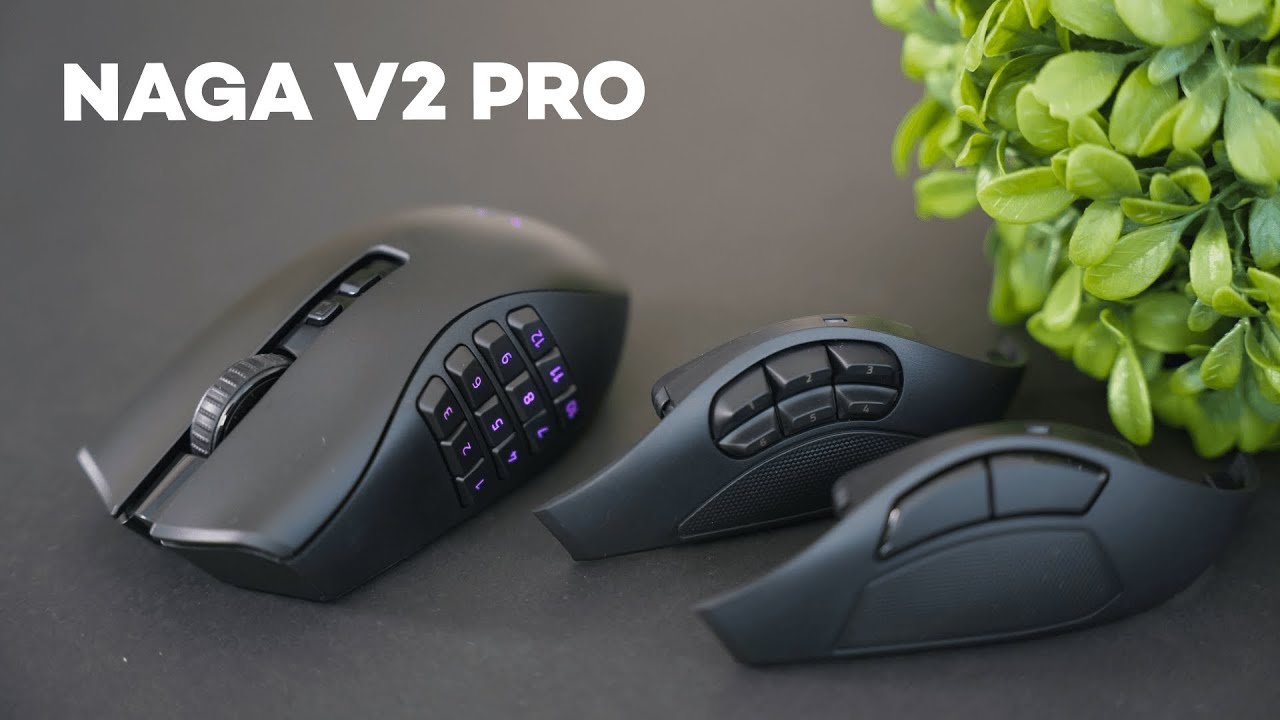
The Razer Naga V2 Pro is a versatile wireless mouse built around one big idea: one body, three personalities. Swap magnetically attached side plates and you get a purpose-built MMO mouse, a compact MOBA layout, or a clean FPS setup. If you like the idea of a single mouse that adapts to whatever you’re playing, this is the product that aims to do just that.
Detachable side plates: how they work and why they matter
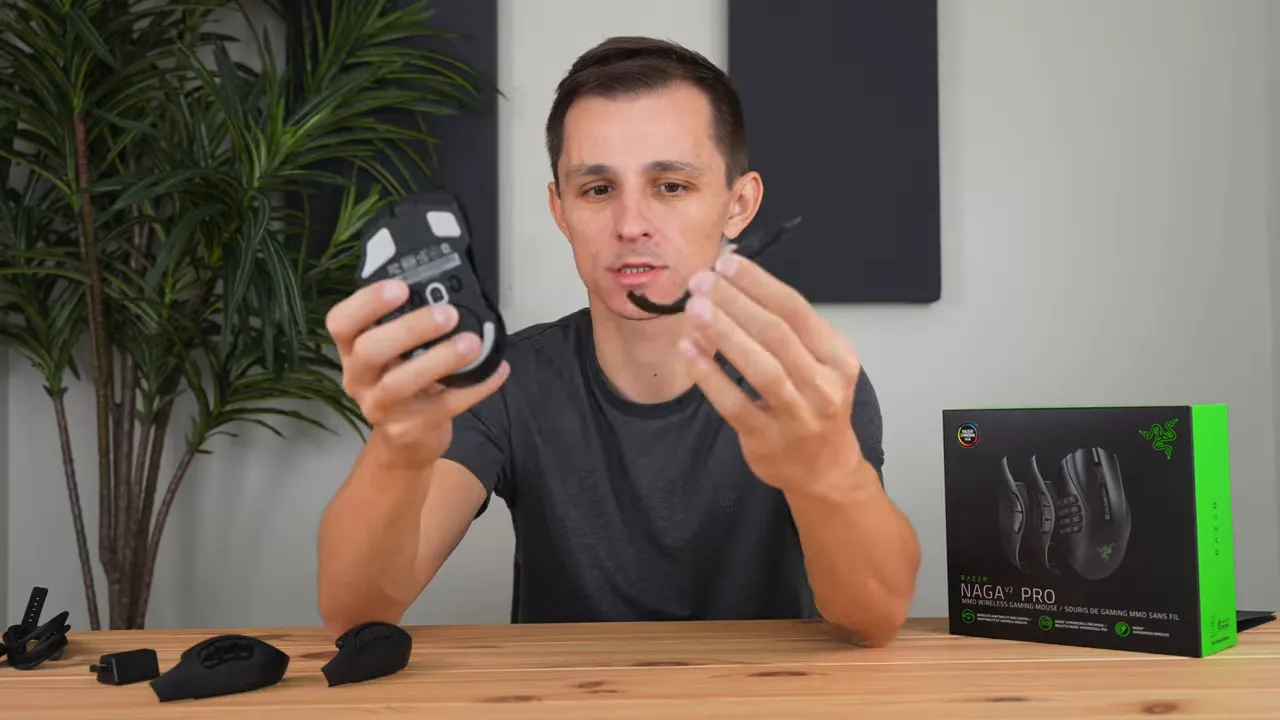
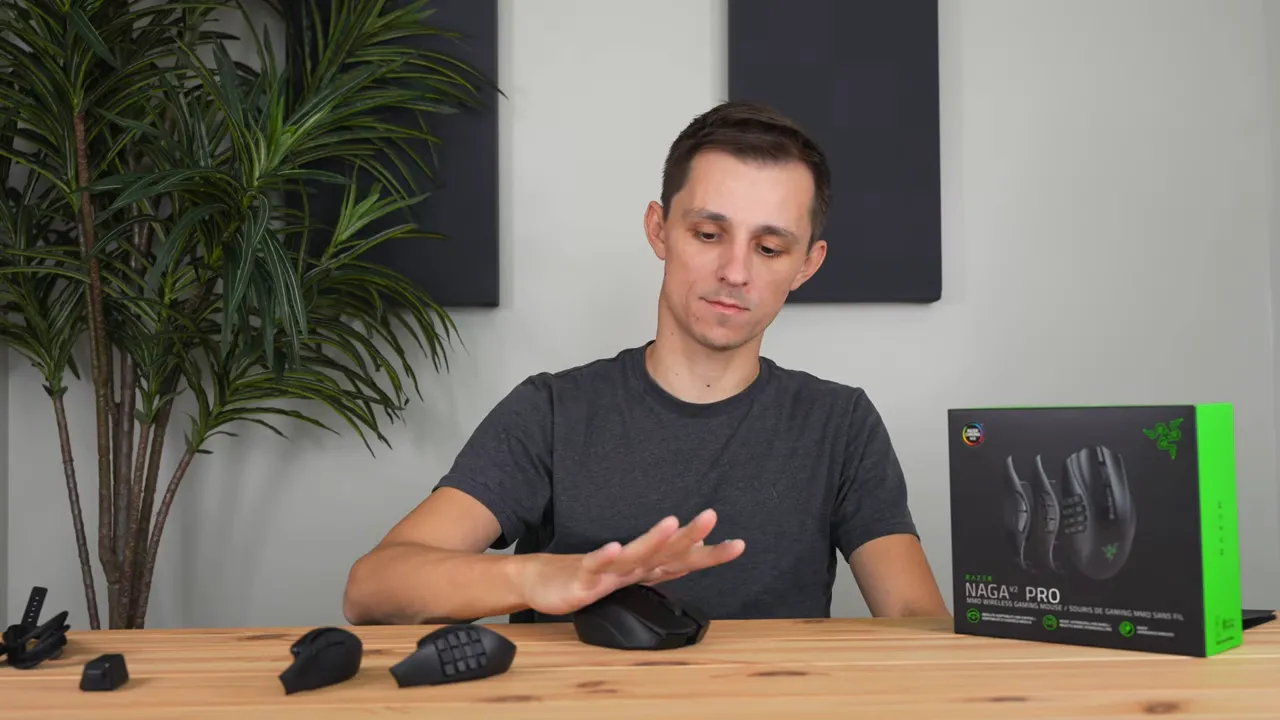
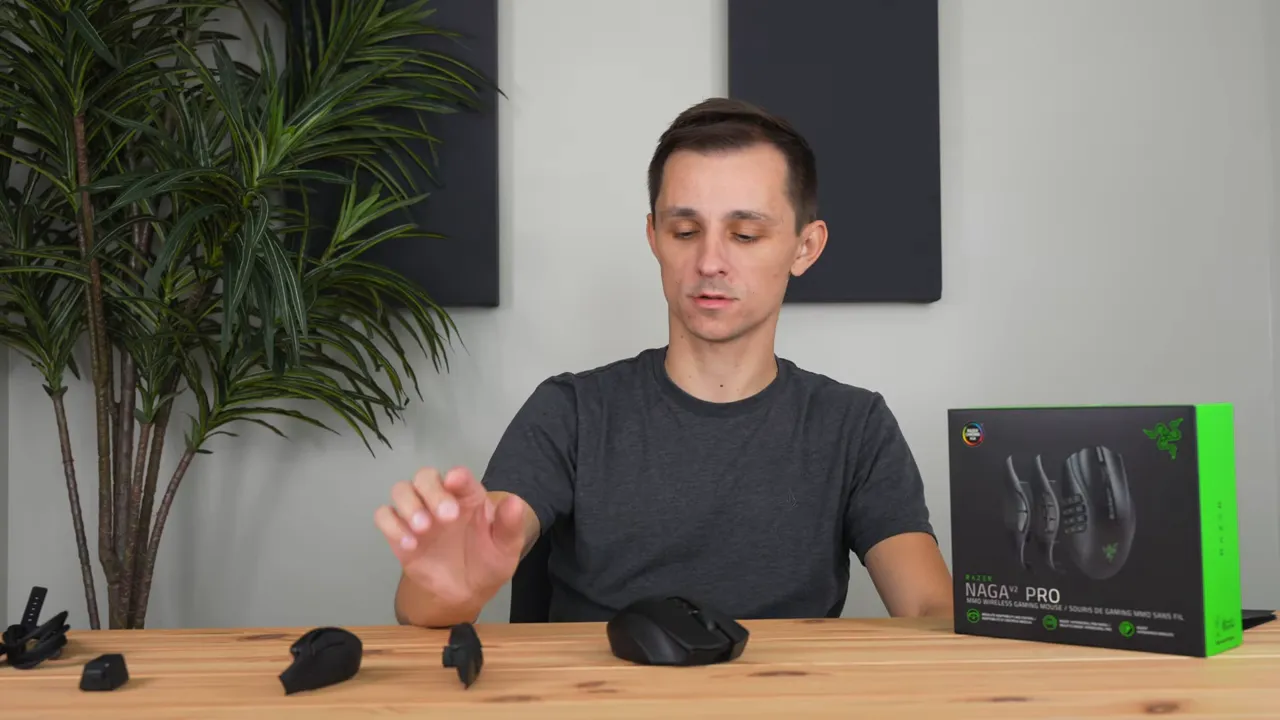
The side plates are magnetically attached and remove quickly with a small pull from an indent on the bottom. They click into place firmly enough that they won’t fall off mid-match, but still take a little effort to remove so swaps feel intentional.
Options include:
- MMO plate — 12 programmable buttons ideal for ability-heavy games.
- MOBA plate — a middle ground with a few extra buttons for macros or quick binds.
- FPS plate — minimal side buttons for accuracy and comfort during shooters.
That flexibility makes this mouse attractive if you play multiple genres or aren’t ready to commit to a single niche mouse. Swap the plate to match the game and you’re using a layout optimized for that genre.
Build quality and physical design
The chassis is fully plastic with a matte, slightly textured finish. It’s comfortable and offers a good grip without feeling cheap. The scroll wheel is rubberized with grooves to help your finger stay put.
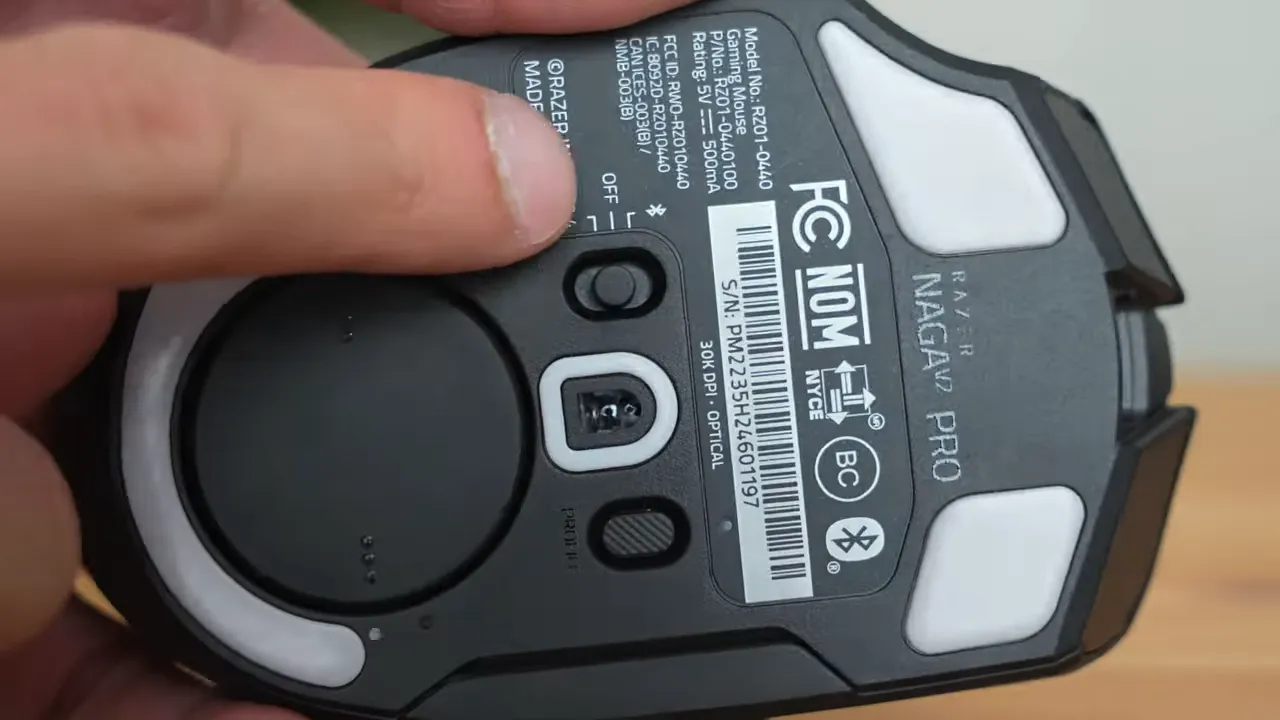
On the underside you’ll find a mode switch that toggles between Bluetooth and the low-latency USB dongle. If performance is a priority, use the dongle — it’s reliably faster and produces less lag than Bluetooth.
Wireless charging and battery life
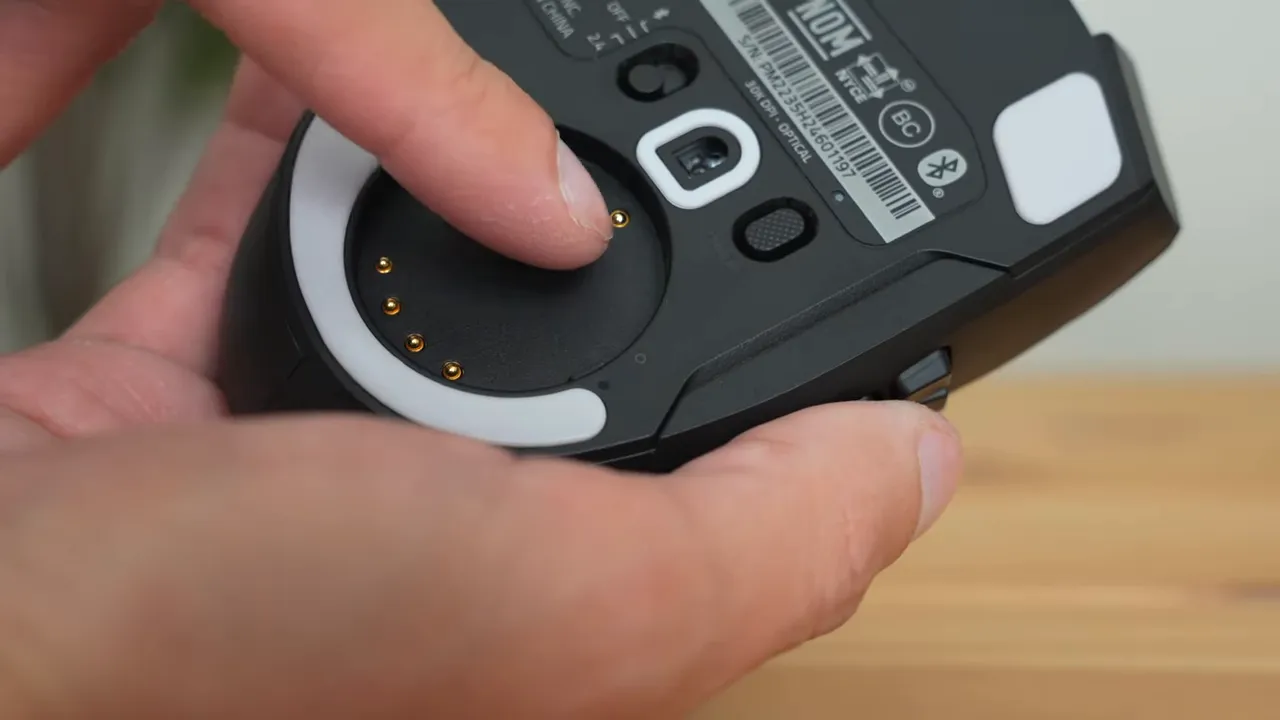
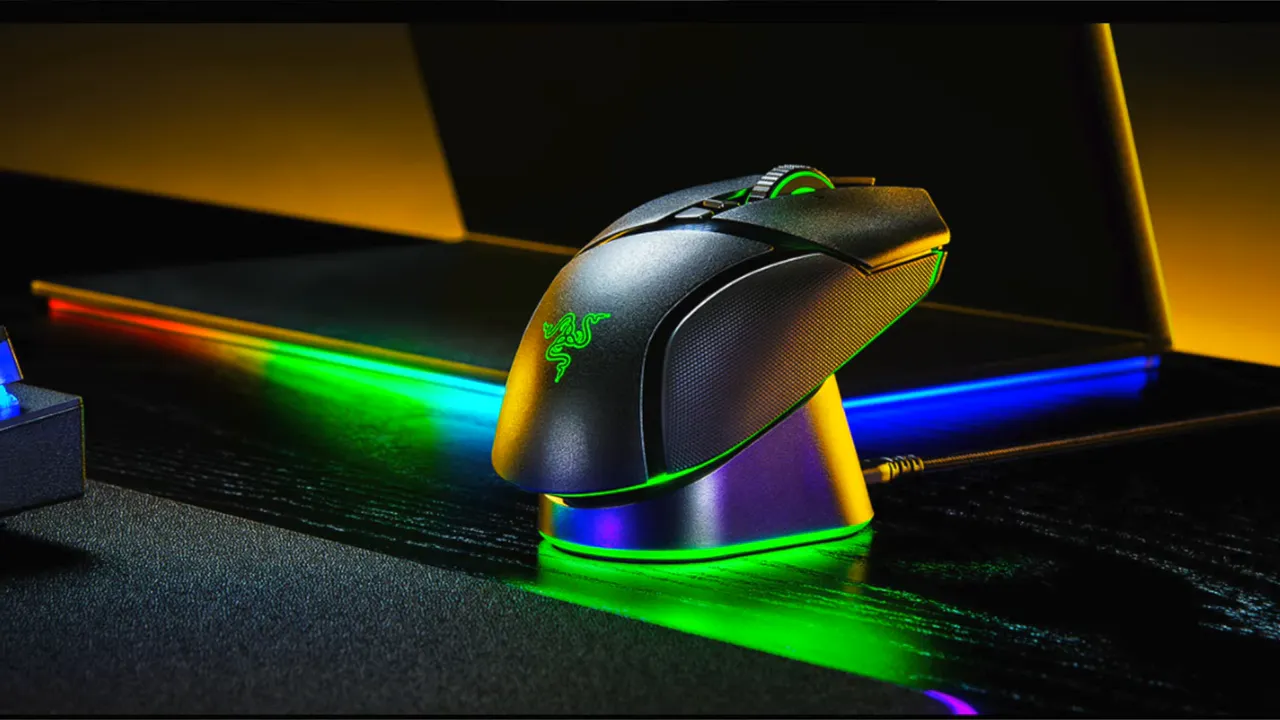
The V2 Pro supports Razer’s contact charging via exposed pins under a twist-off ring on the bottom. That means you can drop it onto compatible charging docks instead of plugging in a cable.
Battery life is rated up to 150 hours, which translates into several weeks of normal use between charges if you’re not gaming all day every day.
Clicks and switches: mechanical feel
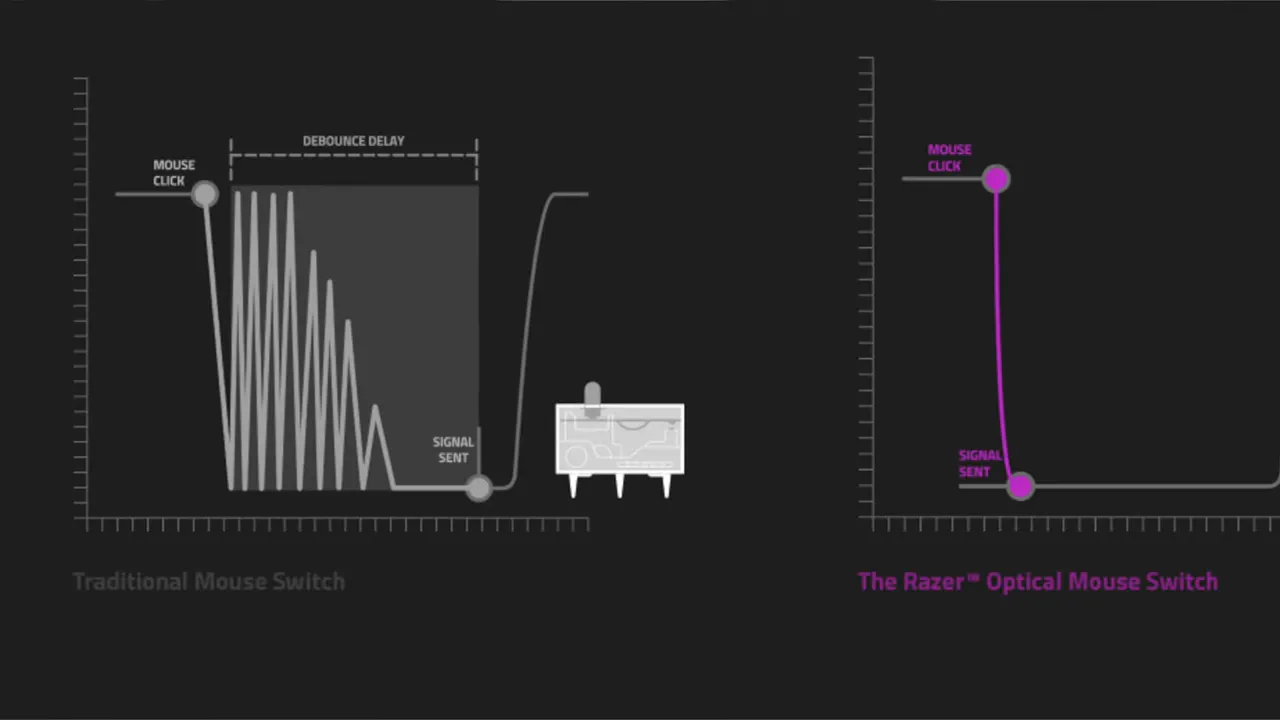
Clicks on the main buttons aren’t membrane; they use optical-mechanical switches. The result is a tactile, crisp feeling when you press — more distinct than a typical membrane click but on a much smaller scale than a keyboard switch.
Here’s what to expect: clear actuation feedback that helps when timing rapid clicks or confirming inputs during intense play.
HyperScroll Pro wheel: tunable tension and tilt
The scroll wheel is one of the V2 Pro’s standout features. Through software you can:
- Adjust scroll resistance to make scrolling feel stiffer or lighter.
- Change the “bumpiness” so you get pronounced detents or smooth free-spin.
- Enable left and right tilt actions for additional binds.
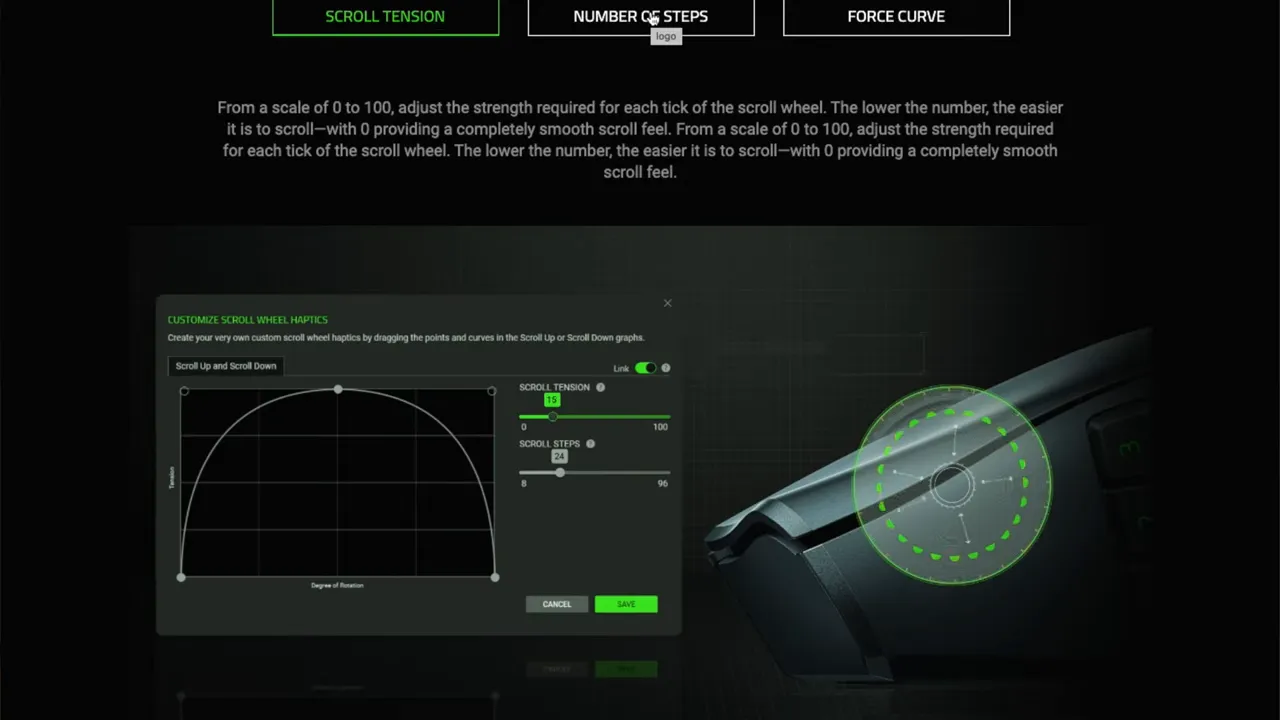
If you value customizing tactile feedback, the wheel alone delivers more options than most mice.
Weight and grip styles
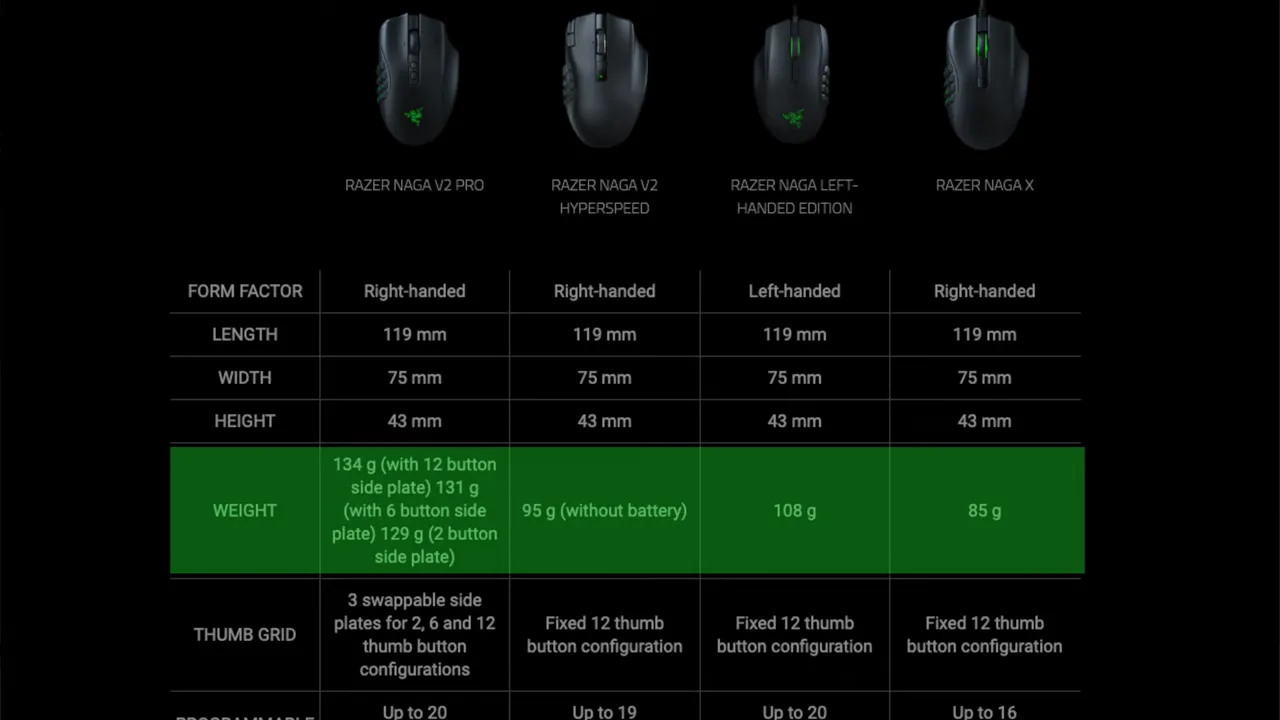
Compared to other Razer Naga models, the V2 Pro leans heavier. If you prefer featherlight mice for flick shots, this may not be ideal. For players who like a solid, substantial mouse, the weight helps with control.
Grip compatibility:
- Palm grip — natural and comfortable; the mouse favors this style.
- Fingertip grip — works well, especially with slimmer side plates.
- Claw grip — possible, but the MMO plate’s many buttons can interfere and lead to accidental presses.
Software and customization
Deep customization comes through the Razer software. You can remap every button on each plate, fine-tune scroll behavior, and adjust lighting and profiles. The software unlocks the full potential of the detachable plates, allowing different mappings per plate and per game profile.
Who should consider the Razer Naga V2 Pro?
- Players who switch between MMOs, MOBAs, and FPS games and want one mouse that adapts.
- Gamers who value customization: programmable buttons, tunable scroll wheel, and software profiles.
- Anyone who prefers a chunkier, well-built mouse rather than an ultra-lightweight option.
Avoid this mouse if you prioritize the absolute lightest weight or if you rely heavily on a claw grip while using the MMO plate.
Final thoughts
The Razer Naga V2 Pro delivers an impressive level of versatility. Magnetic side plates, a tunable HyperScroll Pro wheel, optical-mechanical switches, and a long battery make it a compelling choice for multi-genre players. It is heavier than some alternatives, but its adaptability and customization are what set it apart.
If you play multiple game types and want one mouse that can shift roles quickly, the Naga V2 Pro is worth considering.


