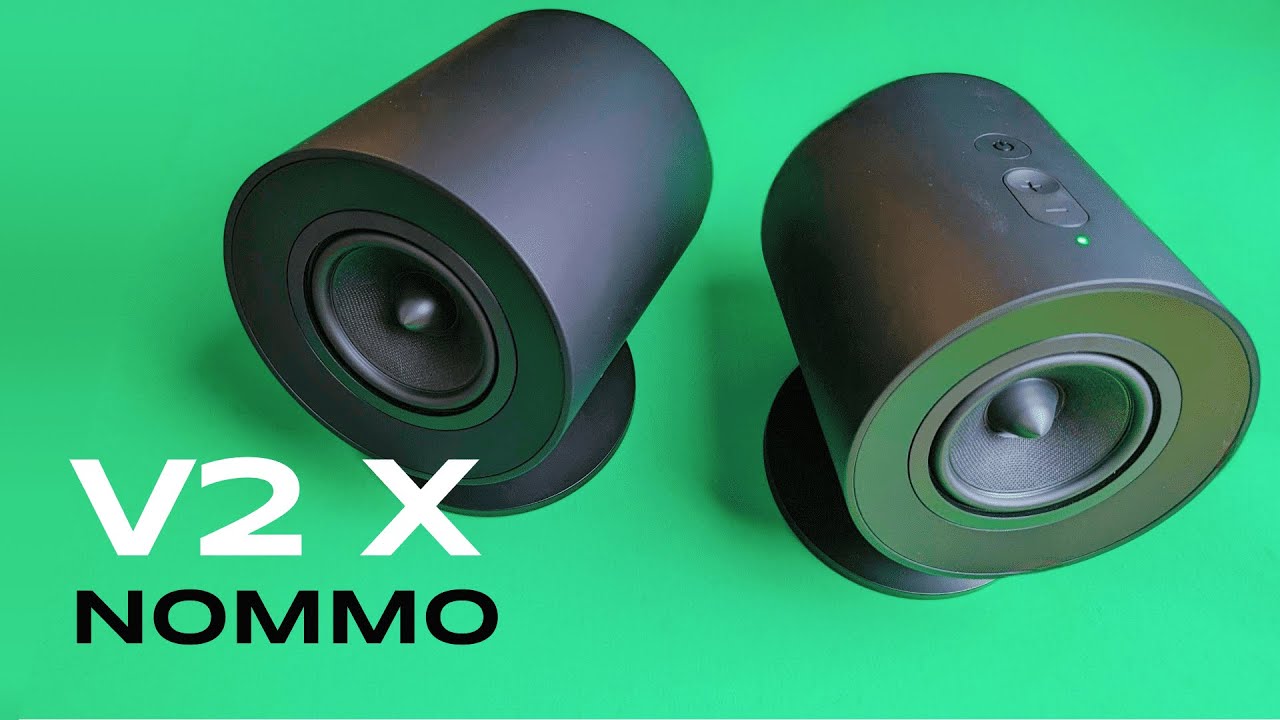
I recently spent time with the Razer Nommo V2 X desktop speakers and put them through unboxing, setup, music testing, and gaming sessions. If you are considering an upgrade to your PC audio—whether for games, music, or movies—this review walks through everything I found useful, from what’s in the box to how the 7.1 spatial audio performs in real games. I kept the process practical and hands-on so you can get a clear idea of what these speakers deliver on your desk.
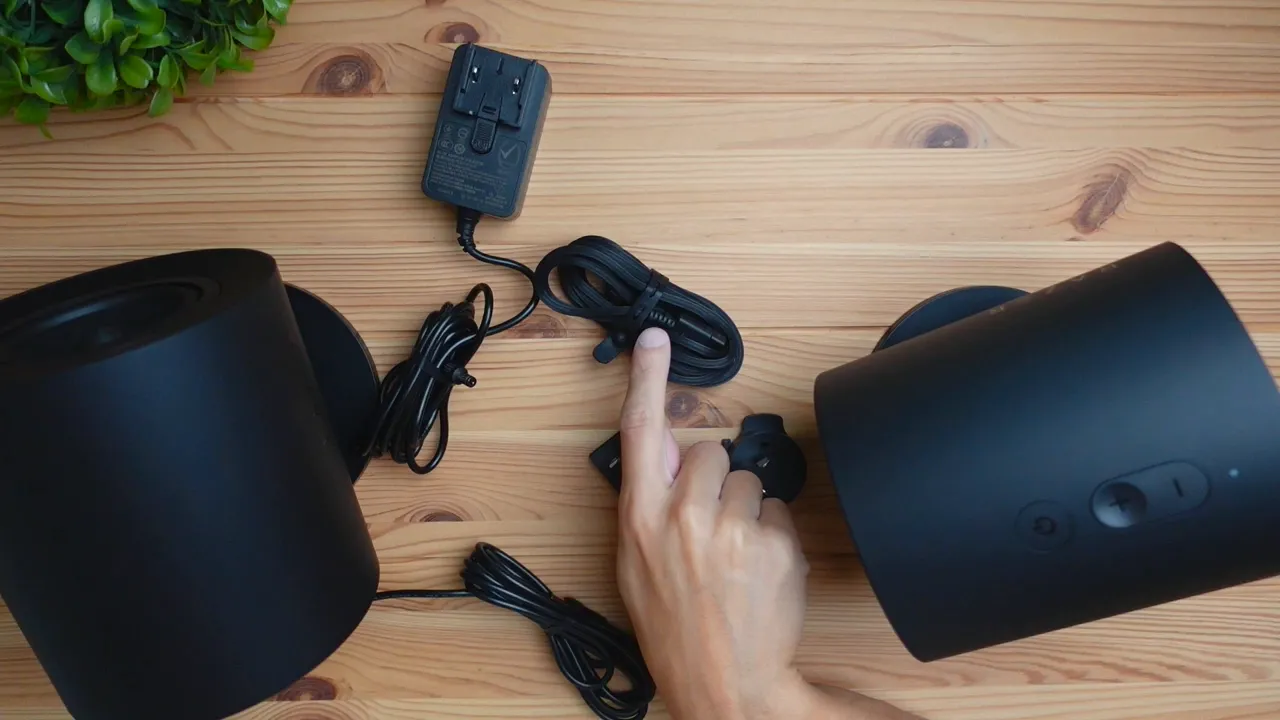
Table of Contents
- What you get out of the box
- Easy setup and cable routing
- Design, size, and build quality
- First impressions: powering on and basic sound check
- Sound testing across genres
- 7.1 Surround sound and gaming performance
- Use cases: who should consider these speakers?
- Pros and cons
- Final thoughts and recommendation
- Frequently asked questions
What you get out of the box
When you open the package you get two satellite speakers, a manual, and a handful of cables. One speaker comes with a cable already attached that links to the second speaker, and inside the box you will also find a USB-A to USB-C cable for connecting to your PC, a power connector cable, and the plug adapter for your region.
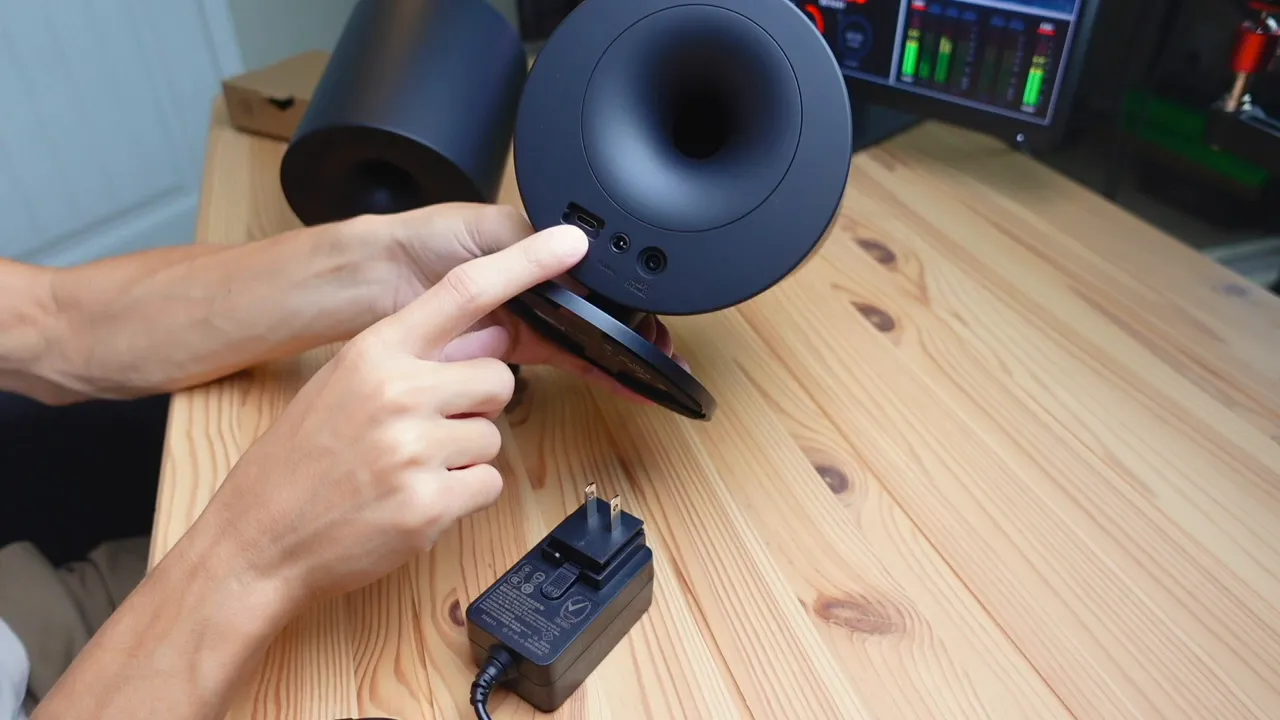
Setup hardware is straightforward. There is a power port and a USB-C port on the back of the primary speaker, plus a dedicated port for the cable that connects the two speakers together. The included cables mean you do not need additional adapters for a typical desktop setup.
Easy setup and cable routing
Installation is simple: plug the speaker-to-speaker cable into the secondary unit, connect the power cable to the primary speaker and the wall outlet, then plug the USB-A to USB-C cable into your PC. Windows should detect the Razer Nommo V2 X automatically as the audio output.
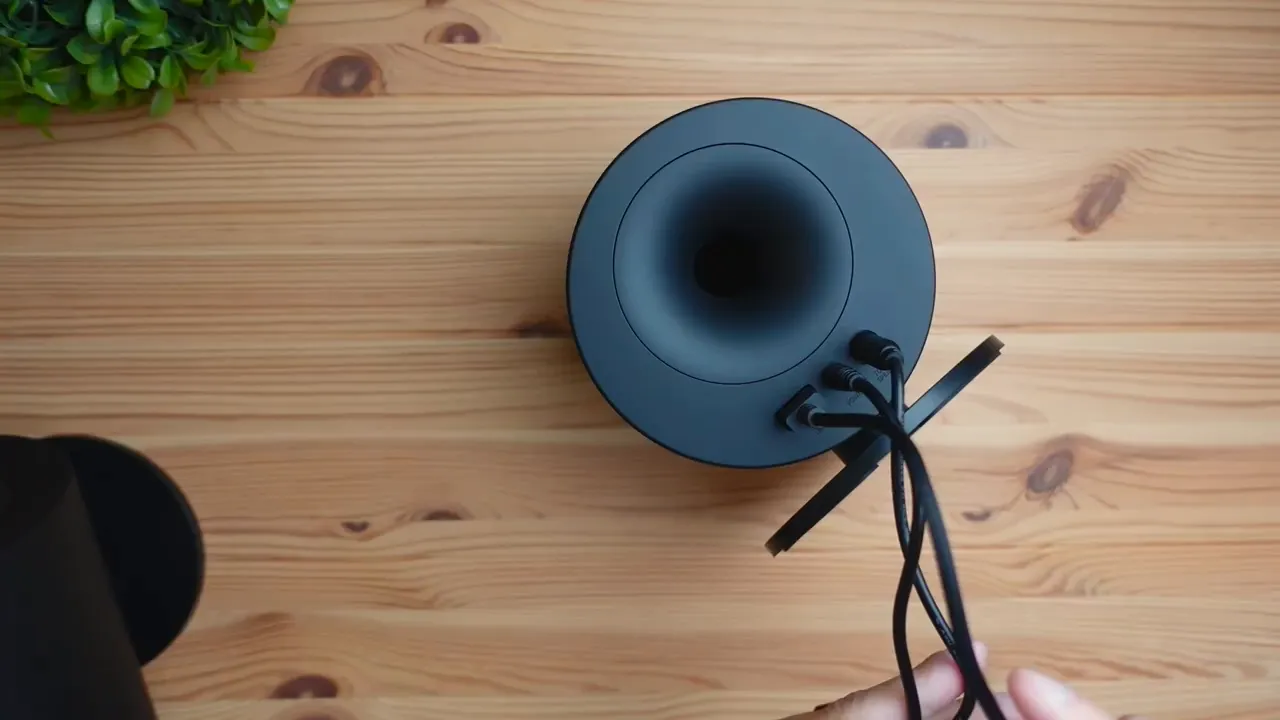
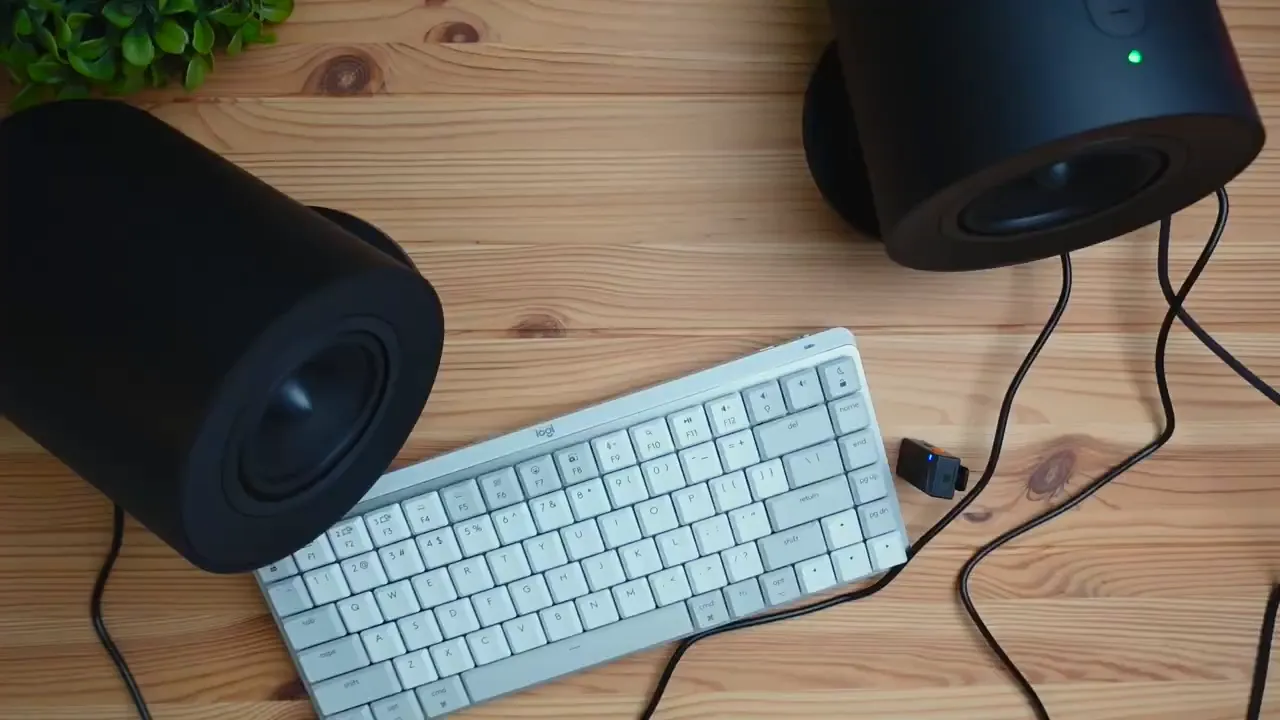
Once everything is connected you will notice three cables coming out of the primary speaker—power, speaker link, and USB to PC. Cable management will depend on your desk layout, but the main cables are easy to tuck behind a monitor or under a desk mat.
Design, size, and build quality
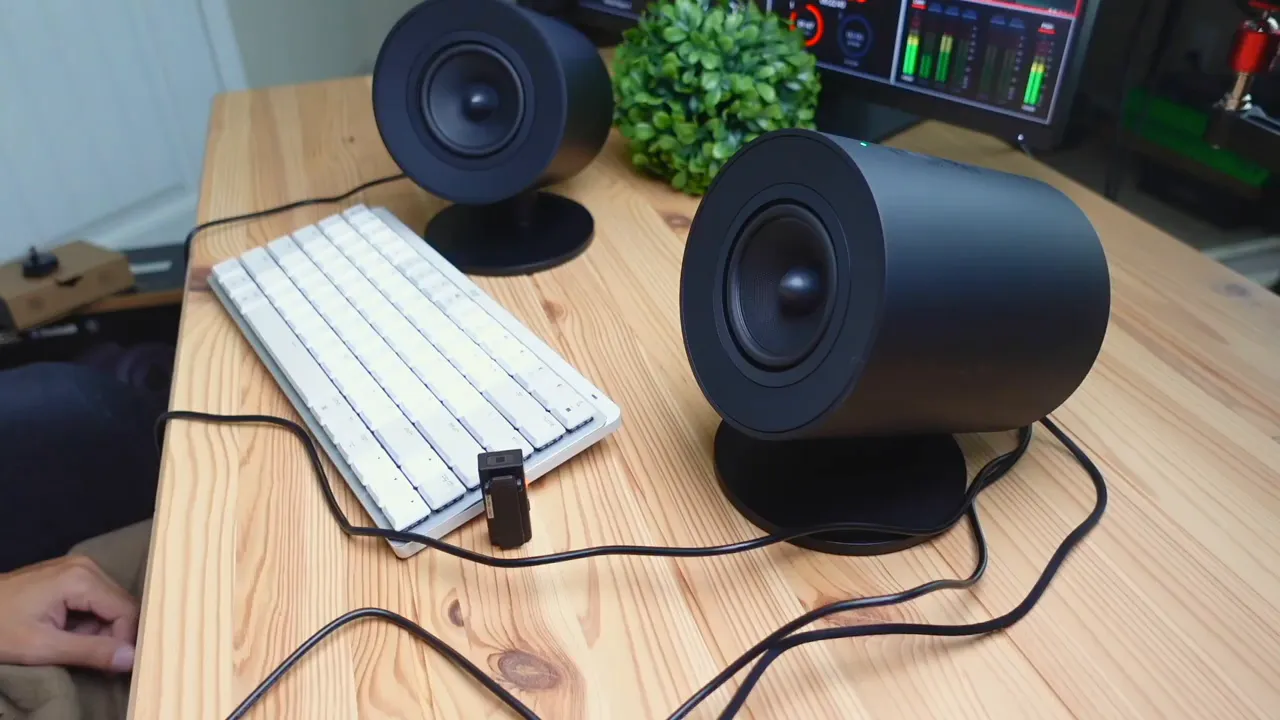
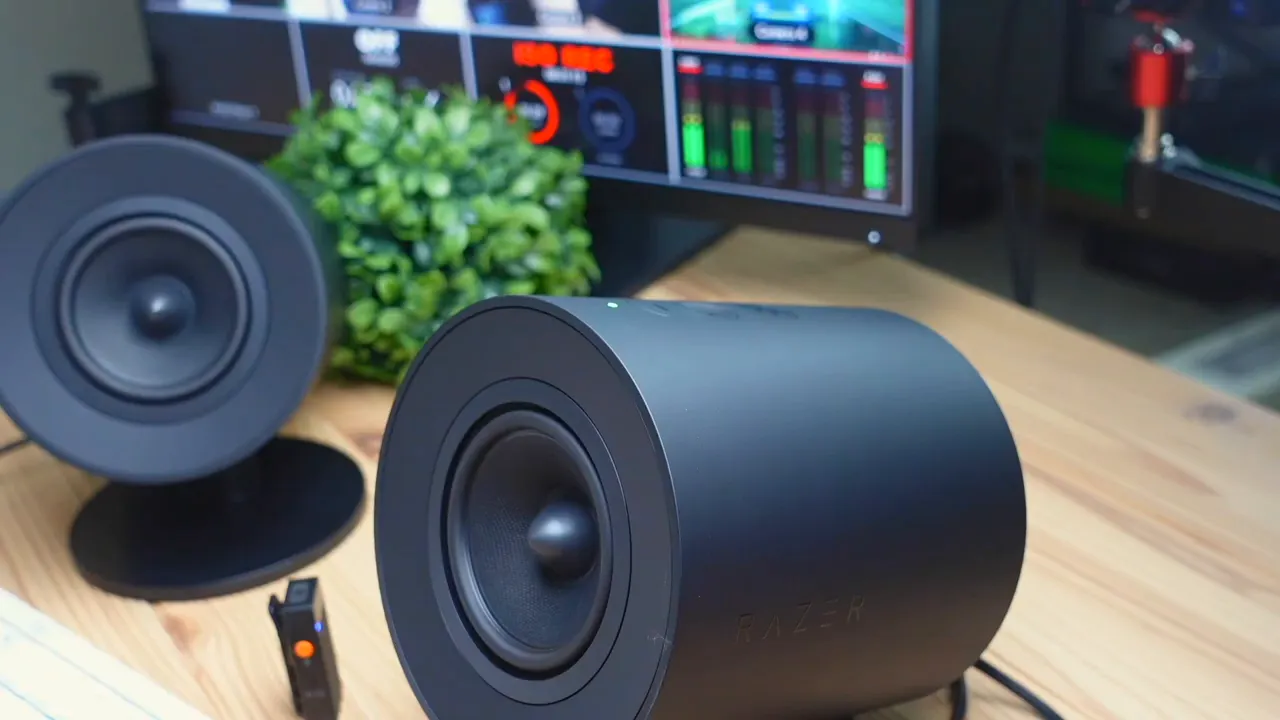
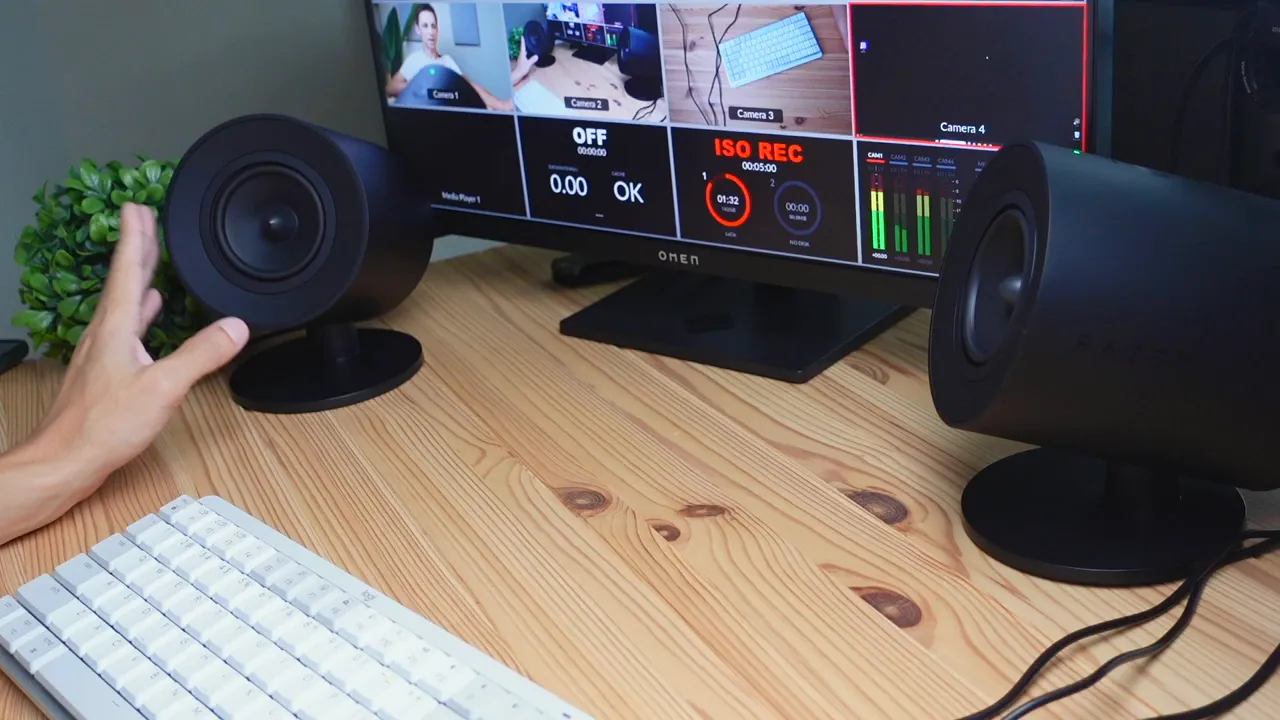
These are not tiny speakers. Placing one beside my head for comparison you can see the Nommo is roughly head-sized—compact for room-filling sound, but sizable on a desk. The units use a matte plastic finish that feels solid and has a premium aesthetic. They sit at a slight angle and are fixed in position; there is no swiveling driver, so placement facing your ears is a simple one-shot adjustment.

Razer stuck to a clean design language here. The speakers have rear-facing bass ports that help enhance low-end output and they prop up on small feet, giving them a confident desktop presence. The plastic finish is tasteful and the build feels higher-end than many budget speaker sets.
First impressions: powering on and basic sound check
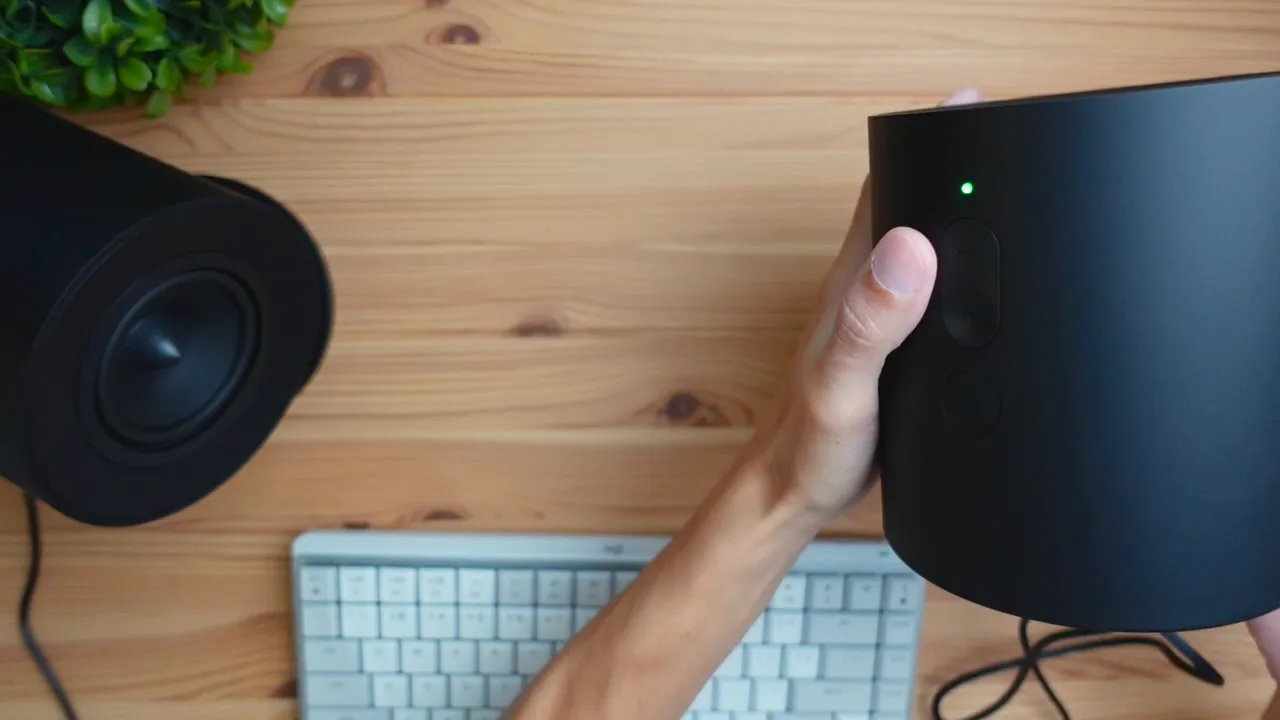
Powering on is as simple as pressing the button on the side of the primary speaker. A green LED confirms the unit is active. After selecting the Razer Nommo V2 X in Windows sound settings you are ready to play audio.
For quick checks I used royalty-free tracks and tracks with different tonal balances. High frequencies came through very clean and detailed. The mids were present and articulate, which is key for vocals and in-game effects. I initially didn’t hear a massive thump of bass on some tracks, but as I switched to tunes with heavier lows and more complex mid-bass content the speakers revealed good punch and presence for their size.
Sound testing across genres
I cycled through a few electronic and cyberpunk-style tracks, then threw in some more dynamic, mid-focused and bass-heavy material. What stood out:
- Highs and clarity: Crisp and non-tinny. Cymbals and high melody lines cut through without harshness.
- Mids: Vocals and synth lines were full and well-defined. The speakers do a good job of keeping instruments separate in the midrange.
- Bass: For desktop 2.0 speakers you get respectable low-frequency energy. You can feel the bass by touching the enclosure when the track hits low notes. It is not subwoofer-level, but it is solid for movies and gaming without an extra sub.
Overall the Nommo V2 X produced a balanced and lively sound. They can get loud and retain clarity, which is important if you want both immersive music playback and clean audio for voice calls or game chat.
7.1 Surround sound and gaming performance
One of the headline features here is 7.1 virtual surround, enabled by Razer’s spatial processing. To test that I fired up Valheim to see how positional audio carried over a two-speaker system.
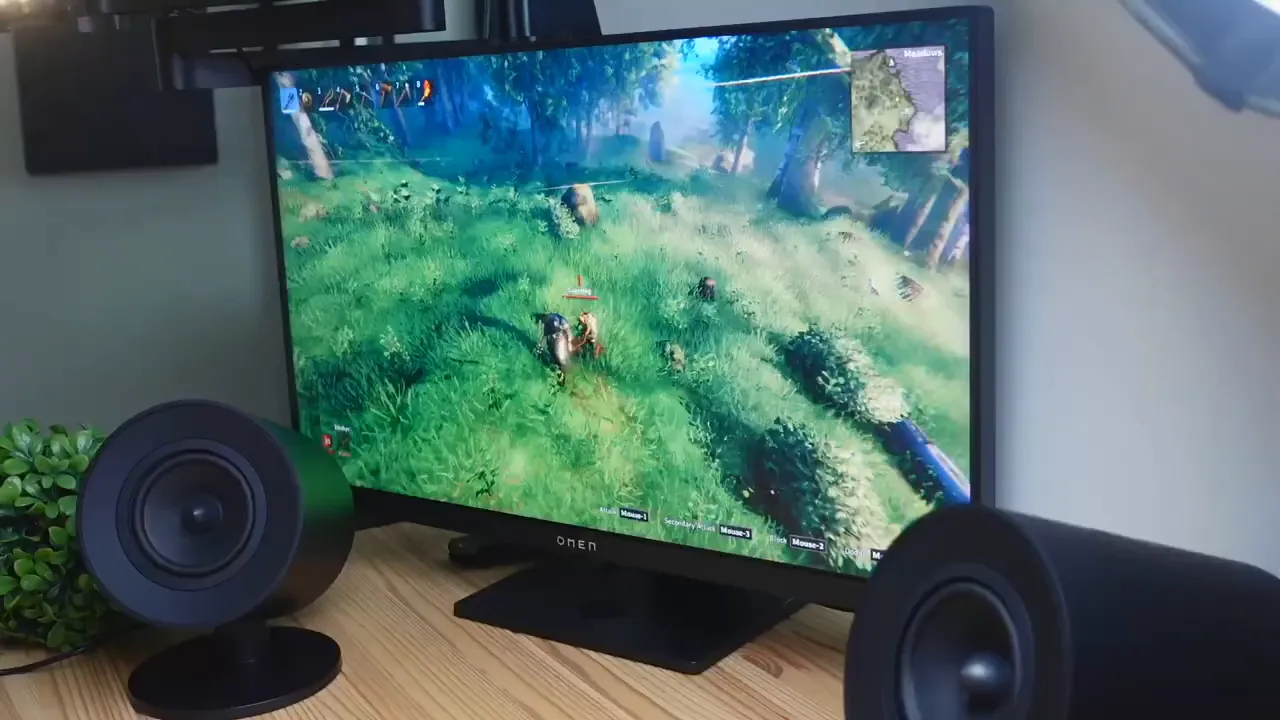
Positional cues came through effectively. When enemies attacked from one side, the sound seemed to localize to the corresponding speaker. When they moved to the other side the audio followed. This worked well for enemy footsteps and directional effects in my test, and is useful in competitive scenarios where hearing direction matters.
Virtual surround is not the same as having multiple physical speakers around the room, but for a desktop gaming setup it provides an advantage: you get spatial cues that help find enemies or track in-world events faster without scanning the screen visually.
Use cases: who should consider these speakers?
- Gamers who want clean, detailed audio with spatial cues but do not want a full surround speaker setup.
- Music lovers who want a desktop pair that delivers clear highs, good mids, and usable bass without a separate subwoofer.
- Content creators or streamers who need reliable desktop monitoring that looks good on camera and on a desk setup.
- Movie watchers who want immersive dialogue clarity and decent low-end impact for effects.
Pros and cons
- Pros: Strong build and matte finish, clear highs and mids, respectable bass for 2.0, virtual 7.1 surround works well for gaming, easy USB-A to USB-C connectivity, good aesthetic for desktops.
- Cons: No physical swivel on drivers, bass will not match a dedicated subwoofer if you want earth-shaking lows, requires a USB-A port on your PC or an adapter for USB-C-only systems.
Final thoughts and recommendation
If you want a practical, stylish upgrade for your desktop audio that covers music, movies, and gaming, the Razer Nommo V2 X is a strong pick. The speakers deliver clean, high-fidelity sound that is particularly impressive for a 2.0 set. The virtual surround adds valuable positional information in games and makes the whole experience more immersive. Build quality and aesthetics are solid, making them a great-looking addition next to any monitor.
They are not a full replacement for a subwoofer if you crave ultra-deep bass, but for the majority of desktop users these speakers offer a compelling balance of clarity, punch, and spatial immersion. I can confidently recommend them for gamers and multimedia users who want a quality, plug-and-play speaker solution.
Frequently asked questions
How do you connect the Razer Nommo V2 X to a PC?
Connect the included USB-A to USB-C cable from the primary speaker to your PC, plug the power cable into the speaker and the wall outlet, and connect the speaker-to-speaker cable between the units. Select Razer Nommo V2 X in your Windows sound settings.
Do the Nommo V2 X speakers support surround sound?
Yes, they support 7.1 virtual surround sound via Razer’s spatial audio, which provides positional cues that are helpful in games and immersive for movies.
Are these speakers good for music listening?
Yes. They deliver clear highs and strong mids with usable bass for a 2.0 system. They are a good option for desktop music listening without a separate subwoofer.
Do the speakers swivel or can you angle the drivers?
The drivers are fixed in position and do not swivel. The speakers are slightly angled out of the box to point towards the listener, which is sufficient for most desk setups.
Will these replace a full surround speaker system?
They will not physically replace multiple-speaker surround setups. The virtual 7.1 provides effective spatial cues for desktop use but will not mimic the exact experience of discrete speakers placed around a room.
Can I feel the bass from these speakers?
Yes, you can feel low frequencies through the cabinet during bass-heavy sections. They have rear-facing bass ports that help with low-end output, but they will not match the depth of a dedicated subwoofer.
What ports and cables are included?
Included are a power cable with regional plug adapters, a USB-A to USB-C cable for PC connection, and the speaker-to-speaker linking cable. The primary speaker has a USB-C input and a power input on the back.
Are these speakers easy to set up?
Yes. Setup is plug-and-play: connect cables, power on, and select the speakers in your OS audio settings. No complicated drivers are required for basic functionality.


