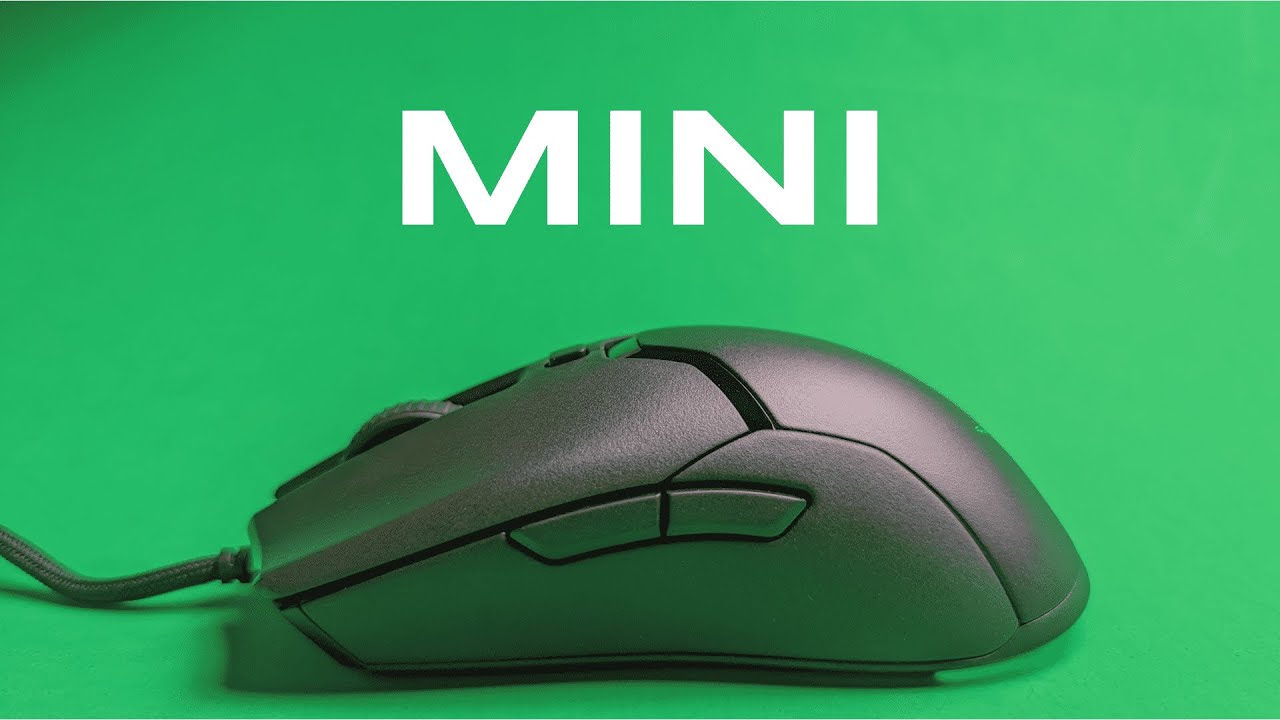
I'm Kova Tech, and in this hands-on review I break down everything you need to know about the Razer Viper Mini — a compact, competition-ready gaming mouse that aims to deliver high performance in a small package. If you're considering a lightweight mouse for esports or want a reliable everyday gaming mouse without the honeycomb look, this guide covers unboxing, fit, build, software, sensor performance, and whether the Mini is right for you.
Table of Contents
- Quick overview
- What's in the box
- Design and ergonomics: size matters
- Build quality and finish
- Buttons, scroll wheel, and switches
- Sensor and performance
- Razer Synapse: customization and calibration
- Sound test and click feel
- Who is the Viper Mini for?
- Pros and cons
- Final thoughts
- FAQs
- Where to go from here
Quick overview
The Viper Mini is Razer's small-footprint take on the popular Viper line. Key features include an ultra-lightweight ambidextrous design, Razer Optical Mouse Switches, a Speedflex cable, and Razer Chroma RGB underglow. It uses a high-resolution optical sensor (around 8.5K / 8501 DPI reported by Razer), supports six programmable buttons, and is tuned with Razer Synapse for button remapping, lighting, calibration, and performance tweaks.
What's in the box
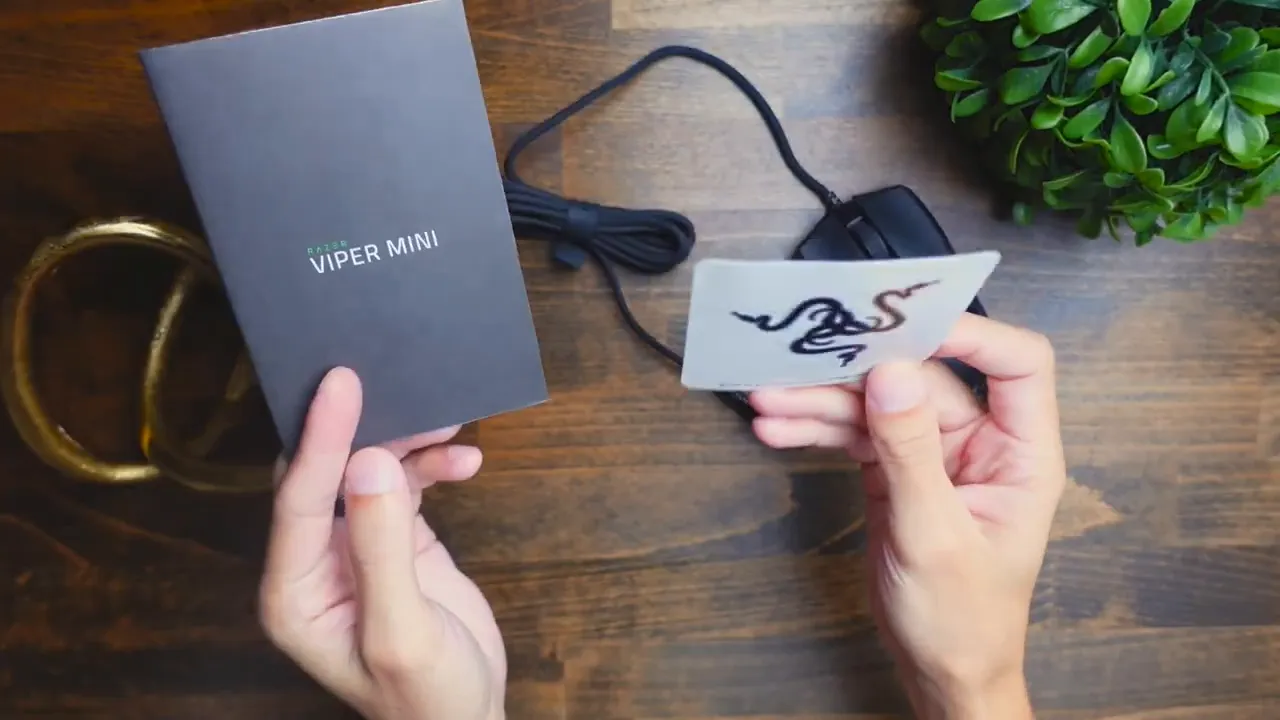
You'll get the mouse itself, a small instruction manual, and a Razer sticker. There's no flashy extras — just the essentials. For most users, that's all you need to jump into setup and customization via Razer Synapse.
Design and ergonomics: size matters
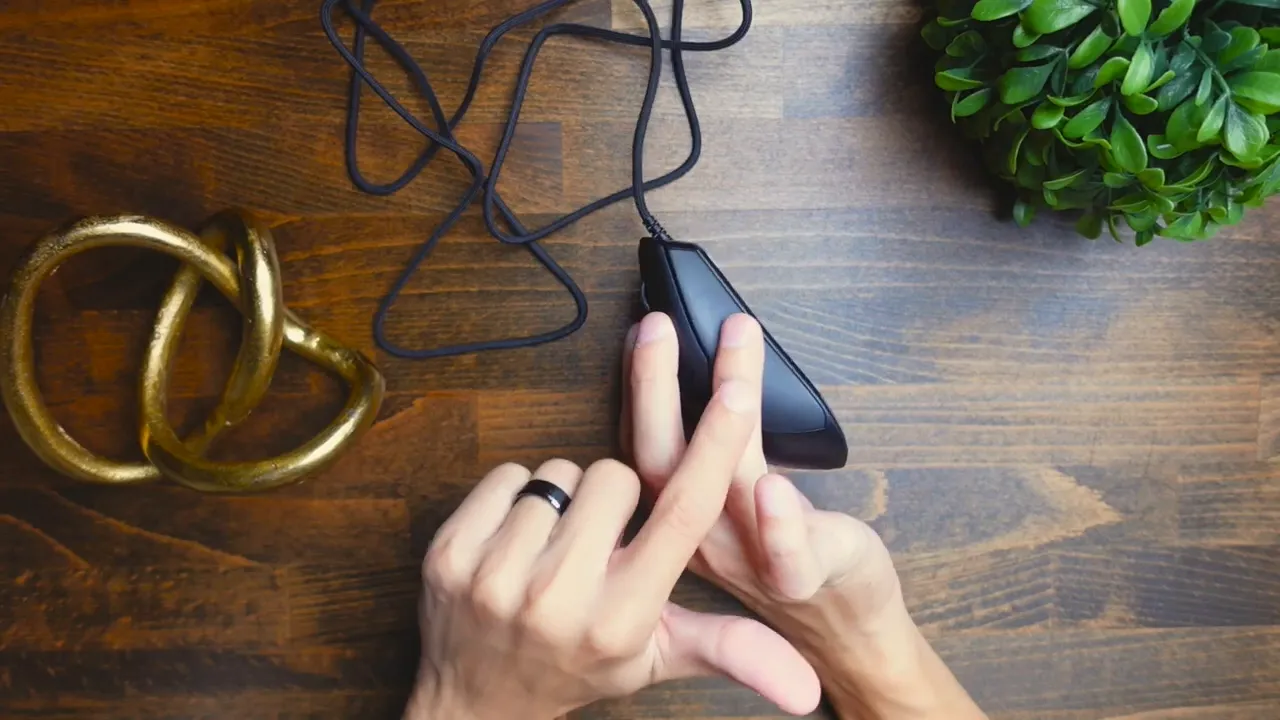
The first thing you'll notice is the size. True to its name, the Viper Mini sits firmly on the "mini" side of the spectrum. If you have large hands, you may find the Mini too short for a comfortable palm grip — fingers can overhang the rear edge. I'm in the mid-sized hand range and found it comfortable for palm grip, claw grip, and fingertip grip.
For fingertip users, the Mini can feel especially natural: your thumb and ring finger can lightly brace the sides while the hand “floats” over the mouse, enabling quick wrist movements and precise flicks. However, players with bigger palms should try it in person when possible.
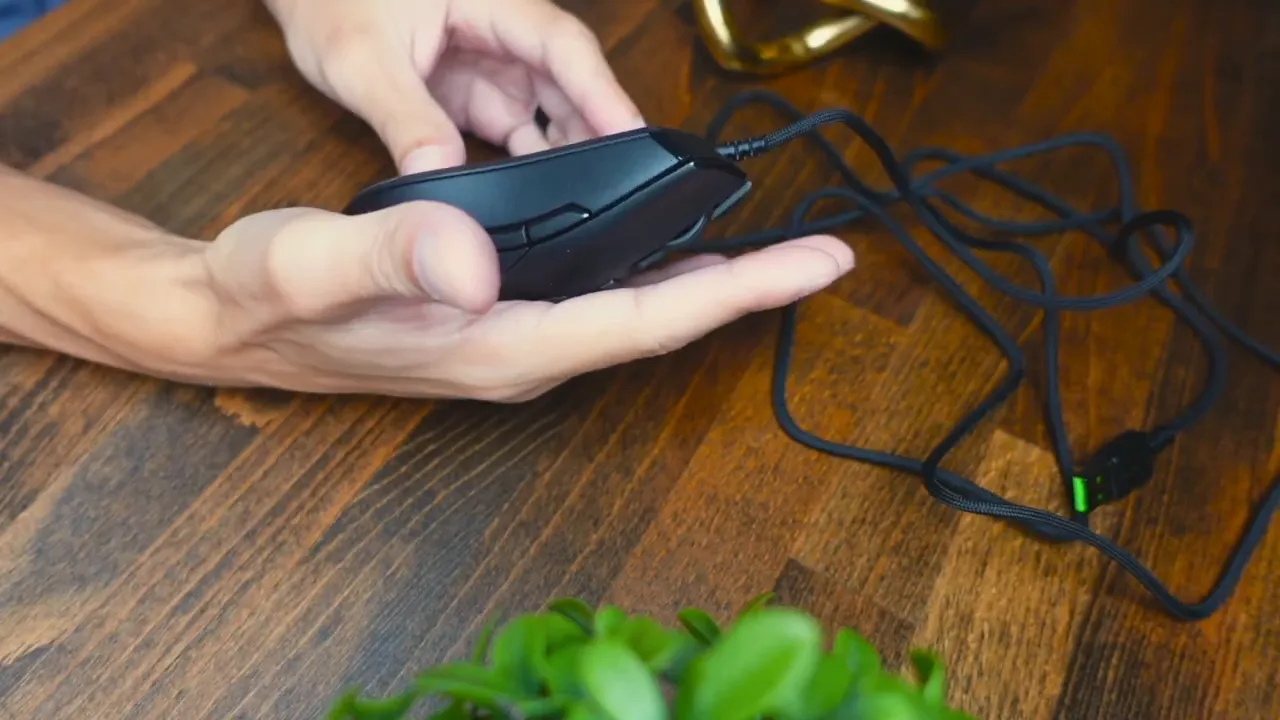
The Viper Mini is oriented toward right-handed users when it comes to side button usability: it has two side buttons on the left side, so lefties can still use the mouse, but they'll lose convenient access to those buttons unless they remap functions in software.
Build quality and finish
The shell is fully plastic with a matte finish for most of the body, while the left edge has a glossy accent. The overall feel is solid and light; the Mini avoids a honeycomb shell yet still achieves a low weight (Razer lists it around 62 g). The underside features skates placed at the front and rear for low-friction glides on most pads.
Buttons, scroll wheel, and switches
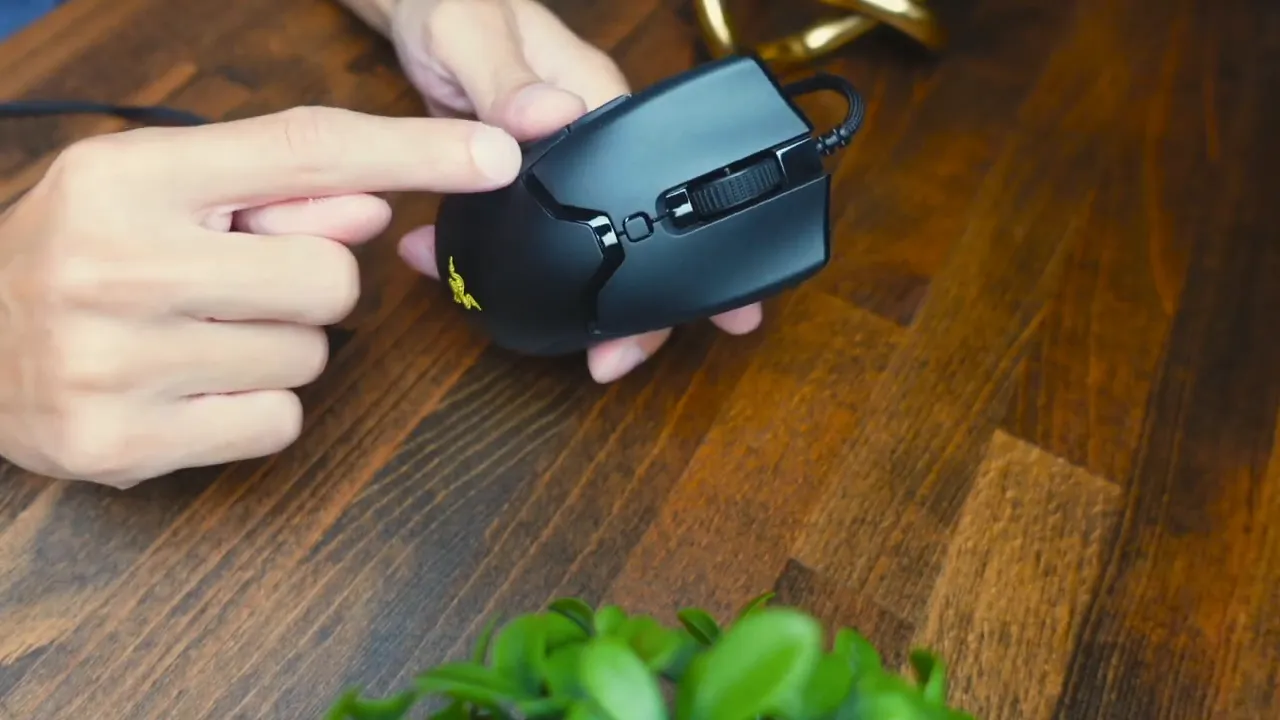
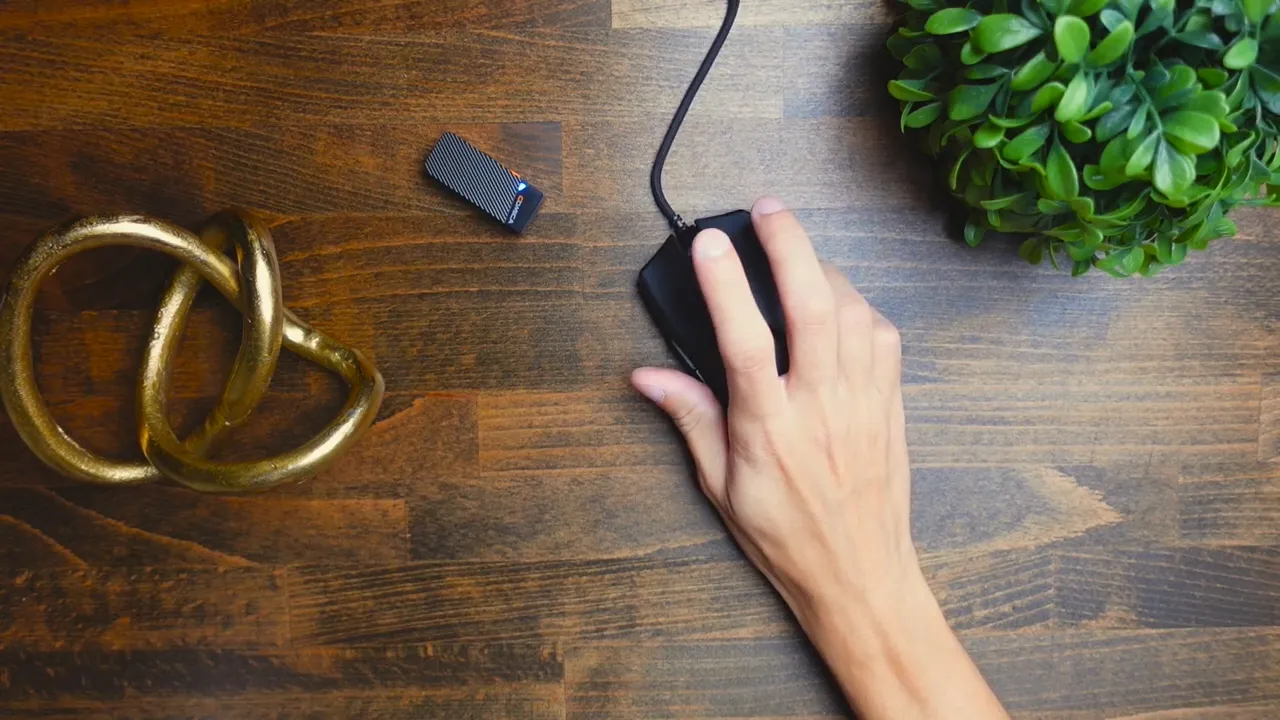
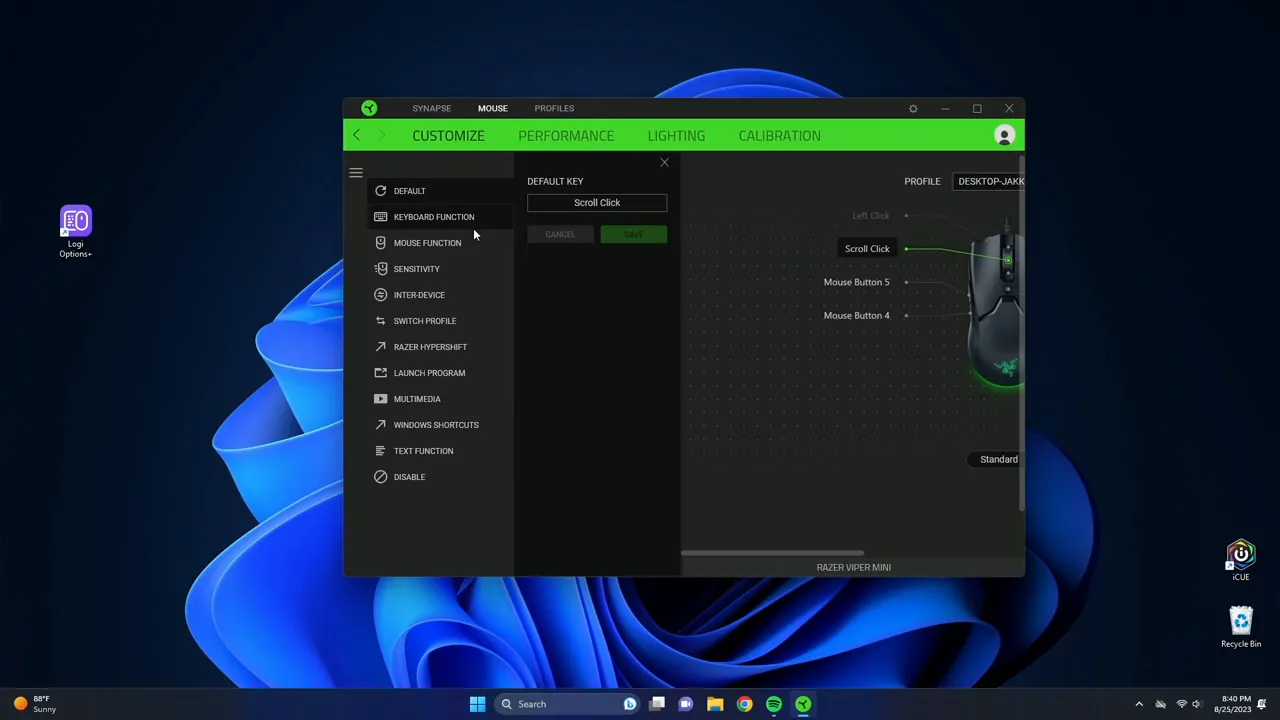
The mouse has six programmable buttons: left click, right click, scroll click, DPI cycle button (on top), and two side buttons. All six buttons can be customized in Razer Synapse for macros, keybinds, profile switching, and hypershift layers.
The scroll wheel is basic — it scrolls up and down and clicks, but it lacks tilt functionality. For many gamers this is perfectly fine: tilt wheels are niche and not required for competitive play or most productivity tasks.
Razer equipped the Mini with optical switches. They're fast and responsive — you can literally feel the quick actuation — and they tend to be very reliable. They are not silent; they make an audible click. If you need an ultra-quiet mouse for a shared workspace, this may be a consideration, but in most gaming setups the volume is reasonable and unobtrusive.
Sensor and performance
The Viper Mini uses an 8.5K-class optical sensor (Razer lists around 8501 DPI). This gives you plenty of headroom for sensitive players and is well-balanced for most competitive genres: FPS, MOBA, and fast-paced arena games. The Mini's lightweight design combined with good skates and a flexible cable helps maintain smooth swipes and consistent tracking.
Polling rate is adjustable in Synapse. For competitive gameplay I recommend cranking it to the maximum supported rate for lowest input latency. The software also allows you to configure between two to five DPI stages and map a button to cycle through them on the fly.
Razer Synapse: customization and calibration
Synapse remains Razer's powerful hub for personalization. On the Mini you'll find:
- Button remapping for all six buttons, including macros and keyboard shortcuts.
- Hypershift — an on-the-fly alternate layer to double up functions on a single button.
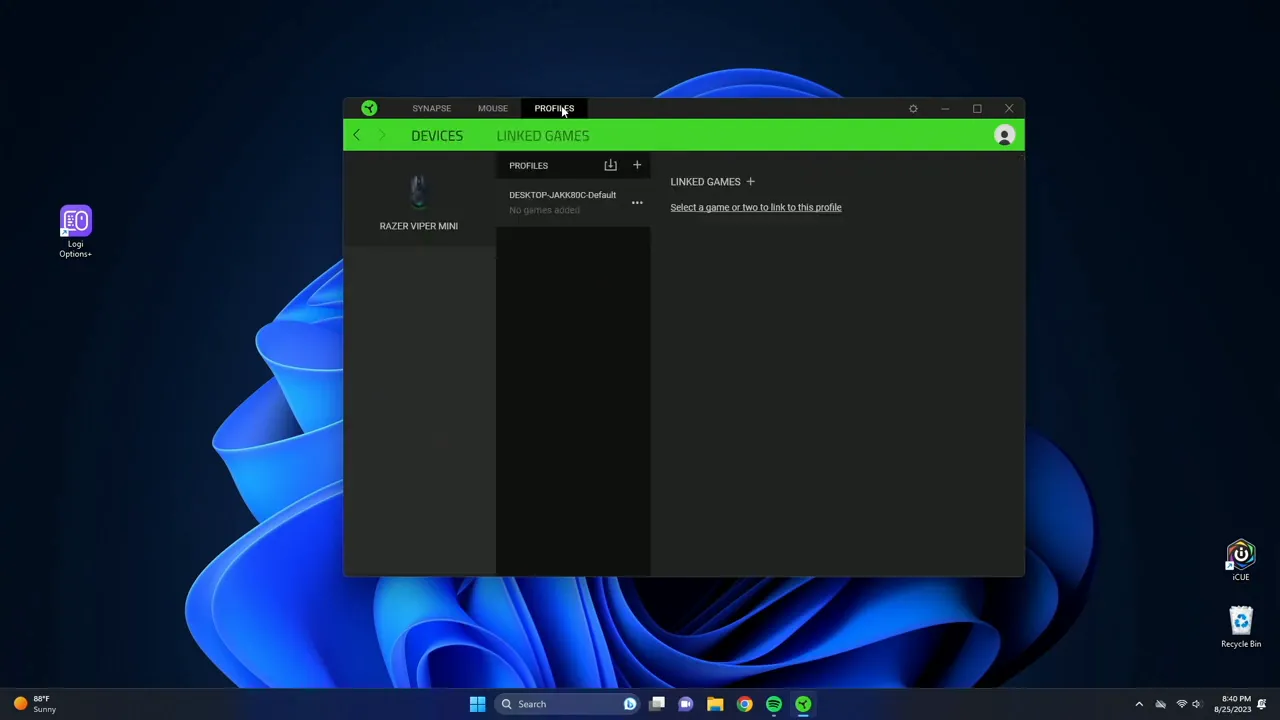
- Profile management — create, import, export, and link profiles to specific games or apps.
- Performance settings — DPI stages (2–5) and polling rate adjustments.
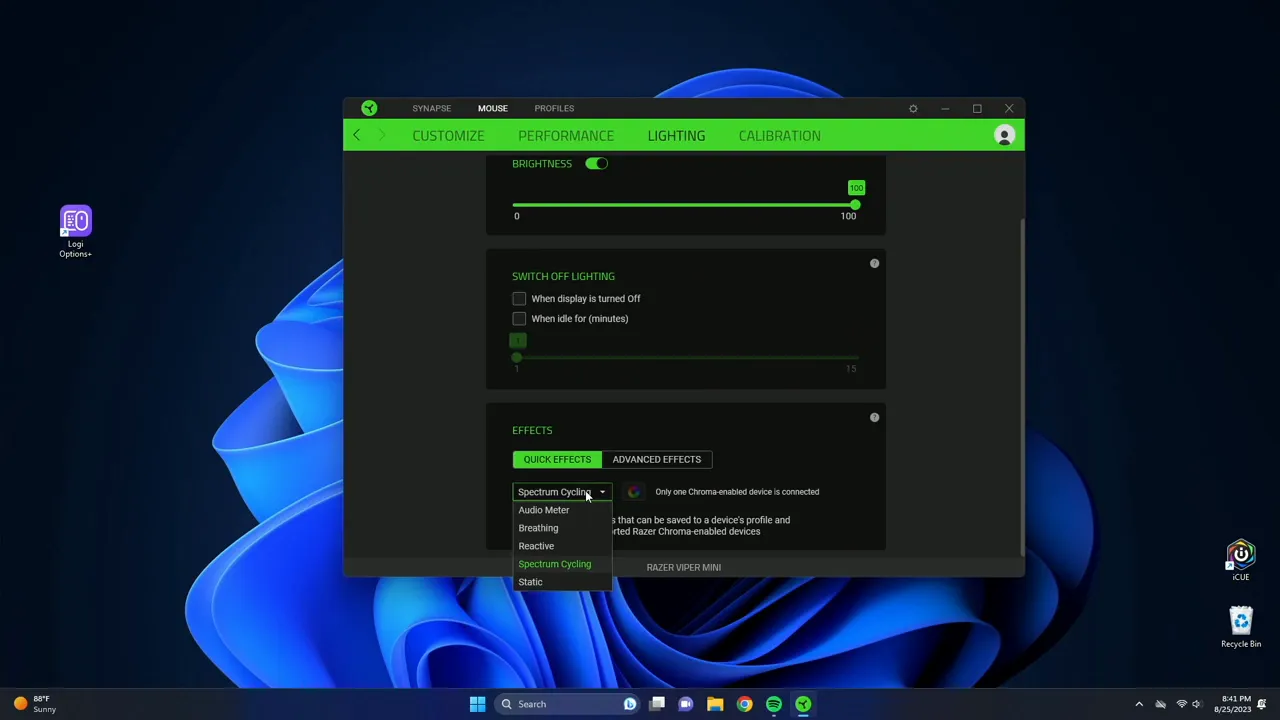
- Lighting controls via Razer Chroma — choose spectrum, breathing, and color transitions, adjust brightness and idle timeouts.
- Surface calibration — calibrate the sensor to specific Razer mouse pads and see liftoff range for a tailored feel.
Synapse's calibration is a handy feature: if you use a Razer pad, you can select it and tune the liftoff detection for precise lift-and-reposition playstyles — especially useful for low-sensitivity players who lift frequently during aim corrections.
Sound test and click feel
Optical switches give a satisfying click and excellent responsiveness. They're louder than silent switches, but not overly noisy. If you're in a studio or quiet office with people right next to you, be mindful that your clicks might be heard. For most living room/bedroom setups and in esports environments, click noise should not be a deal-breaker.
Who is the Viper Mini for?
The Viper Mini targets gamers who want a lightweight, compact mouse with pro-level features without the open-shell design. It's ideal if:
- You use claw or fingertip grip (or have mid-sized hands comfortable with palm grips).
- You want dependable optical switches and a flexible cable for minimal drag.
- You need a competitively-tuned sensor and reliable skates for fast flicks and accurate tracking.
- You prefer a small footprint mouse for fast wrist-based movement rather than large-arcing arm swipes.
It's less ideal if you have large hands and rely on full-palming the mouse, or if you need an ambidextrous side-button layout for left-handed gaming without remapping.
Pros and cons
- Pros: Lightweight without a honeycomb shell, accurate optical sensor, Razer Synapse customization, optical switches with quick actuation, Chroma RGB underglow, flexible Speedflex-style cable.
- Cons: Small size may not suit large-handed players, side buttons favor right-handed use, scroll wheel lacks tilt, clicks are not silent.
Final thoughts
The Razer Viper Mini is a strong mid-tier option for both competitive players and casual gamers who prefer a small, nimble mouse with pro-grade features. It keeps what matters — low weight, fast switching, reliable tracking, and robust software — while offering a compact form factor that works exceptionally well for claw and fingertip grips. If your hand size and grip match its footprint, the Viper Mini is a very compelling pick for its price and target audience.
"This is going to be a solid Mouse if you're looking for something in the mid-tier range that is going to work for competitive scenes or something that's going to work for just some casual gaming,"
FAQs
Is the Razer Viper Mini suitable for competitive gaming?
Yes. The Mini offers a high-quality optical sensor (around 8500 DPI), low weight, good skates, and Razer Synapse support for DPI/polling rate tuning — all useful for competitive play. It is particularly well-suited for claw and fingertip grip players who rely on quick wrist movements.
Will the Viper Mini fit my hand?
The Mini is small. Mid-sized hands should be comfortable with palm, claw, or fingertip grips. Large-handed users may find their fingers overhang the rear edge when palm gripping. Try before you buy if you have large hands or prefer full-palming.
How many buttons can I program?
The mouse has six programmable buttons, all of which can be customized in Razer Synapse. You can assign macros, keyboard shortcuts, profile switching, and use Hypershift for additional layers.
Does the scroll wheel tilt?
No. The scroll wheel can scroll up/down and click, but it does not have tilt functionality. For most users this isn't an issue, but if you rely on tilt inputs you may want to consider other models.
Are the clicks loud?
The optical switches provide a satisfying, audible click. They are not silent switches, so if you need an ultra-quiet mouse for a shared quiet environment, consider a mouse explicitly marketed as silent. For typical gaming setups, the noise level is reasonable.
Can I calibrate the sensor to my mousepad?
Yes. Razer Synapse includes a calibration feature where you can select and calibrate many of Razer's mouse pads (and add other surfaces) to tune liftoff range and tracking behavior for your specific surface.
Where to go from here
If you're leaning toward a compact, lightweight mouse with pro-level responsiveness, the Viper Mini is worth considering. For a deeper dive into Synapse settings and a dedicated software walkthrough, check out my other in-depth videos and guides that walk through profile creation, Hypershift, and calibration step-by-step.
Thanks for reading — test it in person if you can, and tune the Synapse settings to match your playstyle. See you in the next review!


