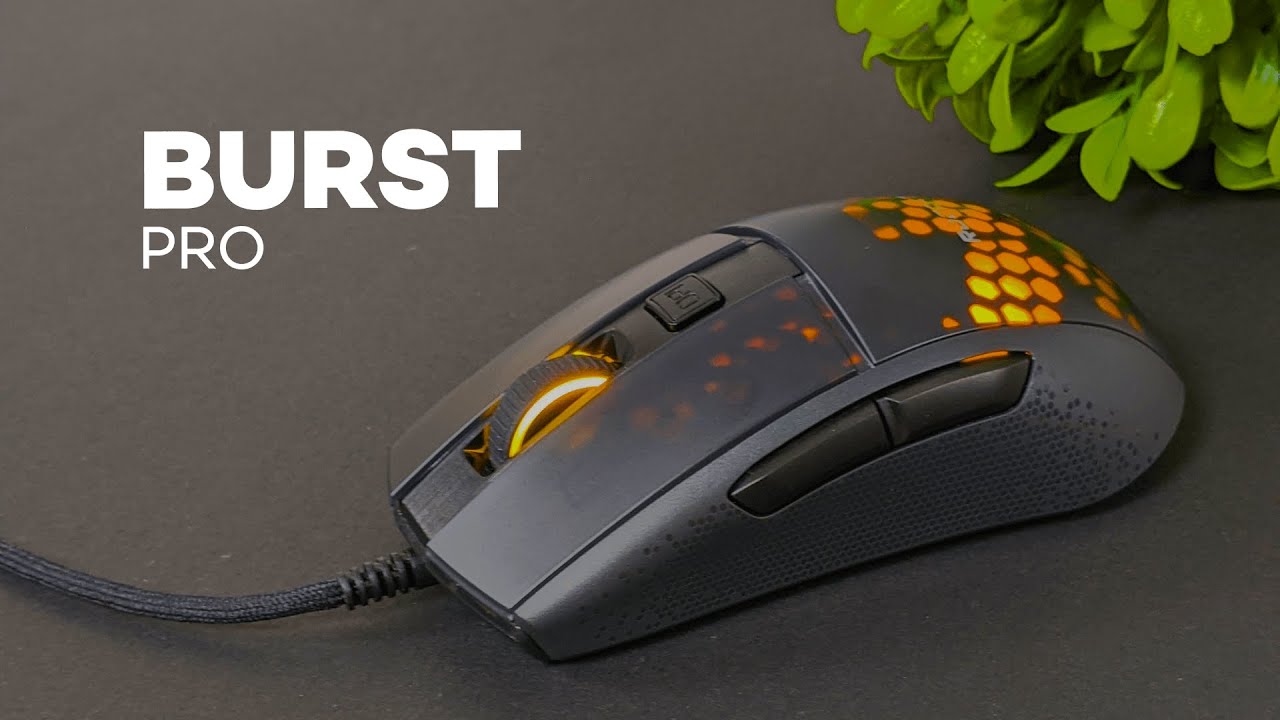
The Roccat Burst Pro is Roccat’s take on the ultra lightweight gaming mouse trend, and it goes after the essentials pretty aggressively. It is light, fast, wired, and clearly built for people who want quick hand movement with less fatigue during long sessions.
After spending time with it, I came away thinking this mouse does a lot right. It also has one issue that is going to matter a lot depending on the kind of hands you have and how much grip you like on a mouse.
If you are shopping for a lightweight gaming mouse and want something with optical switches, a flexible cable, and a shape that works with multiple grip styles, the Burst Pro is worth a serious look.
What comes in the box
The unboxing is pretty simple, which honestly makes sense for a mouse like this.
- The Roccat Burst Pro mouse
- Extra mouse skates for the bottom
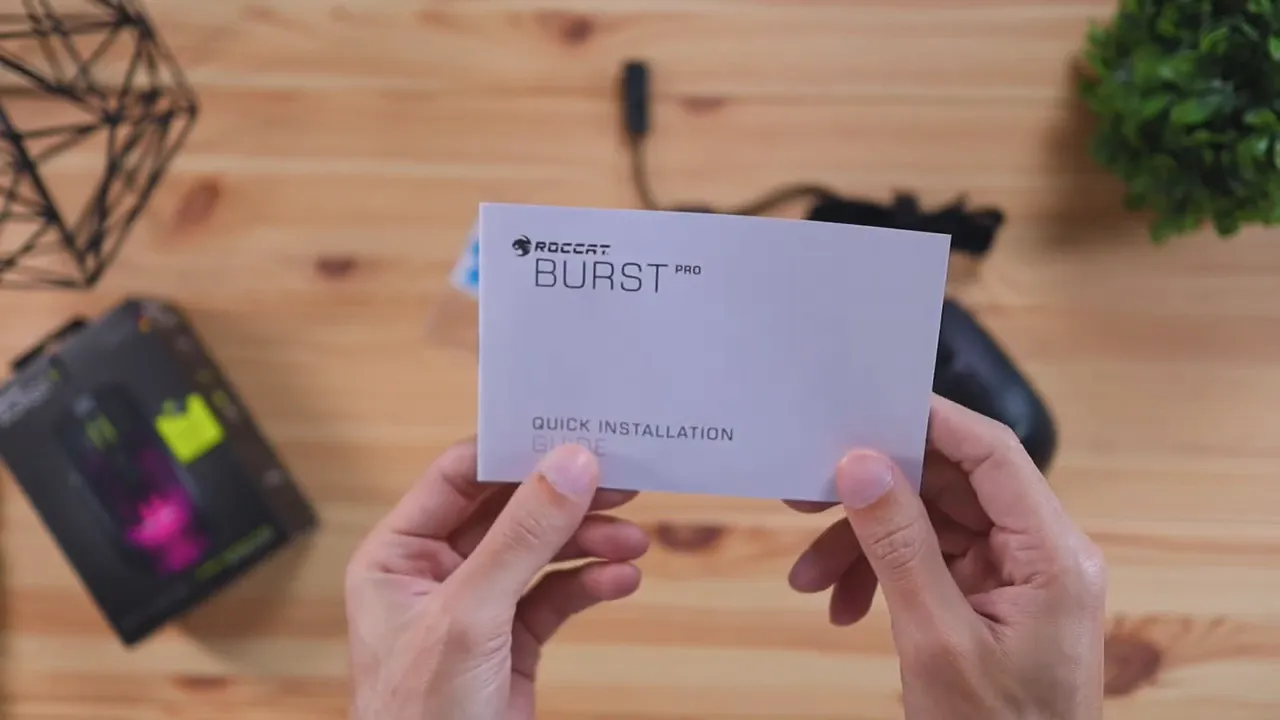
- A quick start guide
The extra skates are a nice inclusion. Once the originals wear down, you already have replacements ready to go. The quick start guide is there, but this is not a complicated mouse. Most people are going to plug it in and immediately understand how it works.
Color options and desk setup fit
The Burst Pro comes in two color options: black and white. That is a small detail, but it matters more than people sometimes admit. If your desk setup leans darker, the black version blends in cleanly. If you have a brighter setup, the white version will probably look better.
Either way, Roccat gives you enough flexibility here to match the rest of your gear without overcomplicating the lineup.
Design: sharp, aggressive, and very Roccat
Visually, this is a very Roccat-looking mouse. The design has sharp angles, defined button lines, and an overall aggressive style rather than a soft or rounded look.
If you like peripherals that look a little more serious and performance-focused, the Burst Pro nails that. It does not try to be subtle. The button cuts, the scroll wheel treatment, and the overall shell all push that gaming aesthetic without looking messy.
Build quality and materials
The mouse is made entirely out of plastic, but it does not feel cheap. That is an important distinction.
Some lightweight mice can feel hollow or flimsy because manufacturers are chasing the lowest possible weight. The Burst Pro avoids that problem pretty well. It still feels solid in hand, even while staying at a very light 68 grams.
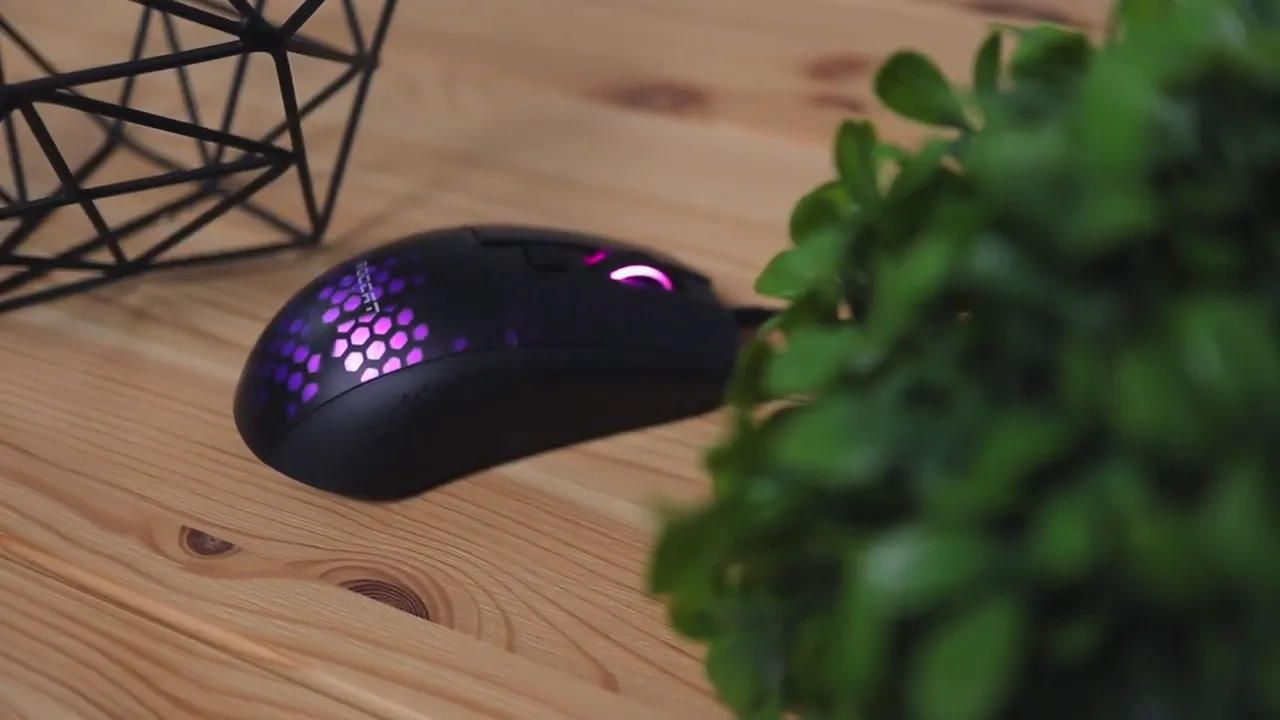
Roccat also highlights the shell design with its translucent honeycomb-style engineering. The point here is not just aesthetics. It is part of how the company keeps the mouse light without making it feel weak.
Where the build falls short for me is grip. There are no real rubber side grips. Instead, you get textured plastic with a hexagon pattern on the sides. It adds some visual interest and a little texture, but not enough actual grip.
That one choice has a big effect on how the mouse feels in real use.
Scroll wheel and click feel
The scroll wheel is one of the few areas where you do get a rubberized surface. It has a grippy texture that makes it easy to control, and that part feels well done.
The scrolling itself is not smooth and loose. It is more defined and tactile, moving in noticeable steps. If you like a scroll wheel that clearly clicks through each increment, this should feel good. If you prefer something smoother and quieter in motion, this one leans in the opposite direction.
The primary clicks are more interesting. Roccat uses its Titan Switch Optical setup here, which is one of the headline features of the Burst Pro. The feel is different from a lot of standard mouse switches. The clicks come across as crisp and pleasant, with a more distinctive response than the usual basic mouse button feel.
Roccat describes these optical switches as offering faster actuation and better durability than traditional mechanical-style mouse switches. If you want some background on how optical switches work in general, PCMag has a helpful explanation of optical switch technology.
Comfort across palm, claw, and fingertip grip
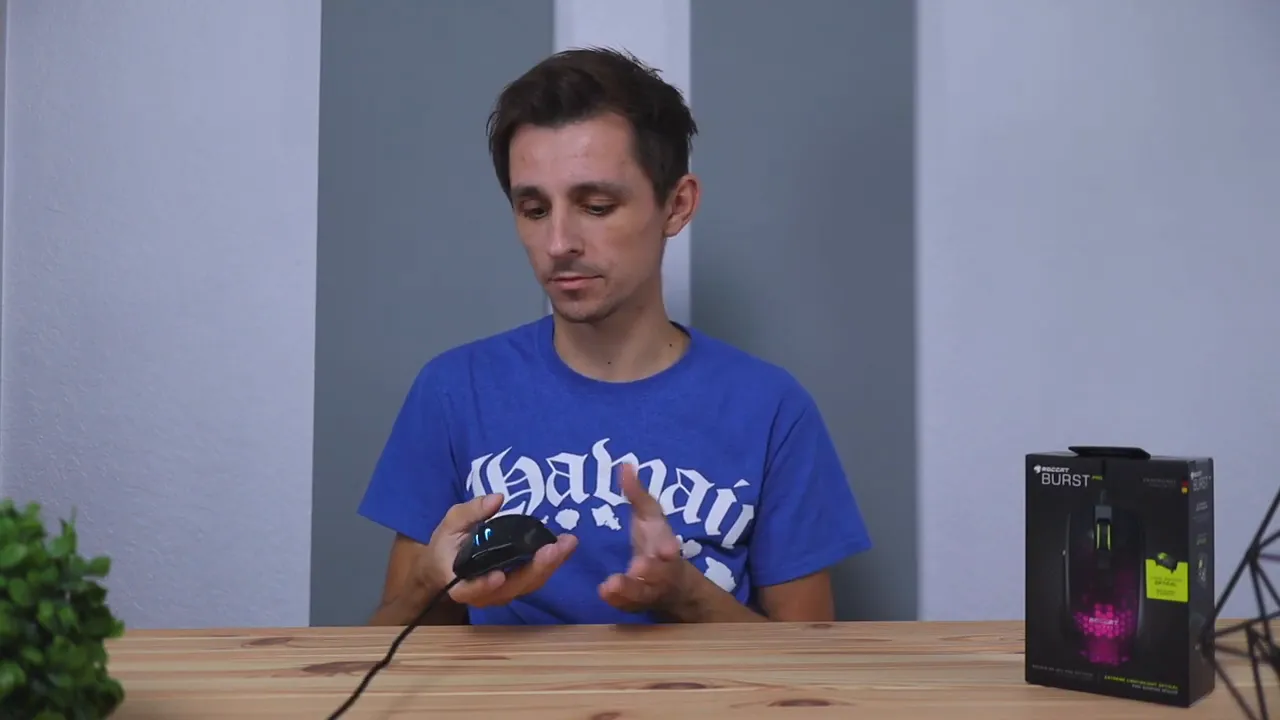
One thing the Burst Pro does really well is accommodate different grip styles.
Palm grip
With palm grip, the hand rests over the mouse and the palm makes fuller contact with the shell. The Burst Pro feels comfortable here, and the shape supports the hand well.
Claw grip
Claw grip also works nicely. Your palm still makes some contact, but your fingers arch upward more. The Burst Pro’s shape handles that without issue, and it feels natural for this style.
Fingertip grip
Fingertip grip is where the ultra lightweight design really starts to matter. Since the palm is floating and your fingers are doing more of the work, heavier mice can feel tiring fast. At 68 grams, the Burst Pro is much easier to control this way, and fingertip grip ends up being surprisingly comfortable.
So from a shape and weight perspective, this mouse is broadly usable. That is one of its biggest strengths. No matter which of the three main grip styles you use, the Burst Pro should feel comfortable for most people.
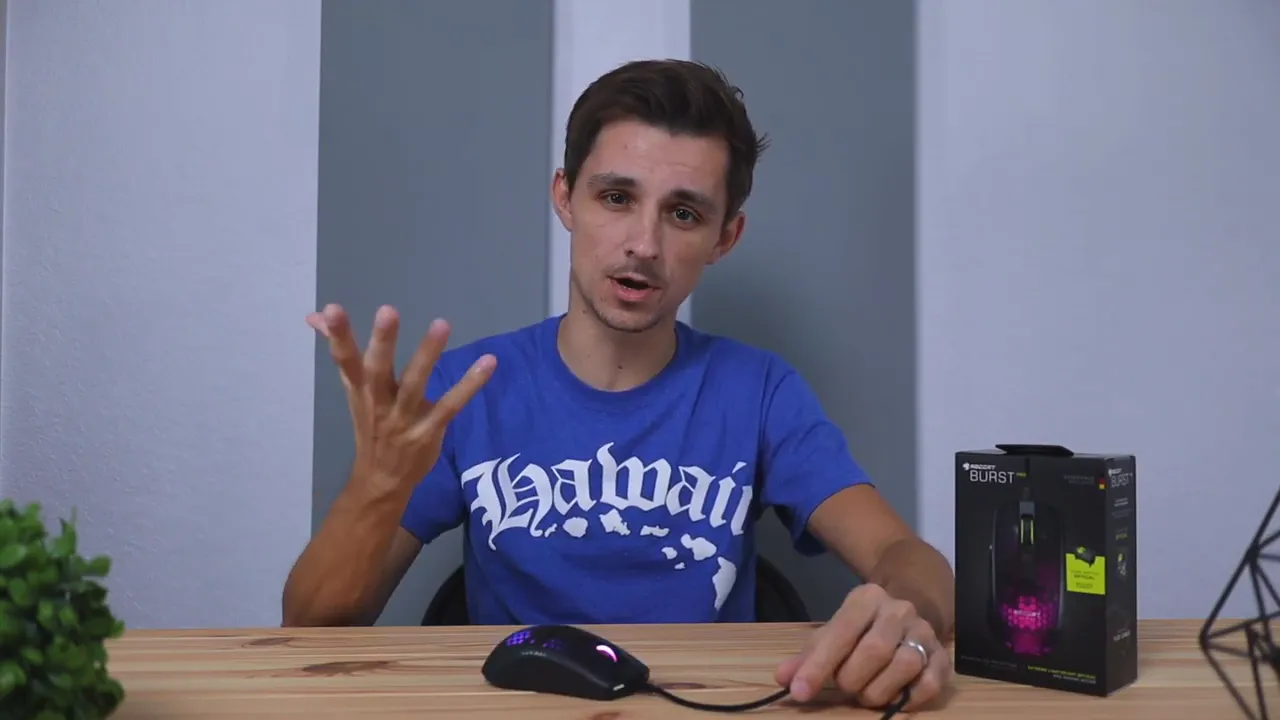
Buttons and customization
The mouse includes the expected extra buttons without going overboard.
- DPI button on top for cycling sensitivity levels
- Two side buttons that default to browser back and forward
The side buttons can be customized through Roccat’s software if you want to assign them to game actions or specific app commands. For a lot of people, the default browser navigation setup is already useful enough to leave alone.
If you are the kind of person who wants a mouse with a much heavier focus on programmable controls, something like the Roccat Kone XP Air is more in that lane. The Burst Pro is a simpler, cleaner performance mouse.
The PhantomFlex cable is better than most wired mouse cables
The Burst Pro is a wired mouse, and the cable is not detachable. So if cable customization matters to you, this is not the mouse for that.
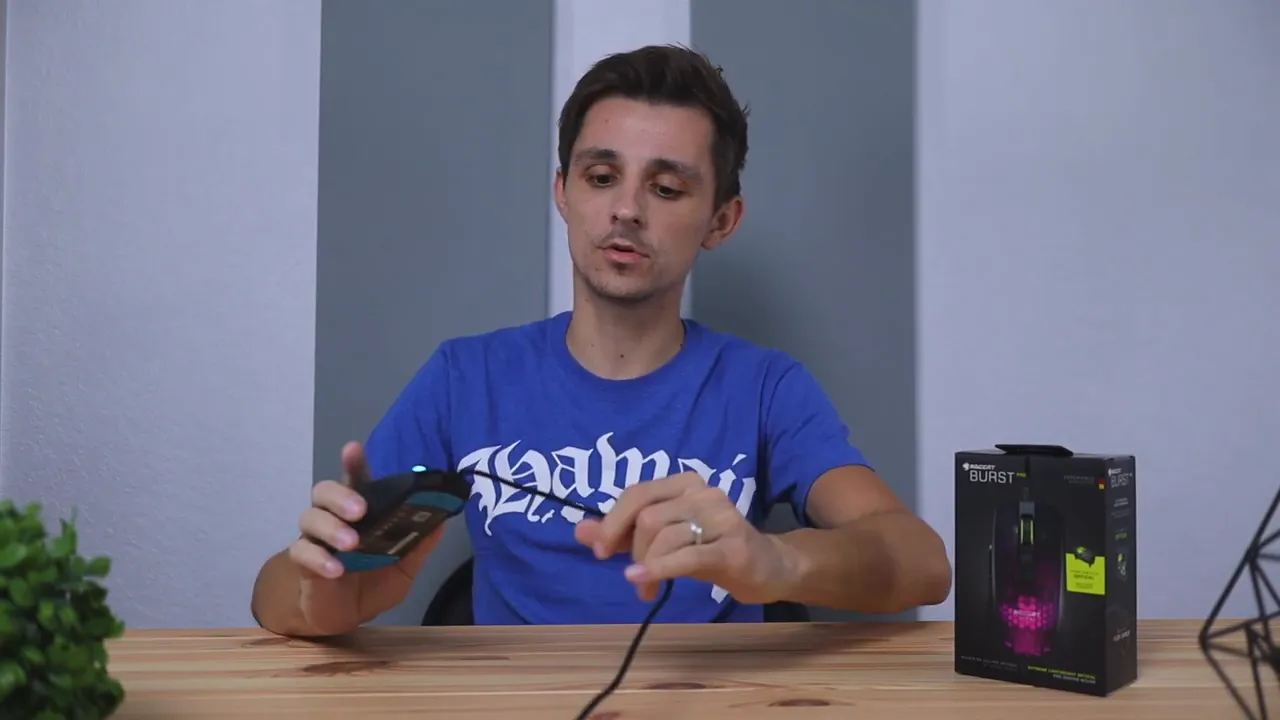
That said, Roccat’s PhantomFlex cable is one of the better wired cables I have used on a gaming mouse. It has a soft, flexible feel that is closer to fabric than a stiff braided cable.
This matters because cable drag can ruin the feel of a lightweight mouse. A soft cable keeps movement smoother and quieter across the desk. With many braided cables, you can hear and feel them scraping around while you move the mouse. The Burst Pro’s cable is much less distracting.
Roccat’s marketing calls it a near-wireless experience, and while that is obviously still marketing language, I get what they mean. It does a good job of staying out of the way.
Real-world pros and cons
What I liked
- Very light at 68g, which helps reduce fatigue
- Comfortable shape across palm, claw, and fingertip grip
- Optical switches feel crisp and different in a good way
- Flexible PhantomFlex cable keeps drag and noise down
- Solid build despite the lightweight design
- Extra skates included in the box
The main downside
My one real complaint is the lack of grip.
Because the shell is all plastic and the textured sides do not add enough traction, the mouse can feel slippery. For me, it almost felt like it was trying to escape my hand. That made the experience less comfortable than it should have been, especially given how good the shape otherwise is.
This is going to depend heavily on your hands. If your hands tend to stay dry, this could be a genuine problem. If your hands naturally have a little more moisture, or you simply do not care much about rubber side grips, it may not bother you at all.
That is really the dividing line with this mouse. The shape, weight, cable, and buttons all work. The grip either works for you or it does not.
Who should buy the Roccat Burst Pro?
The Burst Pro makes the most sense for someone who wants:
- An ultra lightweight wired gaming mouse
- A shape that supports multiple grip styles
- Optical mouse switches with a crisp feel
- A flexible cable that minimizes drag
- A cleaner button layout instead of an MMO-style control-heavy design
It is especially appealing for fast-paced gaming where lower hand fatigue and easier flicks can help with accuracy. Lighter mice are popular for a reason. They are easier to move quickly and can feel less taxing over long sessions.
If that is exactly what you are after, you can check the current price of the Roccat Burst Pro here.
Who might want to skip it?
If you need a lot of grip from your mouse, I would think twice before buying the Burst Pro. That is the one area where it did not click for me.
You may also want to look elsewhere if you want:
- A detachable cable
- Rubber side grips
- A wireless option
- More programmable buttons
If you still want a lightweight shape but want to compare it against another strong option, the Razer DeathAdder V3 review is worth checking out as well.
Final thoughts
The Roccat Burst Pro gets a lot right. It is lightweight, comfortable across all major grip styles, built well for a plastic mouse, and equipped with genuinely nice optical clicks. The PhantomFlex cable is also a standout feature and helps the wired design feel much less restrictive than expected.
The biggest issue is simple: grip. If you are fine with the textured plastic sides, this mouse is a strong performer. If you rely on rubberized grips, the Burst Pro may end up feeling slippery and frustrating.
For the right person, though, this is a very solid lightweight gaming mouse with a lot going for it.


