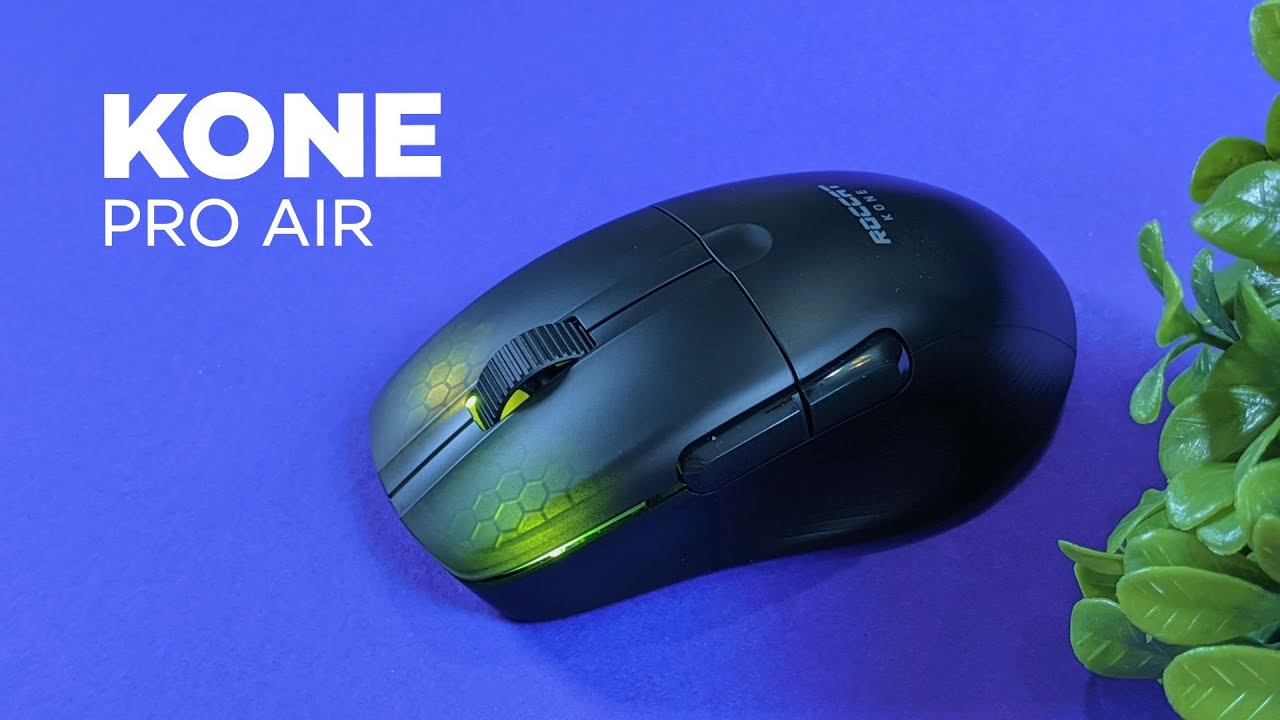
This Roccat Kone Pro Air review breaks down what matters: design, comfort, performance, battery life, and whether the wireless version is worth the extra cost. The Kone Pro Air is the wireless sibling of Roccat's Kone Pro series, trading a wired connection for built-in battery power and a slightly higher price. Read on for a practical, hands-on assessment and a clear recommendation.
Table of Contents
- What you get in the box
- Design and build quality
- Comfort and grip: palm vs claw
- Weight and feel
- Clicks and switches: Titan Optical explained
- Wireless connectivity and battery life
- Software and customization
- Pros and cons — summary for quick decisions
- How this review weighs the value
- Build a shortlist: who should consider this mouse
- Where the Kone Pro Air could improve
- Final verdict
- FAQ
- Quick specs snapshot
What you get in the box
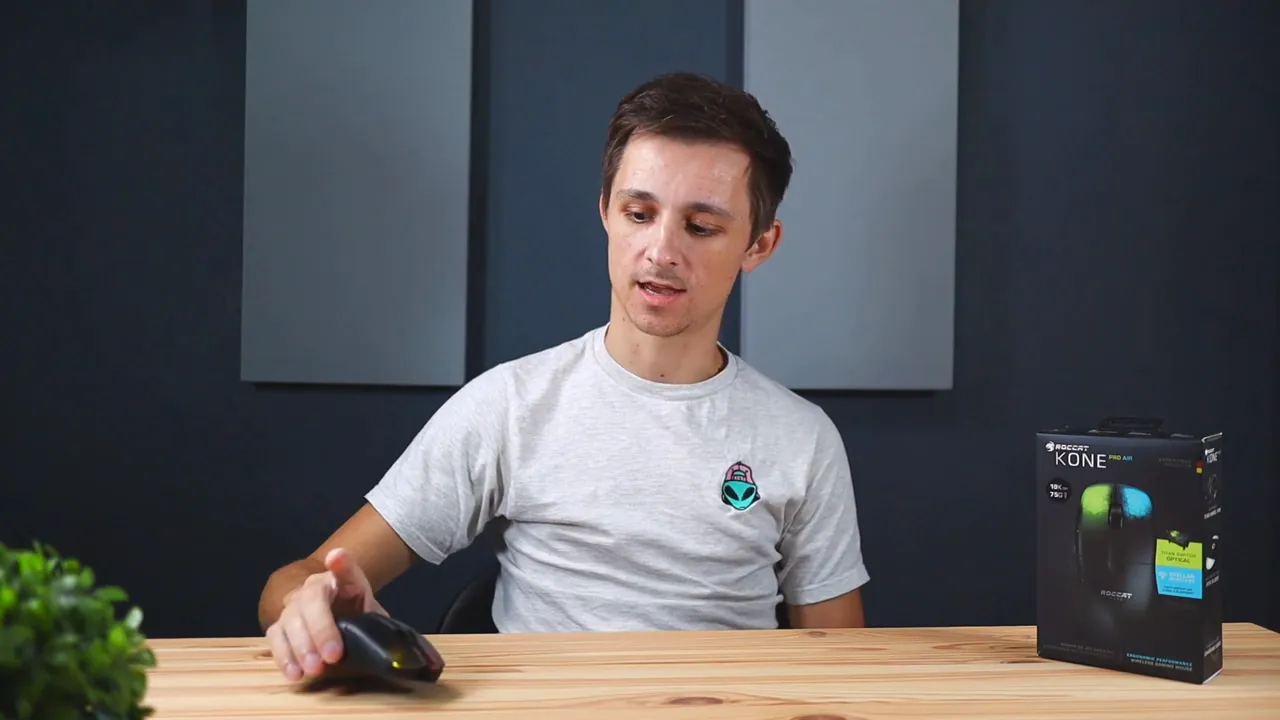
The unboxing is straightforward. Inside the box you get the mouse, a USB wireless dongle, a braided USB-A to USB-C cable for charging, and a quick start guide. The cable is useful not only for charging but for rapid top-ups thanks to the USB-C connector.
Design and build quality
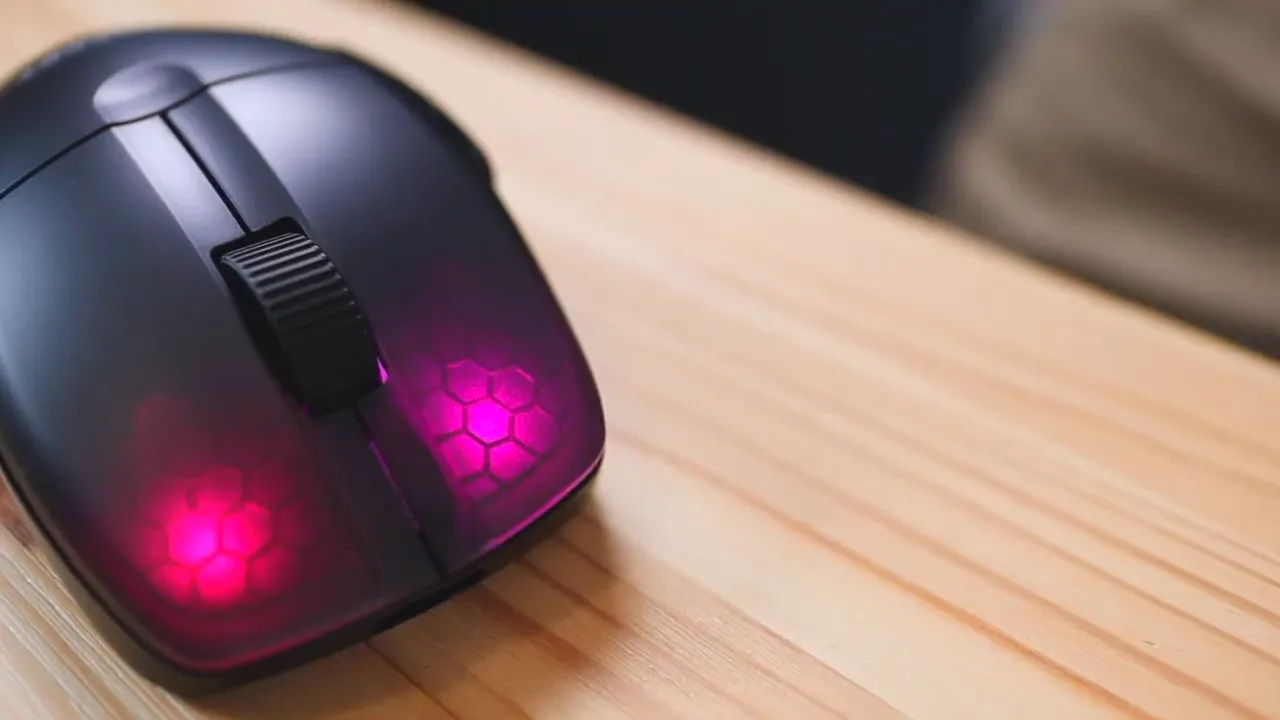
The Kone Pro Air keeps a clean, matte plastic finish across most of its body, with translucent sections around the primary buttons that allow the RGB lighting to show through. That subtle hexagon lighting pattern is tasteful — not loud, just a nice accent that gives the mouse a modern gaming vibe without being over the top.
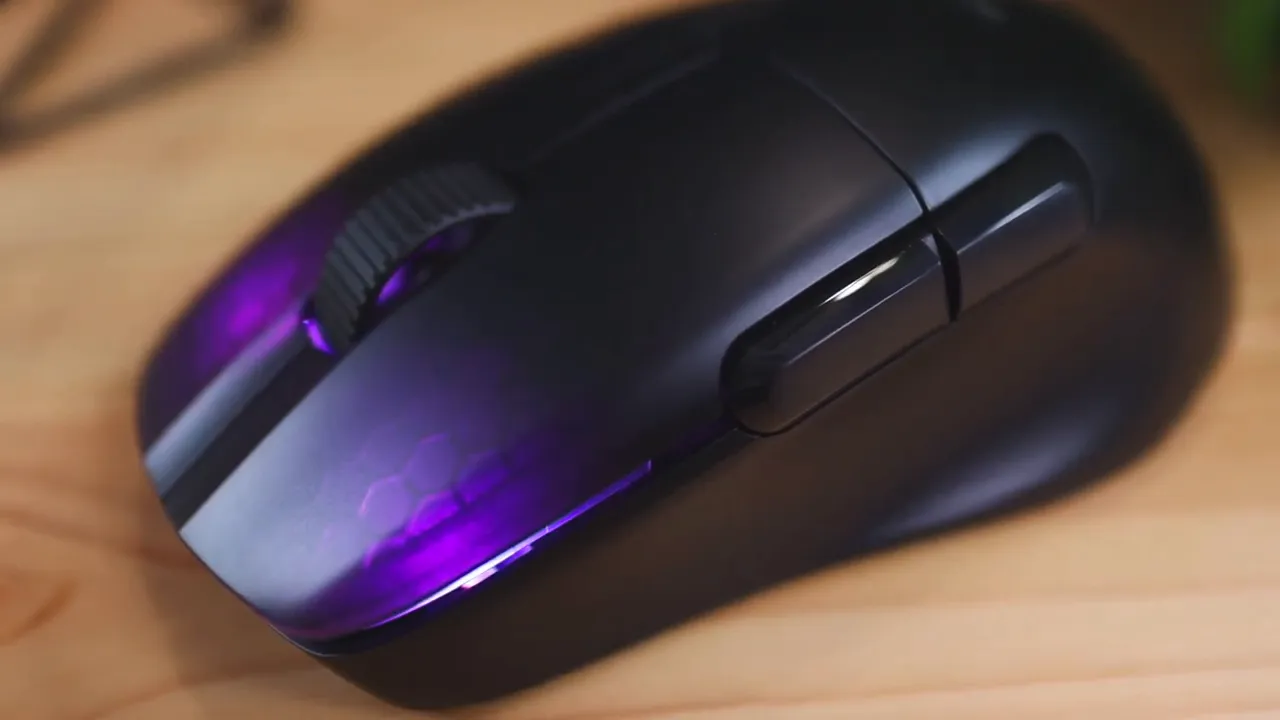
The sides are also plastic but with a patterned texture of wavy lines rather than a rubberized grip. That texture looks good and reduces some slip, but it does not offer the same level of friction as rubber or textured side grips. Two side buttons sit on the left edge by default mapped to back and forward, but everything can be reassigned in the Roccat software.
Scroll wheel and wheel design
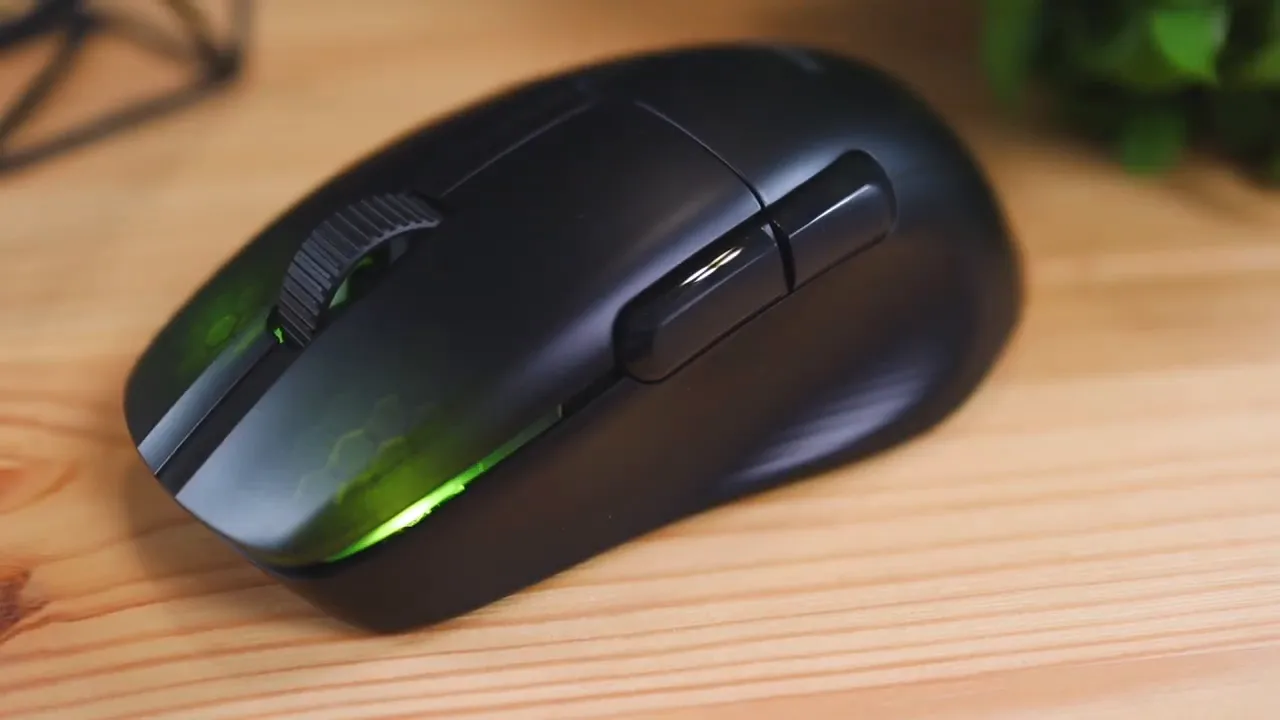
One standout design detail is the aluminum scroll wheel. It uses a three-spoke, hollow design — similar in concept to a lightweight bicycle rim — which shaves grams without sacrificing integrity. The wheel feels solid, and the hollowed structure helps the overall weight stay reasonable for a wireless mouse.
Comfort and grip: palm vs claw
Ergonomically the Kone Pro Air favors palm grip users. If your hand naturally rests over the mouse and molds to its shape, it feels comfortable and stable. The mouse sits naturally under the palm and supports relaxed movement and longer sessions.
Claw or fingertip grip users might find it less ideal. Because the sides lack aggressive rubber grips and the surface is fairly smooth, more aggressive flicks can feel like the mouse is trying to slip out from under your fingers. For gamers who use claw grip for fast twitch movements, this could reduce confidence during intense play.
Weight and feel
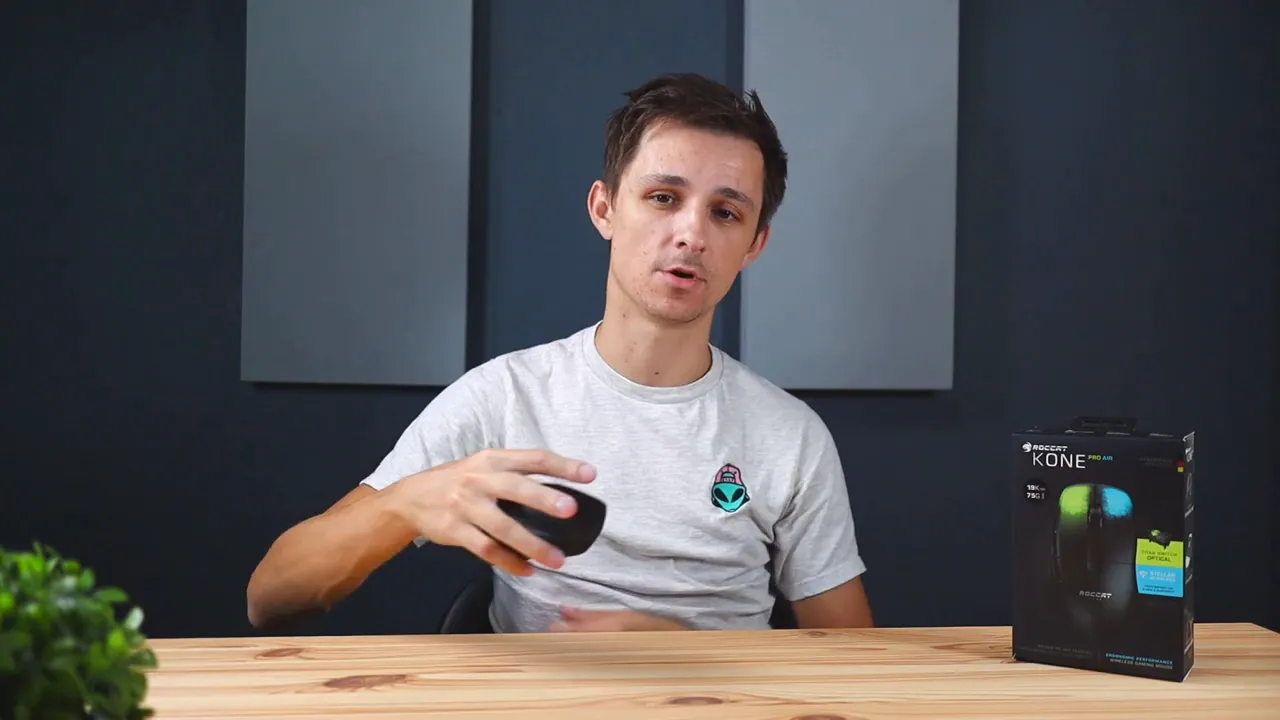
The wireless Kone Pro Air weighs in at about 77 grams; the wired Kone Pro (battery-free) is roughly 66 grams. That nine-gram difference is noticeable on paper but in practical use the wireless model finds a nice middle ground. It is neither a featherlight ultra-minimal mouse nor a brick. If you prefer something that feels substantial without being cumbersome, this mouse hits the mark.
Clicks and switches: Titan Optical explained
The primary buttons use Roccat's Titan Switch Optical technology. These are optical actuations with a tactile, spring-like feel. Compared with soft, mushy switches found on some budget mice, the Titan switches register with a sharper, more satisfying snap. The result is fast actuation and a click feel that many gamers and heavy mouse users will enjoy.
One caveat: click registration can vary depending on how far forward or back your finger sits on the button. Pressing toward the front of the left/right buttons produces an easier, crisper actuation. If your finger rests further back, the click can feel stiffer to trigger. This is worth noting if you or younger users have smaller hands where fingers may only reach partway across the buttons.
The Kone Pro Air is not ultra-quiet. The Titan switches and scroll make audible sounds — not obnoxious, but noticeable. If you need a whisper-quiet mouse for a shared workspace, this may not be the one.
Wireless connectivity and battery life
Connectivity is one of the Kone Pro Air’s strengths. It supports both low-latency 2.4 GHz via the included USB dongle and standard Bluetooth for lower-power, more general use. There is a small toggle under the mouse that lets you switch between Bluetooth and the wireless dongle quickly, and the dongle stores in a compartment beneath the mouse so it’s not easily lost.
Battery life is excellent. Expect up to 100 hours of play on a full charge. When the battery does run low, the PhantomFlex USB-C cable supports rapid charging: a 10-minute charge can buy you about five hours of use. That rapid-charge feature is convenient for those who forget to top up their mouse before long sessions.
Important: the cable provided is for charging only. The mouse does not function as a wired mouse when plugged in. Gameplay requires one of the wireless modes.
Software and customization
The Roccat software unlocks full customization: button mappings, DPI stages, and RGB lighting. Out of the box the on-device profile switch cycles through animated color patterns; there are no single static color presets available without using the software. If you prefer a solid color or want precise control over lighting effects and button macros, installing the software is required.
Pros and cons — summary for quick decisions
- Pros
- Comfortable ergonomic shape for palm grip users
- Excellent battery life and fast charging via USB-C
- Titan Optical switches deliver crisp, responsive clicks
- Two wireless modes: 2.4 GHz dongle and Bluetooth
- Attractive, subtle RGB lighting with translucent buttons
- Cons
- Sides are somewhat slippery for aggressive claw grips; no rubber side grips
- Cable is charge-only — cannot be used as a wired mouse
- Click registration can vary depending on finger placement
- Out-of-the-box lighting lacks single-color presets without software
- Not the quietest mouse on the market
How this review weighs the value
The Kone Pro Air sits at a price point that reflects its feature set: high-quality switches, excellent battery life, a refined shape, and dual wireless options. The wireless version typically costs about twenty dollars more than the wired Kone Pro. If you value cord-free freedom and the convenience of quick charging, the extra cost feels justified.
If you prioritize ultra-lightweight mice, aggressive rubberized grip, or absolute silence, there are alternatives tailored to those needs. For most gamers who want a dependable, comfortable, and attractive wireless mouse, the Kone Pro Air is a strong choice.
Build a shortlist: who should consider this mouse
- Gamers who prefer palm grip and want a balance between weight and durability
- Users who value battery longevity and fast-charge capability
- People who appreciate tactile, responsive clicks for both games and productivity
- Anyone who wants dual wireless modes for flexibility between gaming and mobile setups
Where the Kone Pro Air could improve
A rubberized side surface or optional grip covers would help claw and fingertip users. Allowing wired pass-through use while charging would be helpful for players who prefer to eliminate any wireless variable during competitive play. Finally, offering single-color cycling on the device without software would be welcome for users who want a simple setup without extra software.
Final verdict
This review finds the Roccat Kone Pro Air to be a well-rounded wireless gaming mouse that favors comfort and feel over chasing the lightest possible weight. It delivers excellent battery life, satisfying switches, and useful wireless flexibility. The main trade-offs are side grip and the fact that the cable is only for charging. If those drawbacks are not dealbreakers, the Kone Pro Air is a smart pick for gamers who want a premium-feeling wireless mouse without extreme compromises.
FAQ
How long does the battery last on a full charge?
Up to 100 hours of use on a full charge. A 10-minute fast charge can provide roughly five hours of use.
Can I use the mouse wired while charging?
No. The supplied cable is charge-only. The Kone Pro Air must be used in Bluetooth or 2.4 GHz wireless mode.
Is the mouse good for small hands or children?
It is designed with an ergonomic shape optimized for palm grip. Smaller hands may find click registration harder if fingers do not reach the button fully. Consider smaller mice if hands are noticeably small.
How noisy are the clicks and scroll wheel?
The Titan Optical switches and aluminum wheel are audible. They are not ultra-quiet; if silence is critical, look for purpose-built quiet models.
Is the wireless dongle stored on the mouse?
Yes. The dongle has a storage compartment under the mouse to keep it safe when not in use.
Quick specs snapshot
- Weight: 77 g (wireless), 66 g (wired)
- Switches: Titan Optical
- Wireless: 2.4 GHz dongle and Bluetooth
- Battery life: Up to 100 hours
- Charging: USB-C fast charge (10 min = ~5 hours)
If you want a reliable, comfortable wireless mouse with solid battery life and a premium click feel, the Kone Pro Air is worth strong consideration. This review recommends it for most gamers who prioritize comfort and dependable wireless performance over minimal weight or absolute silence.


