Quick overview
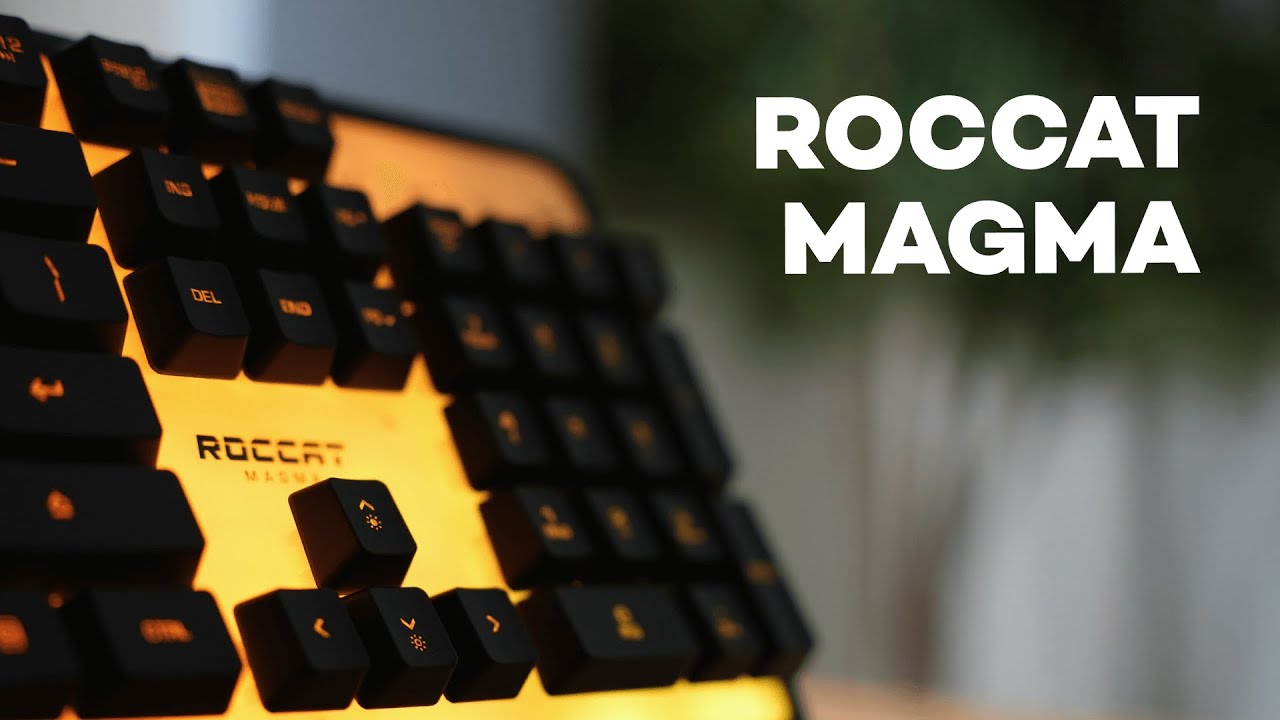
The Roccat Magma is a budget-friendly gaming keyboard that leans into two big selling points: a huge RGB backlight plate that gives your desk serious ambient glow, and whisper-quiet membrane switches. At an MSRP around $60, it’s not a mechanical keyboard—but it does offer features that make it a compelling pick for late-night gamers, office setups, or anyone who wants a gamer aesthetic without the clack.
Why consider the Magma?
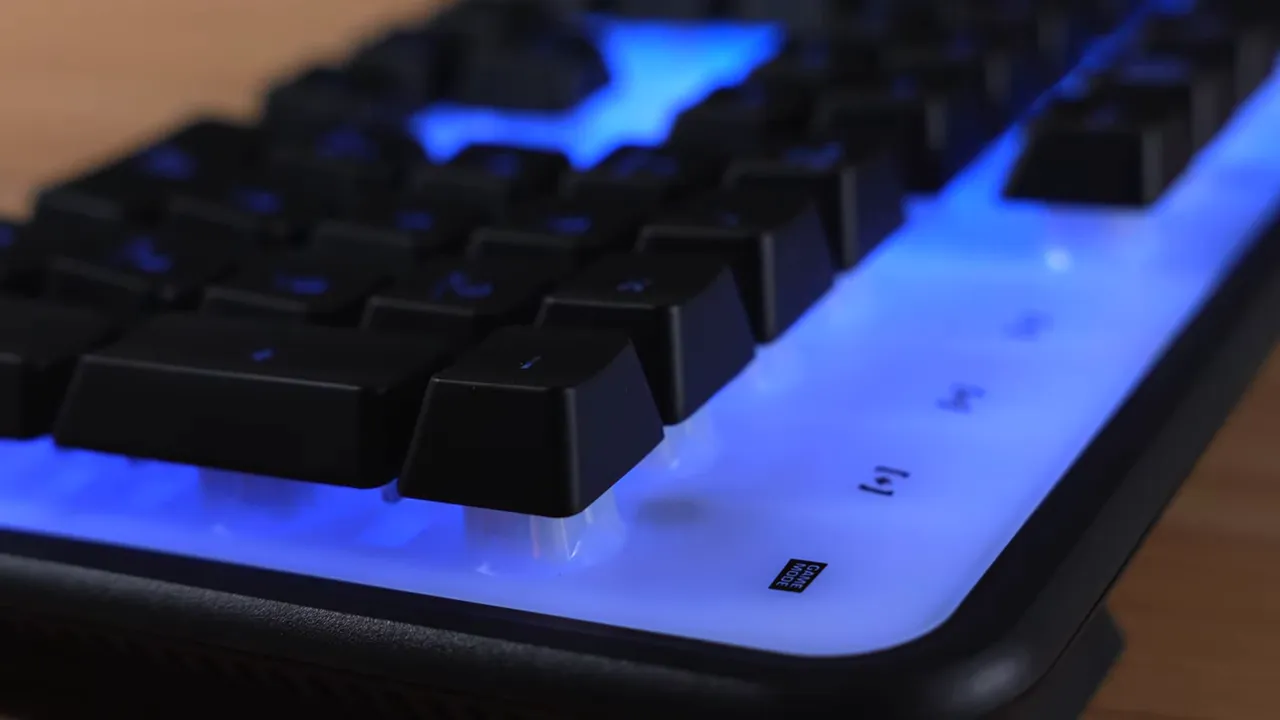
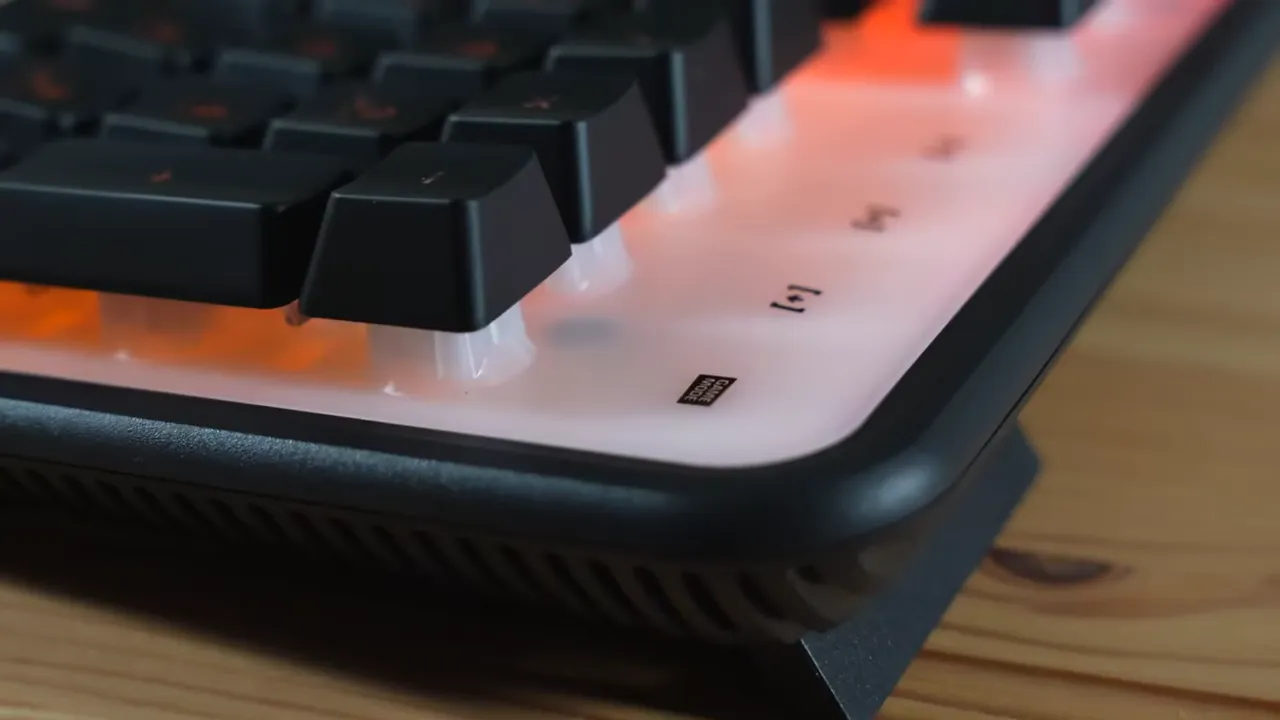
- Massive RGB backlight plate — half the keyboard literally glows, creating a bright, ambient effect.
- Silent membrane switches — much quieter than mechanical switches, ideal for shared spaces.
- Extra functionality — a unique modifier mode that effectively adds extra keybinds.
- Affordability — starts around the usual entry-level mechanical price but trades switch type for silence and lighting.
RGB lighting and AIMO ecosystem
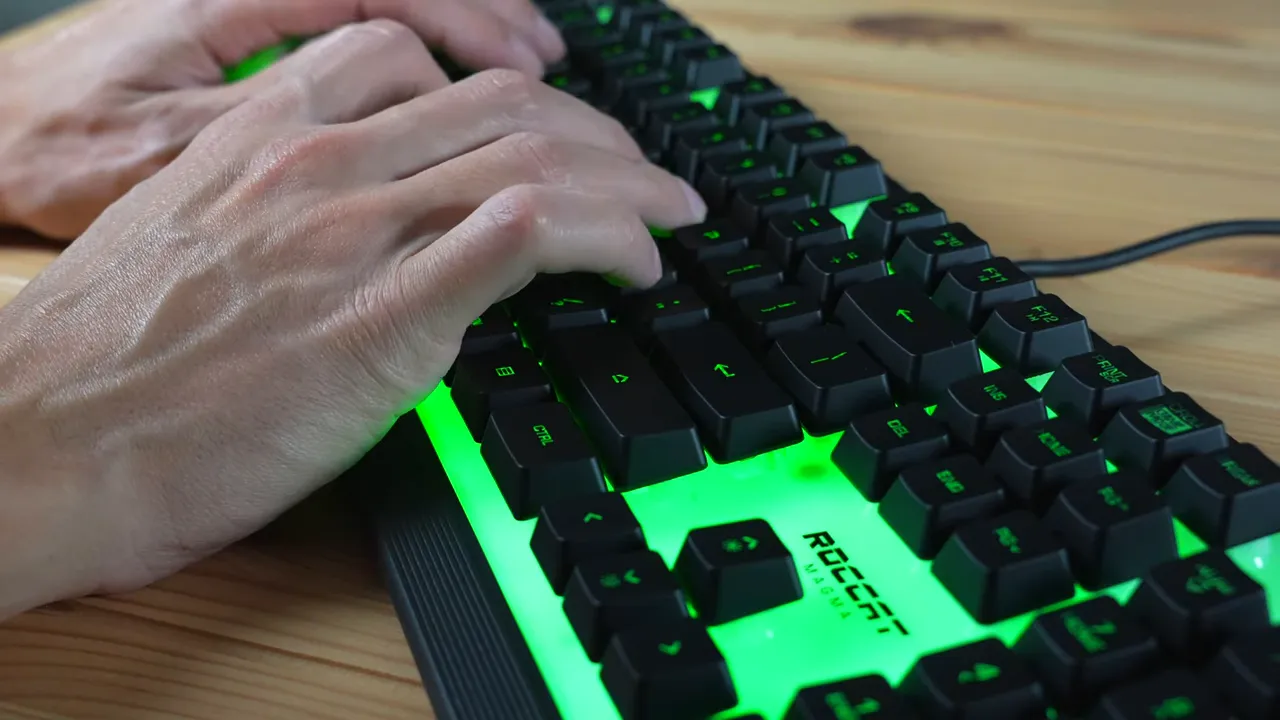
The Magma’s RGB is one of its headline features. The white backlight plate reflects and amplifies color so the keyboard glows more than typical RGB setups. Brightness can be changed without software using Function + up/down arrows (low, medium, high, off).
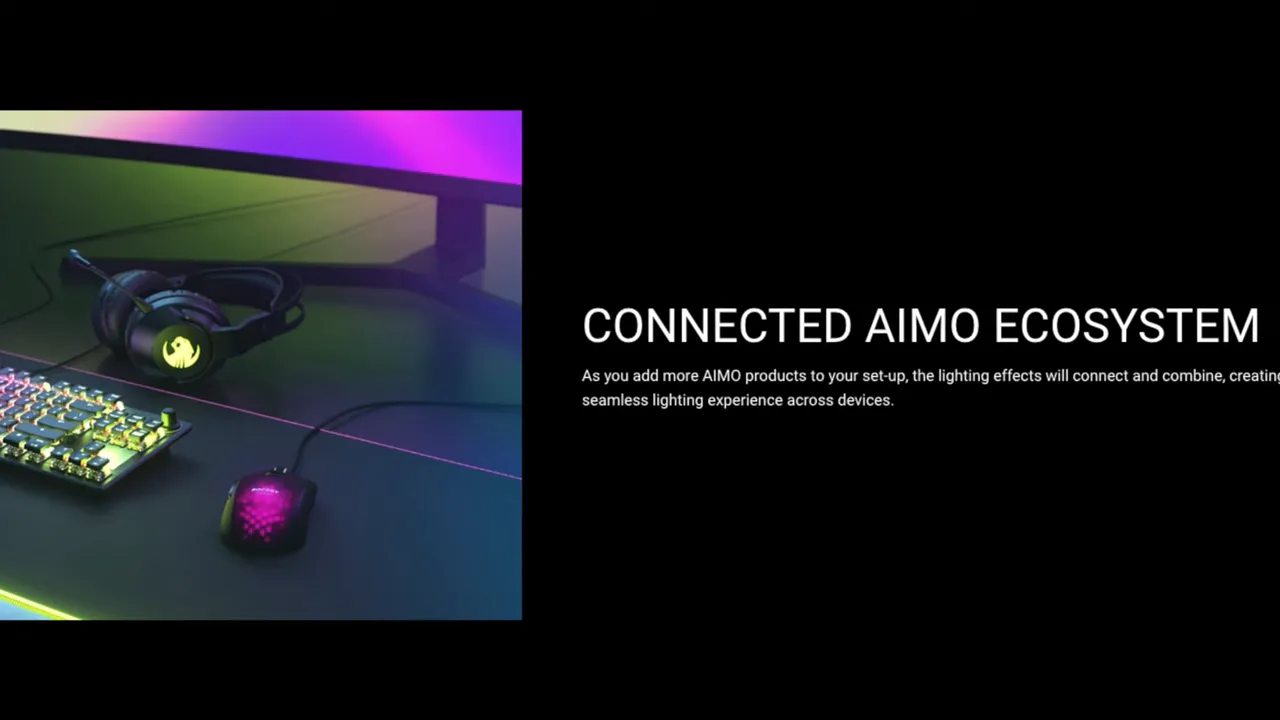
If you want synchronized lighting across devices, Roccat’s AIMO software lets you tie the Magma to other Roccat peripherals. That means coordinated themes—holiday colors, breathing effects, or a rotating color palette across keyboard, mouse, and headset.
Typing experience: quiet, but not mechanical
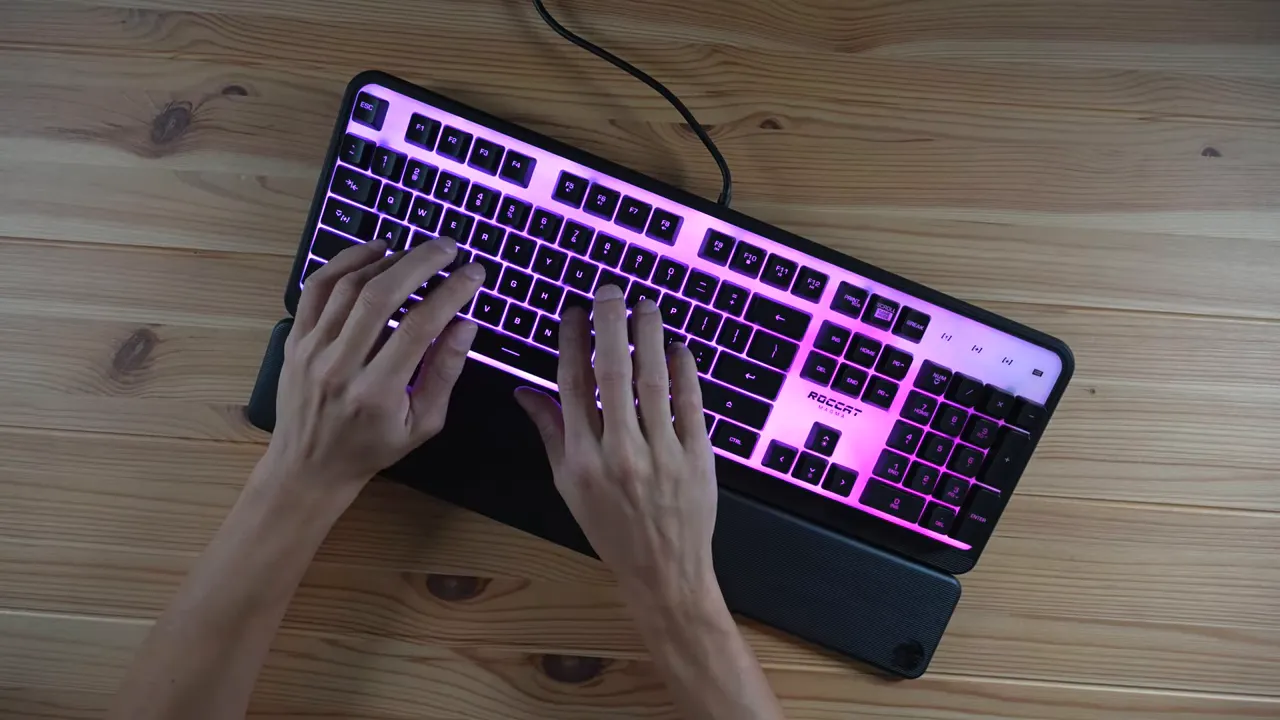
The membrane switches deliver an impressively silent typing experience. That’s useful if you do late-night gaming, work in an office, or simply dislike loud switches. The key travel and feel won’t match a tactile or clicky mechanical switch, but if silence and comfort matter more than switch precision, this is a solid tradeoff.
The unique modifier key
One neat hardware trick: the Magma uses the Caps Lock as a modifier (referred to on the keyboard as a "shift" modifier). Hold it while pressing 1, 2, 3, etc., and you get alternate bindings—essentially expanding your macro possibilities without extra keys.
Build quality and materials
Be upfront: the Magma is a budget-build keyboard. The chassis is mostly matte plastic and feels light compared to higher-end Roccat models. That said, the keycaps themselves have a nicer, rubberized texture that improves grip and comfort.
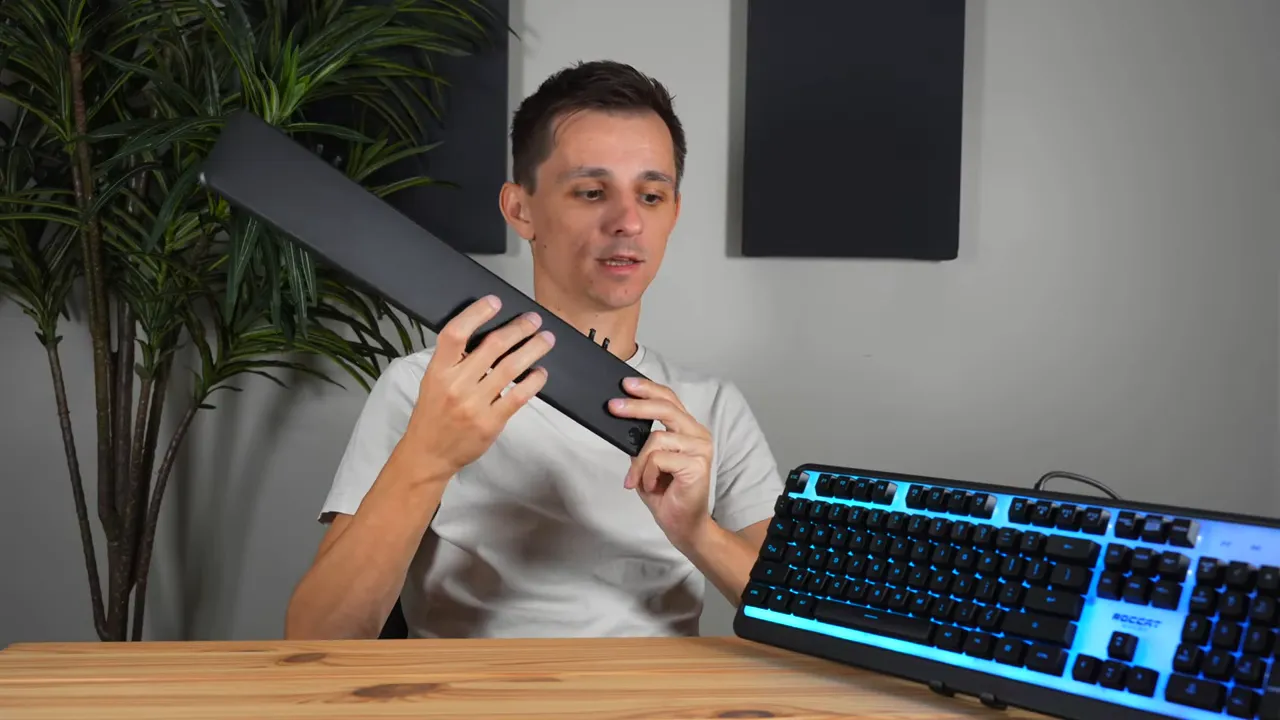
The included wrist rest is plastic and about a quarter-inch thick. It’s not luxurious, but it adds a noticeable ergonomic boost for long sessions. If you prefer a minimalist setup you can remove it easily.
Cable and connectivity
The Magma uses a fixed USB-A cable with silicone insulation—no braided cable and not detachable. That’s important if you like custom cables or need USB-C. If the cable gets damaged you either repair it or replace the keyboard, since it isn’t removable.
Stability, wobble, and ergonomics
Key wobble is minimal. The keys feel well-seated in their membrane housings, which gives a steadier, higher-quality impression when resting fingers on the keys. The flip-out feet have grips on them and provide a comfortable typing angle while keeping the board stable.

Layout and extras
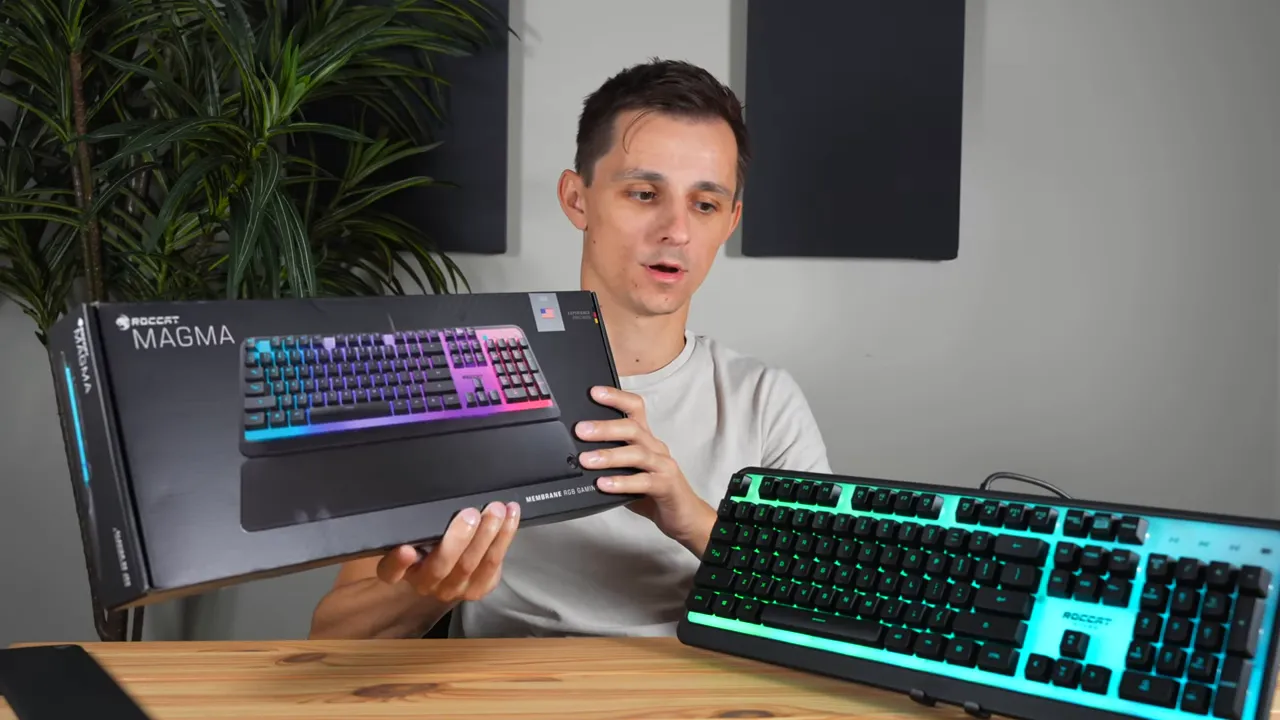
The Magma is a full-size keyboard: full alphanumeric block, arrow keys, and a numeric keypad. It ships in clean, simple packaging that makes it a decent gift for someone who wants a gamer look without mechanical switch noise.
Who is the Roccat Magma best for?
- People who want strong RGB visuals and ambient desk lighting.
- Gamers or office users who need a quiet keyboard for shared spaces.
- Anyone looking for a budget-friendly "gamer" keyboard with a comfortable feel and extra modifier functionality.
Pros and cons
- Pros: Big RGB plate, very quiet typing, rubberized keycaps, affordable, modifier key expands functionality.
- Cons: Budget plastic build, fixed USB-A cable (no USB-C), not mechanical (so less tactile feedback for enthusiasts).
Final verdict
For roughly $60, the Roccat Magma offers a compelling mix of eye-catching RGB and a surprisingly pleasant, quiet typing experience. It won’t satisfy die-hard mechanical keyboard fans, but as a daily driver for late-night gaming sessions, shared workspaces, or anyone who prefers silence and ambience, it’s a smart, wallet-friendly choice.
If you value strong lighting and low noise over mechanical switch feel, the Magma punches above its price class.


