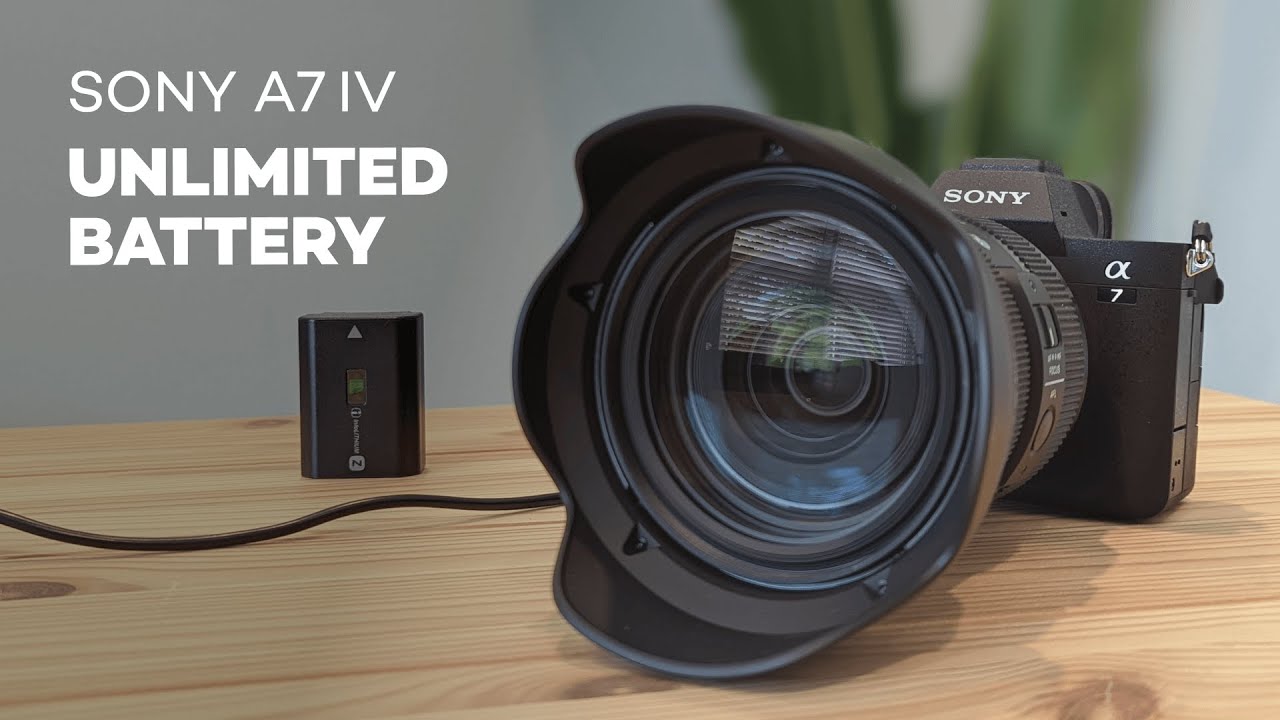
If you need a reliable way to power a Sony A7IV for hours at a time, a dummy battery + AC power brick is a simple, affordable solution. I switched from a Canon M50 to the Sony A7IV and found a Neewer NP-FZ100 dummy battery that lets the camera run indefinitely from wall power. It’s perfect for long-form recording, fixed installs, and setups where swapping batteries would be a nuisance.
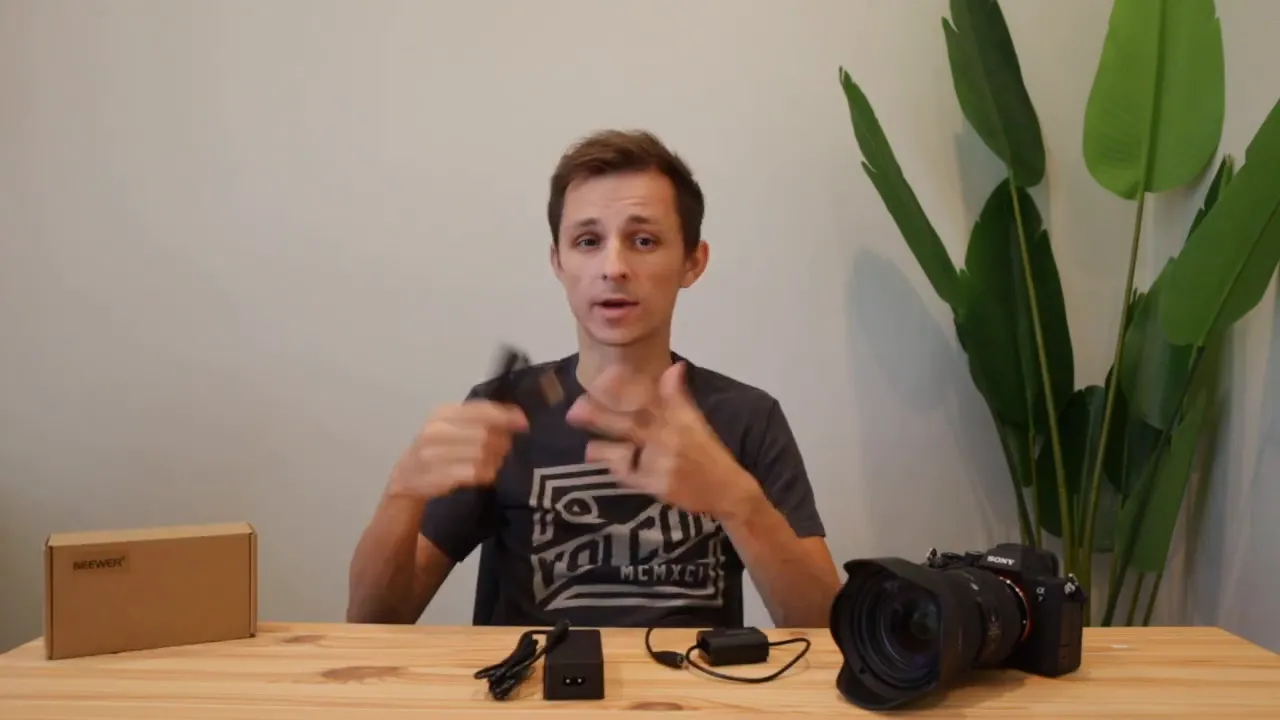
Why use a dummy battery?
There are two common situations where a dummy battery makes sense:
- Long recording sessions — weddings, interviews, live streams, or any shoot that goes well beyond the runtime of a single battery.
- Permanent or semi-permanent installs — cameras mounted in churches, event venues, or at a desk that need consistent power without frequent battery changes.
What’s included in the Neewer NP-FZ100 kit
The kit is straightforward and easy to set up:
- Dummy battery that fits in the A7IV battery compartment.
- Power brick that connects to the dummy battery via a short cable.
- AC cable that plugs the brick into a standard wall outlet.
Step-by-step: How to install and power your A7IV
- Remove any existing battery from the camera.
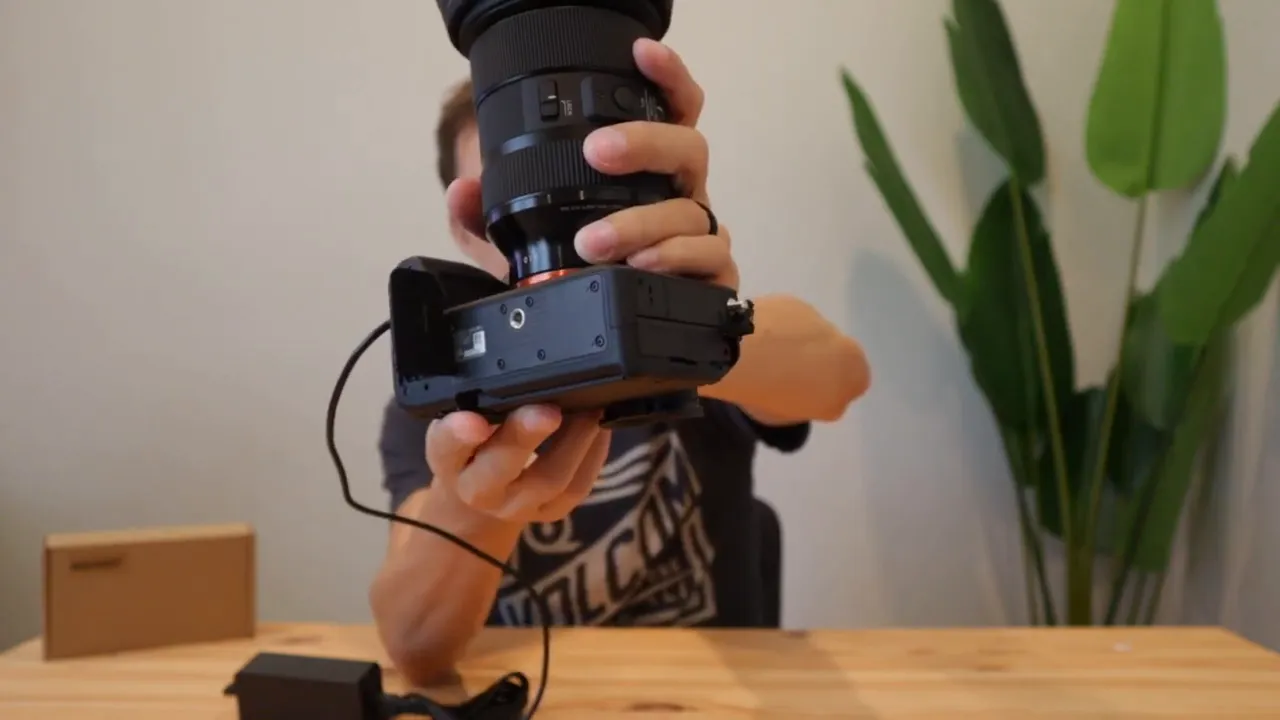
- Insert the Neewer dummy battery into the battery bay so the cable exits toward the back.
- Connect the dummy battery to the power brick and plug the brick into AC power.
- Position the cable so it’s not pinched by the battery door.
- Power the camera on and confirm it recognizes AC power.
Quick visual tip
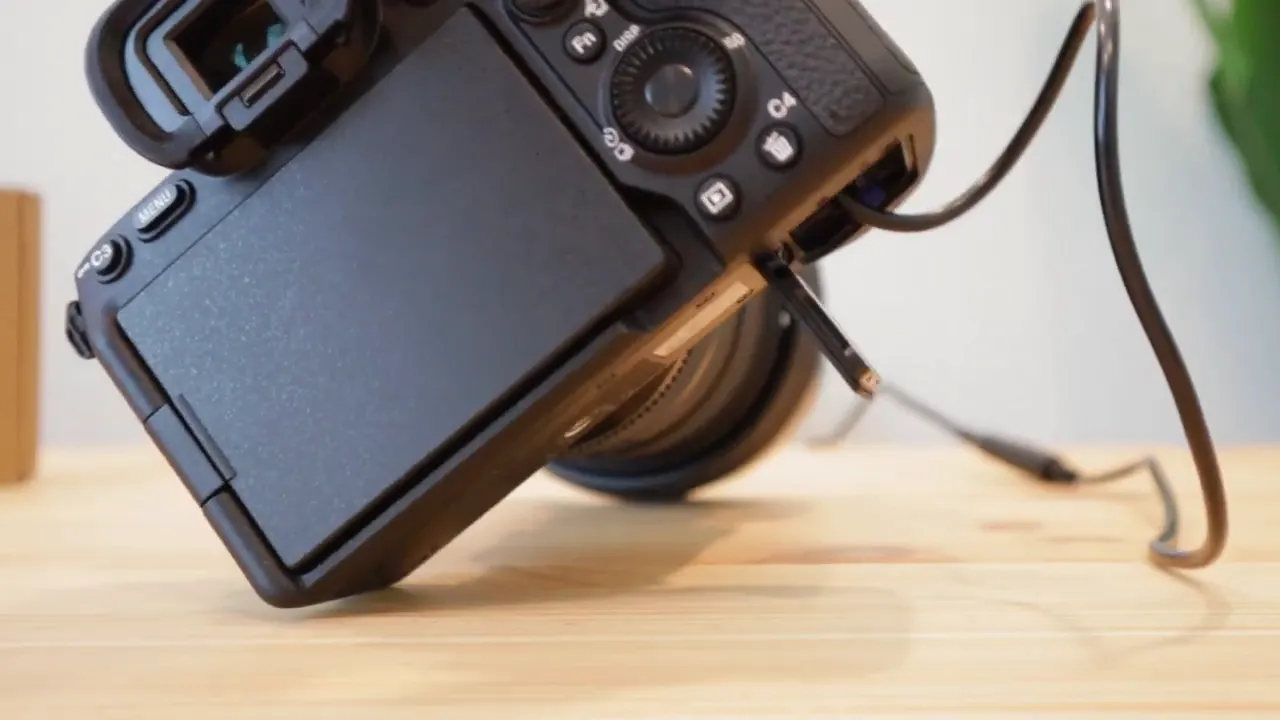
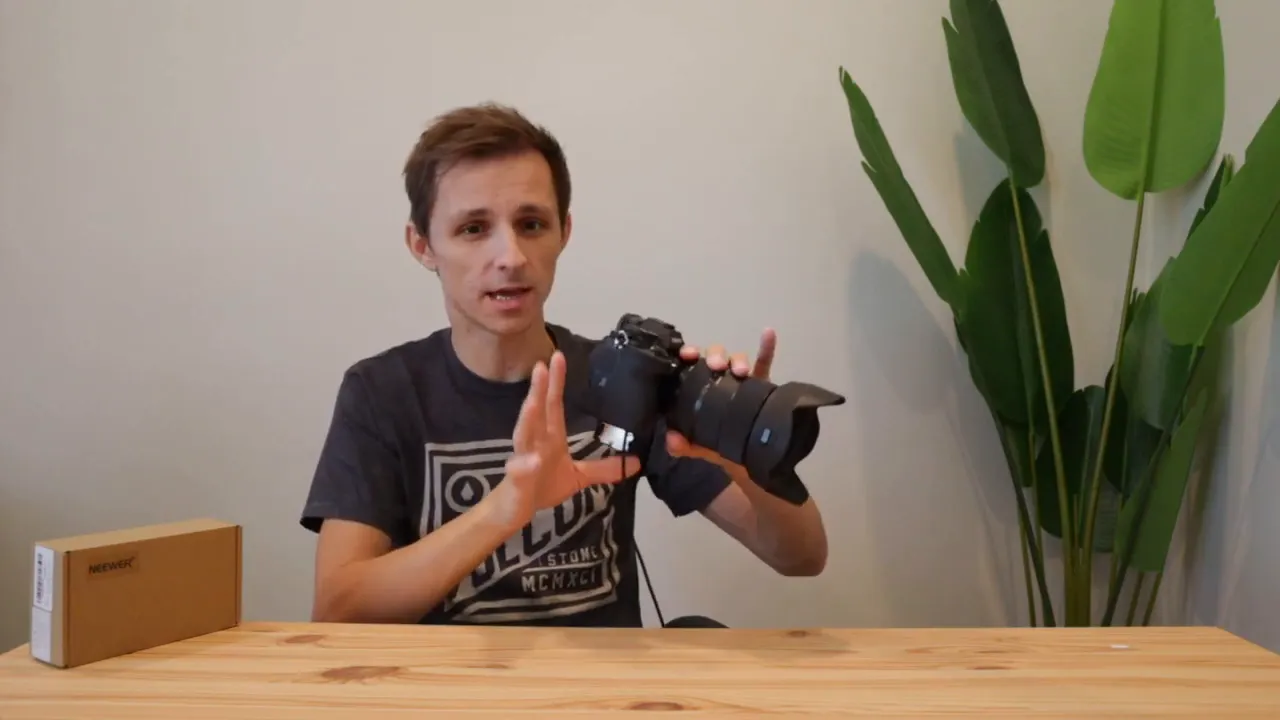
The Sony A7IV battery door cannot be closed around the cable. I prefer laying the camera on its side so the cable sticks out unobstructed instead of letting the door clamp down on the cord. That reduces stress on the hinge and the cable.
Practical considerations and tips
- Battery door — Because the door doesn’t close, plan your rig or placement to accommodate the open compartment. Avoid placing stress on the hinge or cord.
- Laying the camera down — If you need to set the camera down, place it on its side so the cable is free and not clamped by the door.
- Check connections — Make sure the dummy battery and brick are snugly connected before powering on.
Overheating: why a dummy battery can help
One advantage of the hollow dummy battery is reduced internal heat. Official Sony FZ100 batteries can get warm inside the camera during extended recording, which may contribute to the A7IV’s thermal limits.
Because the dummy battery is essentially hollow it generates virtually no heat compared with an active battery. Combine that with keeping the rear screen flipped open to increase surface area for heat dissipation, and you improve the camera’s ability to run for longer periods without hitting thermal shutdown.
How it looks in a clean desk or fixed setup
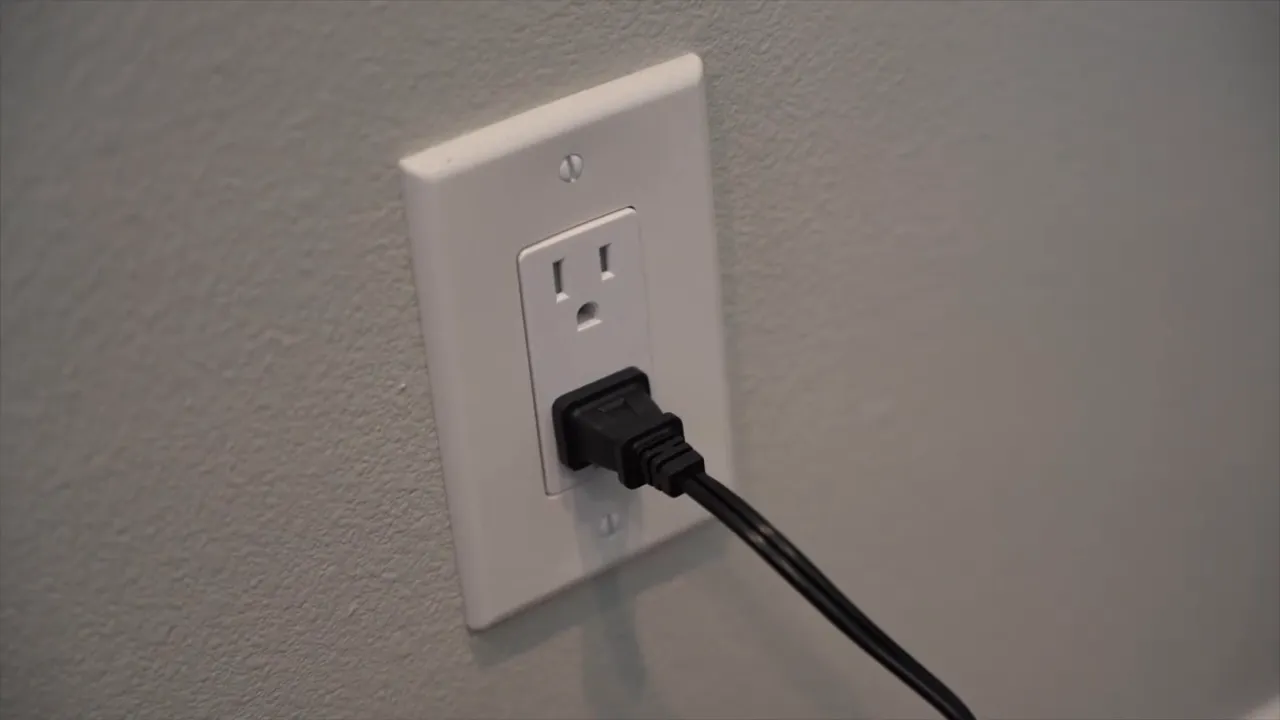
This setup is tidy: the cable runs from the battery compartment to the brick, which then plugs into a wall outlet. It’s ideal for desks, streaming setups, or any scenario where the camera stays put and you want a single source of power that won’t die mid-session.
Cost and recommended option
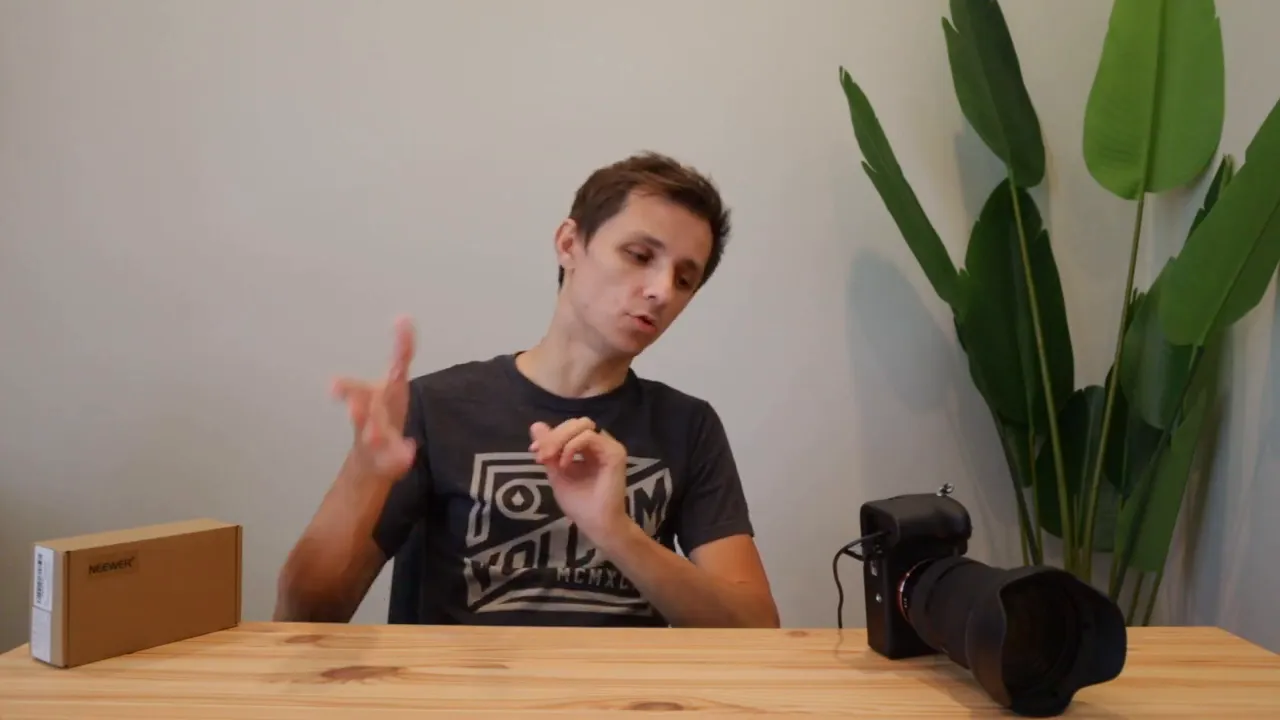
Dummy battery kits for the NP-FZ100 typically cost around $30–$40 depending on brand and vendor. The Neewer NP-FZ100 is a reliable, affordable choice for the A7IV if you want an uncomplicated, plug-and-play solution.
Final thoughts
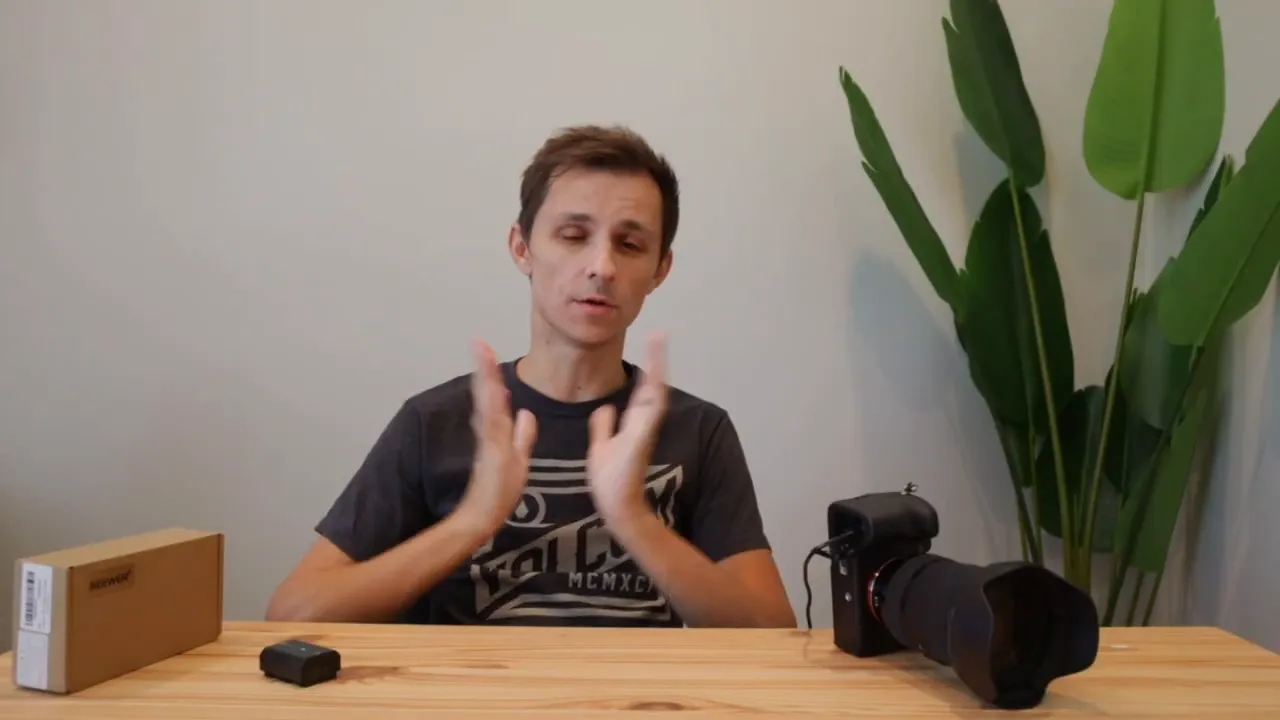
If you record long events, run cameras in fixed positions, or want to reduce the chance of overheating from a hot battery inside the camera, a dummy NP-FZ100 + AC brick is a small investment with big practical upside. It removes the hassle of battery swaps, keeps the camera running indefinitely, and helps with heat management when used with sensible airflow practices like keeping the screen open.
Quick checklist before you power up
- Insert dummy battery securely.
- Route the cable so it is not pinched by the battery door.
- Lay the camera on its side if necessary to avoid cable stress.
- Keep the rear screen open to help dissipate heat.
- Confirm the camera turns on with AC power and records as expected.


