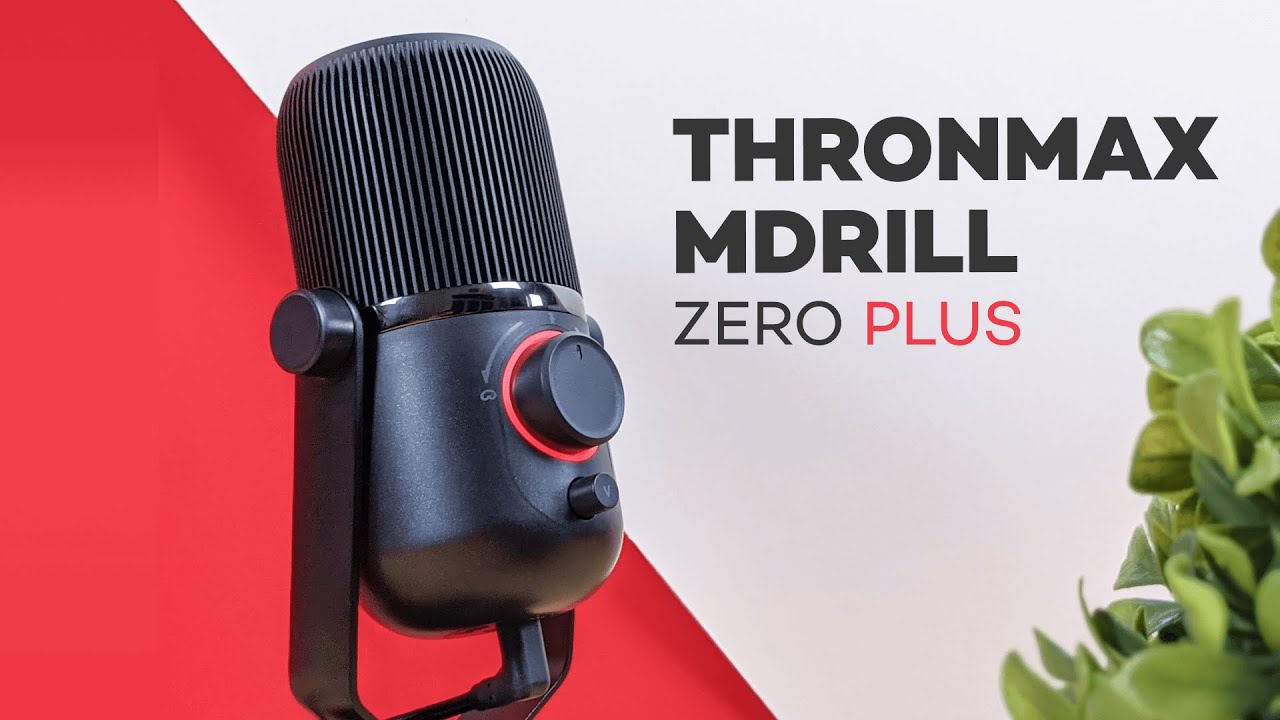
If you're shopping for a budget USB microphone for YouTube, streaming, podcasting, or even basic music recording, the Thronmax MDrill Zero Plus lands in a pretty interesting spot. It comes in at around $70, and for just a little more than the previous model, you get the upgraded version with a higher sample rate and bit rate.
That price bump is only about five bucks over the older version, so honestly, it makes way more sense to go with the Plus model.
What the MDrill Zero Plus is trying to offer
This is a plug-and-play USB microphone, so you do not need to mess with drivers just to get started. It is aimed at people who want a simple setup for:
- Streaming
- YouTube voice recordings
- Podcasting
- Chat and online calls
- Recording music on a computer
One of the nice things here is that it keeps the controls simple. You get onboard pattern switching, mute, and volume control without having to bounce around through software menus.
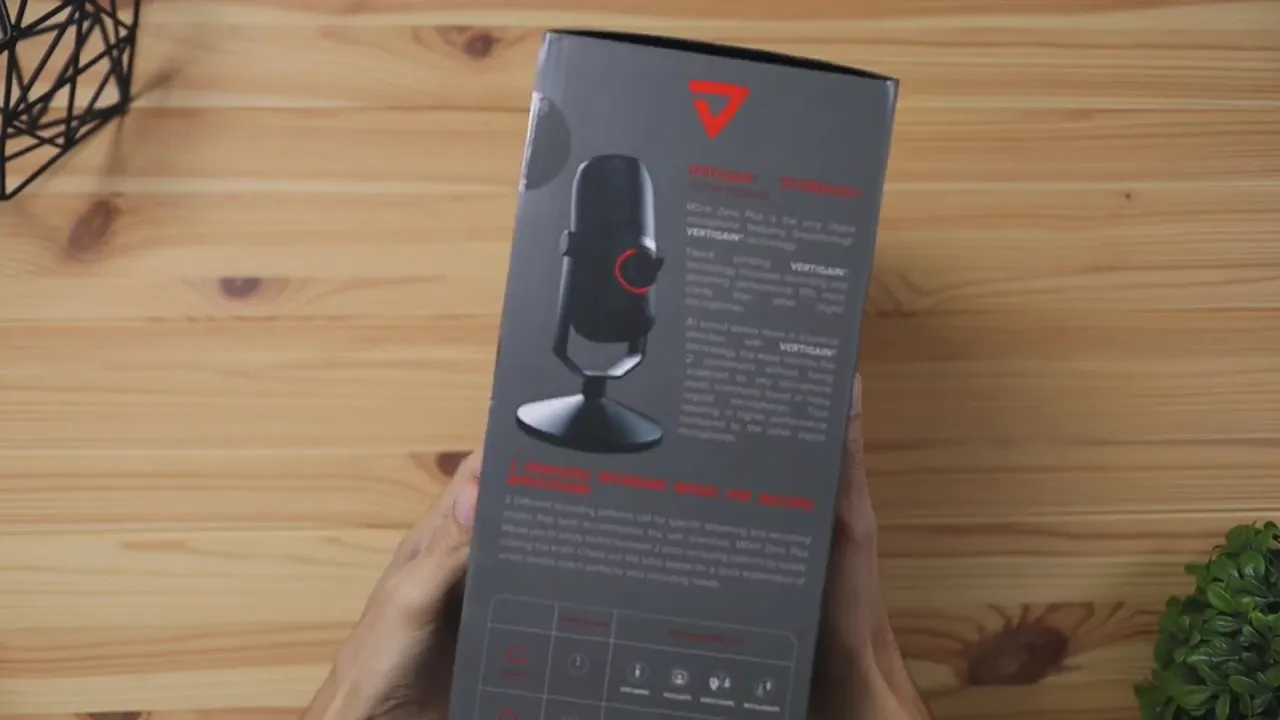
What comes in the box
The packaging has a clean retail presentation, and inside the box you get the essentials needed to start recording right away:
- The microphone with its mount already attached
- A braided USB-A to USB-C cable
- A few stickers
- A quick start guide
The cable design is worth mentioning. The USB-C end is angled, which helps it fit underneath the microphone mount more easily. Small detail, but definitely practical.
Design and build quality
The MDrill Zero Plus comes in an all-black matte finish, which gives it a clean setup-friendly look. It does not try too hard to be flashy, and that works in its favor.
As far as materials go, it is a mix of three main surfaces:
- The microphone body is mostly plastic
- The mount is mostly metal
- The bottom of the mount is rubber
That rubber base helps keep it from sliding around on your desk while you're using it, which is always something I like to see on a desktop mic.
If you're comparing build styles with other creator-focused microphones, you might also want to check out this SteelSeries Alias microphone review for a more premium take on streamer-oriented mic design.
Adjustability and mounting options
The microphone can tilt up and down on its included stand. You can keep it tighter for a fixed position, or loosen it slightly if you want easier angle adjustment while you're setting up.
That flexibility matters more than people think. A microphone that points in the right direction is a lot easier to work with, especially if you're using a directional pickup mode.
The good news is this mic is also compatible with boom arm mounts. If you want the microphone closer to your face, you can remove it from the desk stand and attach it to a boom arm instead.
That opens the door to a cleaner desk setup and can help with getting stronger voice capture, especially if you're recording solo.
Controls and everyday functionality
Thronmax keeps the controls straightforward. There are two knobs on the microphone, and each one serves a different purpose.
The small knob
The smaller knob controls your computer audio volume when you have headphones plugged in. Think of it like adjusting the volume output directly from the mic instead of using your PC's volume slider.
The large knob
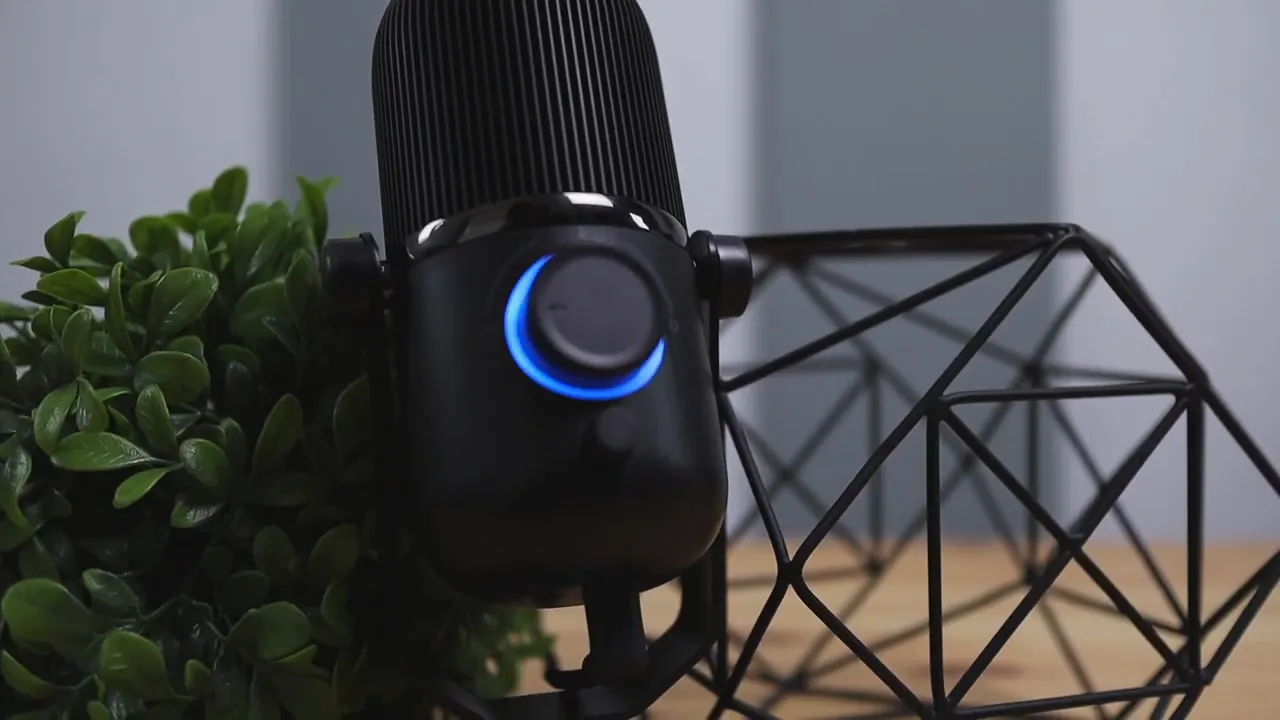
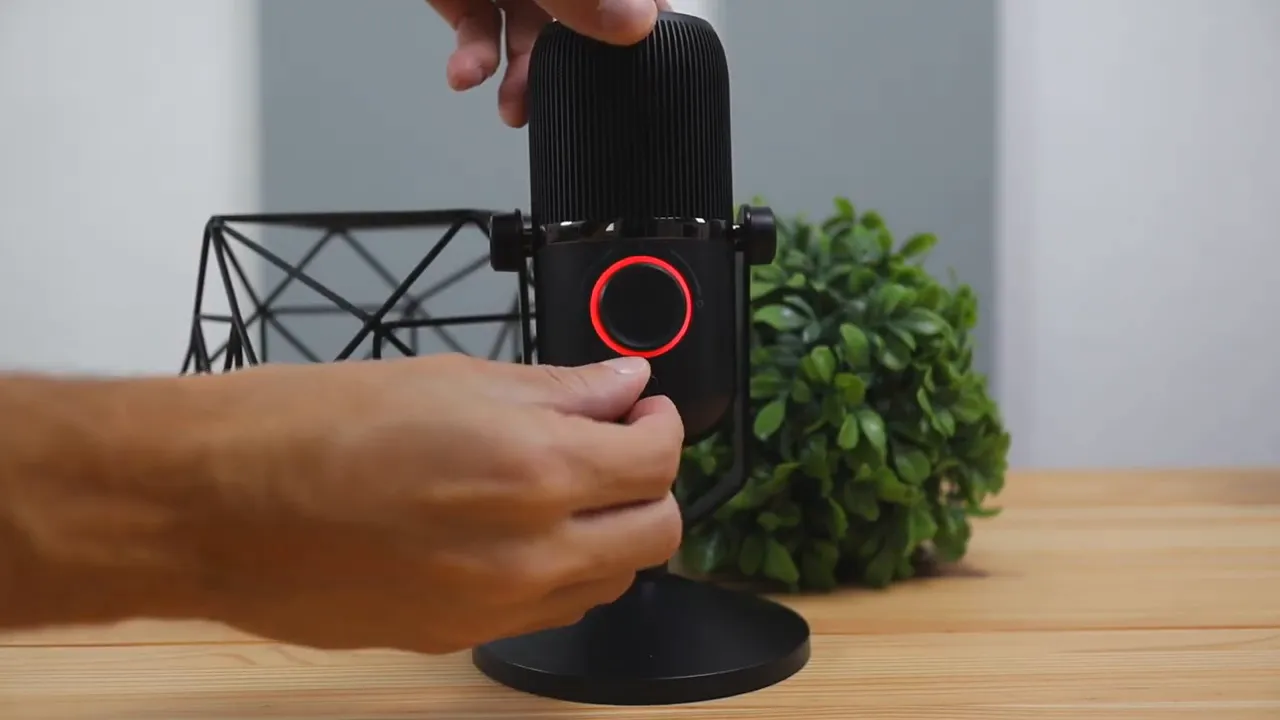
The larger knob does more than it first appears to. It rotates left and right, but it also changes the microphone's recording behavior and mute status with color-coded lighting.
- Green light: Omnidirectional mode
- Blue light: Cardioid mode
- Red light: Mute
Understanding the recording patterns
This microphone gives you two pickup patterns, and that is one of the features that makes it more versatile than a basic entry-level USB mic.
Cardioid mode
When the light turns blue, the microphone is in cardioid mode. This pattern is designed to focus on sound coming from the front of the mic while reducing sound from the back.
This is the mode you will probably use most if you're:
- Recording YouTube audio
- Streaming
- Doing solo voiceovers
- Singing or recording music alone
In cardioid mode, microphone placement matters. You want to speak into the front, because if you're talking into the back, the mic is specifically trying not to pick that up clearly.
If you want a little extra background on how cardioid pickup works, Shure has a solid overview of cardioid microphones that explains why this pattern is so common for solo recording.
Omnidirectional mode
When the light turns green, the mic switches to omnidirectional mode. In this mode, it picks up sound from all around the microphone, including the front, sides, and back, at roughly the same volume level.
This works better for situations where more than one person is speaking, such as:
- Podcasting with multiple people
- Group conversations
- Room-style recording setups
That makes the MDrill Zero Plus a little more flexible than single-pattern USB microphones that are locked into one use case.
Mute mode
Move the large knob to the center and the light turns red, which means the microphone is muted. Simple, quick, and easy to confirm at a glance.
Audio quality test impressions
Based on the microphone tests, the overall sound comes through clean and crisp. In cardioid mode, the mic is clearly optimized for front-facing speech. In omnidirectional mode, it maintains consistent pickup from different angles, including the side and rear.
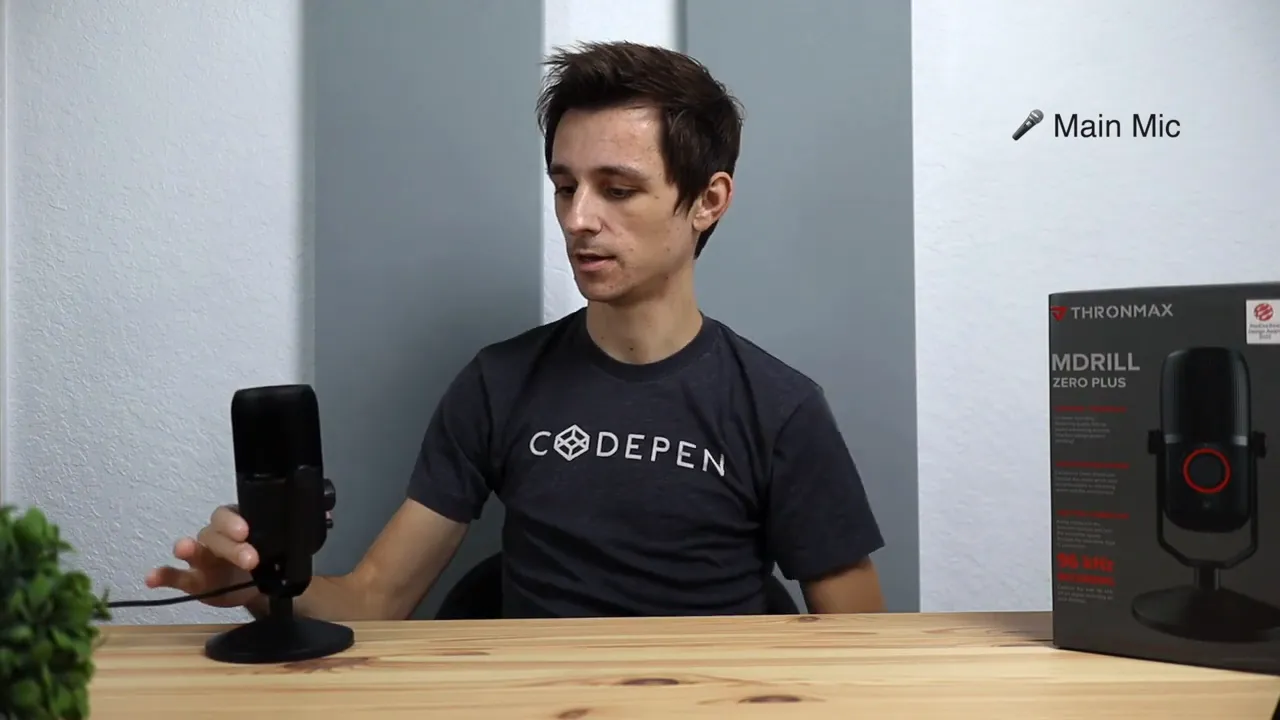
That tells you two things right away:
- The pattern switching actually works as intended
- The mic is capable of producing a solid, usable recording for everyday creator tasks
The best word for the sound here is probably the same one that came to mind during the test: crispy. It has that clear USB mic presentation that works well for speech-heavy content.
Who this microphone is best for
The Thronmax MDrill Zero Plus makes the most sense for people who want a straightforward USB microphone around the $70 range and do not want to overcomplicate their setup.
It is a good fit for:
- New YouTubers who need better audio than a built-in laptop mic
- Streamers who want easy controls and a boom arm option
- Podcasters who may want to switch between solo and group recording styles
- Musicians who need a simple computer recording microphone
If you are comparing budget and midrange USB microphones, browsing a few more options in this microphone roundup section can help you get a feel for what features matter most at different price points.
Is it worth $70?
At $70, the value here comes down to a few key things:
- USB plug-and-play convenience
- Dual recording patterns
- Simple onboard controls
- Boom arm compatibility
- A noticeable upgrade over the older version for only a small price increase
That last point matters. Since the previous version is only a little cheaper and has lower sample rate and bit rate specs, the Plus model is the smarter buy.
If you want to check current pricing, here is the Thronmax microphone listing.
Final thoughts
The Thronmax MDrill Zero Plus is not trying to reinvent USB microphones. What it does is offer a simple, functional, and flexible package for people who want solid sound without spending a ton.
The standout features are the two recording patterns, the easy mute and mode control, and the fact that it sounds good enough for real-world use in streaming, podcasting, and content creation.
If you're after a budget-friendly mic that still gives you some versatility, this one is easy to recommend.
And if you're weighing it against other USB options, this Yeti GX vs Yeti X comparison is another useful reference point for seeing how microphone features and value shift at higher price tiers.


