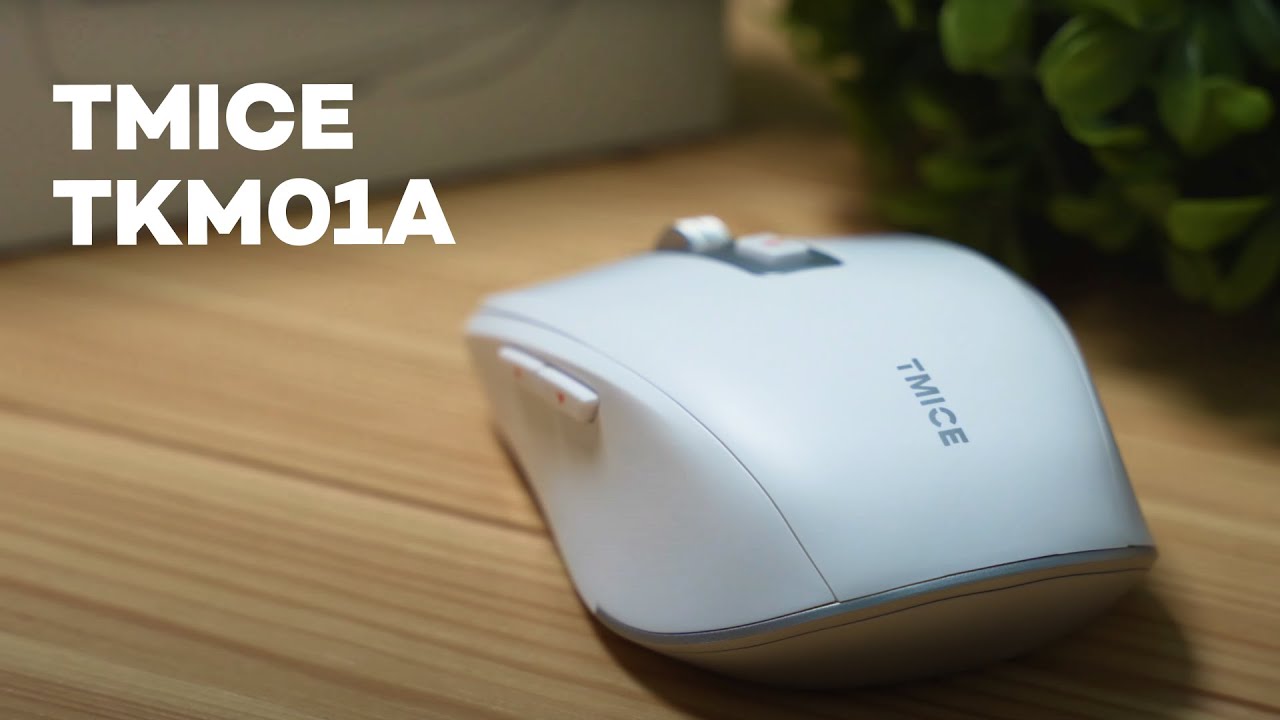
Quick verdict
The TMICE TKM01A is a compact, modern-looking mouse built for people who switch between work and short-form video browsing. Its standout trick is a multi-synchronous mode that lets you stay connected to your primary computer while simultaneously controlling reels, TikToks, and YouTube shorts on a phone. If you manage social accounts, collaborate on content, or just like scrolling while you work, this mouse makes that workflow feel surprisingly natural.
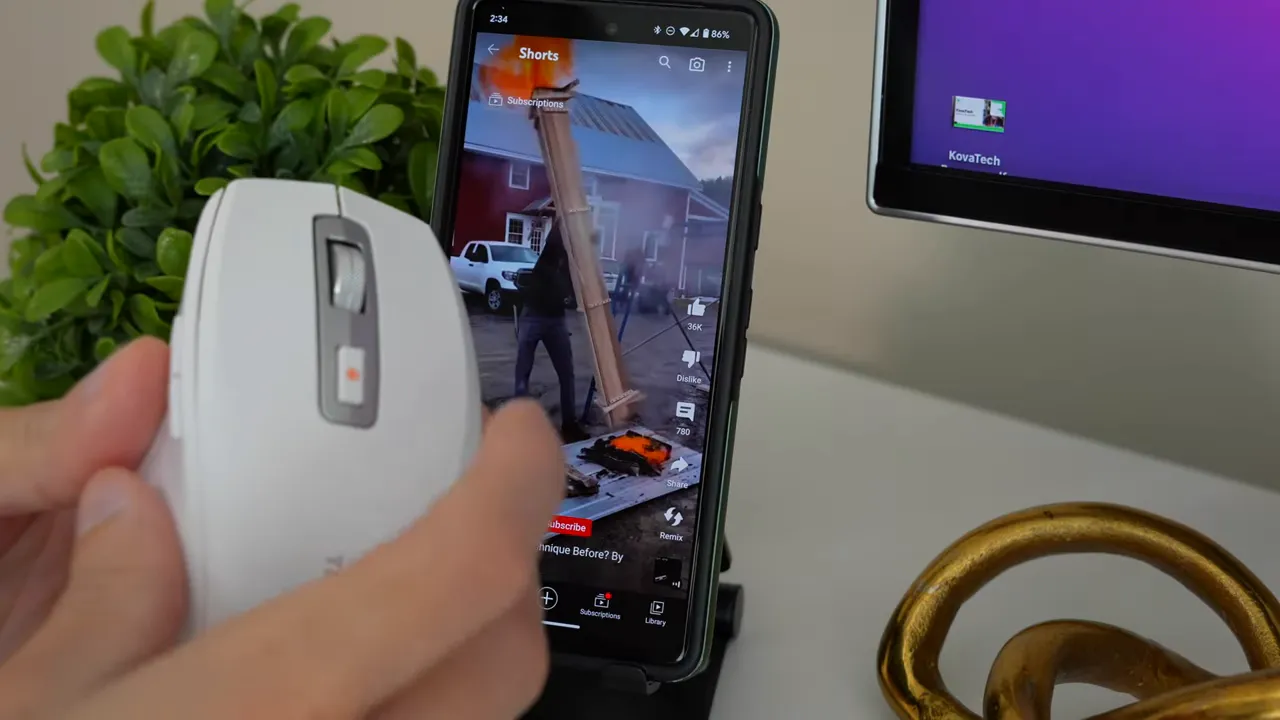
What makes it different: multi-synchronous short-video control
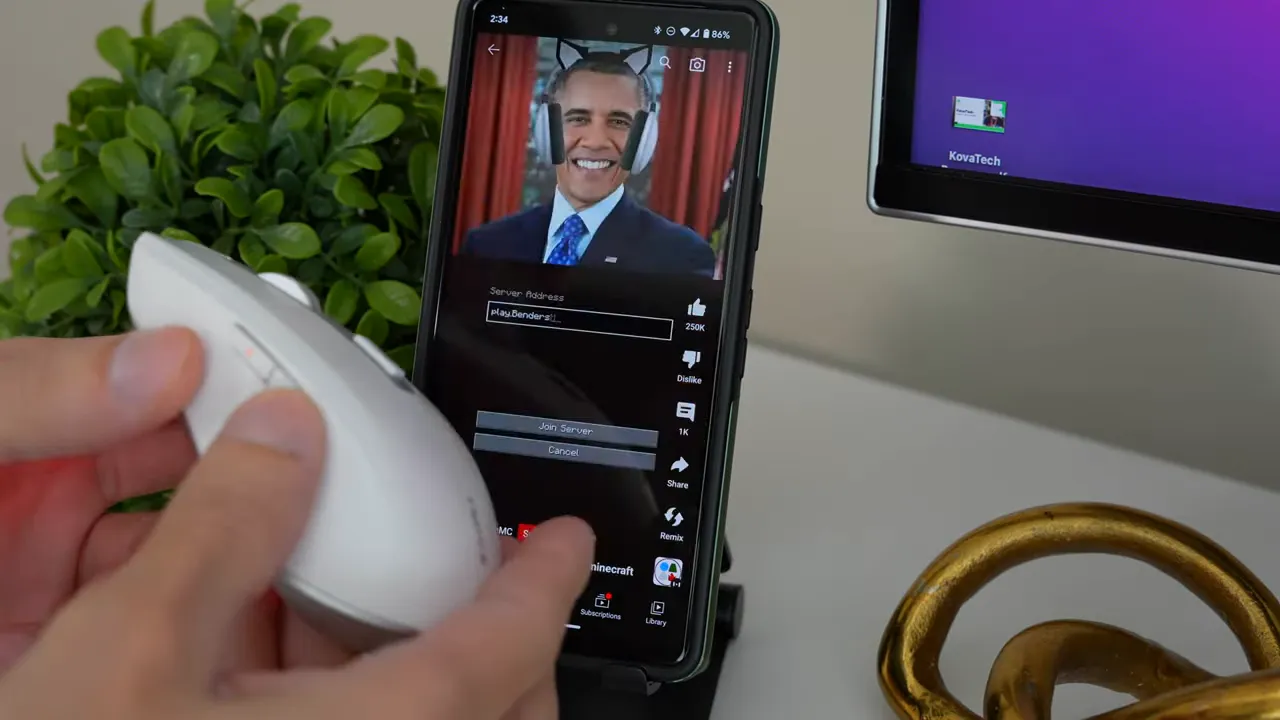
Most multi-device mice force you to switch profiles or toggle between devices. The TKM01A uses a dual-core Bluetooth setup to let one Bluetooth channel remain paired to your computer while a second Bluetooth channel (or a dedicated mode) controls your phone's short-video feed. That means you can keep working on your PC and swipe through reels on your phone without constantly switching connections.
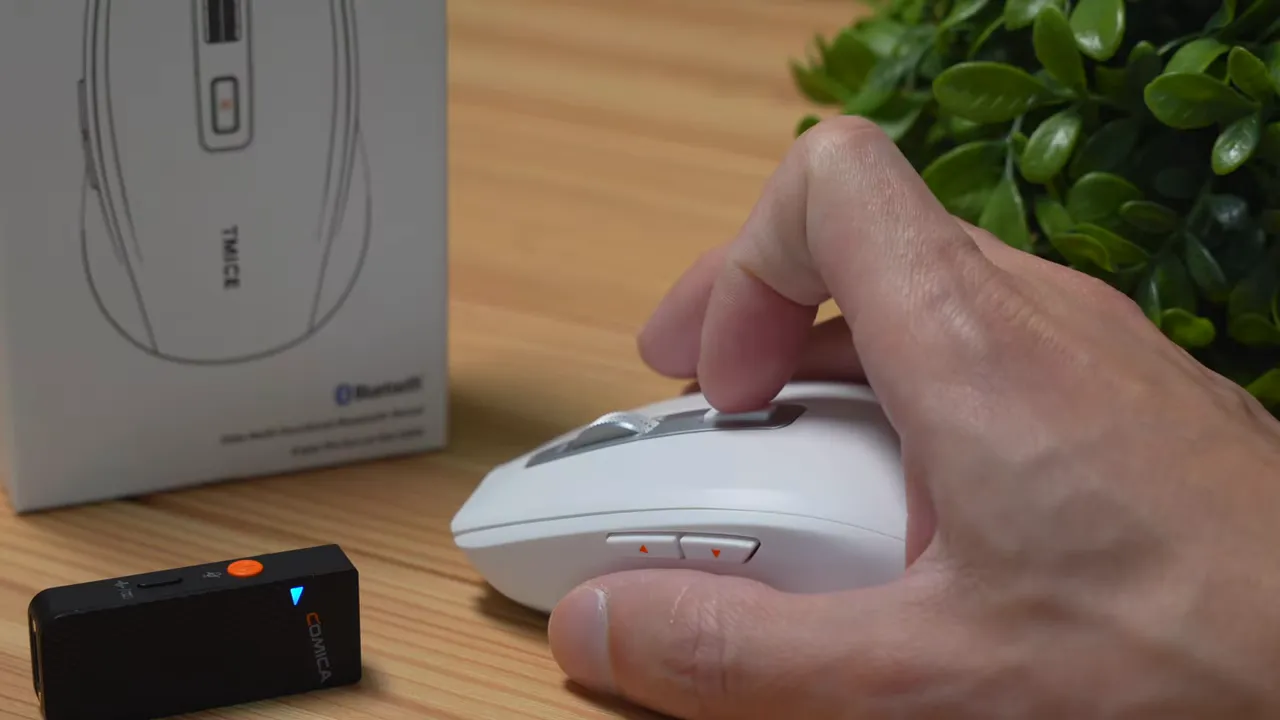
The control scheme is simple and intuitive: the side back-and-forth button acts like swipe up / swipe down for reels, and a top button functions as play / pause. The placement and programming of these buttons create a smooth, almost natural feeling when flipping between clips.
Connection options and device compatibility
The TKM01A provides three connection modes:
- 2.4 GHz USB dongle for low-latency PC use.
- Bluetooth 5.0 for standard single-device pairing (Windows, Mac, Android, iOS).
- A second Bluetooth mode that handles the multi-synchronous phone control.
These options cover pretty much any modern device you might want to pair with, making it flexible whether you use Apple, Windows, Mac, or Android hardware.
Design, build, and tactile details
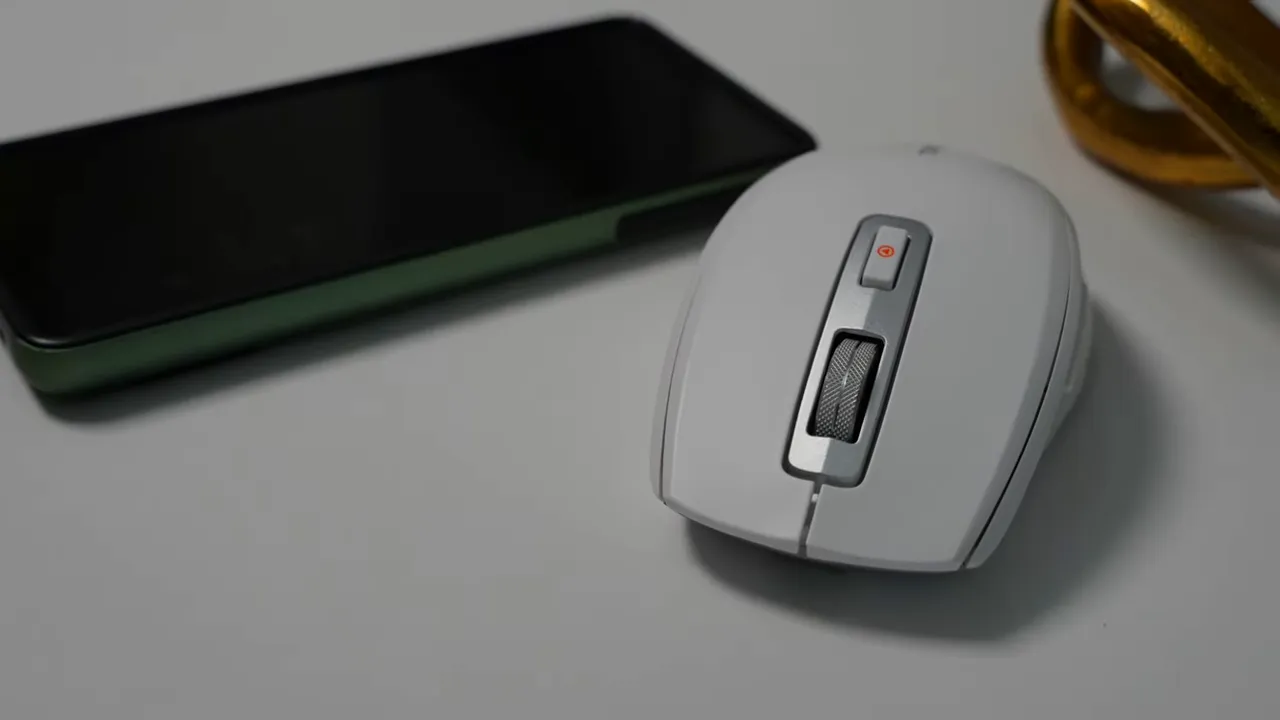
The mouse is clean and minimal: a mostly plastic shell with a modern vibe and a glossy silver finish on the underside that mimics metal. The scroll wheel is actual metal and feels cool to the touch, which adds a more premium impression than the otherwise plastic construction.
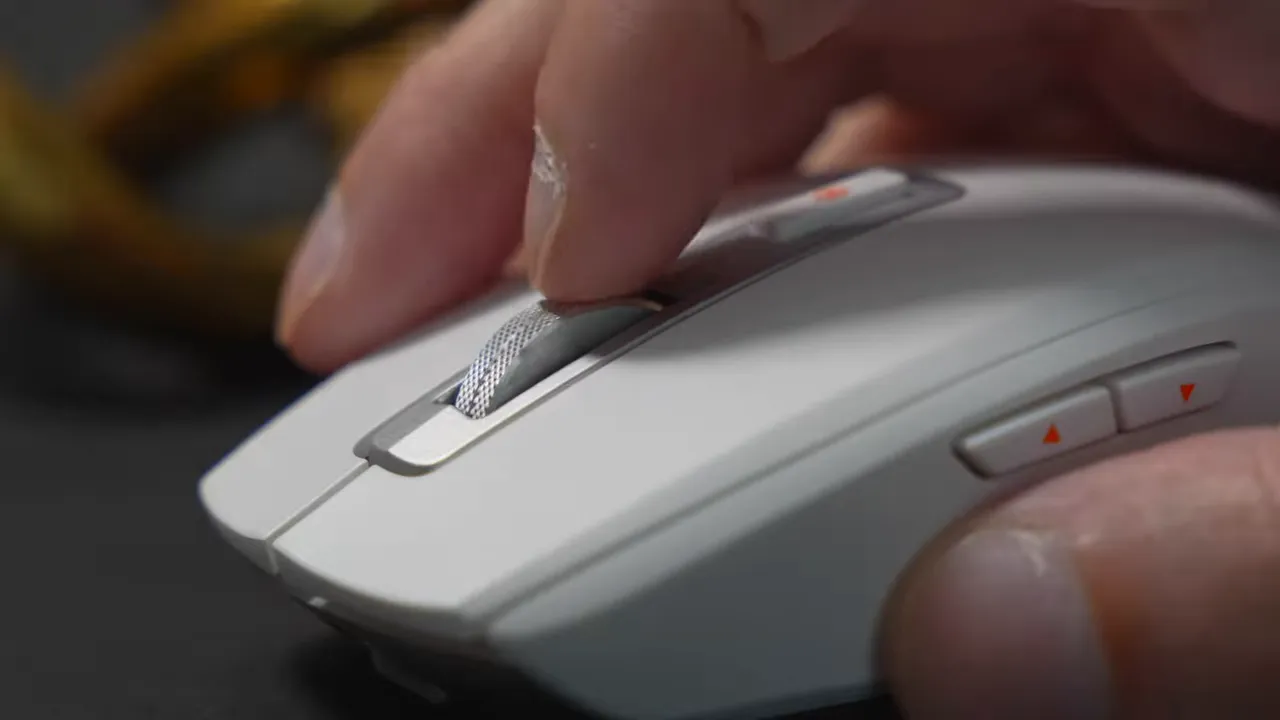
Clicks are intentionally quiet for office-friendly use. If you work around others or record audio, the near-silent left/right buttons are a nice plus.
DPI, ergonomics, and who it fits
On the bottom of the mouse there is a DPI mode switcher. That is very handy when controlling a phone: you can drop sensitivity low so the cursor or scrolling motion behaves properly on a touchscreen or phone interface. The mouse offers five DPI levels, which is adequate for switching between different display resolutions and use cases.
Ergonomically the design is ambidextrous in shape but right-handed users get the benefit of the two side buttons. It supports all major grip styles:
- Palm grip — usable, though slightly less ideal than fingertip.
- Fingertip grip — recommended and comfortable for mid-size hands.
- Claw grip — very doable and pleasant for claw users.
Battery life and charging
Battery life is solid: expect around 60 hours on a charge in day-to-day use. Recharging from zero to full takes about two hours. Those numbers make the mouse reliable for extended use between charges.
Features at a glance
- Multi-synchronous short-video control for Instagram Reels, TikTok, YouTube Shorts
- Dual-core Bluetooth plus Bluetooth 5.0 and 2.4 GHz dongle
- 60-hour battery life and 2-hour full charge
- Five DPI levels and a bottom DPI switcher
- Quiet clicks and a metal scroll wheel
- One-year warranty
Who should consider the TMICE TKM01A?
This mouse is a great fit for:
- Social media managers and content creators who need to scrub through short videos while working on a computer.
- People who like to browse reels and shorts without interrupting their main desktop workflow.
- Anyone wanting a compact, affordable mouse with multiple connectivity options and quiet buttons.
Potential drawbacks
- The shell is mostly plastic with limited textured grip, so if you need heavy-duty textured surfaces this may feel slick.
- Two side buttons are optimized for right-handed users — lefties won’t get full functionality.
- Not a dedicated gaming mouse for high-refresh competitive play; its strengths lie in workflow and short-video control.
Final thoughts
The TMICE TKM01A nails a niche that many peripherals ignore: seamless control of short-form video on a phone while keeping your computer active. The control layout, connectivity options, and battery life combine into a useful tool for social media pros and casual multi-taskers alike. It’s not the most premium-feeling mouse out there, but for the feature set and price point, it’s a thoughtful and practical accessory.
Recommendation
For anyone who frequently toggles between creating or working on a computer and browsing short videos on a phone, this is worth checking out. The multi-synchronous experience feels natural, and the hardware covers the essentials: stable connections, quiet clicks, adjustable DPI, and good battery life.


