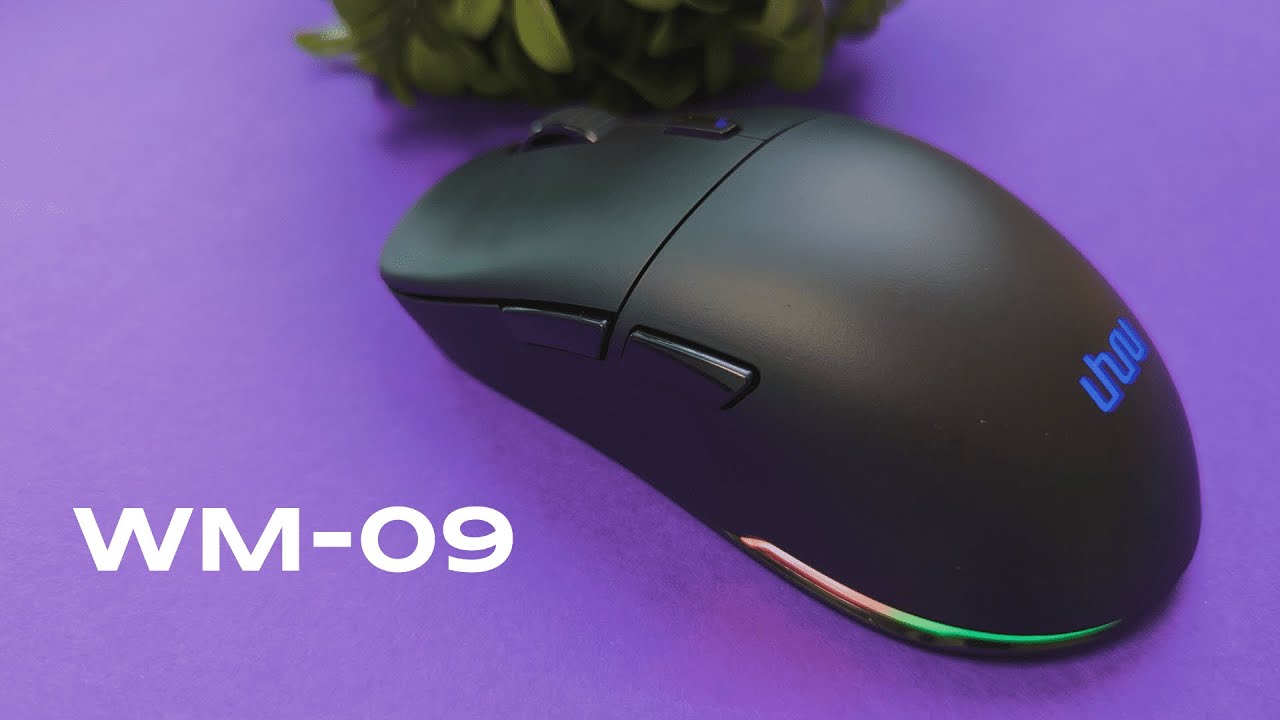
The Uhuru WM-09 targets competitive gamers who want the lightest, most precise tool they can get without sacrificing features like RGB, programmable buttons, and long battery life. At just 68 grams (about 2.39 ounces) this mouse aims to compete with the big names in the ultralight category while offering a solid sensor, a fast wireless link, and enough customization to satisfy most players.
Table of Contents
- What you get out of the box
- Design and build quality
- Materials, noise, and solidity
- Core performance and specs
- Comfort and fit
- RGB, software, and customization
- Who is this mouse best for?
- Tradeoffs and considerations
- Final thoughts
- Frequently asked questions
What you get out of the box
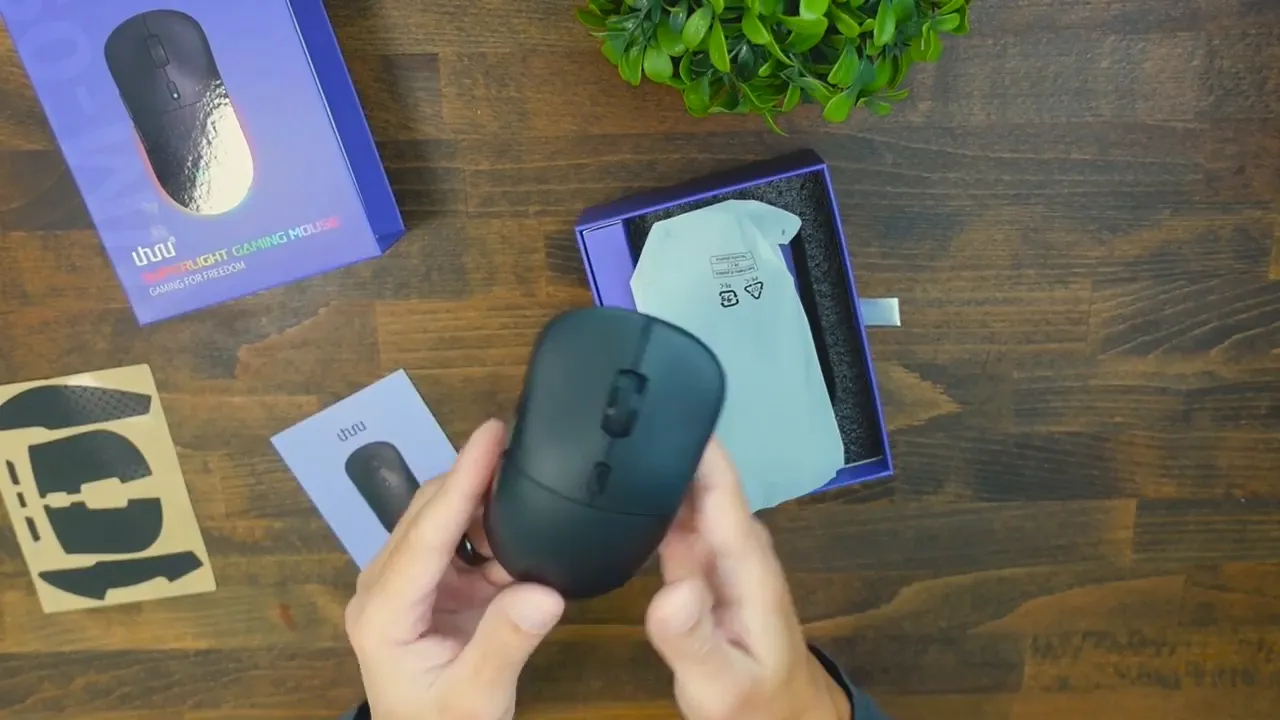
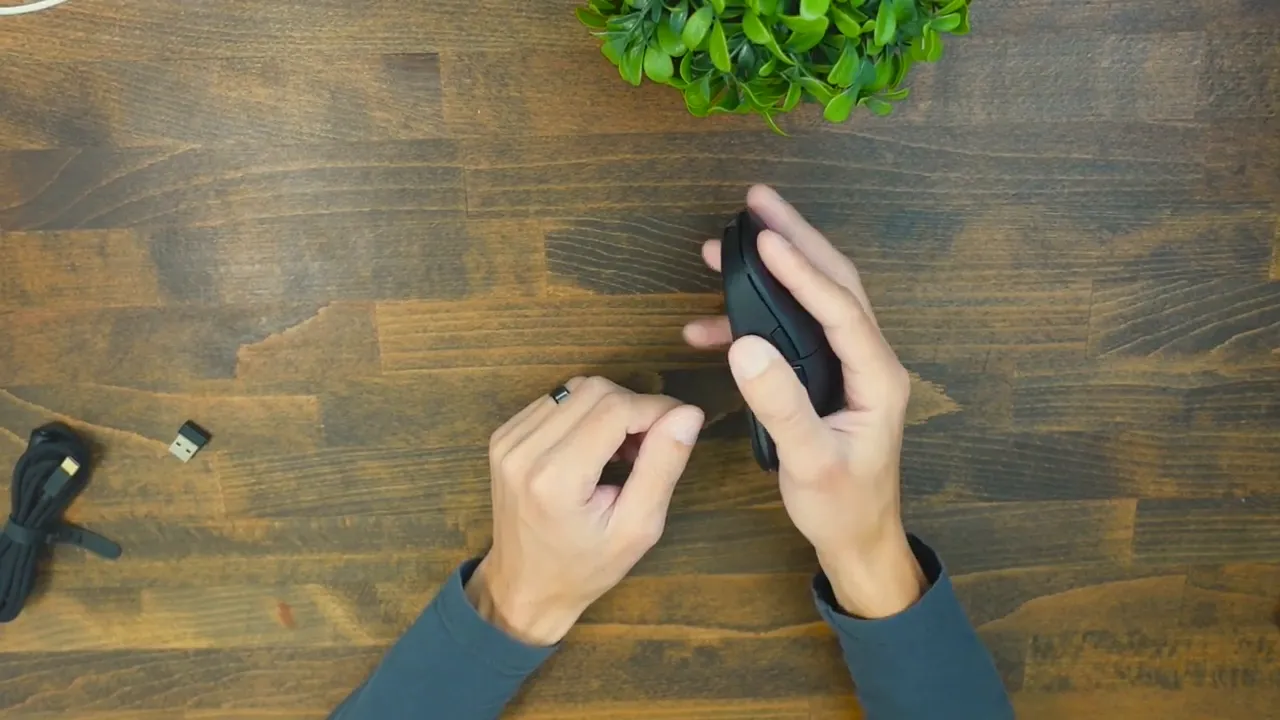
The packaging is straightforward: the mouse, a braided USB-C to USB-A cable, a USB wireless receiver, an instruction manual, and a sheet of stick-on grip tape for those who want extra traction. The extra grips make it easy to tailor the surface feel without buying accessories separately.
Design and build quality
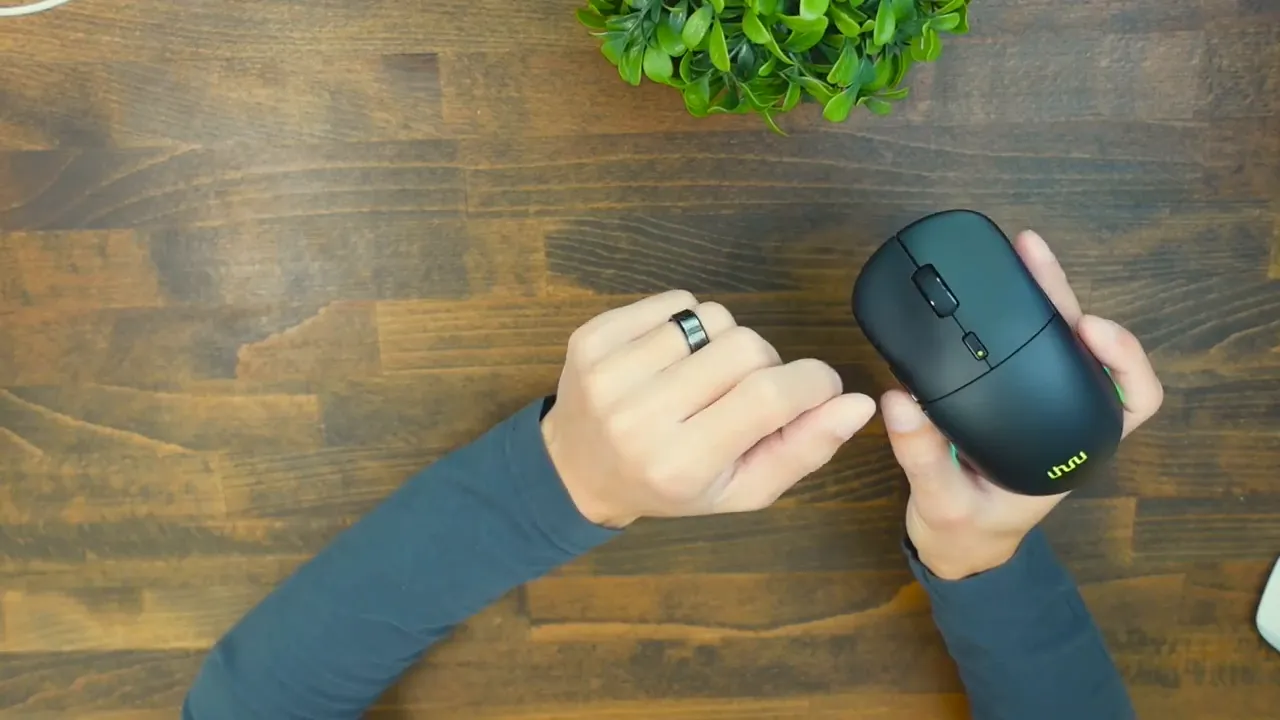
The WM-09 favors a sleek, minimal look in solid black. It feels clean and purposeful—no oversized flares or unnecessary gimmicks. There are six programmable buttons: left click, right click, scroll wheel click, front click, back click, and a DPI switch. Underneath, you’ll find an RGB toggle and an on/off switch that helps conserve battery when the mouse is idle.
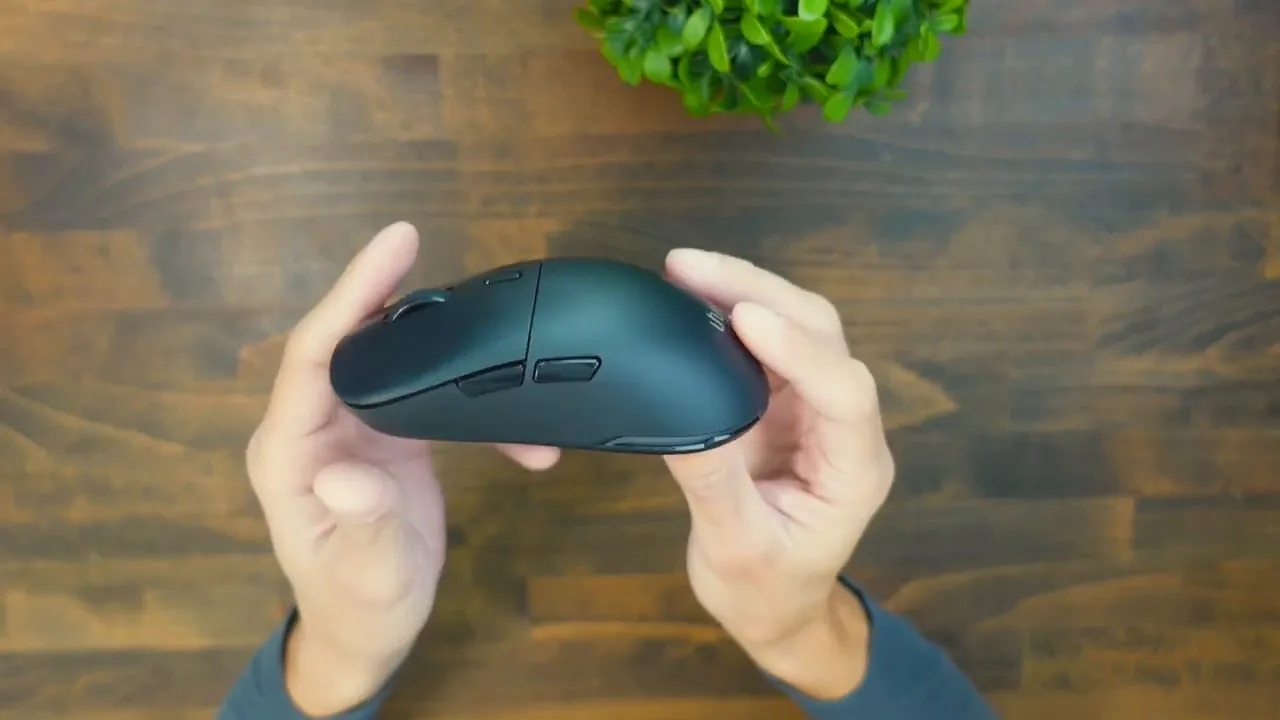
It kind of reminds me of the Logitech Superlight, which definitely feels good. It has a very similar vibe.
The chassis is primarily lightweight plastic designed for durability. The scroll wheel is rubberized for tactile feedback, while the DPI and side buttons use a glossy plastic that still provides grip. The included tape-on grips are a nice touch for players who prefer a tackier feel. Out of the box the surface is not overly slippery, but if you want added stability the tape fixes that in seconds.
Materials, noise, and solidity
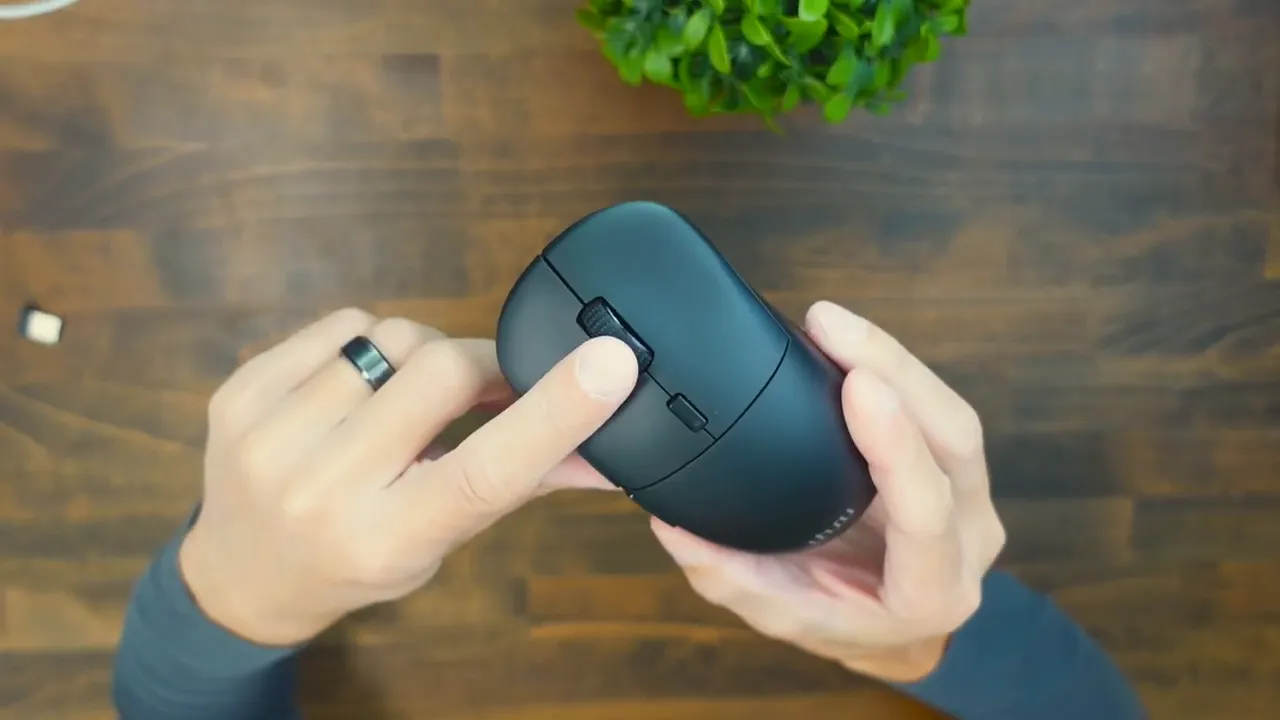
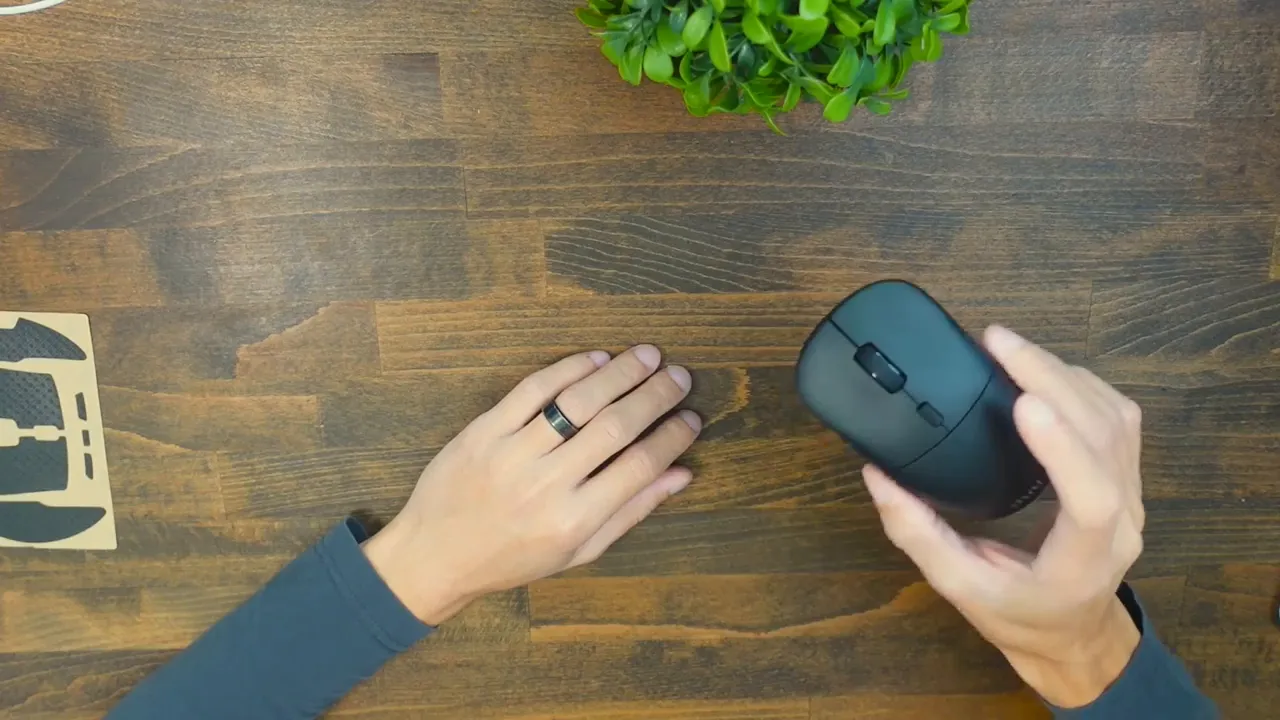
A quick shake test shows no rattles or loose pieces—this is not a hollow-feeling ultralight. The scroll wheel is firm, clicks cleanly, and does not tilt side to side. The primary and secondary clicks land with a tactile, responsive feel that sits between quiet and loud; they are precise and satisfying for rapid clicking in competitive play.
Core performance and specs
- Weight: 68 g (ultralight)
- Sensor: 26,000 DPI capable sensor
- Polling rate: Adjustable between 100 and 500 Hz
- Wireless: USB-A 2.4 GHz dongle (low latency)
- Battery life: Up to 70 hours per charge
- Cable: Braided USB-C to USB-A for wired use or charging
Those specs line up well for esports and fast-twitch gaming. The extremely low weight makes flicks and micro-adjustments feel effortless over long sessions, and the 2.4 GHz wireless dongle provides a snappy connection that competes with wired setups. If the battery runs out mid-session, you can plug in the included braided cable and keep gaming while charging.
Comfort and fit
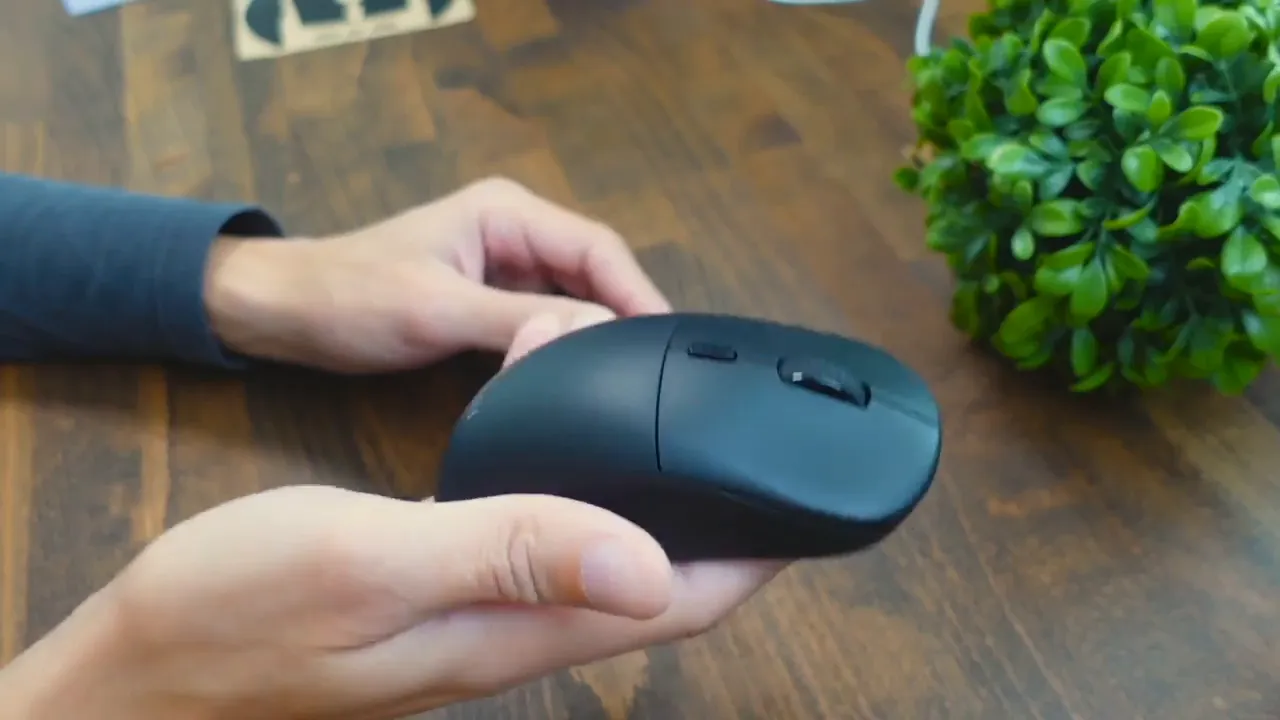
The WM-09 is surprisingly versatile with grip styles. Palm grip users will find the curvature supportive for the whole hand. Claw grip players get enough tail curve and button access for reliable control. Fingertip grip and floating palm styles are also comfortable thanks to the mouse's balanced profile.
I tested with mid-sized hands and found it comfortable; it should accommodate both slightly larger and smaller hands without feeling cramped or oversized. The option to add tacky tape is a helpful fallback for players who like a grippier surface when sweating or during long matches.
RGB, software, and customization
The RGB system includes 11 modes. The DPI button doubles as an RGB color toggle, so cycling through DPI levels also changes lighting colors—red, green, blue and more—making it simple to glance down and confirm your current sensitivity. The companion software exposes deeper configuration: program each button, set DPI stages, adjust polling rate, and pick RGB modes or disable lighting to extend battery life.
Good software matters for a gaming peripheral, and the Uhuru package here is configurable enough to match most playstyles. If you like to create macros or need specific button maps, the customization will be appreciated.
Who is this mouse best for?
The WM-09 is an attractive option for players seeking a lightweight, esports-focused mouse without breaking the bank. It’s especially well suited for:
- Competitive FPS players who prioritize flicks and minimal inertia
- Gamers who want wireless freedom but need solid battery life
- Anyone who likes RGB but still wants an ultralight shell
- Players who want a mouse that works well for multiple grip styles
Tradeoffs and considerations
No mouse is perfect. If you need angled tilt on your scroll wheel, the WM-09 lacks left-right tilt. Some players prefer an even quieter click, while others want a louder, more pronounced sound; the WM-09 sits in the middle. Also, while 68 grams is excellent, if you prefer heavier mice for slower, deliberate aiming you might not like the ultralight feel.
Final thoughts
The Uhuru WM-09 strikes a rare balance: ultralight performance, customizable RGB, and a solid feature set including a high-DPI sensor, configurable polling rate, and long battery life. The build quality feels mature and usable right away, and the included grips and braided cable add value. For those who value weight, responsiveness, and customization, the WM-09 deserves a close look.
Frequently asked questions
What is the weight of the Uhuru WM-09?
The mouse weighs 68 grams, which places it firmly in the ultralight category favored by competitive players.
How long does the battery last?
Battery life is rated up to 70 hours on a single charge, depending on RGB usage and polling rate settings.
Can I use it wired and wirelessly?
Yes. The mouse includes a braided USB-C to USB-A cable for wired use or charging, and it also ships with a 2.4 GHz USB-A wireless dongle for low-latency wireless play.
Does the WM-09 support macro programming and DPI adjustment?
Yes. The configuration software allows you to program buttons, set multiple DPI stages, and customize RGB modes and polling rates.
Is the build quality solid despite the low weight?
Yes. The mouse shows no rattles, feels sturdy, and uses durable plastics with a firm scroll wheel. The included grip tape also helps improve feel and control if needed.


