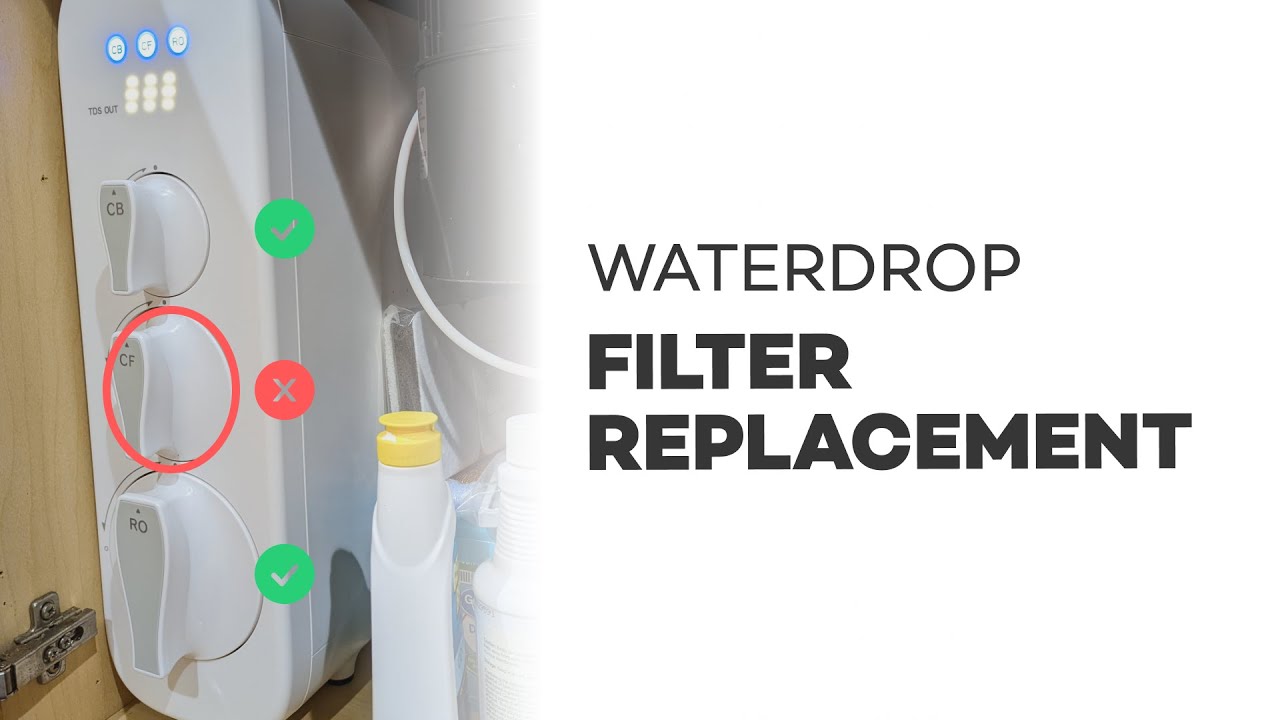
If you own a Waterdrop G3 reverse osmosis (RO) system, replacing the CF filter is one of the most common maintenance tasks. The G3 is the triple-filter model (there’s a smaller G2 with two filters). This guide walks through how to identify when the CF filter needs replacing, how to swap it out, reset the system, and flush the new filter so your drinking water stays clean and great-tasting.
How to tell a CF filter needs replacement
The system uses an LED ring and colored lights to indicate filter status:
- Red = replace the filter now.
- Yellow = replace soon.
- Blue = everything is good; safe to drink.
The CF filter (center cartridge) is typically a six-month filter (about 6 months or ~550 gallons), while some other filters last around 12 months. The CF is the one you will replace most frequently.
What you’ll need
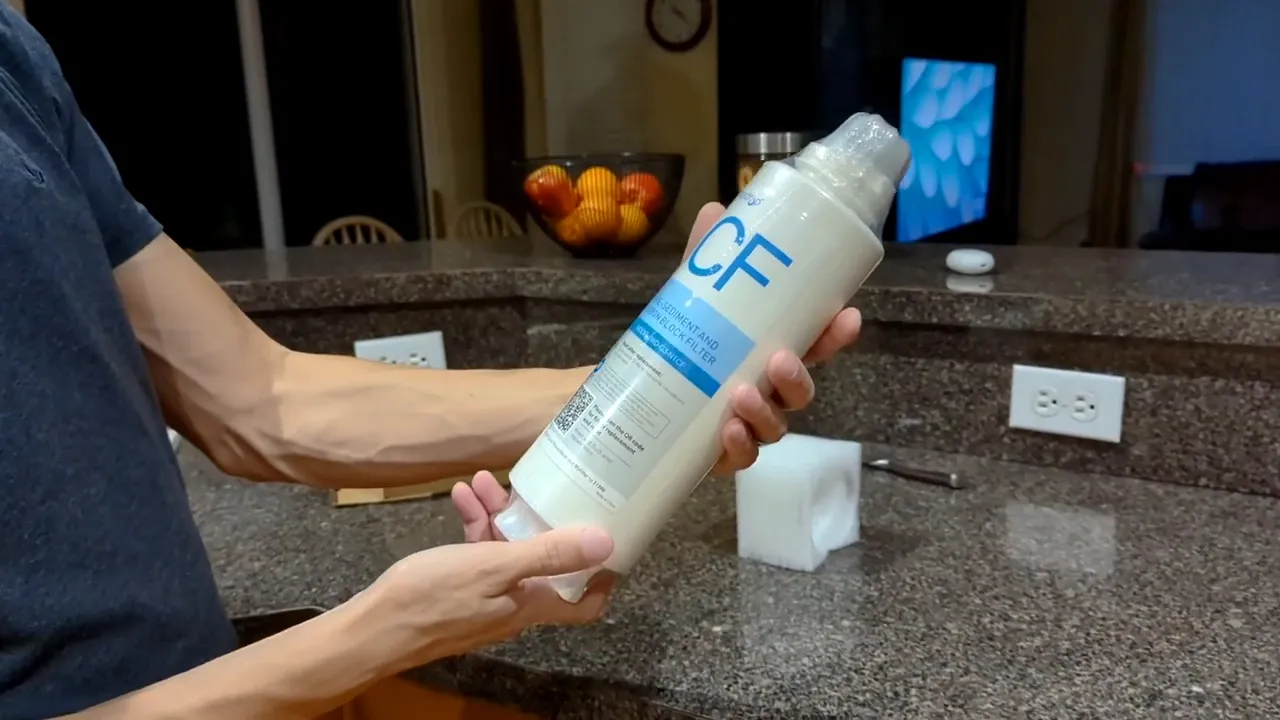
- Replacement CF filter (sealed cartridge)
- Soft towel or small tray to catch a drop of water
- About 5–30 minutes of time for flushing (see notes below)
Unboxing and preparing the new filter
The replacement filter comes sealed in plastic with a small safety cap. Remove the outer wrap, peel off the soft plastic cap, and set the cartridge ready to install. The packaging usually shows the filter label (CF) so you don’t mix cartridges.
Step-by-step: Replacing the CF filter
-
Power / lights: If the faucet lights are off, tap any button to turn the system on so you can see the filter status ring.
-
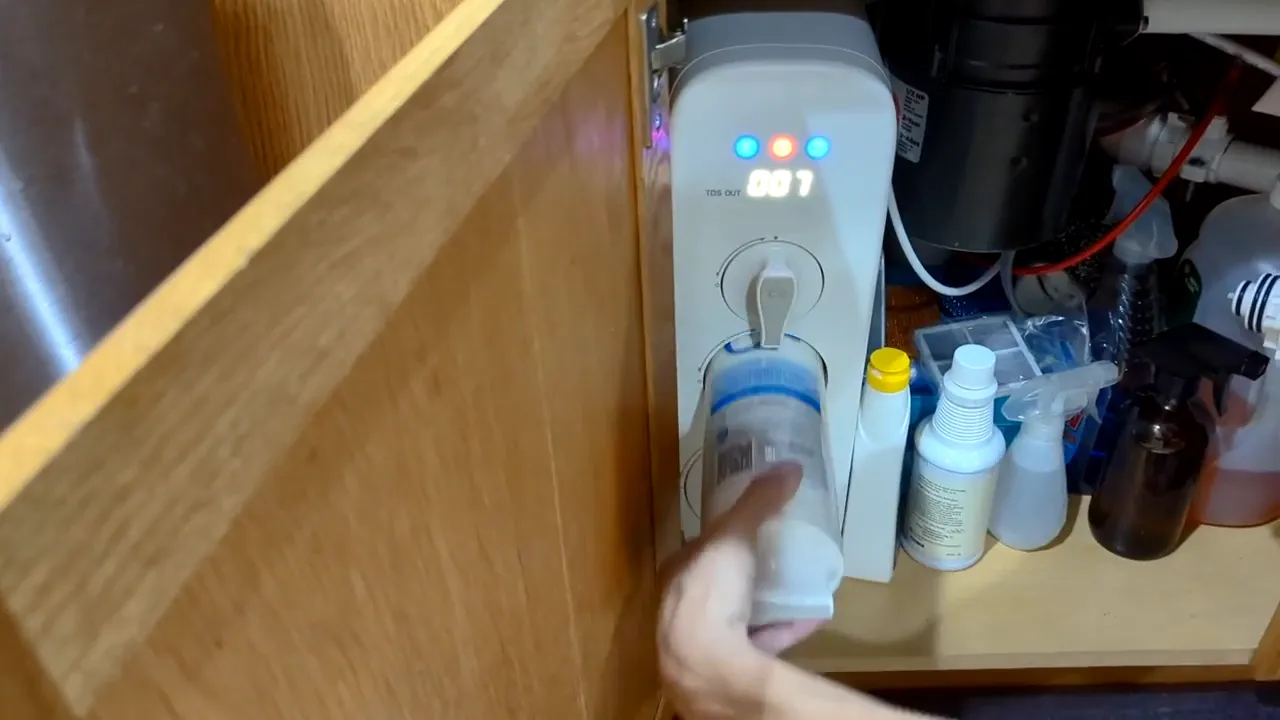
Remove the old cartridge: Turn the CF cartridge slightly (follow the arrow/markings) to unclip it. There may be a small gap and a tiny drop of water when it comes out—this is normal. Pull the cartridge straight out.
-
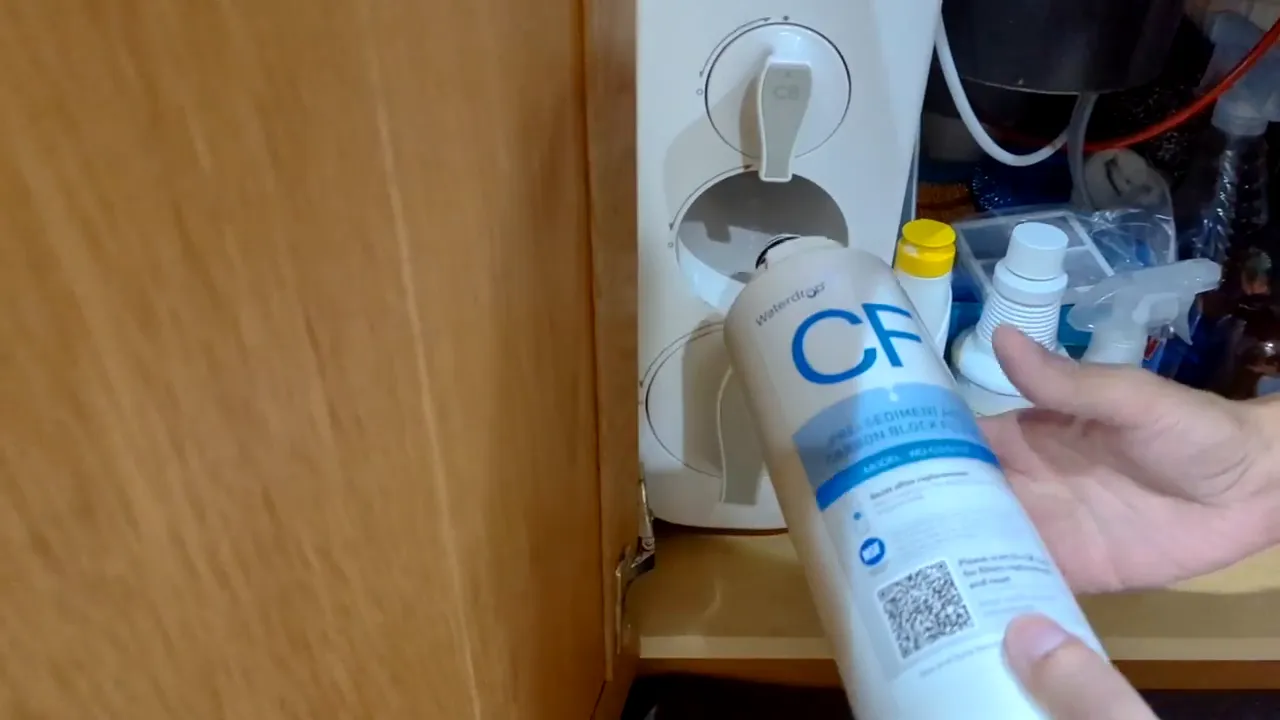
Line up the new cartridge: On the replacement cartridge there is an alignment arrow/dot. Line the arrow on the cartridge up with the dot/marker on the unit and push the cartridge in so it seats snugly.
-
Twist to lock: While pressing the cartridge in, twist it clockwise until you feel a snap. The cartridge should be firmly seated and you may feel the click even if it’s quiet.
-
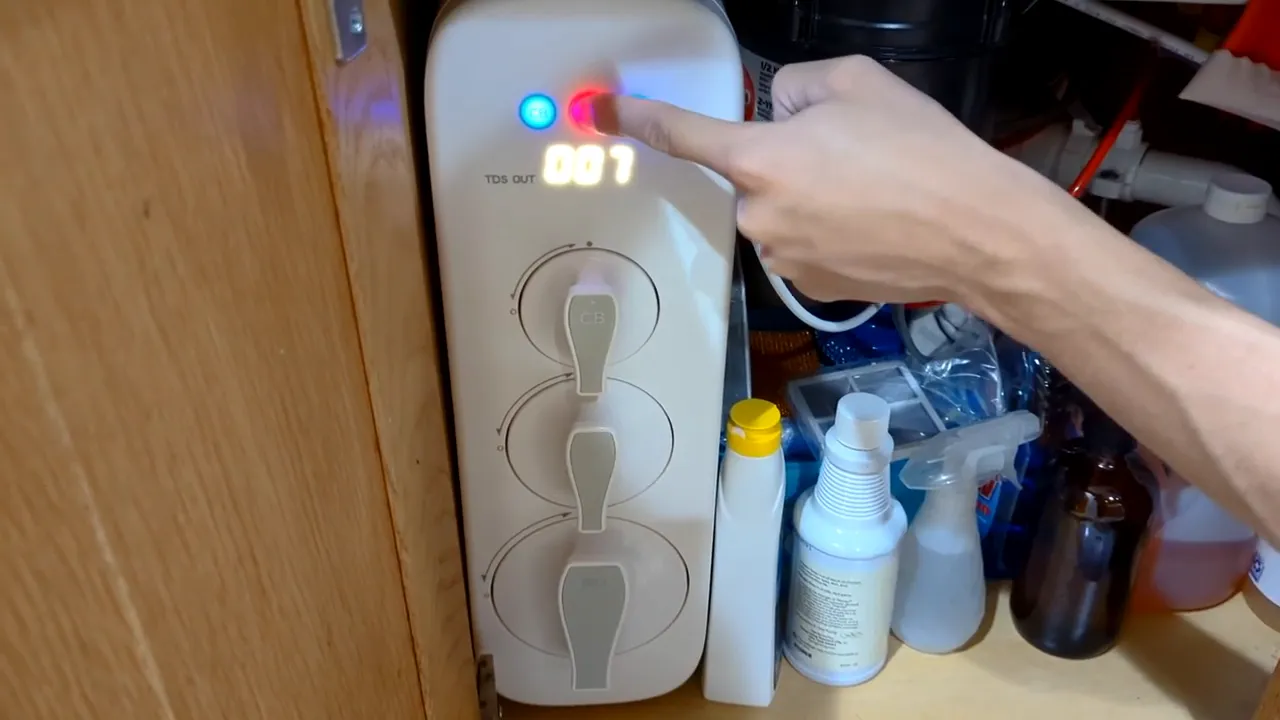
Reset the system filter indicator: With the lights on, press and hold the CF button for seven seconds. If the display was off, tap any button to wake it first, then hold the CF button for seven seconds to reset.
-
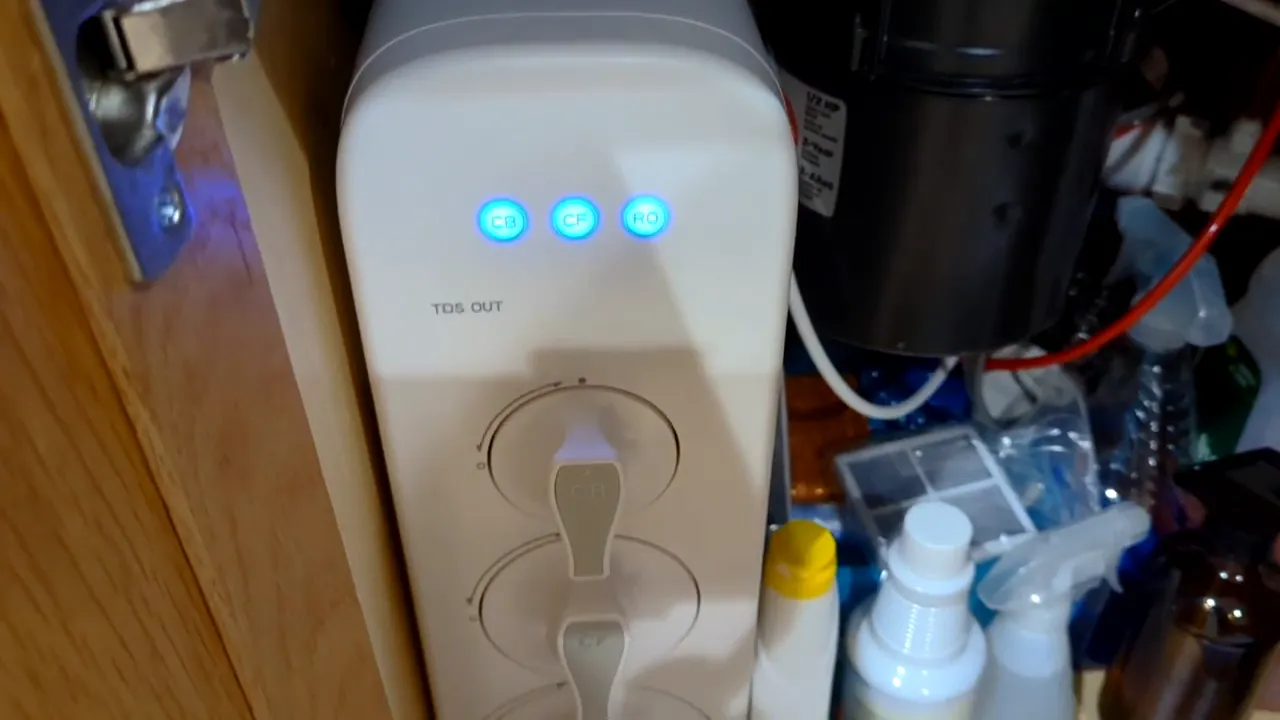
Flush the new filter: After reset the system will run water through the new cartridge. Wait for the flushing period to complete so factory debris and carbon dust are cleared from the filter.
Note: A quick initial flush (about 5 minutes) is often enough to get the lights to blue, but manufacturer guidance recommends a longer flush (up to 30 minutes) on first installation. To be safe, flush until the light stabilizes blue. You can collect the waste water for non-drinking uses like watering plants.
After installation
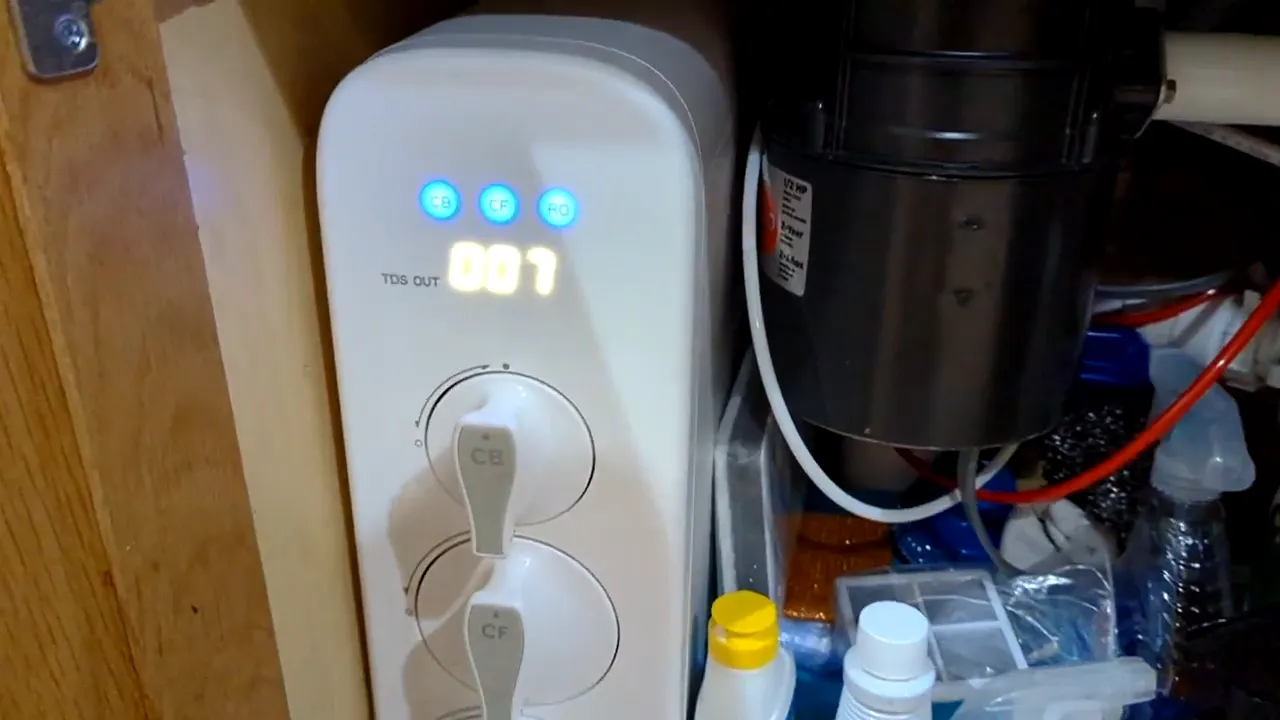
Once the cartridge is flushed and the ring turns blue, the system is back to normal and ready for everyday use. Closing the unit and returning it to service is straightforward after the flush.
Quick troubleshooting
- If the filter indicator does not reset, tap any button to wake the unit and try holding the CF button for seven seconds again.
- If water drips when removing the old cartridge, dry the area and ensure the replacement snaps fully into place.
- If the LED stays red after installation and flushing, confirm the cartridge type is CF (center) and that it’s installed aligned to the mark.
Filter life and replacement schedule
Typical lifespans for the Waterdrop G3 filters:
- CF (center): about 6 months or ~550 gallons
- Other cartridges (pre and RO membrane): can run longer—often around 12 months depending on usage and feed water quality
Replace the CF most frequently; keep a spare on hand so you can swap it quickly when the LED turns yellow or red.
Tips and best practices
- Label replacement dates on the new cartridge so you know when the next change is due.
- Collect flushed water for tasks that don’t require drinking water to save waste.
- Using filtered water for coffee and other beverages improves taste—some people also use an additional pitcher filter for a second stage of taste refinement.
- Replacement cartridges usually cost around $30 each, depending on seller and model.
Final notes
Replacing the CF filter in the Waterdrop G3 is a quick, tool-free job: remove, align, snap, reset, and flush. Following the reset and flushing steps ensures the new cartridge performs properly and your water stays pure. If you have questions or run into issues during replacement, leave a comment below and include your system model and the LED behavior—those details help diagnose problems faster.


