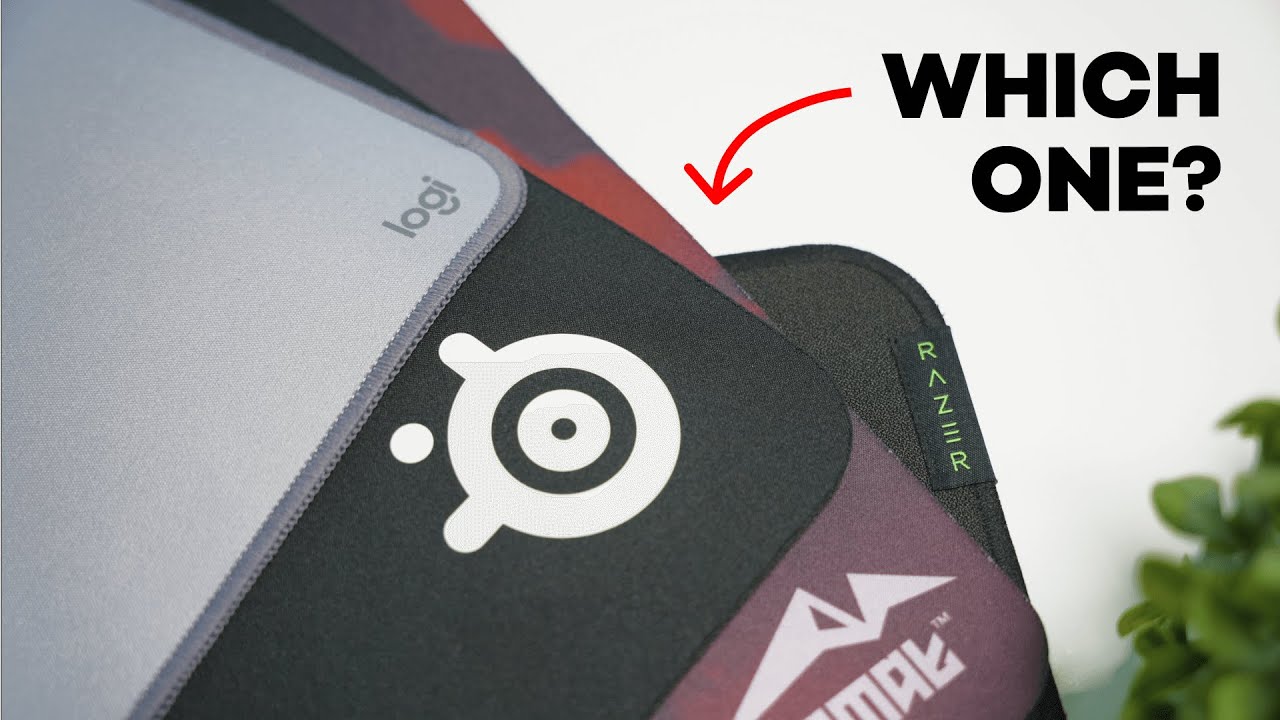
I tested four popular desk mats to figure out which one gives the best balance of comfort, glide, size, and value. Not all desk mats are created equal: some surfaces are ultra smooth and let your mouse glide effortlessly, while others are textured and can cause wrist irritation over long sessions. Below you’ll find a concise breakdown of each mat, how they feel in real use, and my final ranked recommendations.
What I compared
- Smoothness — how easily your mouse and wrist glide across the surface
- Size — whether it fits a full-size keyboard and gives enough mouse room
- Price — the current approximate retail cost
1. Logitech Desk Mat
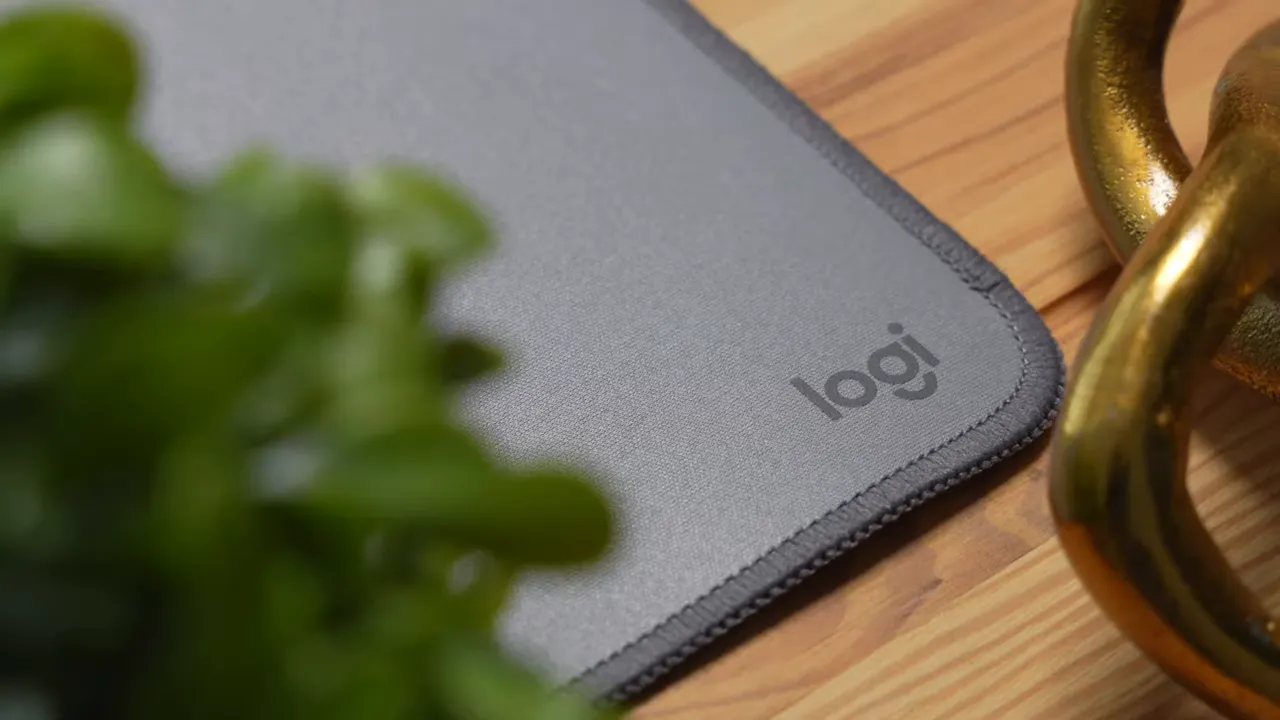
A simple, clean mat with stitched edges and solid color options (gray, pink, purple). The surface is noticeably smooth, which makes long sessions comfortable — minimal friction and no wrist “carpet burn.”
- Surface: Smooth — easy glide, comfortable for wrists
- Size: 27 × 11 inches — best for a mouse and a mini keyboard; tight for full-size setups
- Price: Around $20 — very affordable
- Best for: Compact setups or anyone who wants a cheap, comfortable pad
- Downside: Too small if you use a full-size keyboard and need extra mouse room
2. Razer Strider Desk Mat
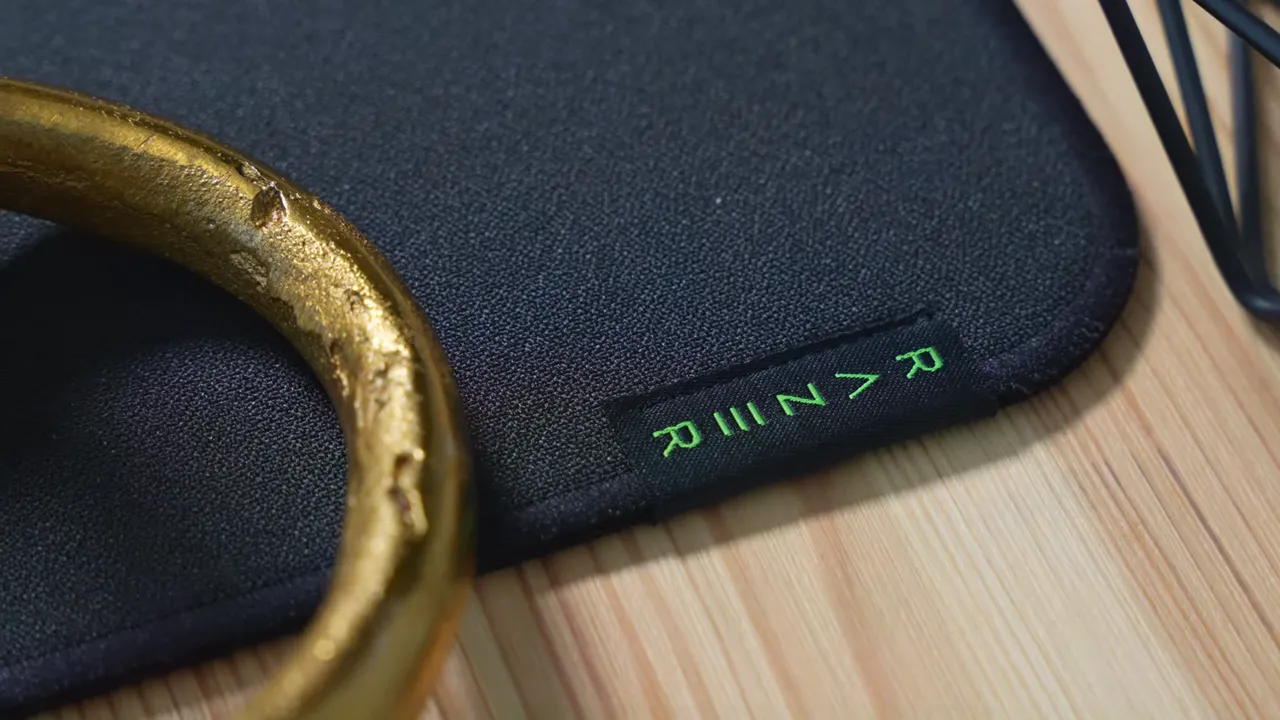
The Razer Strider is the largest mat in this group and has stitched edges plus a stitched logo. But be warned: its surface texture is very rough compared with the others.
- Surface: Rough and rugged — causes friction that can irritate the wrist during aggressive swipes
- Size: 37 × 16 inches — the largest, plenty of real estate for keyboard and mouse
- Price: Around $50 — the most expensive option here
- Best for: Users who want desk coverage above all else
- Downside: The texture makes it unpleasant for extended gaming or design work
3. Axemat Desk Mat
A smaller brand that surprised me. Axemat offers a few art and utility designs, including a Figma shortcut mat for designers. Its surface is the smoothest of the group — excellent for long sessions and precise mouse control.
- Surface: Ultra smooth — superb glide and comfortable on the wrist
- Size: 35 × 15 inches — slightly smaller than the Razer but still large enough for a full keyboard
- Price: Around $24 — great value for what you get
- Best for: Competitive gamers and designers who need smooth, consistent glide
- Downside: Fewer mainstream brand recognition, but performance is excellent
4. SteelSeries QcK Desk Mat
Classic, minimal, and reliable. The QcK sits in the middle in terms of texture: not as smooth as Axemat, but not as rough as the Razer. Its clean black aesthetic fits most setups.
- Surface: Medium texture — requires slightly more force to move the mouse compared with ultra-smooth pads
- Size: 35 × 15 inches — spacious enough for full-size keyboard and mouse movement
- Price: Around $28 — mid-tier pricing
- Best for: Those who want a reliable, neutral option without extremes
- Downside: Not the smoothest for high-precision needs
Quick visual comparison
If you’re prioritizing glide, go smooth. If you need coverage, go large. If budget matters, there are affordable winners in each category.
Winners by category
- Best surface for gliding: Axemat (ultra smooth)
- Largest size: Razer Strider (37 × 16 inches)
- Cheapest option: Logitech (around $20)
Overall ranking and recommendation
After testing for glide, comfort, size, and price, here’s my ranking from best to worst for most users:
- Axemat — Best overall. Smoothest surface and excellent value at roughly $24. Ideal for gaming and long work sessions.
- SteelSeries QcK — Solid second. Reliable and clean look, but not as smooth as Axemat.
- Logitech — Great value if you have a compact setup. Smooth surface but limited size makes it less versatile.
- Razer Strider — Largest mat, but the rough surface makes long-term use uncomfortable. Only choose this if desk coverage is your sole priority and you can tolerate the texture.
How to pick the right desk mat for you
- If you prioritize precision and comfort: Choose a smooth surface like Axemat.
- If you need full-desk coverage: Go with the Razer Strider for size.
- If you want a reliable middle ground: SteelSeries QcK is a safe bet.
- If you’re on a budget or have a small setup: Logitech provides comfort at a low price but check your keyboard size first.
Final thoughts
Surface texture matters more than many people expect. A smooth mat reduces wrist friction and improves mouse control, which matters for both productivity and competitive gaming. Size matters too — make sure the mat fits your keyboard and offers enough mouse room. Price is secondary when comfort and performance are the goal, but there are excellent budget options like Axemat and Logitech.
Which one would you pick based on your setup and play style?


