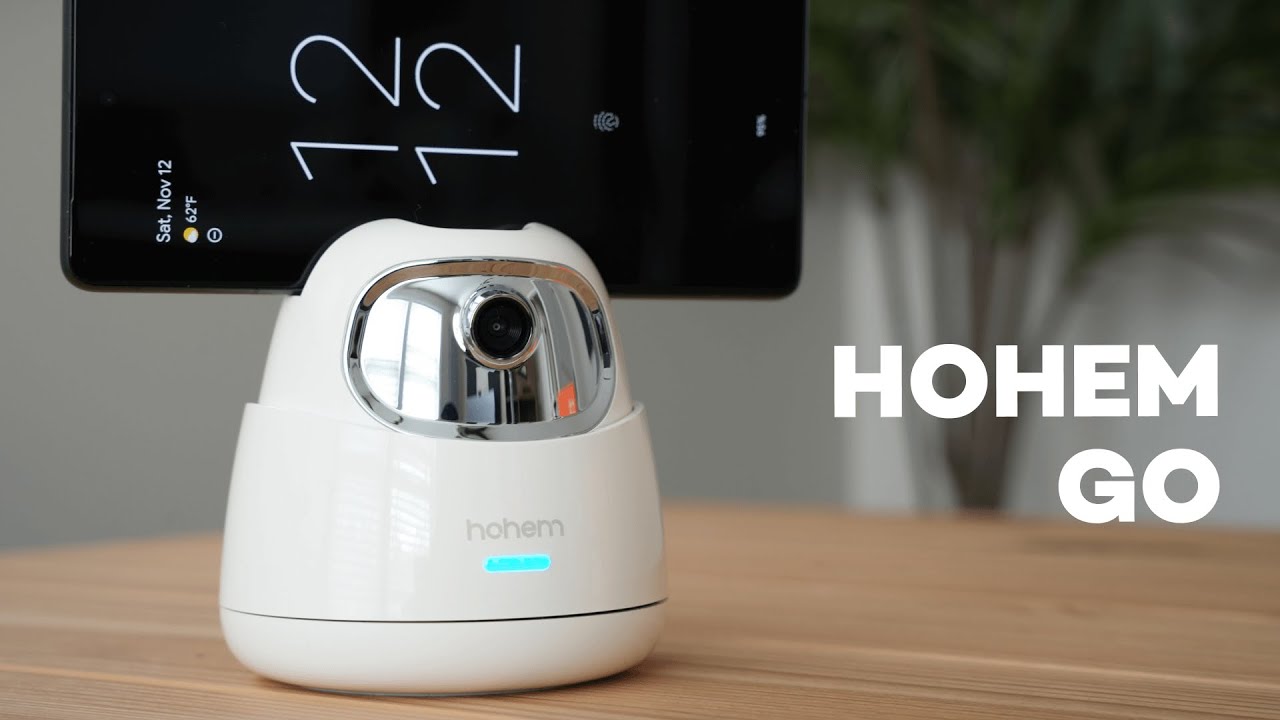
What the Hohem GO is and who it’s for
The Hohem GO is a compact 2-axis smart phone mount that tracks your face and follows you around automatically. It’s designed for creators who film alone, presenters who move during calls, live streamers, and anyone who wants smooth, hands-free tracking without a complicated setup.
What you get in the box
Inside the package you’ll find:
- Quick start guide and instruction manual
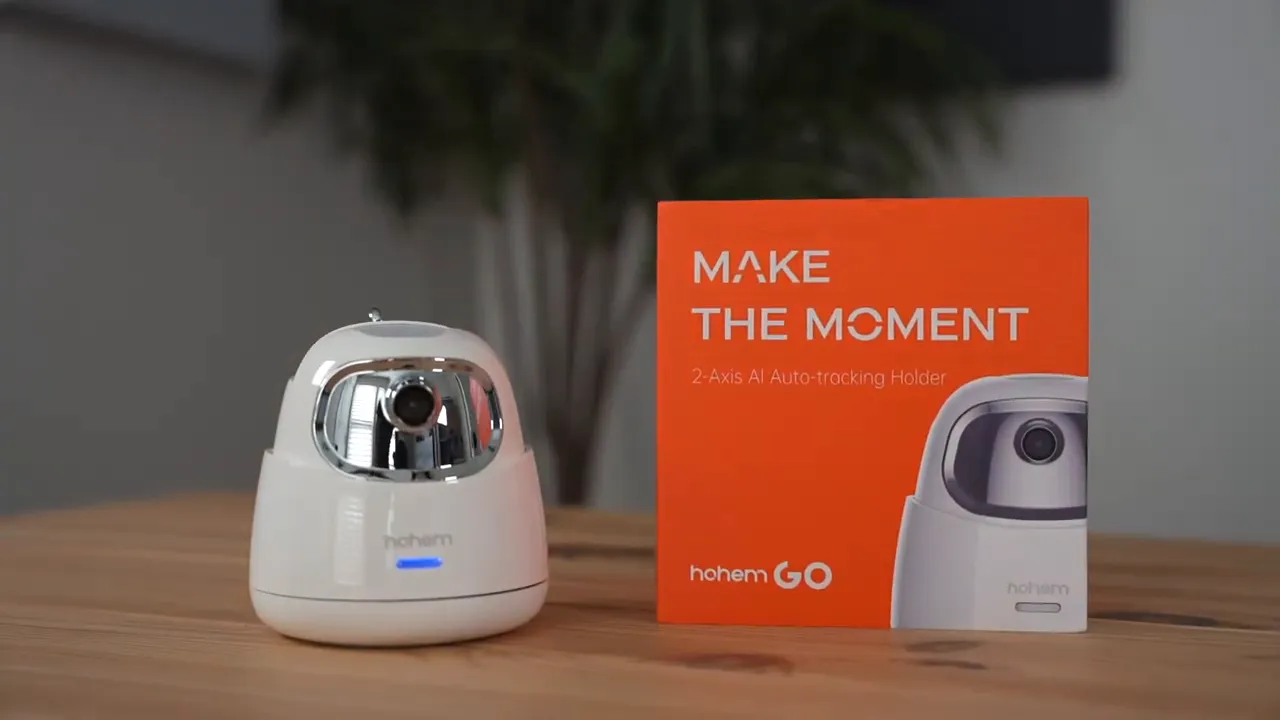
- The Hohem GO 2-axis tracking mount
- Type-C charging cable (usually included)
First impressions and build
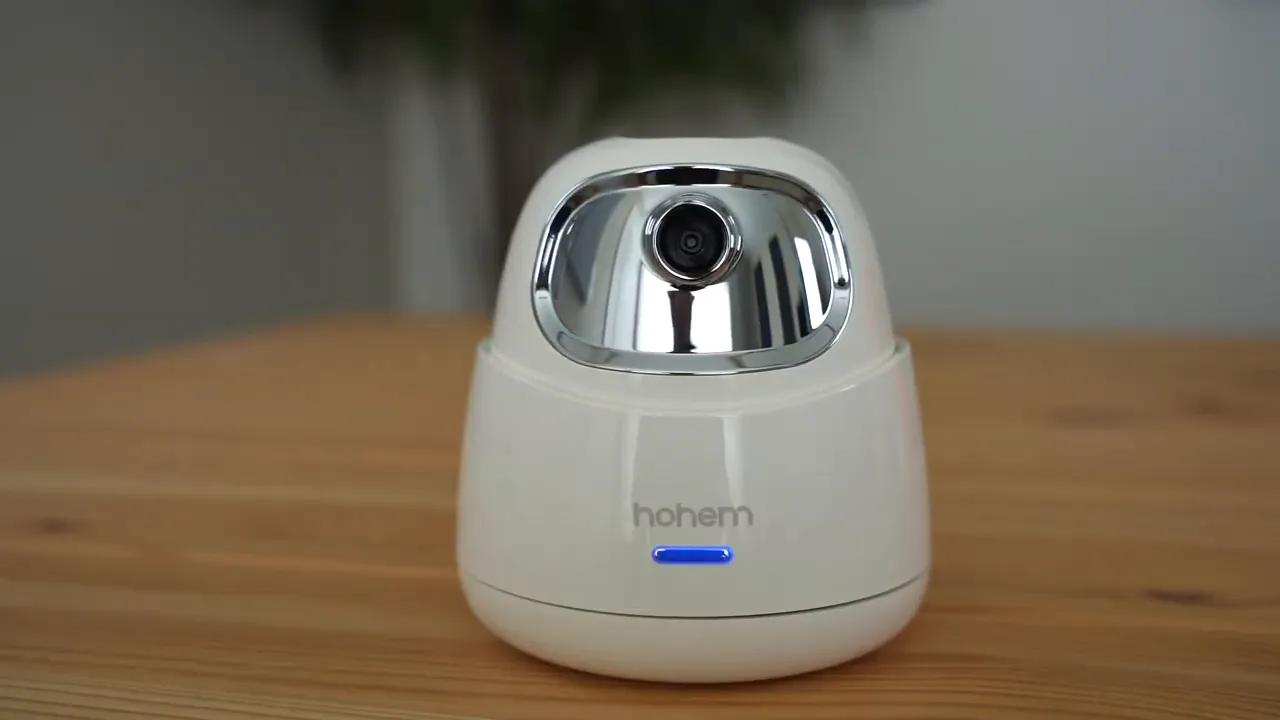
The unit is mostly plastic but feels solid and well-made. There’s a chrome-finish accent and a simple tightening dial on the back that locks your phone in place. When loose the phone can wobble a bit, but once you tighten the dial it grips firmly and doesn’t move.
Quick setup and basic operation
Setup is straightforward:
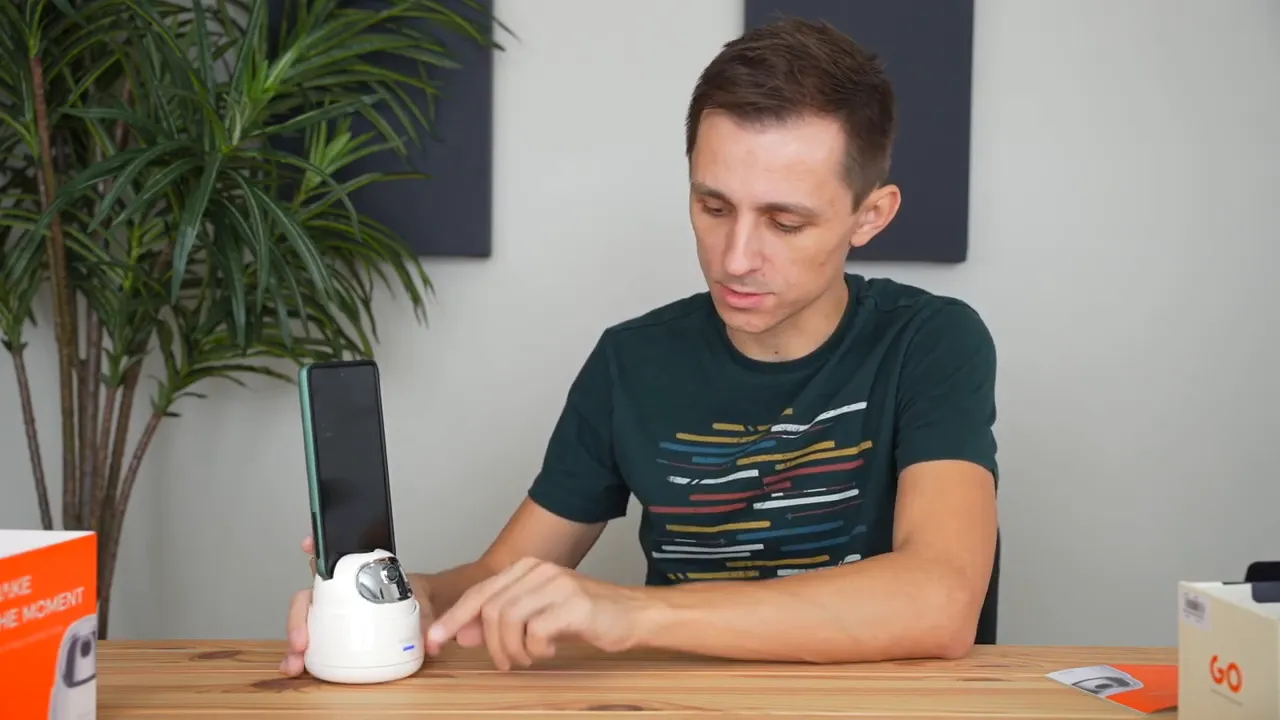
- Clamp your phone into the mount and tighten the dial.
- Press and hold the power area for three seconds to turn it on. A blue light indicates it’s on standby.
- Use simple hand gestures in front of the built-in camera to control tracking.
The device uses an onboard camera and AI tracking, so no app or Bluetooth pairing is required for the basic tracking functions.
Gesture controls that actually work
The Hohem GO supports two primary gestures:
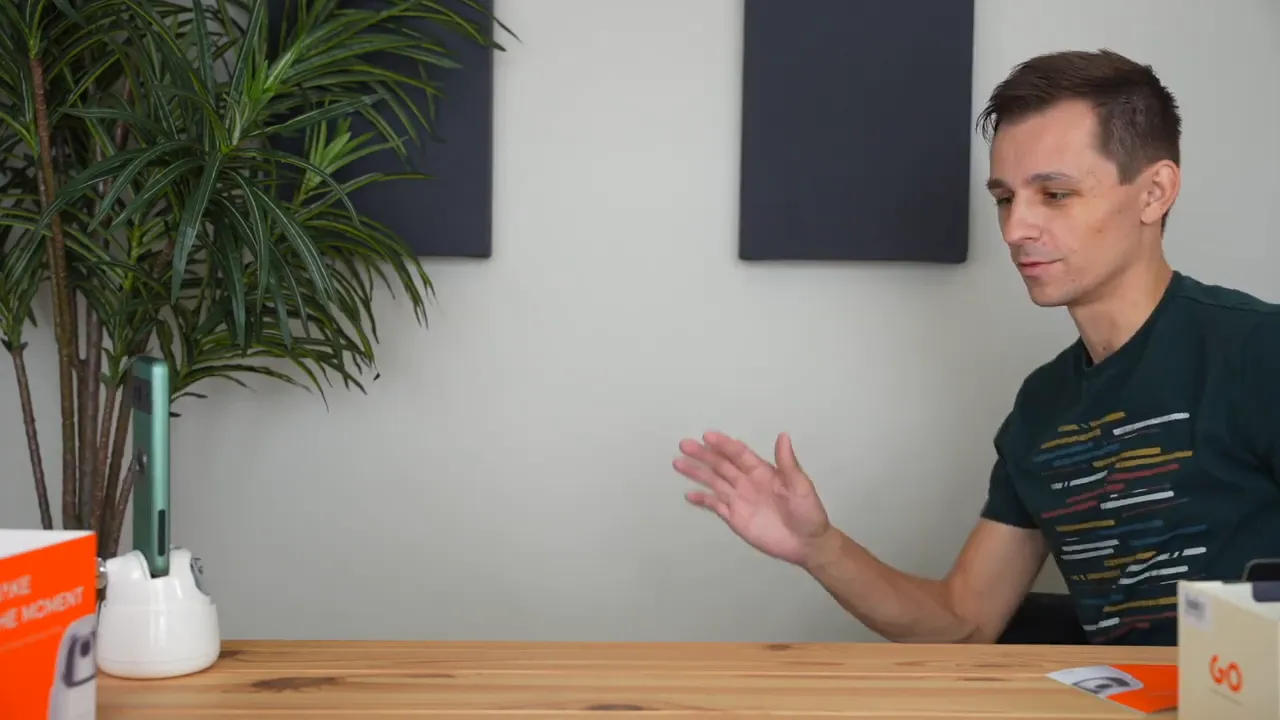
- OK gesture or a similar trigger — activates tracking (light turns green).
- Palm/stop gesture — suspends tracking (light returns to blue).
In practice the tracking is responsive and smooth. It follows horizontal movement across 360 degrees and vertical movement within a limited tilt range so it keeps you framed while you walk, rotate, or move slightly up and down.
Performance and real-world use cases
This mount shines when you need continuous framing without someone else operating the camera. Practical uses include:
- Solo content creation and tutorials where you move between angles
- Live streaming and one-person broadcasts
- Video calls or conference presentations where you present on a whiteboard or move across a room
- Fitness or dance tutorials that require body movement within the frame
It is not designed for extremely fast-moving objects, but for walking, turning and moderate motion it does a very good job keeping you centered.
Battery and charging
The Hohem GO uses a built-in battery and charges via USB-C. The product description lists a 2000mAh battery with long runtime on a full charge. The unit also shows charging and battery status with its indicator lights and supports quick charging via Type-C.
Charging behavior can vary depending on usage and settings. Expect a practical charge window that gets you back up quickly; the Type-C port and quick-charge symbol suggest fast charging support.
Extras: App, tripod compatibility, and mounting
The mount works out of the box without an app. There is a Bluetooth app available, but for most people it’s unnecessary since gesture controls handle the essential commands. A standard 1/4" screw thread on the bottom lets you mount the unit to other tripods for taller setups or more flexible positioning.
Pros and cons
- Pros: Simple setup, responsive AI face tracking, no app required for core functions, compact and portable, mounts to standard tripods.
- Cons: Limited vertical tilt range, not suitable for fast-moving subjects, plastic construction (though it feels solid), and pricing varies depending on seller.
Final thoughts
If you frequently create content alone or need a reliable way to keep yourself in frame during presentations, the Hohem GO is a practical and affordable tool. It removes a lot of the friction from solo shoots and live sessions, and the gesture controls make it genuinely hands-free. For anyone tired of resetting angles and constantly adjusting a camera, this is a useful gadget to consider.
Quick checklist before you buy
- Confirm your phone width fits the clamp (most phones and small tablets are supported).
- If you need prolonged tracking, compare claimed battery life and user experiences.
- Plan to mount to a tripod if you need higher positions or more flexible framing.


