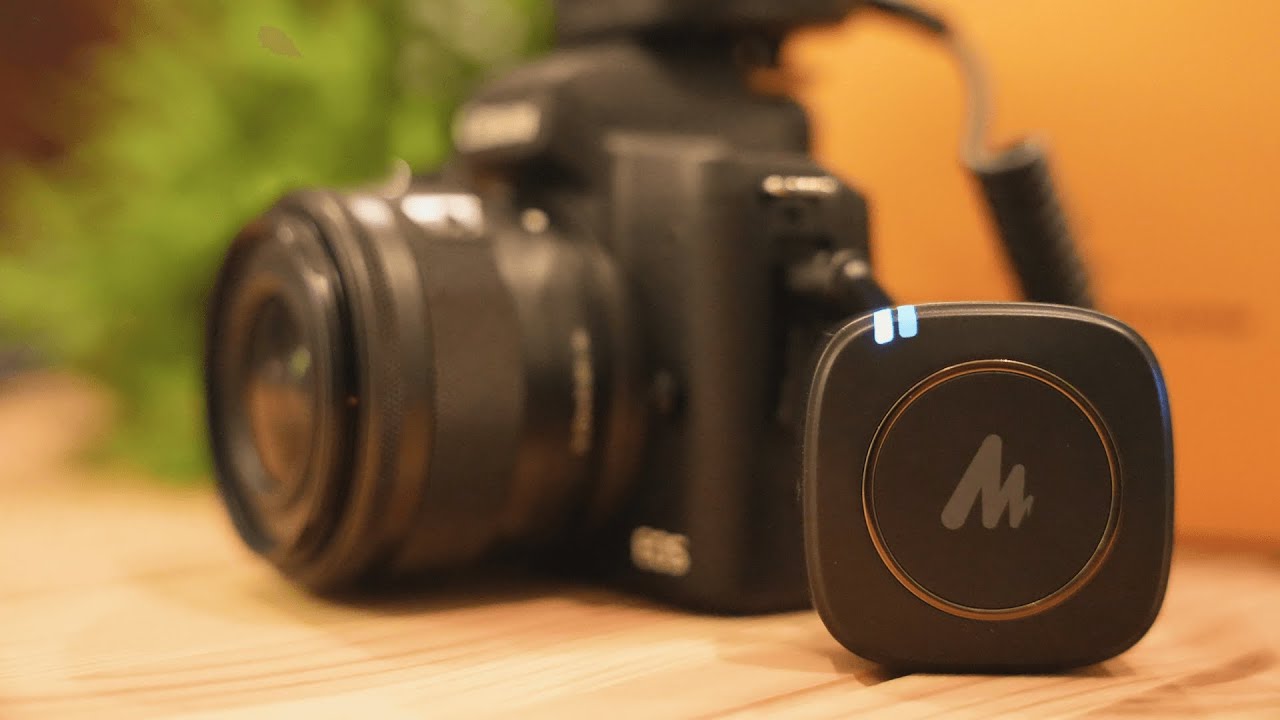
The Maono WM820 is a compact wireless lavalier system made for creators who want clean, consistent audio without fuss. It works for outdoor filming, studio setups, live streaming, and basically any situation where you need your voice to be clear while you move around. Below I break down how it performs, how to set it up, and tips for getting the best results.
Quick highlights
- Type: Wireless lavalier microphone system (transmitter + receiver)
- Use time: Up to about 6 hours per charge
- Charging: USB-C (two cables included)
- Approximate price: Around $80 on Amazon at the time of testing
- Why it stands out: Excellent range for the price and convenient on-body audio that stays consistent as you move
Range and real-world distance
The standout for me was the range. I tested the transmitter and receiver with quite a bit of space between me and the camera, and the system kept a strong, stable signal. If you need to film from a distance—think interviews across a gym or a presenter moving away from the camera—this little system handles it well.

Microphone options: built-in vs lavalier capsule
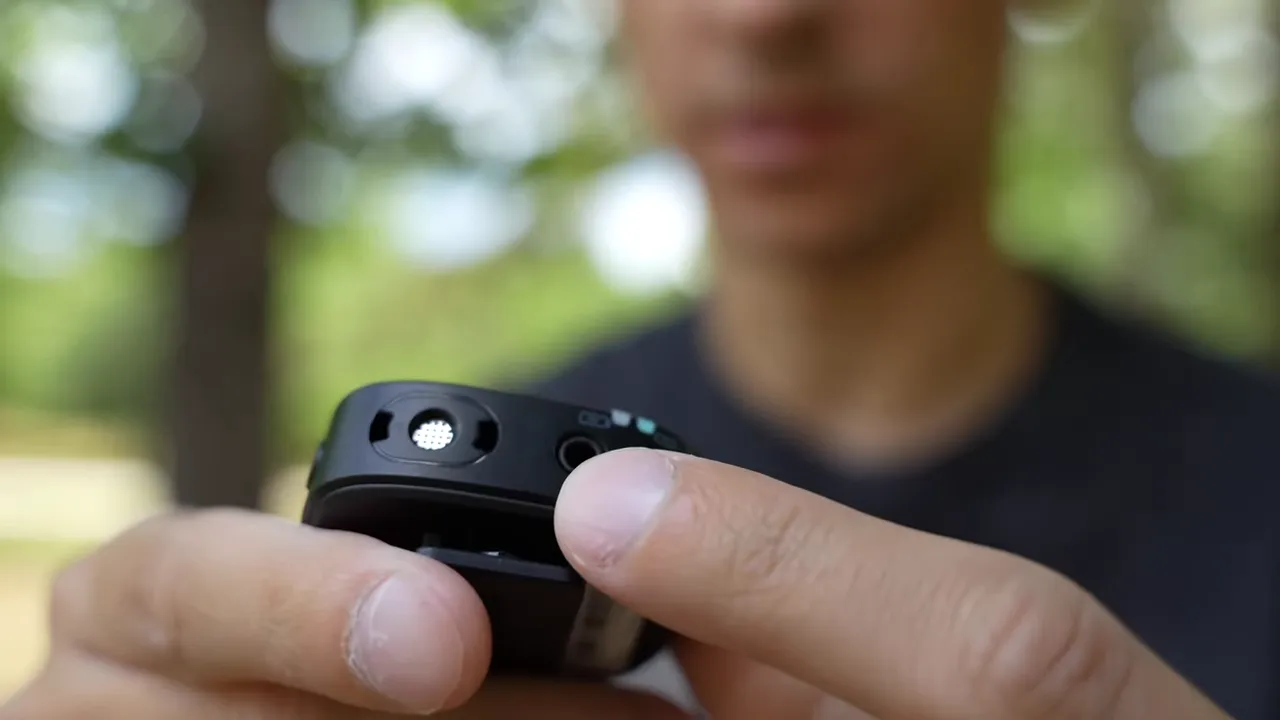
The WM820 gives you two ways to capture audio: a built-in microphone on the transmitter and an attachable lavalier capsule. The built-in mic is convenient and wire-free, but the lavalier clipped to your shirt gives a more consistent and slightly clearer voice signal because it’s closer to the source.
Quick A/B test observations
- The lavalier clipped to the chest produces tighter, more present voice recordings.
- The built-in mic is surprisingly good for its form factor and wins on convenience when you want zero wires.
- When choosing, consider how visible you want the setup to be versus how tight you need the sound to be.
How I wear it (practical tip)
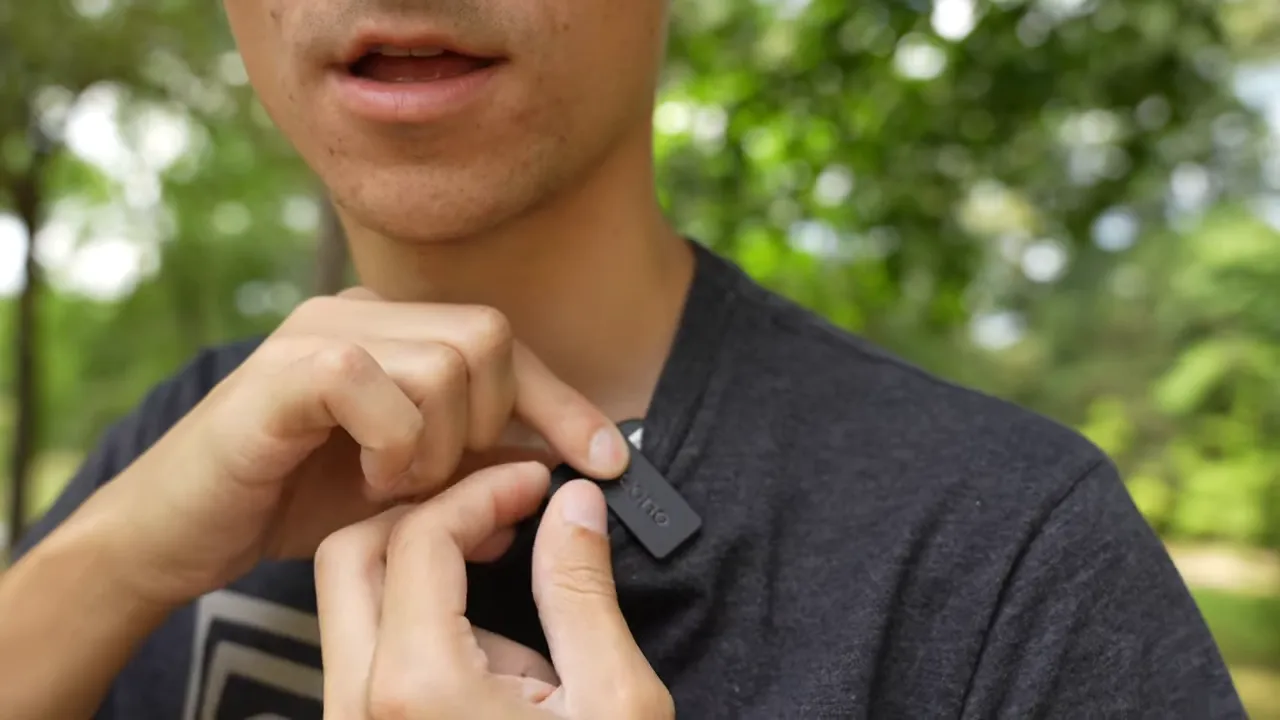
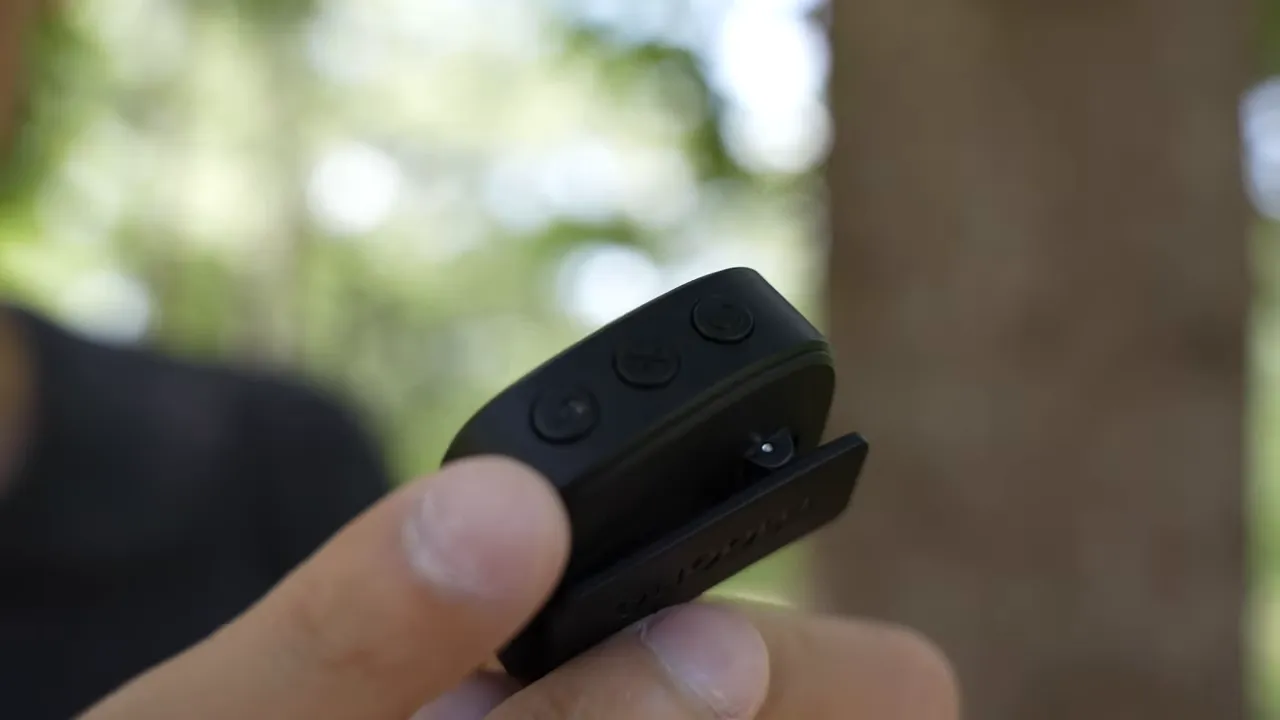
I don’t like an obvious clip on the outside of my shirt, so I invert the clip and tuck the transmitter under my shirt while the lavalier capsule stays clipped to the fabric. That keeps the setup discreet and still gives great sound. Wearing darker shirts makes the clip less noticeable if it peeks out.
Why choose a lavalier over a shotgun mic?
Shotgun mics work well in controlled environments, but lavalier mics shine for convenience and consistency:
- Lavalier stays attached to the speaker, so distance from camera is not a concern.
- Less dependence on room acoustics or sound treatment.
- Better for run-and-gun shoots, interviews, and when you’re moving around.
Setup and controls
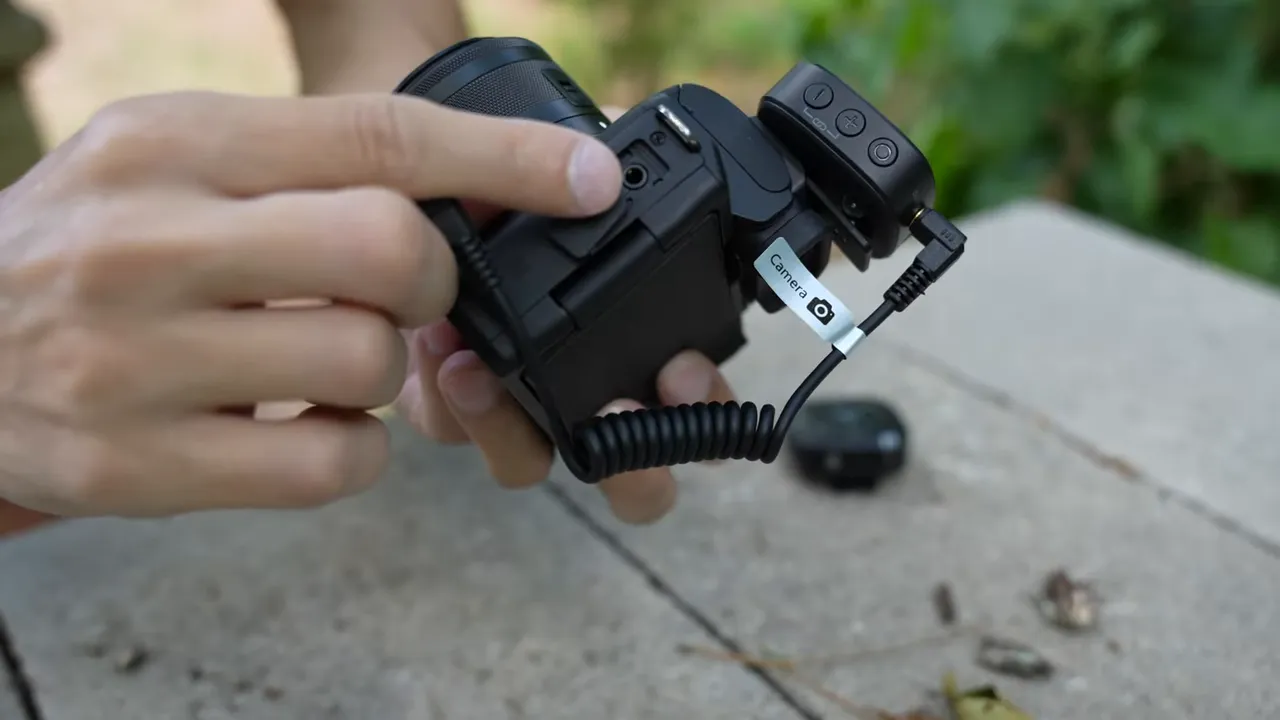
The package includes two main units: the transmitter (worn by talent) and the receiver (mounted near the camera). Setup is straightforward—power on both and they usually pair automatically. If they don’t, there’s a pairing button to force sync.
On-device controls
- Pairing button: Re-synchronizes transmitter and receiver when needed.
- Mute button: Quickly mute the mic; the indicator turns red when muted.
- Power button: Long press to turn on or off.
- Audio monitoring: The receiver has a headphone jack so you can plug in earbuds for live monitoring—very handy when recording live audio.
Battery life and charging
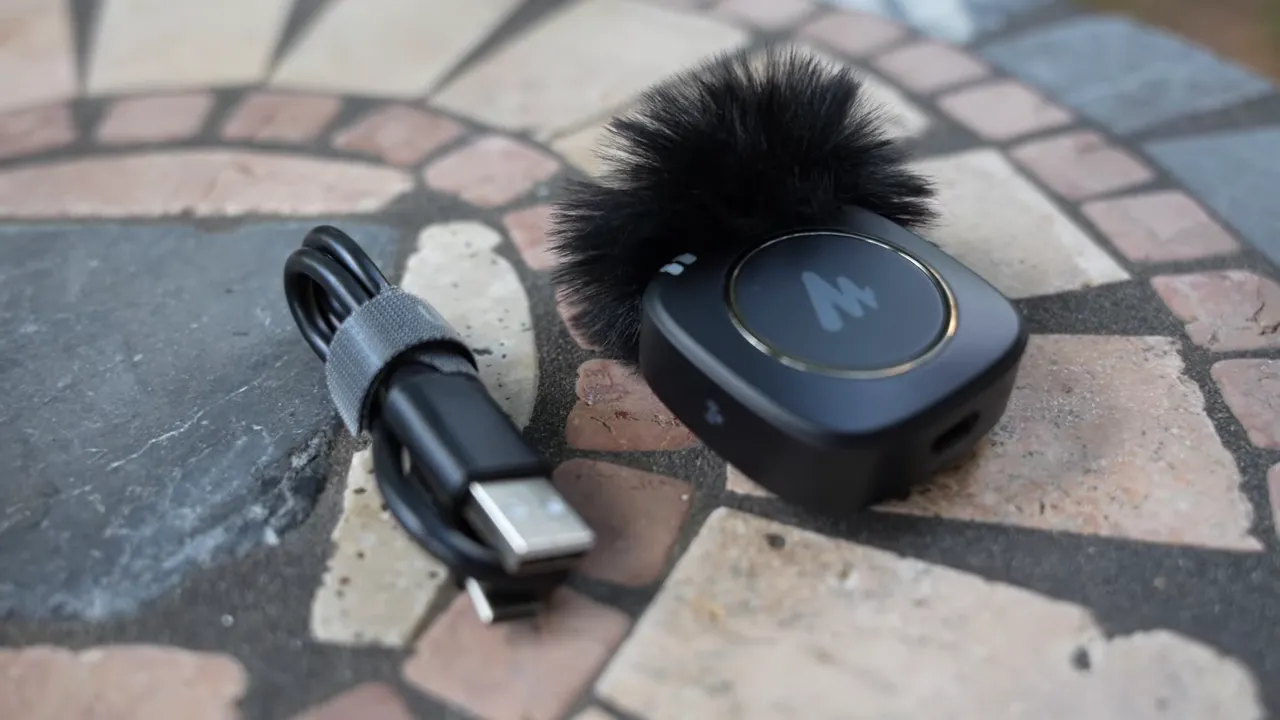
Expect roughly six hours of use per unit. Charging is easy via USB-C, and the kit includes two cables—one for each piece. For a day of shooting or a longer livestream, carry a small power bank or a spare charge if you expect to exceed that timeframe.
Pros and cons
- Pros: Excellent range for the price, simple setup, discreet wearing options, headphone monitoring, USB-C charging.
- Cons: Built-in mic is convenient but slightly less accurate than the lavalier capsule; battery life is good but not exceptional for full-day events without charging options.
Who should buy the Maono WM820?
This system is ideal for content creators who value portability and consistent vocal capture: vloggers, independent filmmakers, livestreamers, and interviewers. If your priority is convenience and reliable wireless range at a budget-friendly price, the WM820 is a strong choice.
Final verdict
The Maono WM820 strikes a great balance between affordability and performance. It may not replace high-end wireless systems in every professional setting, but for most creators it offers a huge upgrade over built-in camera audio or cheap wired mics. The range, monitoring option, and easy setup make it a smart, practical addition to a kit.
Quick setup checklist
- Charge both transmitter and receiver fully via USB-C.
- Attach the lavalier capsule to the transmitter and clip it to your shirt (or use the built-in mic if you prefer).
- Power on both units and confirm the blue connection light stays solid.
- Plug the receiver into your camera and, if needed, plug in earbuds for live monitoring.
- Use the mute button for on-the-fly silence and keep an eye on battery life for longer shoots.
If you need a compact wireless lavalier that is easy to use, sounds good on the move, and won’t break the bank, the Maono WM820 is worth considering.


