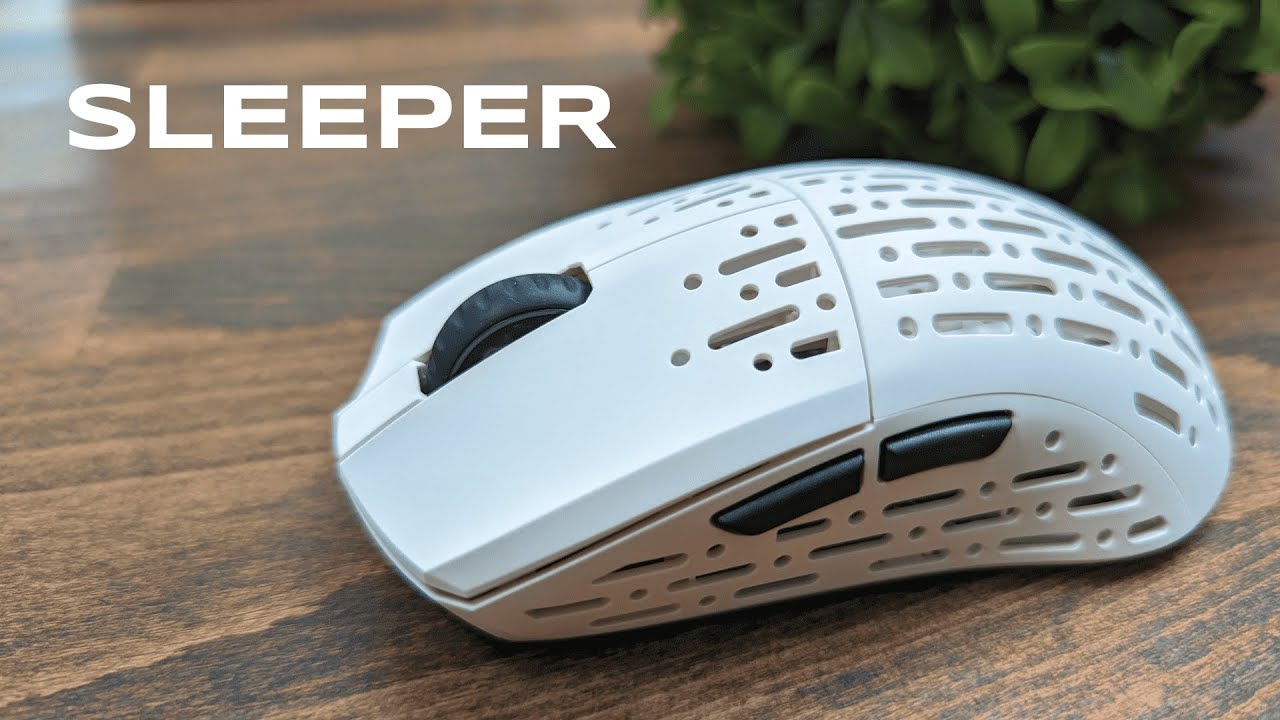
Lightweight, performance-focused, and stripped of needless flair. The Projects Gaming Sleeper is built around one idea: shave grams where they do not matter and keep everything that does. At 53 grams, with a high-end 19,000 DPI sensor and a clean button layout, this mouse aims squarely at FPS players and anyone who values precision, speed, and a satisfying mechanical feel.
Table of Contents
- What you get out of the box
- Design and build: minimal, light, and purposeful
- Buttons and layout: pared down for FPS
- Sensor and performance
- Comfort and grip styles
- Clicks and scroll feeling
- Power, wireless setup, and software
- Who should consider this mouse
- Pros and cons
- Frequently asked questions
- Final take
What you get out of the box
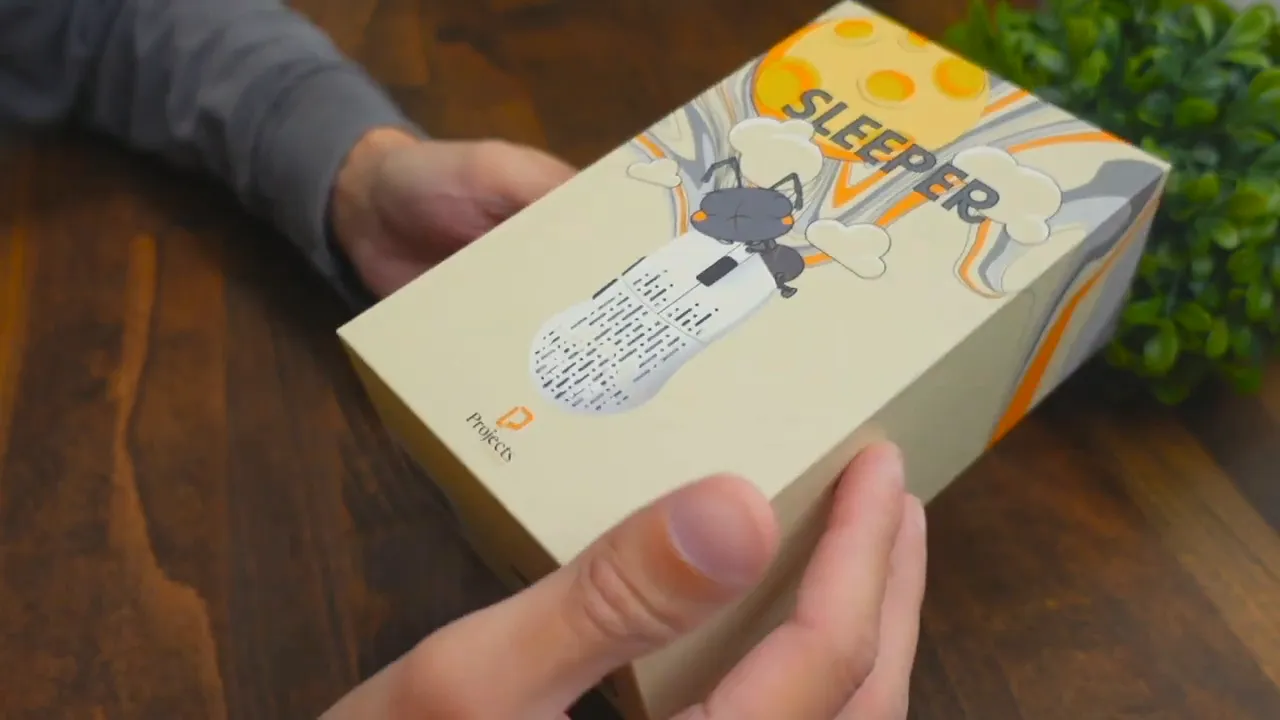
Packaging stands out with thoughtful illustration work rather than a plain box. Inside you will find the mouse, a braided USB-A to USB-C cable, a USB-A to USB-C adapter, the wireless USB-A dongle stored neatly under the mouse, and an extra set of skates for a different glide profile.
The included skates let you switch between the stock harder surface and a softer, smoother glide. That’s a small but welcome touch — glide preference is personal, so having options is helpful.
Design and build: minimal, light, and purposeful
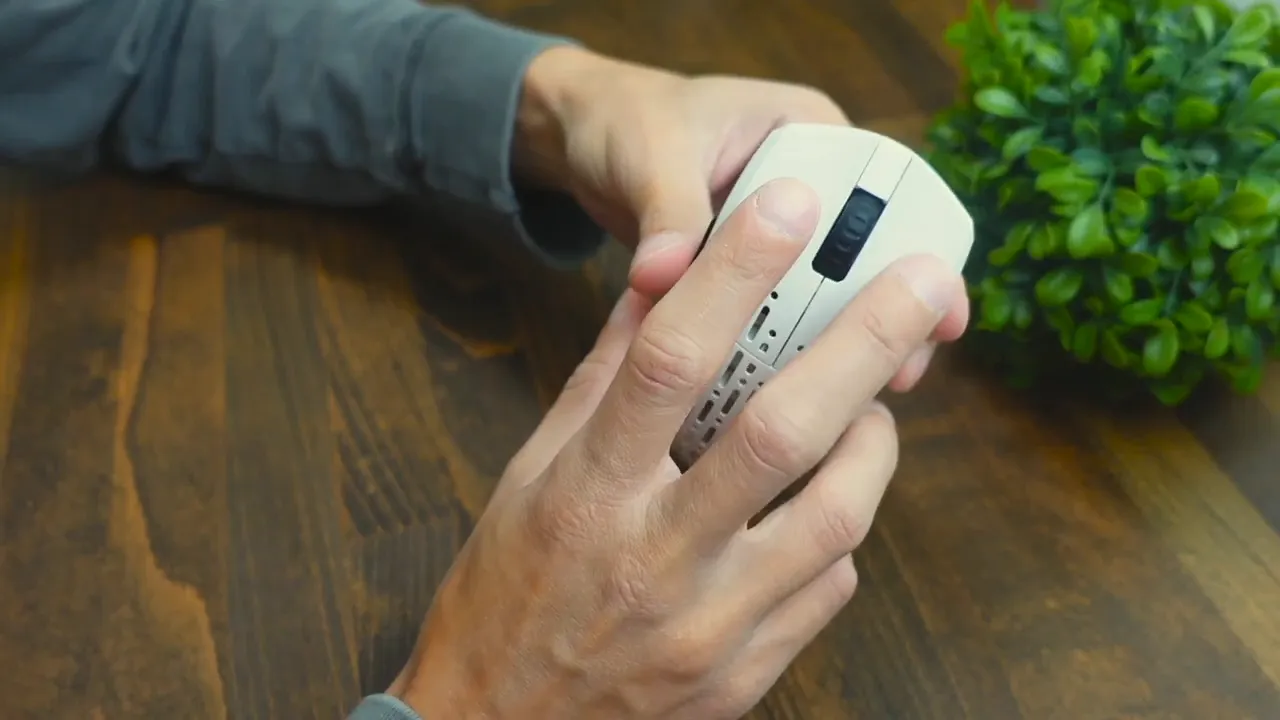
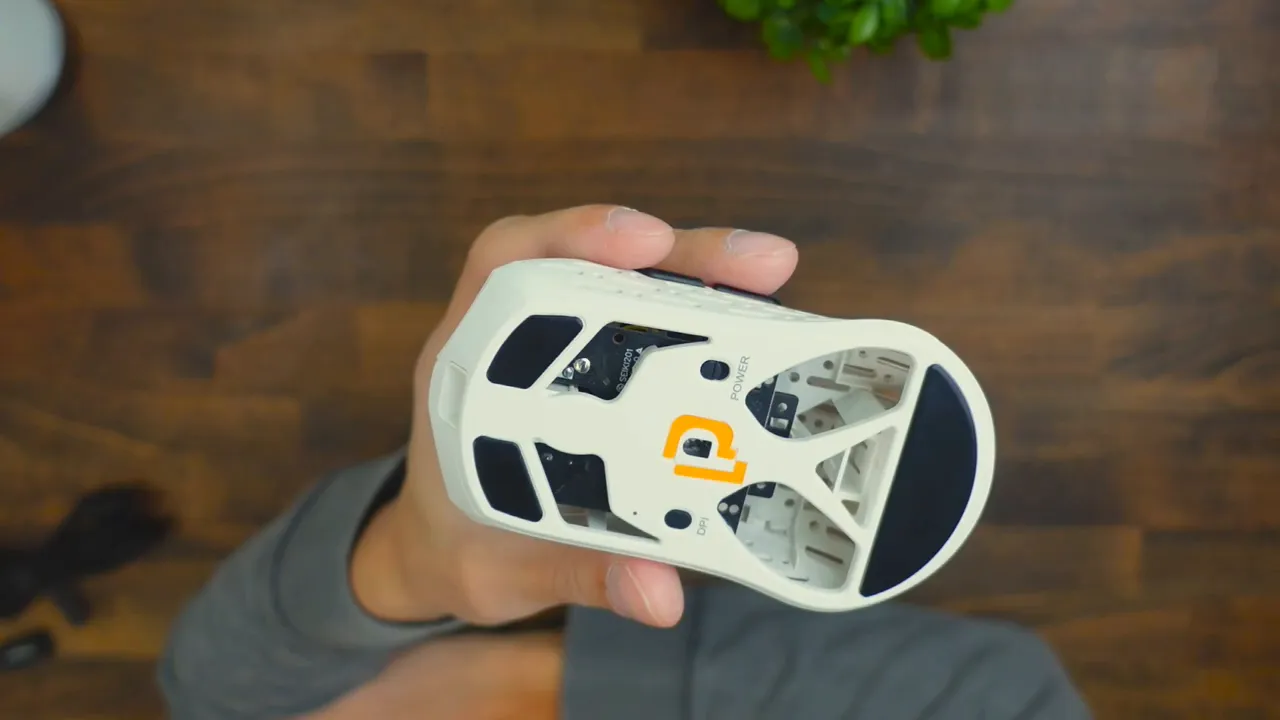
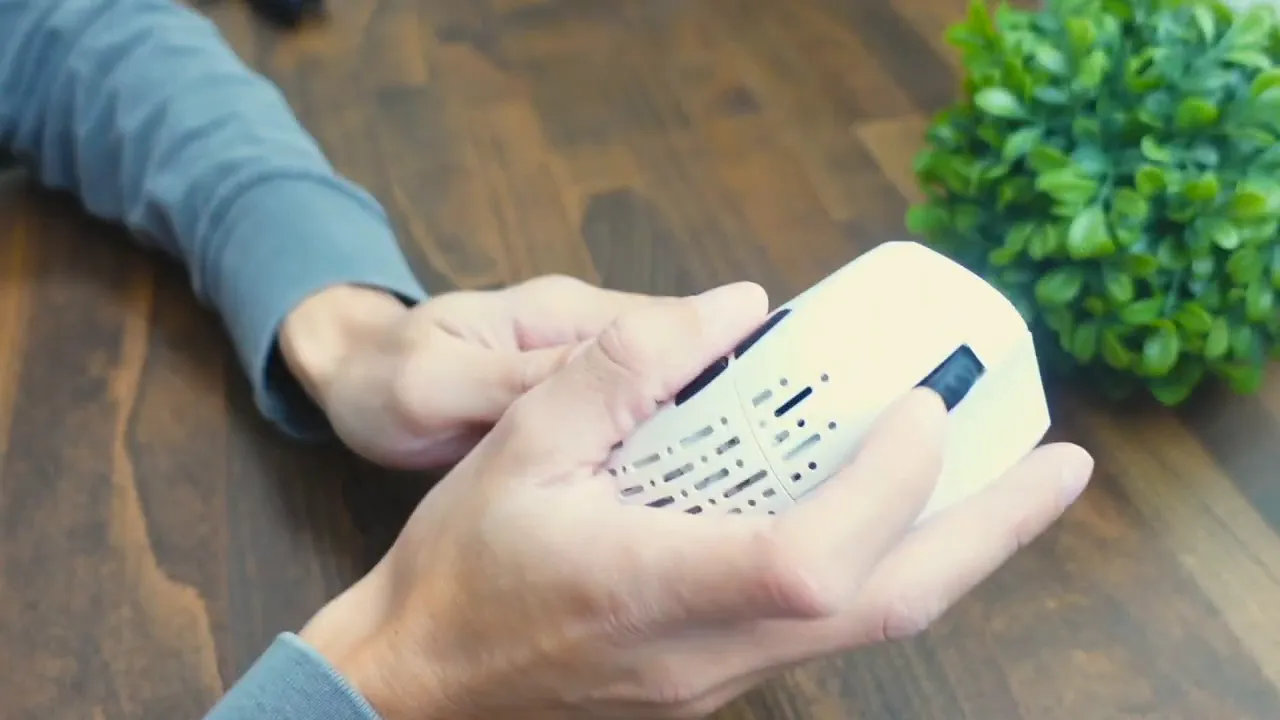
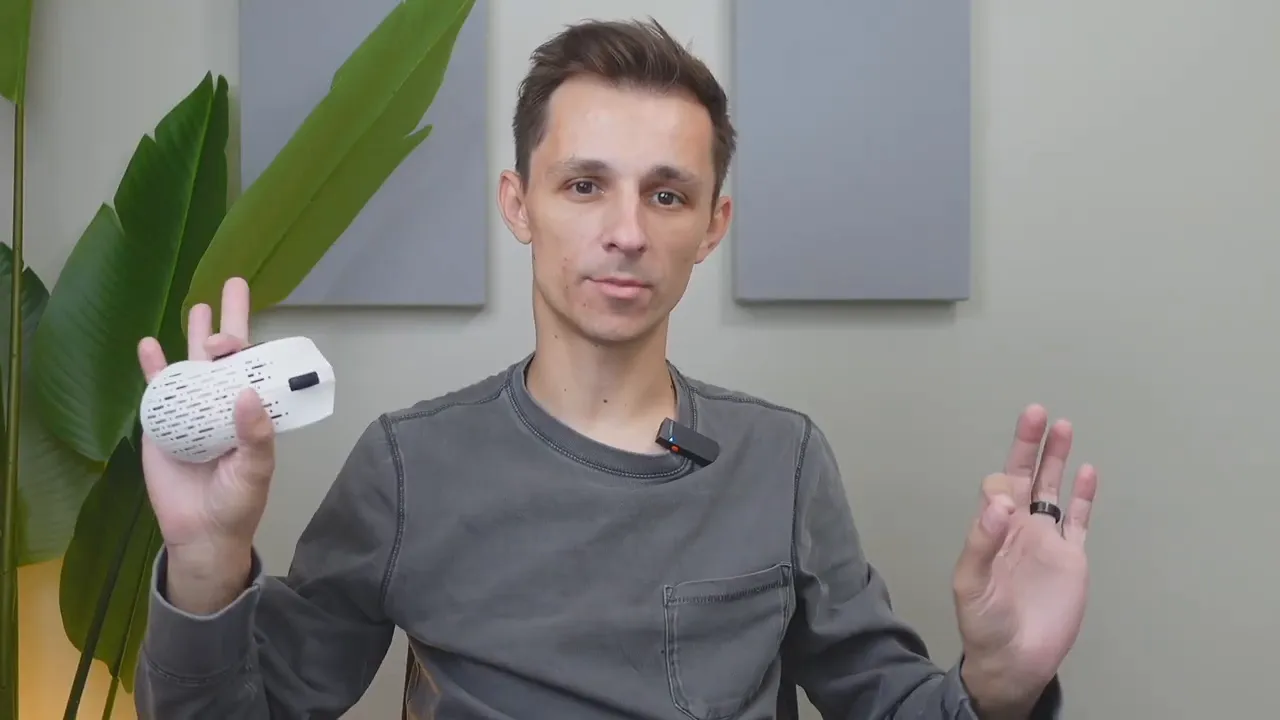
The shell uses a honeycomb-style cutout pattern and bottom cutouts to trim weight without sacrificing structural stability. The weight sits at 53 g, which is lighter than many of the market favorites and makes for very quick flicks and low fatigue during long sessions.
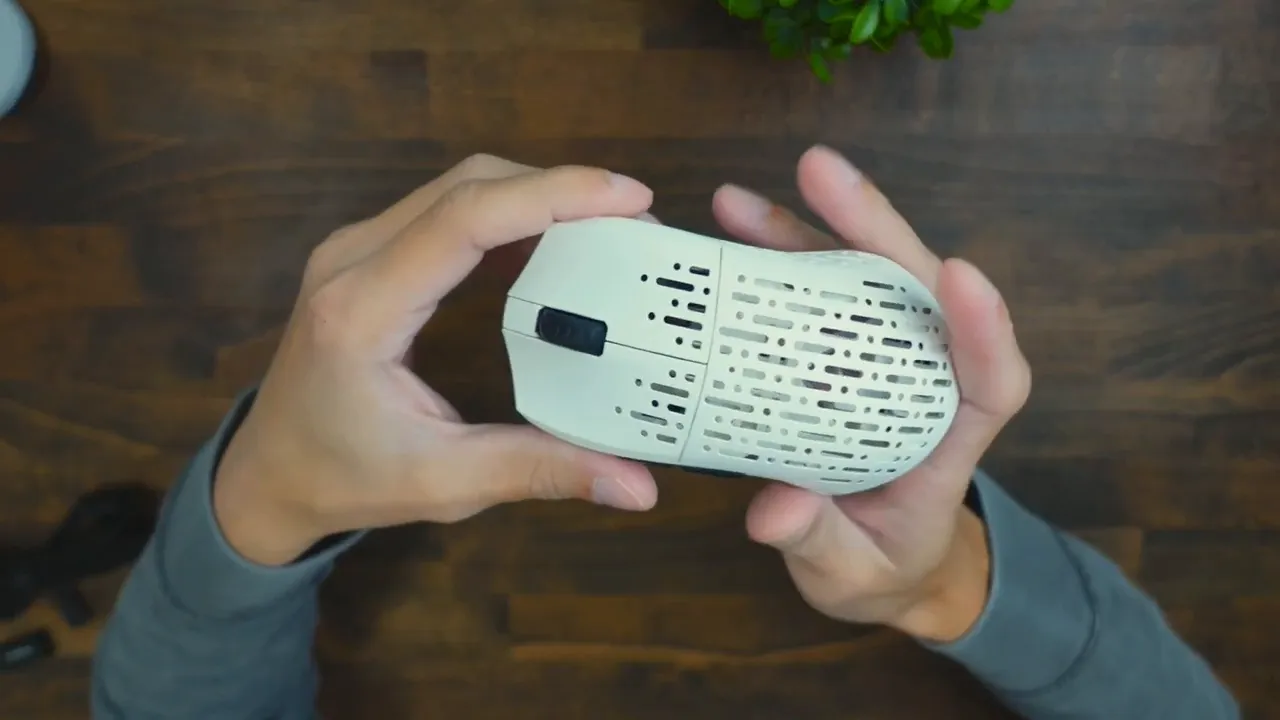
Most of the construction is plastic, which keeps weight low. The scroll wheel is wrapped in a firm rubber for grip and tactile feedback, and the side buttons have a textured finish for confident thumb presses. There is no RGB lighting, which is an intentional decision: eliminating lights helps keep the battery size and weight down.
Buttons and layout: pared down for FPS
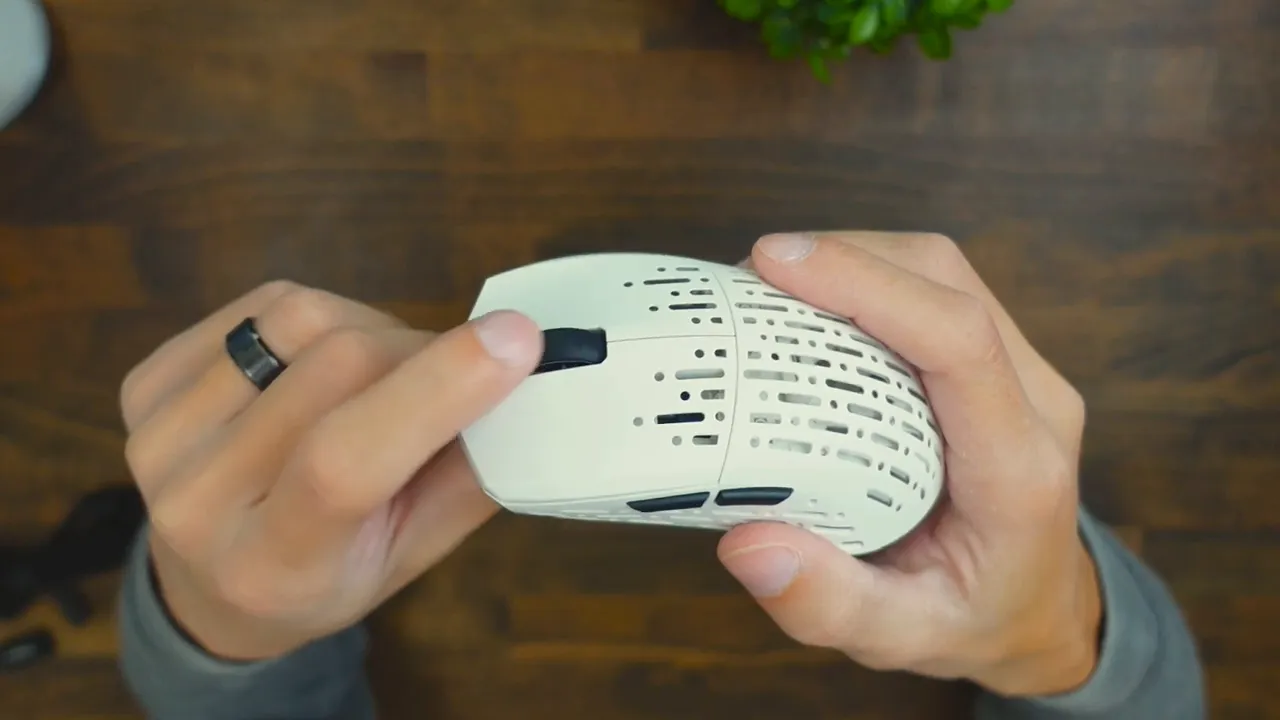
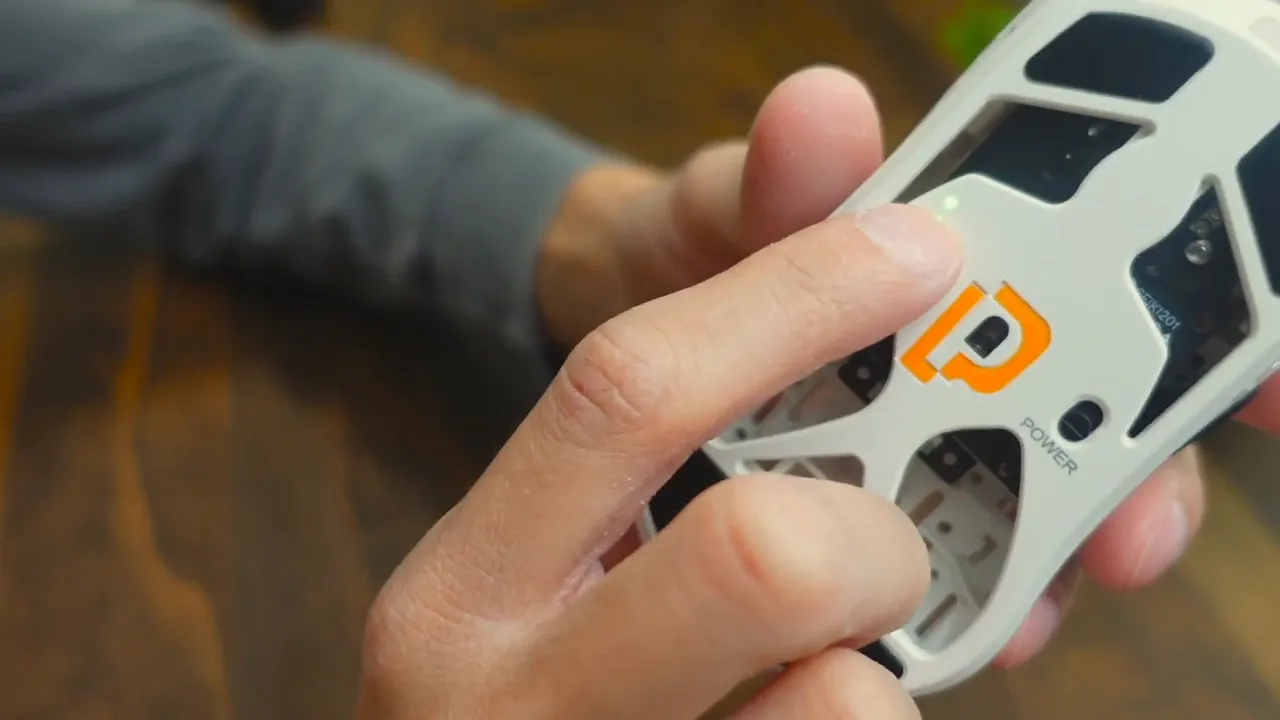
The layout is deliberately simple. You get left and right click, a clickable scroll wheel (no tilt), two side buttons for forward and back, a DPI switch on the rear, and a physical power toggle. That simplicity favors FPS players who want instant responsiveness and minimal accidental presses rather than huge arrays of macro keys for MMO use.
Sensor and performance
The mouse reports up to 19,000 DPI and a 1,000 Hz polling rate, which together offer fast, accurate tracking with essentially no perceptible lag. The high DPI ceiling gives flexibility for players who run very high sensitivity, while the stable polling rate keeps inputs smooth.
Whether you prefer low-sense wrist movement or high-sense fingertip accuracy, this sensor-range supports both. The combination of light weight and a responsive sensor makes for very snappy aim adjustments and reliable tracking in fast-paced games.
Comfort and grip styles
The form is versatile enough to support the three main grip styles: palm, claw, and fingertip. For medium-sized hands it felt natural across all three; there is some extra room for larger hands and enough shape definition for smaller hands to still get secure control.
Palm grip users will appreciate the low profile and broad top surface. Claw and fingertip players benefit from the light weight, which reduces resistance when making quick micro-adjustments.
Clicks and scroll feeling
Clicks are tactile and satisfying. The switches have a polished, slightly audible snap that feels confident without being excessively loud. The scroll wheel rolls smoothly and precisely; its rubberized surface makes scrolling feel deliberate and accurate.
Side buttons register with firm, reliable feedback. Overall, the mechanical feel across buttons and wheel is one of the mouse’s strongest qualities.
Power, wireless setup, and software
Setup is simple. Plug the USB-A dongle into your system, flip the power switch, and the mouse connects instantly. It is plug-and-play for the majority of users.
Software is available for Windows and lets you tweak DPI and a handful of other settings. There is no Mac support for the configuration app, so Mac users are limited to the onboard defaults. The choice to omit RGB keeps the internal battery requirements lower and helps with the overall light weight.
Who should consider this mouse
The Projects Gaming Sleeper is best for FPS players and competitive gamers who prioritize responsiveness and low weight above bells and whistles. Casual users who appreciate a clean aesthetic and satisfying clicks will also enjoy it. It is less suited for MMO or RPG players who rely on many programmable buttons.
Quick specs at a glance
- Weight: 53 g
- Sensor: up to 19,000 DPI
- Polling rate: 1,000 Hz
- Connection: Wireless via USB-A dongle (includes USB-C adapter)
- Buttons: Minimal layout (L/R click, scroll wheel, 2 side buttons, DPI switch)
- Software: Windows only
- RGB: None
Pros and cons
- Pros: Extremely light at 53 g, clean design, responsive 19k sensor, tactile buttons and smooth scroll, useful accessories like extra skates and braided cable.
- Cons: No RGB for those who like aesthetics, Windows-only software, limited button count for MMO players.
Frequently asked questions
Is the Projects Gaming Sleeper mouse wireless?
Yes. It uses a USB-A wireless dongle for a plug-and-play connection and includes a USB-A to USB-C adapter for compatibility with USB-C ports.
How much does the mouse weigh?
The mouse weighs 53 grams, making it one of the lighter options designed for fast-paced FPS play.
Does it have RGB lighting?
No. The mouse intentionally omits RGB to keep weight and battery requirements down and focus on pure performance.
What sensor and DPI range does it use?
It offers up to 19,000 DPI and operates at a 1,000 Hz polling rate, providing accurate and responsive tracking for competitive gaming.
Is the configuration software available for Mac?
The configuration software is available only for Windows. Mac users can use the mouse with default settings but cannot access the Windows-only software tools.
Are there extra accessories included?
Yes. The package includes a braided USB-A to USB-C cable, a USB-A to USB-C adapter, the wireless dongle stored under the mouse, and optional gliding skates for a different surface feel.
Final take
The Projects Gaming Sleeper is a focused tool built for speed and feel. It removes nonessential features in favor of a light, responsive experience. If precision aim, fast flicks, and satisfying mechanical feedback are priorities, this mouse punches above its weight class. If you need a dozen macro keys or flashy RGB, this is not the mouse for you.
For anyone wanting a clean, performance-first mouse with a polished tactile experience, the Projects Gaming Sleeper deserves a spot on the shortlist.


