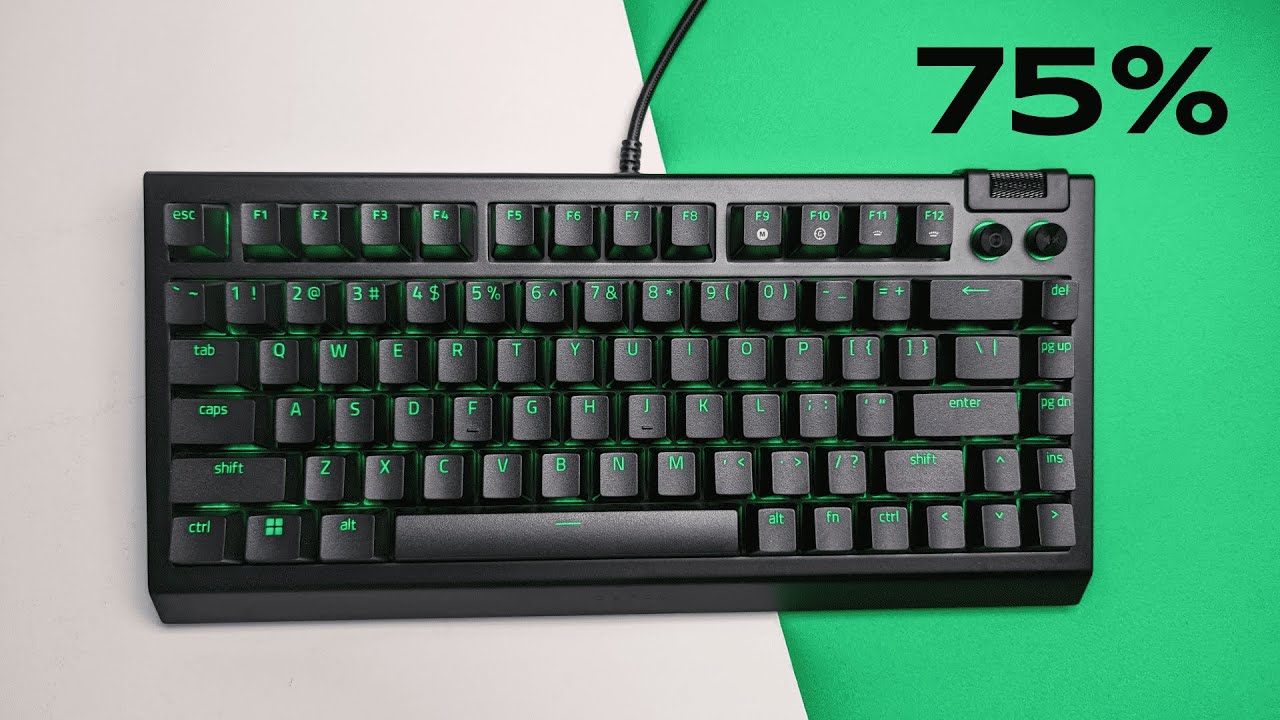
I'm Kova Tech, and after spending a good amount of time with the Razer BlackWidow V4 75% mechanical gaming keyboard, I'm convinced Razer is leaning into the keyboard enthusiast crowd. This compact 75% board brings hot-swappability, factory-applied dampening and lubrication, a plush wrist rest, per-key RGB underglow, and a handful of enthusiast-friendly features you'd normally only find in custom builds. Below you'll find an honest breakdown of what worked for me, what to watch out for, and practical tips if you plan to mod or personalize your setup.
Table of Contents
- Quick TL;DR
- First Impressions: Sound and Feel
- Inside the Case: A Mini Tear-Down
- Build Quality and Comfort
- Aesthetics, Media Controls, and RGB
- Software and Customization
- Hot-Swappable Switches: Modder-Friendly
- Keycaps and Typing Accuracy
- Who Is This Keyboard For?
- Pros and Cons
- Practical Tips Before You Buy
- Conclusion
- FAQ
Quick TL;DR
- Format: 75% layout — saves desk space without sacrificing functionality.
- Switches: Hot-swappable (user-replaceable); comes stock with Razer Orange tactile switches.
- Acoustics: Factory foam + rubberized base + lubed stabilizers = quieter, more damped typing sound.
- Build: Aluminum top plate, magnetic leatherette wrist rest, dedicated media knob and media buttons.
- Software: Per-key customization, multi-function volume rocker, hypershift, gaming mode, polling rate up to 8000 Hz.
First Impressions: Sound and Feel
What stands out immediately is how... good it sounds. The BlackWidow V4 75 ships with foaming inside the case and lubed stabilizers—two things keyboard modders obsess over. Those elements turn a typical retail mechanical keyboard into something that feels and sounds closer to a custom build.
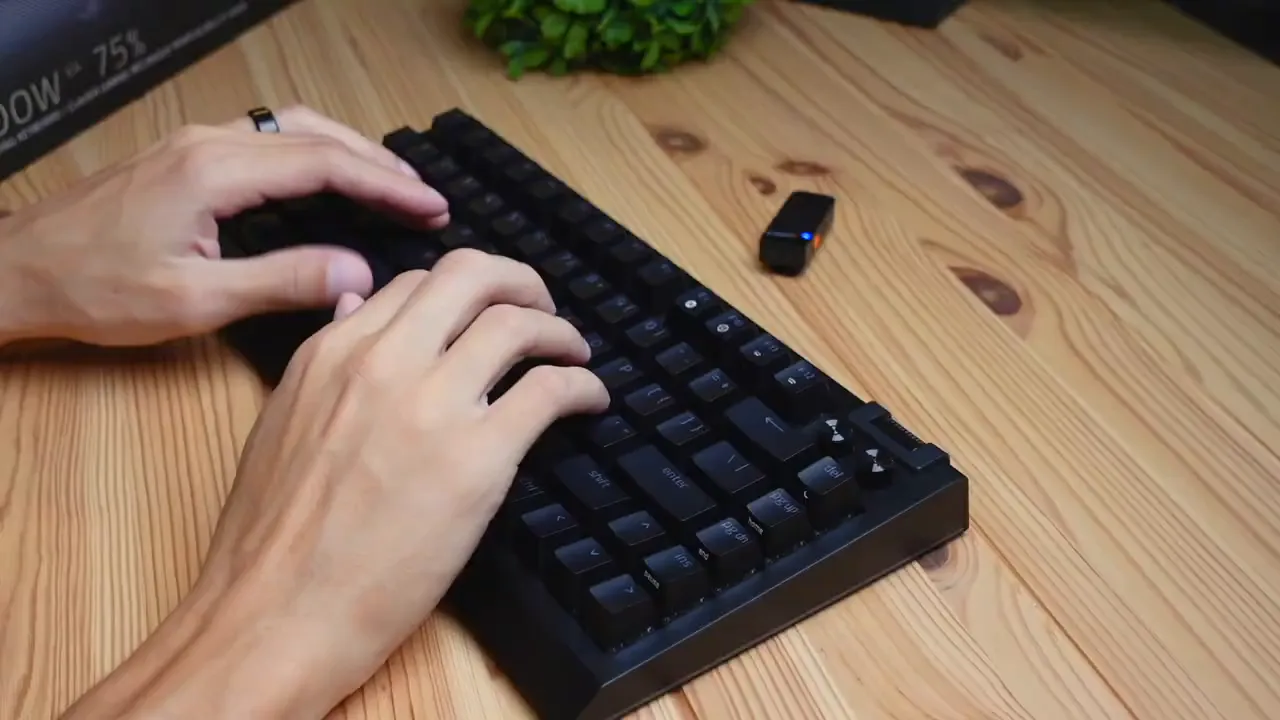
The stock Razer Orange tactile switches feel similar to Cherry Browns: tactile without being loud. Combined with the foam dampening and the rubberized bottom layer, keystrokes are noticeably less hollow and more muted. If you've ever used a bare metal-board keyboard and wished it sounded rounder and more pleasant, this one hits that mark out of the box.
Inside the Case: A Mini Tear-Down
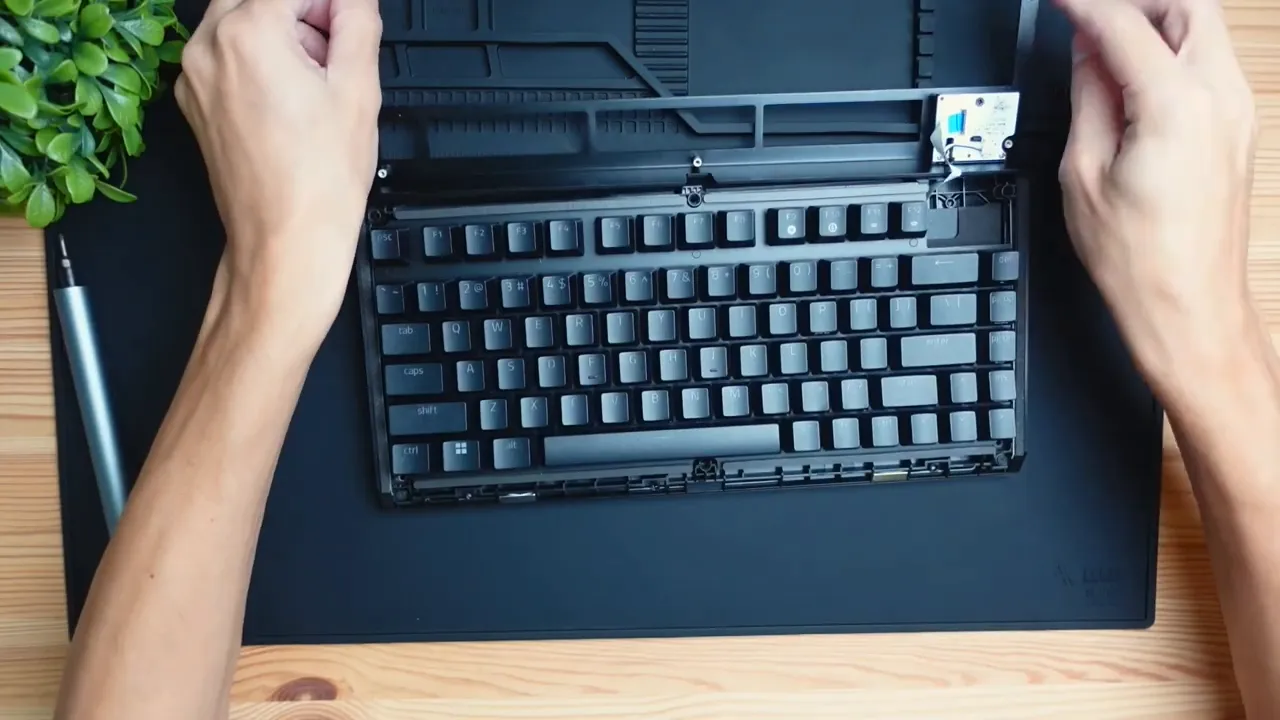
Razer made the internals more accessible than previous mainstream designs. Removing the backplate (six screws) reveals a daughter board for side RGB and a cable harness for the aluminum top section. Underneath, Razer places both rubberized material and foam layers strategically to muffle reverberation and reduce ping.
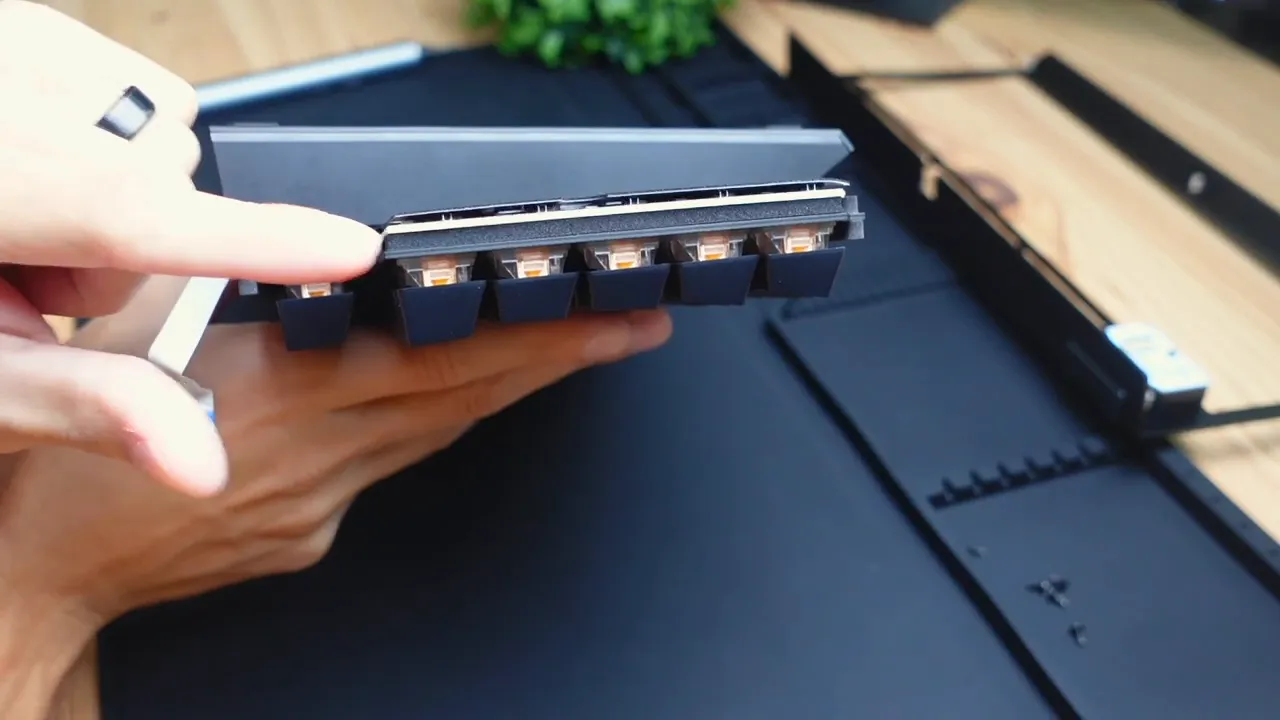
There's another foam layer where the switches rest into the plate — this helps absorb the impact of each keypress. The combination of foam layers and lubed switches/stabs gives the keyboard a very “finished” sound when typing; not tinny, not overly bright — more comfortable for long typing sessions.
Build Quality and Comfort
The build feels premium: an aluminum top plate provides rigidity and a satisfying weight, while the included wrist rest is plush leatherette with a soft cushion. If you're someone who prefers a more elevated hand position, the default flat orientation may feel low — try using one of the two adjustable feet to find a more ergonomic angle.
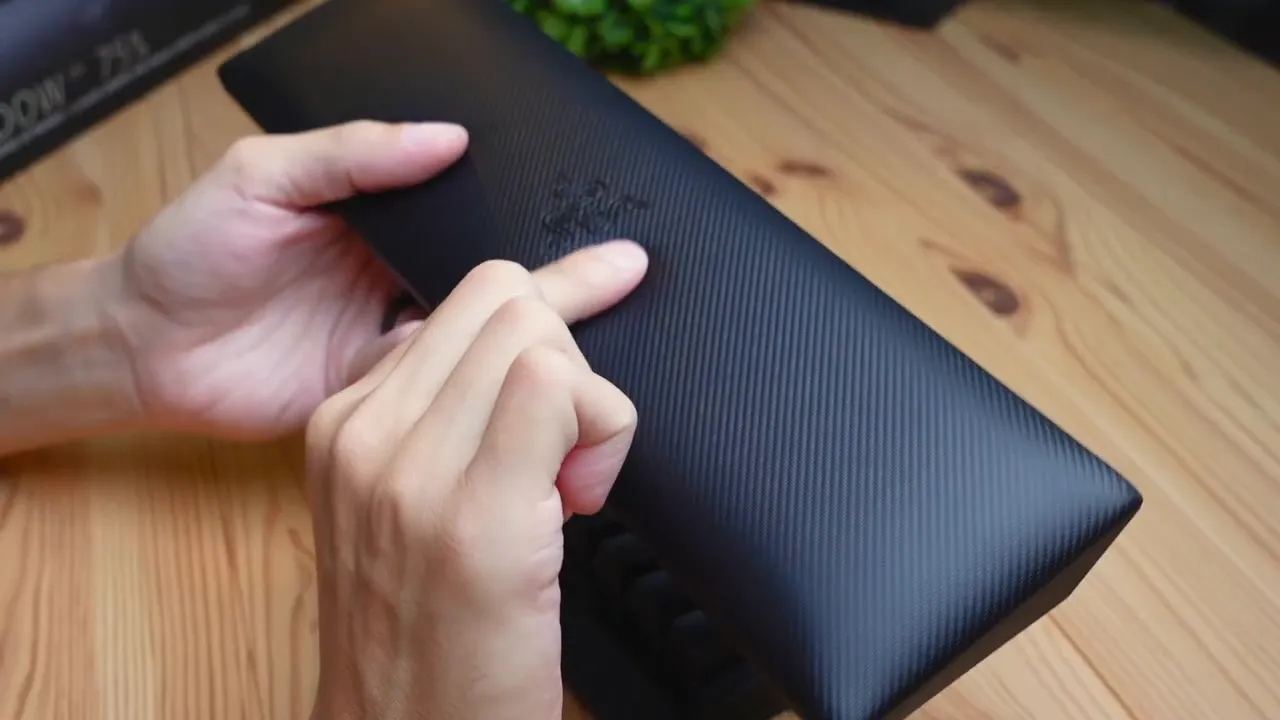
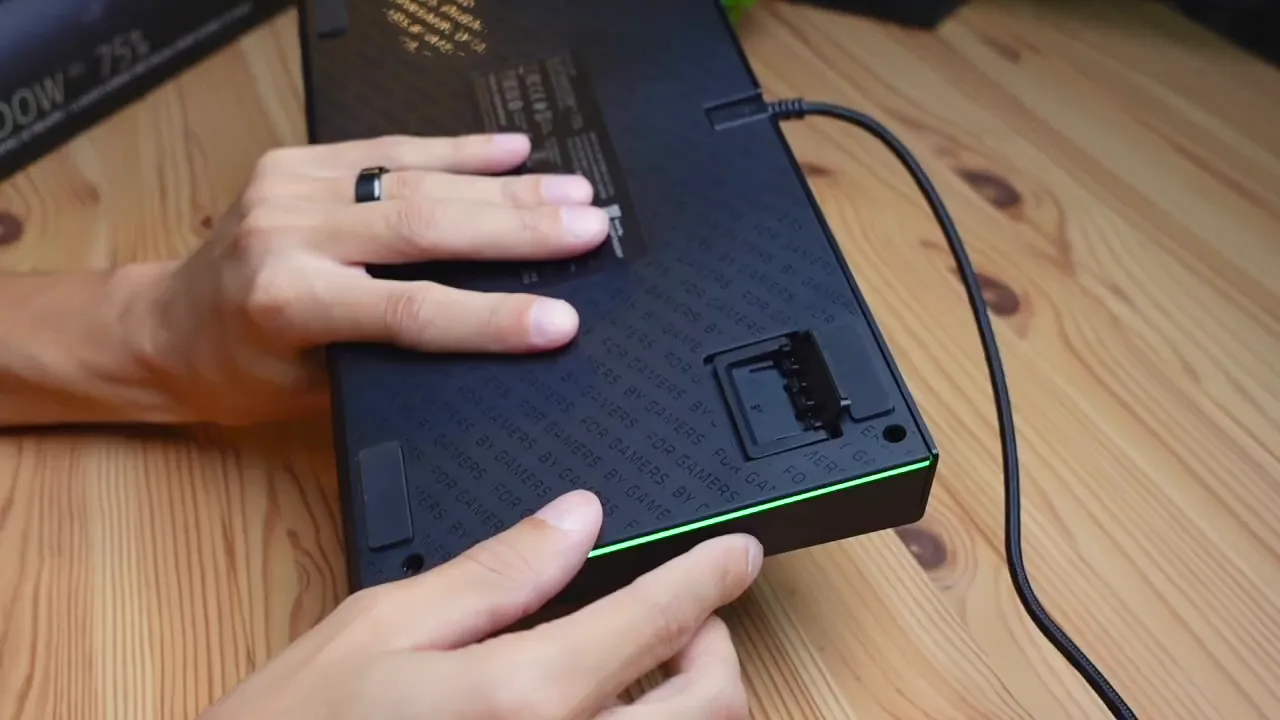
Two adjustable leg heights are available. I personally liked the shorter legs for day-to-day use, but raising the board a notch improved ergonomics for longer typing or gaming sessions. The wrist rest magnetically attaches and is comfortable, although it keeps hands a bit low unless you adjust the keyboard angle.
Aesthetics, Media Controls, and RGB
Razer didn't skimp on RGB: this board has vibrant two-side underglow and per-key lighting that looks great on a dark desk. The aluminum plate, combined with the RGB, makes for a sleek modern look.
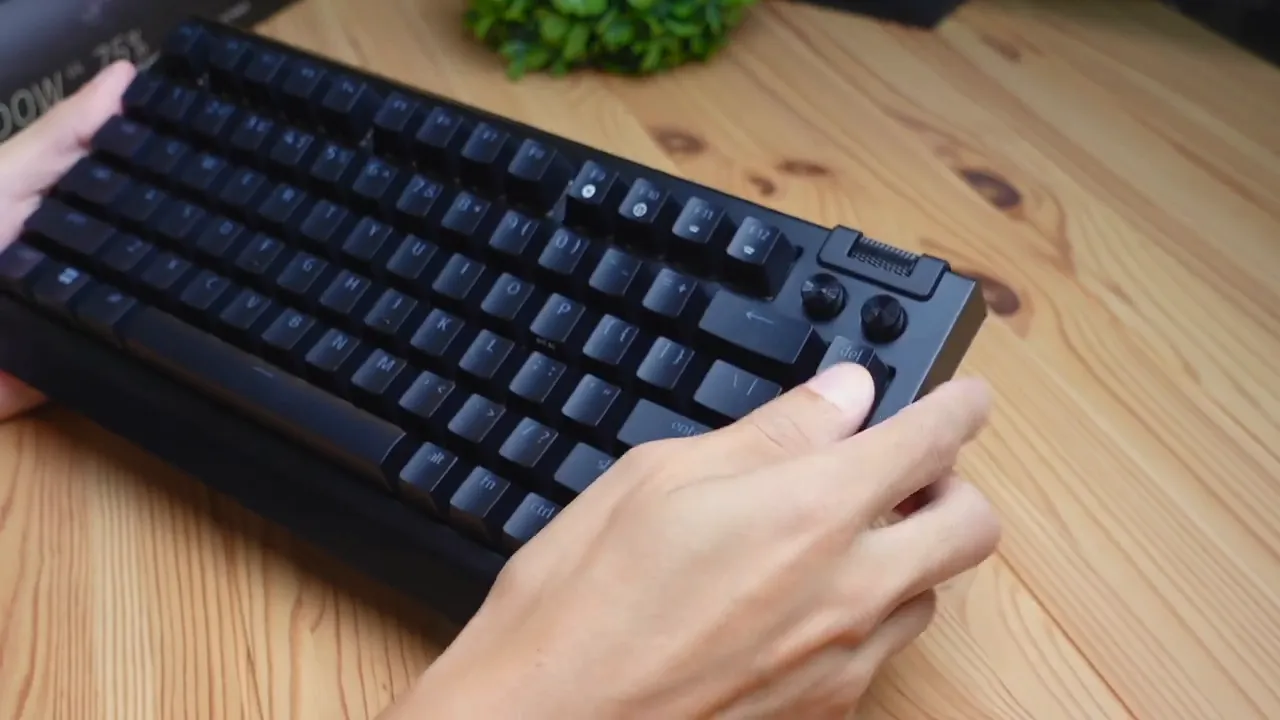
Media controls include a multi-function roller and two media buttons. By default the rocker handles volume up/down, and the two buttons handle play/pause and mute. The roller offers programmable options through the software as well, including mic volume, window zooming, and more. Note: the play/pause button is fixed and cannot be remapped; the other controls are much more flexible.
On the keyboard itself, F11/F12 (plus Function) lets you quickly adjust brightness without opening the software, which is handy when you want to dim the lights for streaming or gaming.
Software and Customization
Razer's software (Synapse) gives you granular control. Every key can be remapped: brightness changes, multimedia shortcuts, macros, and more. There's also a Hypershift feature to layer additional mappings and a Gaming Mode to disable specific keys during play.
- Per-key remapping and lighting: full customization available.
- Multifunction roller: assign secondary behaviors (single, double, triple tap supported for media keys).
- Polling rate: defaults to 1000 Hz, but you can push up to 8000 Hz. Be cautious — the software warns of potential frame rate drop as CPU usage increases at higher polling rates.
My recommendation: test 1000 Hz, then try 8000 Hz only if you have a high-refresh setup and are confident in your system’s performance. For most users 1000 Hz is more than adequate.
Hot-Swappable Switches: Modder-Friendly
This is one of the biggest selling points for enthusiasts. The BlackWidow V4 75 is hot-swappable — you can remove switches without desoldering. Razer includes a multi-tool with both keycap and switch pullers to make swap-outs quick and painless.
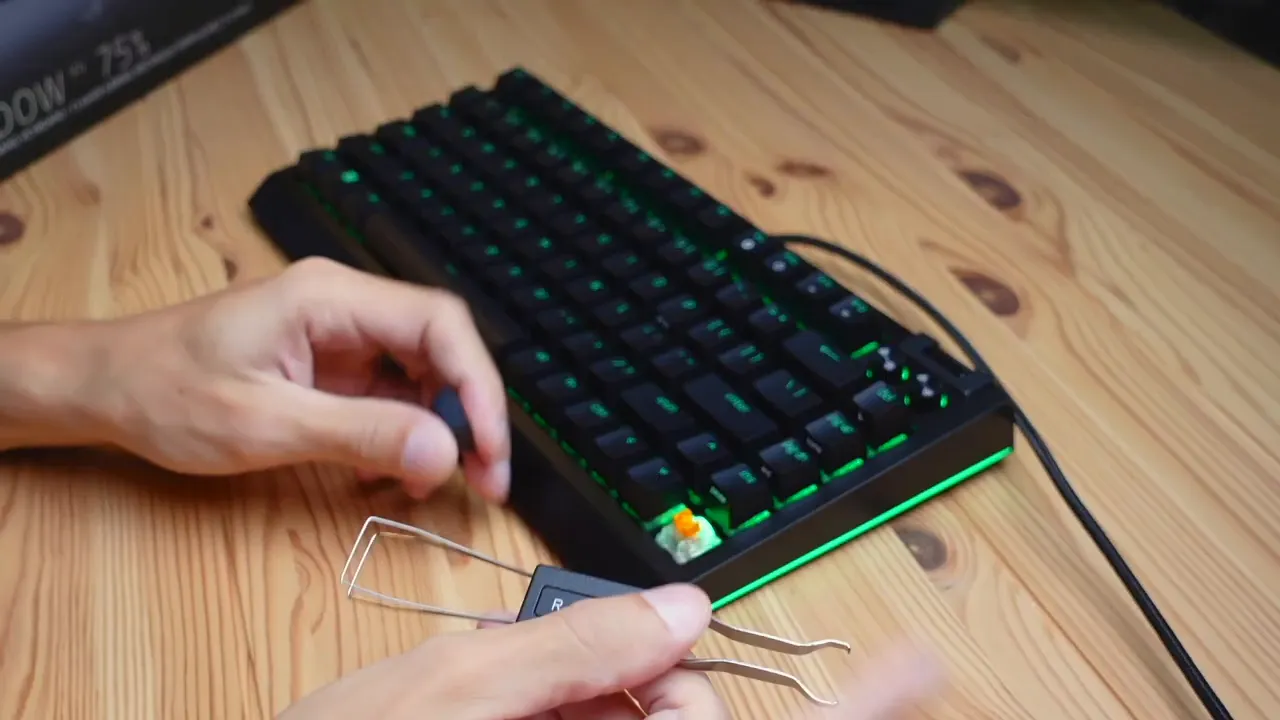
Switch compatibility: the stock Razer switches are two-pin on the satellite stem, but Razer recommends using 3-pin or 5-pin switches when swapping (check Razer’s product page before buying third-party switches). That said, the hot-swap sockets are compatible with most MX-style switches as long as they fit the plate and the pins line up correctly.
Want a quieter or snappier feel? You can swap to linear, clicky, or different tactile switches in minutes. For anyone coming from standard retail keyboards, the ability to hot-swap is a huge plus — it changes how you approach a keyboard purchase because you can tune the feel later.
Keycaps and Typing Accuracy
The BlackWidow V4 75 ships with double-shot PBT keycaps. Double-shot PBT is durable and resists shine from finger oils; the legends are translucent to let RGB shine through clearly. The surfaces are slightly textured, which offers extra grip and helps reduce finger slippage during long sessions.
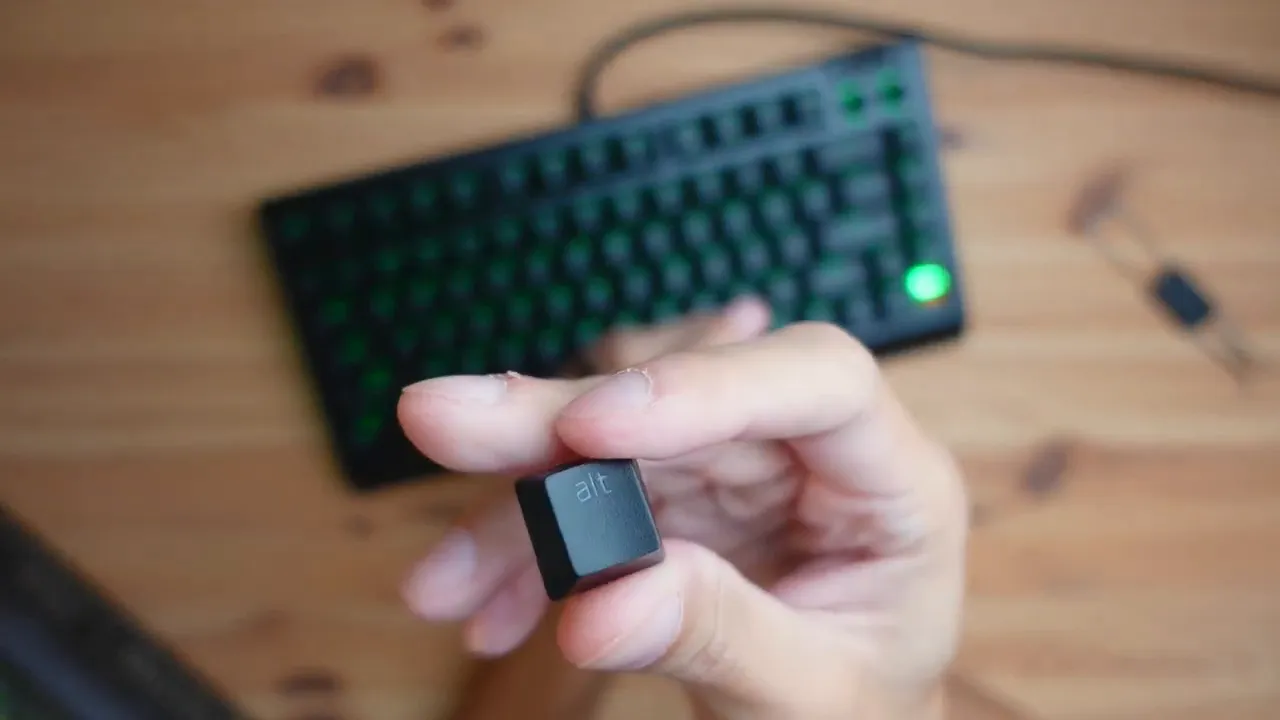
Between the keycap texture, lubed stabilizers, and foam dampening, typing feels accurate and smooth. The board also supports full NKRO (n-key rollover), so you can mash keys without worrying about missed inputs — ideal for fast typists and gamers alike.
Who Is This Keyboard For?
If you fall into any of these categories, the BlackWidow V4 75 is worth a look:
- Keyboard enthusiasts who want a near-custom feeling straight out of the box.
- Gamers looking for a compact but functional 75% layout with reliable performance.
- Modders who want hot-swappability and the option to experiment with different switches and keycaps.
- Anyone who values better acoustics without having to open and foam their keyboard themselves.
Pros and Cons
- Pros: Hot-swappable switches, factory foam & lubed stabilizers, double-shot PBT keycaps, aluminum plate, excellent RGB, comfortable magnetic wrist rest.
- Cons: Some media controls are fixed, default hand position may feel low without using legs, Razer recommends 3/5-pin switches (double-check compatibility before buying replacements), 8000 Hz polling may increase CPU usage.
Practical Tips Before You Buy
- Decide on your preferred switch type (linear vs tactile vs clicky) before buying extra switches. If buying third-party switches, verify 3-pin or 5-pin compatibility as recommended by Razer.
- Try both leg heights — the shorter angle felt better to me for everyday use, but raising it improved ergonomics for longer sessions.
- Use the included multi-tool for keycap and switch swaps; it's basic but effective.
- Test different polling rates in the software and watch for CPU impact if you push toward 8000 Hz.
- Take advantage of per-key remapping and Hypershift to create custom layers for productivity or gaming macros.
Conclusion
The Razer BlackWidow V4 75% is an important keyboard for Razer. It brings enthusiast-focused features—hot-swappability, factory foaming, and lubricated stabilizers—into a mainstream product. For buyers who want a high-end, modder-friendly keyboard without immediately diving into soldering and custom builds, this is a compelling option. It’s stylish, customizable, and provides an out-of-the-box typing experience that feels much closer to a custom-modded board than a typical retail keyboard.
If you're looking for a compact 75% keyboard that reduces noise, improves feel, and gives you the freedom to swap switches later, the BlackWidow V4 75 deserves serious consideration.
FAQ
Is the Razer BlackWidow V4 75 hot-swappable?
Yes — it supports hot-swappable switches. You can remove and replace switches using the included switch puller without desoldering. Make sure the switches you buy are compatible (Razer recommends 3-pin or 5-pin switches).
Does it come lubed and foamed out of the box?
Yes. Razer includes foam inside the case and applies lubrication to stabilizers and switches to improve acoustics and typing feel right out of the box.
What switches does it ship with?
It ships with Razer Orange tactile switches, which resemble Cherry Brown-style tactility. They offer a tactile bump without being loud.
What type of keycaps are used?
The keyboard ships with double-shot PBT keycaps. They are durable, textured for better grip, and have translucent legends for clean RGB illumination.
Can I change the polling rate?
Yes. The software allows you to switch polling rates; 1000 Hz is the default, and you can increase it up to 8000 Hz. Higher polling rates may increase CPU usage and can trigger a warning in the software.
Does it support NKRO?
Yes, it supports full n-key rollover, so all simultaneous key presses should register accurately on your PC.
Is the wrist rest comfortable?
The included magnetic leatherette wrist rest is plush and comfortable. Some users may prefer to raise the keyboard slightly with the adjustable feet to improve wrist angle and ergonomics.


