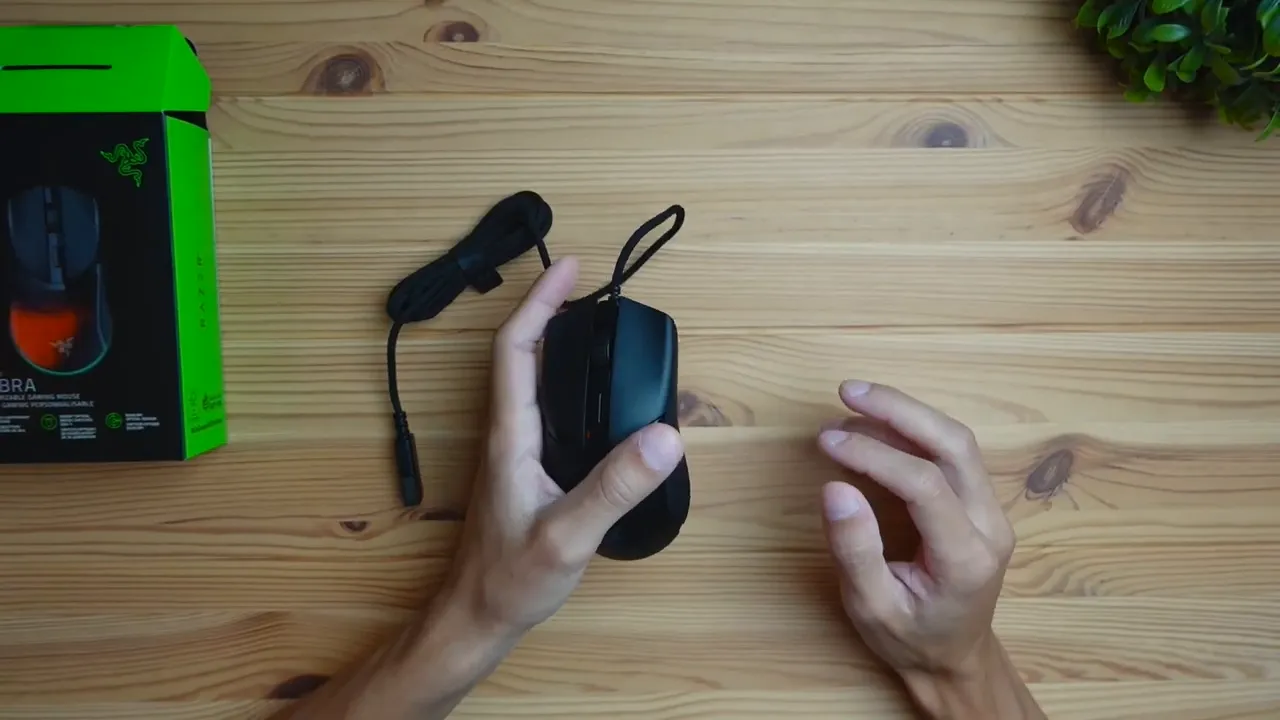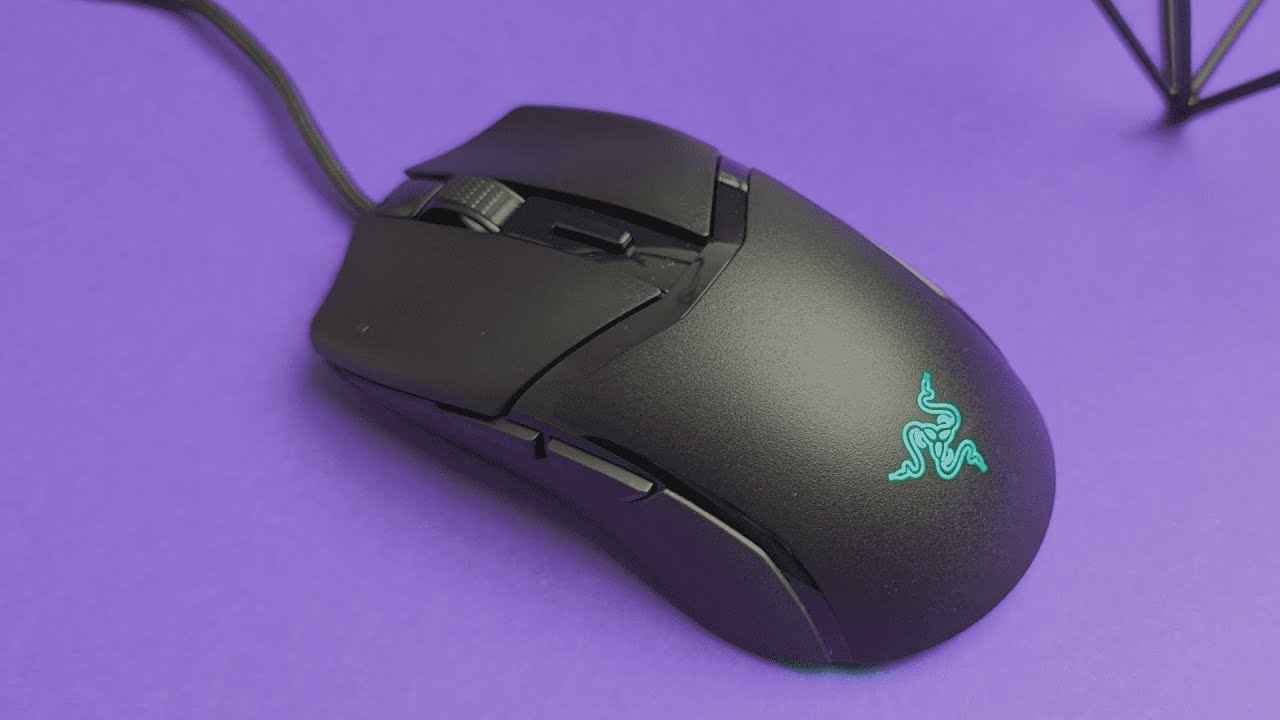
The Razer Cobra arrives as a lightweight, wired gaming mouse aimed at players who value speed, control, and simplicity. At about 58 grams, it targets those who prefer a nimble feel rather than a heavy, feature-packed shell. What stands out immediately is the blend of textures, braided cable quality, and Gen-3 optical switches. Below is a practical breakdown of what the Cobra delivers, how it handles, and whether it fits your setup.
Table of Contents
- What you get in the box
- Build, materials, and finishes
- Switches and click feel
- Ergonomics and grip styles
- Performance features worth noting
- Lighting and customization
- Shortcomings and trade-offs
- Who should consider the Cobra
- Quick summary
- FAQ
- Final thoughts
What you get in the box
Packaging is straightforward and intentionally minimal. Inside the box you will find:
- The mouse with a braided USB-A cable
- Manual and a branded sticker
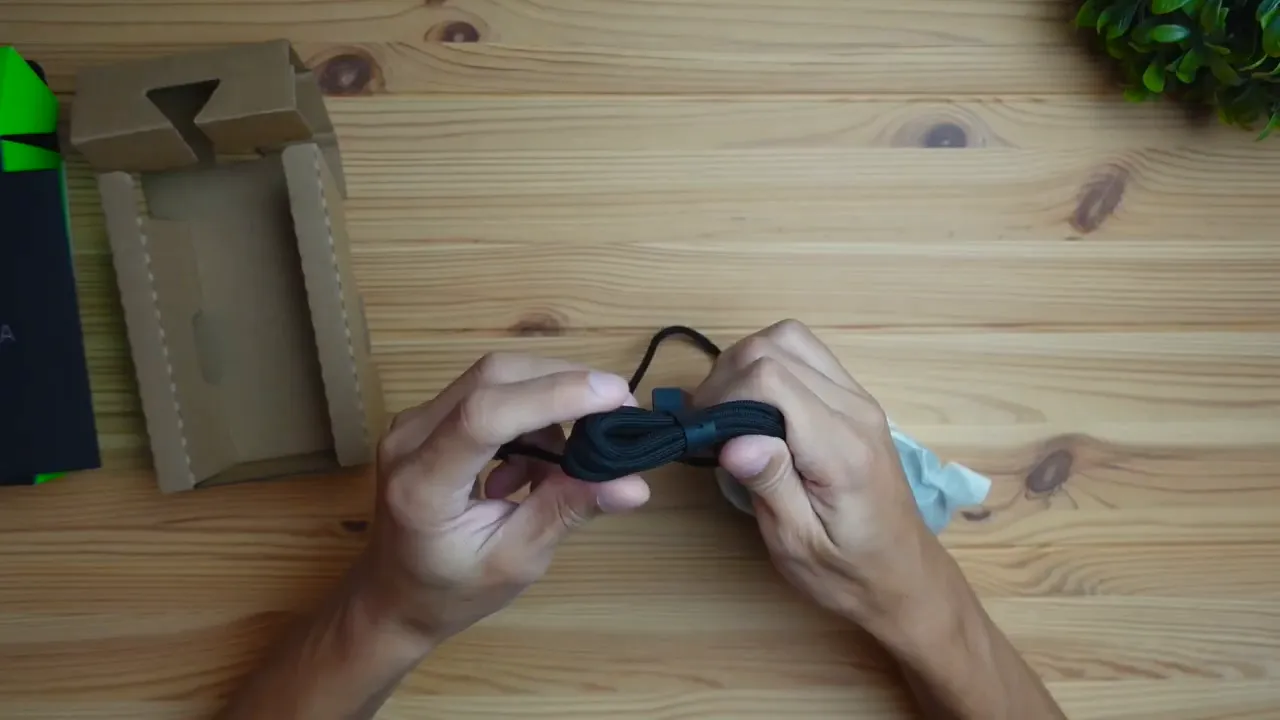
The braided cable feels solid and flexible out of the box. The unboxing experience is not premium or elaborate, but the essentials are there and the cable quality suggests durability and low drag during fast movements.
Build, materials, and finishes
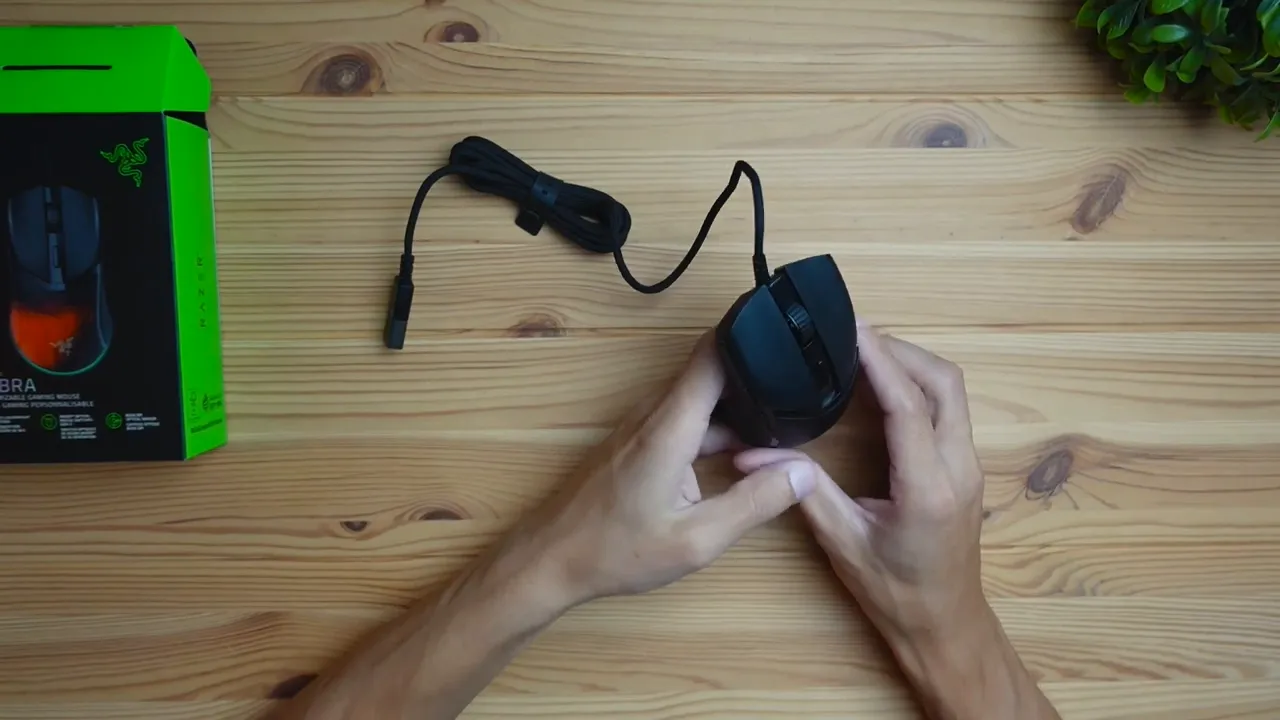
The Cobra is fully plastic but uses different surface finishes to create a premium, functional feel. The sides have a grainy texture for grip while the top plates are smoother and slightly glossy for a clean look. The scroll wheel is rubberized, which helps when you need quick, tactile scrolling during work or in-game inventory swaps.
Key physical details
- Wired connection only: USB-A plug, no wireless option on this model
- Lightweight chassis aimed at reactive play
- Two side buttons, a DPI switch button on top, and RGB lighting accents
Switches and click feel
The main left and right buttons use Razer’s Gen-3 Optical Mouse Switches. These are fast, durable, and have become a staple in Razer’s lineup. Side buttons and the scroll wheel are standard mechanical components rather than optical, which is worth noting if you expect the entire mouse to feel uniformly "instant."
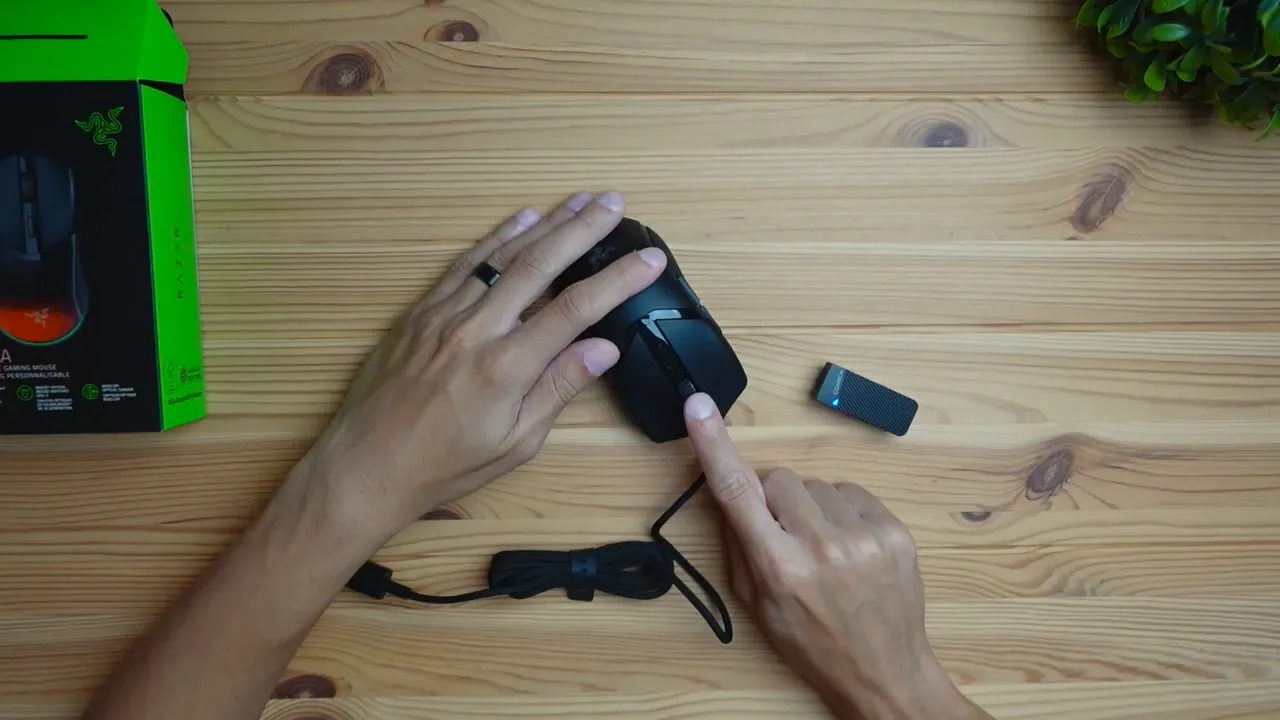
Expect a noticeable click: the clicks are not silent. They land in the average-to-loud range, which gives confident feedback at the cost of being audible in quiet shared spaces. If your workstation is a drop-dead silent office, a quieter mouse might be preferable. For most gaming setups and personal desks, the sound is unintrusive and predictable.
Ergonomics and grip styles
The Cobra supports all common grip styles comfortably: palm, claw, and fingertip. It leans slightly toward a mid-small footprint—comfortable for average-sized hands but potentially tight for very large hands.
- Palm grip: Feasible for average hands; full palm users with larger hands may feel cramped.
- Claw grip: Works well thanks to the shape and button placement that favor quick clicks.
- Fingertip grip: The lightweight design and textured sides make fingertip control precise and easy to modulate.
Overall the shape is versatile; the weight and textured side panels make micro-adjustments feel natural while maintaining control during flicks and tracking.
Performance features worth noting
Beyond switches and ergonomics, here are practical elements that affect day-to-day use:
- Sensor and skates: The Cobra has a precise sensor and smooth skates for low-friction movement, which helps with accuracy during fast swipes.
- DPI switch: A top-mounted DPI button allows on-the-fly sensitivity changes. Great for switching between sniping and close-quarters play.
- Wired-only connection: Reliable polling and no battery management—ideal if you prioritize responsiveness over cable freedom.
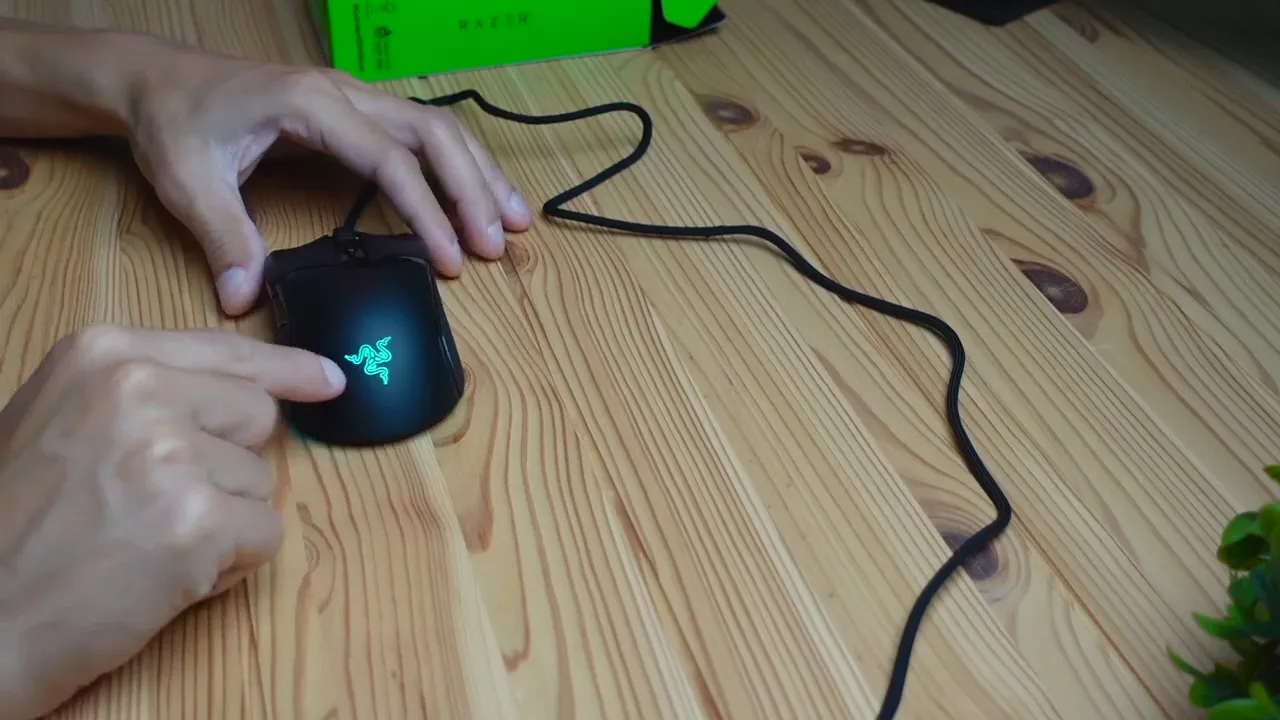
- RGB lighting: Back Razer logo and underglow lighting for a gamer aesthetic that can be customized in software.
Lighting and customization
Out of the box, the Cobra shows Razer Chroma style lighting: logo backlighting and an underglow that adds a subtle gaming vibe. Full color control and lighting effects are available via Razer’s software, allowing customization to match themes, profiles, and synchronized setups.
Shortcomings and trade-offs
No product is perfect. The Cobra’s compromises are clear and intentional:
- Wired only. No wireless variant on this specific model, which may be a deal-breaker for users who want a cable-free desk.
- Not ultra-quiet. Clicks are audible and may bother those in extremely quiet environments.
- Mid-small size. Large-handed users should try it first to ensure comfort for long sessions.
Who should consider the Cobra
The Cobra fits gamers and general users who prioritize:
- Lightweight handling for quick aim and low fatigue
- Durable, responsive primary switches thanks to Gen-3 optical tech
- Reliable wired performance without dealing with batteries or wireless latency concerns
- Grippy texture for consistent control during long sessions
If you want a simple, fast, and predictable mouse that focuses on core performance rather than bells and whistles, the Cobra is a strong contender.
Quick summary
Strengths: Lightweight design, solid braided cable, grippy textures, Gen-3 optical switches, reliable wired performance, customizable RGB.
Weaknesses: Audible clicks, may be small for large hands, no wireless option on this version.
FAQ
Is the Razer Cobra suitable for large hands?
The Cobra tends to be mid to small in size. Users with very large hands may find it cramped for palm grip over long sessions. It works well for average-sized hands and for claw and fingertip grips.
Does the Cobra have wireless connectivity?
This wired version connects via USB-A and does not offer wireless options. A Pro or different model may include wireless features, but this specific unit is wired only.
How loud are the clicks?
Clicks are in the average-to-loud range; they provide clear tactile feedback. They are not silent and may be noticeable in very quiet shared spaces.
Can the RGB lighting be customized?
Yes. The lighting can be customized using Razer’s software, allowing color changes and dynamic effects for both the logo backlight and underglow.
Are the side buttons optical?
No. The main left and right buttons use Gen-3 Optical switches, but the side buttons and the scroll wheel are conventional mechanical components.
Final thoughts
The Razer Cobra is a no-nonsense, performance-first mouse that targets players who want speed, control, and durability. Its Gen-3 optical switches, low weight, and textured grip make it a dependable choice for fast-paced gaming and precise everyday use. If you prefer a wired, lightweight mouse with good customization options and do not require a silent clicker or a very large shell, the Cobra deserves serious consideration.