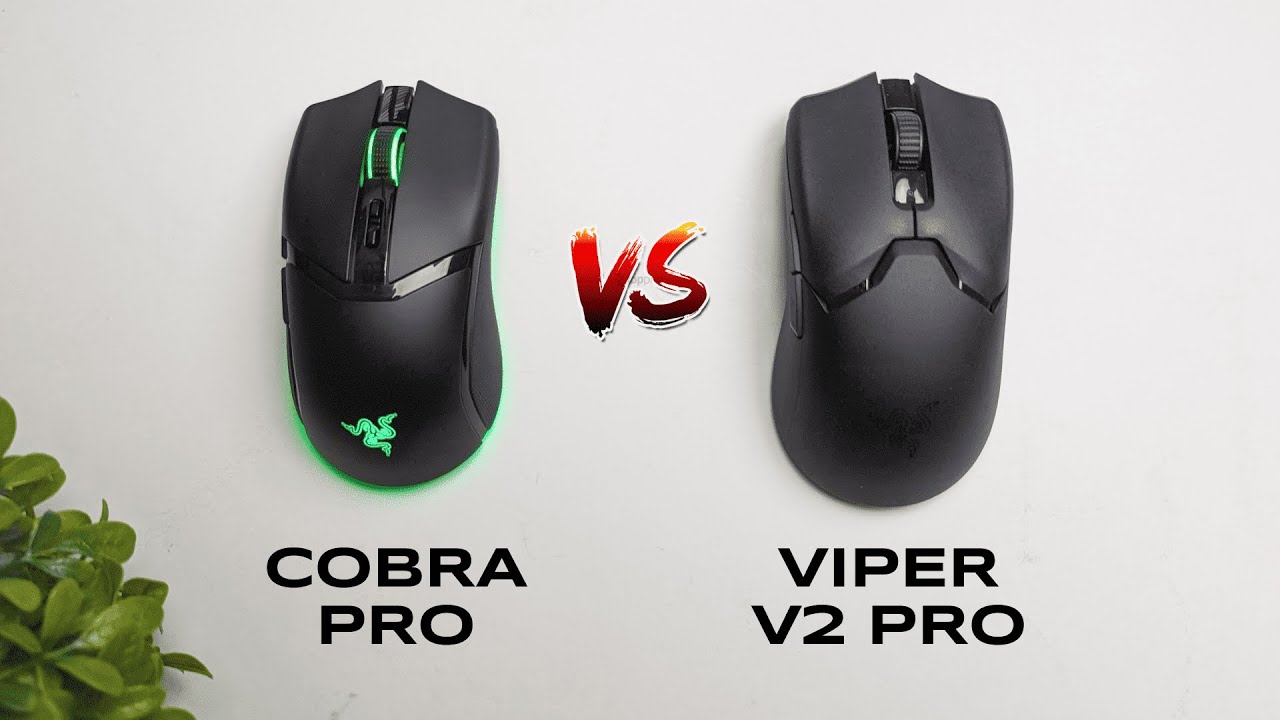
I'm Kova Tech, and I put the Razer Cobra Pro and the Razer Viper V2 Pro head-to-head so you can quickly see which mouse fits your playstyle. Both sit in a similar price bracket (around $120–$130 at the time of this comparison) but they’re aimed at two very different audiences: the feature-hungry casual or enthusiast, and the stripped-down competitive gamer. Below I break down the differences—weight, grips, lighting, size, DPI controls, charging and connectivity, battery life—and help you decide which one to buy.
Obsah
- Quick takeaway
- Why weight matters — a look at the numbers
- Grips and comfort: built-in vs modular
- RGB and aesthetics: flashy vs minimal
- Size and shape: slightly different footprints
- DPI controls and onboard buttons
- Charging options: wireless flexibility vs wired simplicity
- Connection modes: dongle, cable—and Bluetooth for Cobra
- Battery life: practical usage vs ultra-light trade-offs
- Who should buy which mouse?
- Final thoughts
- Frequently Asked Questions
- Where to go next
Quick takeaway
Short version: if you want features, RGB, a slightly chunkier but comfortable mouse and wireless charging flexibility, the Razer Cobra Pro is the pick. If you want the lightest possible mouse for competitive play, stripped of extras to shave off every gram, the Razer Viper V2 Pro is the one to chase.
Why weight matters — a look at the numbers
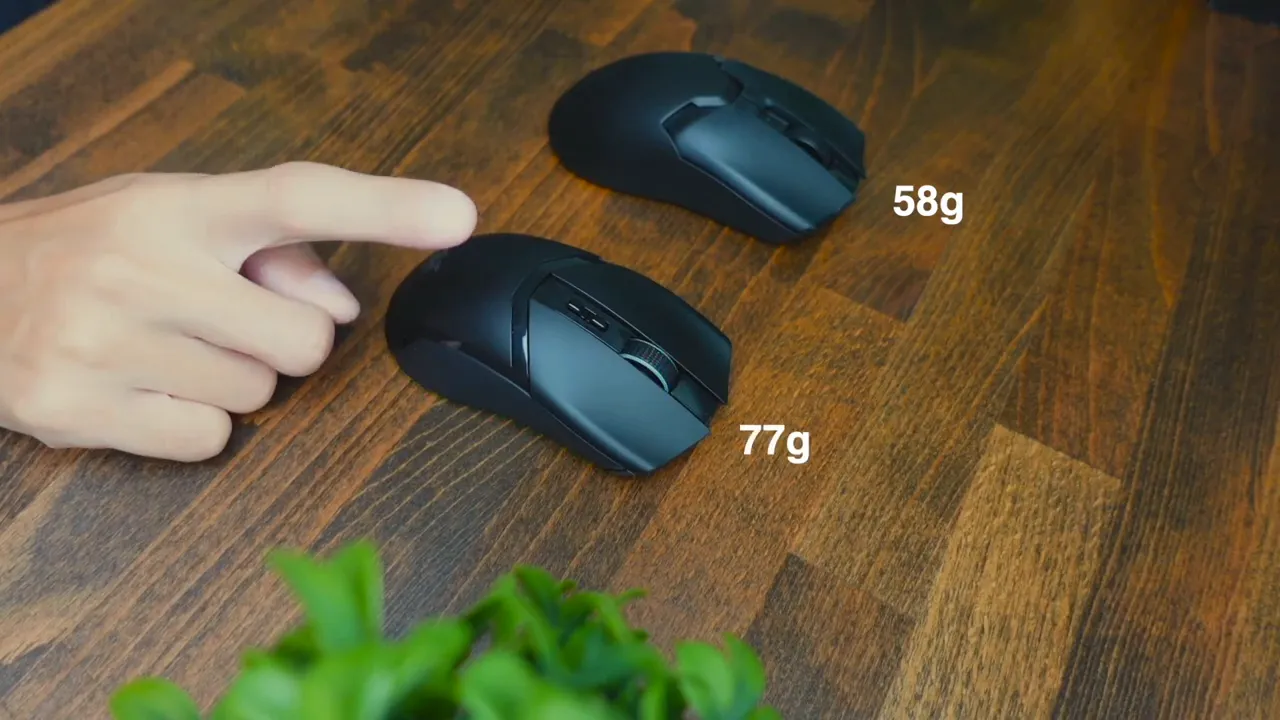
Weight is the most obvious difference between these two. The Viper V2 Pro comes in at a featherweight 58 grams. The Cobra Pro is noticeably heavier at 77 grams. That 19-gram gap is significant for players who perform quick flicks, micro-adjustments, and long sessions where every gram influences fatigue and muscle memory.
For many competitive or esports players, lighter equals faster and less tiring. For casual gamers, the extra weight can actually feel more substantial and comfortable—it's more about preference than performance for non-professional players.
Grips and comfort: built-in vs modular
The Cobra Pro includes a factory-attached rubber grip along the side designed to give your thumb and ring finger a firm, tactile hold. That makes it comfortable in longer sessions and helps if you rely on a palm or claw grip style that benefits from that extra friction.
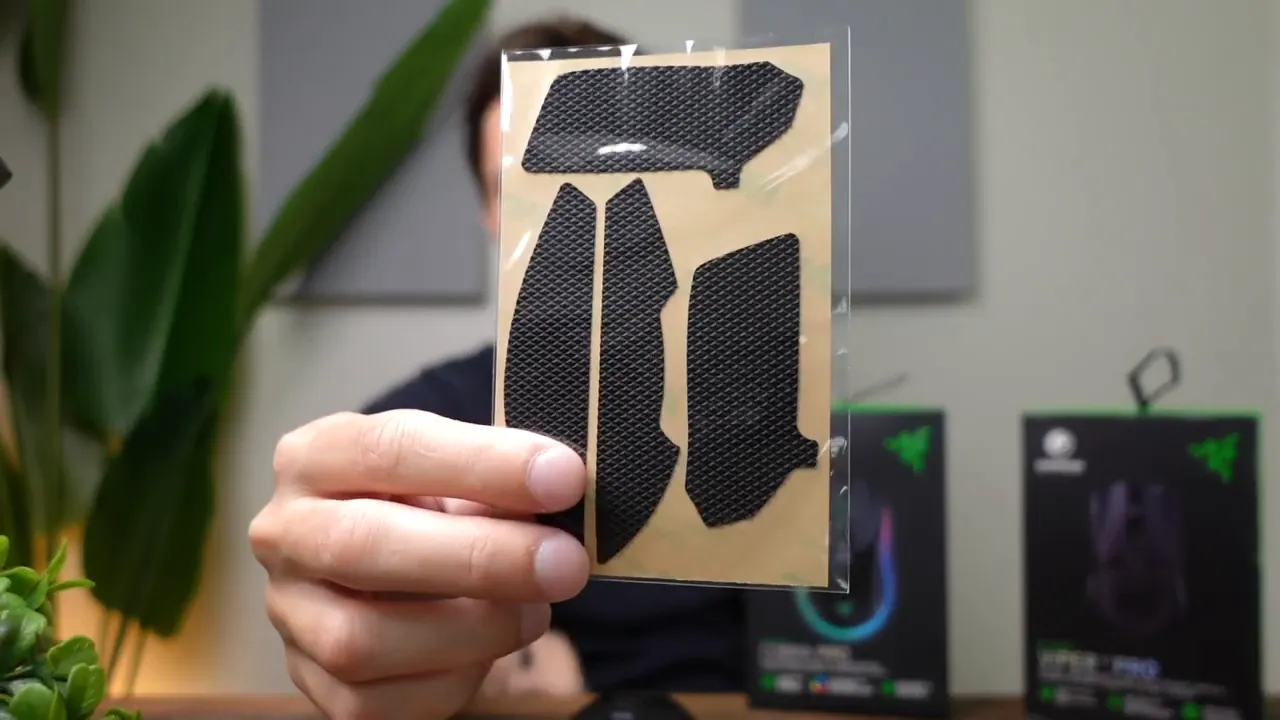
The Viper V2 Pro goes the other way: no built-in rubber grips, just smooth plastic to keep weight down. Razer does include attachable plastic grips you can stick on if you need extra traction, but those aren’t the same as a molded rubber surface. The underlying philosophy is clear—remove anything that adds weight for esports-focused players.
RGB and aesthetics: flashy vs minimal
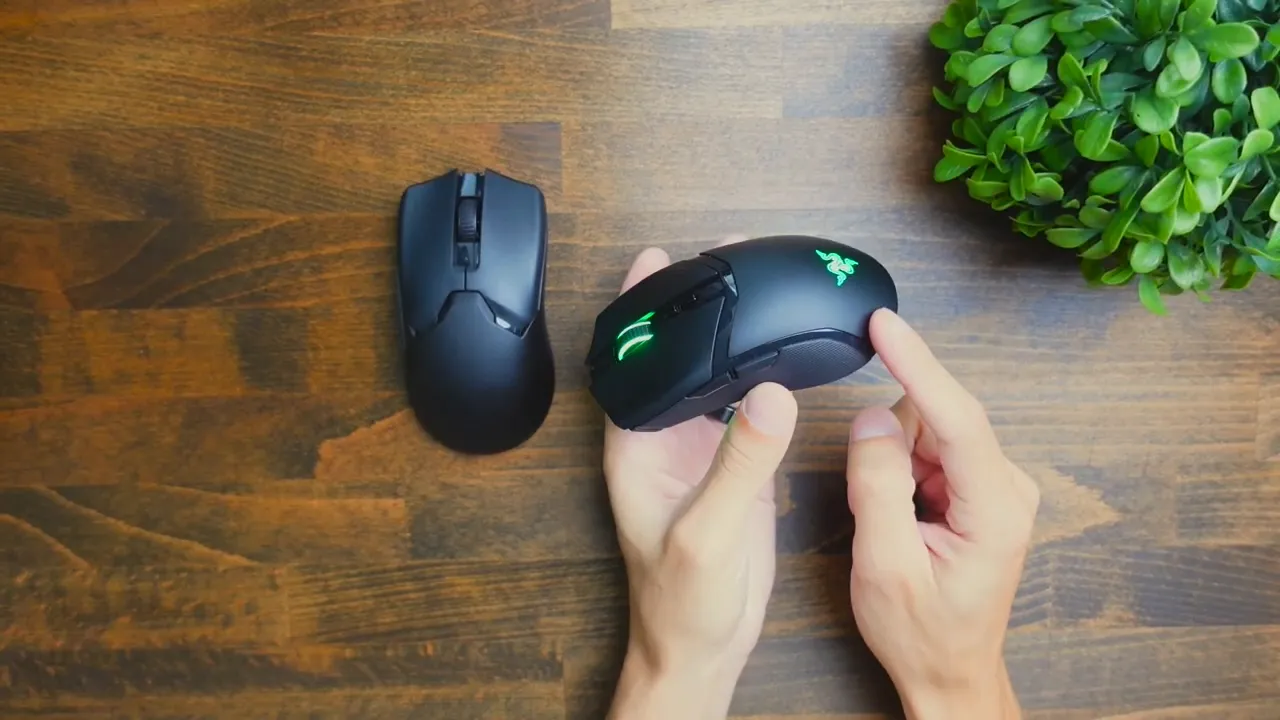
If you like lights, the Cobra Pro will make you smile. It has multi-zone RGB—scroll wheel, rear, and a bottom ring—that’s customizable with Chroma profiles. It's a great fit if you want your mouse to visually match the rest of your rig.
The Viper V2 Pro has no RGB at all. It’s intentionally bare-bones to keep the weight minimal. If aesthetics matter as much as performance, that’s an important consideration: the Viper sacrifices looks for function.
Size and shape: slightly different footprints
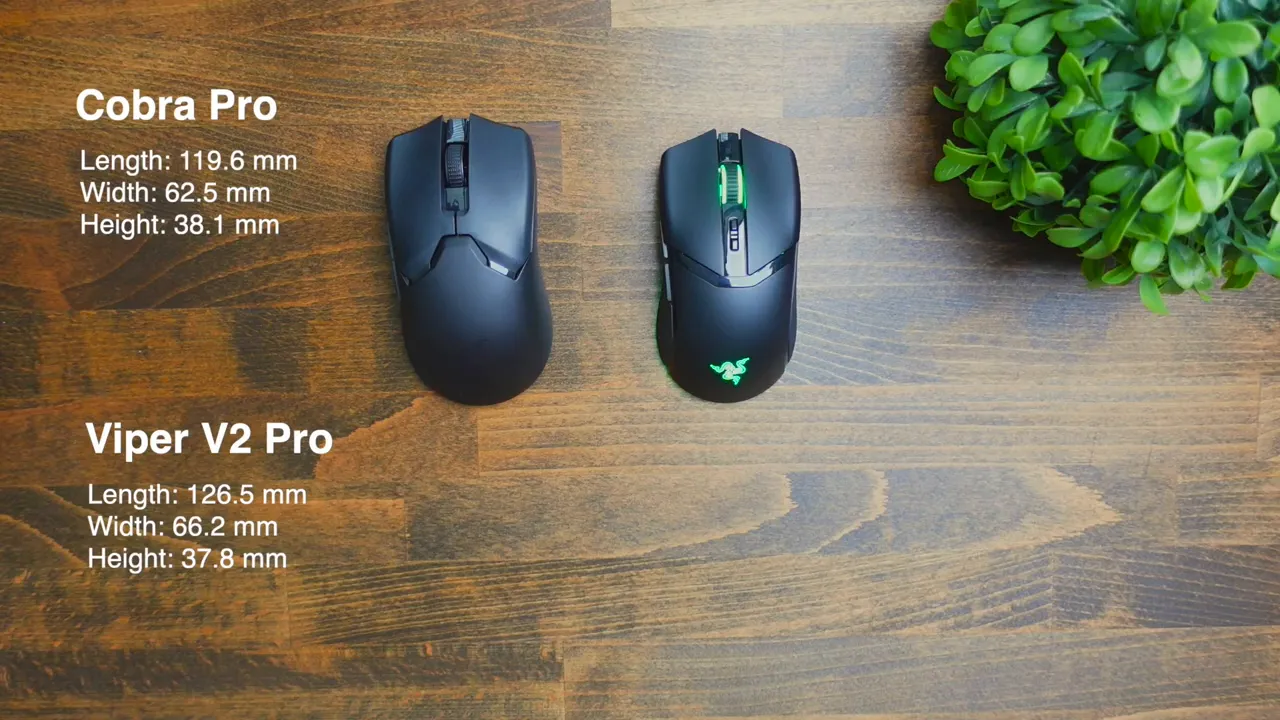
Both mice are shaped for right-handed use, but there are subtle size differences. The Viper V2 Pro is slightly larger overall than the Cobra Pro. Depending on your hand size and preferred grip—fingertip, claw, or palm—one may suit you better. In my testing, players with larger hands tended to prefer the Viper's slightly bigger profile; smaller-handed users often preferred the Cobra's more compact feel.
DPI controls and onboard buttons
Both mice allow you to switch DPI on the fly, but they do it differently:
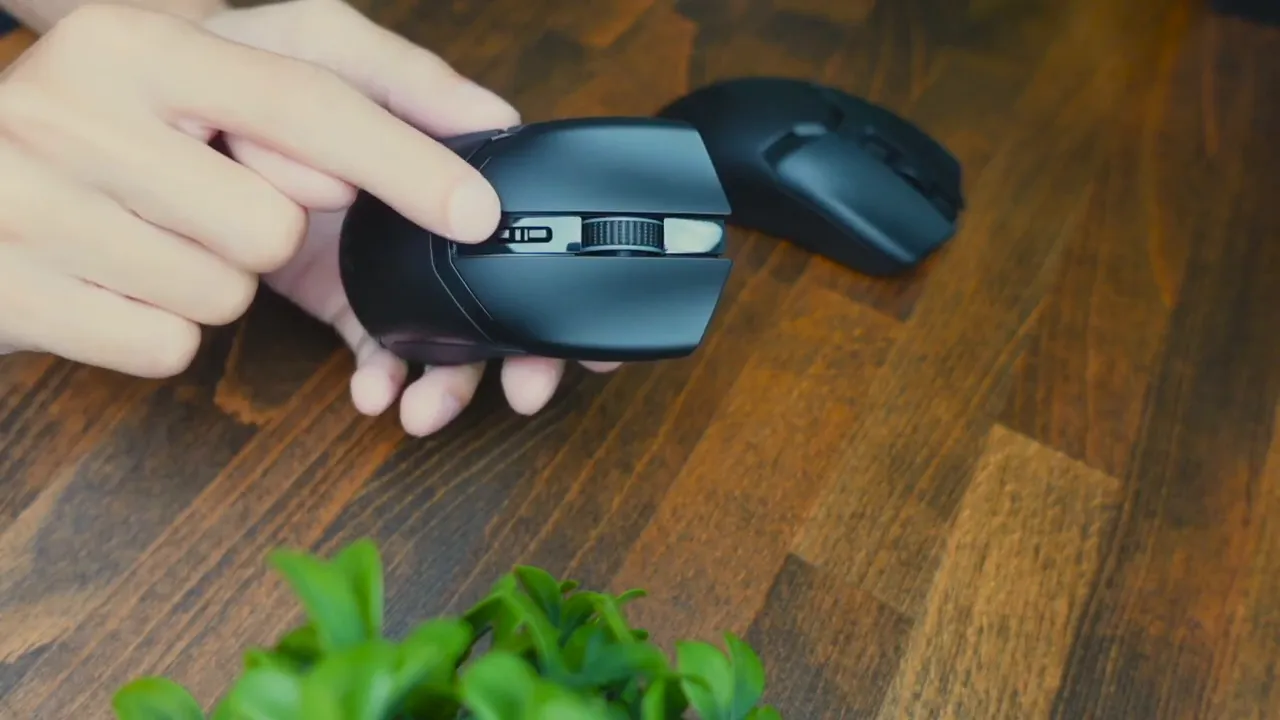
- The Cobra Pro has two DPI buttons (up and down), which lets you step precisely through DPI stages without cycling past the one you want.
- The Viper V2 Pro uses a single DPI cycle button—press to move through the presets. It's simpler and lighter, but not as immediate when you want to drop or raise DPI by one step quickly.
If you frequently toggle between two DPI settings during matches, the Cobra’s two-button approach can be more convenient.
Charging options: wireless flexibility vs wired simplicity
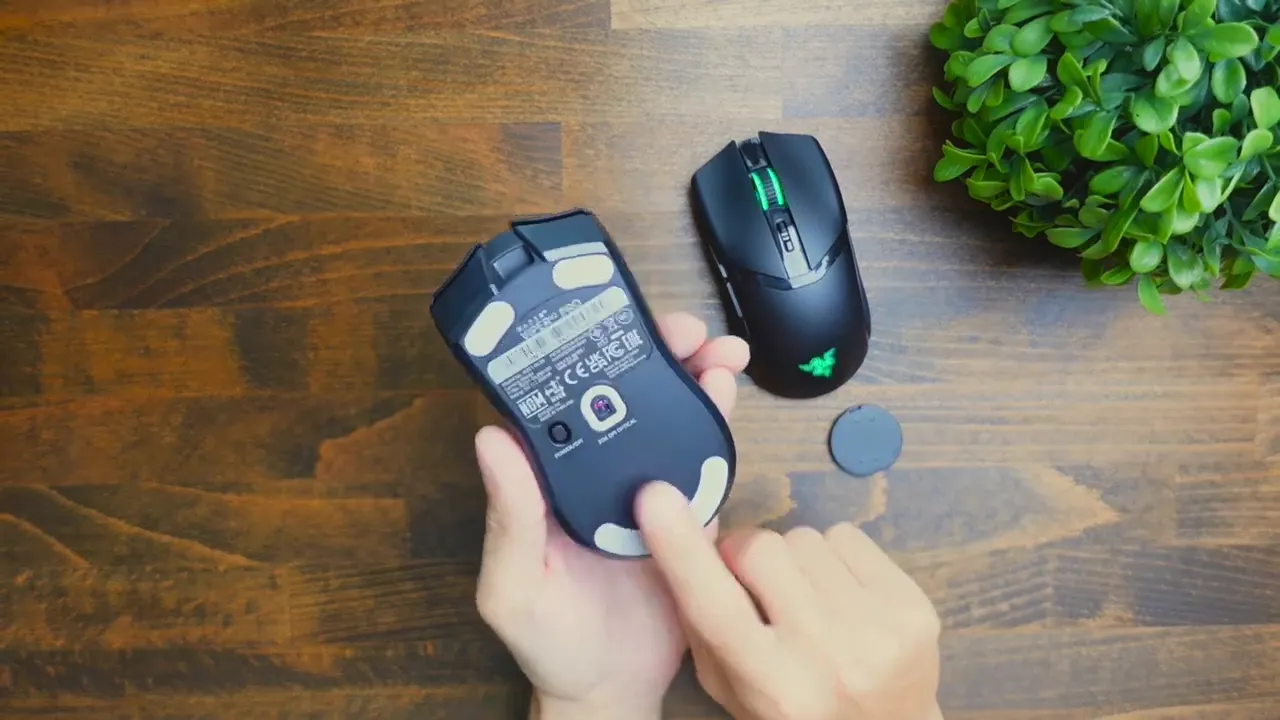
The Cobra Pro includes a small removable puck on the underside. Remove it and you can use Razer's wireless charging puck (sold separately) to charge the mouse without plugging in a cable. It also supports USB-C wired charging from the front port.
The Viper V2 Pro does not support Razer’s wireless charging system. It charges only through a front USB-C port. Again, the Viper sacrifices convenience options to minimize weight and complexity.
Connection modes: dongle, cable—and Bluetooth for Cobra
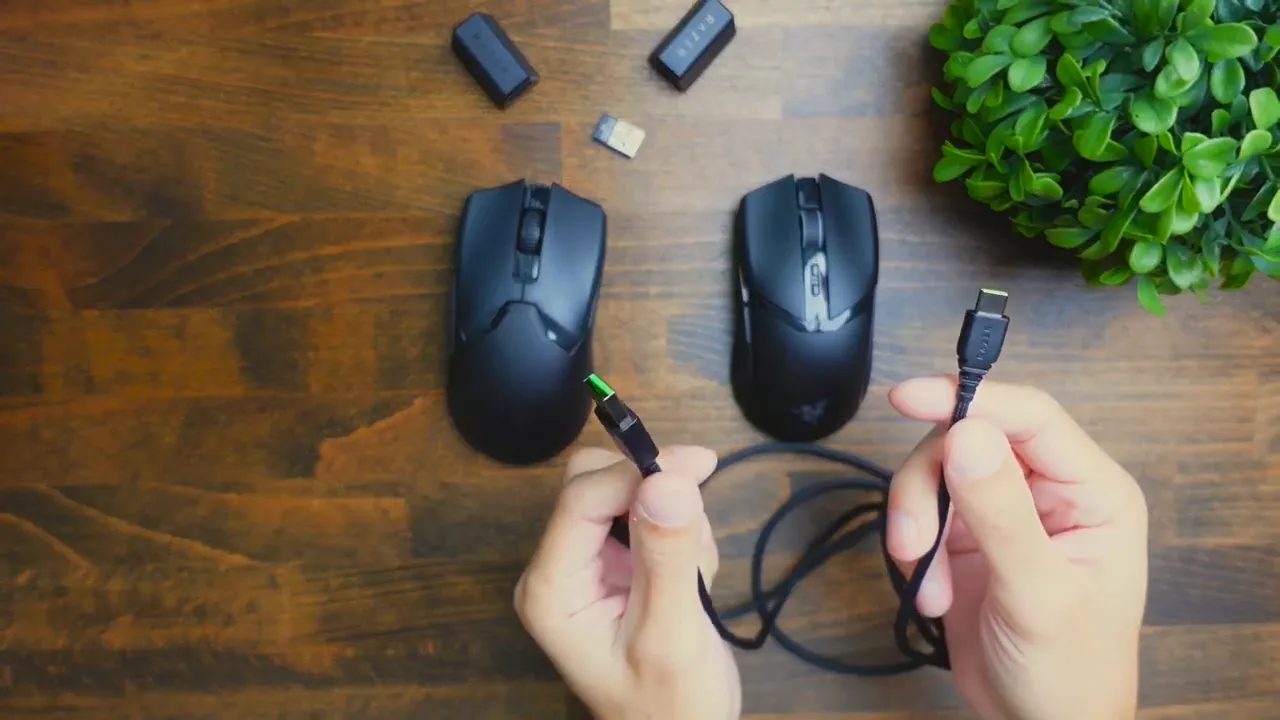
Both mice can connect via their wireless receiver (dongle) and can also be used wired with a USB-C to USB-A braided cable. The key difference: the Cobra Pro supports Bluetooth, which makes it easier to use with multiple devices like laptops or tablets without the dongle. The Viper V2 Pro does not offer Bluetooth and is limited to the receiver/wired combo—again prioritizing latency and performance over multi-device convenience.
Battery life: practical usage vs ultra-light trade-offs
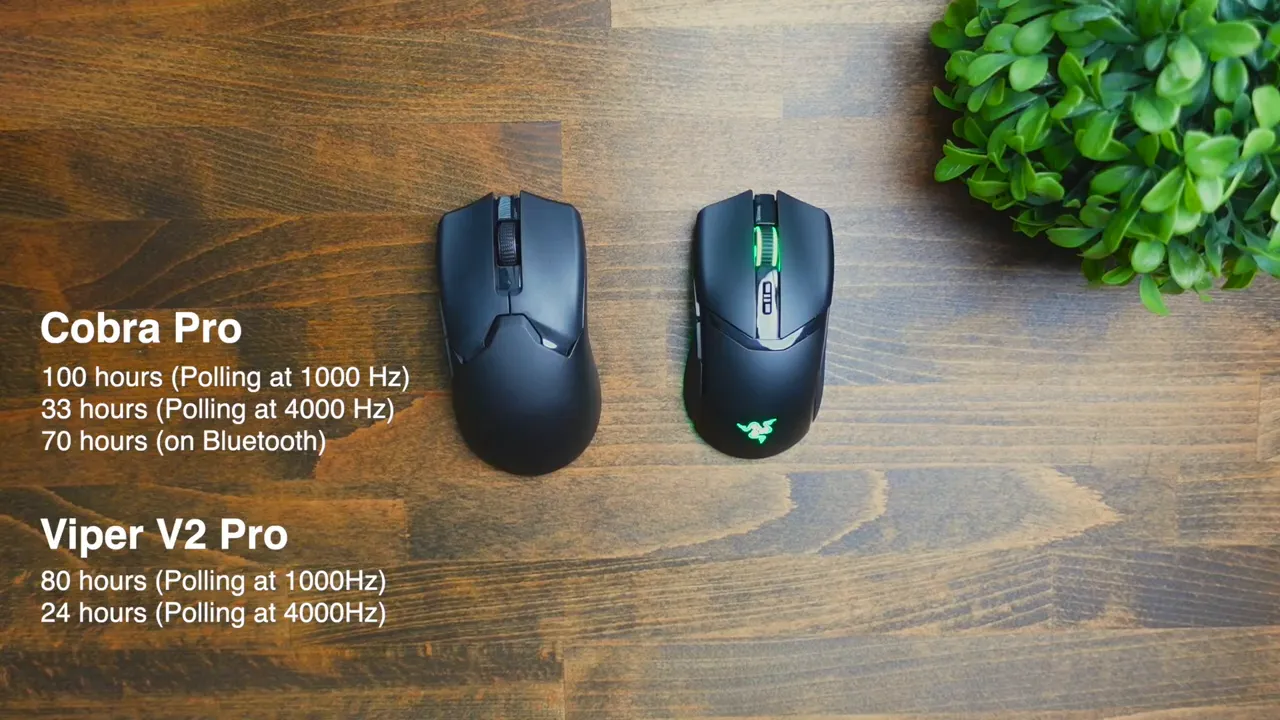
Battery life varies depending on things like polling rate, RGB usage, and connection mode. In general, the Cobra Pro tends to offer better battery life than the Viper V2 Pro. That’s predictable: the Cobra’s larger chassis accommodates a bigger battery and conservative wireless features (or the option to toggle Bluetooth), while the Viper focuses on lower weight which limits battery capacity.
For a casual gamer who’s not constantly pushing polling rates to the max or who enjoys RGB, the Cobra’s battery performance will feel more forgiving. If you play professionally and have easy access to charging between sessions—or prefer a wired setup during tournaments—the Viper’s lower battery life is a reasonable trade for the weight savings.
Who should buy which mouse?
To simplify the decision:
- Buy the Razer Cobra Pro if: you want RGB, grips built-in, wireless charging support, Bluetooth connectivity, and longer battery life. You don’t mind the extra weight and you value features and comfort over shaving off grams.
- Buy the Razer Viper V2 Pro if: you are ultra-competitive, prioritize the lightest possible mouse, and want the lowest latency/performance-focused experience with removable extras. You’re willing to forego RGB, Bluetooth, and wireless charging for raw weight reduction.
Final thoughts
Both mice are excellent in their intended niches. The Cobra Pro is a modern, feature-rich gaming mouse designed to appeal to the majority of players who want comfort and flair. The Viper V2 Pro is a precision tool for serious competitive gamers who want minimal weight and maximum responsiveness. Price points are similar, but the priorities they represent are different: choose based on what aspects of a mouse matter most to your style of play.
Frequently Asked Questions
Is the Viper V2 Pro better for esports?
The Viper V2 Pro is designed with esports in mind—lightweight (58g), minimal extras, and performance-first components. If you play competitively and favor speed and low fatigue, the Viper is the better choice.
Does the Cobra Pro support wireless charging out of the box?
The Cobra Pro has a removable puck under the mouse that lets you use Razer’s wireless charging system, but the charging puck/charger is sold separately. It does support USB-C wired charging as well.
Can I use the Viper V2 Pro on Bluetooth?
No. The Viper V2 Pro does not support Bluetooth. It connects via the wireless receiver (dongle) or wired via USB-C. The lack of Bluetooth helps keep weight and latency optimal for competitive play.
Which mouse has better battery life?
Generally, the Cobra Pro has better battery life due to a larger battery and design choices that favor runtime. The Viper V2 Pro, being much lighter, sacrifices some battery capacity—so expect shorter runtimes under similar usage conditions.
Do either of these mice come with extra grips?
The Cobra Pro has an integrated rubber side grip out of the box. The Viper V2 Pro does not have built-in rubber grips, but it ships with optional stick-on plastic grips you can apply to improve traction.
Where to go next
If you want a full, dedicated review of either mouse—deep dives into sensor performance, switch durability, acceleration testing, and real-world battery numbers—let me know which one and I’ll put together a comprehensive review. If you’re trying to decide right now, consider the playstyle questions above: are you chasing every fraction of a gram and latency, or do you want comfort, RGB, and convenience?