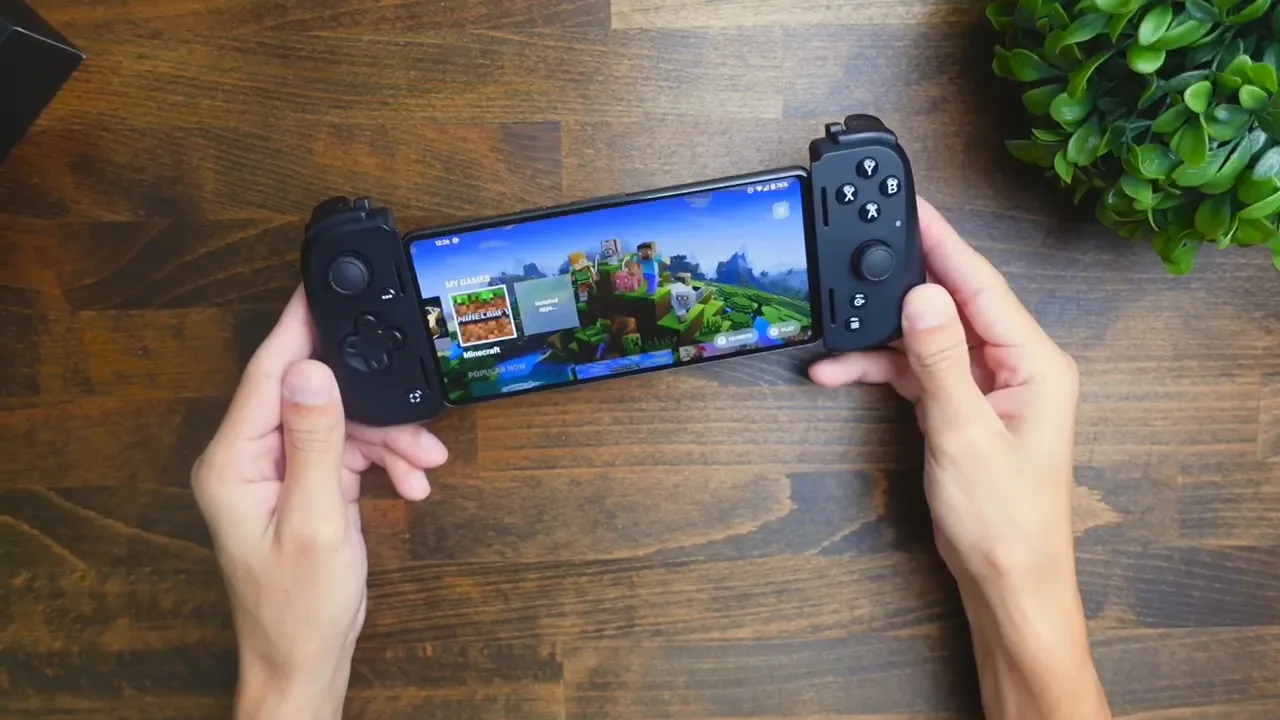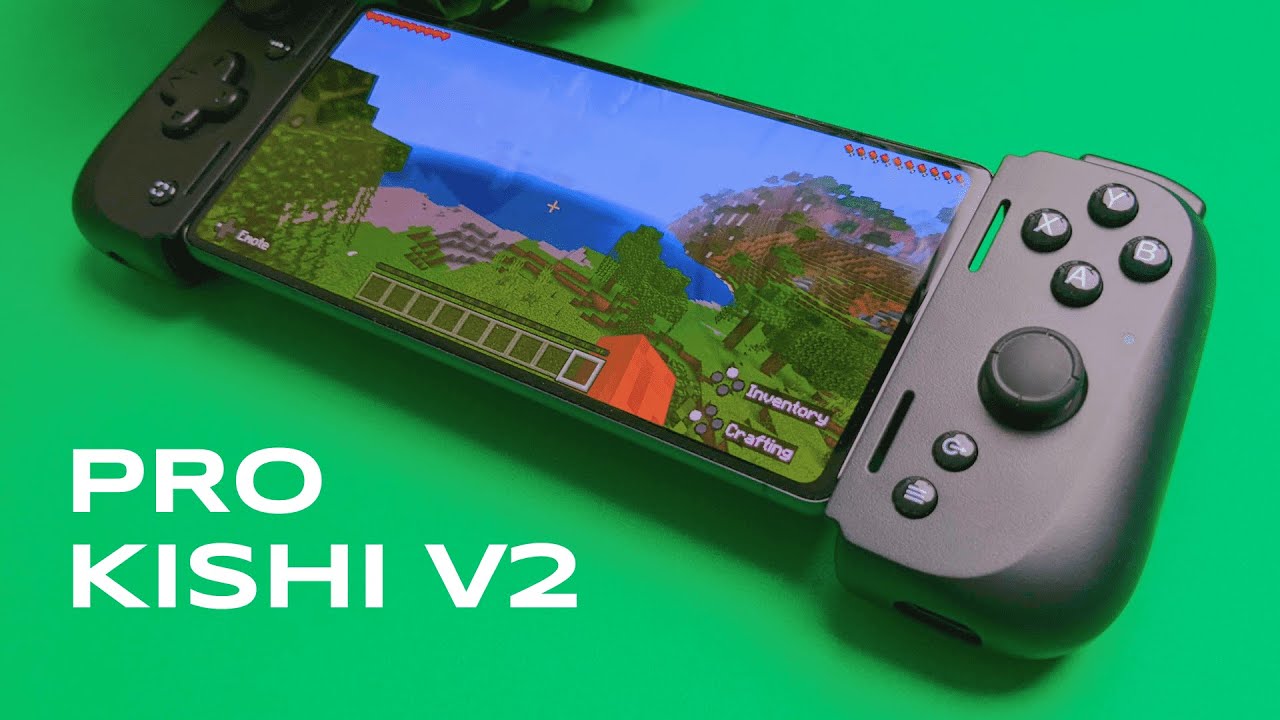
I'm Kova Tech, and I recently spent time with the Razer Kishi V2 Pro (Android) paired with a Google Pixel 7. If you want to take mobile gaming to the next level — streaming PC games, playing native mobile titles with true console-style controls, and getting a highly configurable experience — this controller deserves a close look. Below is my hands-on breakdown: unboxing, setup, gameplay impressions, settings, and whether it’s worth it for mobile gamers.
Quick overview
- Model: Razer Kishi V2 Pro (Android)
- Test device: Google Pixel 7
- Key features: analog triggers, hypersense haptics, customizable buttons (M1/M2), USB-C charging, 3.5mm audio passthrough, Razer Nexus app support
- Use cases: native mobile games (Minecraft, Roblox, Diablo mobile), cloud/streaming services (Xbox Cloud Gaming, Steam Link)
What’s in the box and first impressions
Out of the box you get the Kishi V2 Pro controller and two rubber side cushions that mount to your phone for extra grip. The controller itself flexes so it can expand to fit most phones, and the build feels solid. The thumbsticks are rubber, face buttons are glossy, and the D-pad has a nice matte finish. The back has textured grips to help hold the unit comfortably.
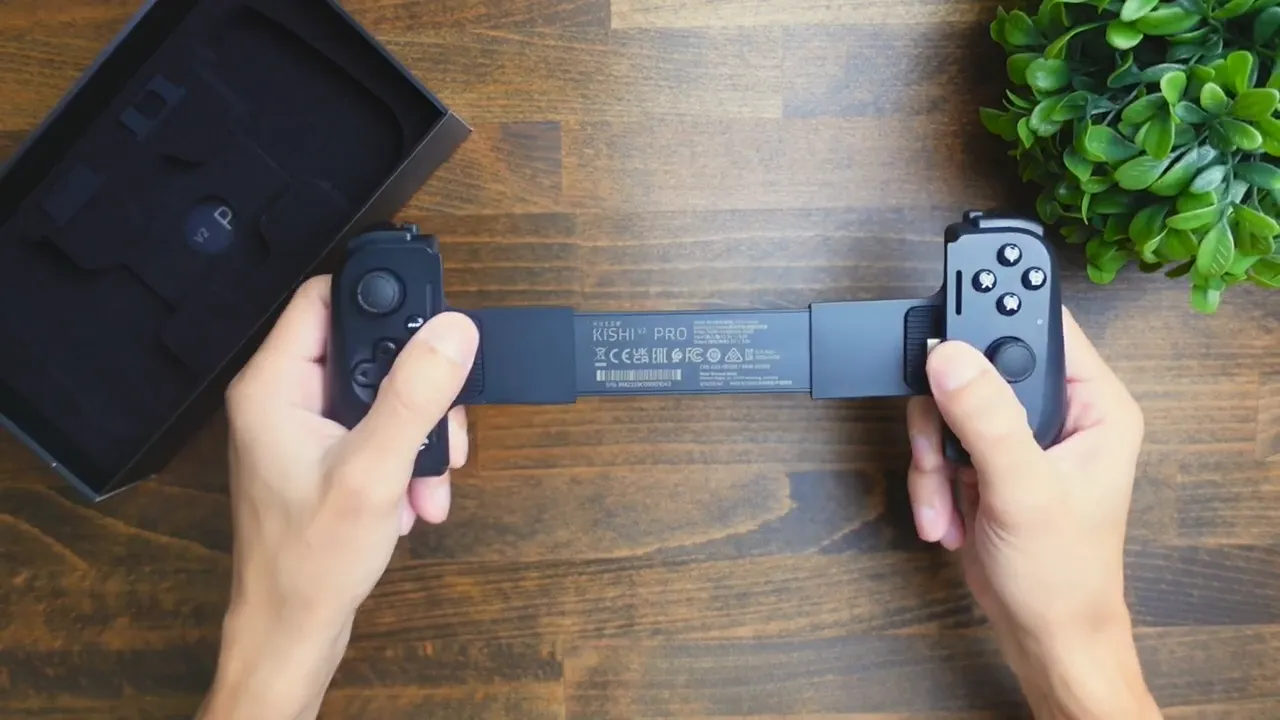
The top edge includes multiple triggers: two large analog triggers, two smaller secondary triggers, and a pair of tiny shoulder buttons — three trigger inputs on each side in total. That gives you a lot of mapping options for different genres.
Fit and phone case compatibility
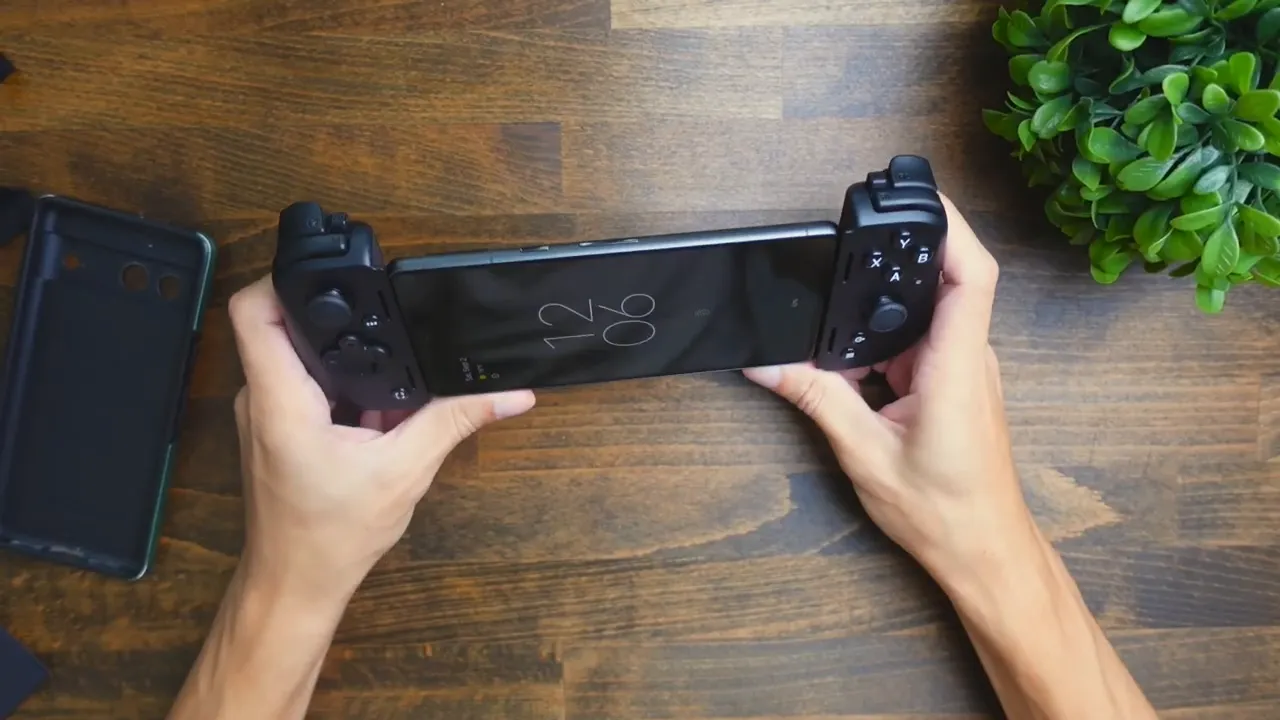
One practical note: bulky phone cases might not fit. I tested with my Pixel 7 and had to remove a thick case for the controller to attach cleanly. Once the case was off, the process was simple — push the phone in and it clicked into place. The overall feel is wide, similar to a Nintendo Switch in-hand, which I liked because it gives space for a larger screen.
Setup: Razer Nexus app
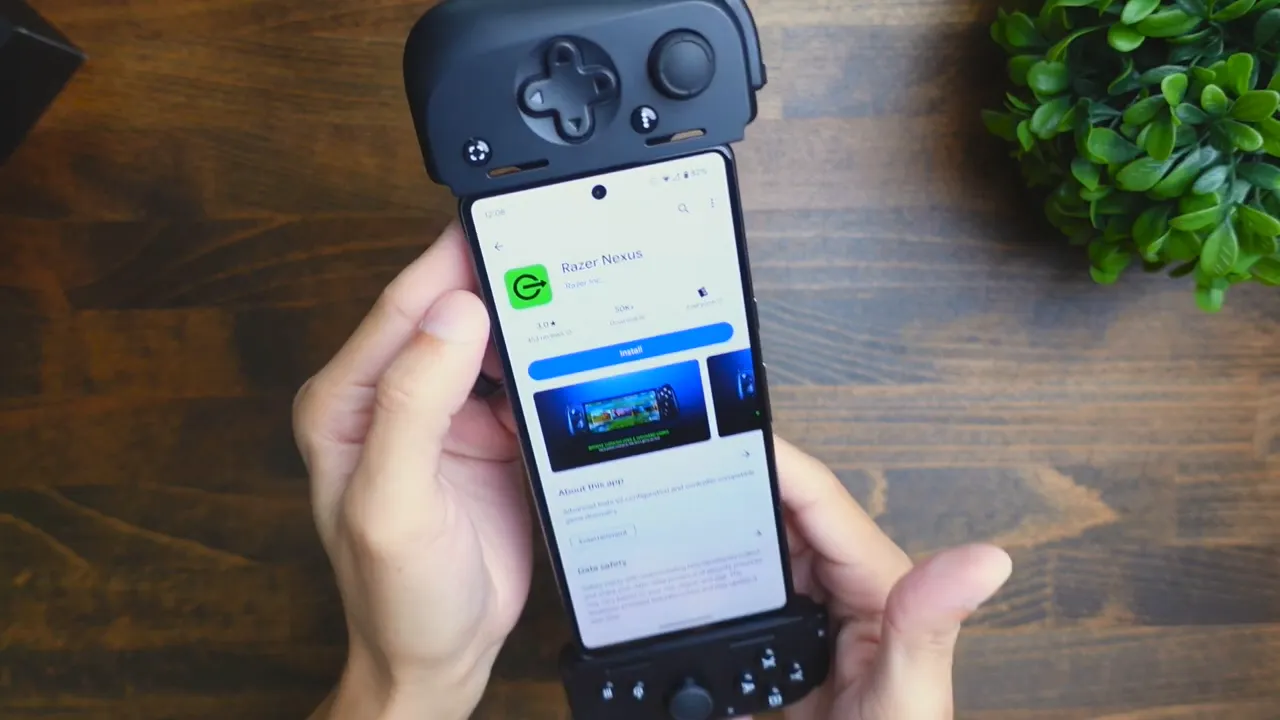
To get the most out of the controller you’ll want the Razer Nexus app. Install “Razer Nexus” from the Play Store, then pair the controller. Nexus gives a short tutorial, explains capture and screenshot functions, and shows a launcher screen with compatible games and recommendations. From the Nexus menu you can remap the M1 and M2 buttons and access your installed games quickly.
Gameplay: Minecraft
First I tried Minecraft. Movement with the left stick felt intuitive and smooth; the right stick handled camera/panning well. Jumping is mapped to a face button and sprinting works by pressing the left stick — everything responded as expected. Nexus also overlays useful hints (for example, which button opens inventory or crafting) and the trigger buttons cycle through hotbar items easily.
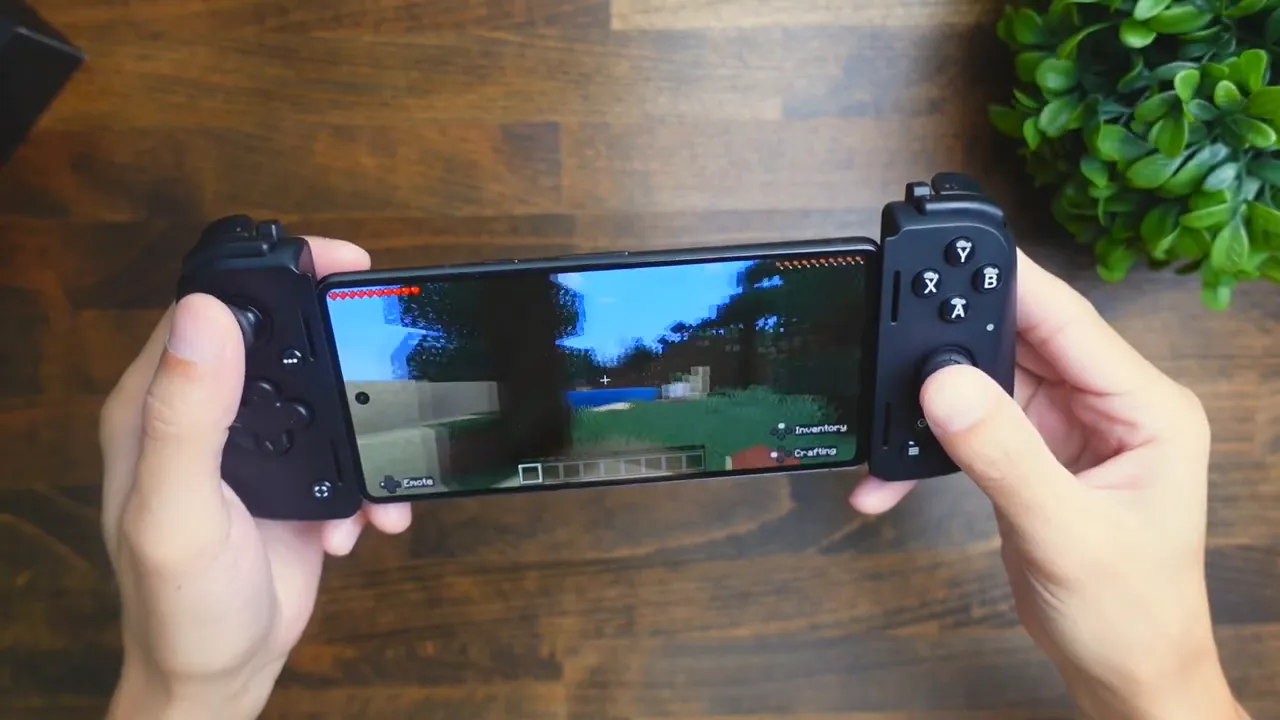
Bottom line: Minecraft on the Kishi V2 Pro felt comfortable, responsive, and very familiar to console players.
Gameplay: GT Racing (racing)
Next I switched to GT Racing via Nexus. Driving uses the triggers for acceleration and braking, and the precision offered by the analog triggers made the experience much closer to a console racer than touchscreen controls. The controller transformed the phone into a portable handheld console; I even took a win on my first try.
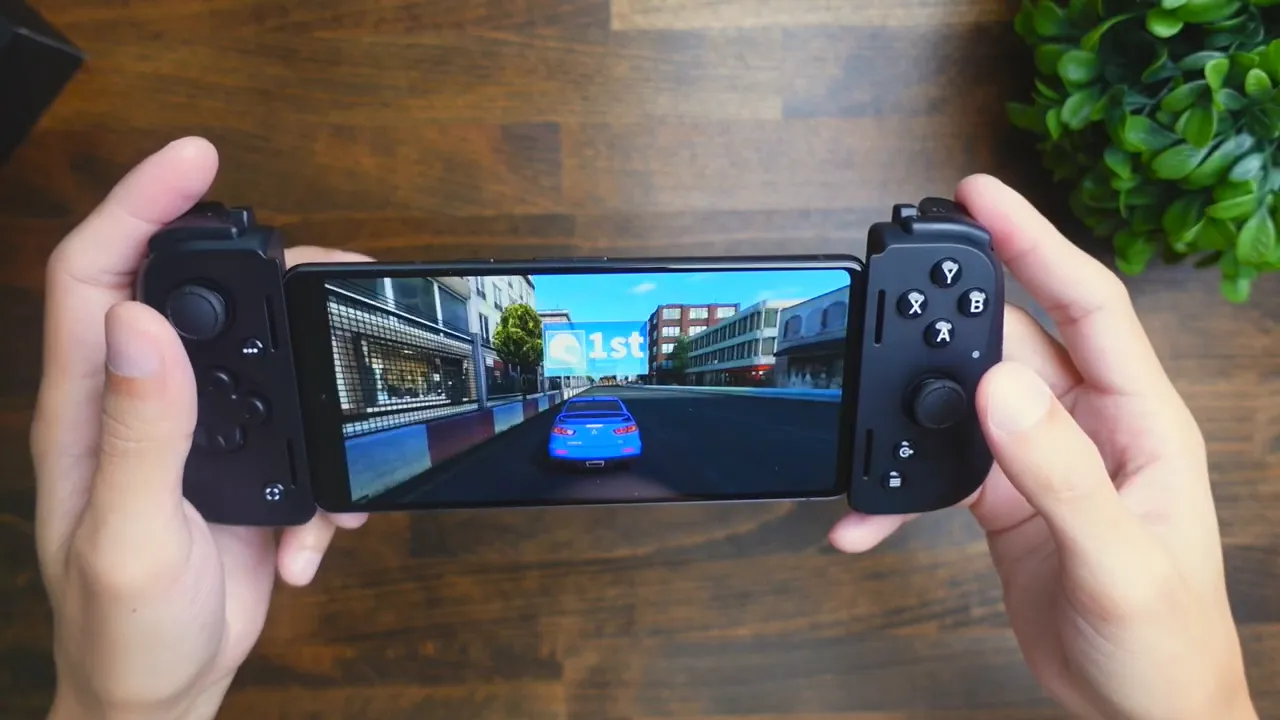
If you play a lot of racing or action titles on mobile, the Kishi V2 Pro is a significant upgrade over touch controls.
Ports, charging and audio
On the underside you’ll find a USB-C port for charging the controller and a 3.5mm audio jack for wired headphones. The controller does not provide Bluetooth audio passthrough — if you want Bluetooth audio you’ll need to connect headphones directly to the phone.
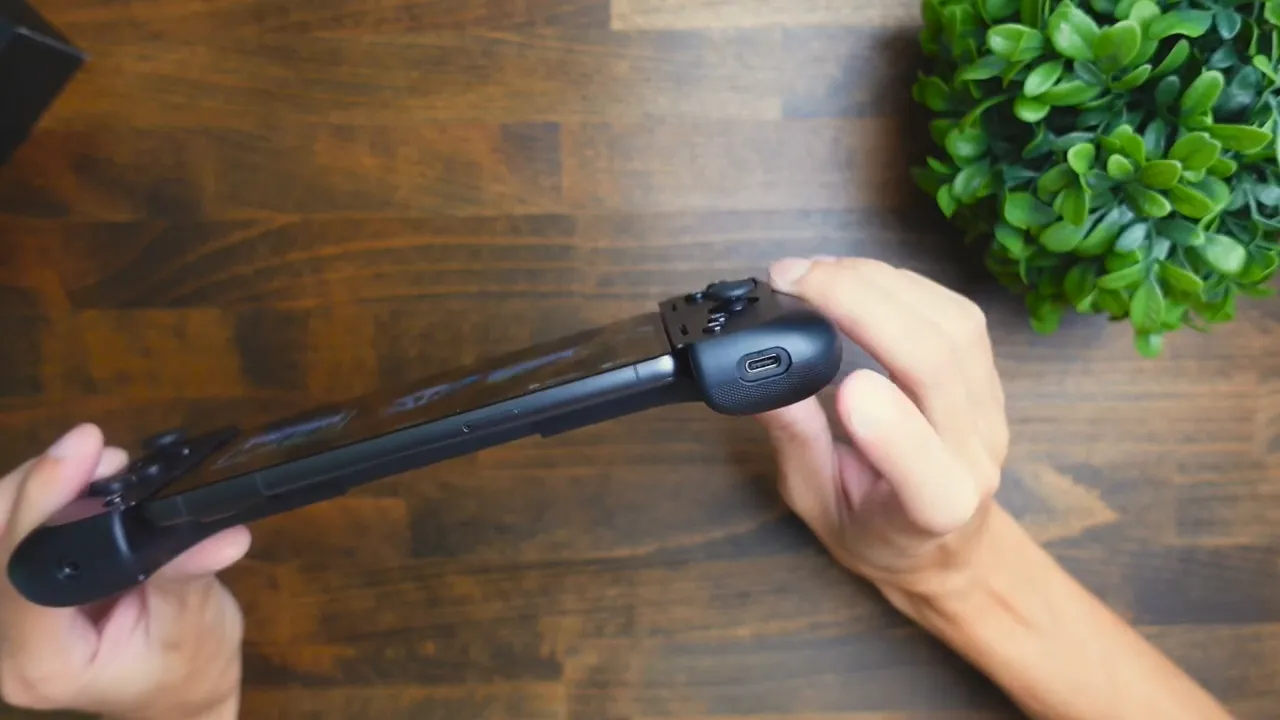
Note: the controller does not come with a charging cable, so bring your own USB-C cable (for example your phone’s charger).
Settings and customization in Nexus
The Nexus app offers useful settings:
- Color/theme selection for the app
- Xbox Cloud Gaming controller detection toggle
- Auto game trailers and live streaming (stream from your device to YouTube or Facebook Live)
- Controller options including haptic sensitivity modes
- Button remapping for face buttons, triggers, and M1/M2 shortcuts
- Firmware update support (Nexus alerts you when an update is available)
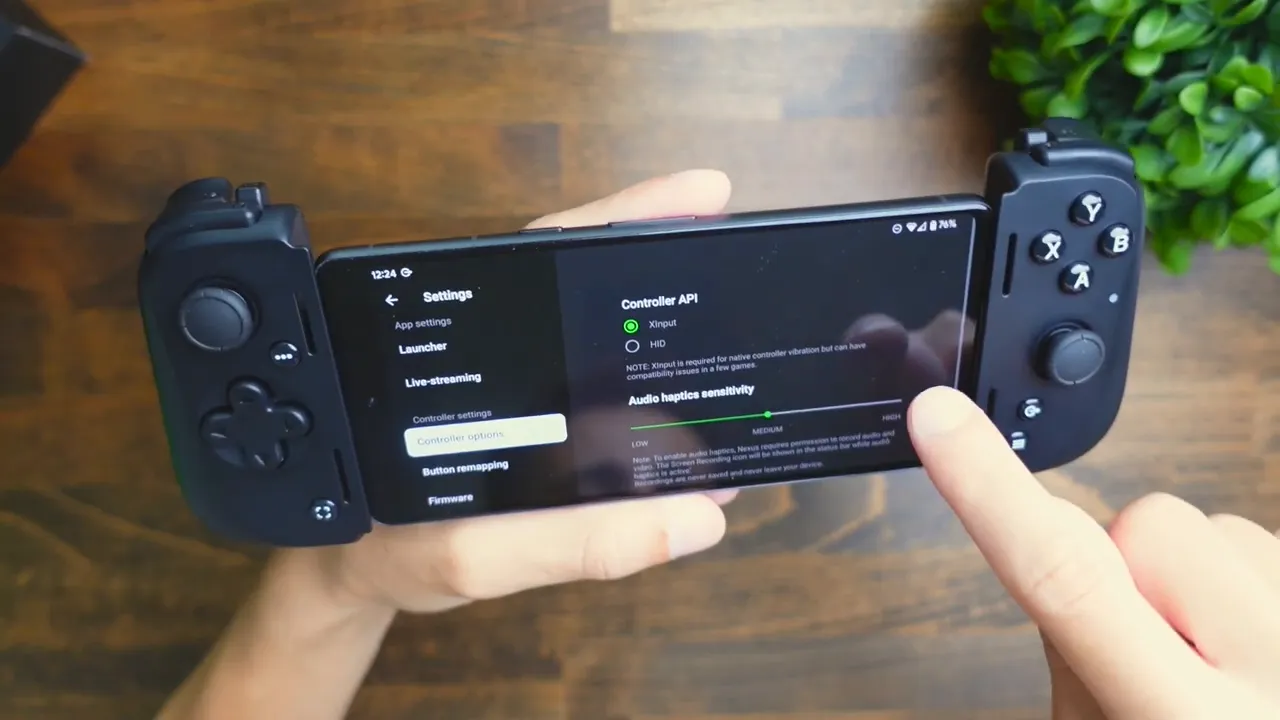
Important detail: haptics (Razer Hypersense) require that you enable audio & video recording permission in the setup flow. If recording permission is disabled, haptic feedback won’t work. I noticed only subtle vibration until I enabled recording — once enabled the haptics were noticeably active.
Comparisons and who this is for
Compared to a full-size Xbox or PlayStation controller, the Kishi V2 Pro is slimmer and less ergonomically “deep” in the grip, so it won’t replace a dedicated console pad for long sessions. But for mobile gaming it’s one of the fuller-featured options available: analog triggers, hypersense haptics, remappable buttons, and solid software support make it a top pick for gamers who want a console-like experience on their phone.
- Great for: cloud gaming, racing, FPS and games that natively support controllers (Minecraft, Fortnite, Diablo, etc.)
- Less ideal for: users who need to keep a bulky phone case on, or those who prefer the ergonomics of a full-size console pad for marathon sessions
Pros and cons — at a glance
- Pros: console-like controls, analog triggers, hypersense haptics, M1/M2 remapping, Nexus app features and firmware support, 3.5mm audio passthrough
- Cons: may not fit bulky cases, slightly slimmer grip than full-size controllers, no included USB-C cable
Final thoughts
If you want to level up your mobile gaming, the Razer Kishi V2 Pro is a compelling option. It offers many pro-level features, solid build quality, and excellent software support through Razer Nexus. Just be mindful of case compatibility and the slimmer grip compared to traditional console controllers. Overall, for mobile gamers who want to play native and streamed titles with proper analog control and haptics, this is a great pick.
If you’d like to check it out, I’ve included links in the video description (affiliate links help support the channel). Thanks for reading — see you in the next post.