
The Realme Buds Air 2 pack a surprising amount of value for the price: clean design, strong active noise cancellation, a useful companion app, and a fast-charge feature that actually comes in handy. Below I break down the real-world experience—fit, sound, battery, app features, and whether these are the right earbuds for you.
Design and build: AirPods-style with a twist
The shape is familiar—very similar to Apple’s AirPods—but Realme adds a distinctive silver cylinder on the stem for visual flair. The earbuds are lightweight and feel well made when worn, though the charging case has a glossy finish that makes it a little slippery if your hands are dry.
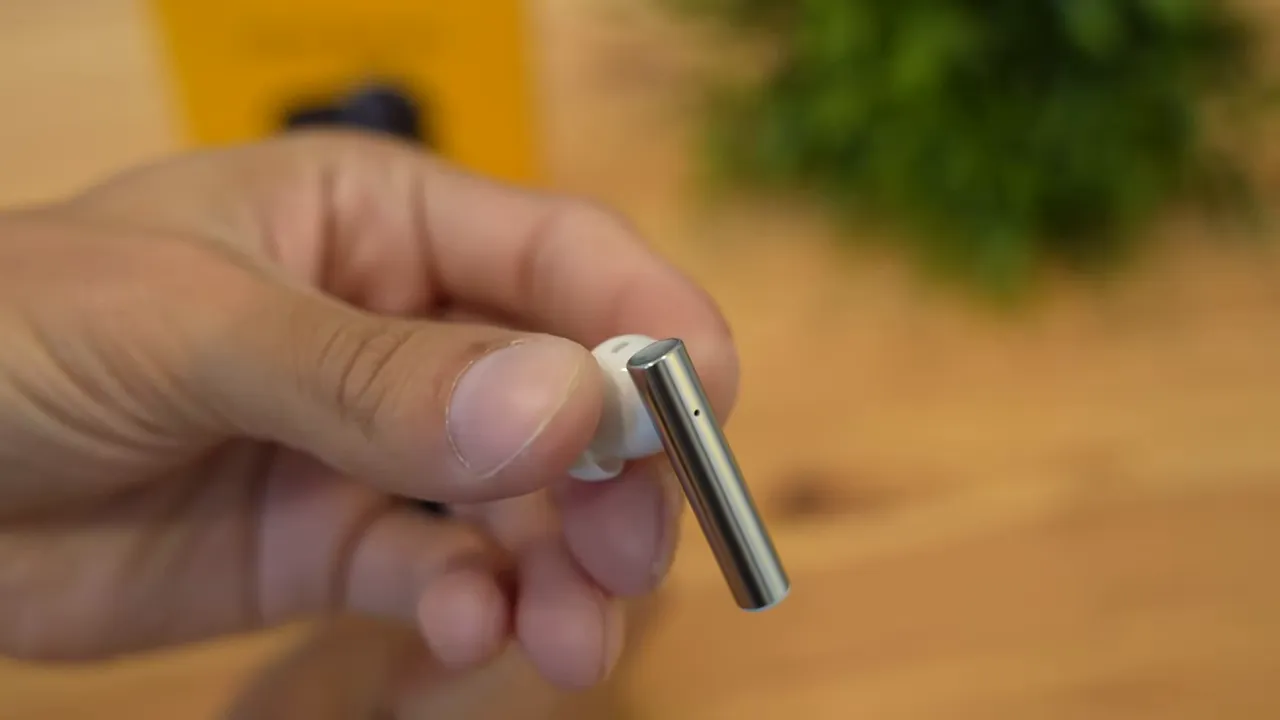
Each earbud uses detachable silicone tips and the box includes small, medium, and large sizes so you can tune the fit. I found that three to four hours of continuous use felt comfortable before my ear needed a short break.

Case and charging
The case is lightweight and glossy (white and dark color options are available). It charges via the included yellow USB-A to USB-C cable that plugs into the bottom of the case.

Key charging and battery specs:
- Earbuds: about 5 hours per charge (without ANC)
- With ANC on: roughly 3–4 hours per charge
- Case + earbuds combined: around 25 hours total
- Rapid charge: 10 minutes in the case yields ~2 hours of playback
Active Noise Cancellation and transparency
ANC works very well for the price. A two-second press on both earbuds toggles ANC and an audible cue confirms activation. In my testing it blocked about 80–90% of ambient noise—voices and background hum became much more muffled. Playing music fills the remainder of the soundstage and makes outside noise essentially disappear.

Realme Link app: control and customization
The Realme Link app is where these earbuds shine. It shows battery levels for each earbud and the case, switches noise control modes, and tweaks sound settings.
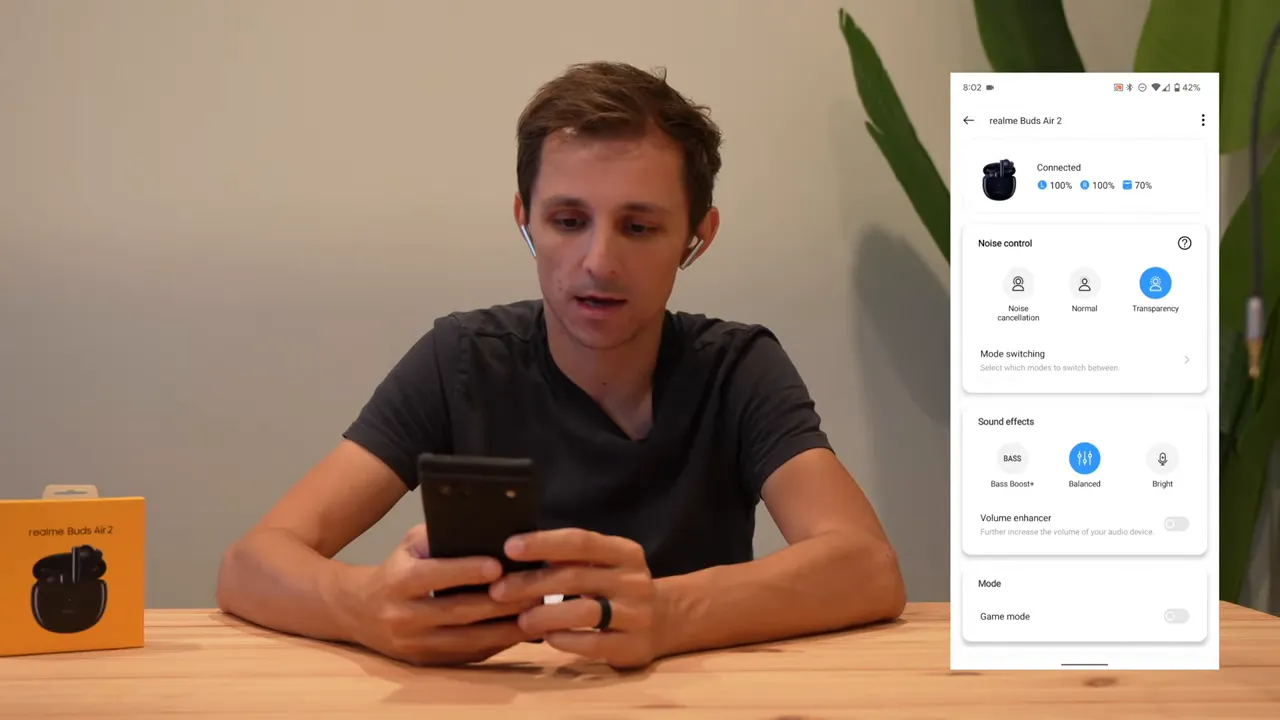
Notable app features:
- Noise control: ANC, transparency, and normal modes toggled from the app or the earbuds
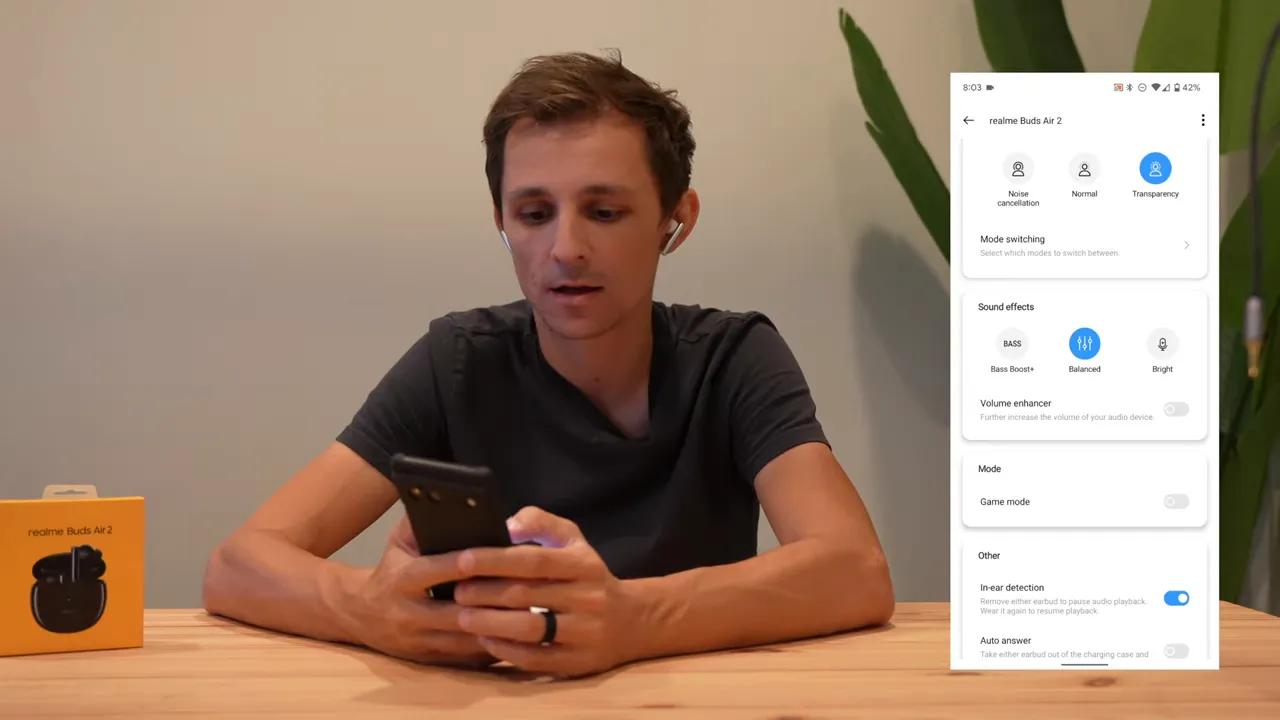
- EQ presets: Balanced, Bass Boost, and Bright (I found Bass Boost and Bright can be heavy-handed)
- Volume enhancer: increases loudness but can add digital artifacts—best left off
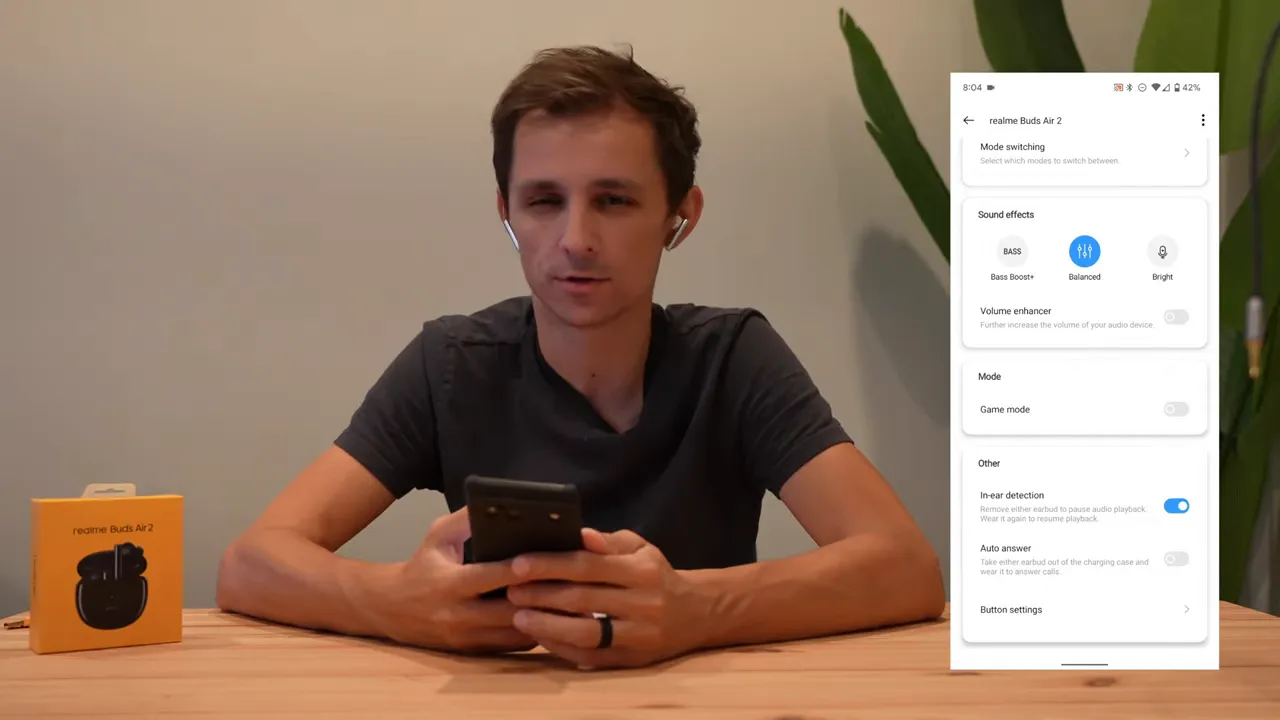
- Touch controls: fully customizable per earbud (I mapped left to voice assistant and right to switch noise modes)
- In-ear detection and auto-answer: convenience features that can be turned on or off
Sound quality
These deliver satisfying sound across genres. Hip-hop and bass-heavy tracks have punch, while acoustic and piano pieces retain clarity. With the balanced preset the overall tonal response is pleasing and not overly colored.
If you like a deeper low end, try the Bass Boost preset, but expect it to overpower some tracks. For the cleanest results, stick to Balanced and adjust volume at the source instead of using the volume enhancer.
Latency and game mode
Game mode lowers latency significantly—Realme advertises ~88 ms. That’s noticeably better than standard Bluetooth latency and makes video and casual gaming more in-sync. Keep in mind that game mode reduces battery life faster, so toggle it only when you need minimal lag.
Controls and comfort
Touch controls are responsive and programmable via the app. In-ear detection pauses and resumes playback when you remove or replace an earbud. Auto-answer is available but I personally keep that off to avoid accidental call pickups.
Alternatives and who these are for
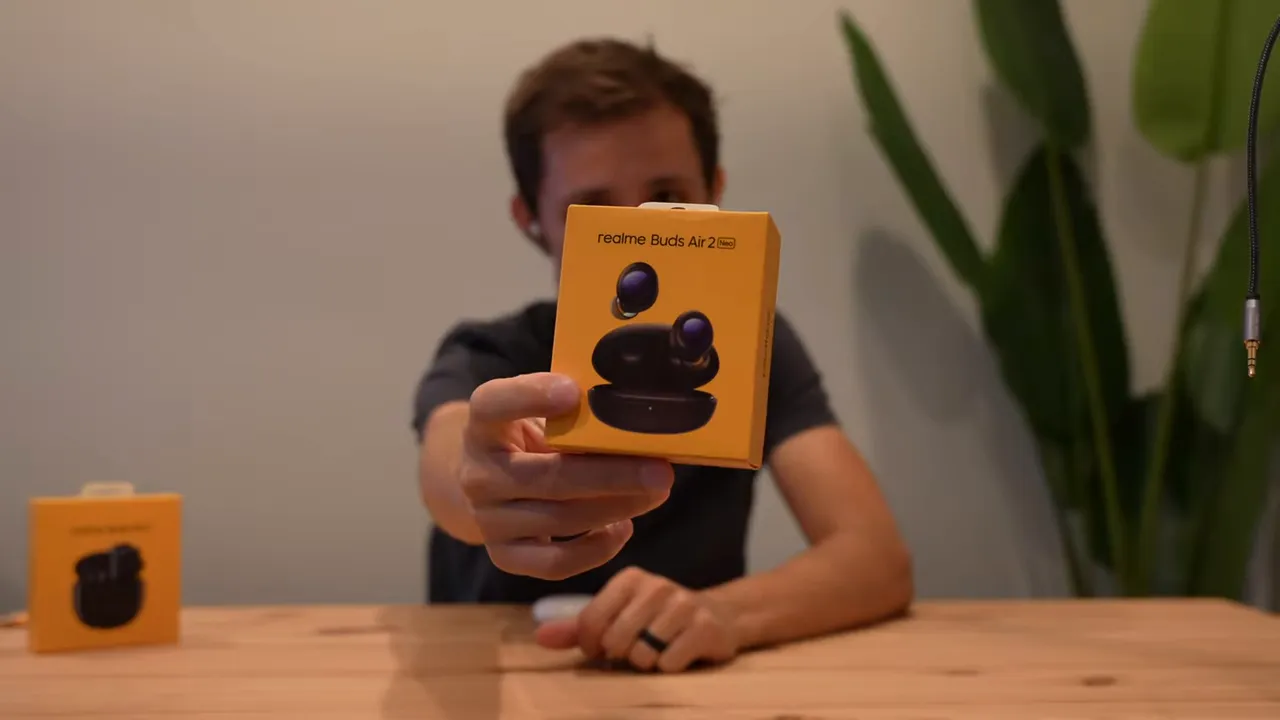
If voice call performance and mic noise cancellation are your priority, consider the Realme Buds Air 2 Neo instead—it's tuned for clearer calls and stronger mic noise reduction. The standard Buds Air 2 are a great choice if music, ANC, and app customization are higher on your list.
Pros and cons
- Pros: Strong ANC for the price, solid sound quality, useful app with customization, rapid charge works well
- Cons: Case feels lightweight and a bit fragile, glossy finish can be slippery, some EQ presets are too aggressive
Final verdict
The Realme Buds Air 2 are a compelling budget option. They deliver excellent active noise cancellation, reliable sound for a wide range of music, and a feature-rich app that lets you tailor the experience. They are not perfect—the case could be sturdier and some presets are overbearing—but for anyone wanting ANC and custom controls without spending flagship money, these are worth considering.
If you want better mic performance for calls, look at the Neo variant. Otherwise, if ANC, battery life, and quick charging are important, the Buds Air 2 hit the sweet spot.


