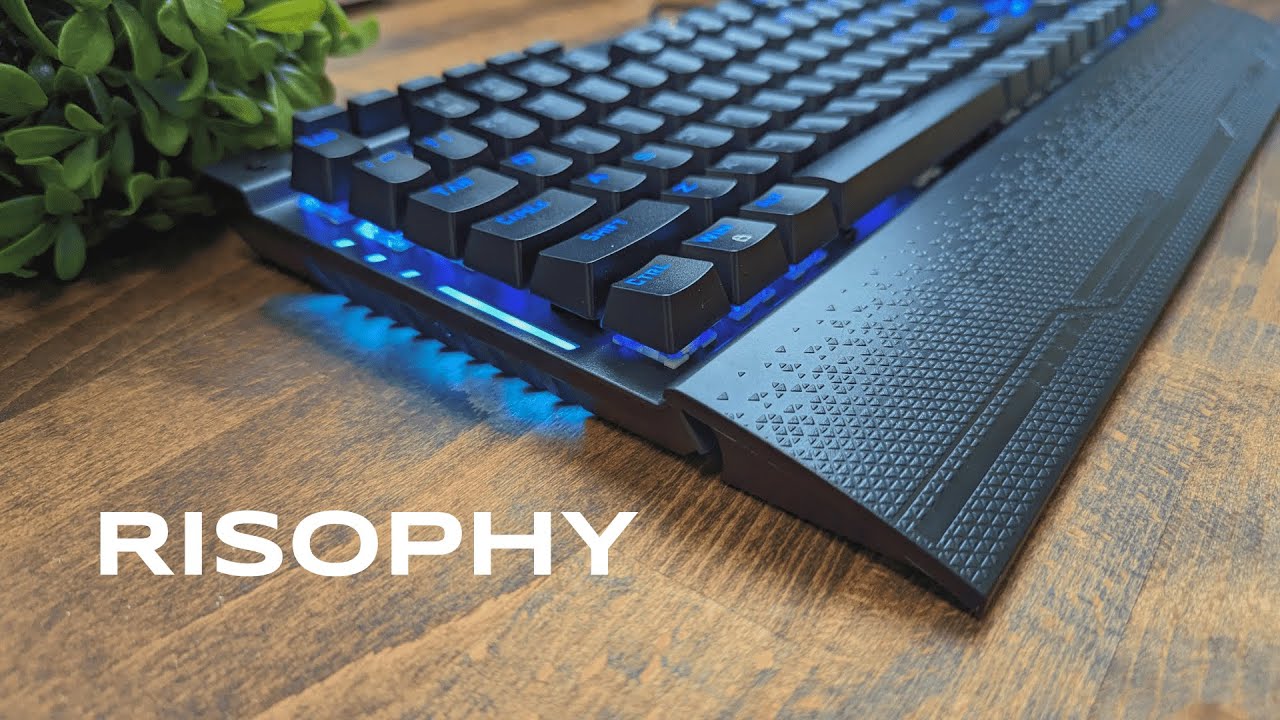
The Risophy full size mechanical gaming keyboard packs heavy-duty build quality and gamer-friendly features into a solid, no-nonsense package. If you want more than a basic board—per-key RGB, a tactile volume roller, programmable macros, and hot-swappable switches—this keyboard delivers. Below I break down what it feels like to use, what comes in the box, and whether it makes sense for gamers and creators who need an all-in-one desktop centerpiece.
Table of Contents
- What you get out of the box
- Build and first impressions
- Media controls and macro flexibility
- RGB lighting and on-the-fly controls
- Wrist rest and ergonomics
- Hot-swappable switches and typing feel
- Connection, cable, and workstation fit
- Who should consider the Risophy full size keyboard?
- What to watch for
- Final thoughts
- FAQ
What you get out of the box
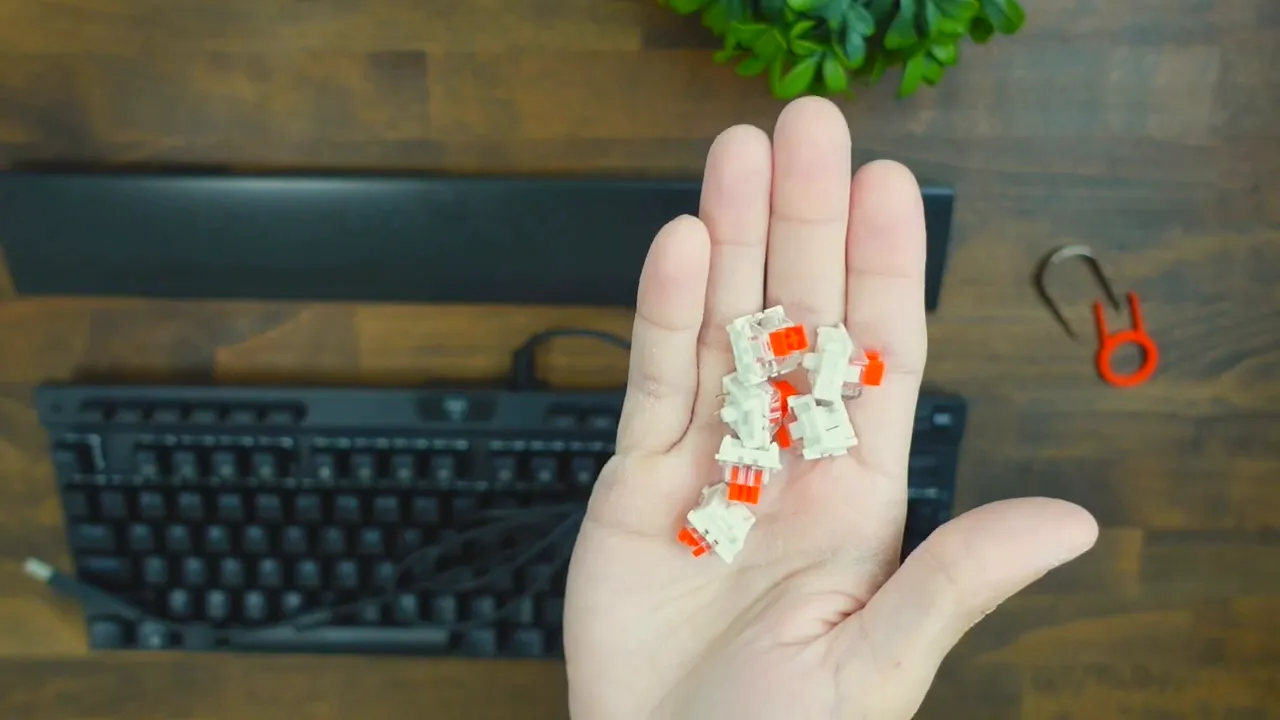
The package is straightforward but thoughtful. Inside you will find the full size keyboard, a textured wrist rest with tasteful patterns, a keycap puller, a key switch puller, and five spare red switches. Everything you need to start customizing and typing is included, which is a nice touch for a board at this price point.
Build and first impressions
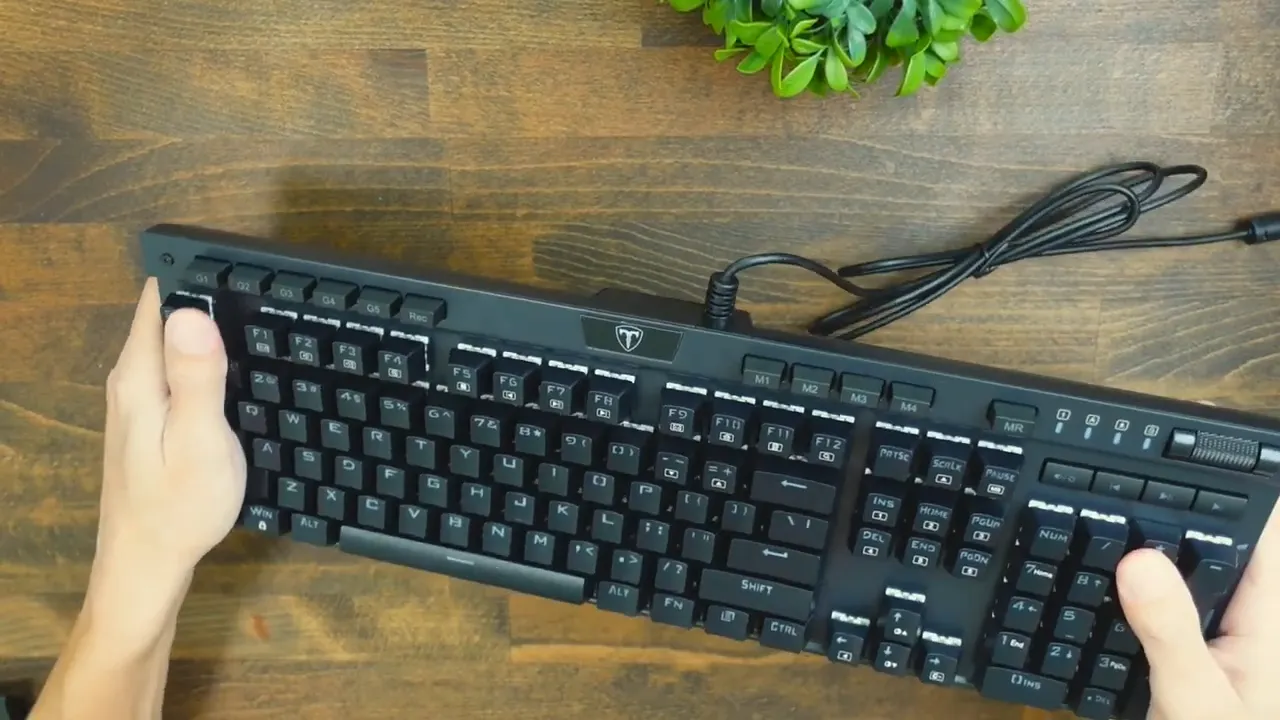
This keyboard feels like a tank. The chassis is metal and heavy; a quick bend test shows almost zero flex. That weight gives it an anchored presence on the desk and communicates durability. The underside is simple and practical: four rubber grips for stability and adjustable legs for changing the typing angle, letting you dial in more ergonomic positioning.
Media controls and macro flexibility
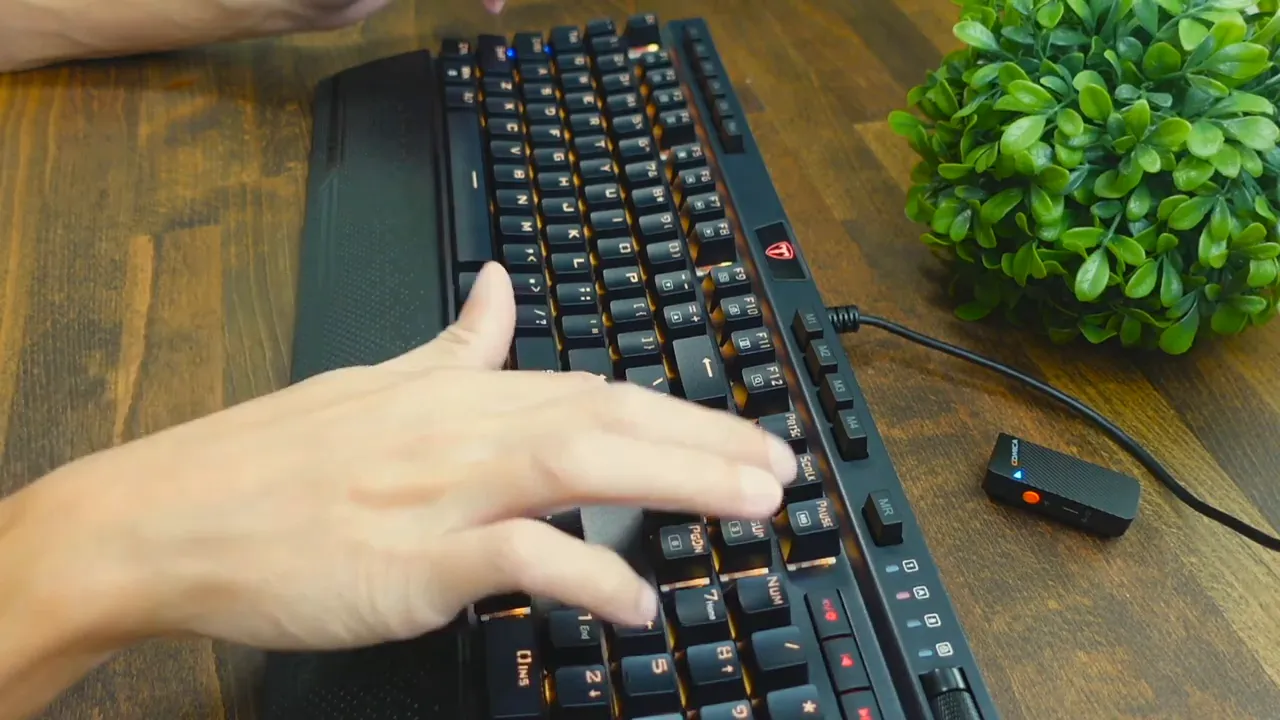
Where this board separates itself from basic models is the extra controls. Alongside the usual keys, you get a bank of G macro keys and M profile buttons, plus a multi-function knob and dedicated media keys: play, pause, previous, and next. The roller defaults to system volume adjustment, and a toggle button lets you switch between RGB modes quickly.
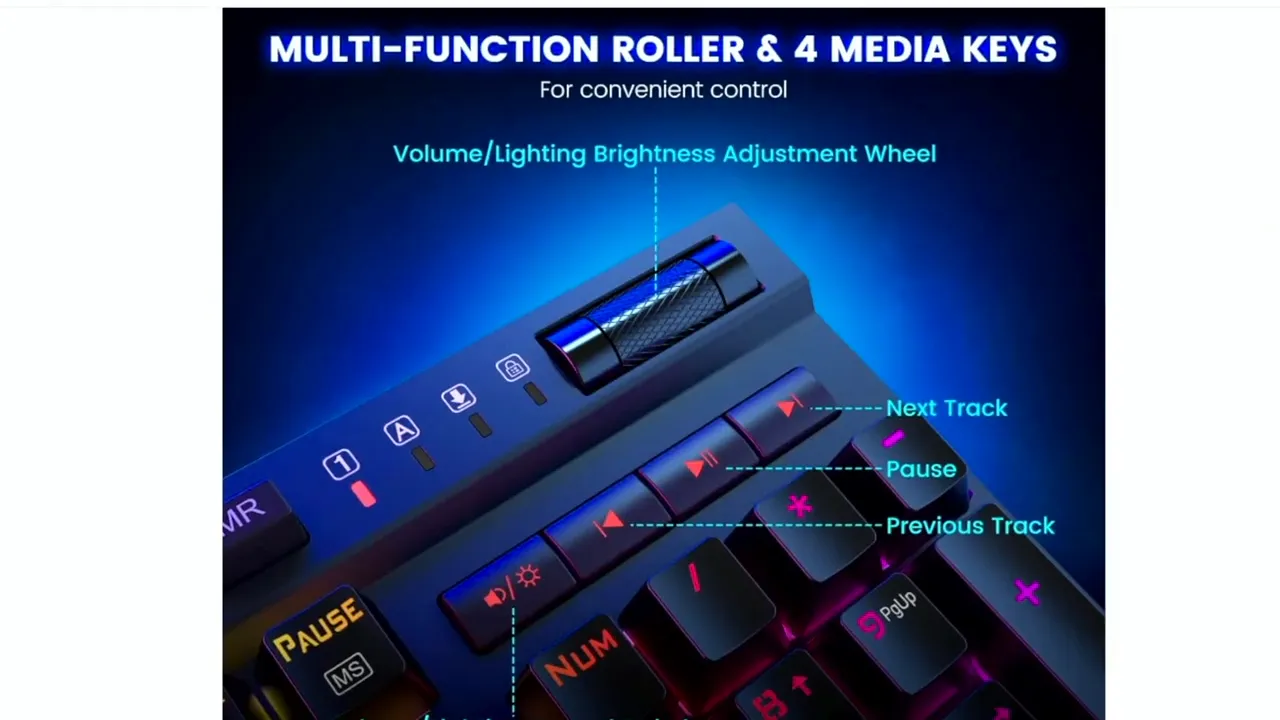
The software companion opens up more possibilities. G buttons are set up as macro keys, while M buttons store lighting profiles. The software is robust enough to let you remap keys, program macros, and assign lighting behavior without wrestling with convoluted key combinations.
RGB lighting and on-the-fly controls
RGB is a highlight. There are lights across the top and sides, producing vivid, multi-zone effects that look good in low light. Several profiles come preloaded, and you can switch patterns instantly with function key combinations if you prefer not to open the software each time.
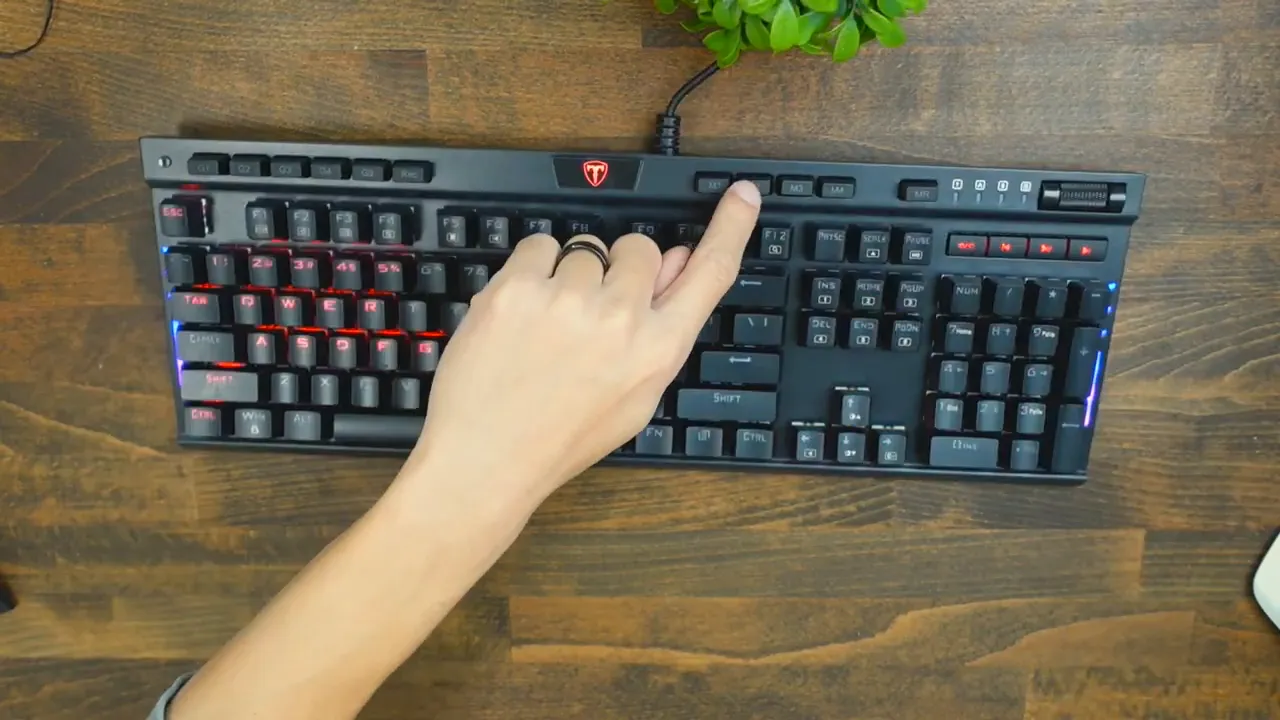
Indicator LEDs are clear and bright; for example, the Caps Lock indicator lights up red, providing an unambiguous visual cue. If you like a keyboard that contributes atmosphere as much as utility, this one performs well.
Wrist rest and ergonomics
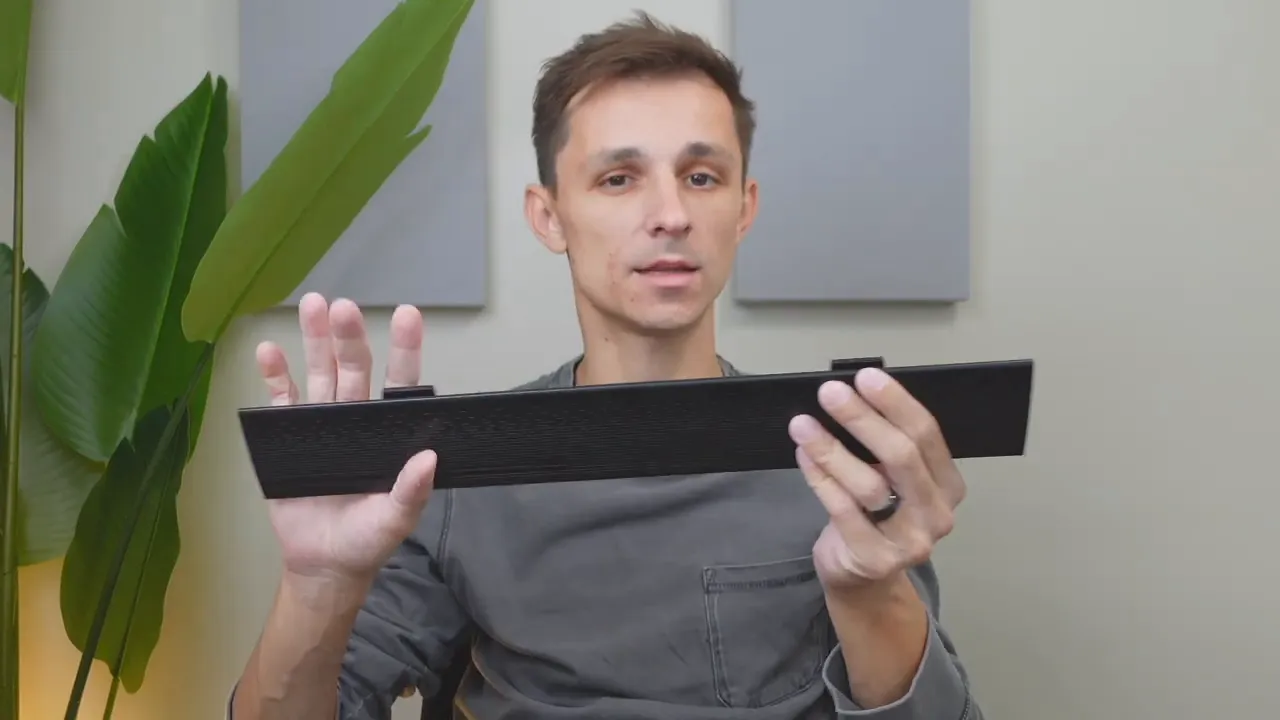
The included wrist rest is plastic but features a textured surface that complements the keyboard’s aesthetic. It attaches magnetically to the base of the board, snapping into place cleanly. For extended typing or gaming sessions the rest provides a more comfortable hand position, contributing to better posture overall.
Hot-swappable switches and typing feel
Out of the box the board ships with Red switches and a handful of spares. The switches are hot-swappable and compatible with both 3-pin and 5-pin switches, so swapping in tactile or clicky variants is simple. Pull a switch with the included tool, press in the new switch, and you are ready to go—no soldering required.
The keycaps have a subtly concave surface with a light grainy texture that improves finger placement and accuracy. With the Red switches installed the typing profile is smooth and relatively quiet, striking a balance between responsiveness and acceptable desk noise. In short, the Reds are a solid default for gaming where fast actuation matters, but the hot-swap feature means you are not locked into that choice.
Connection, cable, and workstation fit
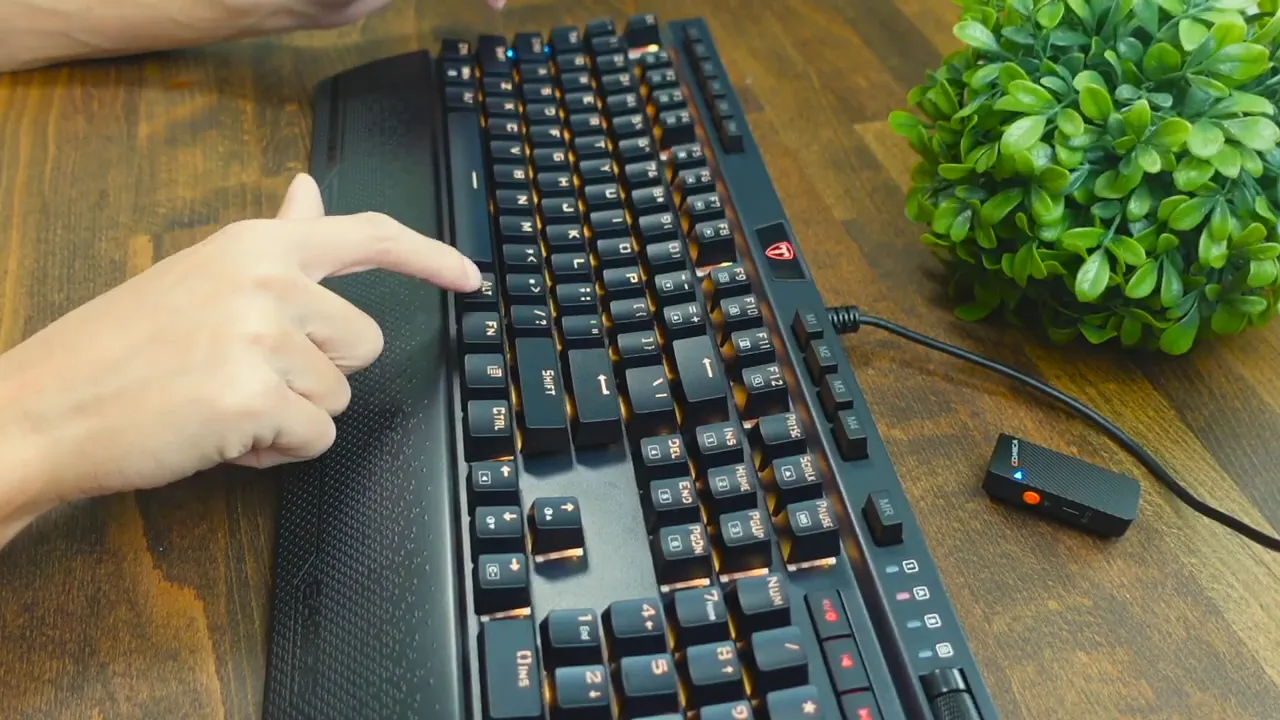
This keyboard is wired only. The cable is fixed and terminates with USB-A through a silicone-covered lead. That means stable, low-latency connection but no detachable cable or Bluetooth option. If a wireless setup is a must, this board is not the right fit. For a wired rig where responsiveness and reliability matter, the connection method is appropriate.
Who should consider the Risophy full size keyboard?
If you want a robust full size mechanical keyboard with macro keys, rich RGB, a tactile roller, and the flexibility to swap switches, this keyboard is worth a look. It is especially appealing for:
- Gamers who need programmable macros, dedicated media controls, and low-latency wired performance.
- Streamers and content creators who want per-key lighting and an attractive desk centerpiece.
- Typists who like customization since the hot-swappable sockets allow trying different switch types without soldering.
What to watch for
- The cable is not detachable and there is no wireless option.
- The wrist rest is plastic; it is comfortable, but it is not a plush or leather option.
- If you prefer ultra-quiet or highly tactile factory switches, you will likely want to swap the reds for something closer to your preference.
Final thoughts
Overall the Risophy full size keyboard is a compelling mixed-use board that blends solid construction with practical extras. Heavy metal housing, a magnetic wrist rest, per-key RGB, a tactile roller, and hot-swappable switches combine into a package that feels premium without being needlessly complicated. It is best suited to users who prioritize customization and a robust desk presence over wireless convenience.
FAQ
Are the switches hot-swappable?
Yes. The keyboard supports hot-swappable switches and is compatible with both 3-pin and 5-pin mechanical switches so you can swap Reds for Blues, Browns, or other compatible options without soldering.
Does the keyboard have detachable cable or wireless connectivity?
No. The keyboard uses a fixed silicone cable with a USB-A connector. It is wired only and does not offer Bluetooth or a detachable USB-C cable.
Is the wrist rest comfortable and does it attach securely?
The wrist rest is plastic with a textured surface and attaches magnetically to the keyboard. It provides improved ergonomics for long typing sessions and connects securely without wobble.
Can I program macros and lighting without software?
You can switch between a number of onboard profiles and use built-in key combinations to change lighting on the fly. For full macro programming and deeper customization you will want to use the companion software, which exposes the board’s macro and lighting features.
How loud are the stock switches?
Stock Red switches are relatively quiet and linear, offering a smooth feel and moderate acoustic signature. They are good for gaming where quick actuation matters, and the hot-swap capability lets you change to quieter or clickier switches if desired.


