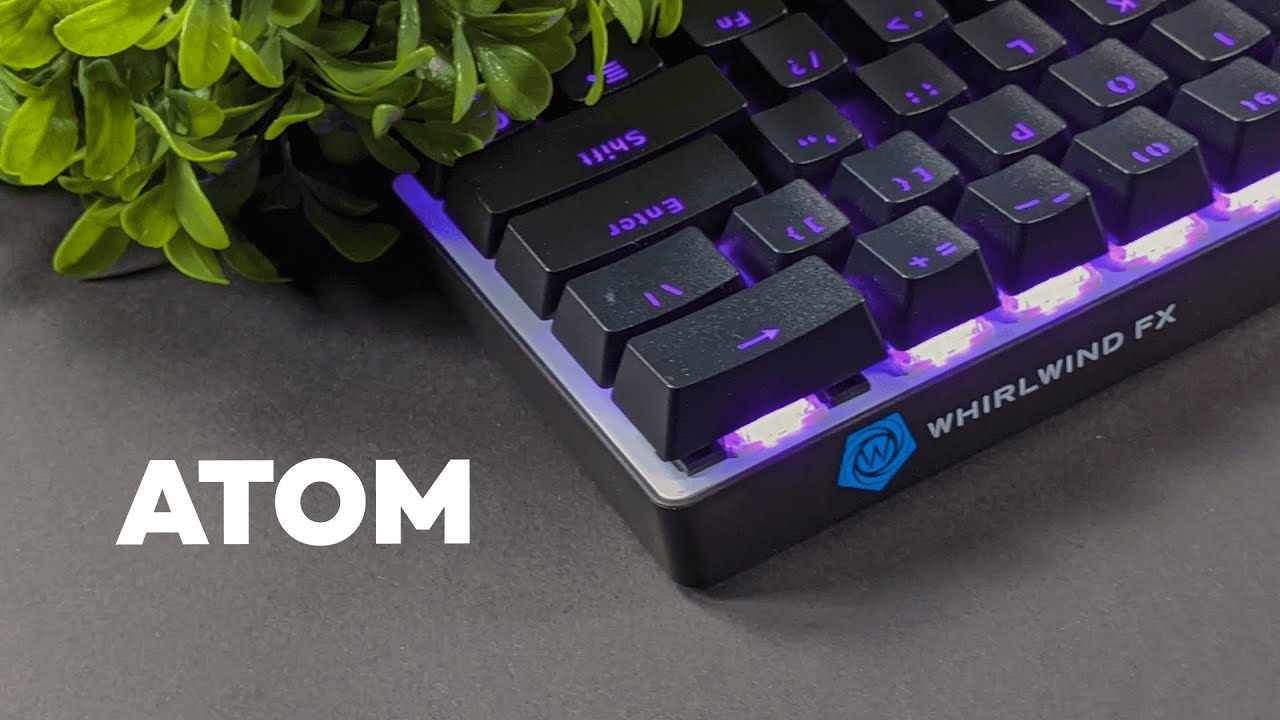
This review breaks down the Whirlwind FX Atom 60% mechanical gaming keyboard so you can decide whether a compact, RGB-lit, budget-friendly 60% board belongs on your desk. I cover the layout, build, lighting, switches, typing feel, and important specs like polling rate and NKRO — plus honest thoughts on what this keyboard does well and where it falls short.
Table of Contents
- Why choose a 60% keyboard?
- Design and build quality
- Lighting: why a white backplate matters
- Keycaps and legends
- Switches and typing experience
- Stabilizers and key wobble
- Performance features gamers care about
- Software and customization
- Price and value
- Who should buy the Atom 60%?
- Final thoughts and verdict
- FAQ
- Where to go from here
Why choose a 60% keyboard?
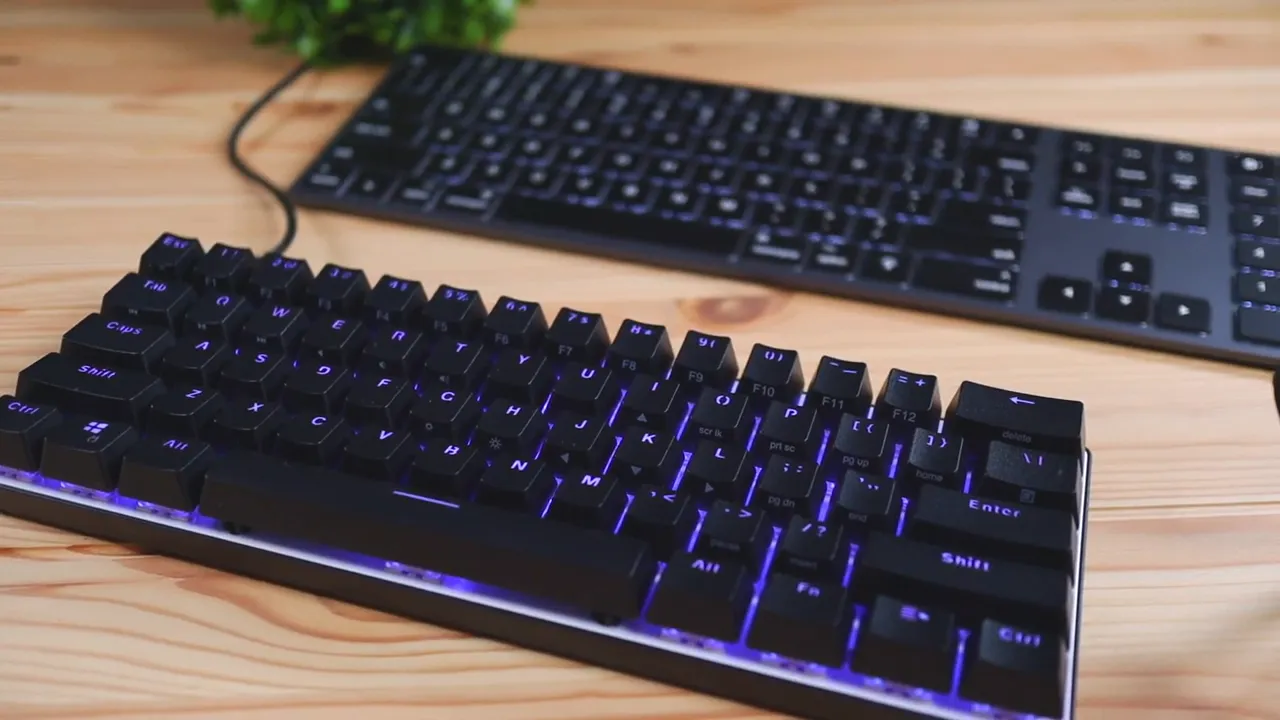
A 60% keyboard removes the number pad and a chunk of the center cluster to create a much shorter board. The main benefits are practical: more usable desk space and better mouse movement without bumping into a numeric pad. That makes a 60% ideal for gamers who need wide mouse swipes and for anyone who prefers a minimalist, airy desk layout.
Design and build quality
The Atom sticks to a straightforward aesthetic: matte black plastic with a slightly grainy texture across the top plate. It does not offer white or alternate colorways, so you get a single matte black option. The finish is durable and common among keyboards in this price bracket.
On the underside you get rubber feet on all corners to prevent slippage and two flip-out legs to change the typing angle. These simple features are practical — let you tune the board to a flatter or steeper profile depending on how you type.
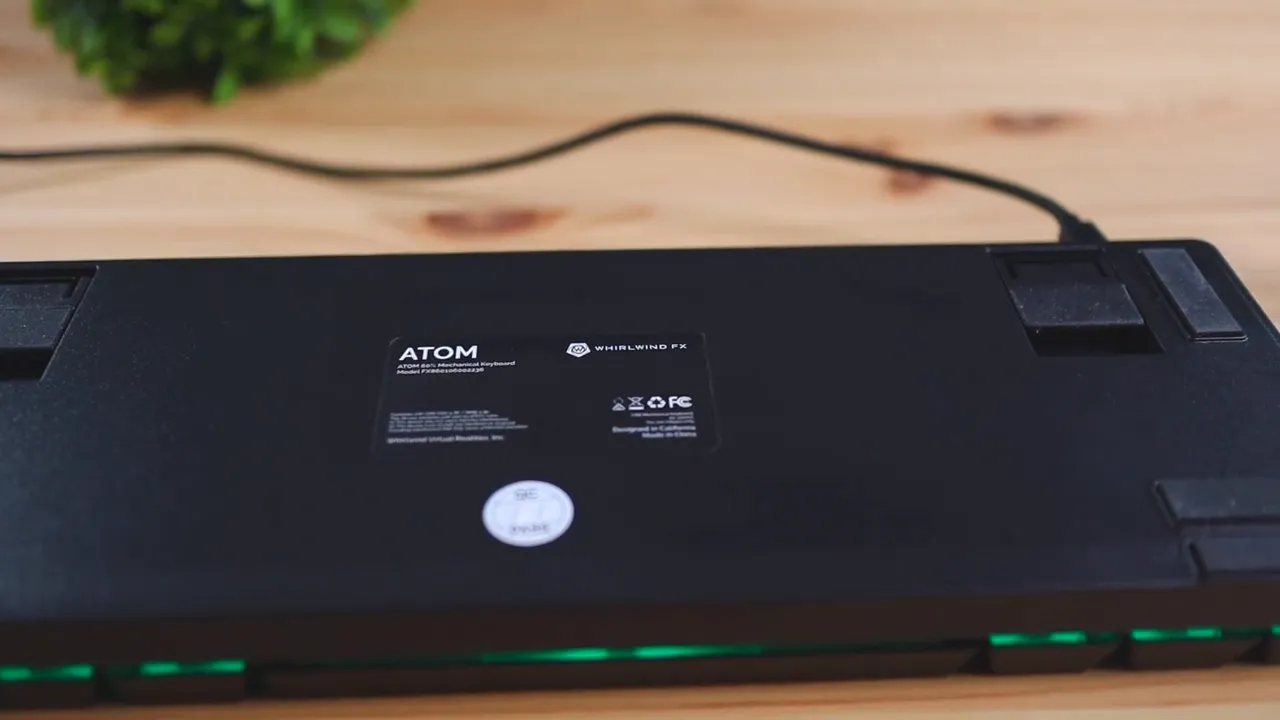
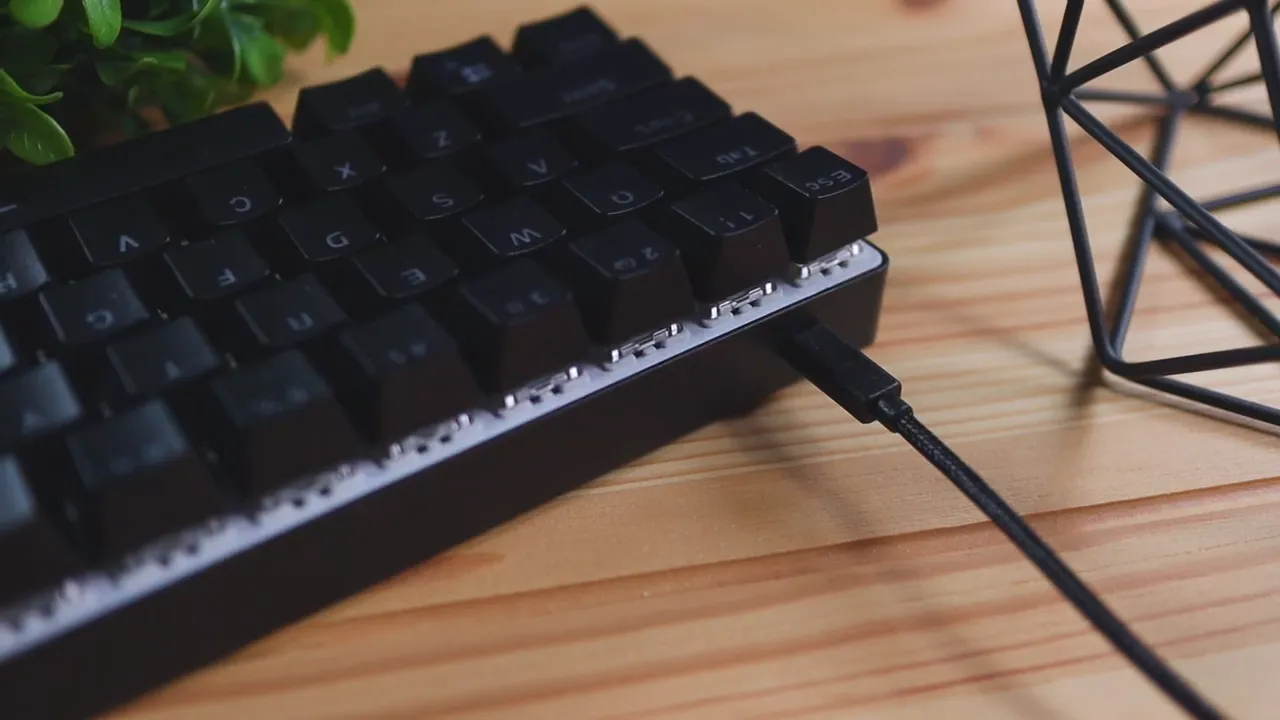
Connectivity is wired-only via a detachable braided USB-C cable. The cable is swappable if you like cable modding or need a replacement, but this is not a wireless keyboard. For gamers who prioritize low-latency wired performance, that is actually a plus.
Lighting: why a white backplate matters
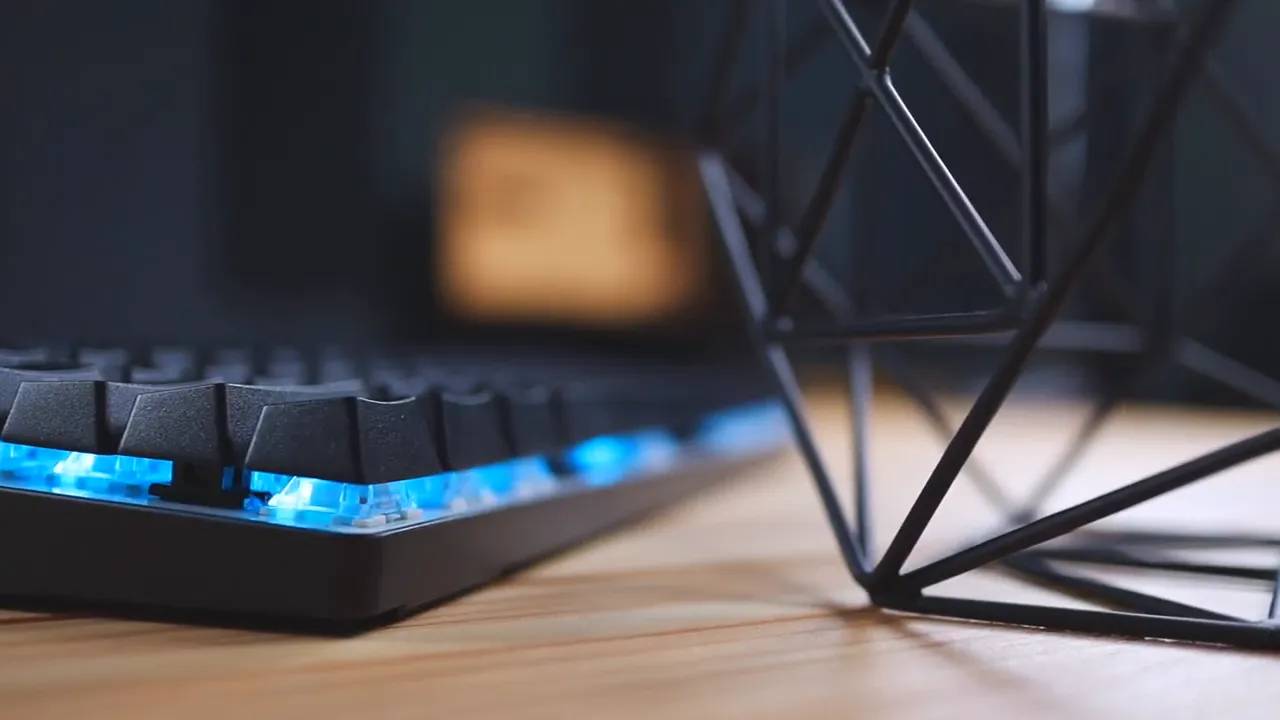
One standout detail is the white backplate behind the switches. That white surface reflects RGB more effectively than a darker plate, which makes colors look brighter and more saturated with less bleed. If you care about colorful illumination that pops without having to crank up the brightness, this is a thoughtful inclusion.
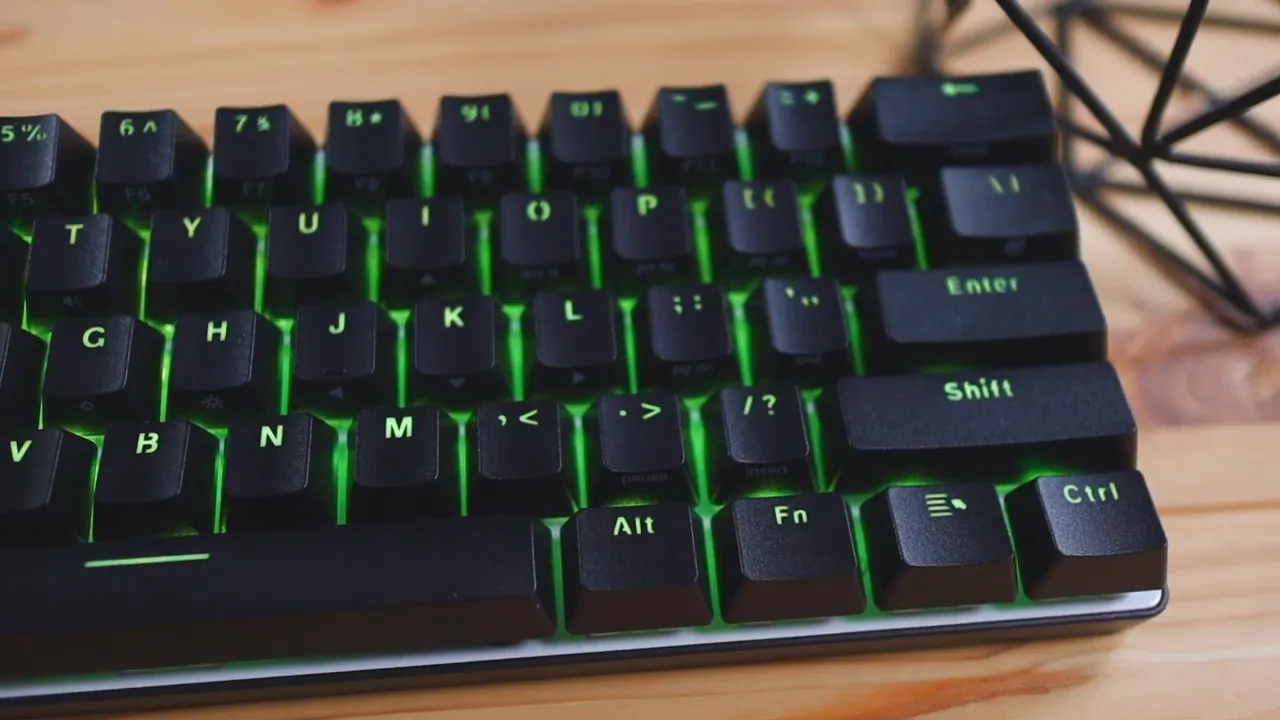
The keyboard supports dynamic RGB lighting with multiple patterns and the ability to sync with music through the software. That gives you flexibility for subtle single-color looks, cycling effects, or reactive modes that match in-game audio and music.
Keycaps and legends
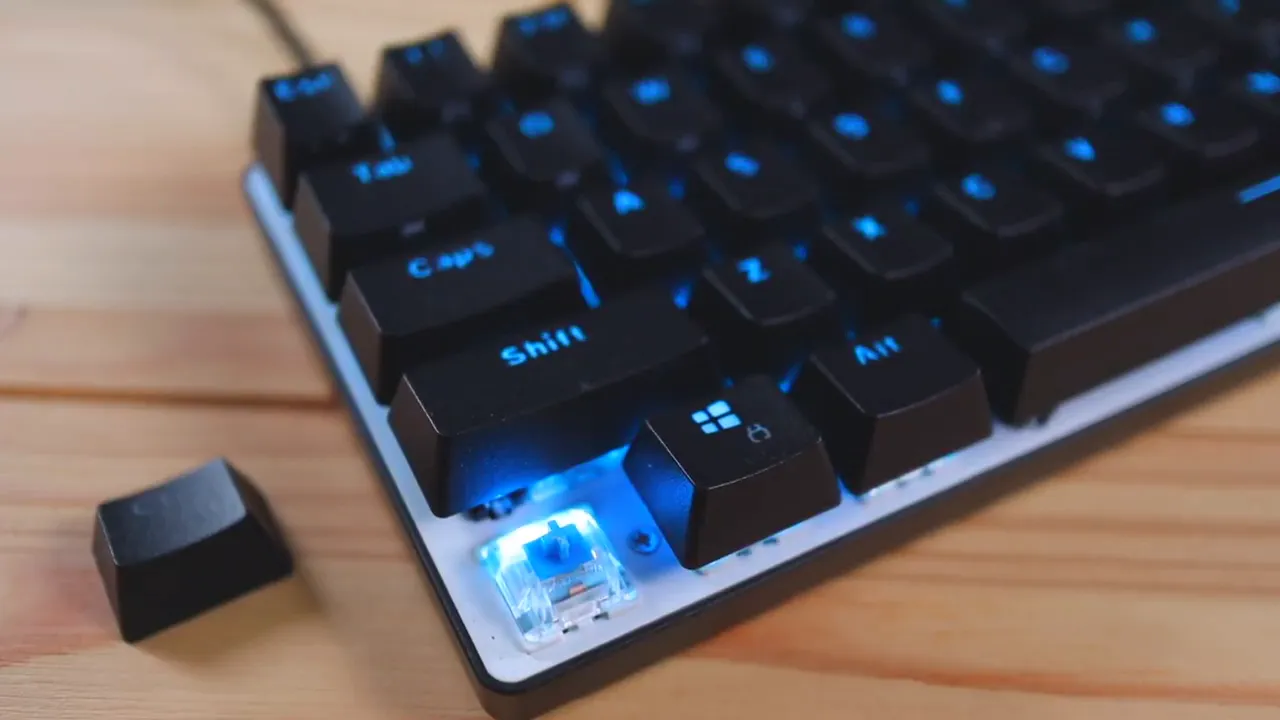
The Atom includes ABS double-shot keycaps with shine-through legends. Double-shot construction means the legends are molded as separate plastic pieces rather than printed, so they will not wear off over time. The keycaps are removable with a keycap puller, which is handy if you want to swap to aftermarket caps later.
Switches and typing experience
This review focuses on the blue switch version, but the Atom is also available with brown and red options. The differences are familiar:
- Blue: clicky and tactile. You feel and hear the actuation — a satisfying click and bump.
- Browns: tactile without the loud click. A middle ground for typing and gaming.
- Reds: linear and quiet. Favored by gamers who want smooth, low-force keypresses.
Blue switches deliver a very audible typing experience. They provide strong tactile feedback that many typists love, but if you need a quiet setup or share space with others, blues might be disruptive. For quieter rooms consider brown or red switches instead.
To give a sense of the sound, expect a prominent click on each key and a louder spacebar. The mechanical character is unmistakable — it’s satisfying for heavy typists and classic click fans.
Stabilizers and key wobble
Stabilizers on larger keys are optimized and lubricated to reduce rattle and deliver smoother actuation. That is a notable touch at this price point and helps the spacebar and larger keys sound and feel more refined.
That said, there is some key wobble, particularly on the spacebar. The spacebar has a little left-right and vertical play when pushed off-center. Small keys show a bit of movement too, but not as noticeably. This level of wobble isn’t uncommon — even premium brands sometimes exhibit similar behavior — and it’s not a deal-breaker for most users. It’s worth being aware of if you prefer a rock-solid, center-mounted feel on larger keys.
Performance features gamers care about
A few spec highlights make the Atom competitive as a gaming board:
- Full N-key rollover (NKRO): Press as many keys as you want simultaneously and they will all register. That matters for complex key combinations during fast-paced gameplay.
- High polling rate: The keyboard offers up to 3000Hz polling, which reduces input latency compared with standard 1000Hz boards. That can provide a slight edge for esports-level responsiveness.
- Gateron mechanical switches: Reliable and rated up to 50 million keystrokes; they deliver consistent feel across the board.
Software and customization
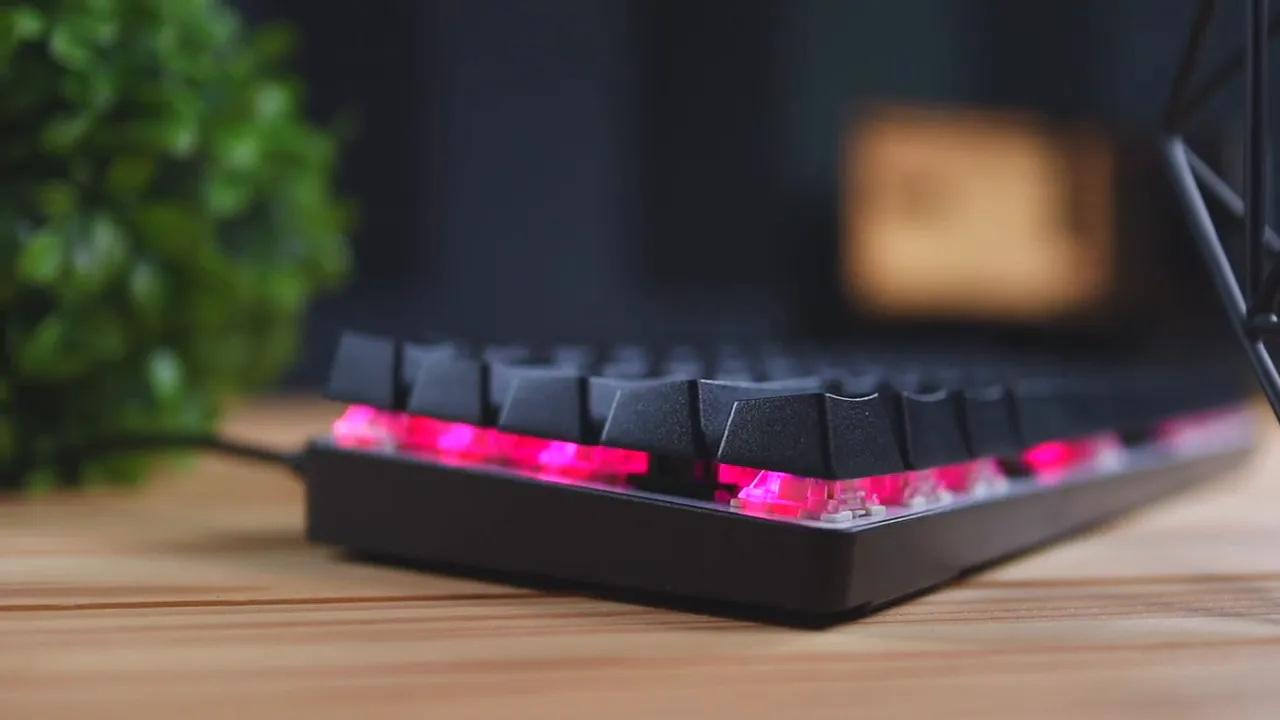
The companion software allows full RGB control, custom lighting profiles, and integrations for game-specific effects. It can sync lighting to music, set static or cycling colors, and save profiles for quick switching. For users who like to fine-tune their setup, the software is capable without being overwhelming.
Price and value
At the time of this review the Atom lands around $70 to $80. That places it above ultra-cheap membrane boards but well below many premium mechanical keyboards that push past $100. Considering the double-shot keycaps, white backplate for brighter RGB, lubricated stabilizers, NKRO, and high polling rate, it represents solid value for gamers and typists who want a compact mechanical keyboard without breaking the bank.
If you are comparing the Atom to alternatives, its combination of brighter RGB and polished stabilizers is where it stands out. Some competing 60% boards may skimp on stabilizer prep or use darker plates that mute lighting. The Atom’s small details push it into a more polished-feeling category for the price.
Who should buy the Atom 60%?
- Gamers who need extra mouse space and a compact layout.
- Typists who enjoy clicky, tactile feedback and don’t mind louder switches.
- Anyone who wants vibrant RGB without spending over $100.
- People who prefer a wired setup with a detachable USB-C cable.
Avoid it if you absolutely need a whisper-quiet keyboard (choose red or brown switches if you still want the Atom but want less noise) or if you rely on dedicated arrow keys and a numpad for daily workflows.
Final thoughts and verdict
This review concludes that the Whirlwind FX Atom 60% is a capable, well-rounded compact mechanical keyboard. It does not pretend to be a boutique board, but it packs several thoughtful features that you often only see in higher-priced models: double-shot ABS keycaps, a white backplate for brighter RGB, tuned stabilizers, NKRO, and a fast polling rate.
There are trade-offs: only a matte black colorway, noticeable key wobble on the spacebar, and the clicky blue switches can be loud if you choose that variant. Still, for the price range, the Atom is a very sensible pick for gamers and keyboard newcomers looking for a compact mechanical keyboard that performs reliably and looks good on a desk.
FAQ
Does the Atom support wireless connections?
No. The Atom is a wired-only keyboard and uses a detachable braided USB-C cable for connectivity.
What switch options are available and which should I choose?
The Atom comes with blue, brown, and red Gateron mechanical switches. Choose blue for loud, tactile clicks; brown for a tactile but quieter experience; or red for a linear, quiet feel geared toward gaming.
Will the RGB be bright enough for a dark room?
Yes. The keyboard uses a white backplate that reflects RGB light, making colors more vibrant and better illuminated compared with darker-plate boards.
Is there key rollover or anti-ghosting?
Yes. The keyboard supports full N-key rollover, so multiple simultaneous keypresses will register without issues.
How much does it cost and is it worth it?
Typical pricing sits around $70 to $80. Given the double-shot keycaps, reflective backplate, lubricated stabilizers, NKRO, and a high polling rate, it represents good value for budget-conscious buyers seeking a compact mechanical keyboard.
Can I change the keycaps?
Yes. The keycaps are removable with a keycap puller and are standard-profile ABS double-shot, so you can swap them for custom sets if you want to personalize the look or feel.
Where to go from here
If you want a compact gaming keyboard that balances performance and value, the Atom is worth a close look. Check technical specs and current pricing before buying to make sure the switch option and layout fit your needs.


