Table of Contents
- Quick take
- What you get in the box
- Build quality and design
- Media controls and shortcuts
- Switches: OptiPoint-ish feel
- RGB and on-board controls
- Who should consider the Apex 9 TKL
- Final impressions
- Frequently Asked Questions
Quick take
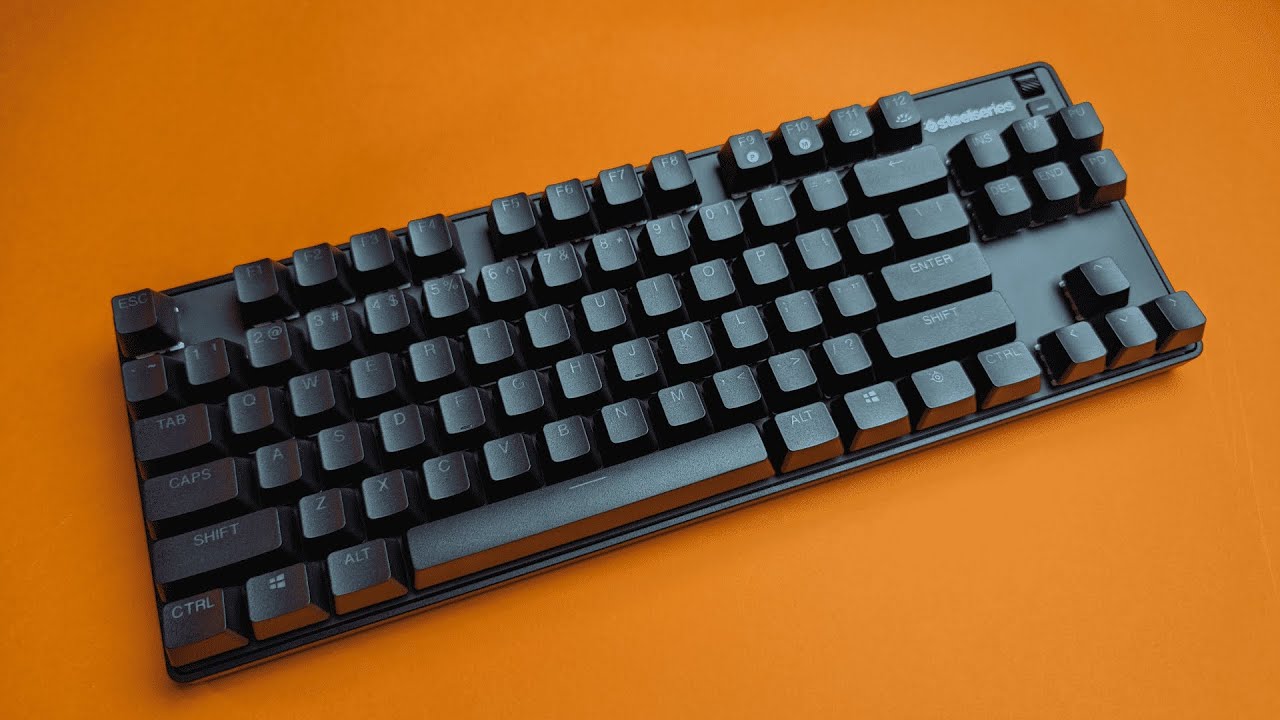
I spent some hands-on time with the SteelSeries Apex 9 TKL and came away impressed by the build quality, compact layout, and thoughtful controls. Priced around $110 at the time of testing, this Tenkeyless gaming keyboard aims to balance performance and portability with SteelSeries' custom OptiPoint switches and a clean set of media controls.
What you get in the box
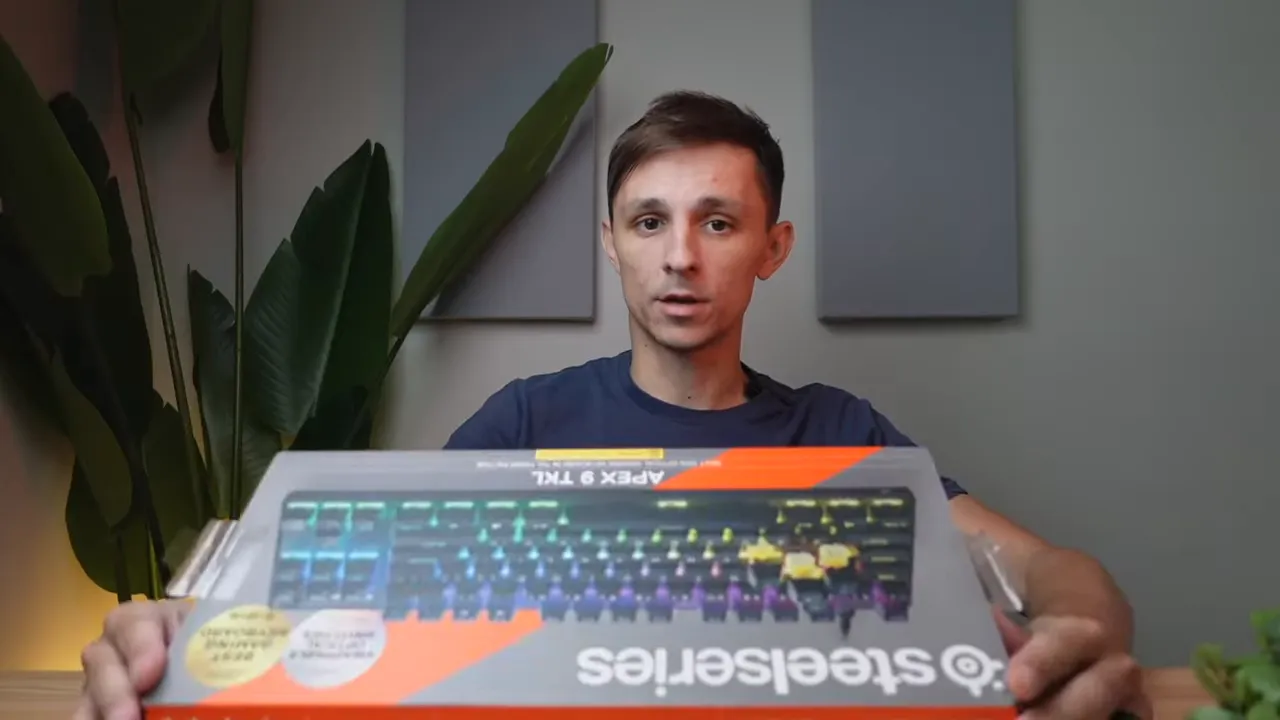
The packaging is neat and minimal. Out of the box you'll find:
- Apex 9 TKL keyboard
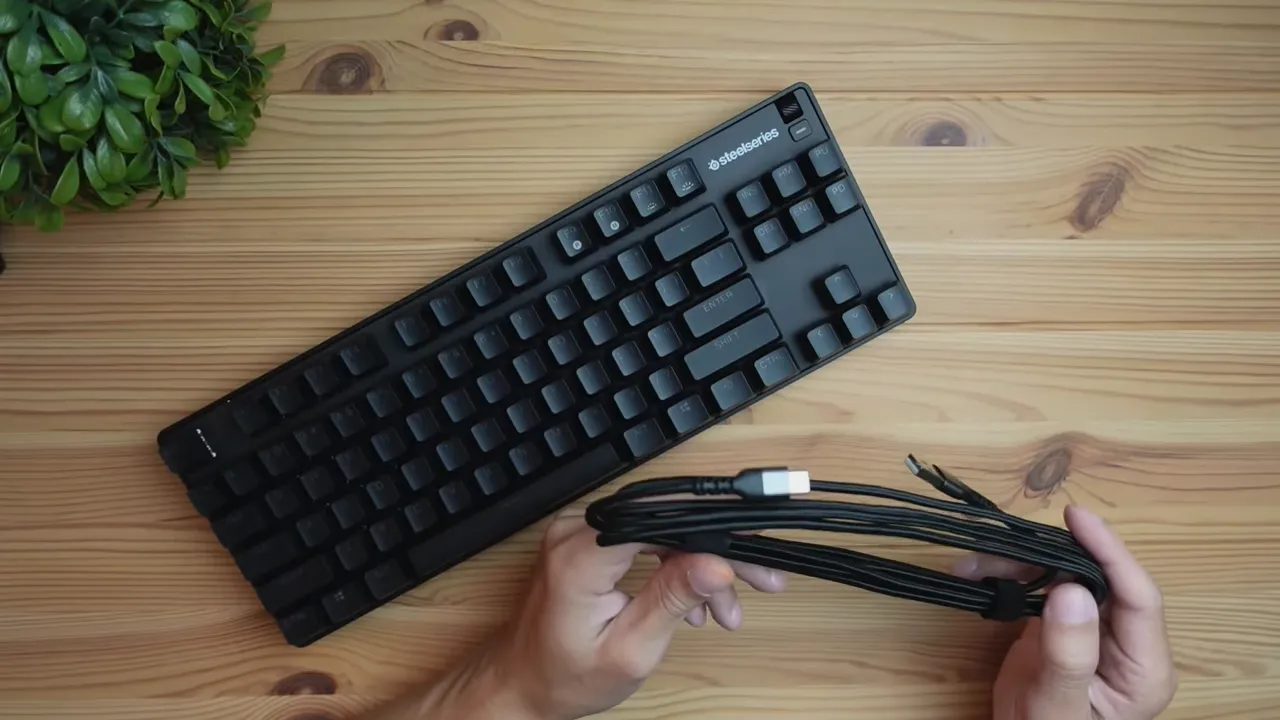
- Detachable braided USB-C to USB-A cable (wired-only connection)
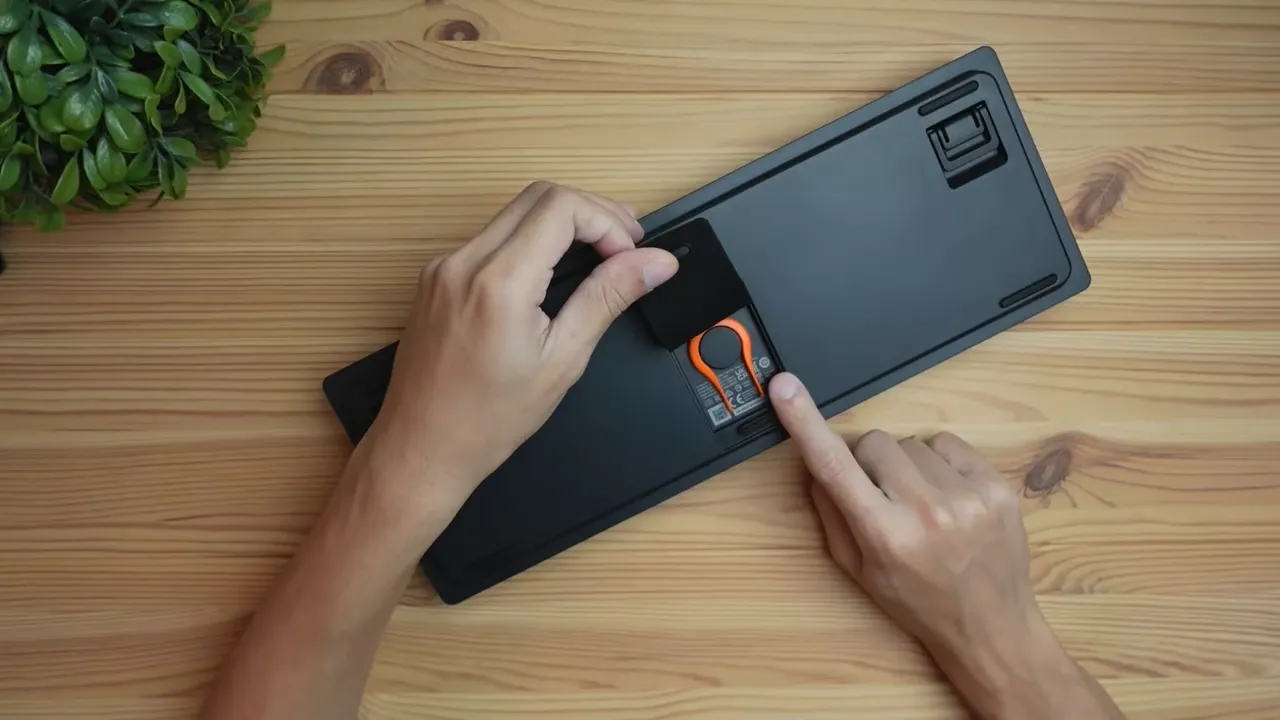
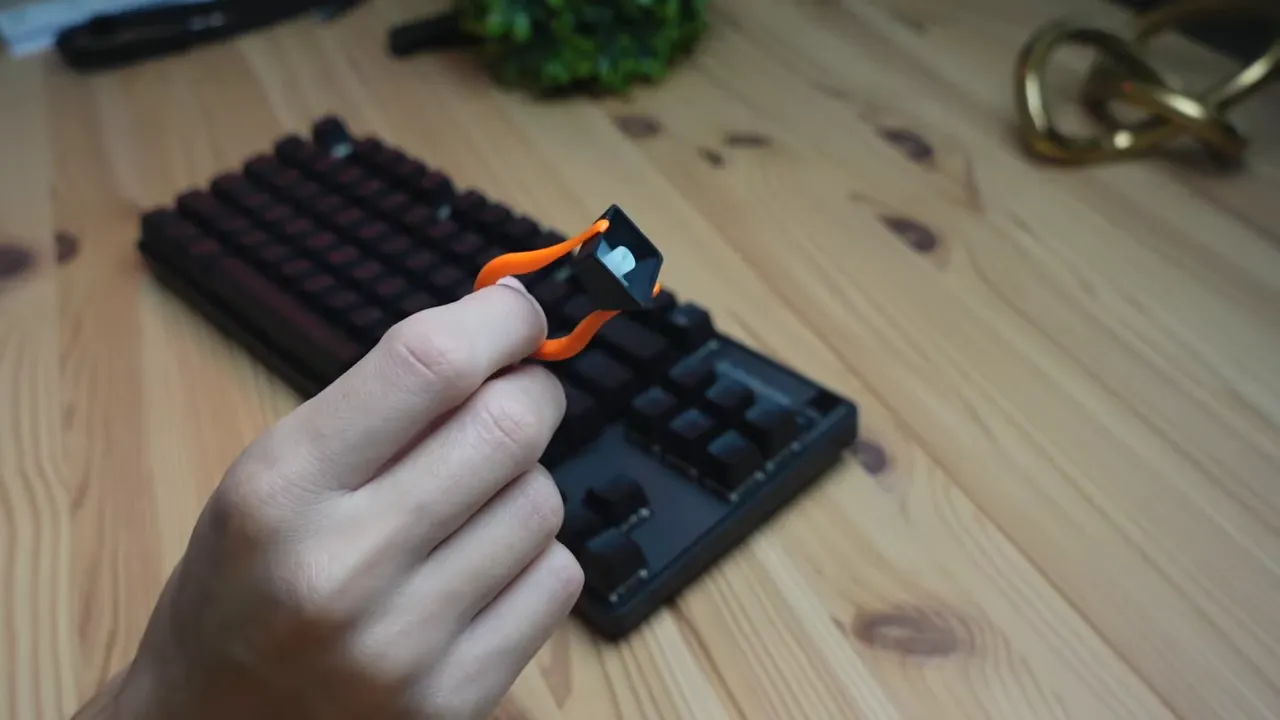
- Keycap puller and quick-start guide
The cable feels high quality, which is a small but welcome detail for a wired keyboard that might travel between setups.
Build quality and design
The Apex 9 TKL doesn’t flex much under a bend test. The chassis and top plate feel sturdy, which matches SteelSeries’ positioning for a mid-to-high price keyboard. The back plate has a textured, almost chalkboard-like finish that reads more like a treated metal than plain plastic, giving it a premium tactile impression.
Flip it over and you’ll find practical design touches: two-angle adjustable feet for ergonomic tilt, rubberized pads across the corners and center to stop slipping, and a clever magnetic rubber insert that hides a slot where the keycap puller lives. That makes cleaning and switch removal more convenient and reduces the chance of losing small accessories.
Media controls and shortcuts
SteelSeries kept the media and quick-access controls clean and useful. There’s a volume dial that works out of the box for system volume, and a clickable button underneath the dial that you can map to a shortcut of your choice. That physical dial is satisfying and responsive — a practical feature for frequent volume adjustments while gaming or streaming.
The top row also includes functions for profile switching and on-the-fly macro recording:
- P key cycles between saved profiles for different games or workflows
- M key is for recording macros on the fly
- F11 and F12 control RGB brightness directly without software (hold the SteelSeries modifier and press to change brightness)
Keycap removal and maintenance
Removing keycaps is straightforward with the included puller. The caps have translucent legends to let RGB shine through and a subtle concave surface to guide your fingers toward the center of each key for faster, more accurate typing.
Switches: OptiPoint-ish feel
The test unit shipped with SteelSeries' yellow linear switches. They feel very similar to traditional red switches — smooth and quiet with a linear travel profile — but tuned to SteelSeries’ specifications. SteelSeries markets its OptiPoint family with extremely low latency and customizable actuation points on other models; the TKL here carries that same emphasis on competitive responsiveness.
If you like the classic red-style linear experience, the yellow switches on this unit will feel familiar and comfortable. For those who want more customization, swappable switch options or alternate actuation profiles are worth exploring in the broader Apex lineup.
RGB and on-board controls
Lighting comes alive immediately upon connection. The default scheme I saw was a purple/blue gradient at maximum brightness. Without installing software, you can only change brightness levels via the keyboard controls. Installing SteelSeries Engine will unlock full customization — per-key lighting, effects, and profile syncing.
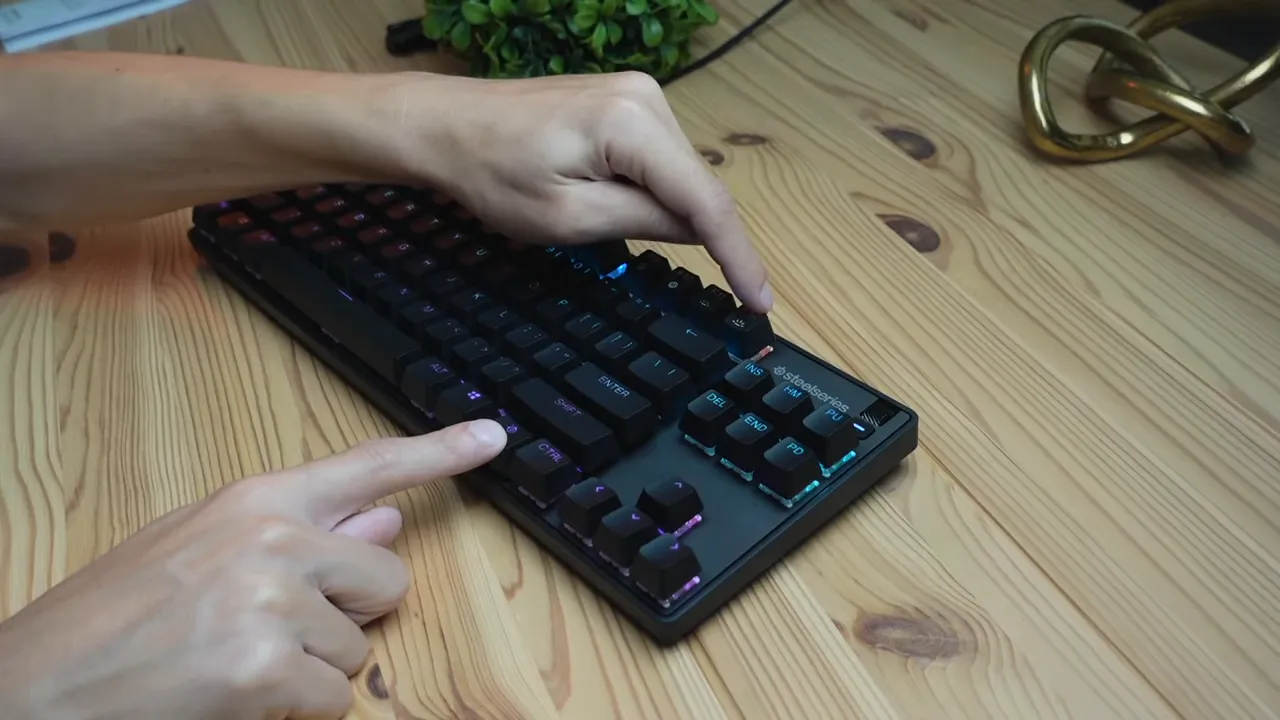
For people who prefer to keep things simple, the onboard brightness control and translucent legends give a pleasing look out of the box. For power users, the software provides deeper layers of personalization and profile management.
Who should consider the Apex 9 TKL
This keyboard is a good fit for several groups:
- Gamers who want a compact TKL layout and a low-latency, linear key feel.
- Users who appreciate solid build quality and a durable top plate finish.
- People who value quick access controls: volume dial, macro recording, and profile switching without digging into software during a match.
If you need wireless connectivity or an integrated numpad, this model is not for you. It is a wired-only keyboard, so expect a direct USB connection at your desk.
Final impressions
The Apex 9 TKL nails the essentials: sturdy construction, clean aesthetic, useful physical controls, and a satisfying linear switch experience. At roughly $110, it sits comfortably in the mid-to-high price bracket, offering a level of build quality and feature set you’d expect at that point. The removable keycap tool and included tactile details — like the magnetic storage for the puller and the rubber feet placement — demonstrate practical refinement rather than gimmicks.
Next steps would be spending more time with SteelSeries Engine to test per-key lighting, macros, and any additional actuation customization, as well as extended typing and gaming sessions to evaluate long-term comfort and reliability.
Frequently Asked Questions
Does the Apex 9 TKL support wireless?
No. This model is wired-only and connects via the included USB-C to USB-A braided cable.
What switches come with the keyboard?
The unit tested used SteelSeries' yellow linear switches, which are similar to traditional red switches: smooth, linear, and relatively quiet.
Can I customize RGB without software?
You can adjust brightness and cycle through basic onboard lighting options, but full per-key RGB customization requires SteelSeries Engine software.
Are the keycaps removable and replaceable?
Yes. The keyboard includes a keycap puller, and the caps are standard-profile with translucent legends for RGB. This makes cleaning and replacement straightforward.
Is the volume dial programmable?
The volume dial controls system volume by default. The clickable button under the dial can be programmed as a shortcut in the software for other functions.


